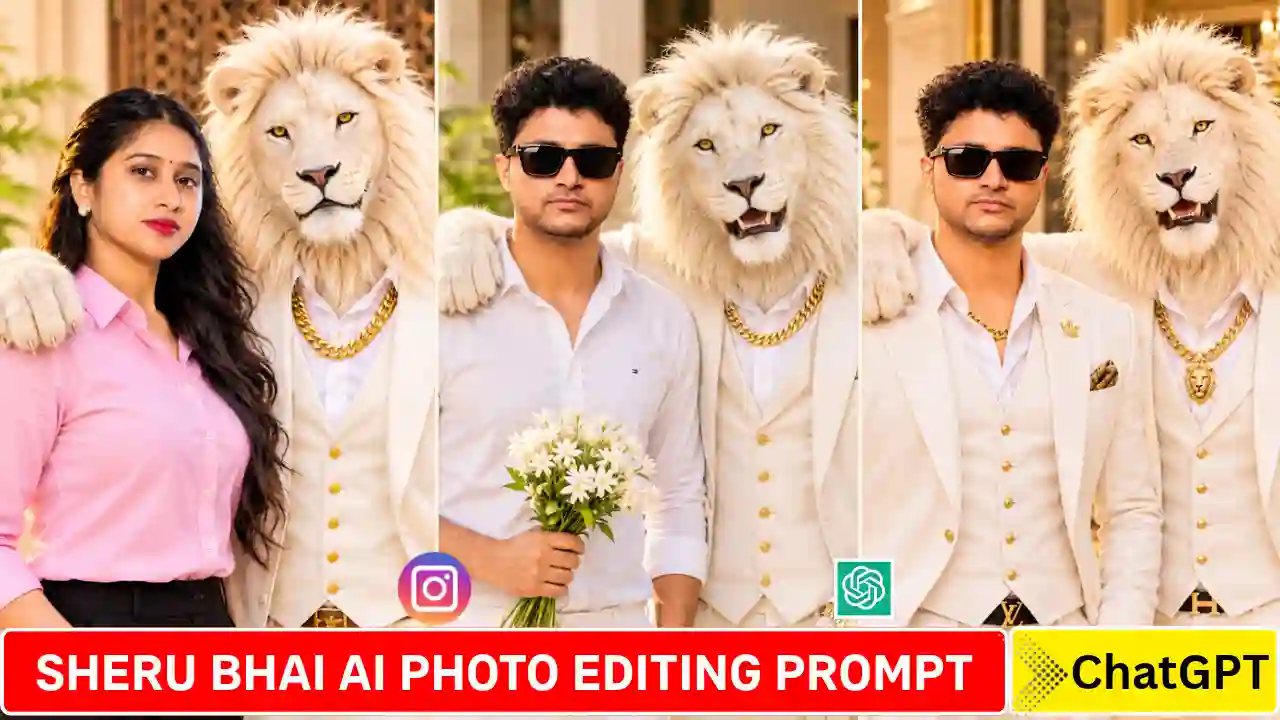
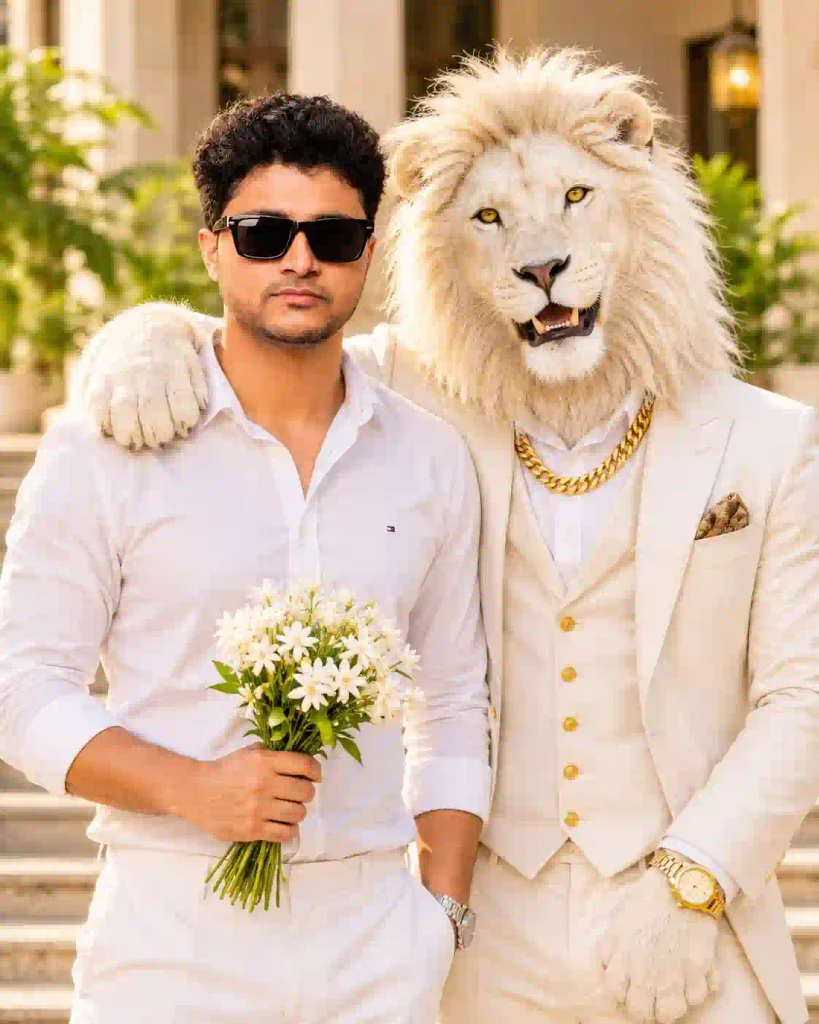
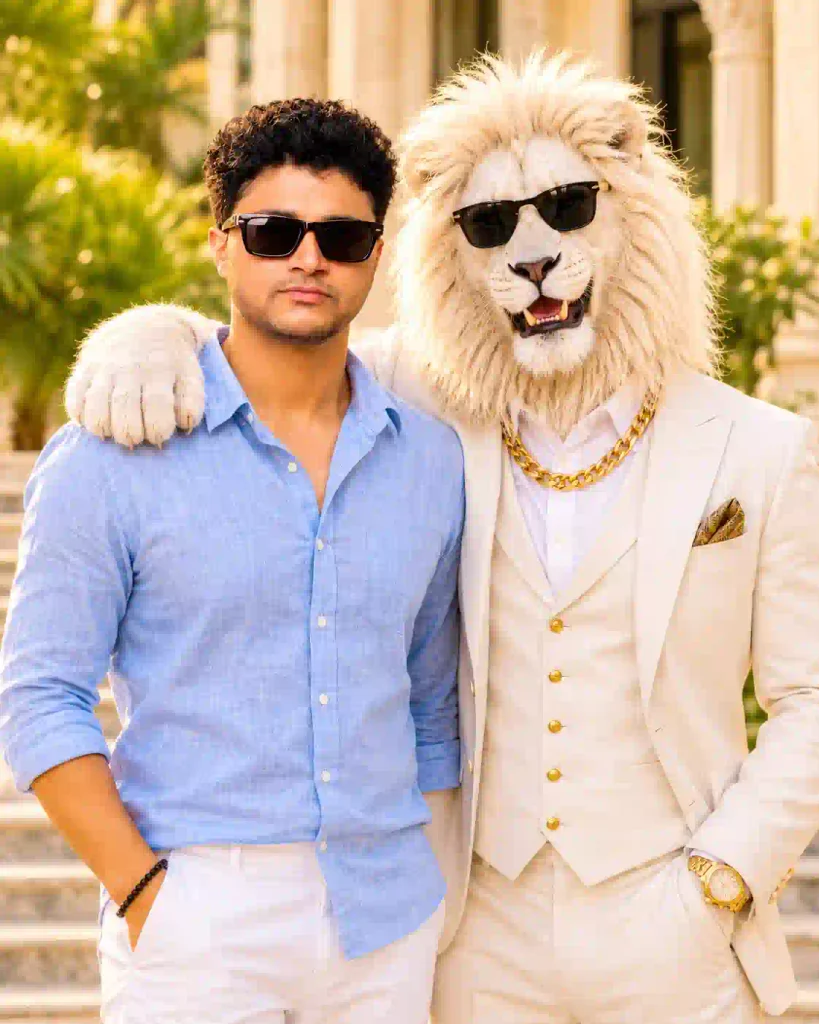
Photo editing with Lion character called Sharu Bhai using Sheru Bhai AI Photo Editing Prompt is trending on social media. Various content creators are using such unique AI photos and AI videos on Instagram and Facebook. In the picture, there are cool people standing next to a very stylish lion figure. The lion is always dressed in an elegant white suit along with gold chains and stylish sunglasses. Besides, it has a royal look that gives a perfect friendship-style portrait.
You can make such pictures without any hassle with the help of ChatGPT and a text prompt. You don’t have to be a pro photographer or editor to make these images. Here, in this article, you will find trending Sheru Bhai AI photo prompts for both boys and girls. Also, the entire editing process is shared with you. You can also try our Sheru Bhai AI Video Editing Prompt – Complete Editing Tutorial.
What Is Sheru Bhai AI Photo Editing Prompt?
Sheru Bhai AI Photo Editing is a creative trend that revolves around a luxurious lion character. This trend involves a combination of real human faces along with stylish and lion-themed AI characters. The lion usually looks like an individual’s companion dressed royally in designer clothing with thick gold chains and premium accessories.
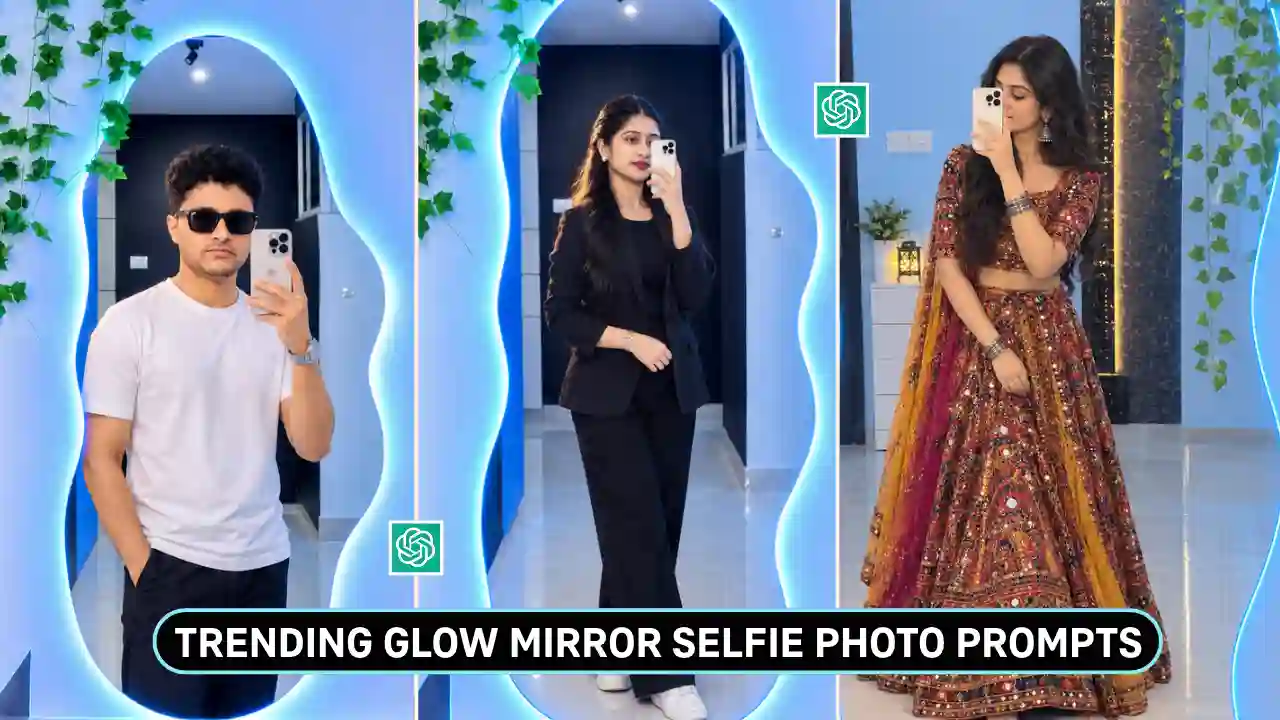
Moreover, one can also personalize their look by uploading the photo from which they want to be customized. The lion can place its paw on their shoulder or stand by their side. Such a trend makes up for a beautiful friendship photograph that looks like a cinematic photograph. You can also explore our Trending Glow Mirror Selfie Photo Prompts.
Trending Sheru Bhai AI Photo Editing Prompts 2026
Below are some innovative prompts for creating realistic Sheru Bhai photos. Choose your favourite design and upload a relevant image reference.
✨ AI Prompt
✨ AI Prompt
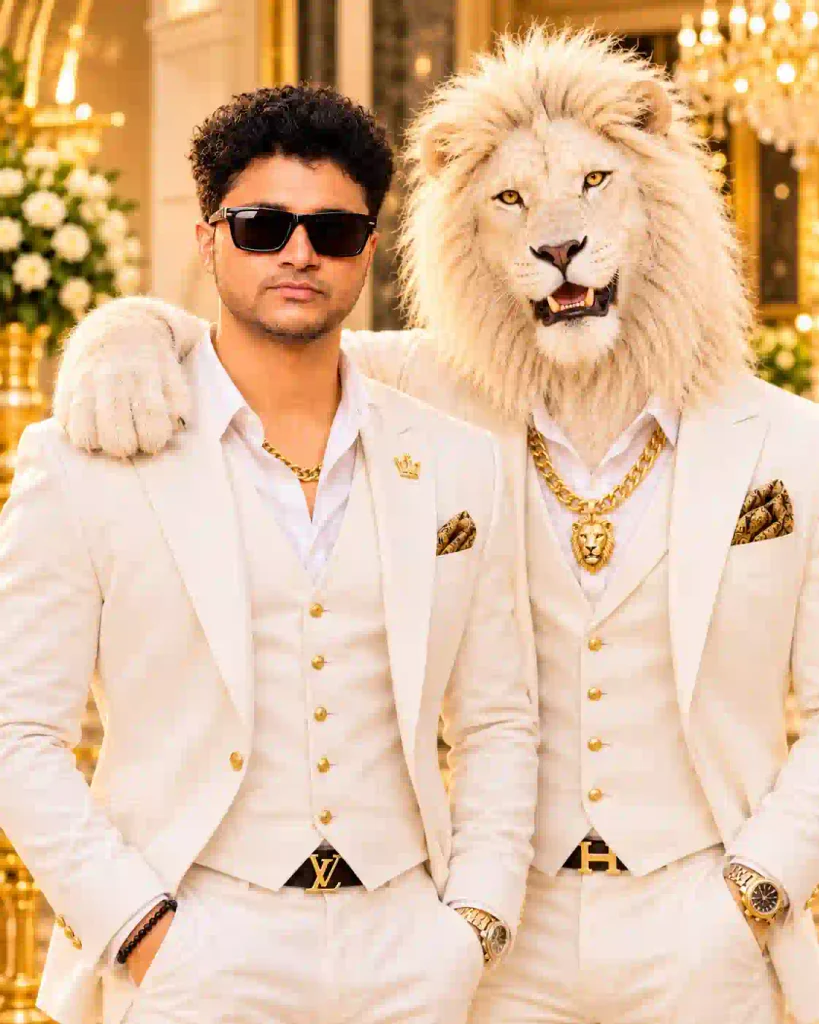
✨ AI Prompt
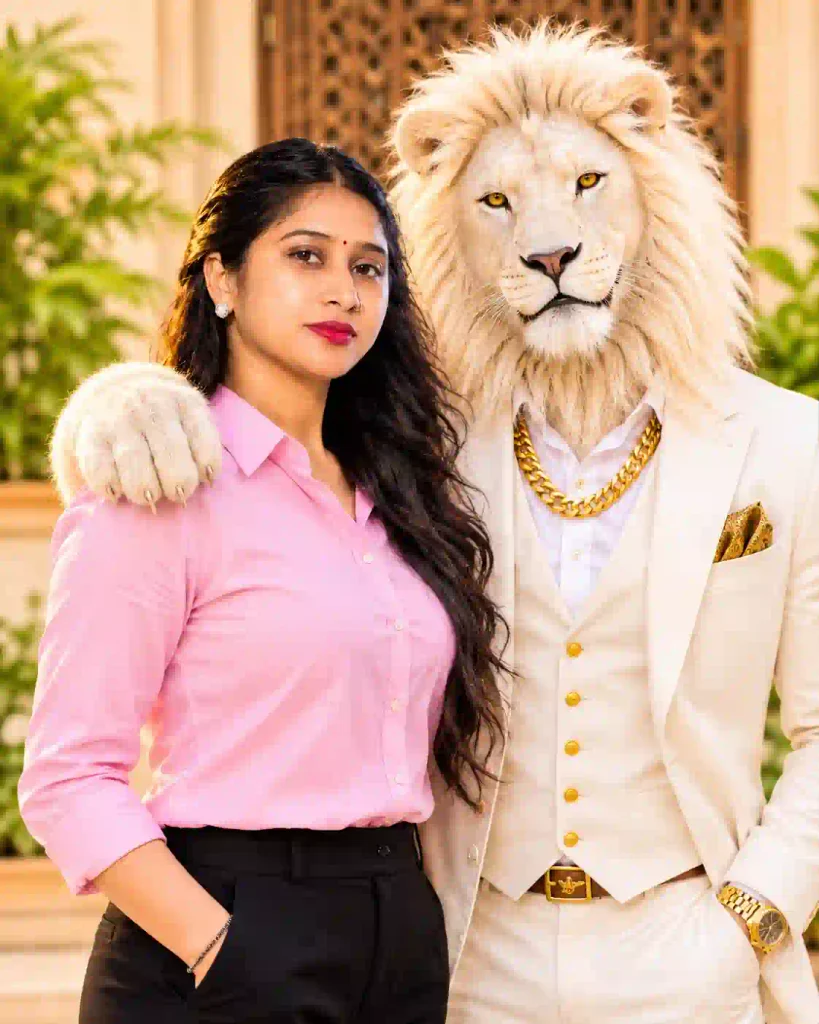
✨ AI Prompt
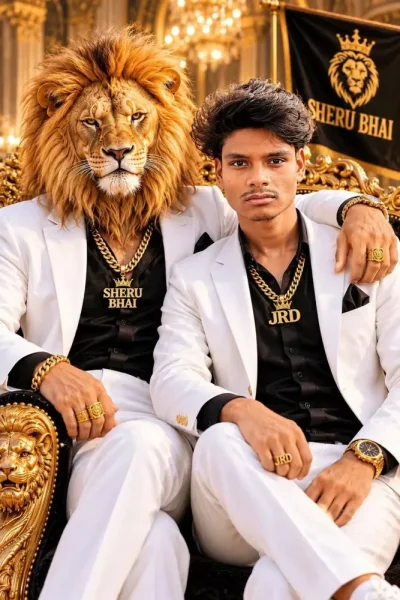
✨ AI Prompt
How To Create Sheru Bhai AI Photo With ChatGPT?
Generating such trending photos is easy and not time-consuming. Just follow these simple steps to get your photo.
Step 1: Visit ChatGPT Website
First, open ChatGPT using your phone or computer. Also, you can go with the application.
Step 2: Upload Photo Reference
Second, pick an appropriate photo from your gallery. Ensure it has a proper lightening and clear face.
Step 3: Copy Desired Prompt Text
Then, choose one of Sheru Bhai AI photos prompts provided above. Copy your chosen prompt in full.
Step 4: Paste the Prompt
Paste your prompt text into ChatGPT website. Remember that the image is added to the conversation.
Step 5: Generate Photo
After that, request ChatGPT to generate a photo with your uploaded reference photo.
Step 6: Save And Share Generated Photo
In the end, check out the generated photo and save the best one for you. You may post it on Instagram, Facebook and WhatsApp.
You can also try Trending Girl Eye in Sky Photo Editing Prompts.
Tips for Getting Realistic Sheru Bhai AI Photos
Follow these basic guidelines to ensure the best possible final outcome:
- Choose a clear reference photo: Upload a high-resolution reference image.
- Preserve your identity: Mention the specific face-preservation requirements.
- Opt for natural light: Ask for realistic shadows and cinematic lighting.
- Avoid too many details: Write a clear and descriptive prompt.
- Select the correct ratio: Use 4:5 for Instagram portrait pictures.
- Verify the final picture: Double-check faces, hands, clothes, and accessories.
Also, you may ask for minor edits if the first outcome seems unnatural. The outcomes generated by AI technology differ each time.
Conclusion
The Sheru Bhai AI Photo Editing Prompt 2026 is an innovative way to produce different style social media photos with Sheru Bhai. You will be able to produce stylish photos of lions showing friendship without using any professional photo editing software.
Just upload your picture and enter your favourite prompt. Besides that, you can try various outfits, backgrounds and lion characters. Try the following prompts and produce your own Sheru Bhai AI photograph. Share your best creation on social media platforms.
Frequently Asked Questions (FAQs)
1. What is Sheru Bhai AI Photo Editing?
Sheru Bhai AI Photo Editing creates realistic images of people along with fashionable lion character designs. Such characters often wear luxury clothes and gold ornaments.
2. How do I make Sheru Bhai AI Photos?
You can generate such images using the image generation feature of ChatGPT. Provide your reference image and input your preferred AI prompt.
3. Can I make Sheru Bhai AI Images for girls?
Sure. There are prompts available specifically for girls. Just provide your reference image and alter the outfit as per your need.
4. What ratio is the best one for Sheru Bhai AI Photos?
The 4:5 ratio is good for making posts on Instagram. But 9:16 ratio is good for stories and reels.
5. Can ChatGPT keep my original face?
You can ask ChatGPT to preserve your original identity and face. But perfect identity preservation is not guaranteed.
Related AI Photo Editing Prompts You May Like
- Trending Bullet Bike AI Photo Editing Prompts
- Petrol Pump AI Photo Editing Prompt
- Cinematic Music Portrait AI Photo Prompt
- Lookbook AI Photo Editing Prompt