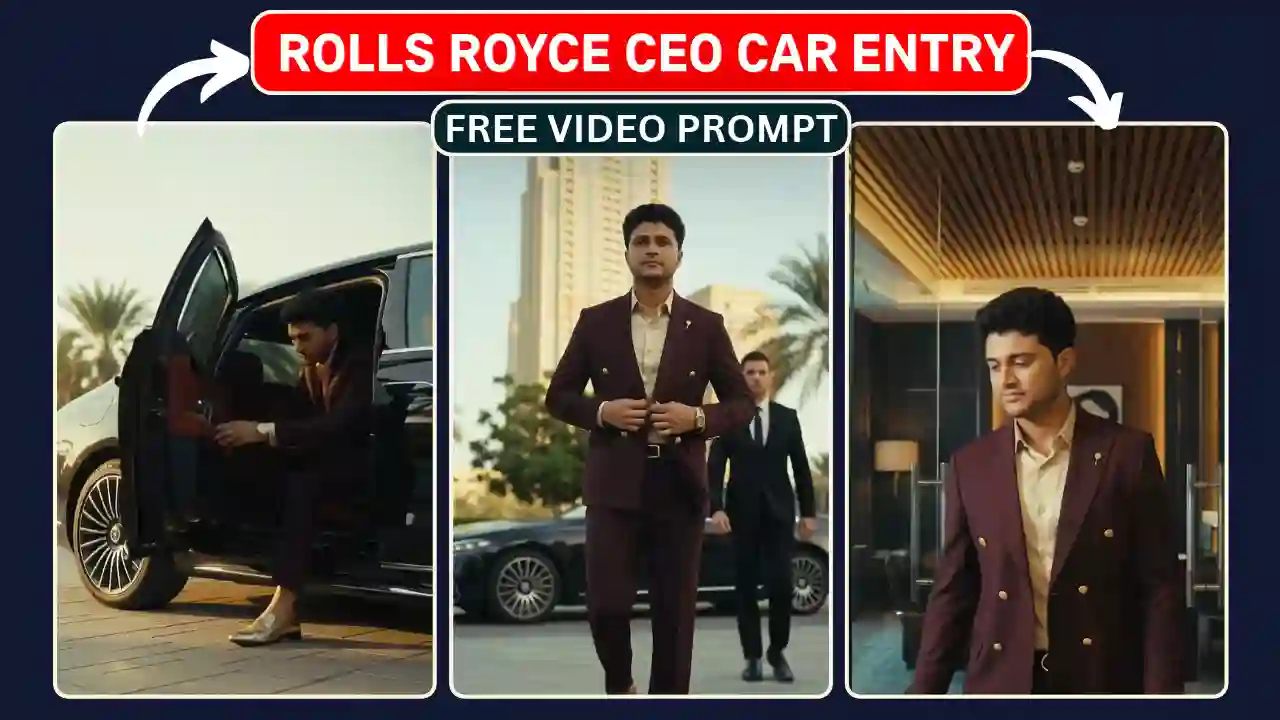
If you use Instagram then you definitely have seen a new AI Video trend where a young man step out from a black Rolls-Royce, walks into his or her company and ends up with a good smiling gesture. When I first time saw this reels, I cannot believe that it can be made by Artificial Intelligent. This looks like a hero entry in a big budget movies. The best part of this editing, you don’t require any editing skills or any reference video needed. You just need to have a reference photo and a right prompt.
In this guide, we will learn about the Rolls Royce CEO Car Entry AI Video Editing Prompt concept and see how to create such AI videos, learn AI video prompts along with instructions to get better results with the help of references. You can also explore our Trending Mercedes Car AI Video Editing Prompt.
Rolls Royce CEO Car Entry AI Video Editing
At the beginning of the video clip, we see a close-up of a logo of a Rolls Royce brand. The luxurious car comes into shot. Then the car stops and the door opens, and the boy/girl dressed in a formal suit comes out of the car. He or she adjust his or her suit, enter the grand office where the females who work there greet them using Namaste. The boy/girl acknowledges that and goes inside the office into a huge meeting room taking the main seat like a boss. There is also a popular song of Sajan Sajan running in the background with the overall cinematic luxury AI video. The editing process of this kind of video is easy if you have a right prompt. Here, I use Google Flow AI for cinematic AI video generation process. Then, with the help of any editing application you can add the background song sajan sajan or anything which match the vibes. You can also add slow motion and unwanted part will be removed on the editing process. You can also explore Thalapathy Vijay Helicopter Entry AI Video Prompt.
Rolls Royce CEO Car Entry AI Video Editing Prompt
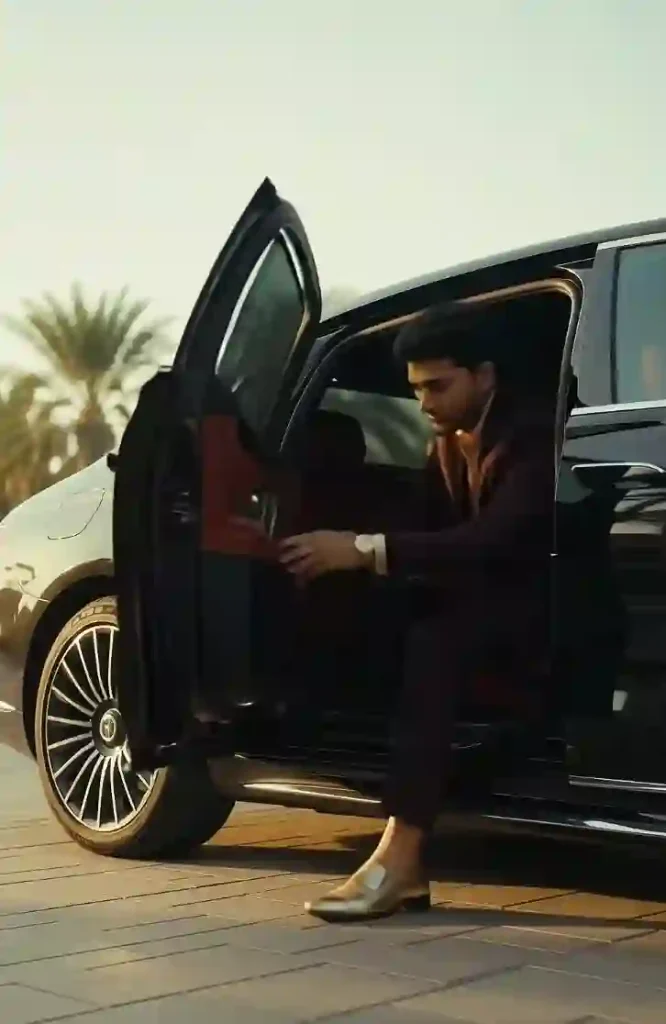
✨ AI Prompt
How to Create Rolls Royce CEO Car Entry Video Using Flow AI?
In the following steps, Google Flow AI is used to make Rolls Royce CEO Car Entry cinematic video. The AI algorithm uses uploaded images and text prompts to create such amazing cinematic video.
- Open the Google Flow AI website.
- Sign in to your Google account.
- Select the ingredient option.
- Upload your reference photo.
- Copy the Rolls Royce CEO Car Entry video editing prompt above.
- Paste the prompt into the video generation box.
- Click the generate button and wait for processing.
- Preview the generated video after completion.
- Save your final video and share it on Instagram Reels.
For better results, use the reference video to guide the animation style and timing. Also, check the available settings before generating your video.
Conclusion
I personally tested above Rolls Royce CEO Car Entry AI Video Editing Prompt. You can also try and make your personalized Rolls Royce CEO Car Entry video using the above method. If you want to make your Rolls Royce CEO Car Entry AI reel video, then you can use trending background music, add slow motion and edit with any video editor to make it more realistic. I hope that the above guide helps you to create professional-looking Rolls Royce CEO Car Entry reels video. You can generate the video easily through Google Flow AI and then modify it using any video editing tool to make it more attractive and natural. Apnotak.com always try to introduce you with the latest trending prompts and new AI trends, so stay tuned for the latest updates. Explore our Viral Desi Batman Video Editing Prompt