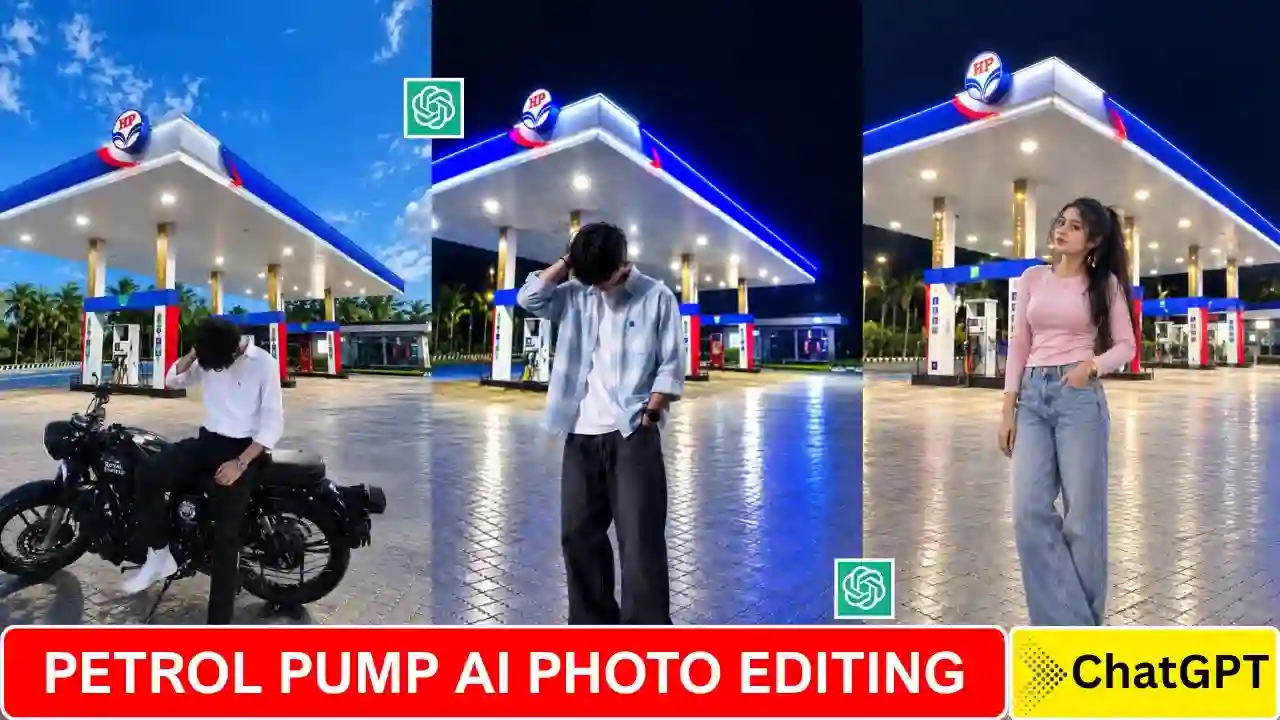
Petrol Pump Ai Photo Editing Prompt – In recent days, you might have come across these type of viral photos on Instagram and other social media platforms, where people are clicked at night standing in front of a petrol pump. The bright lights of the petrol station, the dark sky, the fuel dispensers, everything makes the photo look so cinematic and way better than a normal portrait click. You don’t have to go to a petrol station or hire a professional photographer to take this type of photo. You can transform an ordinary photo into a realistic petrol pump portrait with the right photo editing prompt and an AI tool.
In this tutorial, you will find several Petrol Pump AI Photo Editing Prompts for 2026. There are several different prompts including one that uses a separate background image and a prompt for creating a nighttime petrol station image. You will also learn how to use your own photo as a reference, how to add a background, and get a high quality natural-looking result.
Reason for Petrol Pump AI Photo Editing Going Viral?
There are many reasons why a particular trend has become popular on social media recently. The petrol station already contains lots of lines and many visual elements which make a portrait look cinematic. The bright artificial lights create a contrast to the dark night sky. While the station canopy and fuel dispensers provide strong lines and depth. Many people like this type of photo because of easy to edit, cinematic nighttime atmosphere, bright petrol station lighting, urban photography style, realistic road and floor reflections, and interesting background composition. To create different version of the same trends, you can also experiment with different poses, outfits, camera angles, and petrol station backgrounds. If you enjoy cinematic AI photo editing prompts, explore our rainy-day portrait ideas.
Trending Petrol Pump AI Photo Editing Prompt
If you want to create this effect using two images, you can use the first image as your person reference and the second image as your background.
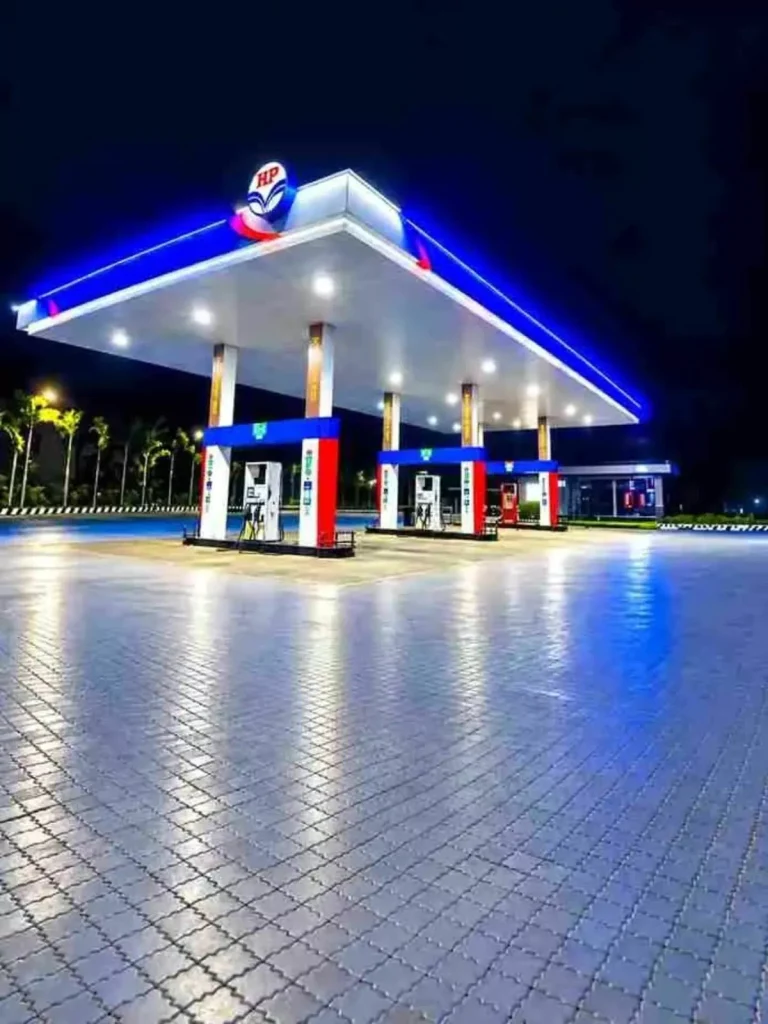
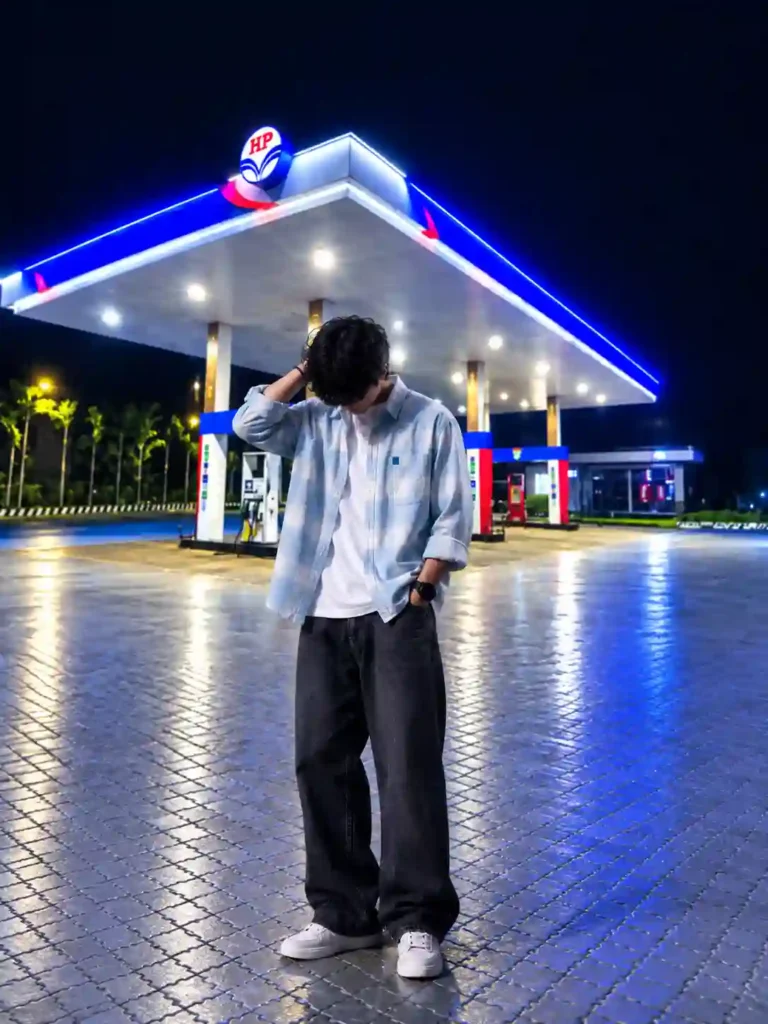
✨ AI Prompt
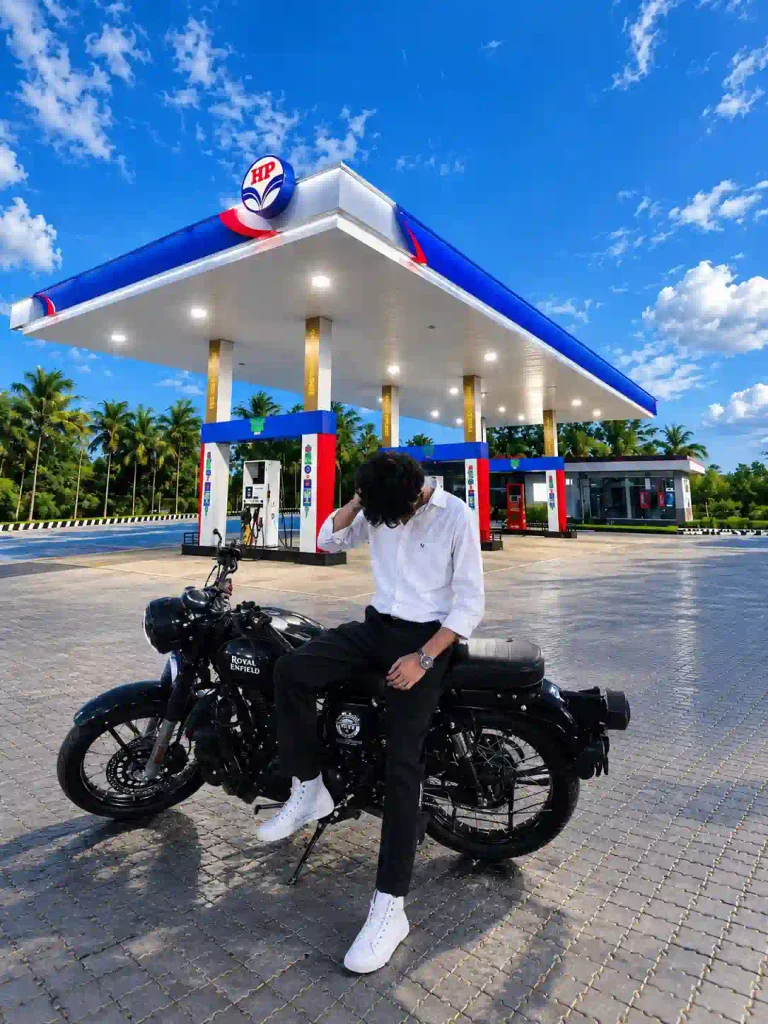
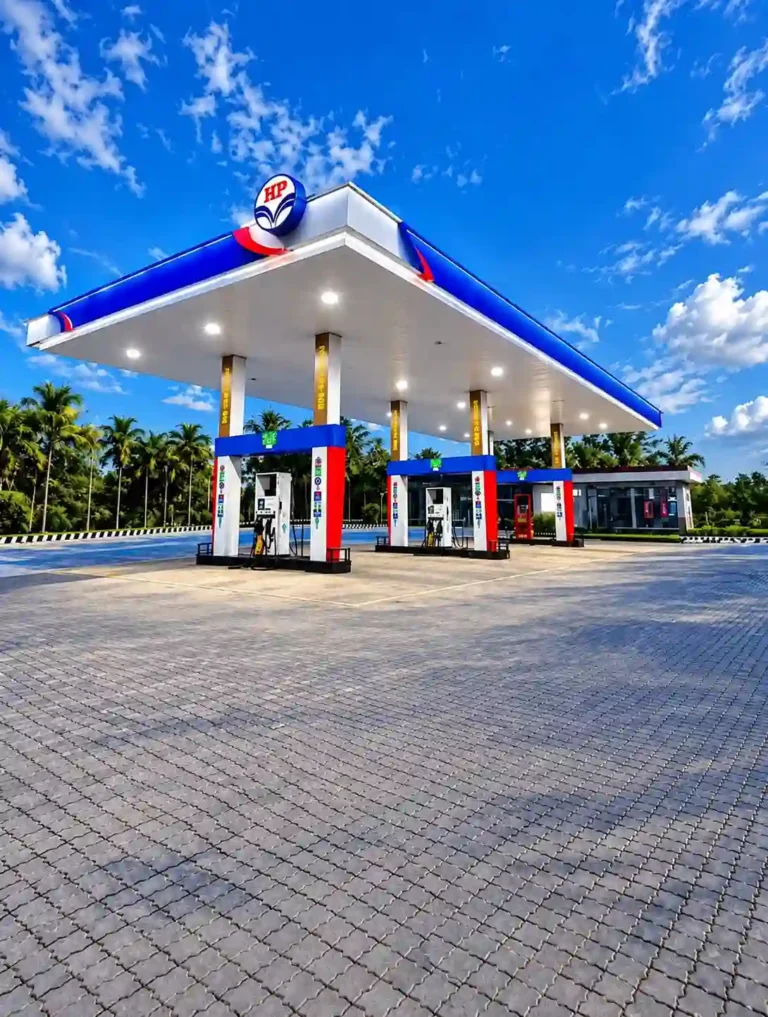
✨ AI Prompt
How to Create a Petrol Pump Photo Using a Background & Prompt?
This method gives you the best result and control because you provide both the person photo and the petrol pump background.
Step 1: Choose a Petrol Pump Background
Select or generate a suitable nighttime petrol pump image. A vertical background is useful if you want to create an Instagram portrait or Reel cover.
Step 2: Select Your Reference Photo
Choose the person photo you want to edit. For a natural composite, try to use a photo whose camera angle and pose are reasonably compatible with the background.
Step 3: Upload Both Images
Open your AI editing tool and upload your reference person photo and the petrol pump background. Clearly tell the AI which image is the person reference and which is the background. Here, we try with ChatGPT, which work perfectly with the prompt provide on this post.
Step 4: Add the Prompt
Copy the prompt from the above and paste it into the prompt box.
Step 5: Generate and Refine
Generate the image and inspect the result. If the person appears too large, too small, too bright, or too dark, regenerate it with more specific instructions about scale and lighting.
What Is the Best Part of This Photo Editing Style?
The biggest attraction is the combination of nighttime lighting and a realistic petrol station environment. A petrol pump can provide several interesting light sources at once. The canopy may have bright white or colored lights, while nearby vehicles can add headlights and reflections. Streetlights and surrounding buildings can provide additional background illumination.
When these elements are correctly matched with the subject, the result can look like a professional nighttime portrait. Also, make sure the lighting on the person’s face is correct. If the background is very brightly lit and the subject is very dark then even if the subject is correctly lit for themselves the whole image will look very fake. That is why we can specifically mention on the prompts that matching lighting, shadows, reflections, and perspective. You can also try out our Aesthetic Profile Picture DP Editing Prompts.
Final Thoughts
The Petrol Pump AI Photo Editing Prompt trend is a simple way to create a cinematic nighttime images of portraits shot in petrol stations. The combination of the bright lights of the petrol station, the dark background, the reflections and the urban scenery around the station can add a lot to an ordinary portrait and create a totally new style.
For instance, you may begin with a reference image and ask the AI to generate an image keeping the subject of the reference image, ensuring that the background lighting is the same as in the reference image. This will help you to experiment with different pose and backgrounds till you achieve the required result. You can use one of these prompts to create a Petrol Pump AI Photo and save your favorite version to share on Instagram Story, WhatsApp Status or on Facebook post.