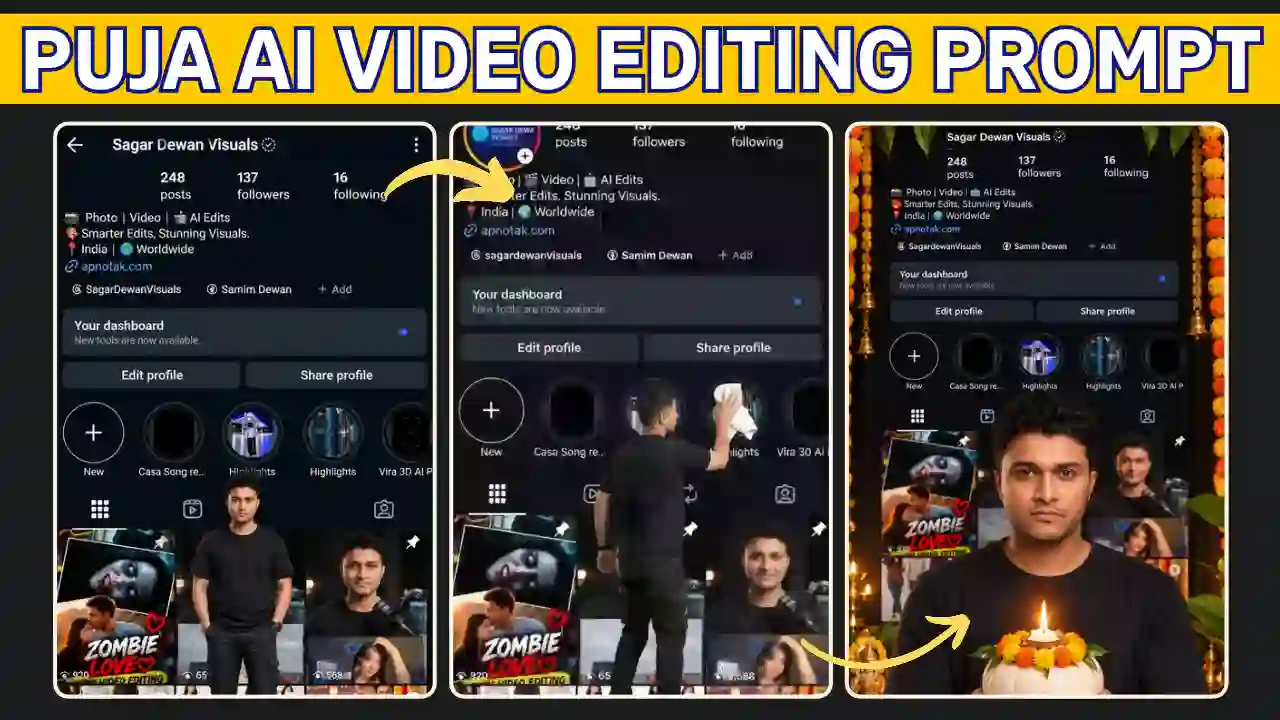
The Instagram Profile Puja AI Video Editing Prompt is a readymade AI video editing prompt, which can help you to generate Instagram Profile Puja AI Video. If you use Instagram then you might have seen this kind of reels video. The video start with a Instagram profile screenshot place on a huge frame and a person come out of the profile. After that the person pickup a cloth and clean the profile board, hang vibrant orange marigold garlands over the dashboard. The overall transition is so smooth which start from normal appearance to festive puja vibes AI video.
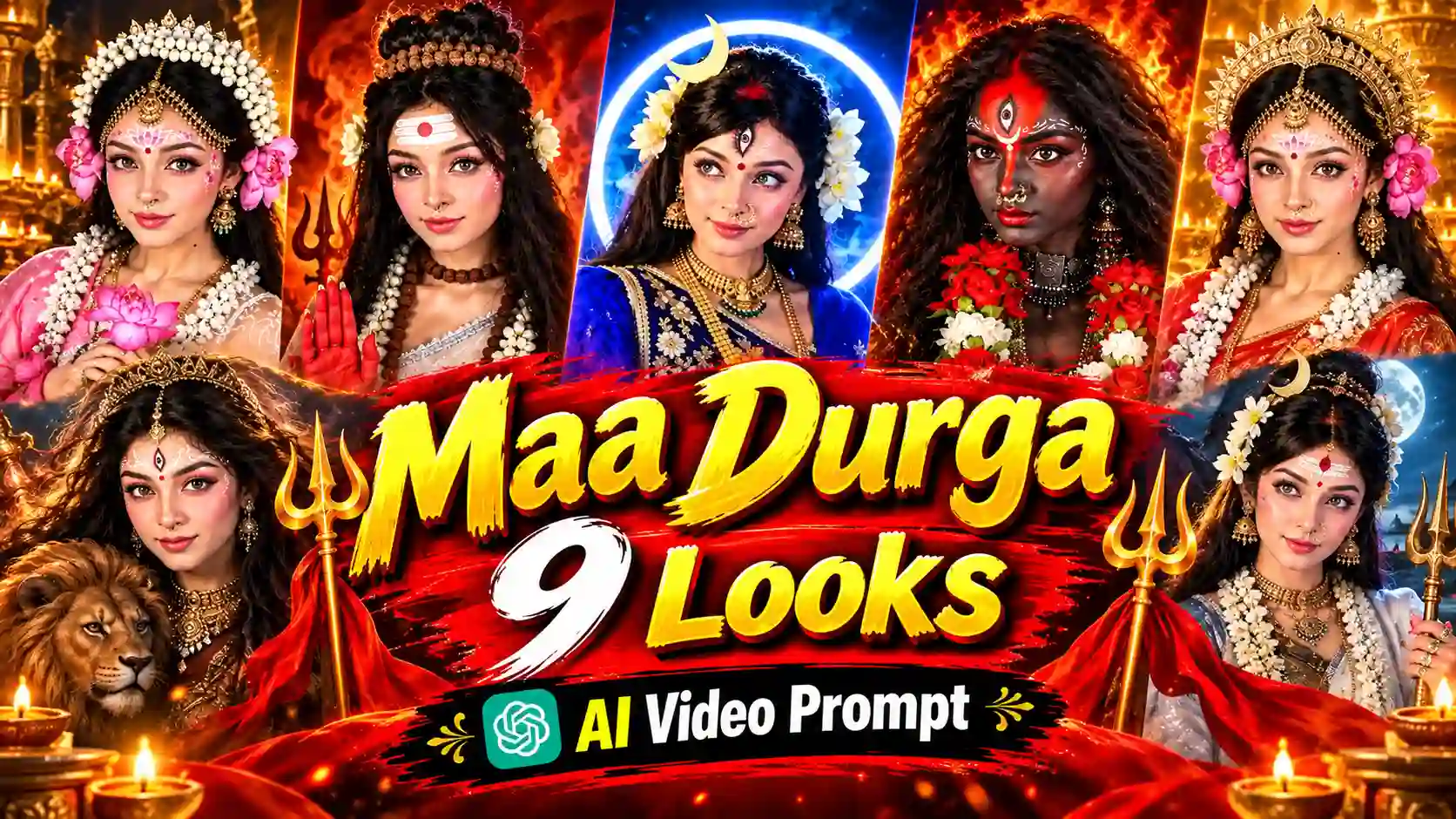
You can transforms your Instagram profile screenshot into a beautiful, cinematic puja vibe image. The puja perform here is similar to traditional Ayudha Pooja ritual. Here, I use ChatGPT for AI photo editing and Google Flow for AI video editing. In this tutorials, I am going to share the step by step process to create such Instagram Profile Puja AI Video in minutes. Want to try another creative festive effect? Check out our Maa Durga 9 Looks AI Video Prompt and create another cinematic reels.
What Is the Instagram Profile Puja AI Video Trend?
You can turns your Instagram Profile and personal into a creative puja vibes. This is an unique and creative way to showcase your personal profile puja. A miniature character come out from the profile picture. The character cleans the profile board and decorates it with colorful flowers. Finally, traditional lamps, flower petals, and festive lighting complete the puja setup. This is very attractive way to celebrate puja digitally. You can customize the decorations for Diwali, Ayudha Pooja, or other celebrations as well. You can also try our Trending Flying Fairy AI Video Editing Prompt.
Instagram Profile Puja AI Prompt
In this section of the article, you will get readymade AI photo editing prompt as well as a AI video editing prompt which can help you to create this Instagram Profile Puja AI video.
Instagram Profile Puja AI Photo Editing Prompt
For photo editing, I prefer ChatGPT image editing tools because I tested the image prompt on ChatGPT. You just need to upload a screenshot of your Instagram profile and your photo as a reference. Then send it to generate the Instagram Profile Puja AI photo.
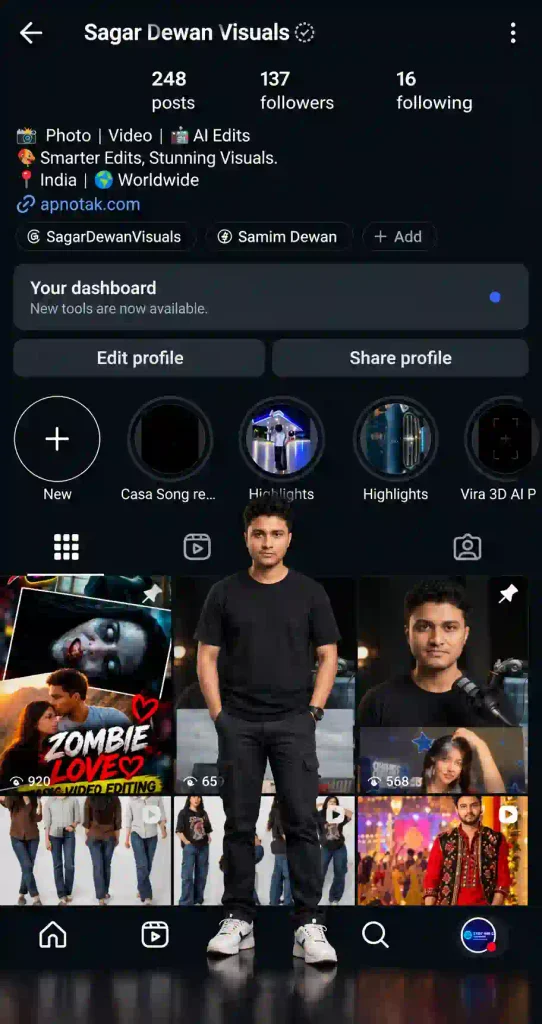
✨ Image Prompt 1
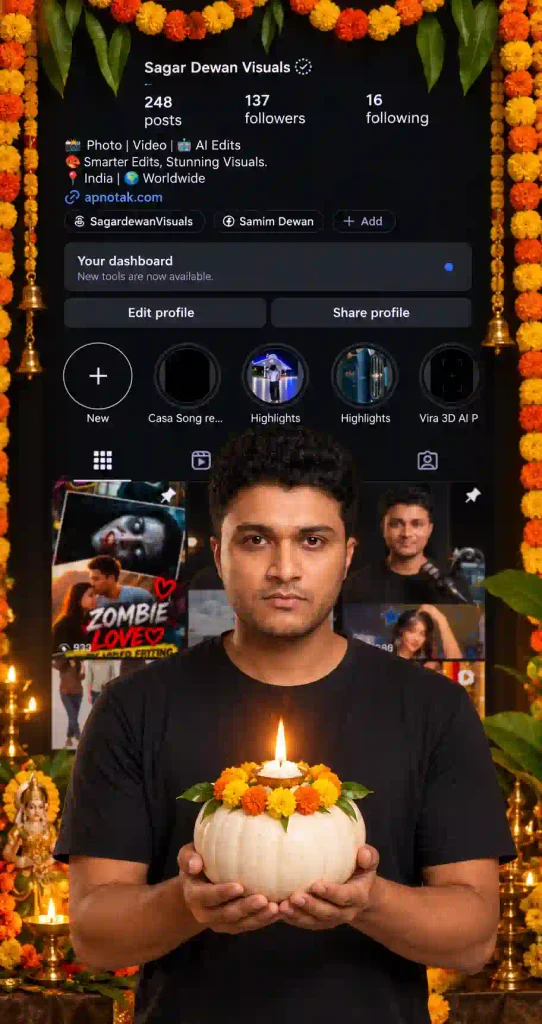
✨ Image Prompt 2
Instagram Profile Puja AI Video Editing Prompt
I use Google Flow to test the video prompt given here. The steps of Google Flow are given below.
✨ Video Prompt 1
✨ Video Prompt 2
How to Create an Instagram Profile Puja AI Video Using Google Flow
You can use any AI video editor to generate AI video. For convenience I use Flow AI. You need to follow the given steps to create your festive AI video using Google Flow.
- Prepare your images: Take a clear screenshot of your Instagram profile. Also, prepare a high-quality portrait with your face clearly visible.
- Open Google Flow: Access the AI video creation tool and start a new project.
- Upload your references: Add your Instagram screenshot and portrait wherever the selected workflow supports reference images.
- Generate the first scene: Copy Prompt 1 and generate the profile-cleaning animation.
- Create the puja scene: Use the final frame of the first clip as the starting reference for Prompt 2.
- Check the animation: Review facial consistency, hand movements, decorations, and the Instagram interface.
- Save your clips: Save the generated videos in the highest suitable quality available.
For better results, generate the cleaning and decoration scenes separately. This approach gives you more control over the character’s movements and the final composition.
How to Edit the Instagram Profile Puja Reel
After generating your AI video clips, use any video editing software like VN Video Editor or CapCut or Edits or any others to create a polished final Reel. Here, I use VN editor to final edit of the reels. Hence the steps of VN Video Editor are given below.
- Open VN Video Editor and create a new project.
- Import both AI-generated video clips.
- Arrange the clips in the correct sequence on the timeline.
- Trim unnecessary frames and align the scene transitions.
- Add suitable devotional music or a soft instrumental track.
- Adjust brightness, contrast, and saturation to enhance the festive atmosphere.
- Export the finished video at 1080p using a suitable frame rate.
Additionally, synchronize the music with the moment the character begins decorating the profile. This small editing detail can make the transformation feel more engaging.
Tips for Better Instagram Profile Puja AI Video Results
- Use a clear portrait: Good lighting helps AI tools preserve facial details.
- Keep your reference screenshot sharp: Clear profile elements can improve visual consistency.
- Generate shorter scenes: Separate clips can make complex actions easier to manage.
- Describe every movement: Explain how the character picks up flowers, places decorations, and performs aarti.
- Maintain character consistency: Reuse the same reference images and final frames whenever possible.
- Check the generated text: AI video tools may distort usernames and small interface details.
- Choose suitable music: Select audio that matches the festive theme and your intended audience.
Remember that results depend on the AI model, reference images, and available generation settings. You may need several attempts to achieve the desired effect.
Instagram Profile Puja AI Video Editing Prompt: Frequently Asked Questions
1. Which AI tool can create an Instagram Profile Puja video?
Google Flow is one option for generating this type of AI video. Other tools may also work, depending on their reference-image and video-generation capabilities.
2. Can I create an Instagram Profile Puja Reel for free?
You can try the workflow with available free access or credits. However, generation limits, export options, and pricing depend on the platform’s current terms.
3. How can I keep my face consistent in the video?
Upload a clear portrait and use the same reference images throughout the workflow. Also, describe your facial identity, hairstyle, skin tone, and outfit explicitly.
4. Can I customize the video for Diwali or Ayudha Pooja?
Yes. Replace or supplement the decorations with festival-appropriate flowers, diyas, rangoli, and traditional lighting. Adjust the prompt to match your preferred celebration.
5. Can I upload the finished video to Instagram Reels?
Yes. Export the video in a compatible vertical format and review it before publishing. Use audio you have permission to use and check that the final video contains no unwanted artifacts.
Conclusion
The Instagram Profile Puja AI Video Editing Prompt help to celebrate puja in a new and unique way. You can personalize it with your own photo, Instagram profile and a details prompt. You can generate the the the whole video using AI but can make it perfect for your reels using any Video editing Software like VN editor, Capcut or Edits. You can add a personalize music and make it ready for Instagram Reels or YouTube Short.
Related AI Video Editing Prompts You May Like
- Navratri Metro Nine Forms AI Video Editing Prompt
- Ganpati Bappa AI Video Editing Prompt
- Maa Parvati AI Video Editing Prompt