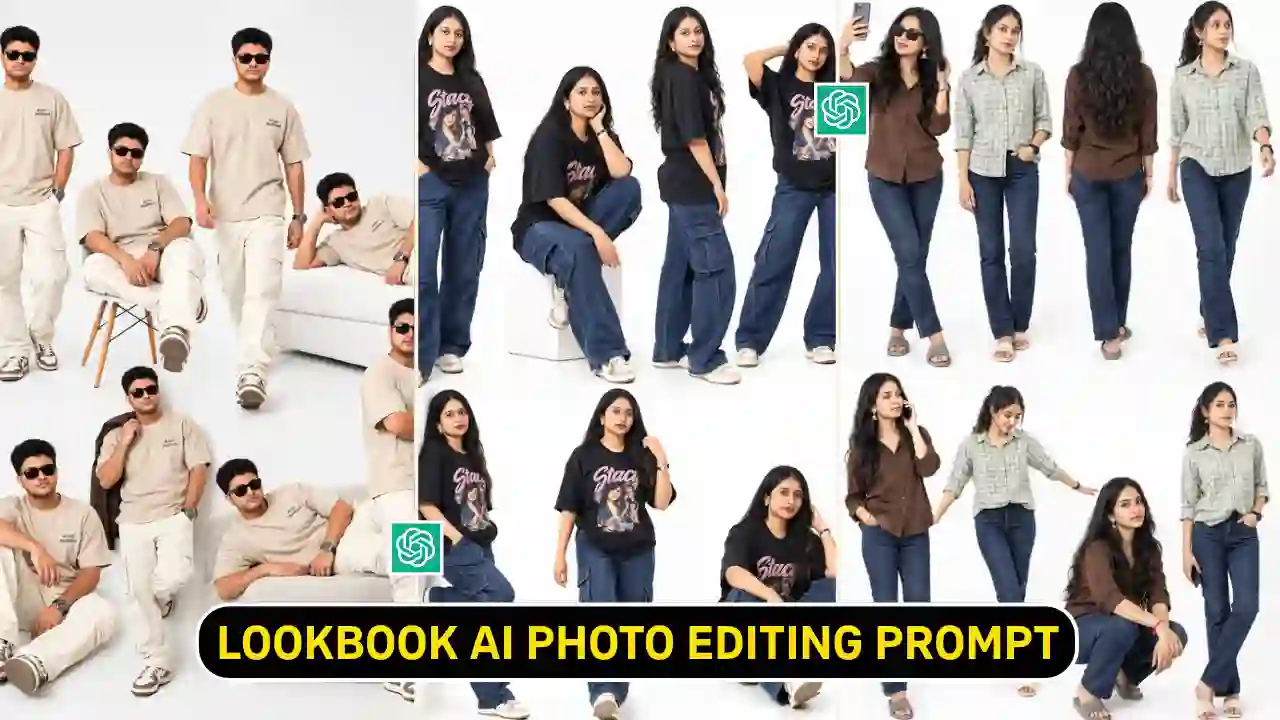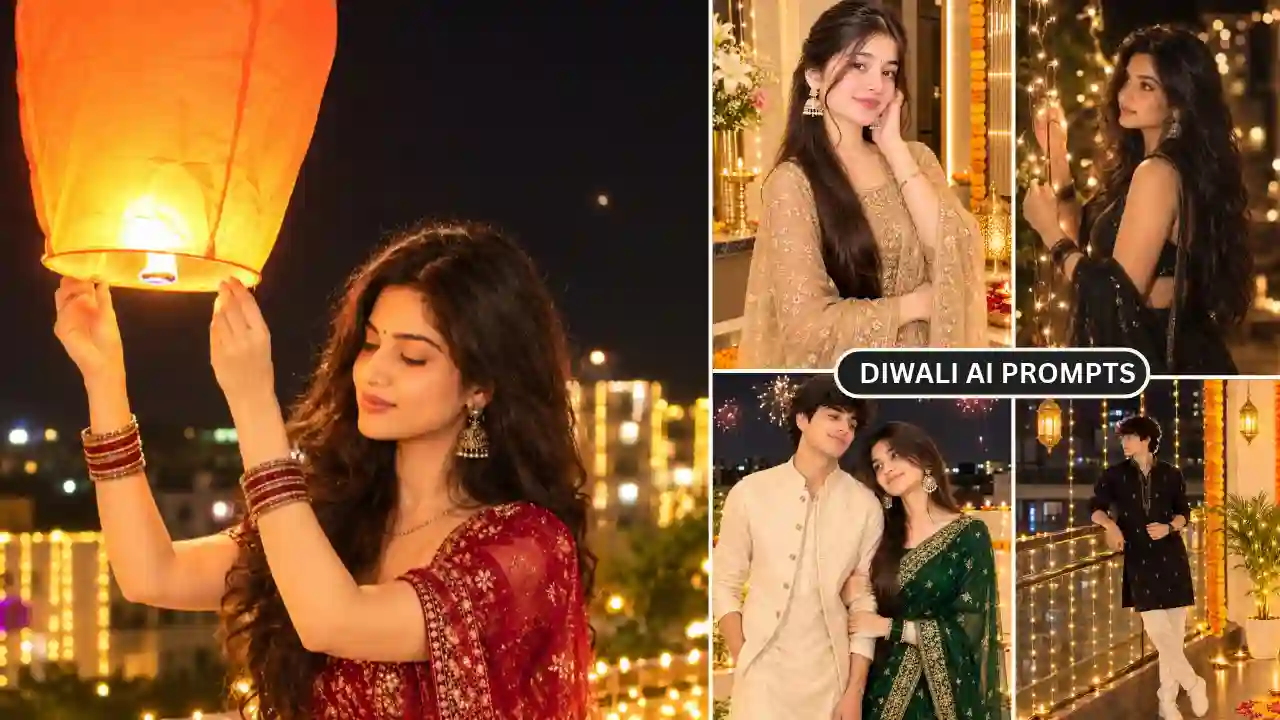
Diwali, also known as Deepavali. It is the festival of lights, celebrated by Hindus, Jains, Sikhs and other communities. In this year, Diwali festival will be celebrated on Sunday, November 8, 2026. The purpose of celebrating the festival symbolizes the triumph of light over darkness and good over evil. Festive photos have become a popular way to share the occasion on social media along with traditional celebrations. Another way to create Diwali images, from traditional portraits in festive outfits to cinematic scenes filled with glowing Diya’s, colorful rangoli and warm lights using any AI image editing tools. You can use ChatGPT to create your own Diwali-inspired images from a reference photo with the right Diwali AI Photo Editing Prompts 2026.
In this article, you’ll find ChatGPT prompts for girls, boys, couples and individual portraits, along with traditional outfits, creative Diwali backgrounds and some retro-inspired photo concepts. You can copy these prompts, upload your picture to ChatGPT’s image feature and customize the details to get the look you want. Looking for another festival-themed AI photo editing idea? Try our Radha Rani Photo Editing Prompts.
Best Diwali AI Photo Editing Prompts 2026 for ChatGPT
Choose a good quality photo of yourself before trying out the prompts. You can specify face, hairstyle, skin tone and body proportions to keep yourself looking consistent. All aspects of the image can be customized including the clothing, background, lighting and pose. Here are some Diwali photo editing ideas you can try with ChatGPT.
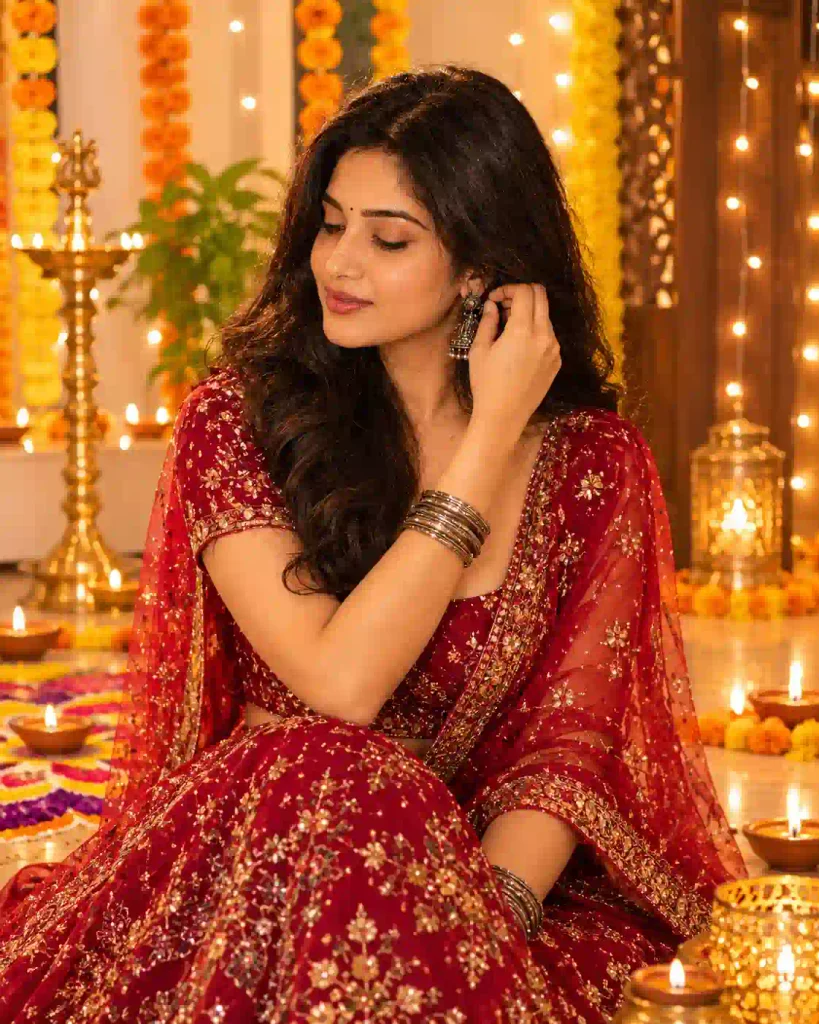
1. Traditional Diwali Portrait Prompt
A traditional outfit, a beautifully decorated home and glowing diyas can create a classic Diwali portrait.
✨APNOTAK PROMPT BOX
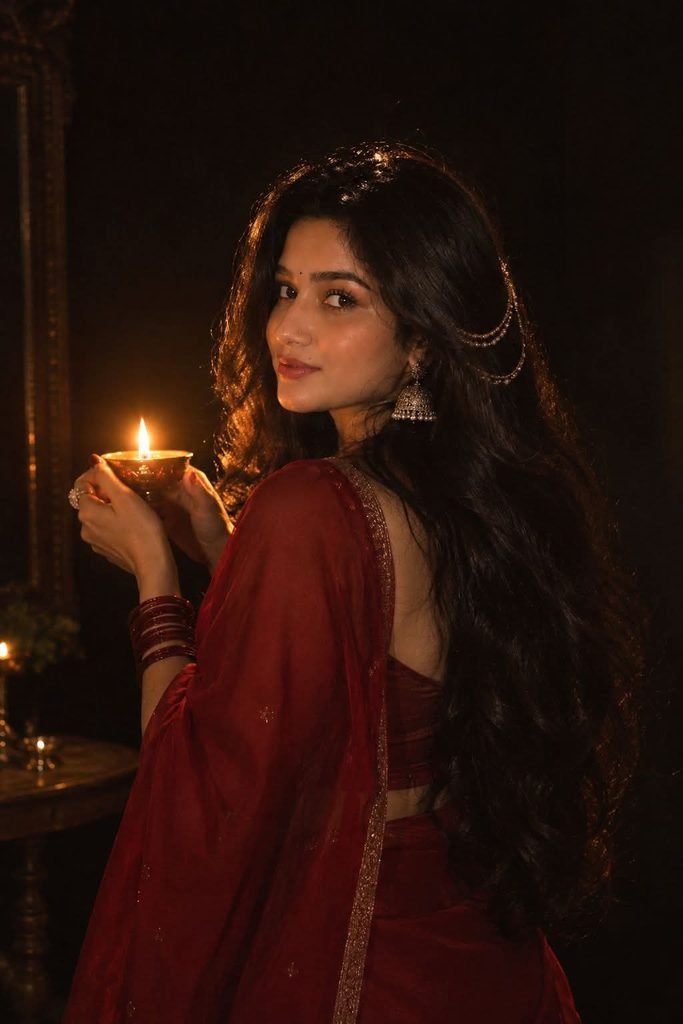
2. Diwali Photo Editing Prompt for Girls
✨APNOTAK PROMPT BOX
3. Diwali Photo Editing Prompt for Boys
For boys, a traditional kurta with a modern festive background creates a stylish portrait.
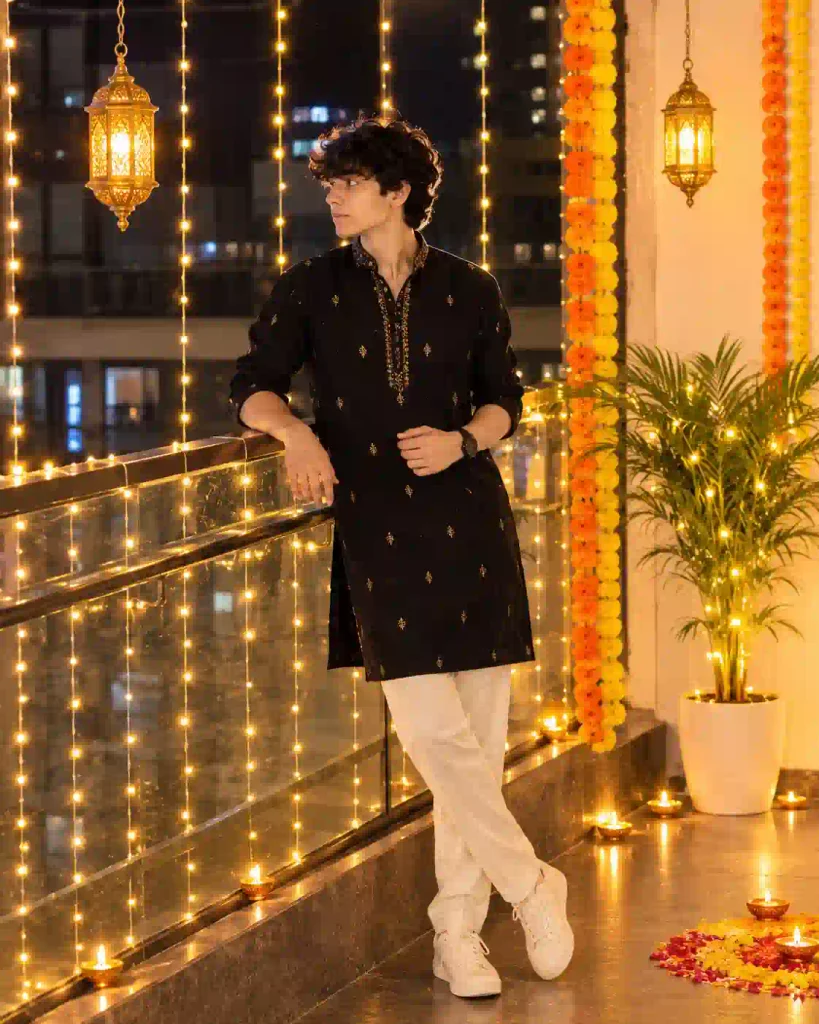
✨APNOTAK PROMPT BOX
4. Romantic Diwali Couple Photo Prompt
A romantic couple portrait is a good choice for partners who want a festive photograph together.
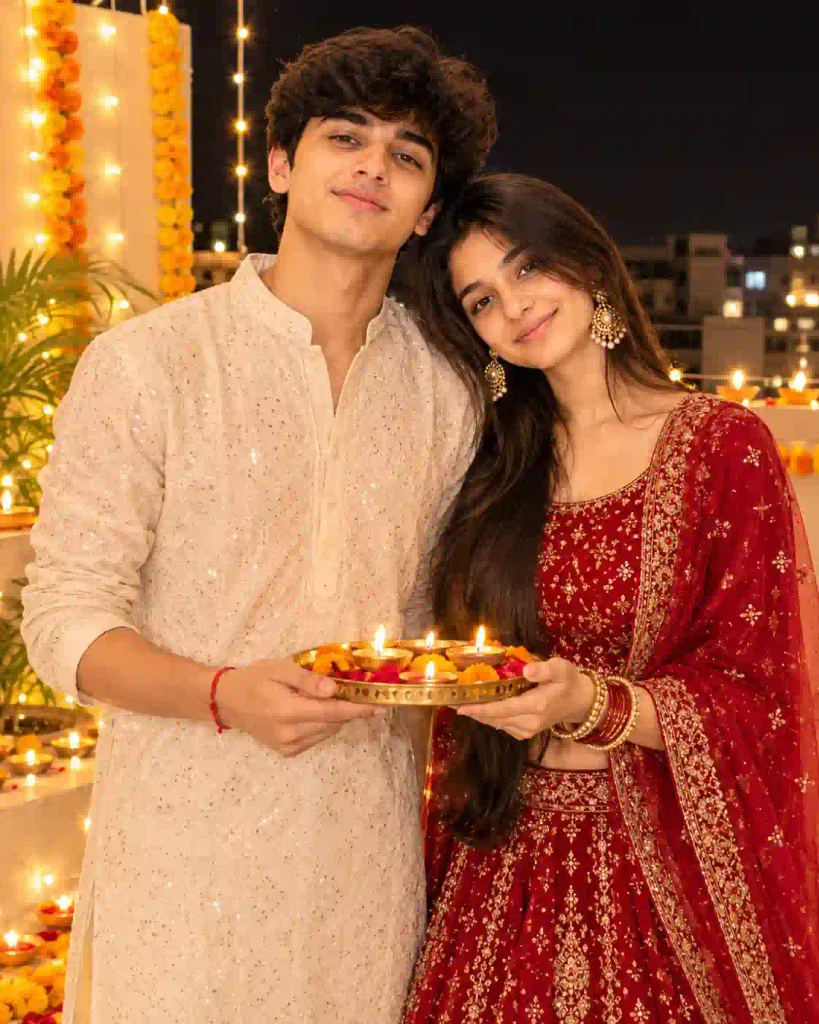
✨APNOTAK PROMPT BOX
5. Diwali Couple Portrait with Fireworks
Create a festive couple photograph with a colorful nighttime atmosphere.
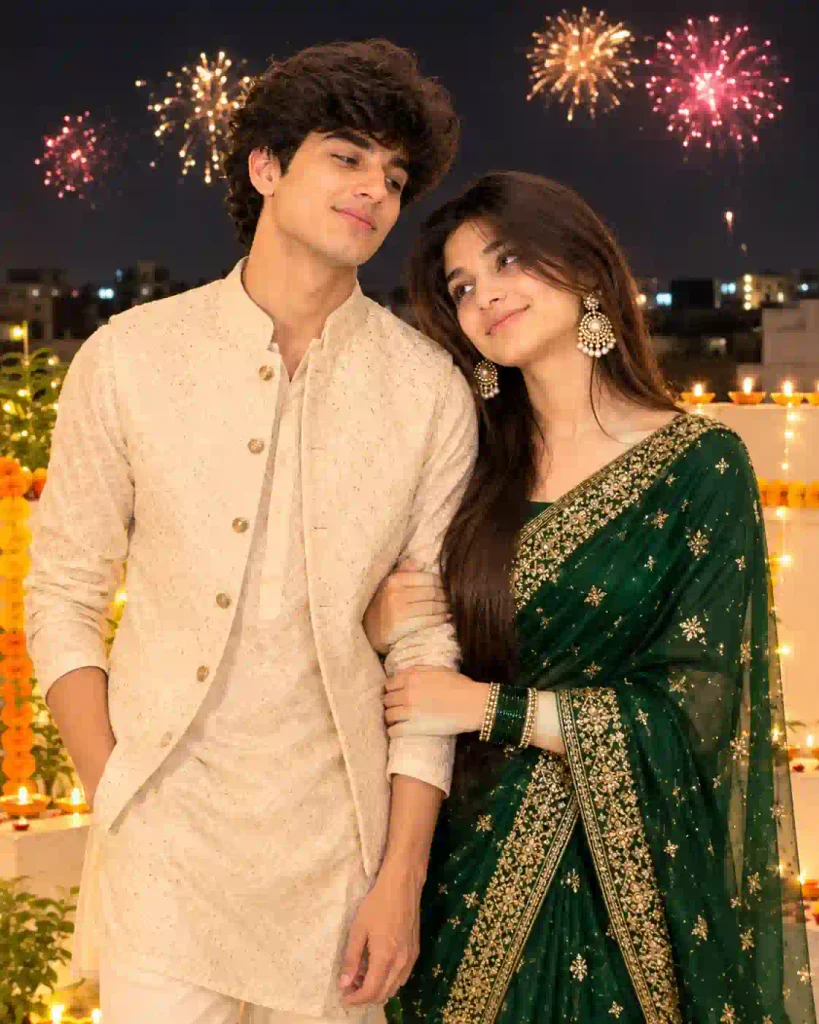
✨APNOTAK PROMPT BOX
6. Diwali Saree Photography Prompt
A saree portrait with warm festive lighting can create a beautiful traditional look.
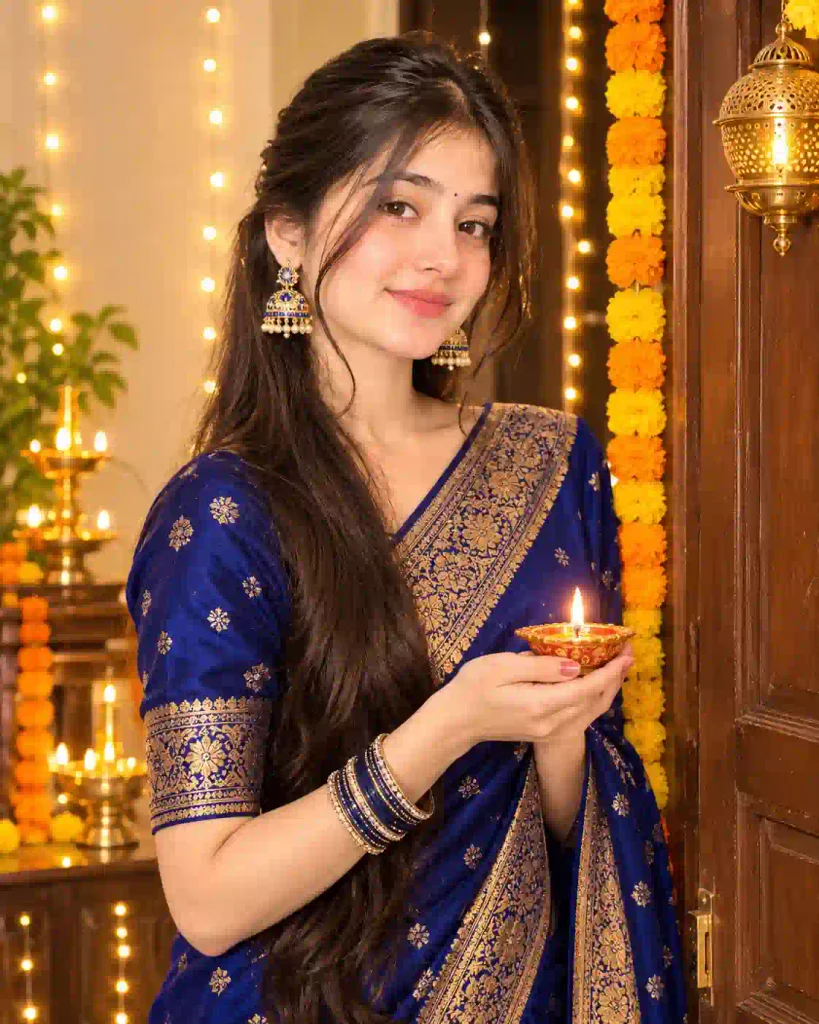
✨APNOTAK PROMPT BOX
7. Luxury Diwali Portrait Prompt
This concept focuses on a premium festive appearance with elegant decorations rather than an overly crowded background.
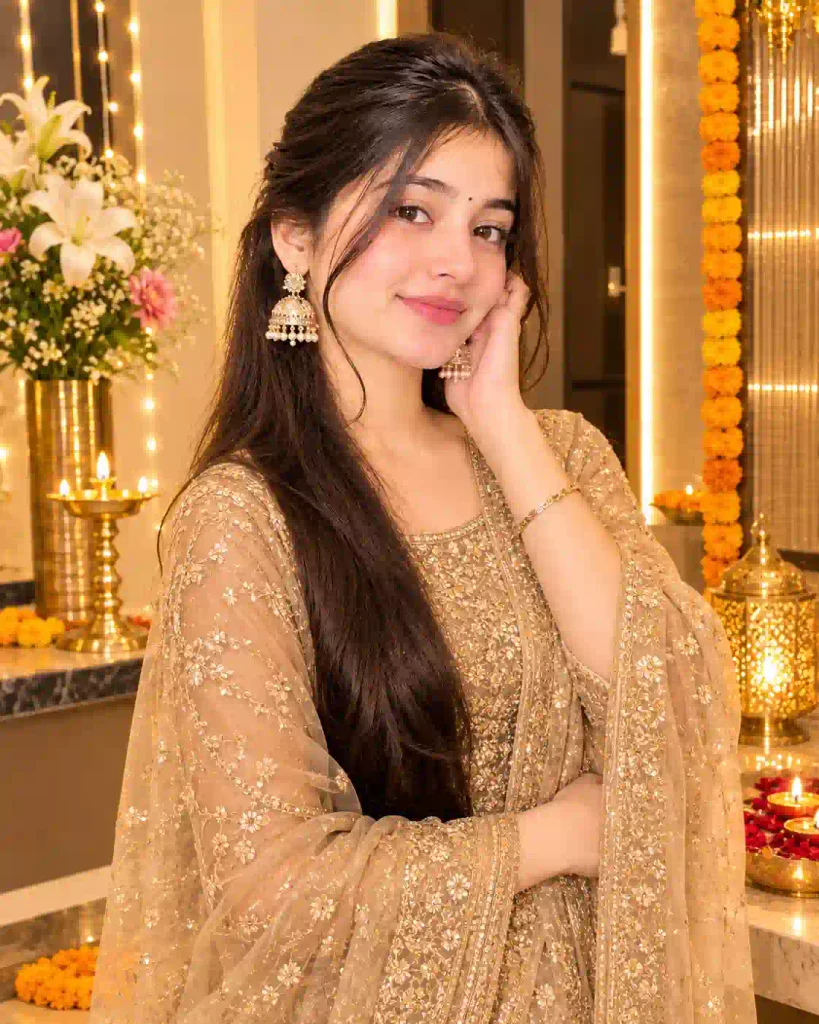
✨APNOTAK PROMPT BOX
8. Retro 1990s Diwali Photo Prompt
If you prefer a nostalgic appearance, try this vintage-inspired concept.
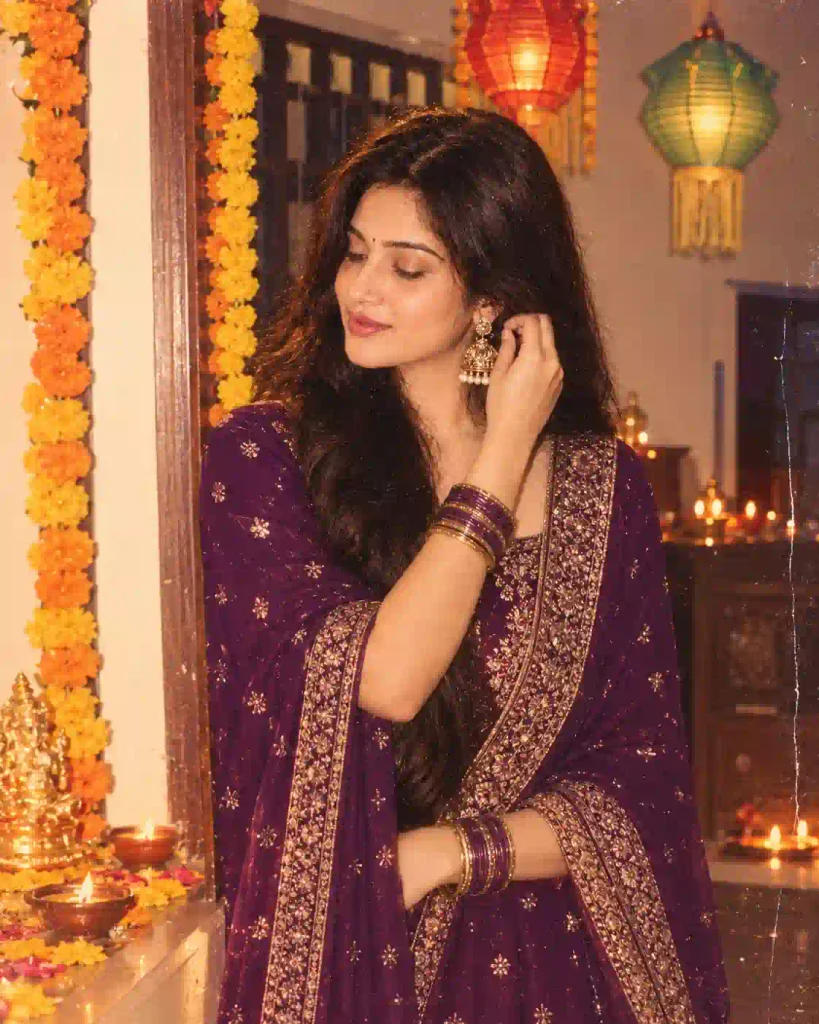
✨APNOTAK PROMPT BOX
9. Diwali Balcony Portrait Prompt
A balcony decorated with lights can create a natural-looking festive photograph.
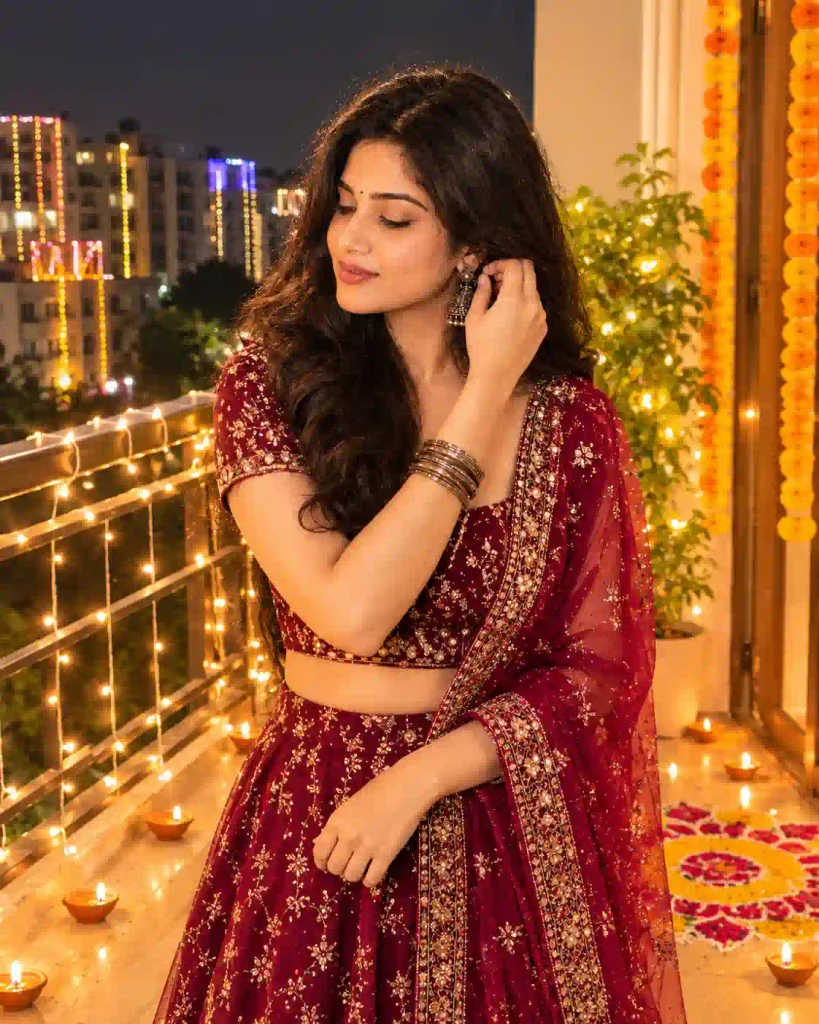
✨APNOTAK PROMPT BOX
10. Diwali orange sky lantern Prompt
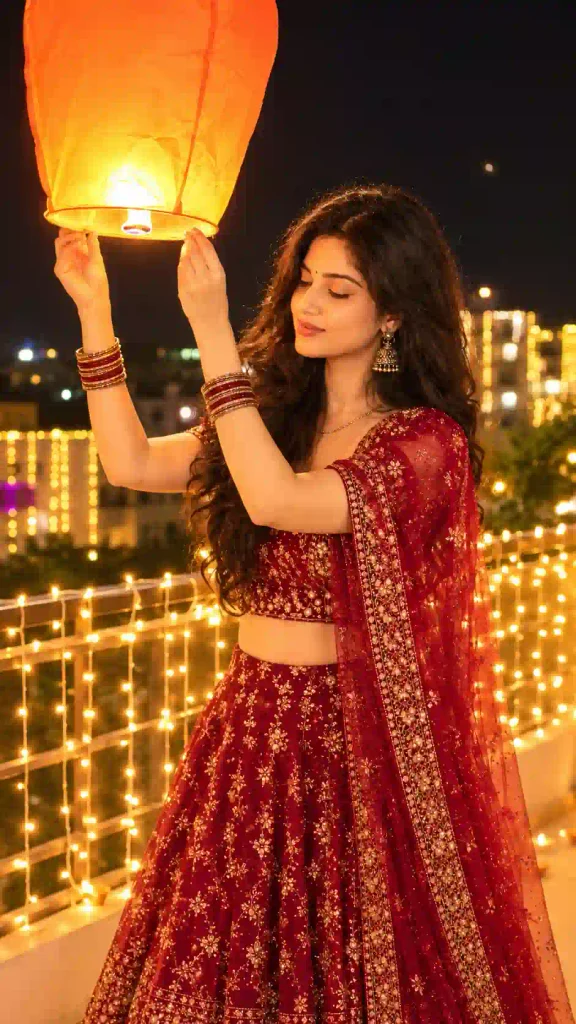
✨APNOTAK PROMPT BOX
11. Diwali Rangoli Photography Prompt
This prompt focuses on the colorful rangoli and traditional decorations.
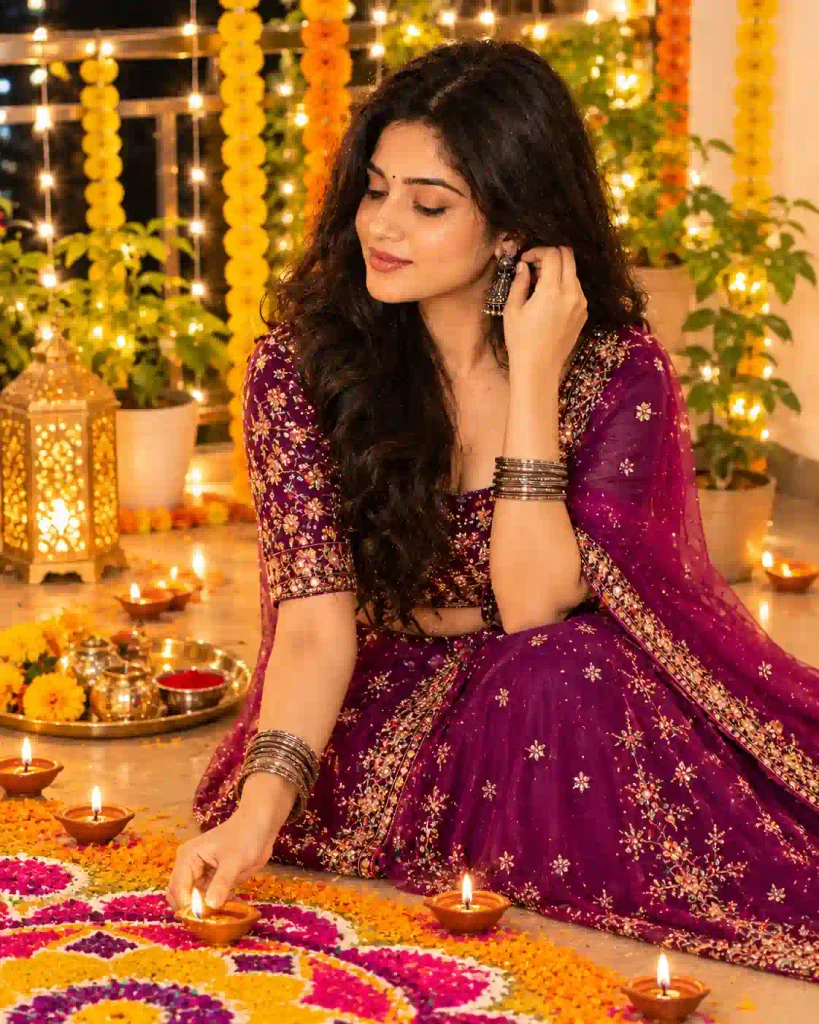
✨APNOTAK PROMPT BOX
12. Cinematic Night Diwali Portrait Prompt
For a more dramatic social-media photograph, try a cinematic nighttime concept.
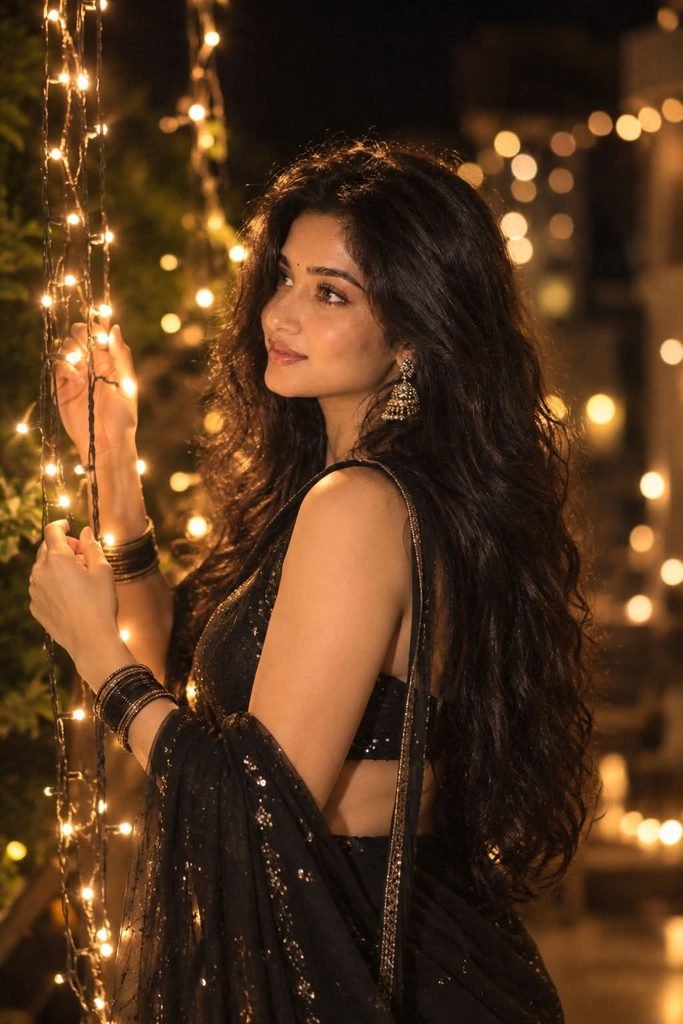
✨APNOTAK PROMPT BOX
13. Diwali Traditional Family Portrait Prompt
This idea is suitable for creating a festive family photograph.
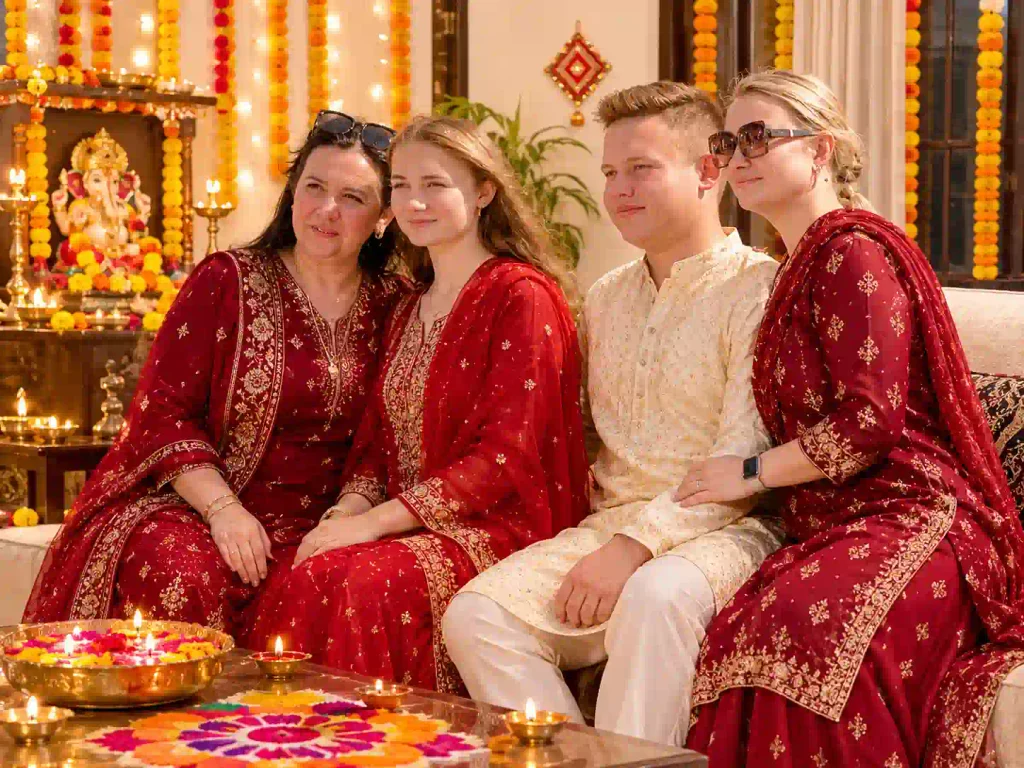
✨APNOTAK PROMPT BOX
How to Create Diwali Photos Using ChatGPT
Here, I use ChatGPT image Editor for making Diwali Photos. You can follow the given below steps to make your own festive images.
Step 1: Open ChatGPT
Go to ChatGPT web or app. Now, signup & login to it and open a new chat.
Step 2: Upload a Clear Reference Photo
On ChatGPT click on plus icon and upload well lit condition photo of you & your partner as per the requirements. You can check the demo, which will clearly show if it required a single or couple photos.
Step 3: Choose Your Favorite Prompt
You need to choose the prompt from the above which you like the most. A demo also provided above the each prompt for your conveniance.
Step 4: Send it to Generated Image
Now, click on send to generate and wait for the image generation process to finish.
Step 5: Refine the Generated Image
Once the generation process completed, your image will be ready. Here you must check the generated image because sometime AI can make mistakes. If you found any mistake at this stage just rectify it with a simple text prompt on particular mistake and send it to regenerate. Although, I share all the prompt above are test by me using ChatGPT and all are perfectly working as per my end user experience.
Step 6: Save and Share Your Photo
Finally, save the best result after carefully review it about facial detail and other small mistakes. You can also share it with you friends, family or your social media audience.
If you like festival AI photo editing prompts, explore our Radha Rani Photo Editing Prompts.
Note: Image-generation and editing features, availability and usage limits can vary depending on your ChatGPT account and the features available to you.
Tips for Getting Better Results from ChatGPT Diwali Prompts
A detailed prompt can make it easier to show what kind of image you want. Here are some things to think about.
- Use a clear reference photo: To create a more consistent portrait you must upload a good lighting and visible facial features image.
- Describe traditional clothing clearly: If you want to personalize any prompt, you must specify saree colors, embroidery, jewelry, bangles, and other details instead of simply requesting a festive outfit.
- Choose natural lighting: Your personalized prompt must be clearly mention about lighting condition like soft moonlight, warm diyas, and gentle golden highlights which can create a believable festive atmosphere.
- Keep the background simple: A few carefully described decorations often look more realistic than an overcrowded setting.
- Preserve facial identity: Ask the image editor to keep your recognizable facial features and natural proportions.
- Check the final result: Look for unusual hands, jewelry, facial changes, or spelling errors before sharing the image.
Conclusion
A Diwali photo shoot does not necessarily mean that you get yourself into your festive pose. Feel free to change a location, wear something traditional but never tried before or reproduce the warm mood of an old photo from your family album during Diwali. That is when you may find Diwali AI Photo Editing Prompts 2026 helpful.
Give the retro portrait, diya photography or couple prompts a try along with your reference images and decide what style suits you best. If you have made a unique Diwali photo with the help of ChatGPT, don’t hesitate to leave your prompts or experience in the comment section below. We will be happy to find out about new ways to expand our collection.
Related AI Photo Editing Prompts You May Like
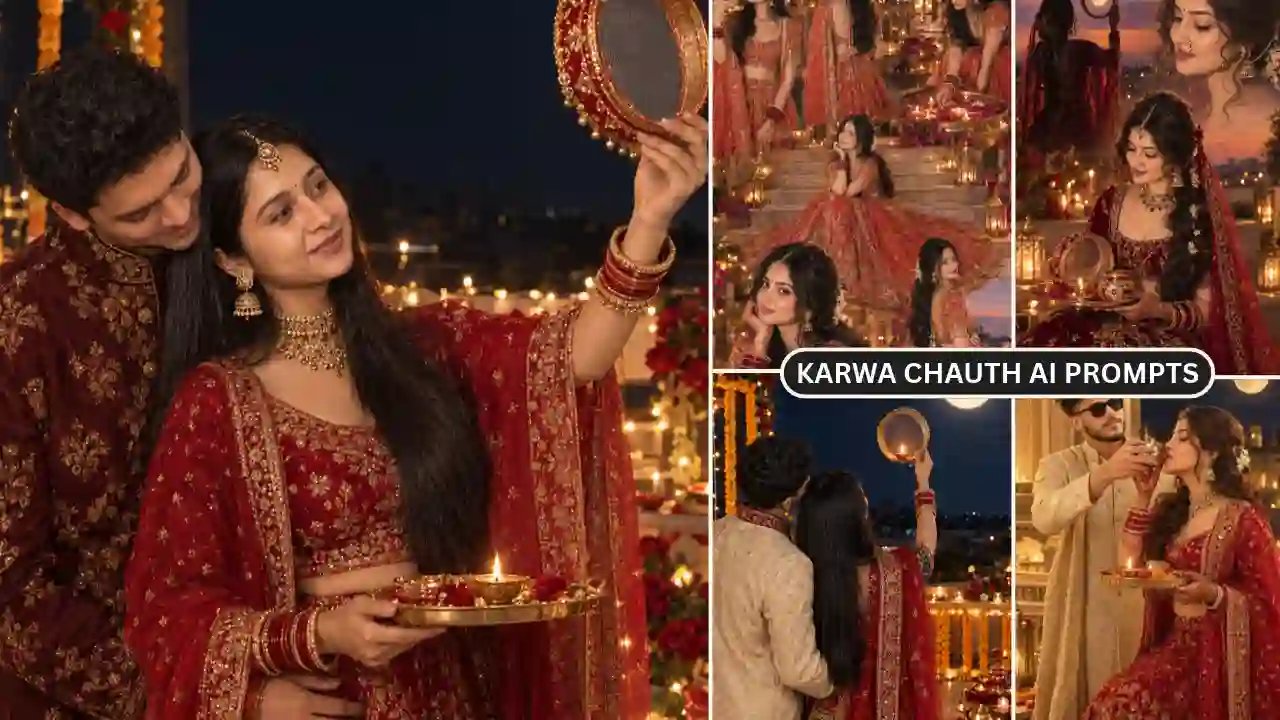
- Karwa Chauth AI Photo Editing Prompts
- Petrol Pump AI Photo Editing Prompt
- Cinematic Music Portrait AI Photo Prompt