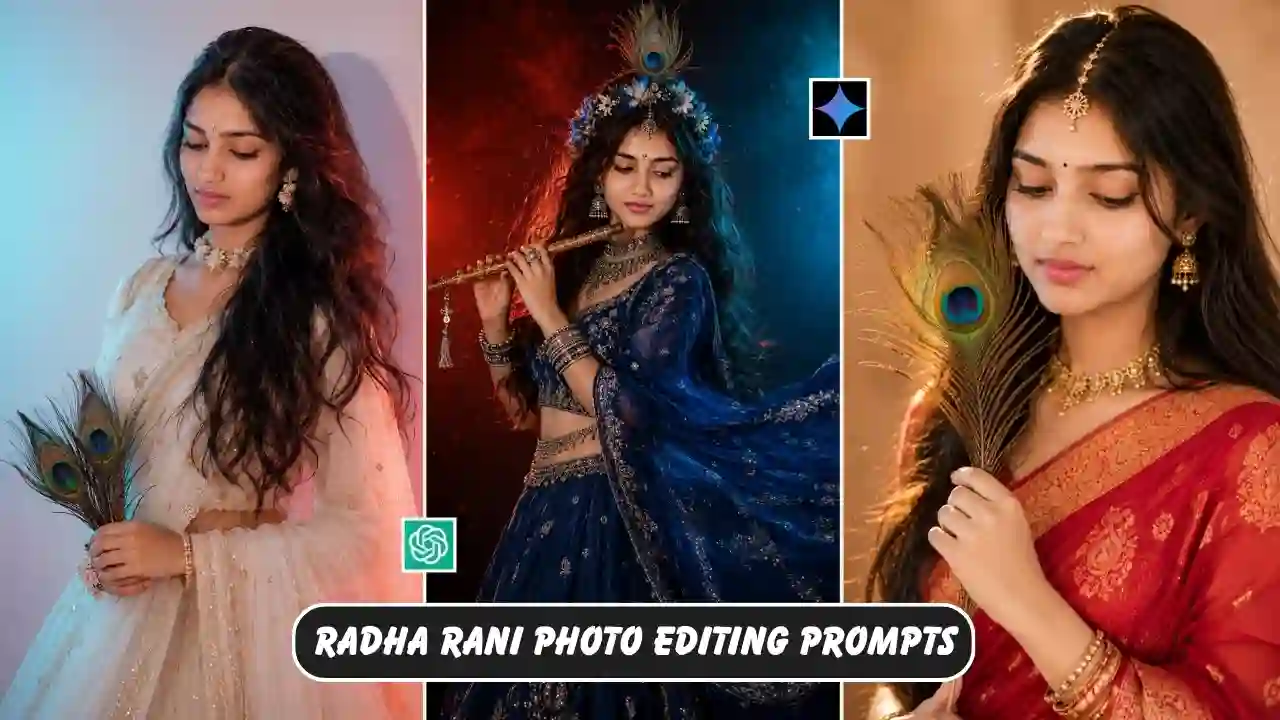
Radha Rani Photo Editing Prompts 2026: Radha Rani photo editing is becoming increasingly popular on social media. Devotional and traditional styles of photography are developing rapidly and can now be turned into beautiful scenes with flowers, diyas, traditional clothing, temple-inspired backdrops and a soft, cinematic atmosphere. Radha Rani-inspired photo edits are another style that work well for this type. You don’t need to know how to use Photoshop to edit your pictures. Providing AI with a clear image and prompt allows you to create completely new versions of your photos while still being able to keep your own face and personality recognizable.
In this guide, I have put together several Radha Rani photo editing prompts for 2026 that you can copy and try with your own image. I have also included a few variations so you can experiment with different outfits, backgrounds and moods instead of creating the same image everyone else has. Looking for another festival-themed AI photo editing idea? Try our Janmashtami AI Photo Editing Prompts.
What Is a Radha Rani AI Photo Editing Prompt?
A photo editing prompt is simply a set of instructions that tells an AI tool what you want to change or create in an image. For example, you can upload your portrait and ask the AI to:
- Give you a traditional Indian outfit
- Create a Vrindavan-inspired background
- Add flowers and diyas
- Use soft golden lighting
- Add traditional jewellery
- Create a devotional poster
- Change the image to a 9:16 or 4:5 format
- Keep your original facial identity
Instead of manually making all these changes in an editing application, the AI does most of the work from your written instructions. The final result will depend on your original photograph and the AI tool you use, so don’t worry if the first generation isn’t perfect. If you enjoy cinematic AI photo editing prompts, explore our rainy-day portrait ideas.
How to Create a Radha Rani AI Photo
Once you have selected a prompt, the actual editing process is quite straightforward.
1. Pick Your Best Photograph
Use a clear photo where your face is visible. A single-person portrait generally works better than a group photograph.
2. Open Your AI Photo Editor
Use an AI tool that supports image uploads and prompt-based image editing.
3. Upload Your Photograph
Add the image you want to transform.
4. Copy One of the Prompts
Choose the style you like from this article and copy the complete prompt.
5. Personalise It
This is where you can make the result your own. For example, change:
- Pink outfit → Red outfit
- Evening → Morning
- Garden → Temple-inspired setting
- 9:16 → 4:5
- Golden lighting → Soft natural lighting
6. Generate the Image
Send the photograph and prompt to the AI tool and wait for the result.
7. Check the Details
Before sharing it, zoom into the image and look at:
- Face
- Eyes
- Hands
- Fingers
- Jewellery
- Clothing
- Background
- Text
If something looks strange, ask the AI to fix that particular problem instead of starting over.
Radha Rani Photo Editing Prompt 2026
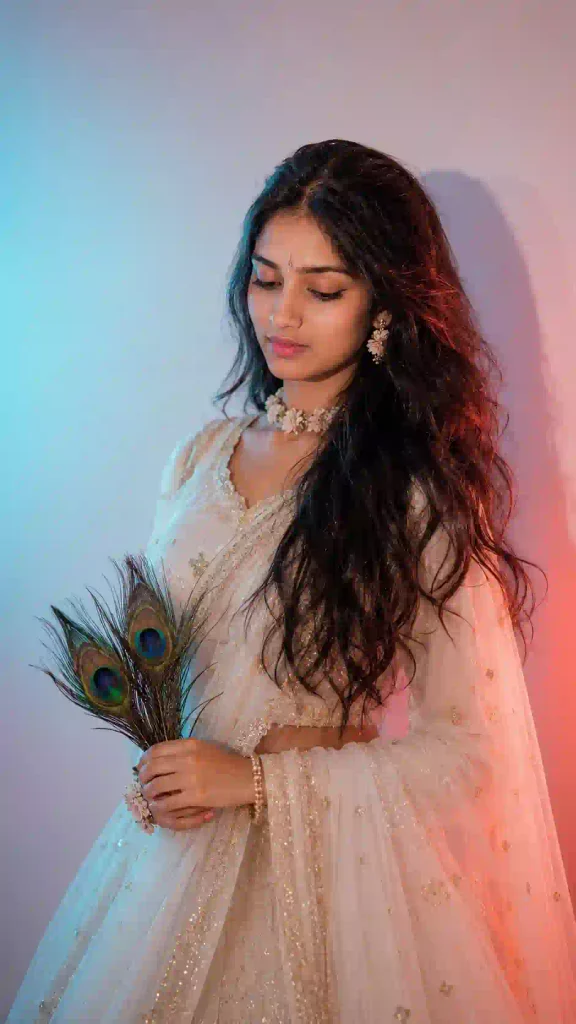
✨ AI Prompt
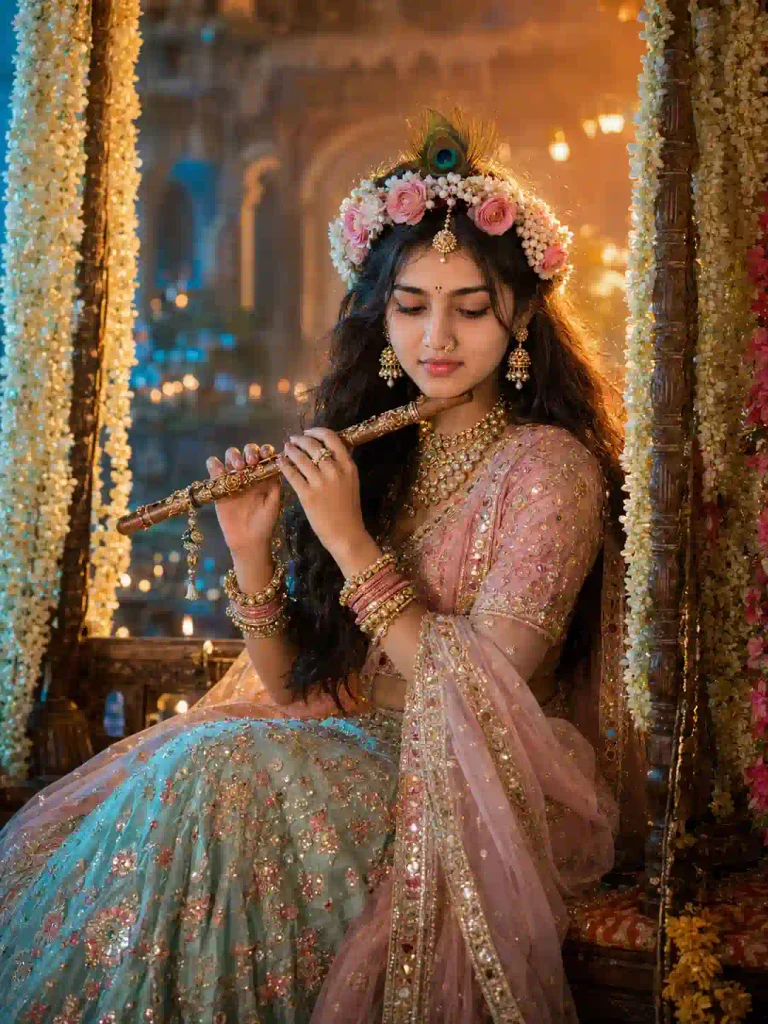
✨ AI Prompt
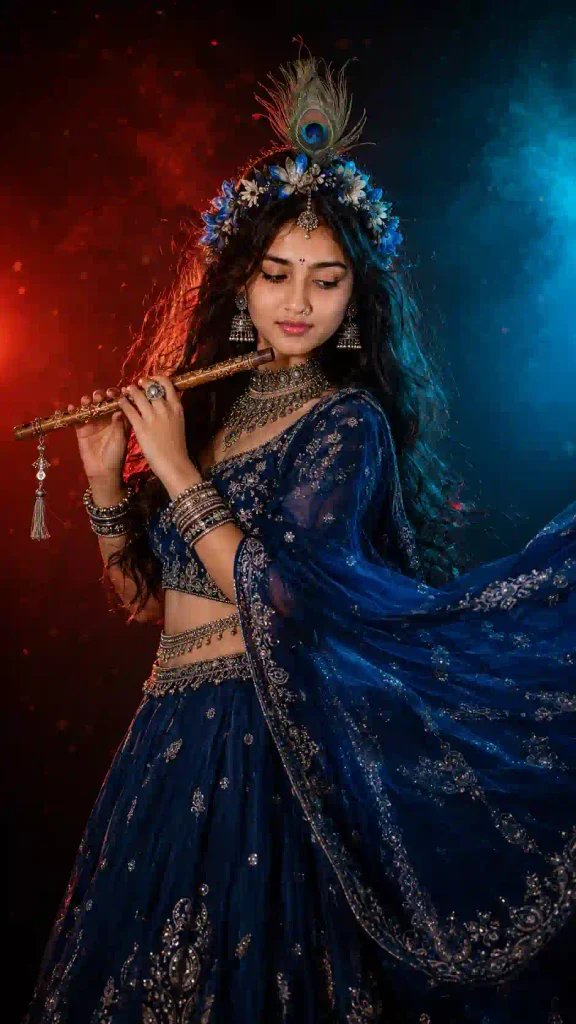
✨ AI Prompt
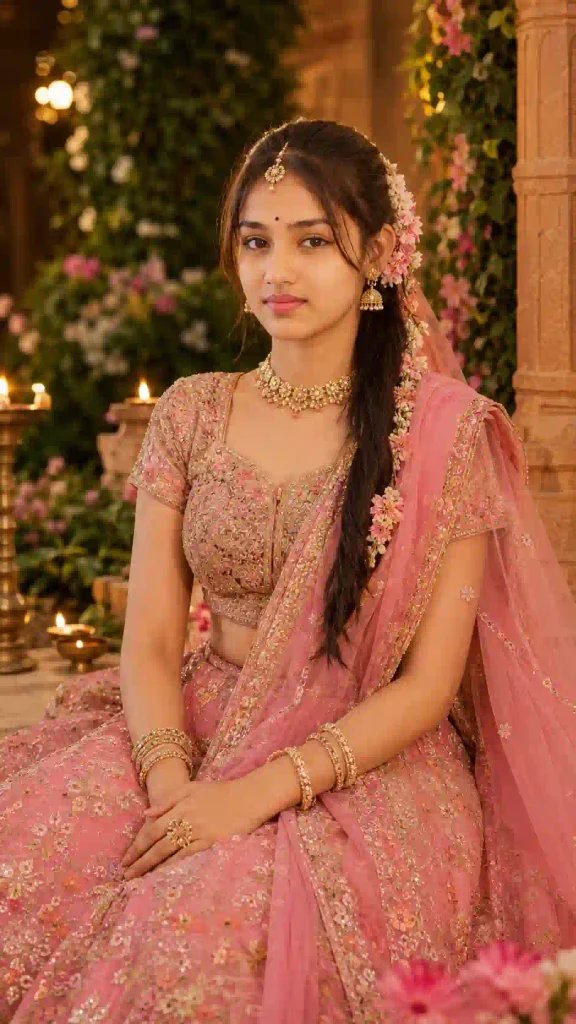
✨ AI Prompt
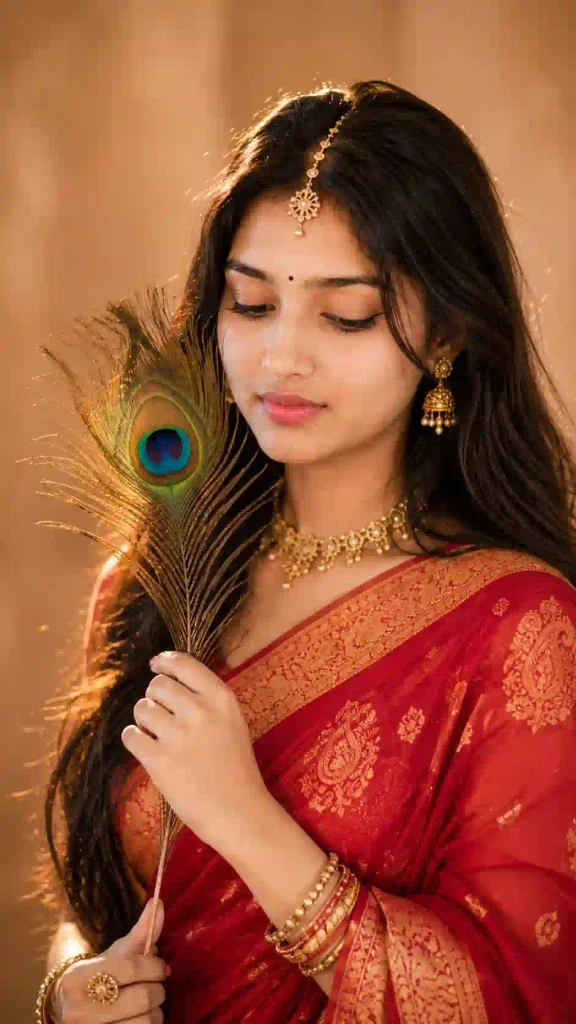
✨ AI Prompt
Can I Use These Prompts With ChatGPT or Gemini?
Yes, This feature is available in certain versions/plans of our AI tools that support image generation/editing. Upload your image and add the prompt you would like to use. You can also add any additional changes that you would like the AI to make. This newly generated image can then be re-edited for another purpose, for example a devotional poster based on this portrait. Different tools often generate very different results even when you use the same prompt.
Are These Radha Rani Photo Editing Prompts Free?
The prompts in this post have been written as copy ready for your use. As to whether or not you can use image generation for free – well that depends on the platform you’re using. Typically, basic generation is free, but as you look to more advanced features, you’ll often need to sign up for a subscription or credits. Be sure to check the current usage limits of a feature before generating a large number of images. You can also try out our Aesthetic Profile Picture DP Editing Prompts.
Radha Rani Photo Editing Prompts 2026: FAQs
What’s the best Radha Rani photo editing prompt for 2026?
There is no single best prompt for Radha Rani photo editing for 2026. The best prompt is typically the one that clearly states the subject, clothing, background, lighting, and composition that you are looking for.
Can I use my own photo?
Yes. The reference photo for the AI editing can be your own photo that you upload to the AI editing tool.
What type of photo works best?
For best results, a clear, reasonably well-lit single-person image is usually a good starting point. Try to avoid heavily filtered, blurry or extremely dark photos.
Can I make a Radha Rani AI photo in 9:16?
9:16 aspect ratio is good for making Radha Rani AI photos for Instagram Stories, Reels, YouTube Shorts, and WhatsApp Status.
Can I change the outfit colour?
You can change the suggested colors to any other that you want to use.
Why does AI sometimes change my face?
The inconsistency in the performance of AI editing is also true for changes in pose, lighting, etc. of the environment. Reference images and identity-preservation in editing have to be clearly specified.
Can I add “Radhe Radhe” to the image?
Yes. You can request devotional text in the prompt, but always inspect the final image for spelling and typography errors.
Can boys create these devotional AI photos?
Yes. The same concept can be adapted for male portraits by changing the outfit and styling while keeping the traditional devotional environment.
Final Thoughts
AI photo editing has become a means to create traditional and devotional photographs in an experimental way. You don’t need a high-end camera, a complex setup or a lot of photo editing experience to make these photographs inspired by Radha Rani. Use one of the above prompts to create your first version. If this isn’t quite right, start making changes one at a time. Perhaps change the lighting, the outfit, the background, or the way the person is posed. You can then see the effects of that change in the next generation.
Also, keep the design simple and respectful. Instead of loading up a picture with lots of effects, go for a natural and beautiful portrait of Radha Rani surrounded by lovely flowers in a peaceful setting with soft lighting. You can use these prompts as a starting point and modify them as you like. You can change the colors, move to a different location, change to a different time of day such as morning or evening and even create a completely different devotional poster. You can use one of these prompts to create a Radha Rani-inspired photo and save your favorite version to share on Instagram Story, WhatsApp Status, Facebook post or as your devotional profile picture.