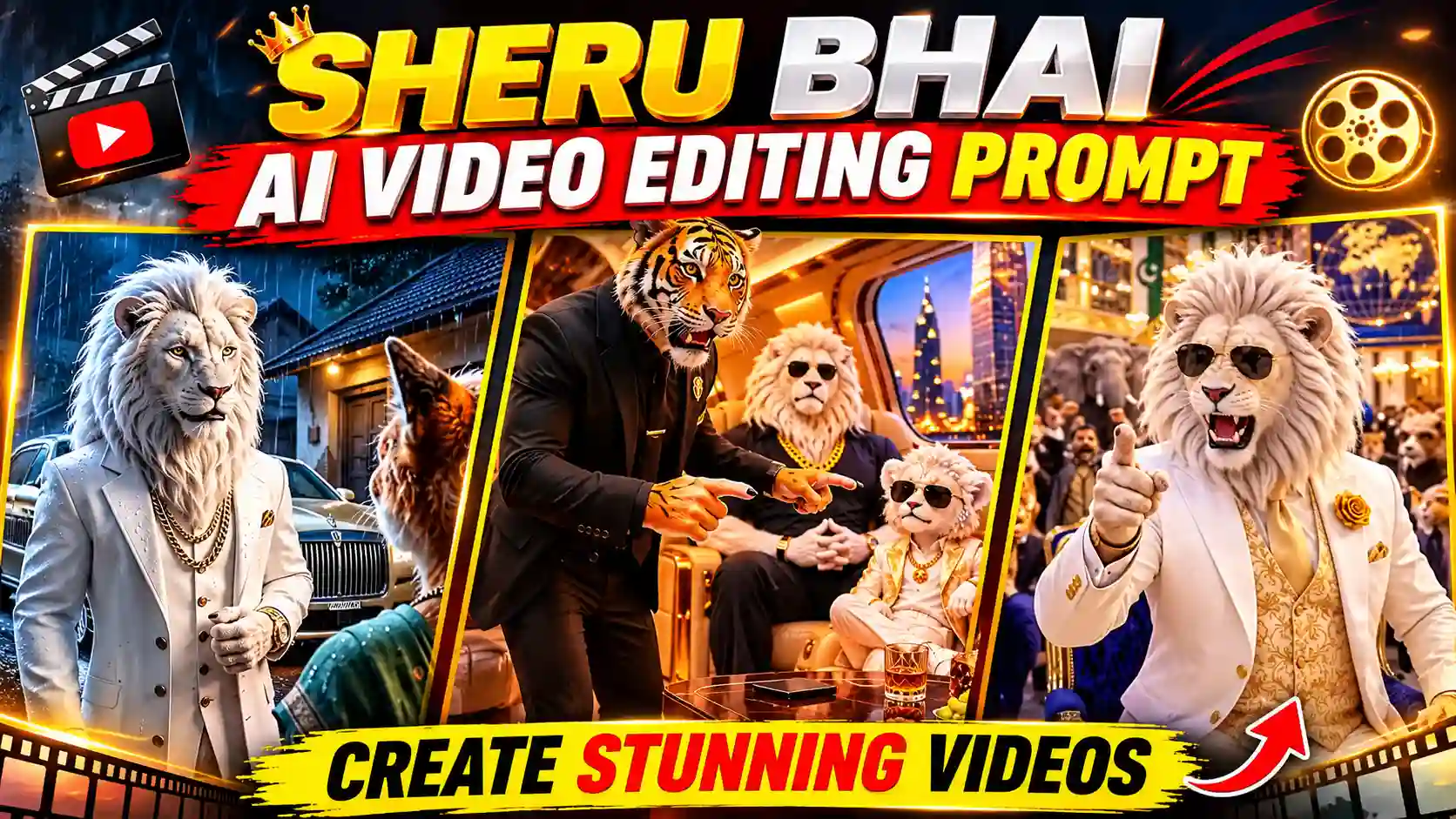
Want to create a trending Sheru Bhai AI video for Instagram Reels and YouTube Shorts? You can now create eye-catching AI videos using simple Sheru Bhai AI video editing prompts. Moreover, you don’t need professional video editing skills to create such an amazing animation video. The Sheru Bhai AI video editing trend is perfect for creators who love cinematic characters, stylish visuals, and viral short videos.
You can create impressive videos using your own style with AI tools like Google Gemini, Flow AI, and other video generators. In this tutorial, you’ll learn how to create a Sheru Bhai AI video using step by step process. Additionally, you’ll get a ready-to-use AI video editing prompt. You can also try our Trending Mercedes Car AI Video Editing Prompt.
What Is the Sheru Bhai AI Video Editing Trend?
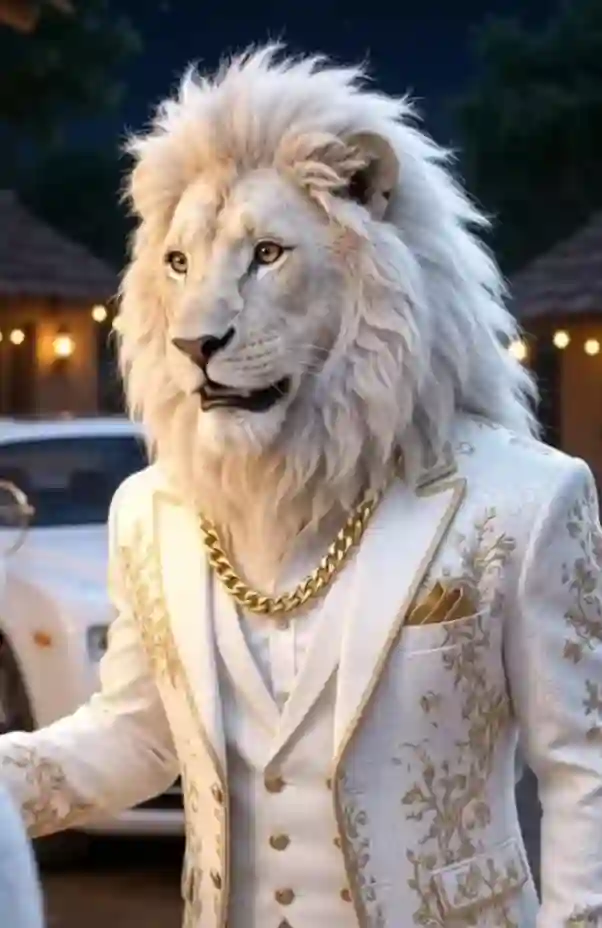
Sheru Bhai AI video features a lion but it appearance like human means it wear a cloths, watch, showoff like human. A small story is been created mostly show off it watch with another funny level. You can write your own story or you can use AI for everything from script writing to animated voiceover. It focuses on powerful character appearances, stylish outfits, dramatic backgrounds, and realistic movements. You can also customize the character’s appearance using your reference photo. The best part is its simple workflow. Just upload your image, enter the right prompt, choose your story and generate your video. You can also explore about How to Create Long AI Story Videos.
Complete Workflow to Create Sheru Bhai AI Story Videos
Creating a Sheru Bhai AI Story Videos is easier when you build it one scene at a time. First, create the story and dialogue on ChatGPT or you can use your own story. Then turn each scene into a video prompt or select the story to get the video prompt. Now, on Google Flow make the AI generated video clips one by one. Finally, combine all AI generated video into one short story video. If you want to create full story using AI then start with the given below master prompt.
Sheru Bhai AI Video Editing Prompt
✨ AI Prompt
Steps to generate Sheru Bhai AI Story on ChatGPT
Here you will get the steps which will be followed to create a Sheru Bhai AI Story using AI. First, go to ChatGPT and signup & login to it. Now, copy the master prompt from the above and paste it into the ChatGPT prompt box. Now, send to generate stories. Choose the story you like the most, then put the number of that story on ChatGPT prompt box to turn that story into individual AI video prompts.
For short-form content, I recommend starting with around 10 seconds per generated clip. You can create several short clips and combine them later rather than trying to generate the entire story in one video.
Create Sheru Bhai AI Story videos on Google Flow
After the creation of video prompt on ChatGPT, open Google Flow to create the animated video. Don’t forget to sunup and login to it. After that copy the video prompt from ChatGPT and paste it on Google Flow one at a time to make the corresponding AI generated video clip. After entering the prompt, review your settings. Then, generate the video. Choose 9:16 vertical aspect ratio for reels edit. Finally, save your generated video. Open VN Editor or CapCut to add finishing touches.
Frequently Asked Questions (FAQs)
1. What is Sheru Bhai AI video editing?
Sheru Bhai AI video editing is a creative video trend that uses AI tools to generate cinematic character videos from photos and text prompts.
2. Which AI tool can create Sheru Bhai videos?
You can explore Google Flow AI and other compatible AI video generators. Available features may vary by platform.
3. Can I create Sheru Bhai AI videos using my photo?
Yes. Upload your reference photograph and use an identity-preserving prompt with a compatible AI tool.
4. Can I edit Sheru Bhai AI videos on mobile?
Yes. You can use VN Editor or CapCut to add music, transitions, effects, and text.
5. Which video ratio is best for Instagram Reels?
A vertical 9:16 aspect ratio is recommended for Instagram Reels and YouTube Shorts.
Conclusion
The Sheru Bhai AI Video Editing is very easy with the help of AI tools like ChatGPT & Google Flow. You just need to carefully follow the editing workflow above. Add all AI generated video using VN Editor or CapCut or any other editing software but do it carefully. Apnotak.com always try to introduce you with the trending AI video prompts. If the above tutorial help you through the entire editing process then leave a beautiful comment and stay tuned for the latest updates.
Related AI Video Editing Prompts You May Like
- Funny Snake Video Prompt
- Trending Aura Farming Korean AI Video Editing Prompt
- Zombie Apocalypse AI Video Editing Prompt