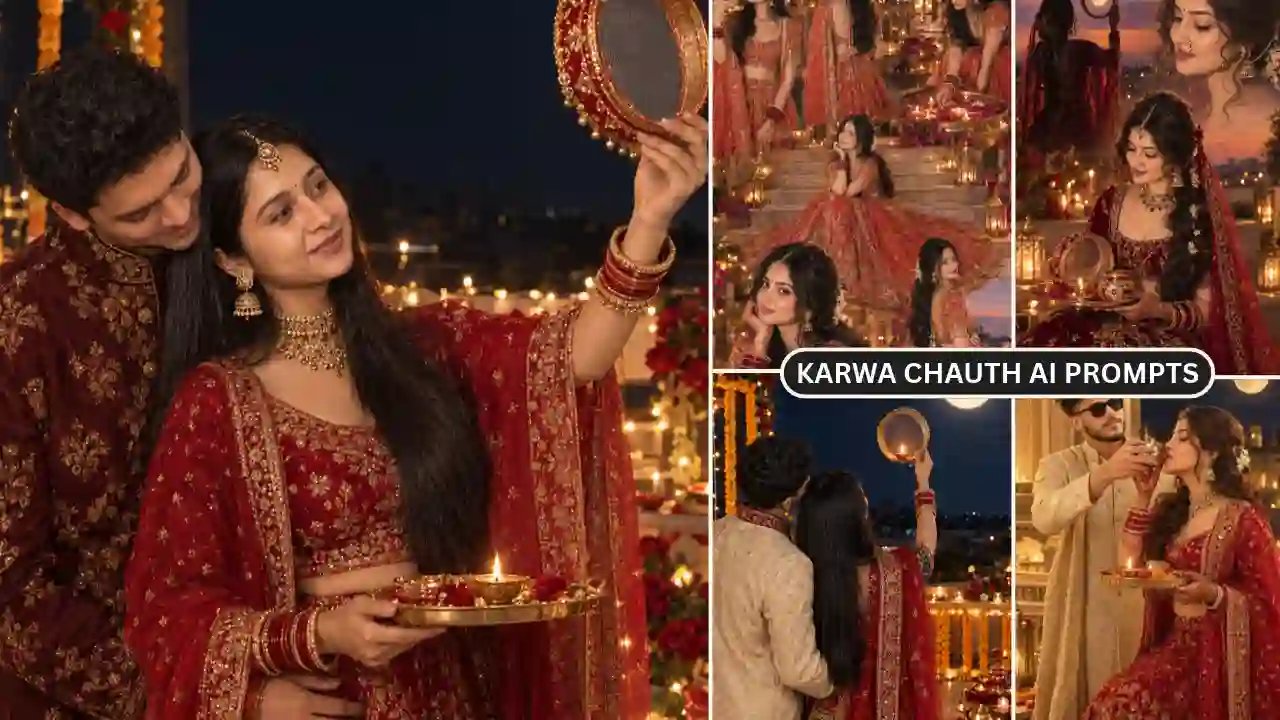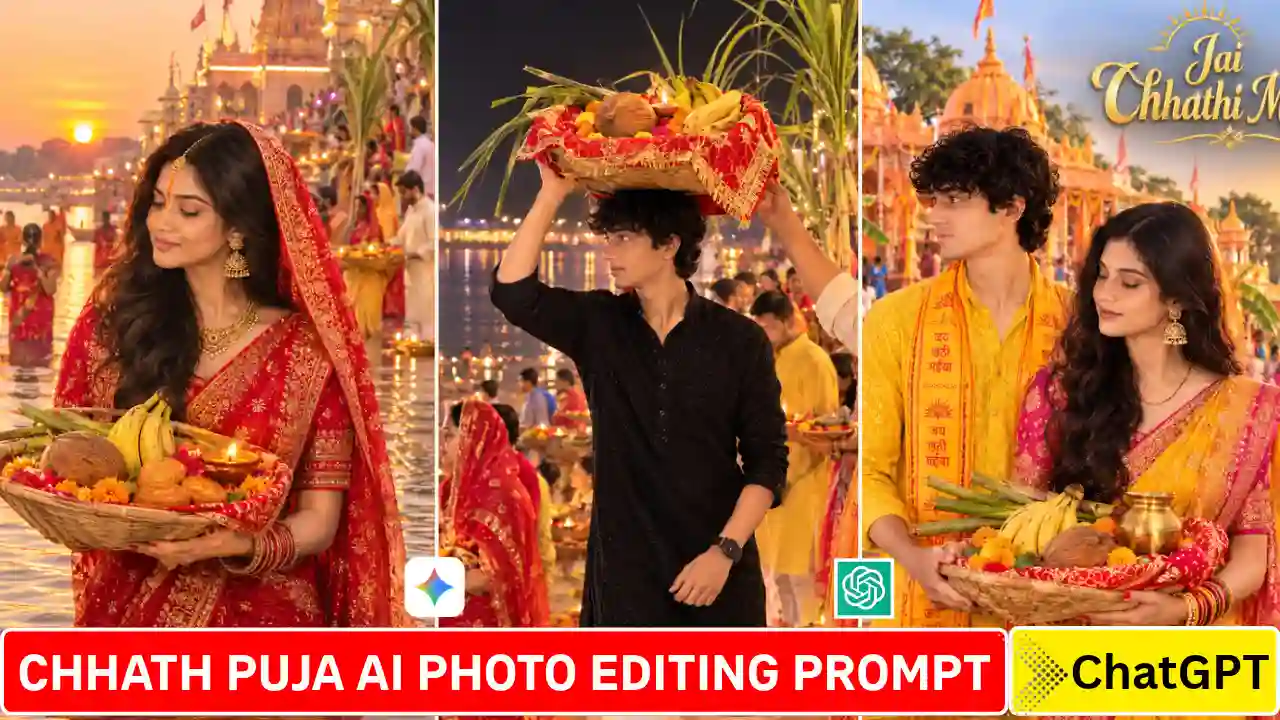
Chhath Puja AI Photo Editing Prompt- Chhath Puja is undoubtedly one of the most spiritual festivals in the Hindu religion. It is celebrated in India mainly in the states of Bihar, Jharkhand, and Uttar Pradesh. It’s a festival celebrated in the honor of Sun God where rituals are performed at riverfronts during sunrise and sunset. Vibrant colors of diyas, imposing structure of devotees in their beautiful attires and calm manner of performing rituals at riverfronts is what the festival looks like.
Now this year, there is a great way of experiencing Chhath Puja through the power of ChatGPT or Google Gemini. You can use the AI tool to generate beautiful pictures of the festival using only your smartphone and a text prompt. This article will guide you step-by-step on how to make Chhath Puja AI photos using ChatGPT as well as Google Gemini, with ready-to-use text prompts that you can use straightaway.
Why Use Google Gemini or ChatGPT for Chhath Puja Photo Editing?
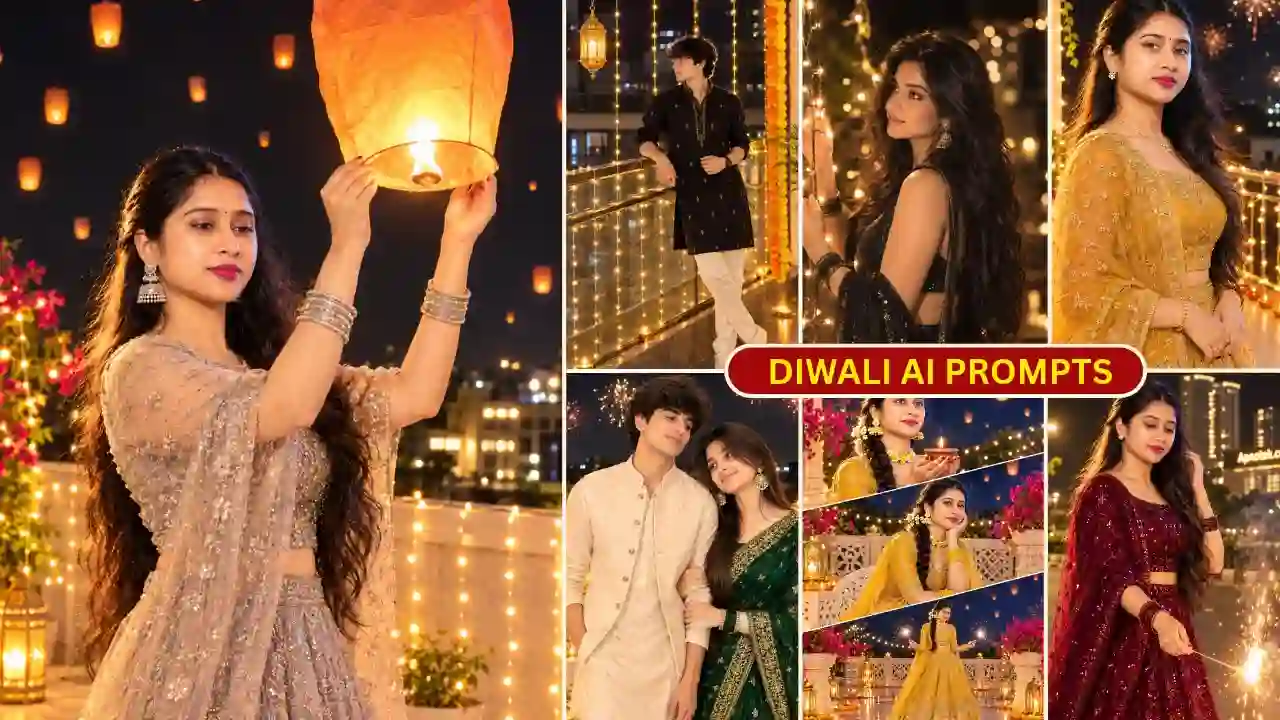
As you know, Chhath photo is shot directly into the sun, half in water, in either the last ten minutes of daylight or the first ten of dawn. Real photo shoot in this situation is quite difficult and need a good editing skills considering the briteness adjustment and lighting condition. That is why people are chooseing AI to edit this kind of photo without any such issues. ChatGPT and Google Gemini both the tools are very useful to edit Chhath Puja photos because it only need text instruction and reference image to edit such photo. You can also try our Diwali AI Photo Editing Prompts.
Chhath Puja AI Photo Editing Prompt 2026
Chhath Puja photographs look especially beautiful with traditional outfits and festive decorations. Imagine standing beside a river during the beautiful evening sunset. Girls can create stunning portraits wearing traditional red or yellow sarees. Boys can choose stylish kurtas with traditional gamchas. Similarly, couples can create beautiful pictures together at decorated Chhath ghats.
You can also include traditional offerings, bamboo baskets, fruits, sugarcane, and glowing diyas. These details make your AI photographs look more authentic. The best part is that you can customize every photograph. Simply select your favorite style and copy its prompt. Looking for another festival-themed AI photo editing idea? Try our Radha Rani Photo Editing Prompts.
1. Chhath Puja Girl AI Photo Editing Prompt
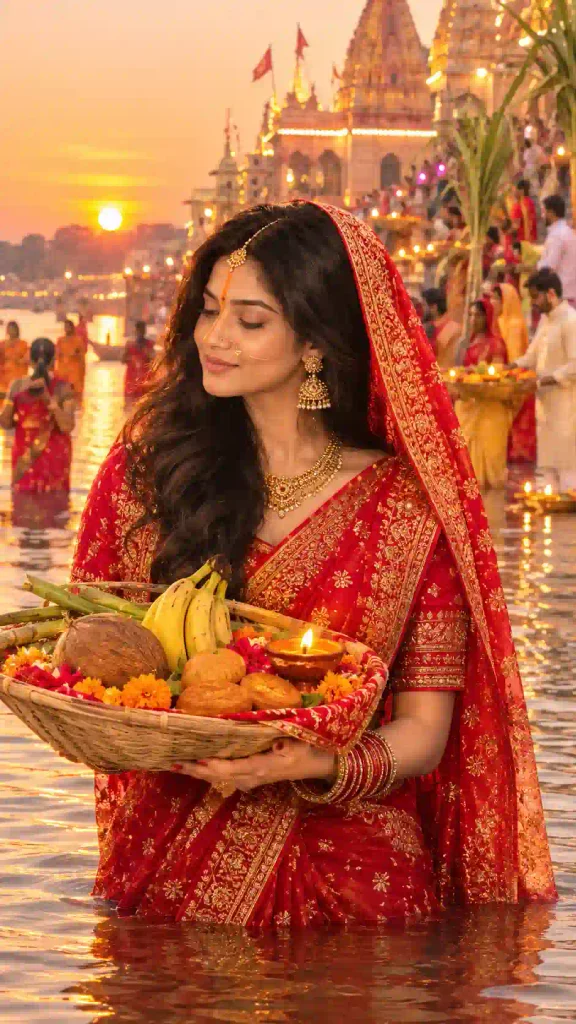
✨ AI Prompt
2. Chhath Puja Boy AI Photo Editing Prompt
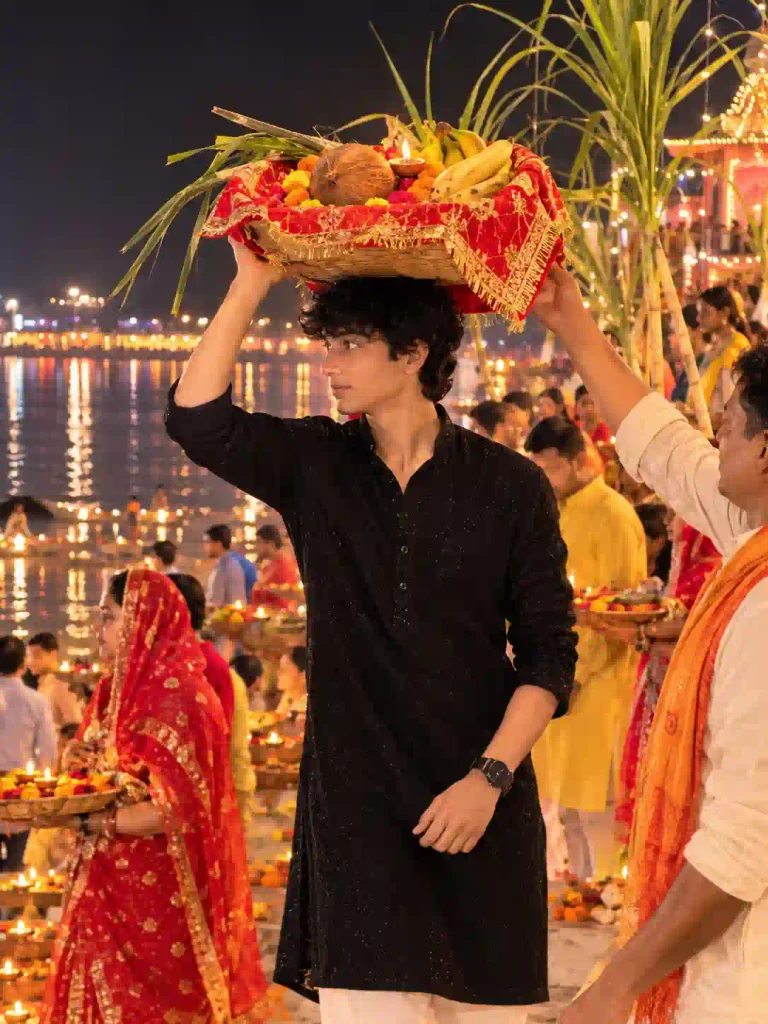
✨ AI Prompt
3. Chhath Puja Couple AI Photo Editing Prompt
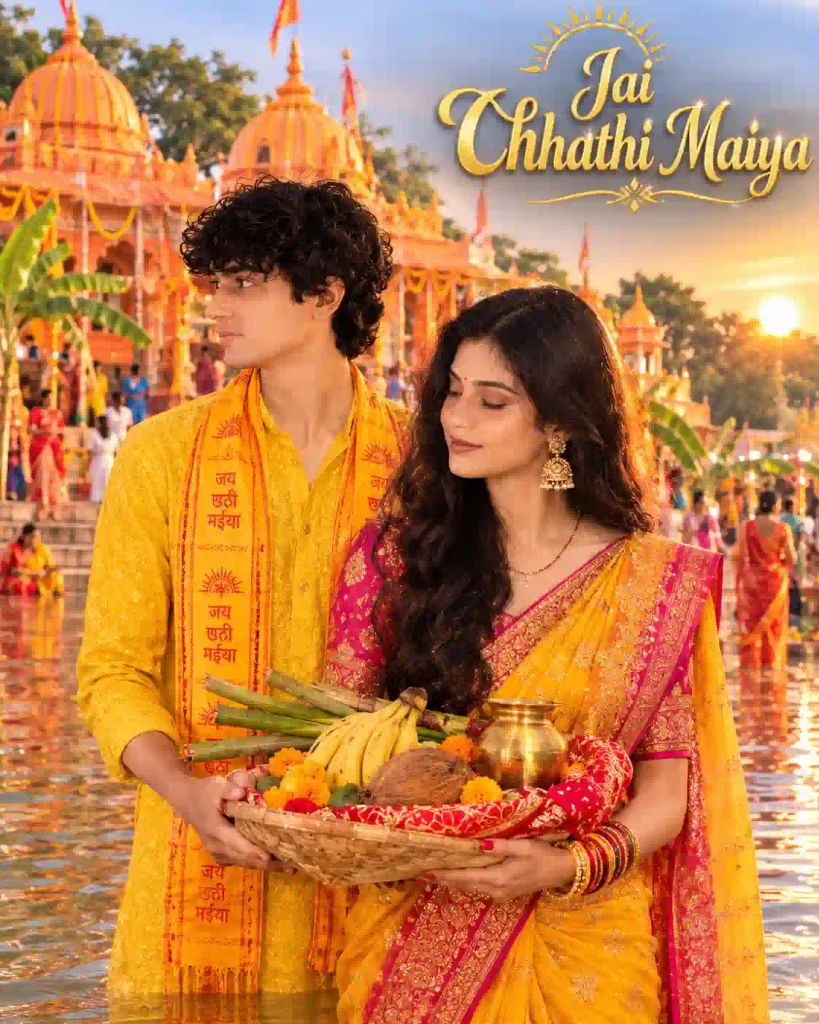
✨ AI Prompt
4. Golden Chhath Puja AI Photo Editing Prompt
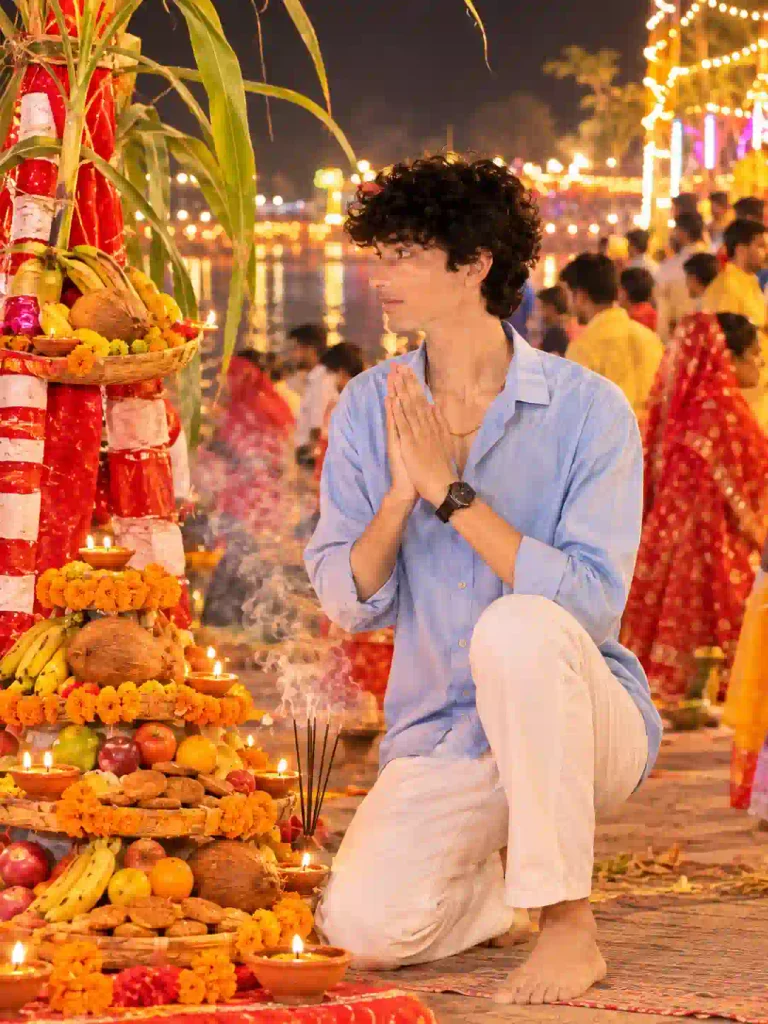
✨ AI Prompt
How to Create Chhath Puja AI Photos Using ChatGPT and Gemini
Creating these festival photographs is simple, even for beginners. You can use ChatGPT or Google Gemini on your smartphone.
Follow these steps:
- Open the ChatGPT or Google Gemini application.
- Select your favourite Chhath Puja AI photo prompt.
- Copy the complete prompt from this article.
- Open the AI application and upload your personal photograph.
- Paste the copied prompt into the message box.
- Check the instructions and submit your request.
- Wait while the AI generates your festival photograph.
- Review the generated image and request changes if necessary.
- Finally, save your favourite photograph to your smartphone.
That’s it! Your Chhath Puja AI photo is ready to share. If you like cinematic AI photo editing prompts, explore our rainy-day portrait ideas.
Tips for Getting Realistic Chhath Puja AI Photos
Follow these simple tips to improve your AI-generated photographs:
- Use Clear Photos: Upload a sharp photograph with your face clearly visible.
- Choose Good Lighting: Avoid extremely dark or overexposed reference pictures.
- Preserve Your Identity: Include clear instructions about original facial features.
- Copy Complete Prompts: Don’t accidentally remove important prompt details.
- Upload Both Photos: For couple portraits, provide clear photographs of both individuals.
- Try Different Styles: Experiment with poses, outfits, backgrounds, and lighting.
- Check Final Results: Review facial details, hands, clothing, and background elements.
Moreover, you can request small changes whenever the first result looks different. AI tools may not preserve facial details perfectly in every generation.
Why These AI Photos Are Going Viral
There are many reasons why Chhath Puja AI Images are going viral on social media. First, it enables individuals to observe the festival in a creative way, despite the fact that they might not be physically attend the rituals at the riverbank. Second, many people who live away from their native place use such pictures to feel attached to their culture and traditions.
The photos are also highly shareable and generate lots of engagement on Instagram and Facebook. The combination of traditional elements with modern AI technology creates a unique appeal that resonates with both younger and older generations.
Final Thoughts
The Chhath Puja AI photo editing prompts help people create beautiful pictures related to the celebration without planning a costly photo shoot. In this article, we have given some prompts that can be used for girls, boys, and couples. The prompts can be used using ChatGPT and Google Gemini. Simply provide a good reference image and paste your desired prompt. You can then personalize the background, traditional costume, and photographic technique.
Lastly, share your best creations with your loved ones. We hope these Chhath Puja AI photo prompts would help you create amazing festival pictures. In case of any queries or problems while generating pictures, feel free to put your comments below. Don’t forget to share this article with your friends who enjoy AI picture creation.
Related AI Photo Editing Prompts You May Like
- Karwa Chauth AI Photo Editing Prompts
- Petrol Pump AI Photo Editing Prompt
- Cinematic Music Portrait AI Photo Prompt