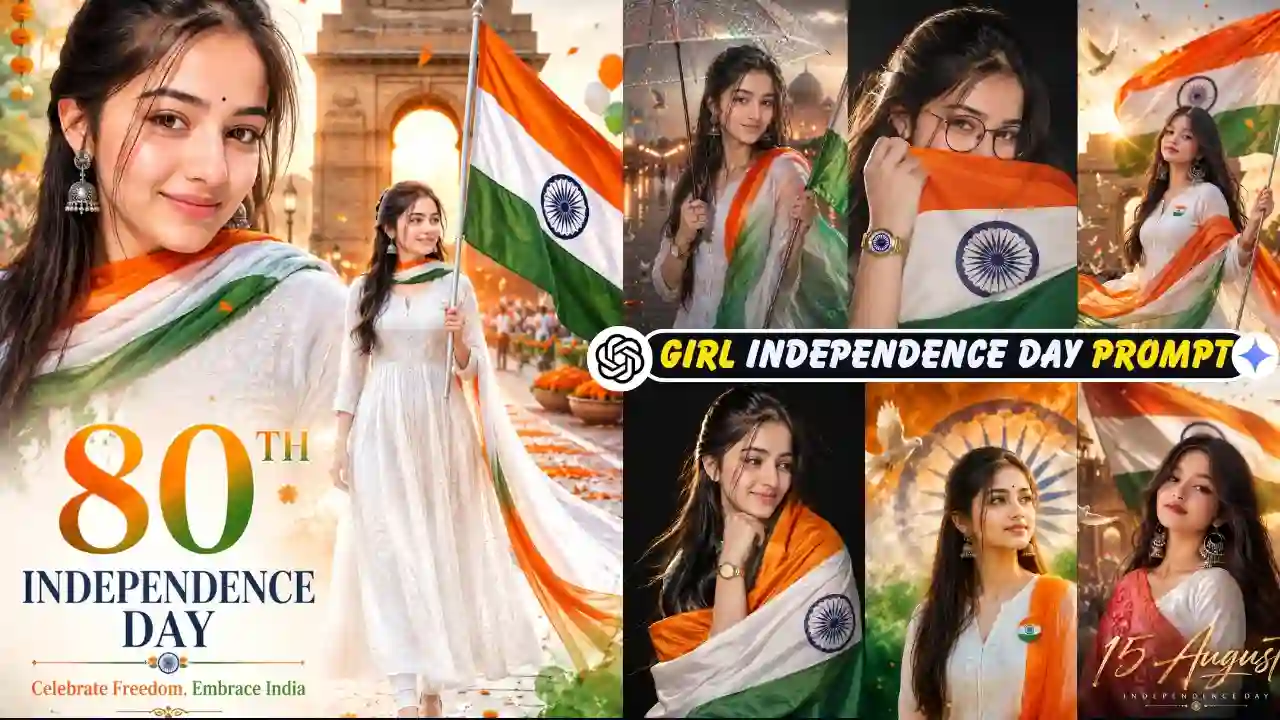
Independence Day girl AI photo editing prompts make it easy to create patriotic photos of 15 August with the help of a reference image and an AI image generation or editing tool. This means that you do not need to create a whole background scene yourself but can use the features of the AI technology to create tricolour styling, traditional Indian clothes, landmarks, cinema-inspired, and rainy Independence Day backgrounds.
In this post, I have prepared for you 7 unique Independence Day AI photo editing prompts for girls and women. Each of the prompts is based on a particular visual concept, which varies from patriotic portraits and Indian landmarks to cinematic and rainy Independence Day backgrounds.
The presented prompts can be modified and used for the creation of unique images of your choice. You just need to change the outfit, the place, or something else, depending on your preference. You can also try out our Boy 15 August AI Photo Editing Prompt.
Why Create an Independence Day AI Photo?
AI photo editing allows an artist to play with various Independence Day imagery ideas without creating each of the components manually. An appropriate reference photo can be used along with regular clothes, Indian landmarks, tricolor decorations, dramatic lighting, and a festive background to produce a customized patriotic image.
Such photos may be helpful as profile pictures, social media posts, digital greeting cards, and artworks on the theme of Independence Day. The outcome will depend on the reference photo chosen, the prompt entered, and the particular AI image generator software used.Learn More: ChatGPT Birthday Prompt
How to Create an Independence Day Girl AI Photo
An Independence Day image can be generated using an AI tool for image generation/editing that accepts input images. An Independence Day prompt will be used alongside the reference image you select from the list.
- Choose a reference photo: Use a clear image where the face is visible and well lit.
- Choose a prompt: Select the Independence Day concept that matches the style you want.
- Open ChatGPT or Gemini: Now open Google Gemini or ChatGPT, whichever you are most comfortable with.
- Upload your photo: Add your reference image when the tool supports image input.
- Paste the prompt: Copy the selected prompt and adjust any clothing, pose, or background details you want to change.
- Generate the image: Review the first result and refine the prompt if necessary.
- Make final adjustments: If one element looks incorrect, modify that specific part rather than rewriting the entire prompt.
Looking for another festival-themed AI photo editing idea? Try our Friendship Day AI Photo Editing Prompt.
7 Independence Day Girl AI Photo Editing Prompts
The prompts below cover different patriotic styles, including Indian landmarks, studio portraits, traditional outfits, cinematic compositions, and rainy Independence Day scenes. Simply copy the prompt and customize it according to your image.
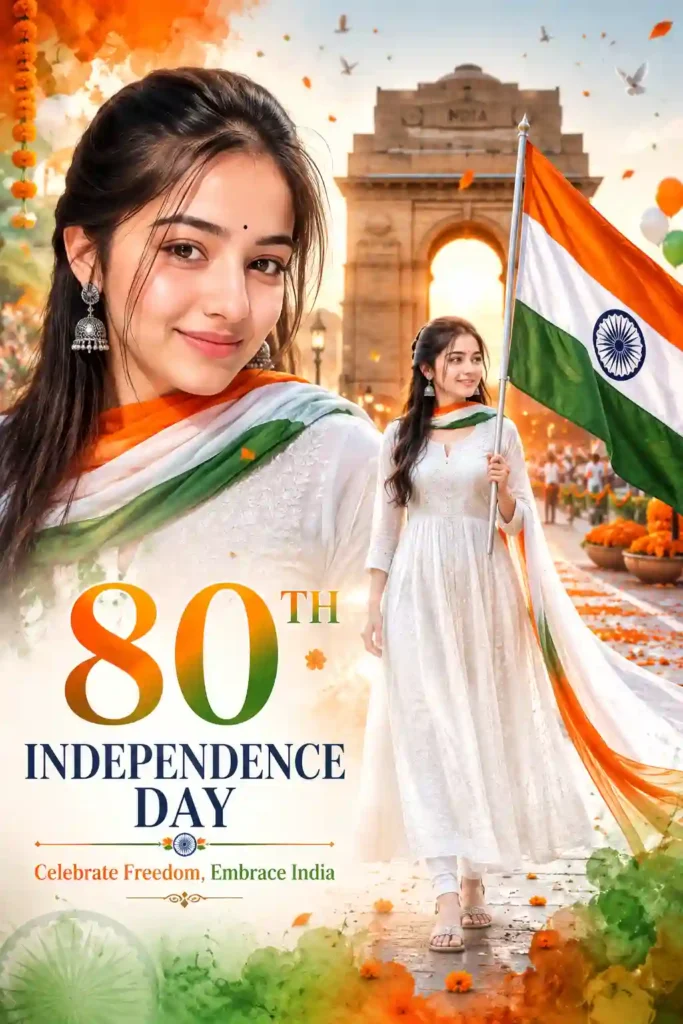
✨Prompt 1
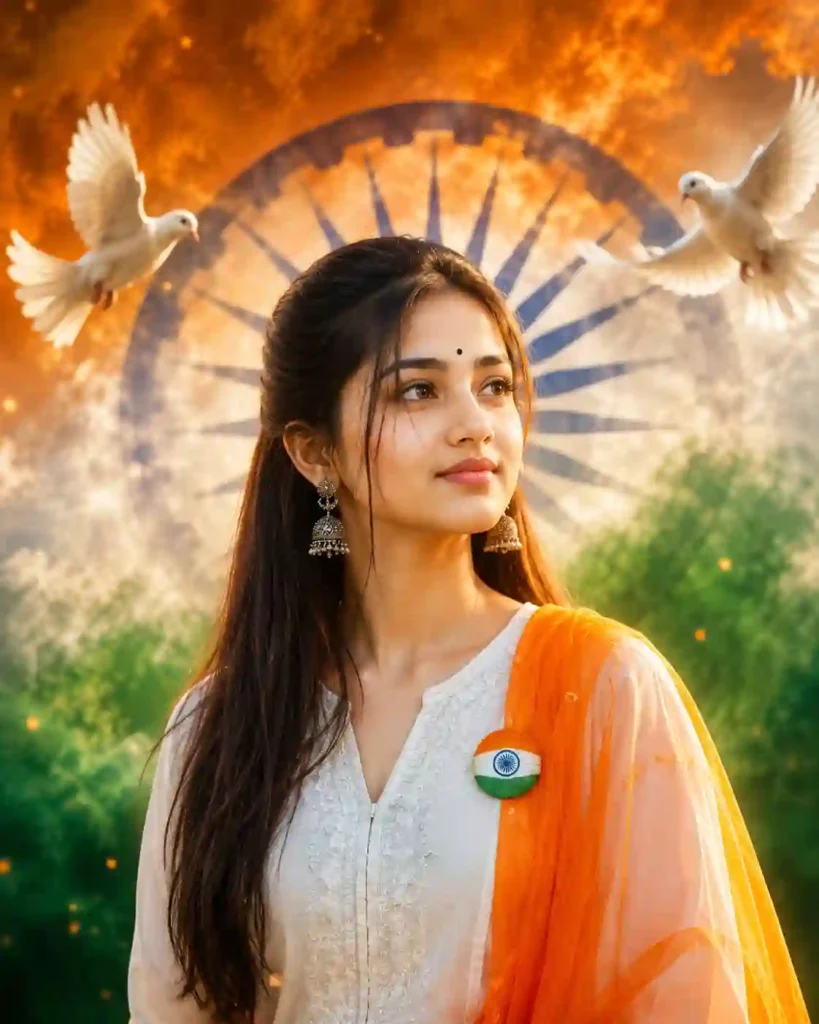
✨Prompt 2
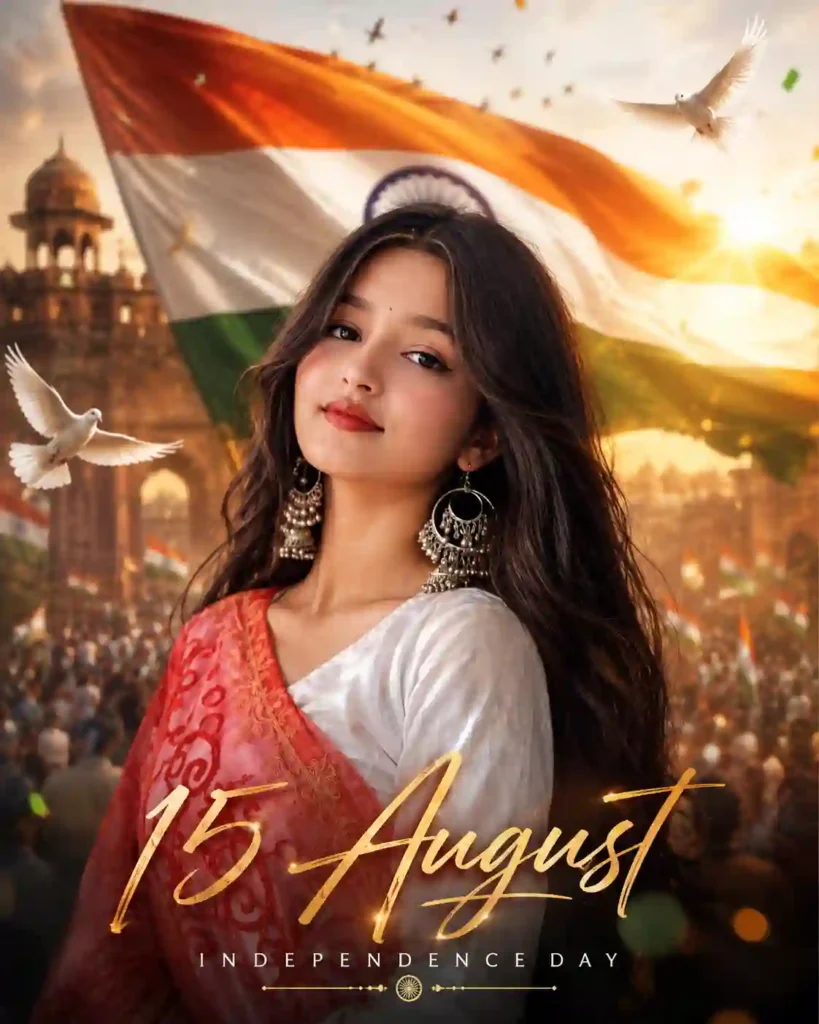
✨Prompt 3
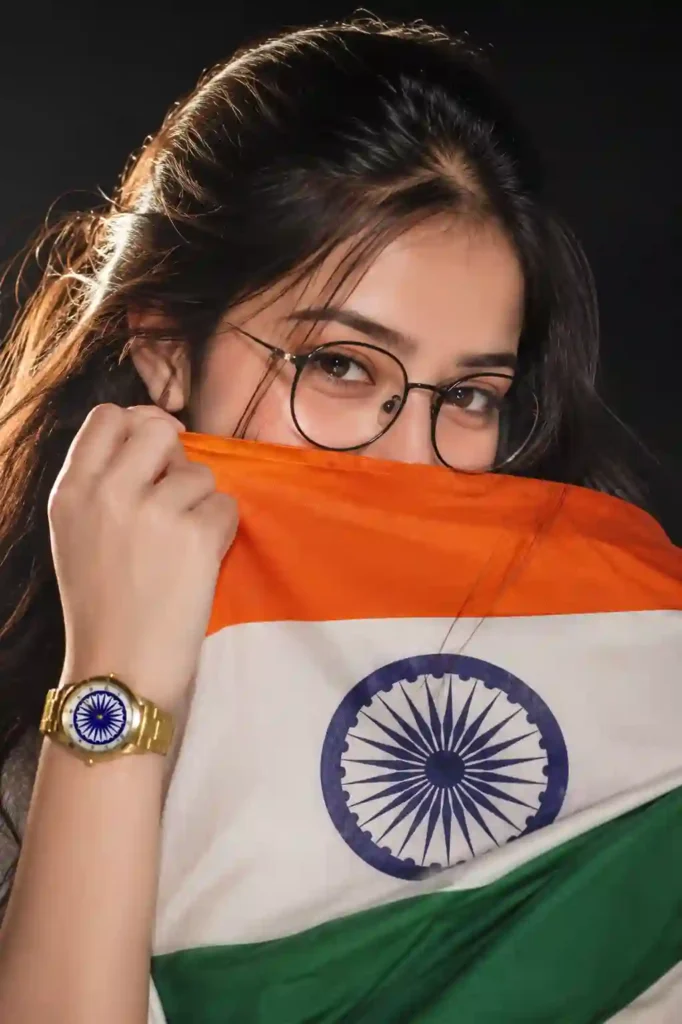
✨Prompt 4
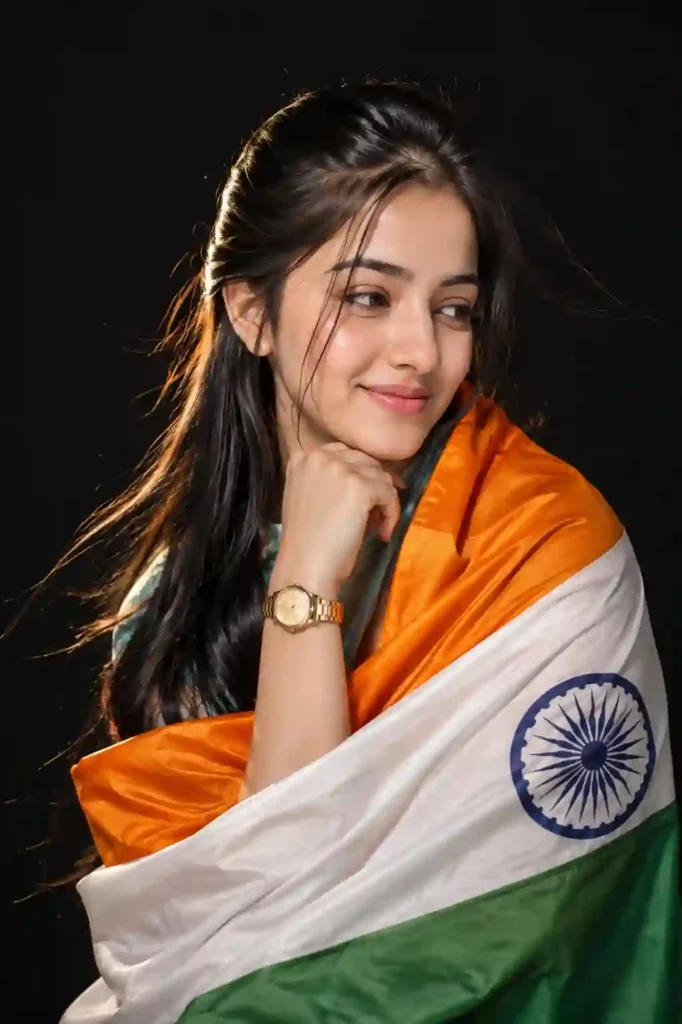
✨Prompt 5
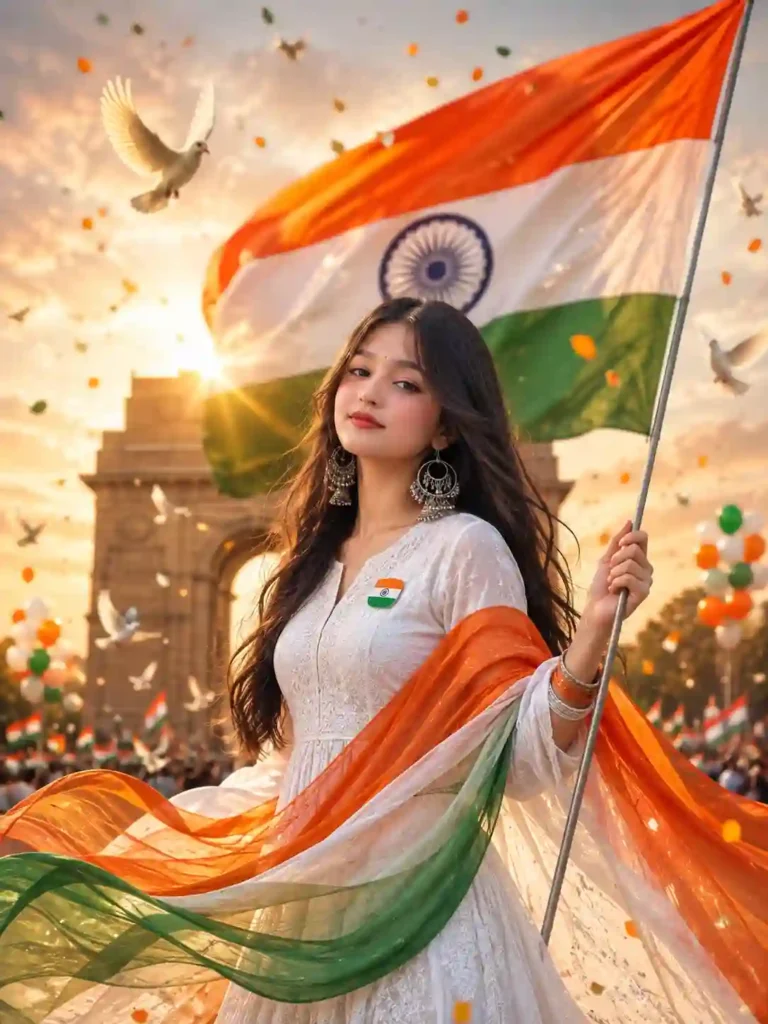
✨Prompt 6
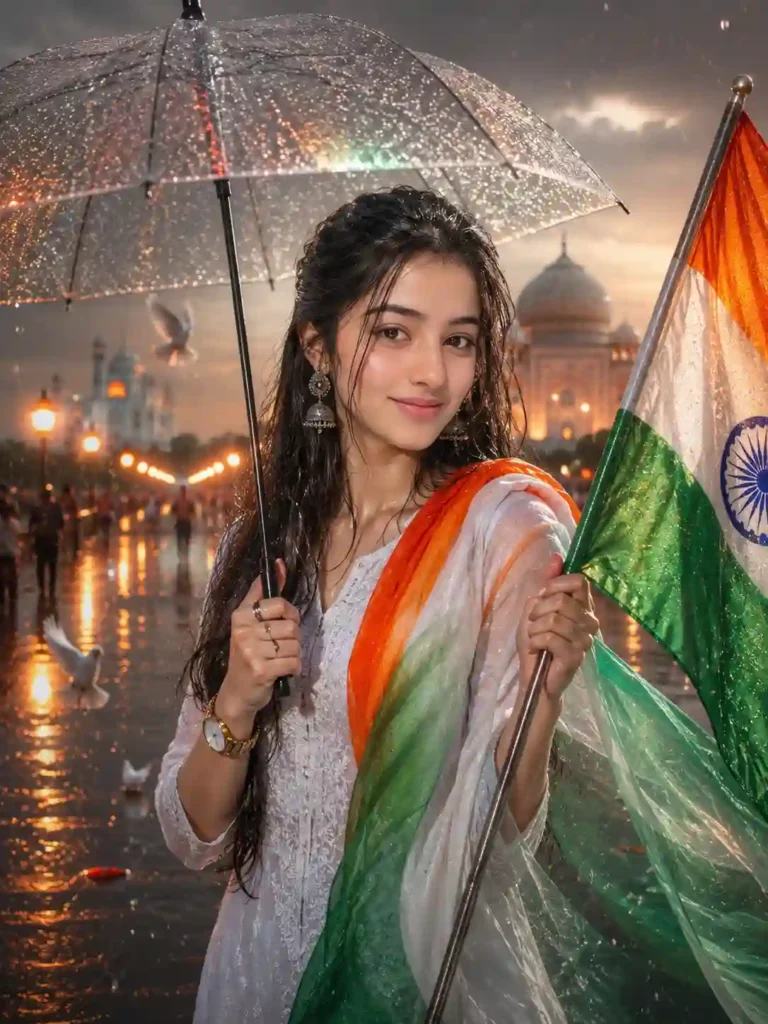
✨Prompt 7
Tips for ChatGPT and Google Gemini Prompts
While ChatGPT and Google Gemini are undoubtedly impressive AI assistants, there is some likelihood that they will interpret the same prompts differently. The former usually reacts well to vivid movie description while the latter can work well when instructed to retain face identity. Nevertheless, no matter which AI assistant you are using, clarity is what will help you get impressive outcomes.
When writing prompts:
- Mention “Ask the tool to preserve the recognizable facial characteristics of the reference image.” if editing an existing image.
- Specify the clothing in detail.
- Describe the background clearly.
- Include realistic lighting conditions.
- Mention camera settings such as 85mm lens, HDR, or DSLR photography.
- Describe the desired visual result clearly: Mention the subject, composition, lighting, environment, clothing, and photographic style rather than relying on generic quality words.
These small additions can dramatically improve the final image quality. If you enjoy cinematic AI photo editing prompts, explore our rainy-day portrait ideas.
Common Mistakes to Avoid
Many newbies assume that the output will be impeccable if they provide a few sentences of instructions to AI. However, vague prompts frequently produce generic or implausible pictures. The most widespread mistake people make is forgetting to indicate that they want their image preserved and intact without any alterations to the features of the person.
Avoid prompts such as:
- “Make it patriotic.”
- “Create a beautiful Independence Day image.”
Instead, explain exactly what you want the AI to generate. Include the clothing, pose, lighting, background, camera style, atmosphere, and quality settings. A well-structured prompt almost always delivers better results than a short, generic request.
Conclusion
From these Independence Day Girl AI Photo Editing Prompts, you can try out some innovative ways of creating an Independence Day portrait based on a given reference photo. You can try out the idea of wearing Indian attire, using famous landmarks, lighting, movie set environment, and even raining on Independence Day.
If you want better results, then make sure you have a good reference photo and edit the prompts according to your required look. In case the first generation isn’t meeting your requirements, then tweak the prompts one at a time.
The goal is not to write the biggest possible prompt but to provide the AI with sufficient visual cues of what scene you are trying to create. If you find that this article helps, then leave a beautiful comment. Apnotak.com always try to update you with the latest ChatGPT or Gemini AI trending prompts and new AI trends, so stay tuned for the latest updates. Learn More: Girl Eye in Sky Photo Editing Prompts
Independence Day Girl AI Photo Editing Prompts: FAQs
Which AI tool is best for Independence Day photo editing in 2026?
ChatGPT, Google Gemini, Midjourney, FLUX, and Adobe Firefly are among the most popular options. Each has strengths, but detailed prompts generally produce the best results regardless of the platform.
How can I preserve my facial appearance in an AI-generated image?
Always include phrases such as “Ask the tool to preserve the recognizable facial characteristics of the reference image.” “Do not change facial structure,” and “Maintain original skin tone and hairstyle.” Uploading a clear, high-resolution reference photo also helps.
Which camera keywords improve image quality?
Keywords like Sony A1, Canon EOS R5, 85mm lens, HDR, Golden Hour, Volumetric Lighting, and Shallow Depth of Field often produce more realistic results. They can help describe a photographic look.
Can I use these prompts for YouTube thumbnails and Instagram posts?
Yes. Simply specify the desired aspect ratio, such as 16:9 for YouTube thumbnails, 1:1 for Instagram posts, or 9:16 for Stories and Shorts.
Why are detailed prompts better than short prompts?
Detailed prompts provide the AI with precise instructions about identity, clothing, lighting, background, camera settings, and composition, leading to more accurate, realistic, and visually appealing images.