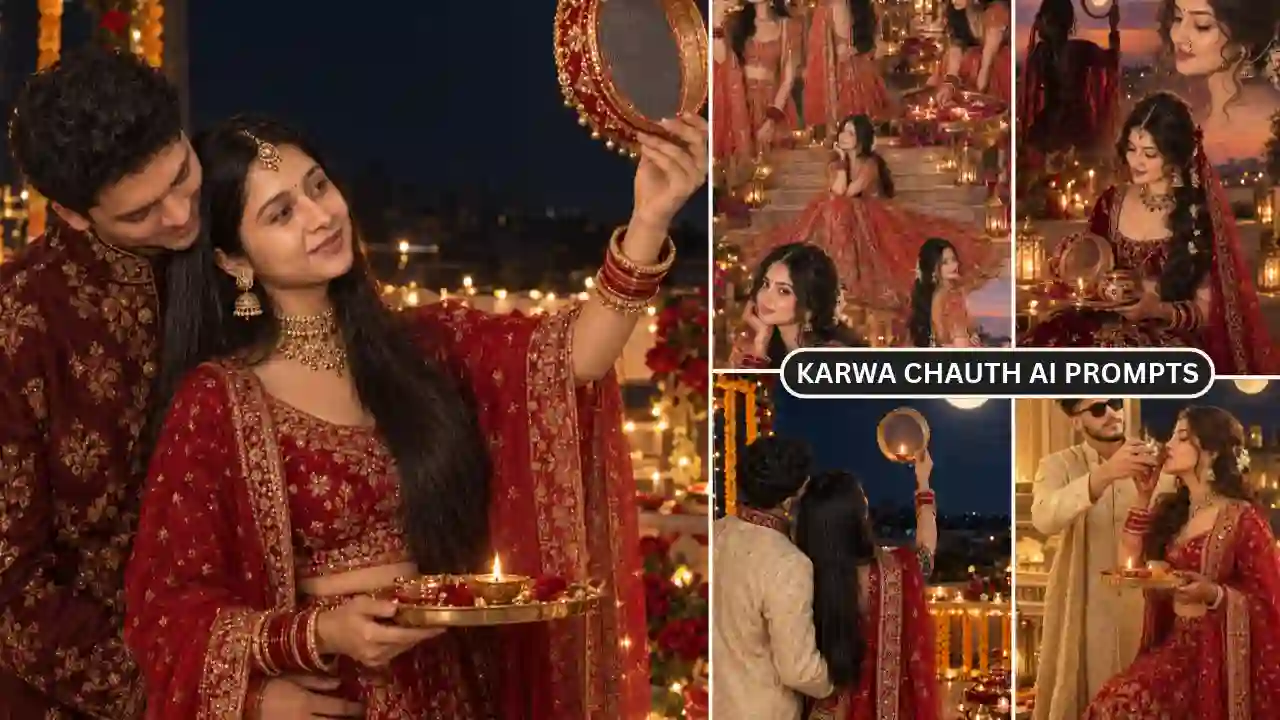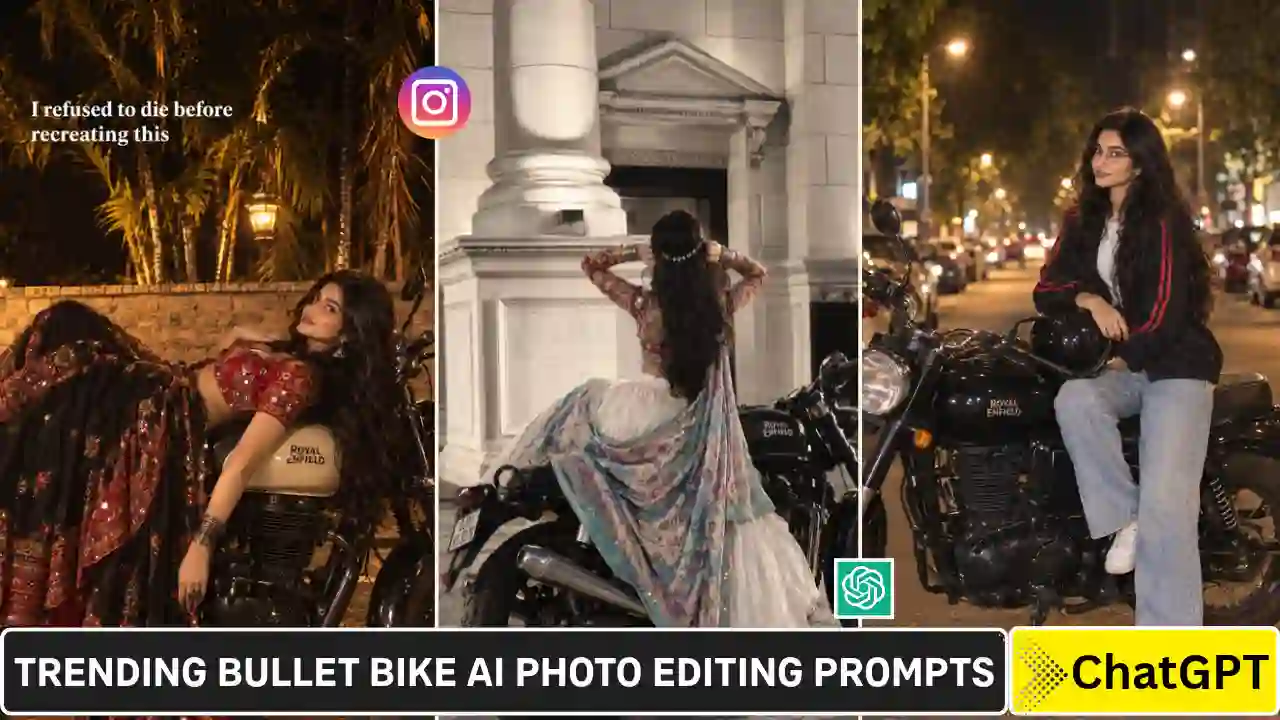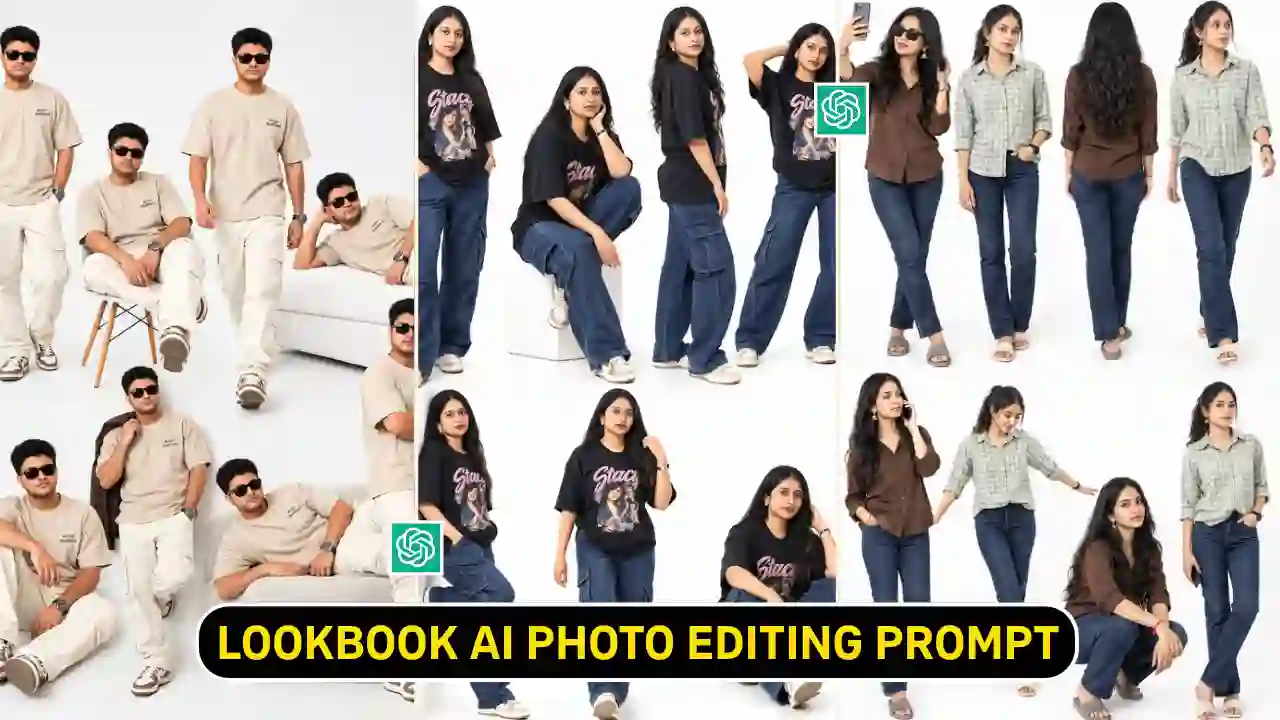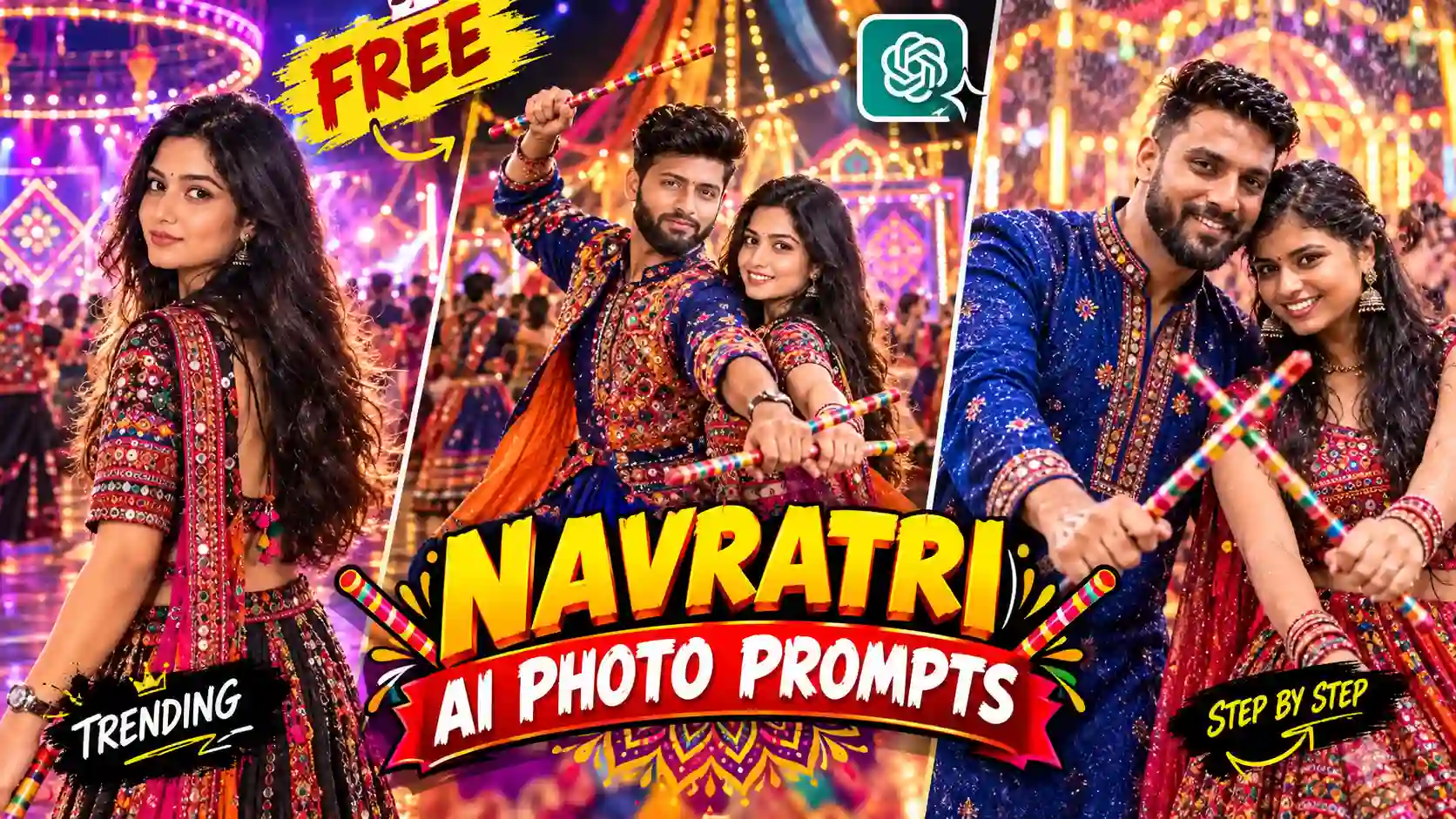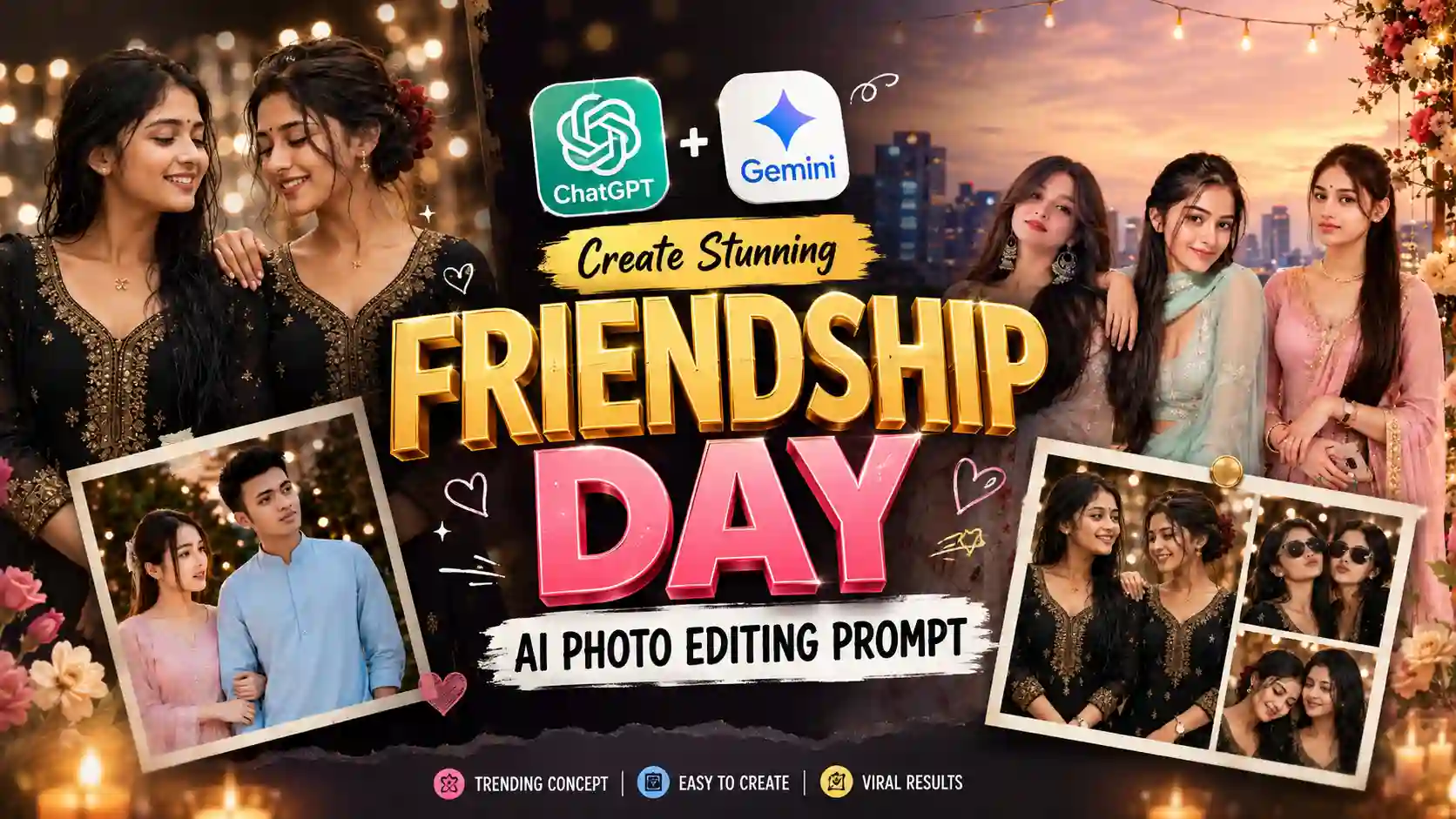
Friendship Day AI Photo Editing Prompt- Friendship Day is one of the most beautiful festivals of the year. Rather than posting selfies or common greeting cards, today, a lot of people use AI photo editing tools like ChatGPT to make beautiful Friendship Day posters with themselves and their friends.
No matter whether you’re making posts on Instagram, WhatsApp status, Facebook, Pinterest, or YouTube community, you have the option to make AI-generated Friendship Day posters with cinematic effects.
Here in this guide, you will find some of the best prompts for Friendship Day AI photo editing in 2026 that can help you make luxury, realistic and Pinterest-style Friendship Day posters with your photos. Learn More: Girl Eye in Sky Photo Editing Prompts
Why AI Friendship Day Posters Are Trending in 2026
Artificial Intelligence has completely transformed the digital photo editing technique. Instead of spending hours in Photoshop, users can now upload their photos and generate premium-quality designs within a few minutes.
Popular AI tools like ChatGPT or Gemini can recreate your images in different artistic styles while preserving your facial identity, expressions, and overall appearance.
The biggest reasons behind this trend include:
- Ultra-realistic portraits
- Cinematic lighting
- Luxury fashion styling
- Personalized greeting cards
- Social media-ready designs
- High-resolution 4K and 8K outputs
- Easy creation without advanced editing skills
Learn More: ChatGPT Birthday Prompt
How to Create Friendship Day AI Images
Creating a personalized Friendship Day AI image is quick and easy. Follow the steps below to turn your favorite photos into stunning cinematic Friendship Day posters using AI.
Step 1: Copy the AI Prompt
First, copy the Friendship Day AI Photo Editing Prompt provided in the prompt section. These prompts are specially designed to generate realistic, high-quality Friendship Day posters while preserving the original faces and details from your uploaded photos.
Step 2: Open an AI Image Generator
Open ChatGPT, Gemini, or any AI image generator tools that support image creation from text prompts.
Step 3: Upload Your Photo
Upload a clear, high-resolution photo of yourself, your friends, or your group with good lighting conditions.
Step 4: Paste the Friendship Day AI Prompt
Paste the copied Friendship Day AI Prompt into the prompt box or chat window of your chosen AI image generator.
Step 5: Generate the Image
Click on the Generate, Create, or Send button and wait while the AI creates your cinematic Friendship Day poster.
Step 6: Download and Share Your AI Image
Once the image is generated, download it in the highest available quality and share it on Instagram, Facebook, WhatsApp, or any social media platform.
Learn More: Viral Cinematic Foggy Forest AI Photo Editing Prompts
Friendship Day AI Photo Editing Prompt
Copy the Friendship Day AI prompt provided below and use it in your favourite AI image generator.
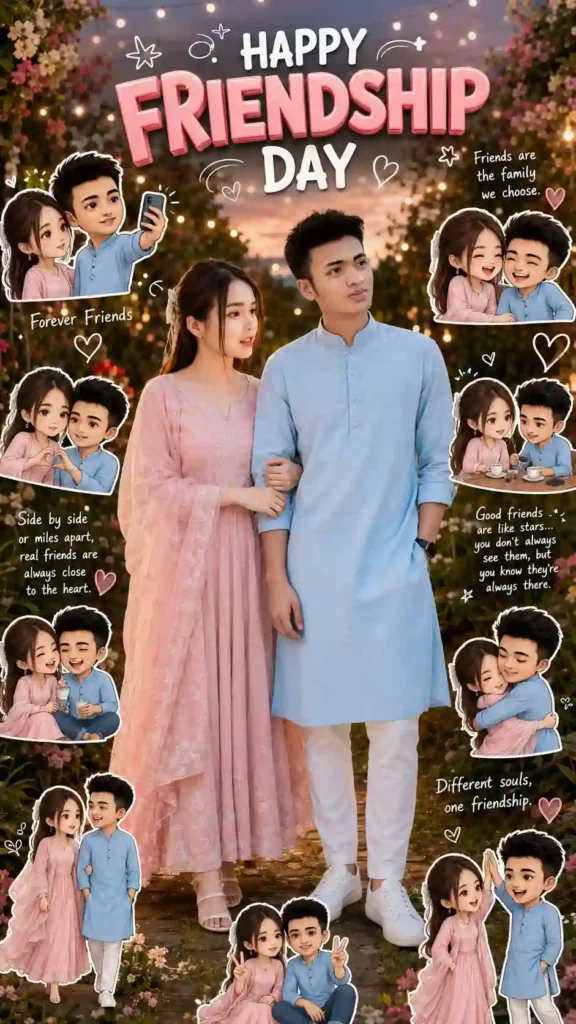
✨Prompt 1
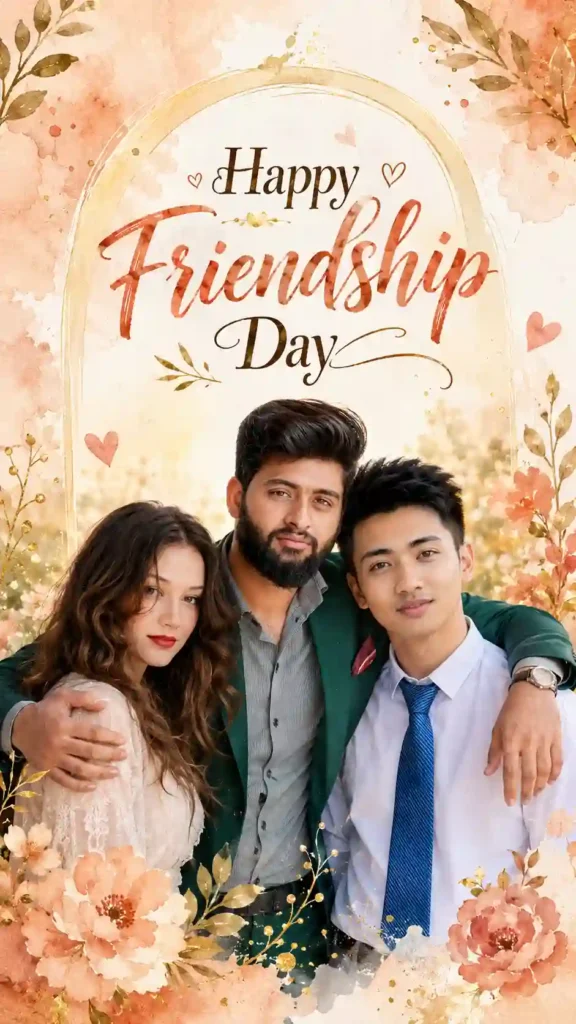
✨Prompt 2
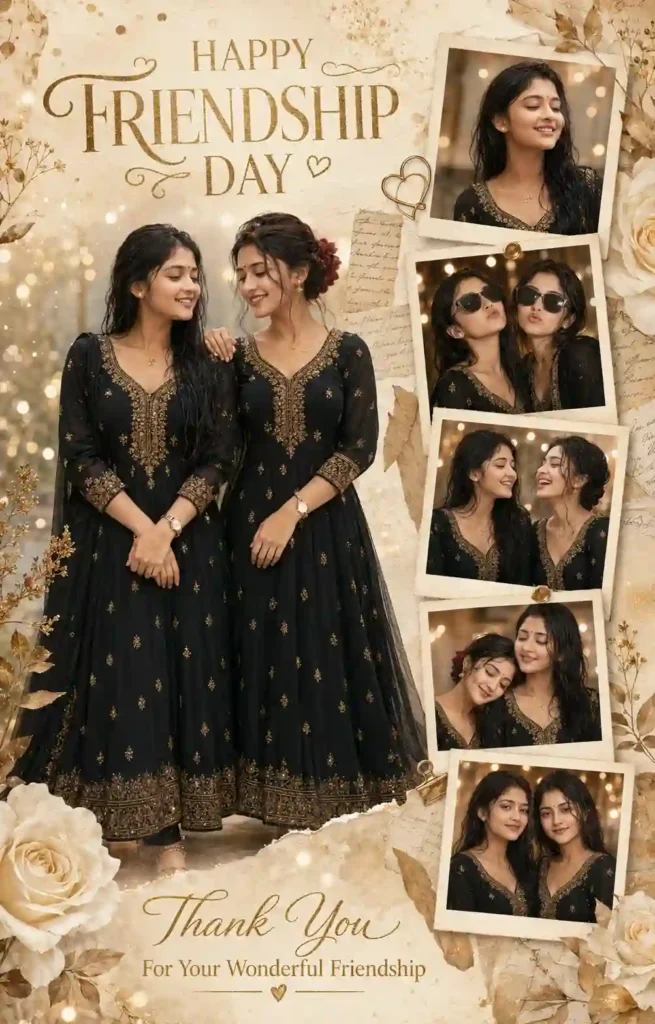
✨Prompt 3
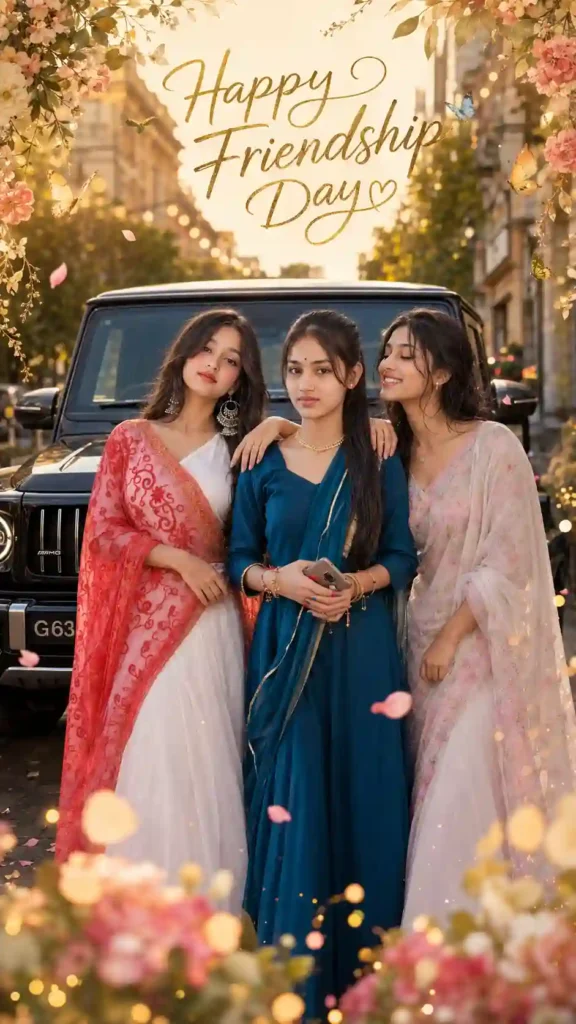
✨Prompt 4
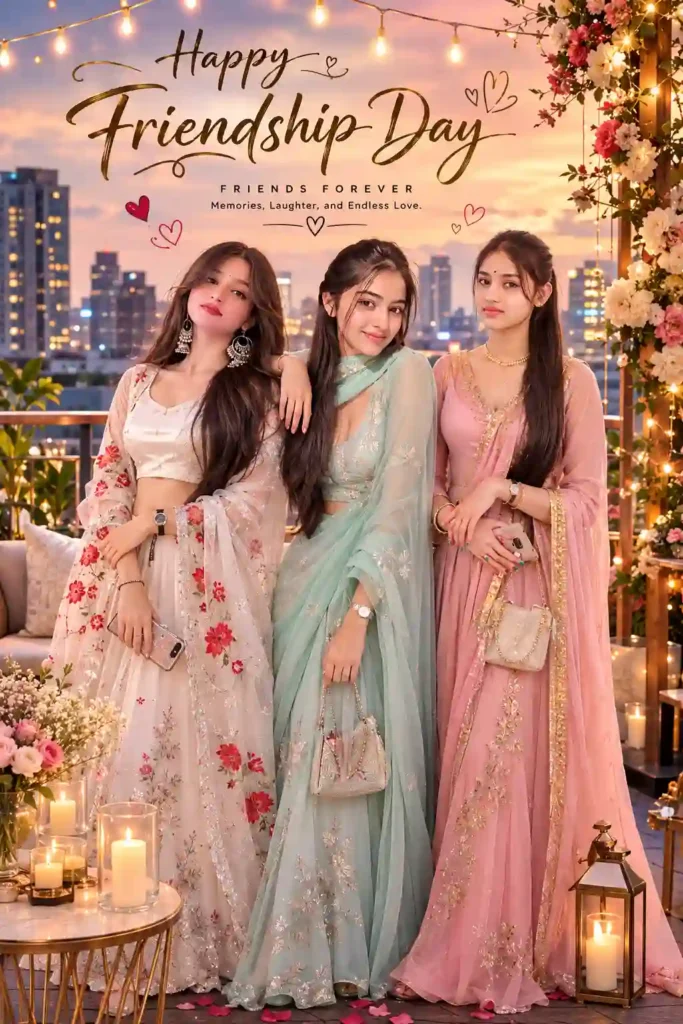
✨ Prompt 5
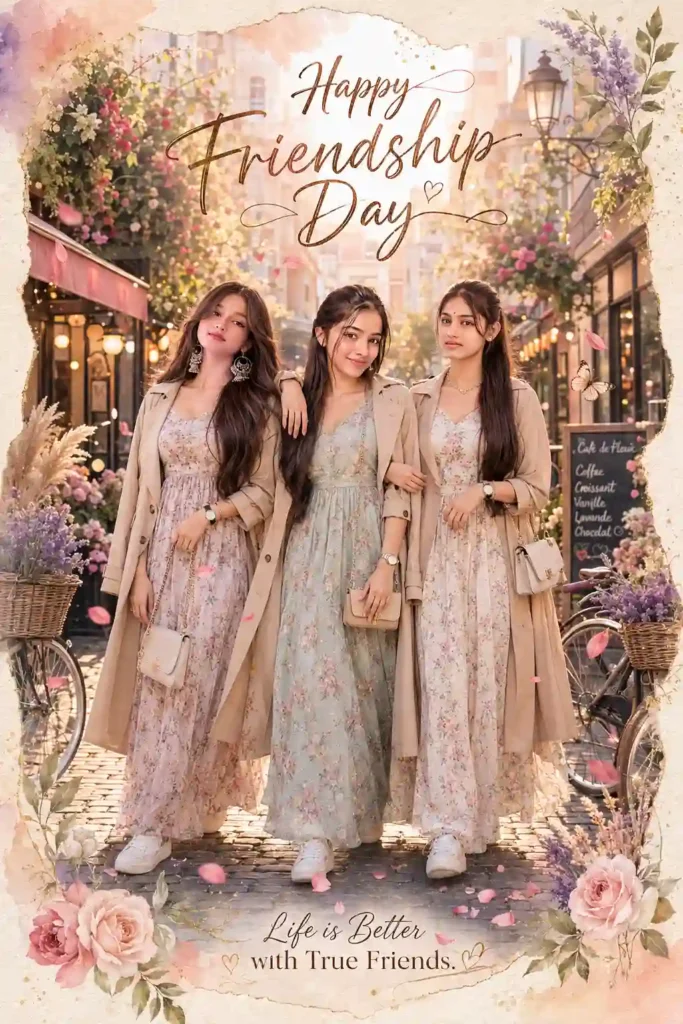
✨Prompt 6
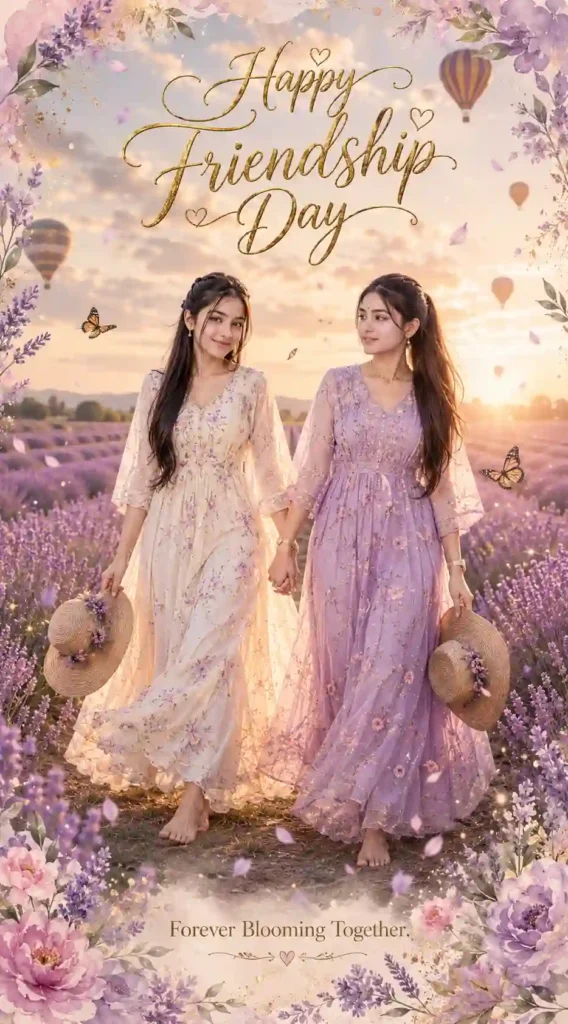
✨Prompt 7
Pro Tip for Better AI Photo Editing
To get more realistic results, please state in your request that the uploaded photos will be the sole identity references. Include instructions in your request such as “keep faces as it is,” “do not change faces,” “no face swapping,” and “do not beautify.” These will help AI-based image creators make Friendship Day posters look more realistic. Learn More: Aesthetic Name DP Ai Photo Editing Prompts
Final Thoughts
The ability of AI to produce images has now become easy, and it has become easy to decorate Friendship Day with great quality art. All you need is to use the prompt and reference photo to create the movie posters that resemble the professional editorial photograph.
It does not matter whether you choose a luxurious rooftop, a charming street from Europe, a royal garden, a rainy coffee shop or a lavender field; just give an appropriate prompt, and your memory will be converted into a masterpiece for Friendship Day. If you find that this article helps, then leave a beautiful comment. Apnotak.com always try to update you with the latest ChatGPT or Gemini AI trending prompts and new AI trends, so stay tuned for the latest updates. Learn More: Girlfriend Day AI Photo Editing Prompts.
Friendship Day AI Photo Editing Prompt: FAQs
Can AI create Friendship Day posters from my photos?
Yes. Most modern AI image generators can create personalized Friendship Day posters using uploaded reference photos while following detailed prompts.
Which AI tool gives the most realistic results?
Several tools—including ChatGPT Image Generation, Google Gemini, Midjourney, FLUX AI, and Ideogram AI—can produce highly realistic, cinematic images. The final quality depends on the prompt, reference images, and the capabilities of the specific model.
Can AI preserve my original face?
Yes. If you clearly instruct the model to use your uploaded images as the only identity references and to preserve facial details, many AI tools can maintain a close resemblance. Results may still vary between platforms.
Which aspect ratio is best for Instagram Stories?
A 9:16 aspect ratio is ideal for Instagram Stories and WhatsApp Status.
Can I use these prompts for Pinterest?
Absolutely. These prompts are well-suited for creating premium Pinterest-style vertical posters with cinematic aesthetics.