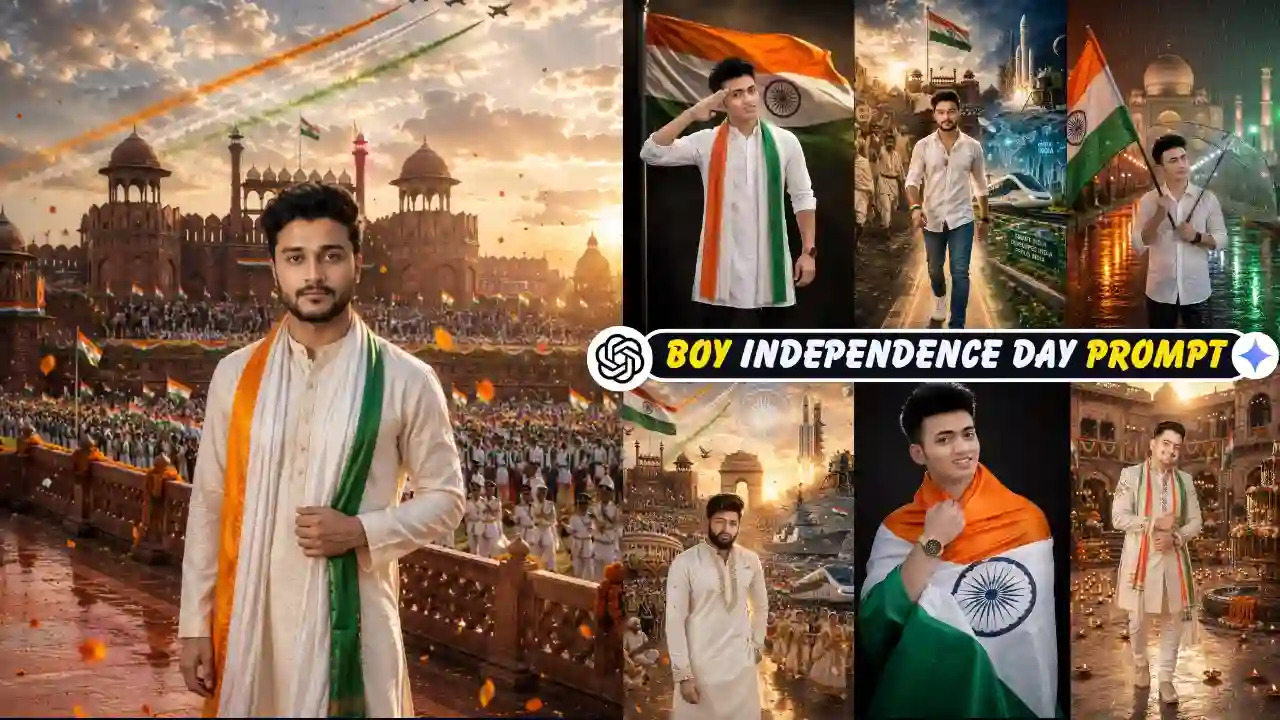
15 August is a great opportunity to create a patriotic profile picture, social media post, or greeting image with AI. With a clear reference photo and a well-written prompt, you can create different Independence Day scenes featuring the Indian flag, traditional clothing, historic landmarks, festive decorations, and cinematic lighting.
In this guide, you’ll find 9 15 August AI photo editing prompts designed specifically for boys and men. You can adapt the clothing, location, pose, lighting, and overall mood to create your own version.
The prompts are starting points rather than fixed formulas. AI-generated results can vary depending on the reference image and image-generation tool, so small adjustments may be needed to get the result you want. You can also try out our Independence Day Girl AI Photo Editing Prompt.
How to Create a 15 August AI Photo With an AI Image Tool
You can create a 15 August AI photo by choosing a clear reference image, selecting one of the prompts below, and using an AI image-generation or editing tool that supports image input.
- Copy the AI Prompt: Copy your favourite AI Prompt using the Copy button provided below.
- Open ChatGPT or Gemini: Now open Google Gemini or ChatGPT, whichever you are most comfortable with.
- Upload Photo: Upload a clear, high-quality photo of yourself.
- Paste the AI Prompt: Paste the 15 August copied prompt into the prompt box and submit it.
- Generate the Image: Click on the Generate, Create, or Send button and wait while the ChatGPT OR Google Gemini, whichever you choose, creates your 15 August AI photo.
- Download and Share: Once the image is generated, download it in the highest available quality and share it on Instagram, Facebook, WhatsApp, or any social media platform.
Looking for another festival-themed AI photo editing idea? Try our Father’s Day AI Photo Editing Prompt.
15 August AI Photo Editing Prompt for Boys
The following 15 August AI photo editing prompts are designed as practical starting points for creating patriotic portraits. Each prompt focuses on a different setting, from the Red Fort and rooftop celebrations to studio portraits and rainy Independence Day scenes. You can adapt the clothing, background, lighting, and composition to suit your own reference photo.
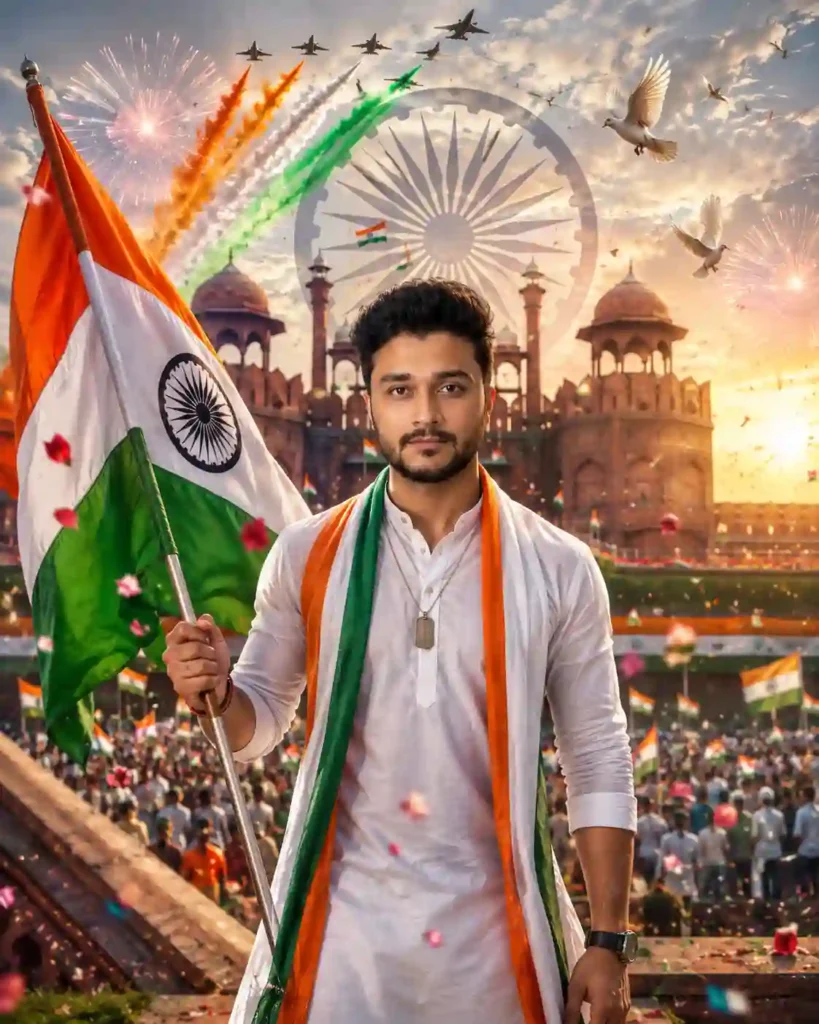
✨Prompt 1 — Red Fort Cinematic Independence Day
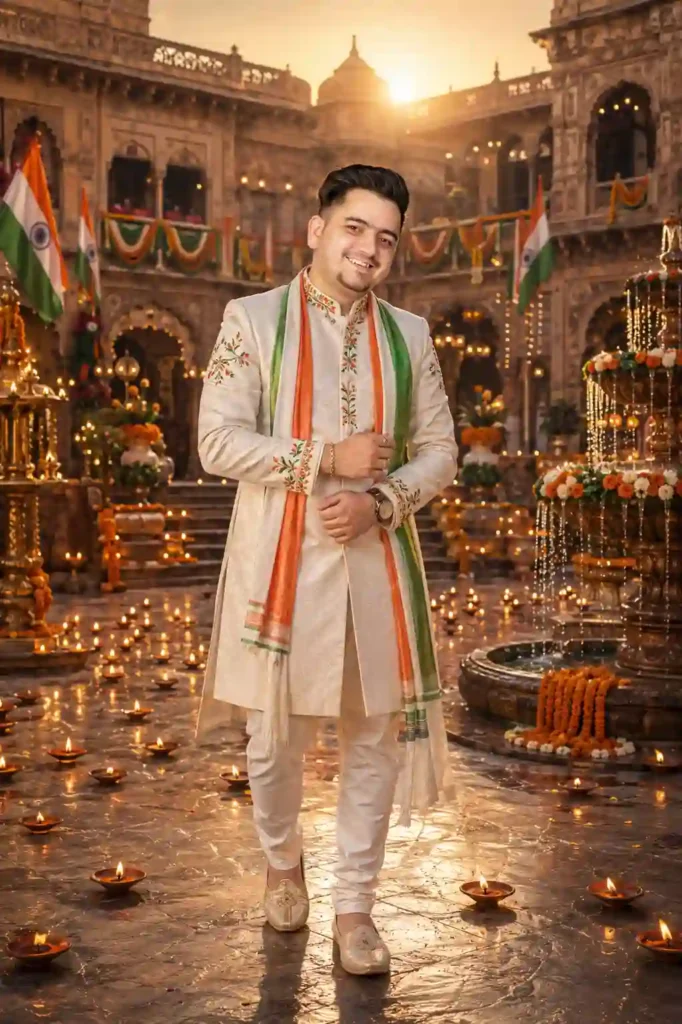
✨Prompt 2 — Royal Palace Independence Day Portrait
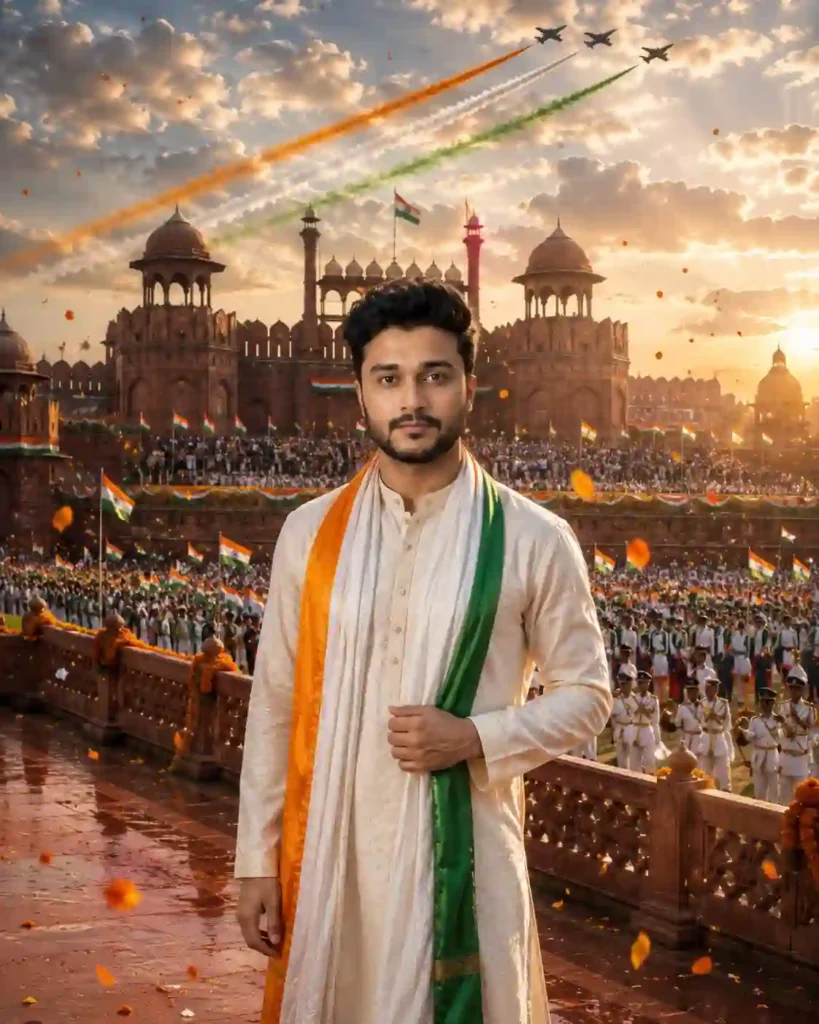
✨Prompt 3 — Red Fort Ceremony Portrait
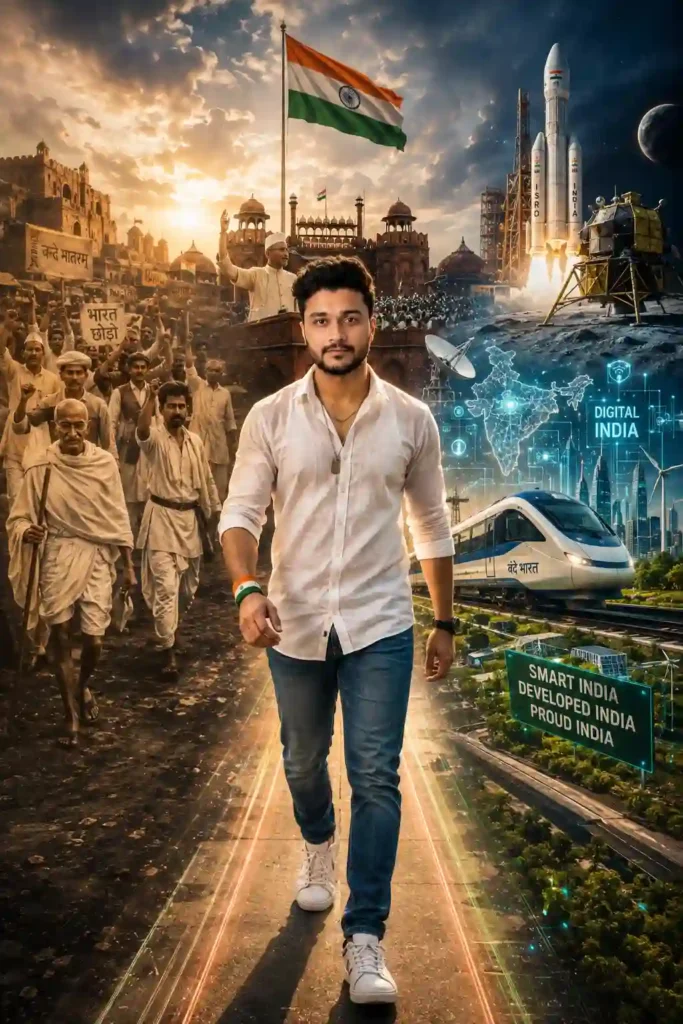
✨Prompt 4 — Journey Through India’s Past and Future
Learn More: Father’s Day AI Photo Editing Prompts
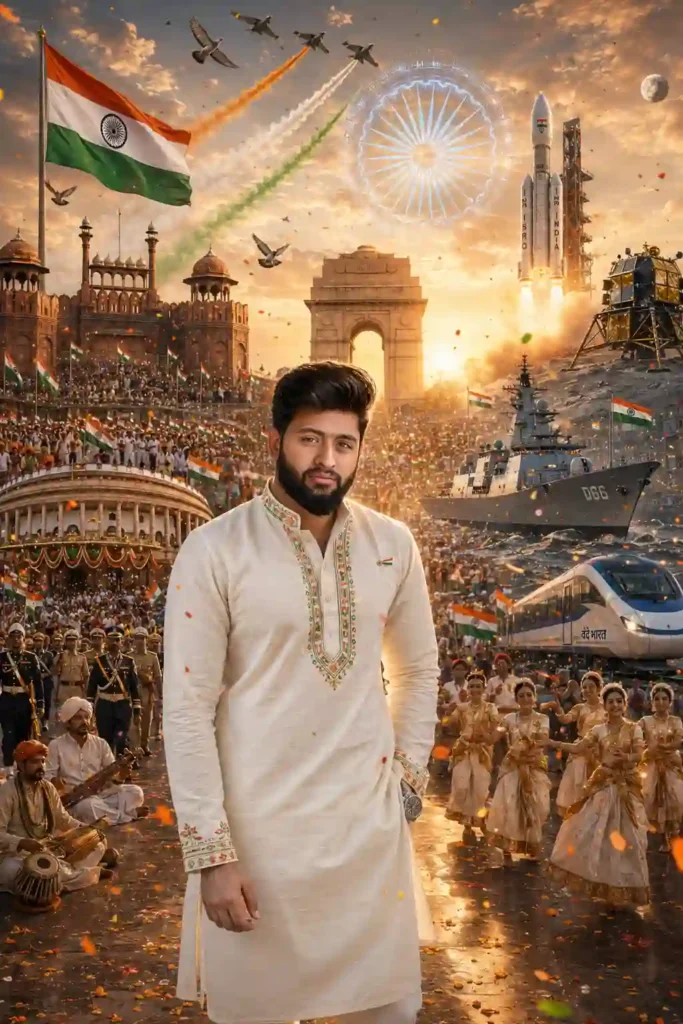
✨ Prompt 5 — Grand India Independence Day Celebration
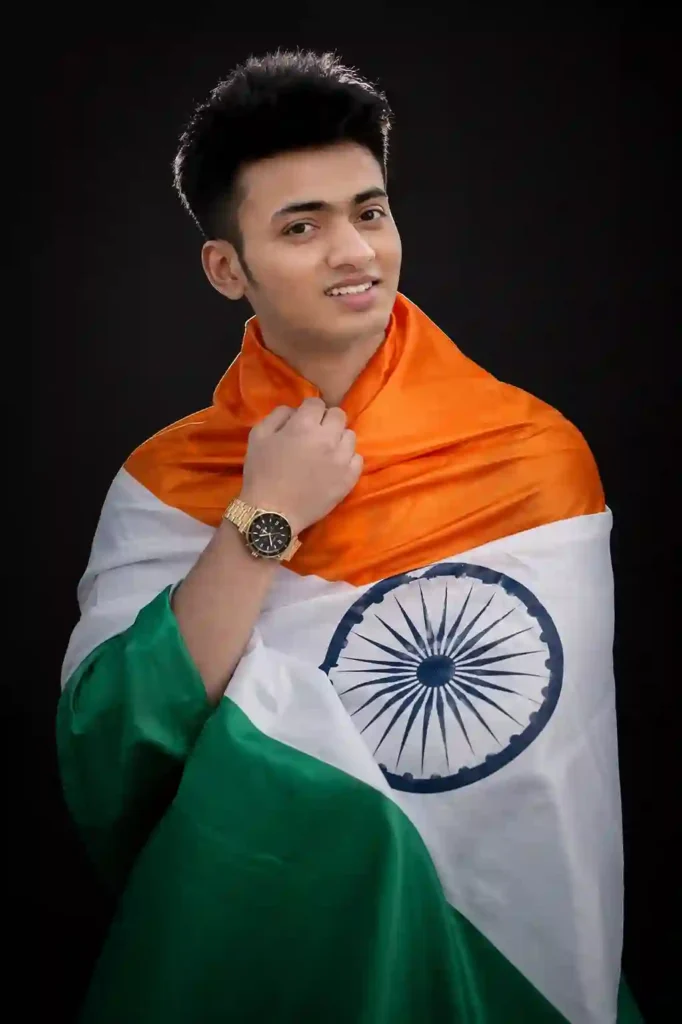
✨Prompt 6 — Elegant Tricolor Studio Portrait
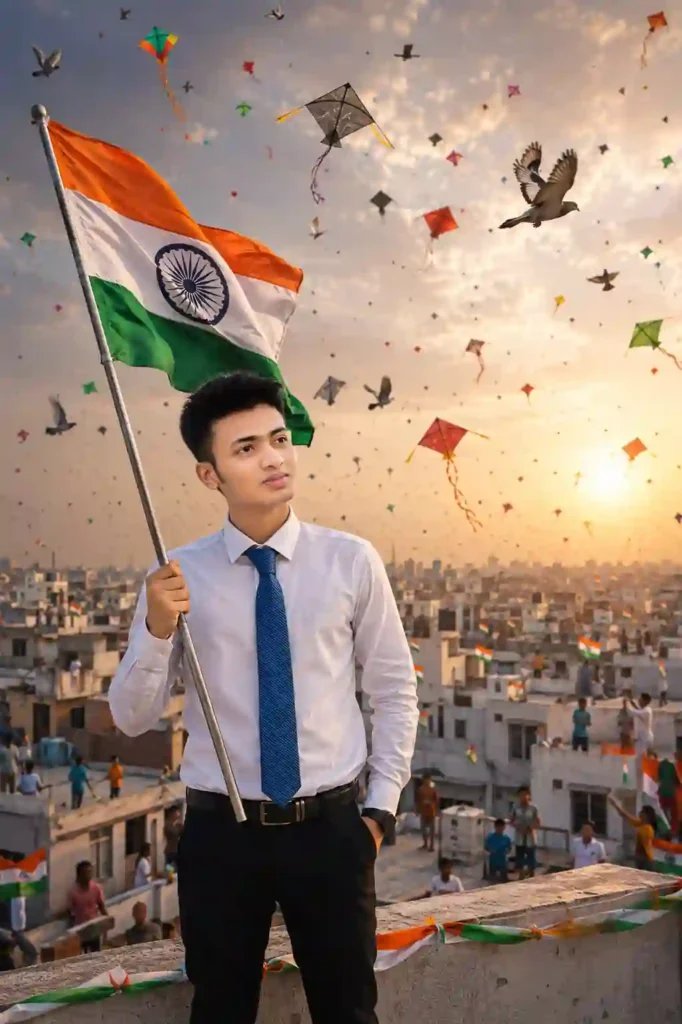
✨ Prompt 7 — Independence Day Kite Festival
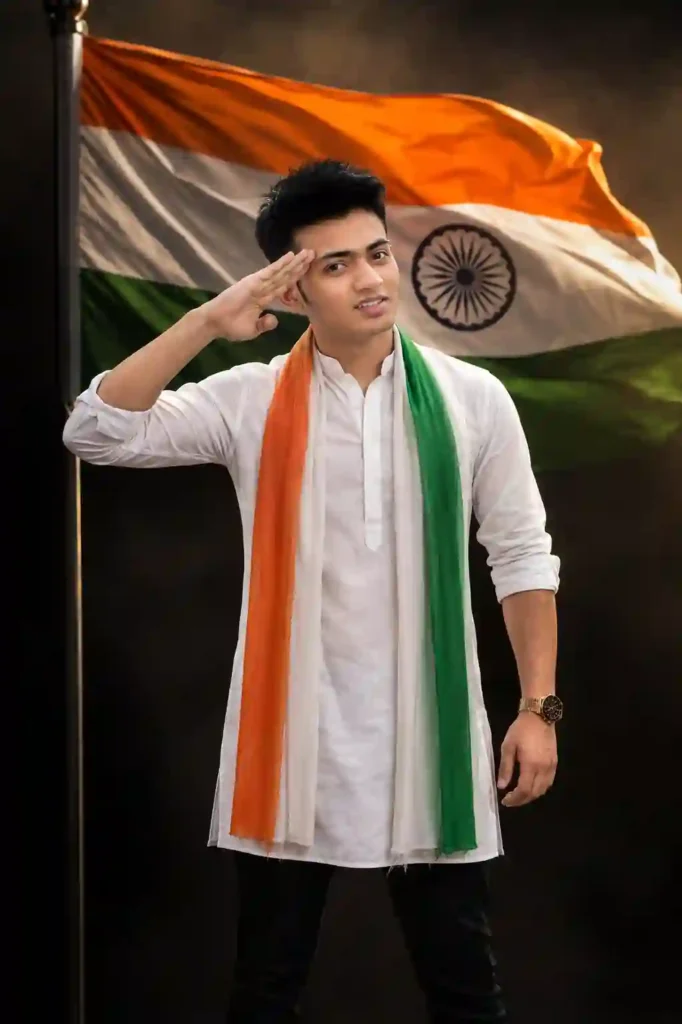
✨ Prompt 8 — Proud Independence Day Salute
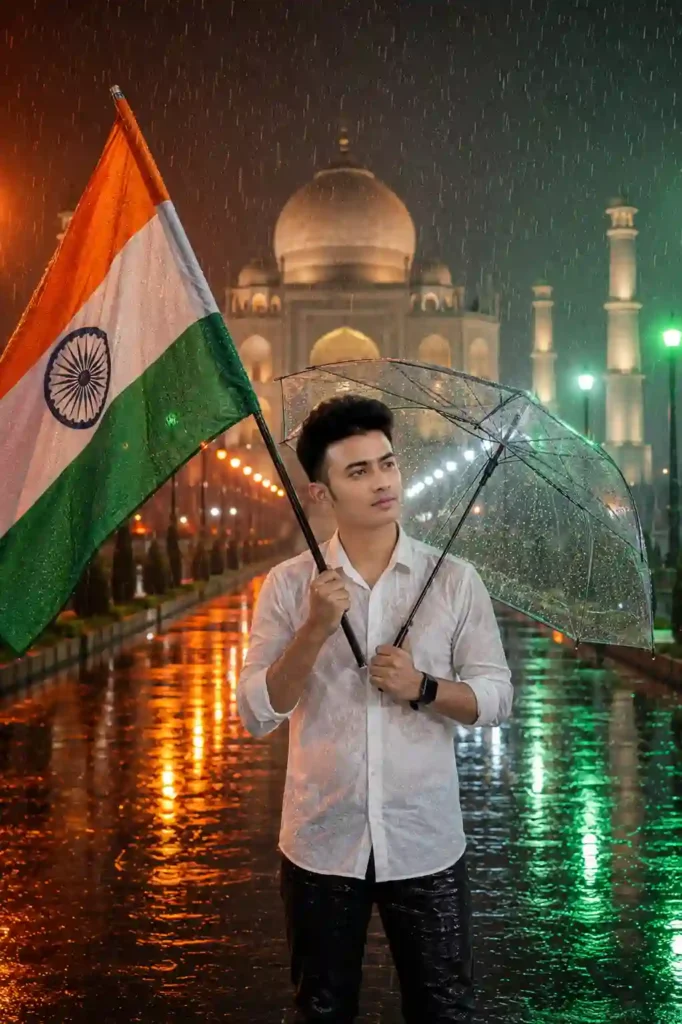
✨Prompt 9 — Rainy Independence Day at the Taj Mahal
For Independence Day, prompts often include patriotic themes such as:
- Indian National Flag
- Ashoka Chakra
- Red Fort or India Gate
- Traditional Indian attire
- Tricolour flower petals
- Marigold flower petals
- Saffron, white, and green smoke
- Golden sunrise lighting
- Flying pigeons
- Realistic sky and clouds
- DSLR portrait quality
- Fireworks
- Cinematic colour grading
A detailed prompt helps the AI understand the desired composition, lighting, atmosphere, and visual style. If you enjoy cinematic AI photo editing prompts, explore our rainy-day portrait ideas.
Which 15 August AI Photo Editing Prompt Should You Choose?
| Style | Best prompt |
|---|---|
| Traditional | Kurta + tricolour stole |
| Cinematic | Red Fort + dramatic lighting |
| Minimal | Studio + Indian flag |
| Outdoor | Rooftop + kites |
| Festive | Flags + flower petals |
| Monsoon | Rain + transparent umbrella |
Why Create a 15 August AI Photo?
AI makes it easy to experiment with different visual concepts without needing to recreate an entire scene manually. A single reference photo can be adapted into traditional, cinematic, studio, outdoor, or festive Independence Day compositions.
These images can be useful for personal profile pictures, digital greetings, social posts, or creative Independence Day artwork. The final result depends on the reference image, prompt, and AI tool being used. Learn More: ChatGPT Birthday Prompt
Tips for Better 15 August AI Photo Results
To get better results from the 15 August AI Photo Editing Prompt, you must follow the tips given below.
- Use a clear reference image: Choose a well-lit image where the face is clearly visible.
- Keep the composition simple: Avoid asking the AI to place too many unrelated objects into one scene.
- Describe clothing precisely: Mention the type of clothing, colors, fabric, and accessories.
- Specify the camera perspective: For example, chest-up portrait, waist-up portrait, full-body portrait, low-angle composition
- Refine one element at a time: If the first result is good except for the background, change the background rather than rewriting the entire prompt.
- Check the Indian flag: AI-generated flags can sometimes contain incorrect colors, symbols, or proportions. Review the final image before publishing or sharing it.
Responsible Use: Only use photographs you have permission to use. If your image includes another identifiable person, avoid creating or sharing misleading edits without their knowledge or consent. Also follow the rules of the AI tool you use.
Final Thoughts
These 15 August AI photo editing prompts give you several starting points for creating patriotic Independence Day images. Try different combinations of clothing, locations, lighting, poses, and backgrounds to develop your own style.
For the most natural results, start with a clear reference image, keep the composition focused, and refine the prompt based on the first generated result. If you find that this article helps, then leave a beautiful comment. Apnotak.com always try to update you with the latest ChatGPT or Gemini AI trending prompts and new AI trends, so stay tuned for the latest updates. Happy Independence Day! Learn More: Girl Eye in Sky Photo Editing Prompts