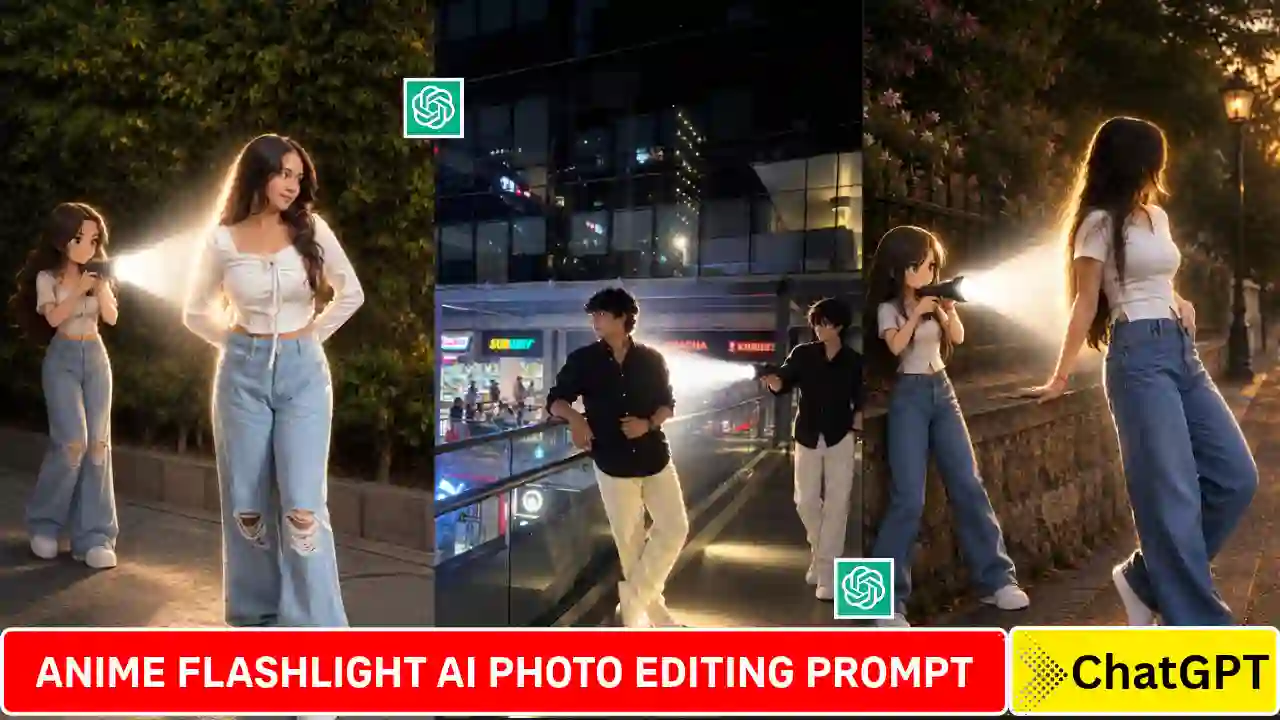
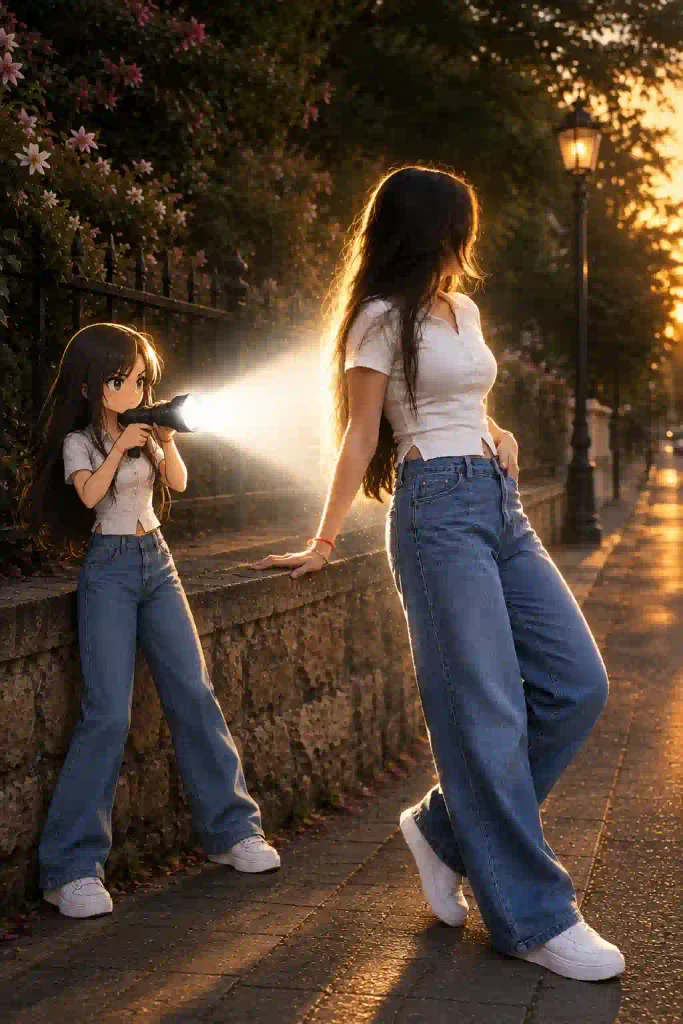
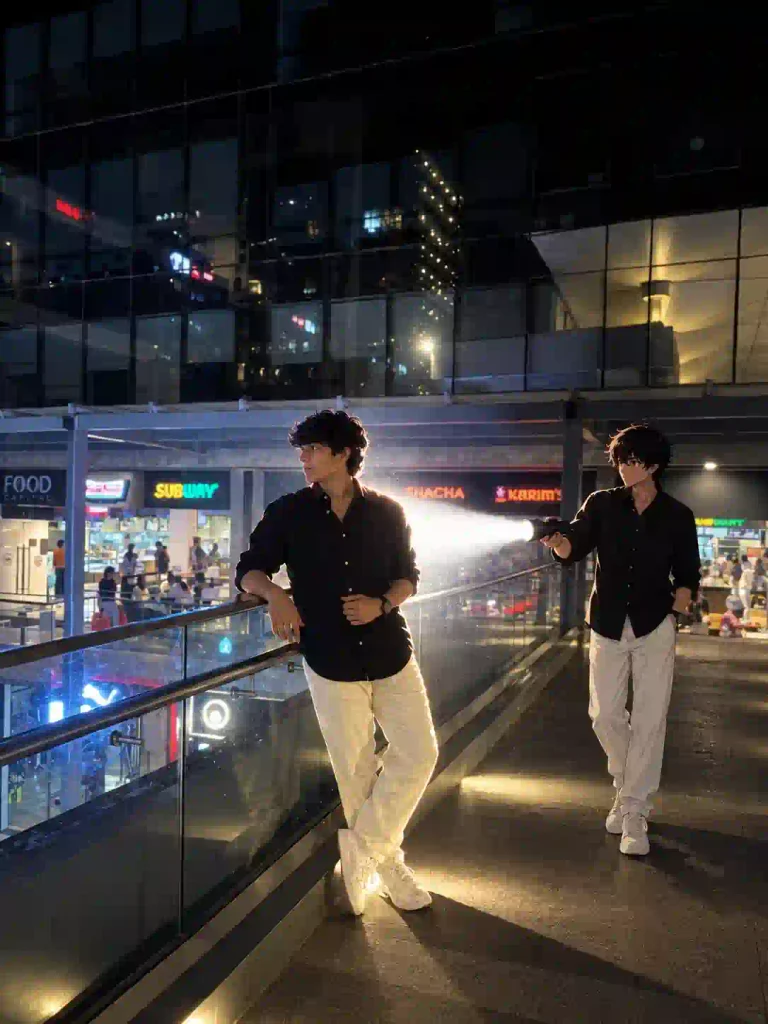
Anime Flashlight AI Photo Editing Prompt create an unique style photograph where a miniature anime character stands behind the real person and points a flashlight toward them. The miniature character features like hairstyle almost similar to the real person. Also the outfit the anime character is similar to the real person. Most importantly anime character placed in this type of photo naturally so that it don’t look like a sticker or a separate object on this photograph. That is why this Anime Flashlight AI Photo looks more realistic and attractive. You can edit this type of anime flashlight photo very easily with the help of AI image editing tools and a right prompt.
What is Anime Flashlight AI Photo Editing?
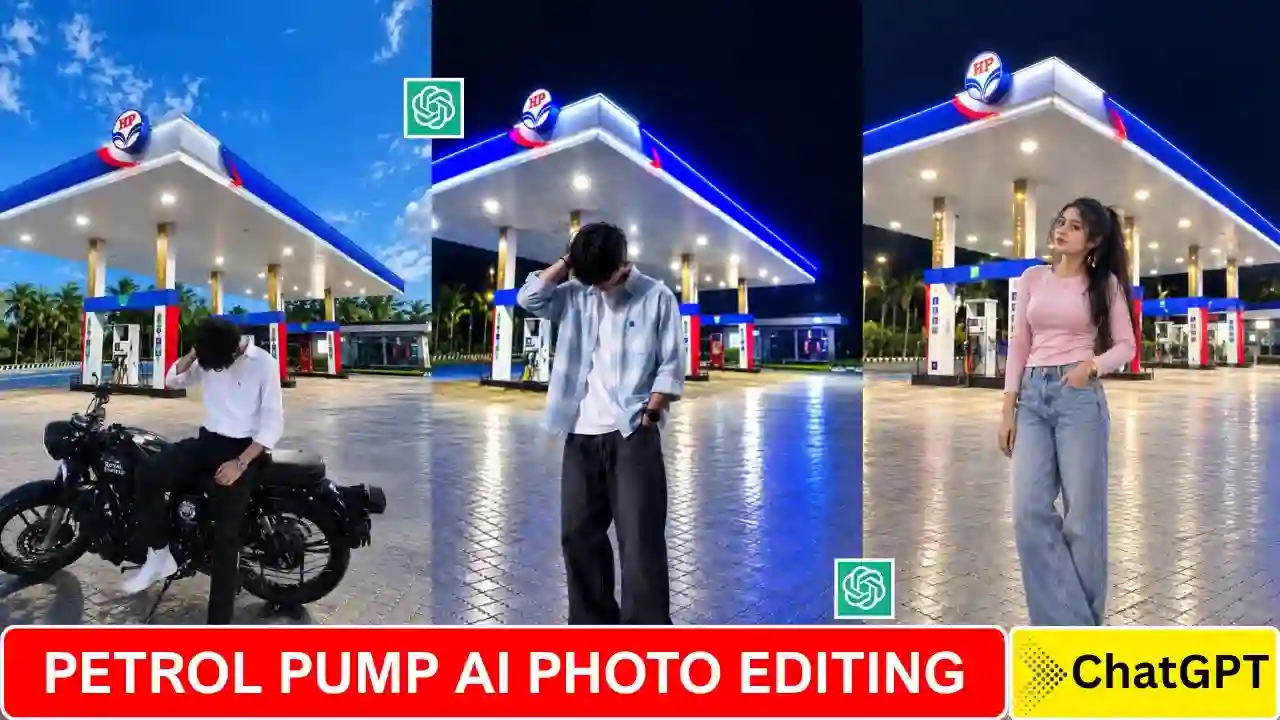
Anime Flashlight AI photo editing is a new and unique type of photo editing concept where a small anime character introduce behind a normal person with holding a flash light. It looks realistic because it place on photo which looks natural, not like a sticker placed. Small anime character outfits and hairstyle is very much similar to the actual person. You can edit your own photo with this new style and share it on social media to showcase your unique social media edits. You can also explore our Petrol Pump AI Photo Editing Prompt.
Anime Flashlight AI Photo Editing Prompt
To edit Flashlight AI photo, you just need to have a right prompt. In this section of this article, you can get the Anime Flashlight AI Photo Editing Prompt. This prompt is ready to use, you just need to copy & paste it to the right AI image editing tools and get the Ai magic. This prompt have the features of subject completely recognizable, preserving their original face, hairstyle, body proportions, clothing, accessories, pose, and overall appearance. Also, add a small full-body anime version of the same person standing naturally behind them, wearing the exact same outfit and matching the hairstyle and colors. Other important feature also included on this AI photo editing prompt.
✨ AI Prompt
✨ AI Prompt
How to Create Anime Flashlight AI Photo Editing
Creating Anime Flashlight AI photo is easy. You just need to have a clear photo, right prompt and AI image editing tools. You can use above readymade prompt, where a details information regarding anime character, flashlight beam, lighting, and also face preservation provided. You should follow the given below step by step tutorial to edit with your own Anime Flashlight AI Photo.
- Open an AI image editing tools. Here, you can use ChatGPT to get best result with the above prompt.
- Upload a clear reference image of yourself.
- Now, Copy the relevant Anime Flashlight prompt and paste it to the prompt box.
- Finally, send it to generate your Anime Flashlight photo. After few second your photo will be ready, check if anything missing. If everything is fine then save it to share on your social media post.
You can explore our latest creative butterfly-effect AI photo editing ideas.
Why you make Anime character Similar to You?
It is very important part of this edit. You should make the anime character similar to you because it looks like the original person. To make anime character similar to you must include hairstyle, glasses, clothing, accessories, colors, and other recognizable details to the AI.
Create Flashlight Effect Naturally
In this photo editing, anime character should hold a powerful flashlight directed toward the real person. Here, we add instruction like intense realistic white light beam with strong illumination, soft atmospheric glow, bright edge lighting, realistic shadows, and subtle light particles to make realistic effect. You can also include, slightly darken the surrounding environment to emphasize the flashlight while maintaining the original sunset/outdoor atmosphere to give it more more dramatic and cinematic approach. If you enjoy cinematic AI photo editing prompts, explore our rainy-day portrait ideas.
Reference photo to get best result
You should upload a clear reference photo and reference photo background is also important. Because, in this type of editing original background remain unchanged, so you must upload a clear and beautiful real background. It is better to upload a background with night time or keeping the surrounding environment slightly darker. You can also try out our Aesthetic Profile Picture DP Editing Prompts.
Final Thoughts
Anime Flashlight AI Photo Editing Prompt is a effective way to naturally add anime character into your normal photo. The anime character, flashlight beam, bright rim light, and darker surroundings make it a cinematic effect without changing scene. I hope, you can create this type of anime version photo without any extra hurdle by using above prompt and AI editing tutorial. For more creative edits, see our AI photo editing prompts collection.