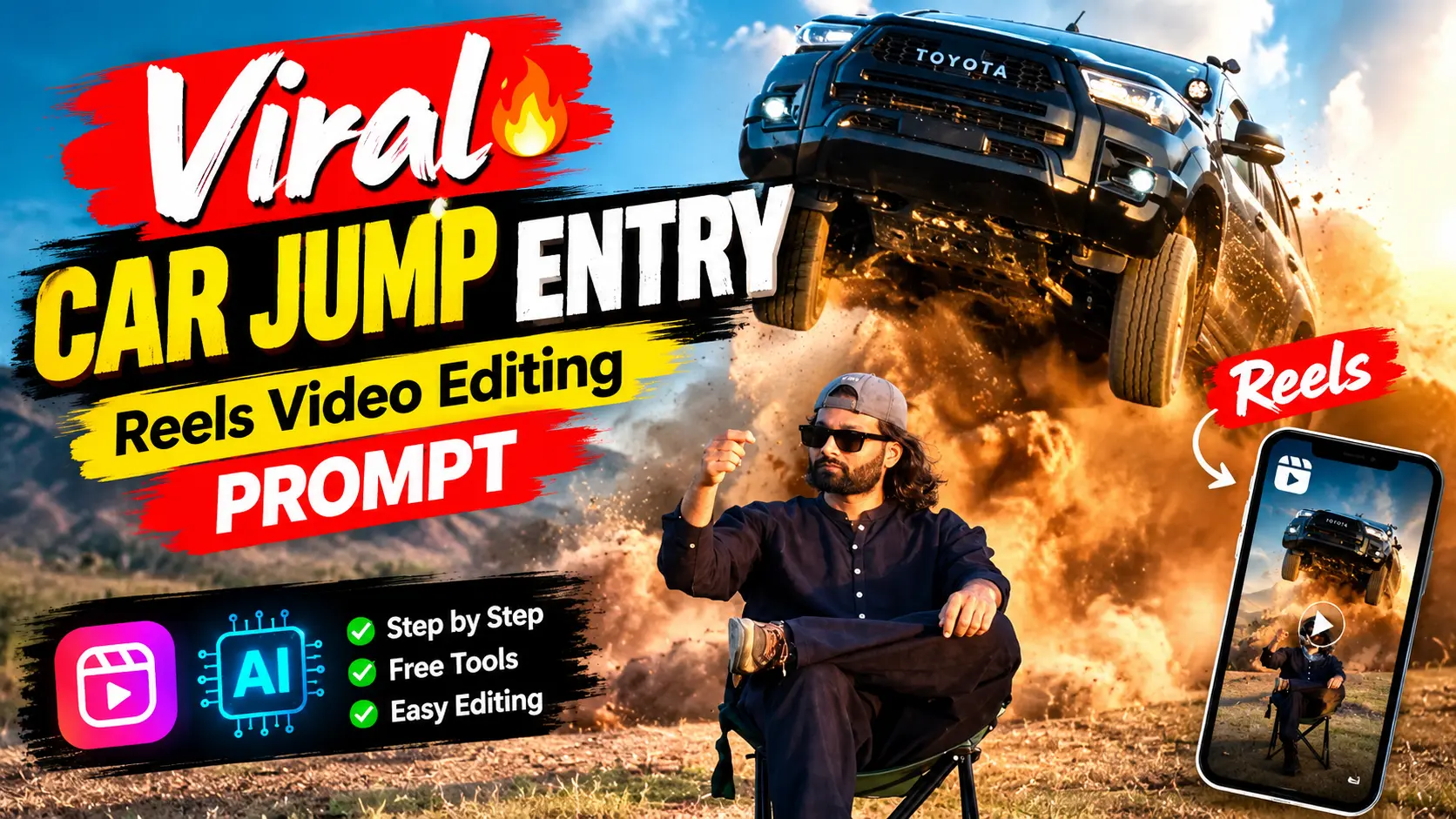
Viral Car Jump Entry Reels Video Editing- The car jump entry reel video is going viral on Instagram Reels and YouTube Shorts. This type of car jump video is very much liked by youngsters. This is an advanced-level viral reels editing trick where you can use AI prompts to create a car jump entry cinematic video. Some people already make such AI videos using various tools. If you want to create such a video, but if you probably thought that this type of video editing is difficult, then you are in the right place. In this article, I make it very simple, so that you can easily create it without any high video editing Skills.
Here, I am using a powerful photo editing AI tool, Google Gemini, for the scene, and using Flow AI for video generation. I will explain the complete process and give you the best prompt for the same. So, read the article carefully till the end and follow the guide given below. You can also try our Trending Mercedes Car AI Video Editing Prompt.
New Update: In this article, I am sharing an update that will help you create more realistic and better videos. The approach here is completely different, so give this method a try as well.
Why Car Jump Entry Reels Go Viral?
Car jump entry reels go viral because they create instant shock and curiosity with sudden, high-impact visuals (flying car, dust blast, slow-motion), making people stop scrolling. Cars are an aspirational niche in themselves, and when showcased with cinematic editing, beat drops, and a short format, watch time, replays, and shares increase, which the algorithm pushes higher. You can also explore Car Roof Backflip Stunt AI Video Editing Prompt.
Trending Car Entry Ai Video Editing Prompt 2026 (UPDATED)
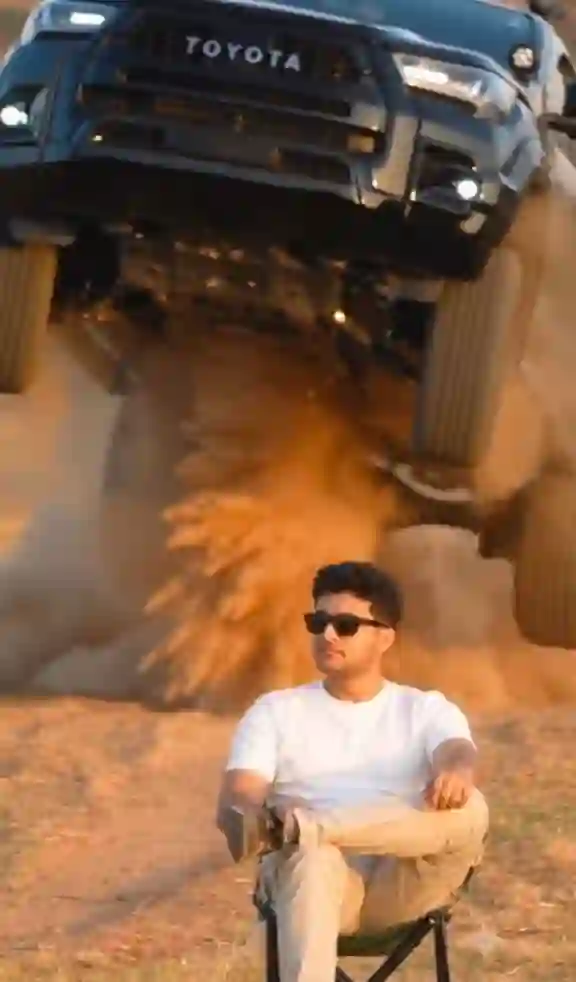
✨ AI Prompt
Car Jump Entry Reels AI Video (New Method)
To create car jump entry ai reels, you must create a similar photo using Gemini AI & above photo prompt. Now, for video editing process, you need to have a clear photo & a reference video. Upload both on Flow AI. Then choose Omni flash model, 16:9 ratio for reels video then send it to generate. After few second you video will be ready. Now, save it and if needed edit with any editing application. You can also explore our Viral Maa Parvati AI Video with Prompts.
How to Create an AI Image Using Google Gemini
If you’d like to viral car jump entry reel image, then you can simply copy any prompt from the above and follow the steps given below.
- Open Google Gemini: Go to Google Gemini on your browser or app.
- Upload Your Photo: Upload a clear photo of yourself (good lighting, front face).
- Copy the Photo Prompt: Copy the Photo Prompt from the below.
- Paste Prompt in Gemini: Paste the photo prompt in Gemini with your uploaded image.
- Generate AI Image: Click generate and let Gemini create an AI image.
- Download the Image: Once the image is ready, download it to your device.
You can also explore Thalapathy Vijay Helicopter Entry AI Video Prompt.
Viral Car Jump Entry Photo Editing Prompt

✨ AI Prompt
Learn More: 10+ Trending Gemini photo editing prompts for boys (100% Real Face)
Generate Viral Car Jump Entry Reels Video using Flow (Old Method)
After creating a viral car jump entry image, follow the given steps below to generate AI video.
- Open Google Flow: Now visit the Google Flow website.
- Choose “Frame to Video”: Select the Frame to Video option.
- Upload the AI Image: Upload the AI image generated by Gemini.
- Copy the Video Prompt: Copy the Video Prompt given in the post.
- Paste Prompt in Google Flow: Paste the video prompt into Google Flow.
- Generate the Video: Click on Generate and wait for the AI to create the video.
- Download & Use: Download the video and use it for Instagram Reels or YouTube Shorts.
Viral Car Jump Entry Video Editing Prompt (OLD PROMPT)
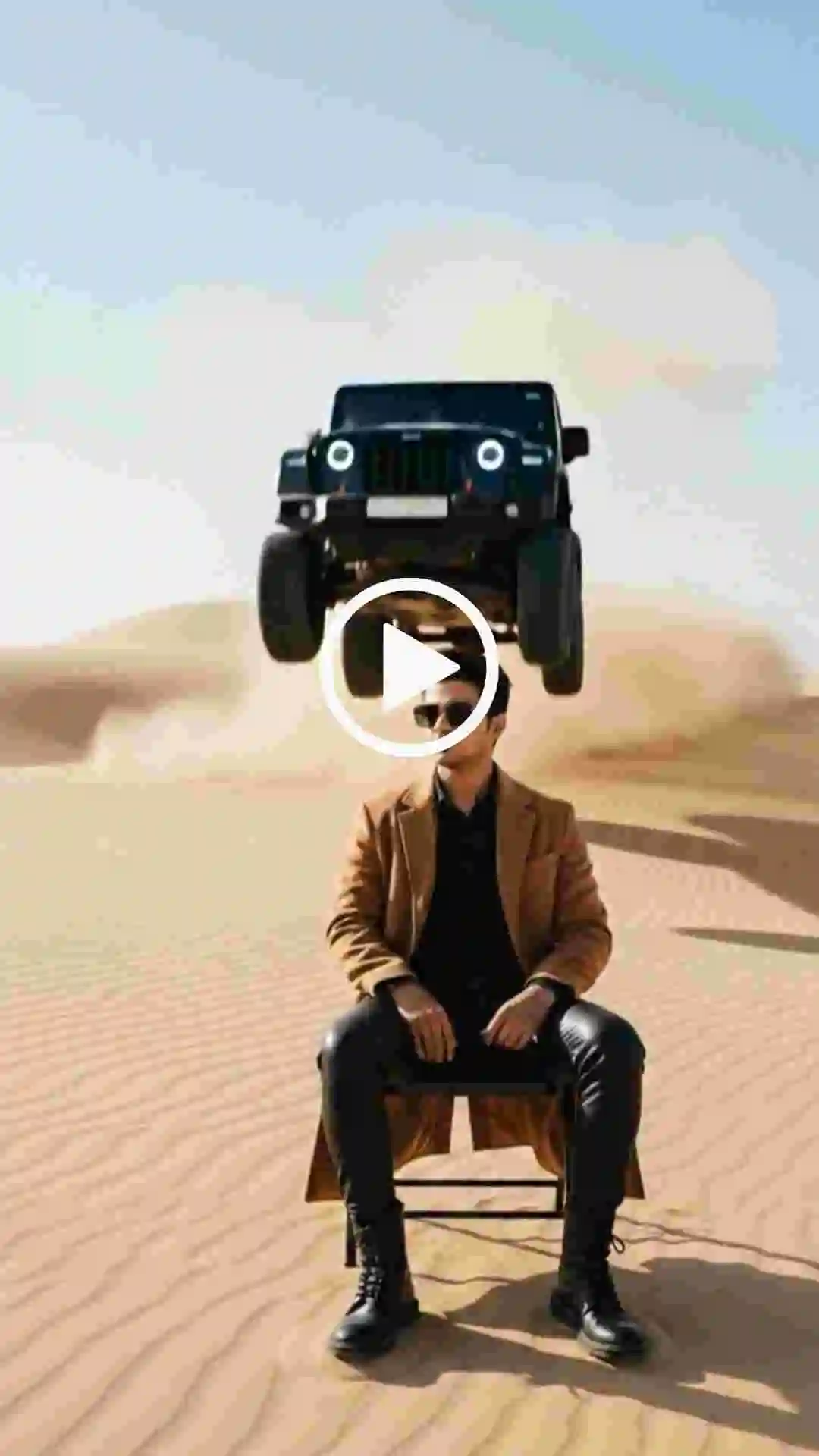
✨ AI Prompt
Explore More: Celebrity Selfie AI Video Editing Prompts
Conclusion
On the above post, I have share two method from which new method is making perfect and accurate AI car jump entry video. Although old method create a bit of different car jump video. If you want to make your car jump entry reel video, then use trending background music, add slow motion and edit with any video editor to make it more realistic. I hope that the above guide helps you to create professional-looking viral car jump entry reels video editing using Google Gemini AI and Flow without using any manual editing tools.