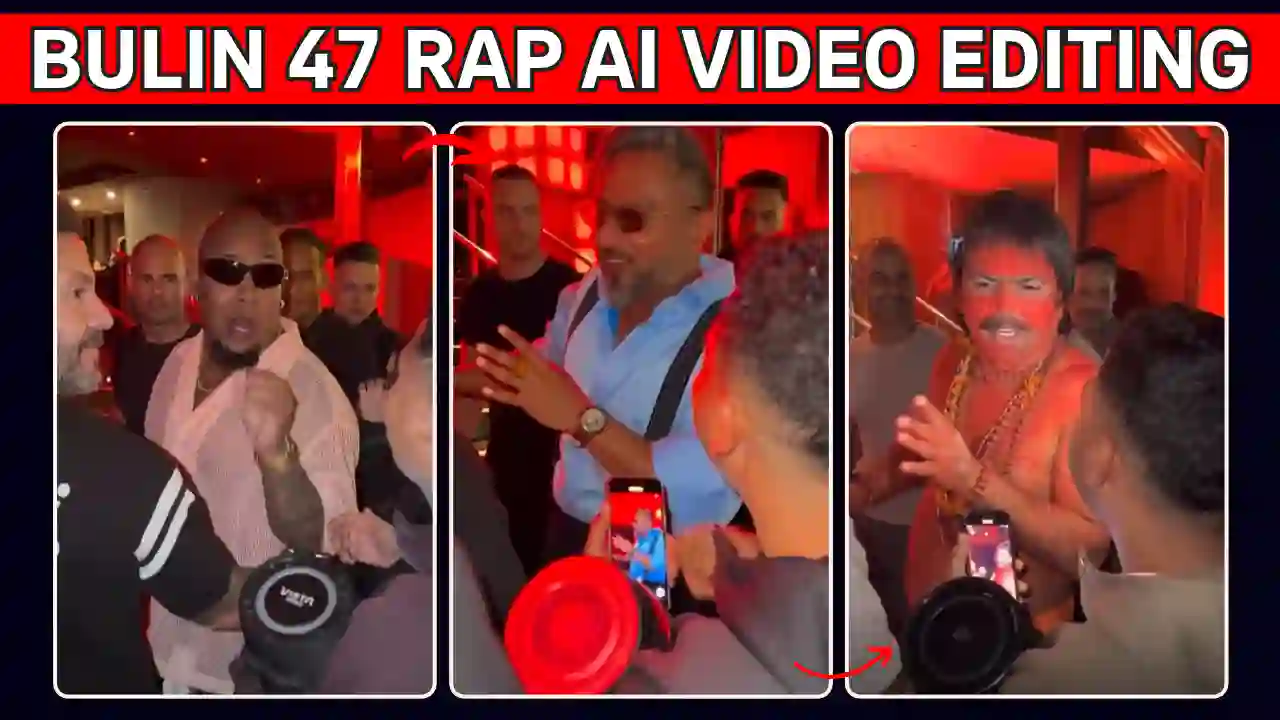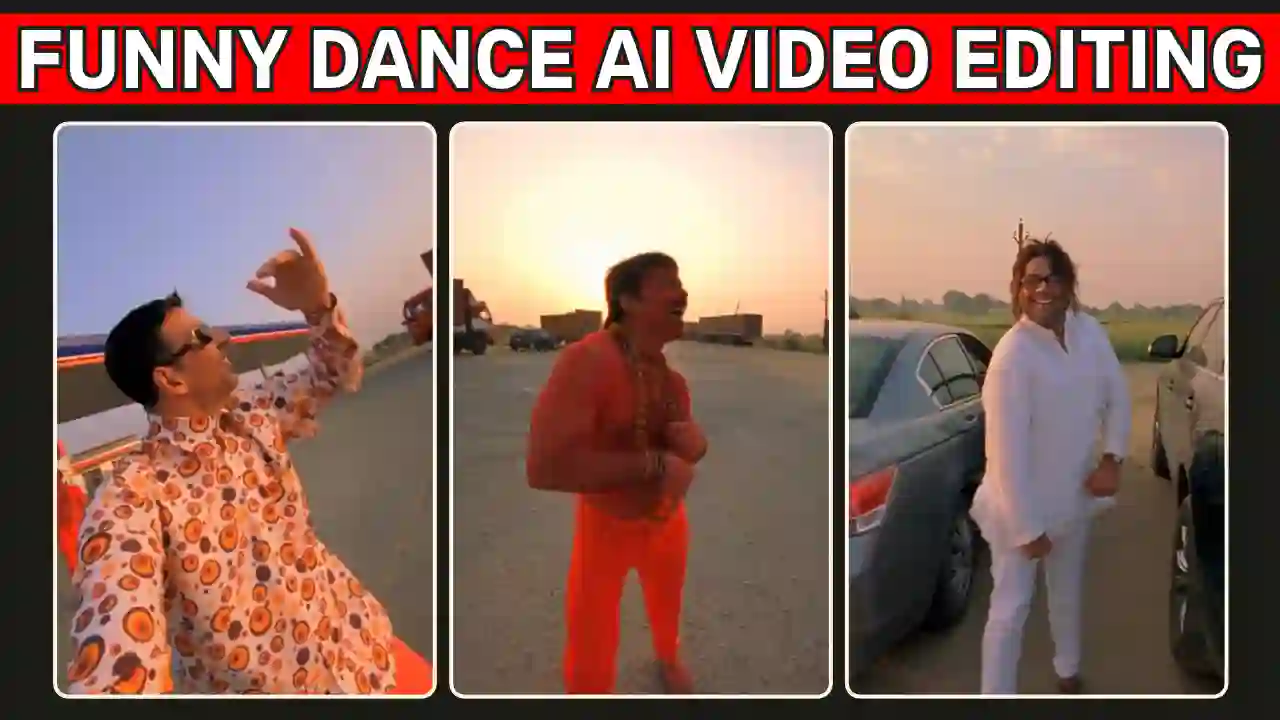
Celebrity Funny Dance Ai Video Editing Prompt make an interesting editing, which is going popular on Instagram. Many creator start creating this type of funny video and get millions of views. This becoming a new trend because so many like to make this type funny dancing video. You might have seen this type of videos but don’t know how to create this type of funny video. Then you are on the right article, where I will explain you how to create this type of Celebrity Funny Dance Ai Video. Here, you will learn step by step process and also get the right prompt to create such amazing videos. You might have also try our Trending Mercedes Car AI Video Editing Prompt.
Overview of Celebrity Funny Dance Ai Video
This viral type of funny video start with an open field petrol pump background in which various types of vehicles are standing. The video start with a funny dancing steps which will perform by a boy and also laughing like crazy style. Now, a boy who record that video show himself on selfie camera with a funny gesture and dancing as well. After that he turn his camera to a boy who just stand his car and coming out and the third person also start dancing. This is a very crazy and funny video as well. Many people want to create such funny video but without proper, you cannot make it properly.
Celebrity Funny Dance Ai Video Editing Requirements
To edit celebrity funny dance Ai video, you need to have a reference video. The reference video, you will from google search or you can get it from our telegram channel. You just need to save the reference video. You also need three reference photos. You also need right prompt and an AI video editing tools. You get the prompt from given below and use the editing tools like Flow AI or Google Gemini. As google flow give free credit each day, I will prefer this free tools for wider audience. You also explore our Viral Car Jump Entry Reels Video Editing Using AI Prompt.
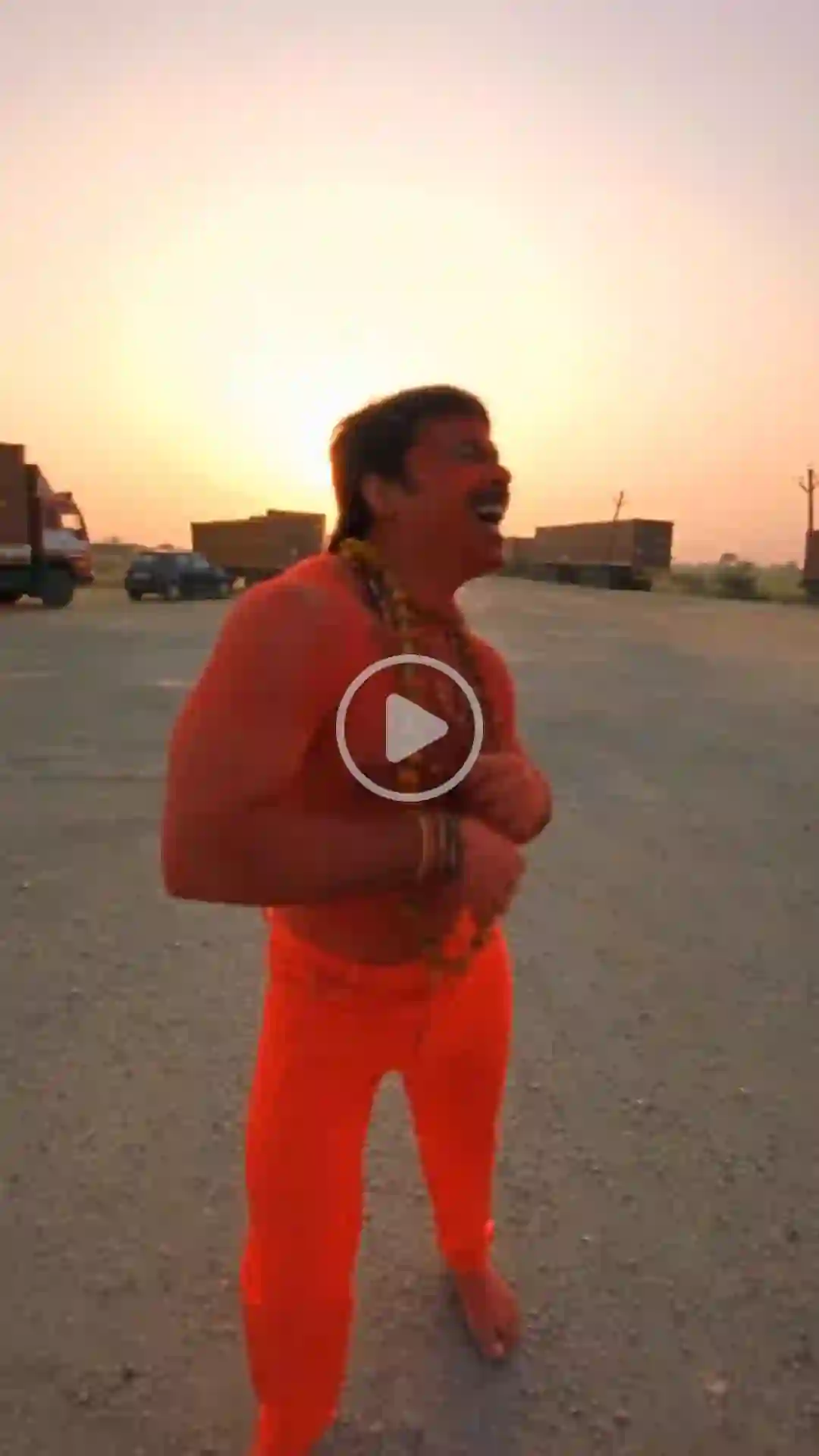
✨Celebrity Funny Dance Ai Video Editing Prompt
How To Make Celebrity Funny Dance Ai Video Editing Prompt Using Flow AI?
Creating your celebrity funny dance Ai video is quick and easy with the help of Flow AI. Just follow these simple steps:
- Copy the Prompt: Click the Copy button to copy the complete video prompt to your clipboard.
- Open the AI Video Generator: Open any AI video generator. Here, I use Flow AI for video generation. Because it’s an easy tool, and we also get some free credit. So video generation is completely free.
- Sign-UP & Create a New Project: Sign up and click on New Project.
- Upload Your Images: Upload clear, high-quality three reference images along with the reference video.
- Paste the AI Prompt: Now paste the copied prompt into the prompt box, select a video resolution ratio like 16:9 for reels video and the Omni Flash Model, and also select the Frame option on Flow AI.
- Generate the Video: Now click on Generate to generate the Funny Dance Ai Video.
- Save and Share: Once the video is generated, download it in the highest available quality and share it on Instagram, Facebook, WhatsApp, or any social media platform. If any error occur then process with the another try because AI can make mistake sometime.
You can also explore Thalapathy Vijay Helicopter Entry AI Video Prompt.
Final Thoughts
I personally tested above prompt. You can also try and make your personalized Funny Dance Ai Video using the above method. If you want to make your Funny Dance Ai reel video, then edit with any video editor and add the original audio because AI might remove your audio from the reference video. I hope that the above guide helps you to create celebrity Funny Dance Ai reels video. You can generate the video easily through Flow AI or Gemini and then modify it using any video editing tool to make it more attractive and natural. apnotak.com always try to introduce you with the latest trending prompts and new AI trends, so stay tuned for the latest updates.