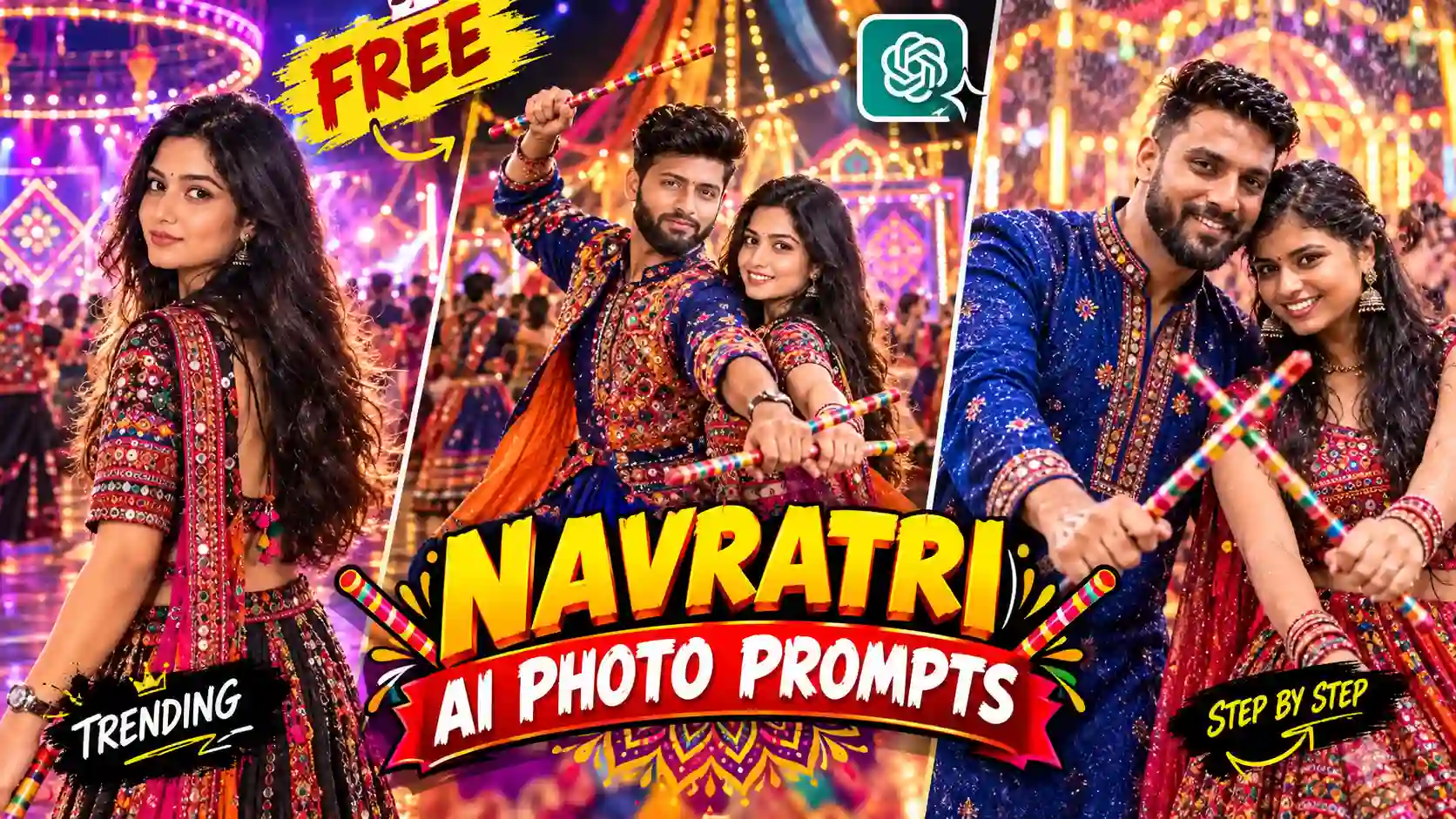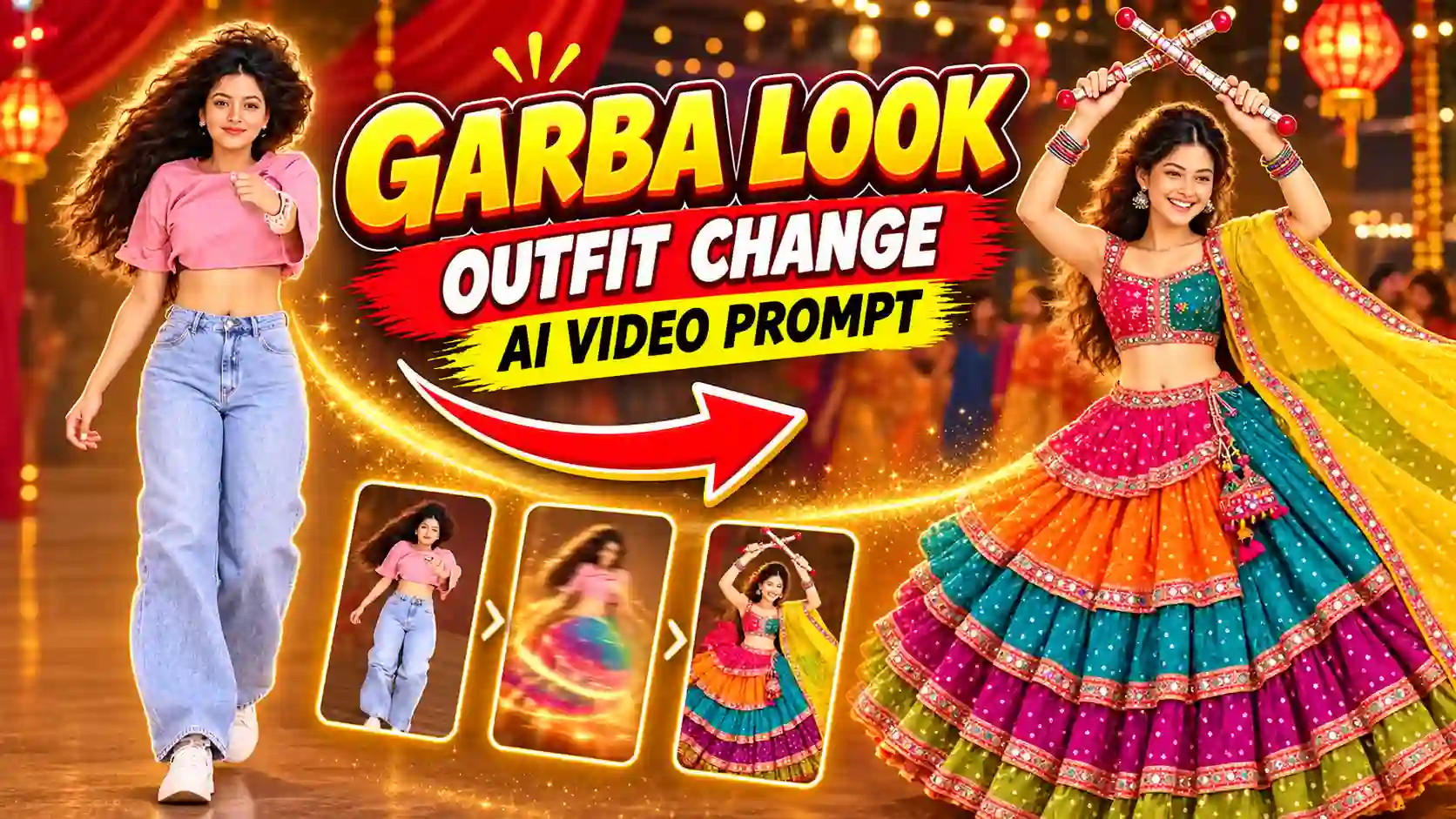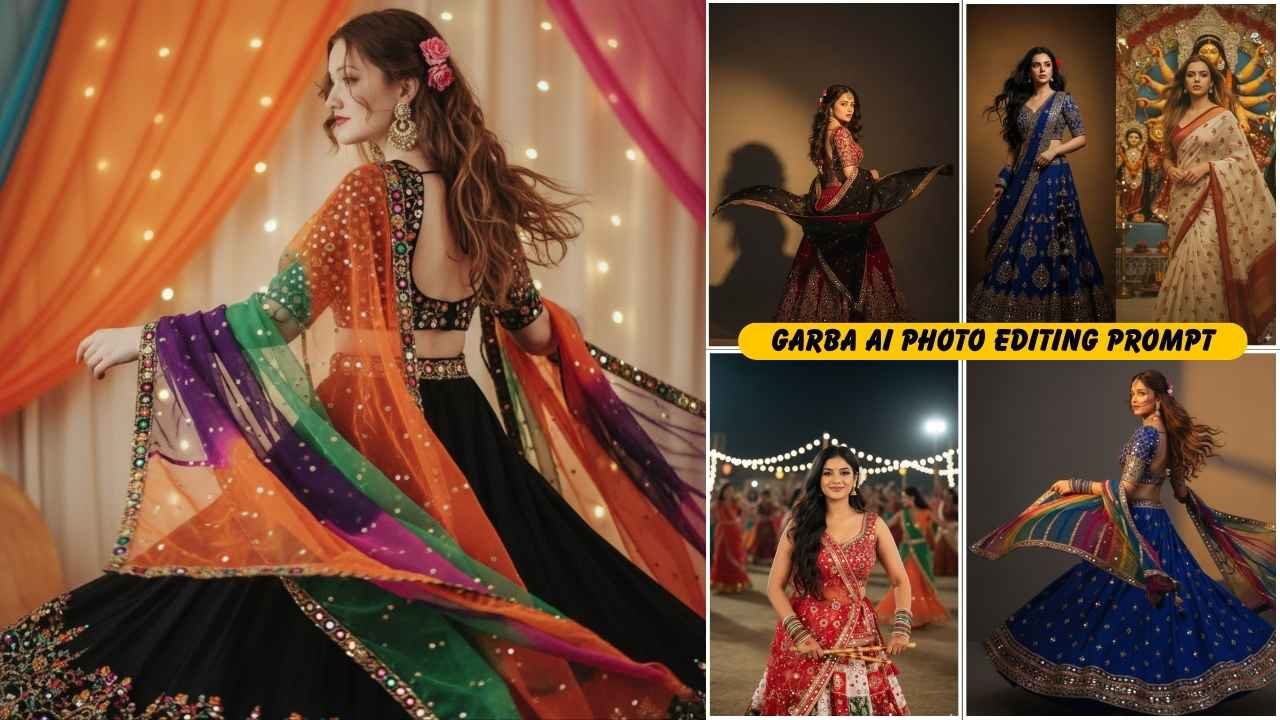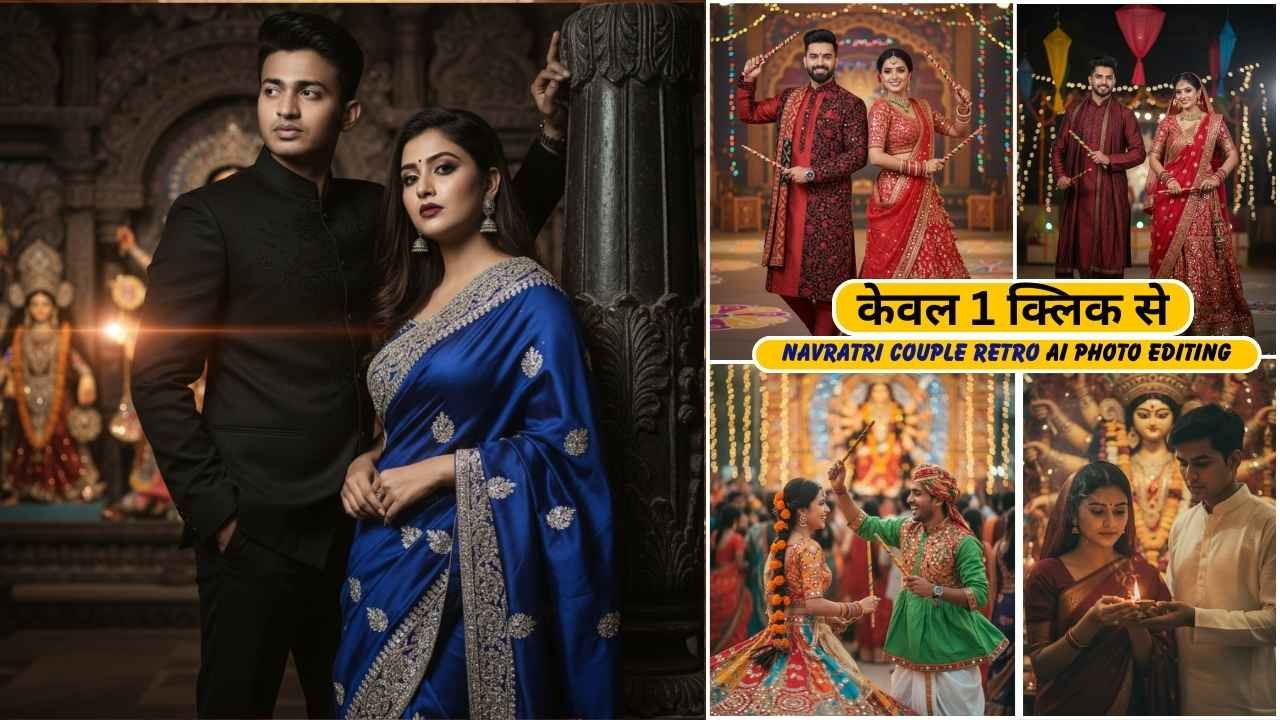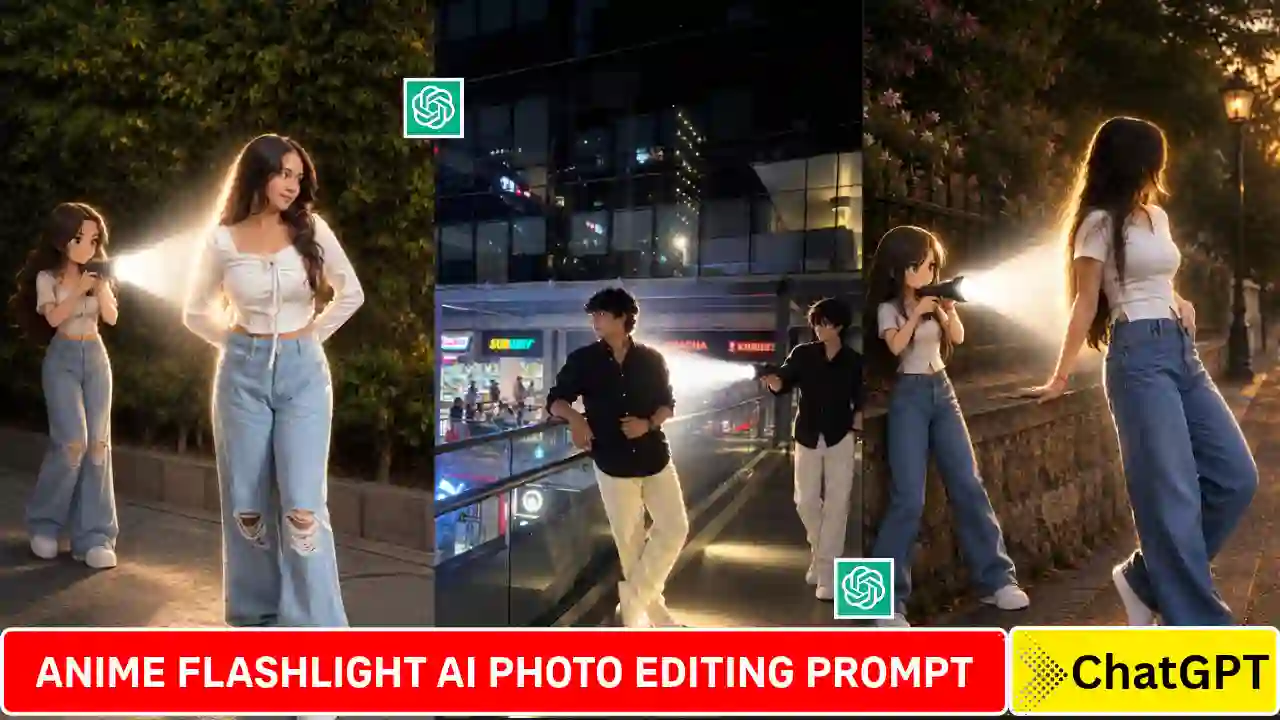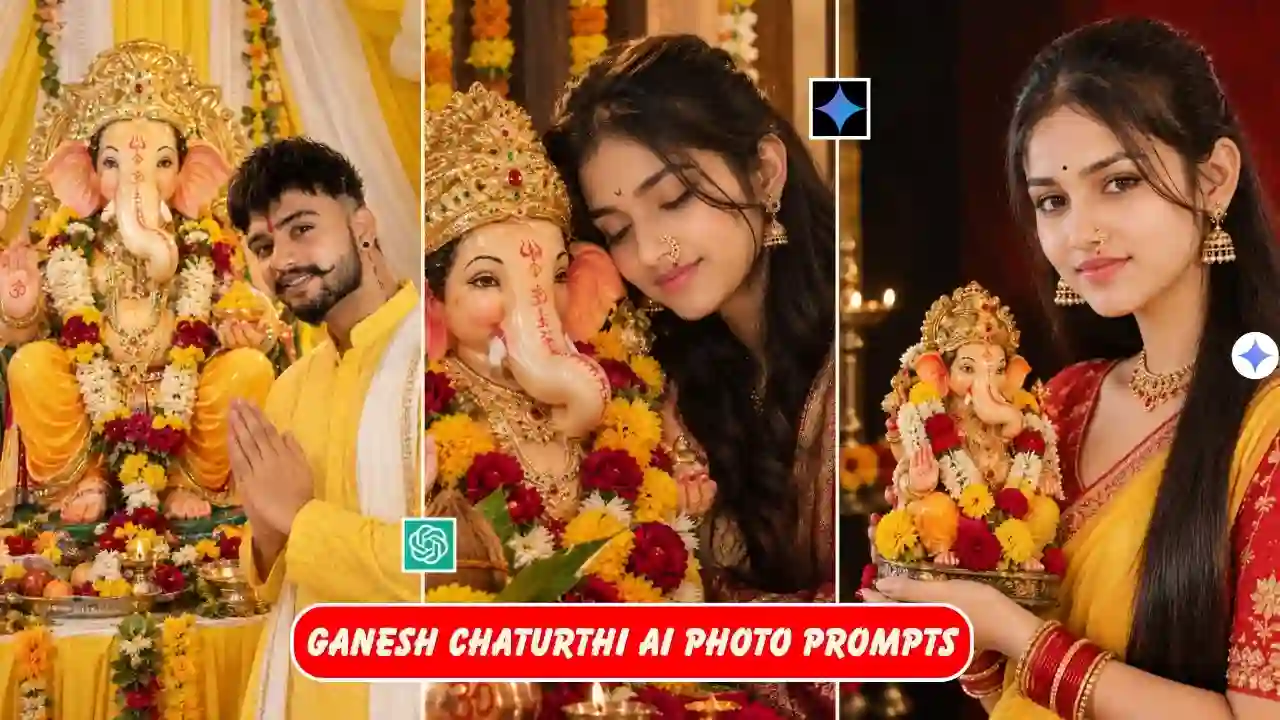
Ganesh Chaturthi AI Photo Prompts 2026: Do you want to turn your normal photo into a beautiful Ganpati celebration portrait? You can create it very easily and transform your normal photo into Ganpati pandal scene, a festive Instagram DP, a family celebration photo, or a vertical WhatsApp Status image by using right AI photo editing prompt.
Creating a great Ganesh Chaturthi AI Photo is more than just asking an AI tool to add Ganesh Chaturthi decorations to an image. You need to define a scene, include all the required details about the lighting, clothing, background and composition in order to achieve the final results.
Here you will get a collection of Ganesh Chaturthi AI photo editing prompts for 2026. All Ganesh Chaturthi photos are created in realistic, cinematic, traditional, luxury, family oriented and many more styles for DP, Instagram, Facebook and WhatsApp Status and Festival Posters. Looking for another festival-themed AI photo editing idea? Try our Radha Rani Photo Editing Prompts.
When Is Ganesh Chaturthi 2026?
Ganesh Chaturthi 2026 will be celebrated on Monday, September 14, 2026. The date of Ganesh Chaturthi is marked every year on the fourth day of the Hindu month of Bhadrapada, known as Chaturthi Tithi. It is the birth anniversary of Lord Ganesha.
The festival of Ganesh Chaturthi lasts for some days depending upon the traditions of different individuals and communities. Ganpati idols are decorated beautifully at people’s houses and public places such as pandals that contain flowers, rangoli, lights and diya. There are various possibilities for social media content makers on this occasion.
Ganesh Chaturthi AI Photo Editing Prompts
✨ AI Prompt
✨ AI Prompt
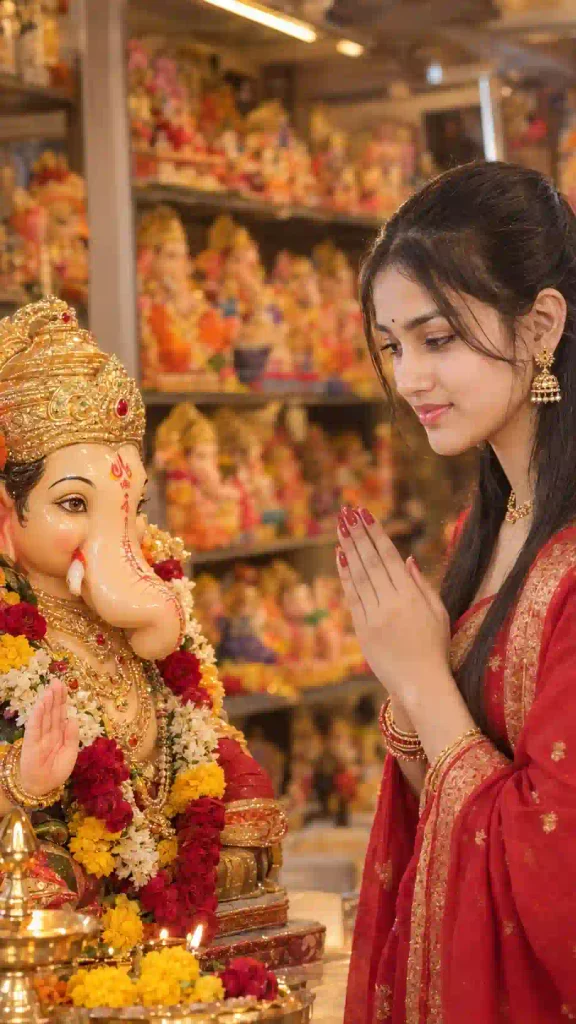
✨ AI Prompt
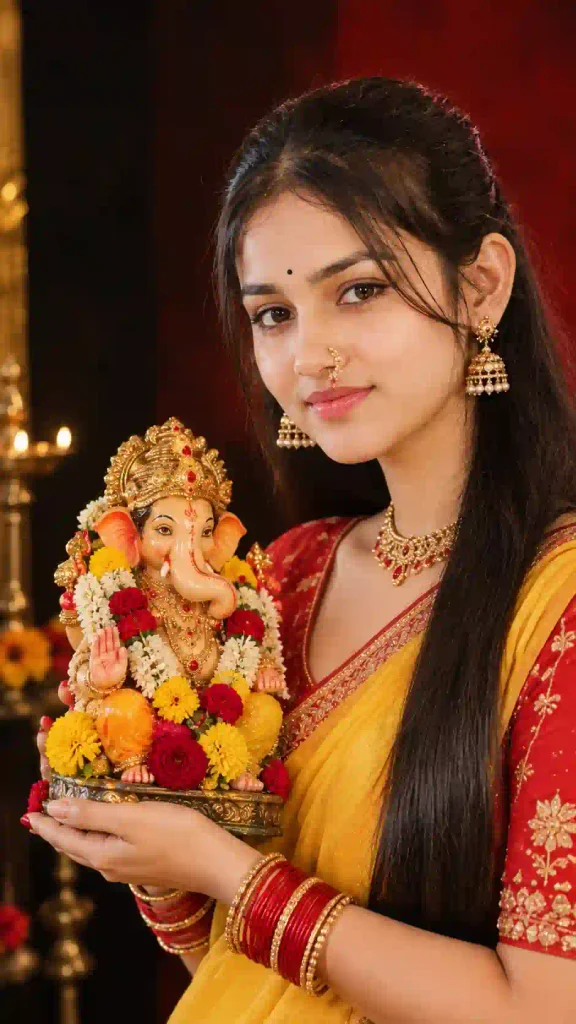
✨ AI Prompt
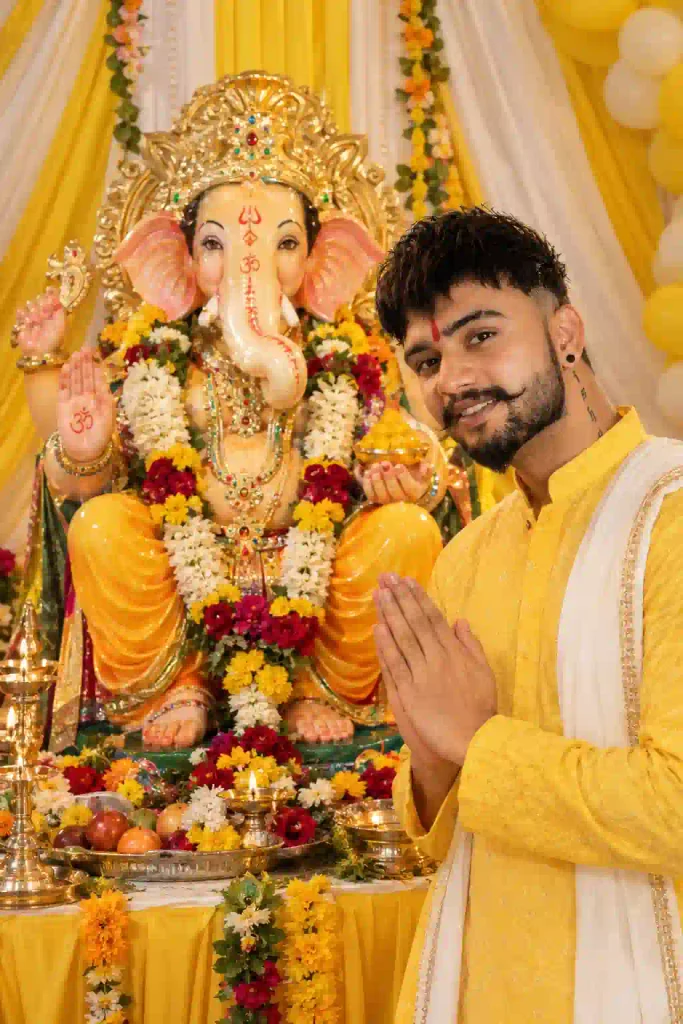
✨ AI Prompt
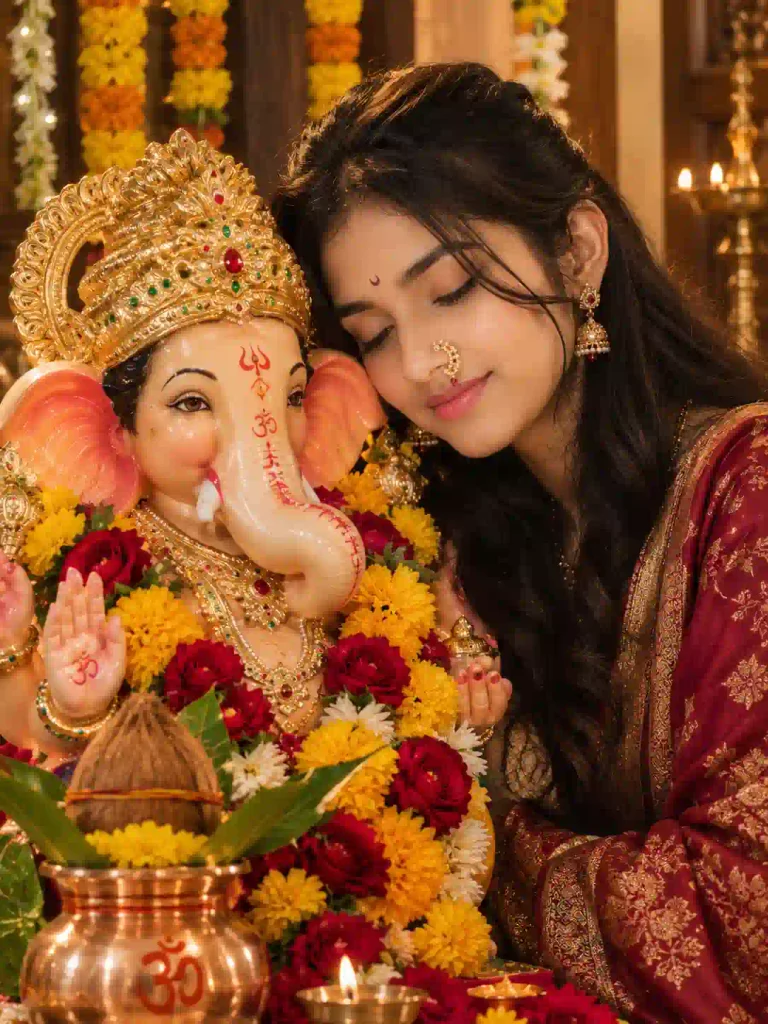
✨ AI Prompt
Ganesh Chaturthi AI Photo Prompt for Instagram DP
A DP needs a slightly different approach because most of the background disappears after cropping.
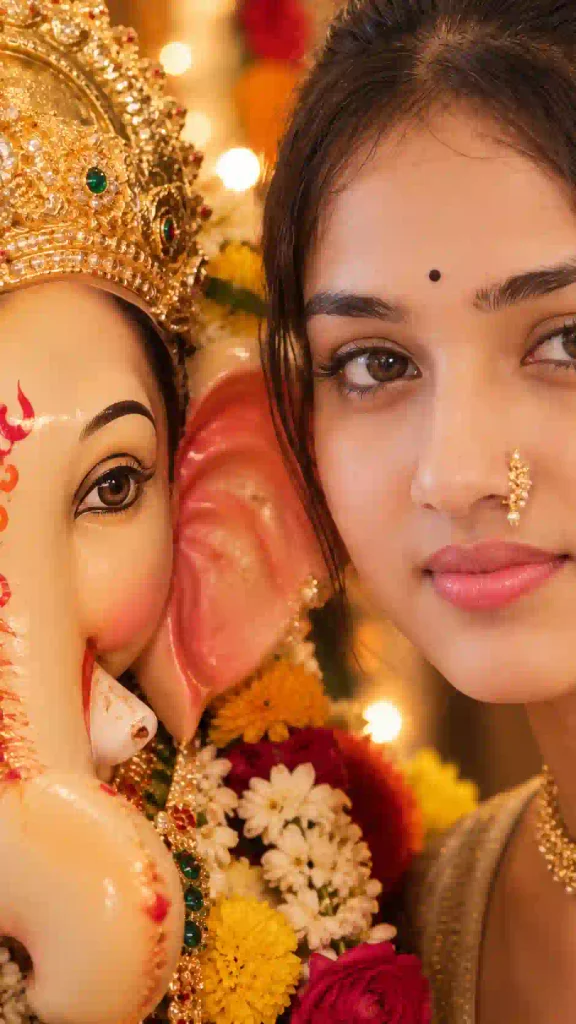
Create a premium square Ganesh Chaturthi profile picture using the uploaded photograph as the identity reference. Preserve the person’s recognizable facial identity, natural facial features, hairstyle, and skin texture. Frame the subject from the chest upward and keep the face as the sharpest and most prominent element. Place a beautifully decorated Ganpati idol slightly behind the subject with soft marigold flowers, diyas, and warm festive lights. Use a clean background with subtle bokeh rather than too many decorations. Maintain realistic lighting, natural skin texture, accurate facial proportions, and professional portrait photography. Make the composition work well when cropped into a circular social-media profile picture.
DP tip: Don’t fill the entire frame with decorations. When the image is cropped into a small profile picture, a busy background can make the face difficult to recognize.
Ganesh Chaturthi AI Photo Prompt for WhatsApp Status
For WhatsApp Status and Instagram Stories, use the full vertical frame.
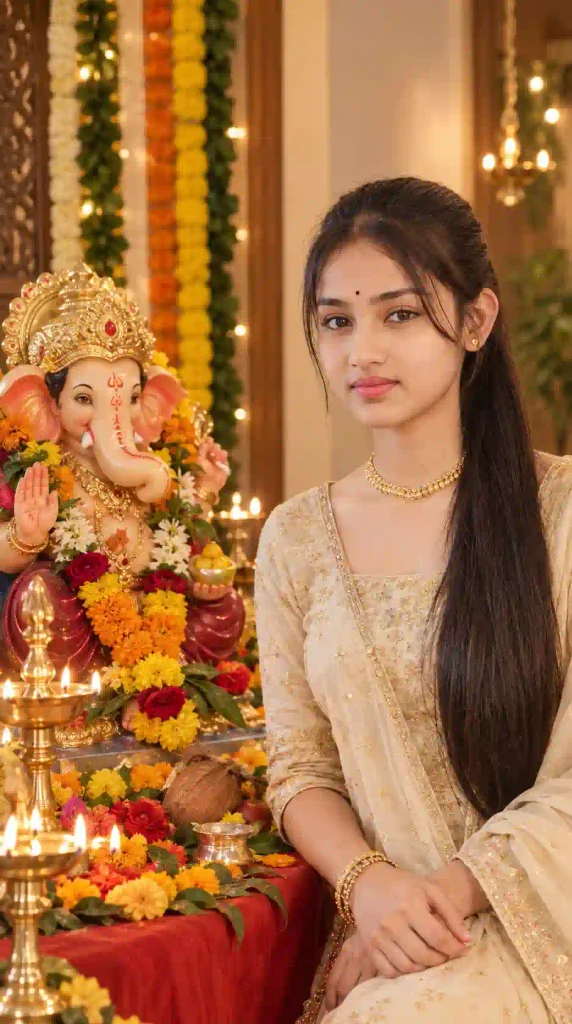
Create a cinematic 9:16 vertical Ganesh Chaturthi celebration image using the uploaded photograph as the identity reference. Preserve the person’s recognizable facial identity, natural appearance, hairstyle, and proportions. Place the person beside an elegant Ganpati idol decorated with marigold flowers, diyas, traditional lamps, and festive lights. Create a peaceful evening atmosphere with subtle incense smoke and realistic warm illumination. Position the subject toward the lower or central portion of the composition while leaving clean negative space near the upper section for adding a festival greeting later. Use photorealistic details, natural skin texture, realistic shadows, accurate anatomy, and premium vertical social-media photography.
Ganesh Chaturthi AI Photo Prompt for Instagram Post
Create a high-quality 4:5 vertical Instagram portrait for Ganesh Chaturthi using the uploaded photograph as the identity reference. Preserve the person’s recognizable facial identity, natural skin texture, hairstyle, and overall proportions. Place the subject in an elegant festive setting with a beautifully decorated Ganpati idol, marigold flowers, traditional lamps, and warm ambient lighting. Keep the idol visible without allowing it to dominate the person’s face. Use balanced composition, realistic clothing texture, natural expression, subtle background depth, realistic shadows, and professional editorial photography. The final image should feel festive and authentic rather than overly edited.
How to Generate a Ganesh Chaturthi AI Photo
You don’t need complicated editing software to get started. First, choose a clear reference photo where the face is easy to see. A well-lit portrait with minimal blur generally gives the AI more useful visual information. Then open your preferred AI image-generation or editing tool, upload the reference photo when image input is supported, and paste one of the prompts above. After the first result is generated, look at the details before accepting it.
If something looks wrong, don’t necessarily rewrite the entire prompt. Try changing just the part that needs improvement—for example, the hand position, background, lighting or typography. For another festival-focused collection, see our Raksha Bandhan AI Photo Editing Prompts.
Ganesh Chaturthi AI Photo Prompts 2026: FAQs
Can I create a Ganesh Chaturthi AI photo using my own picture?
Yes. Using photo editing software for artificial intelligence that uses image references, one can turn a preexisting image into a Ganesh Chaturthi image. Using a reference image usually helps the tool to get the hang of the person’s look.
Which aspect ratio is best for Ganesh Chaturthi WhatsApp Status?
9:16 is the most suitable format for WhatsApp Status and Instagram Stories.
What ratio should I use for an Instagram post?
A 4:5 vertical image is a strong choice for an Instagram feed post, while 1:1 can also work well.
Can I create a Ganpati AI photo for boys and girls?
Yes. The same fundamental idea may be applied to various costumes, poses, lighting, and settings, but the individual remains the primary point of reference.
Can I use these prompts in different AI image tools?
Yes, generally speaking. Some modification might be needed depending on the tool and if it has image references, editing instructions, negative prompts, or aspect ratio capabilities.
How do I make a Ganesh Chaturthi DP look good after cropping?
The face should be somewhat larger in the picture, there should be no clutter in the background, and the Ganpati figure should be placed somewhat behind the subject. The square format makes a good beginning for the circular portrait picture crop.
Final Thoughts
The creation of a stunning AI photo for Ganesh Chaturthi does not necessarily demand a great mastery of Photoshop techniques. All you need is a good reference picture and an effective prompt. The key to creating such images is in the choice of details to be described. Instead of just asking the AI to make a Ganpati idol appear in the picture, try to imagine how the entire festive image will look like: where the celebration is held, what clothes the person is wearing, how the idol is dressed up, what lighting effects it is done under, and whether it should look traditional, cinematic, luxurious, or absolutely realistic.
When using AI to enhance your profile pictures, make sure the picture looks balanced and that the face becomes the focal point. When creating AI posters, do not forget about the empty space for texts and typography. When decorating family photos, focus on natural interaction and not on people posing. If the first attempt turns out to be unsuccessful, then it is better not to abandon the entire prompt and only change those things that need to be changed – for example, some details of the background, lighting, hand position, etc. You can use one of these prompts to create a Ganesh Chaturthi photo and save your favorite version to share on Instagram Story, WhatsApp Status, Facebook post.