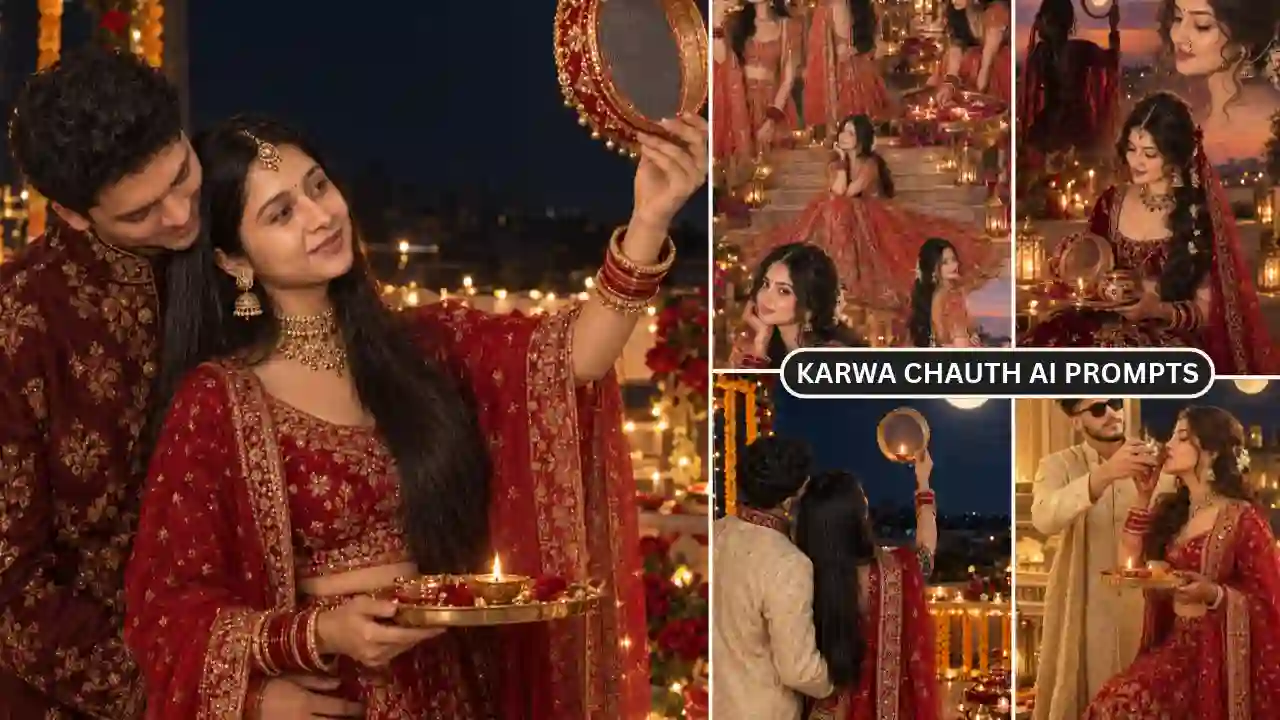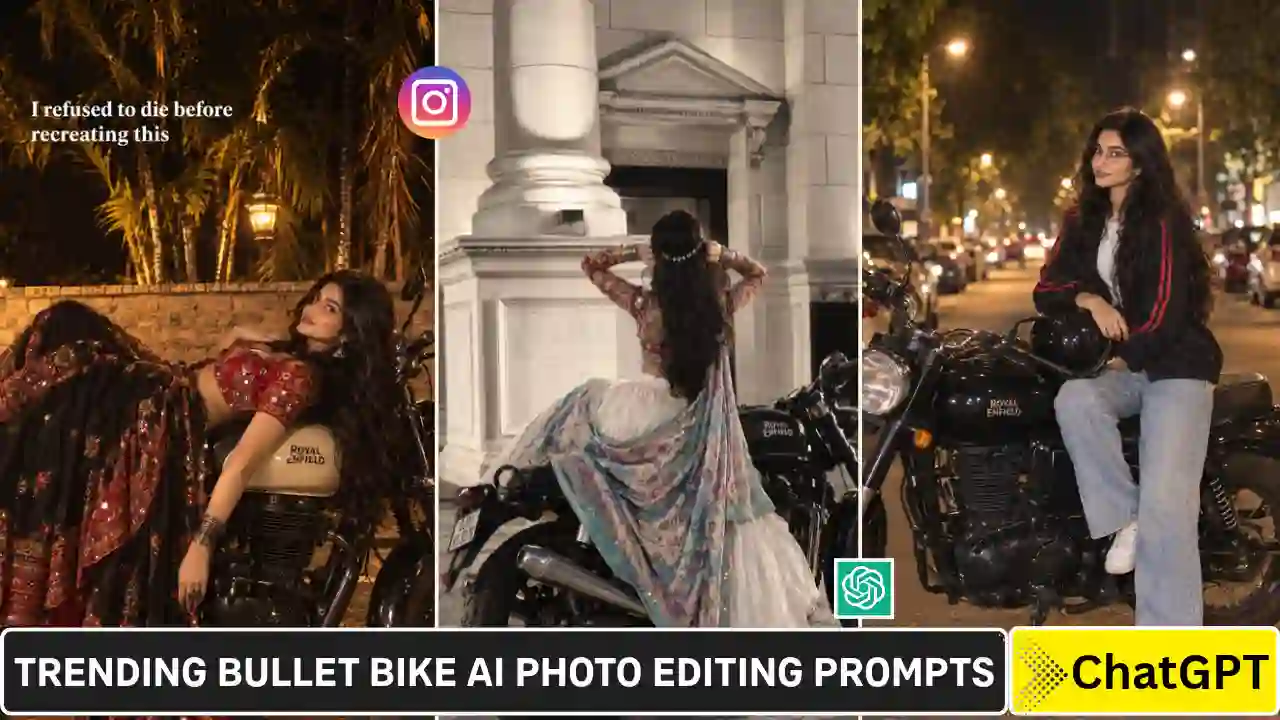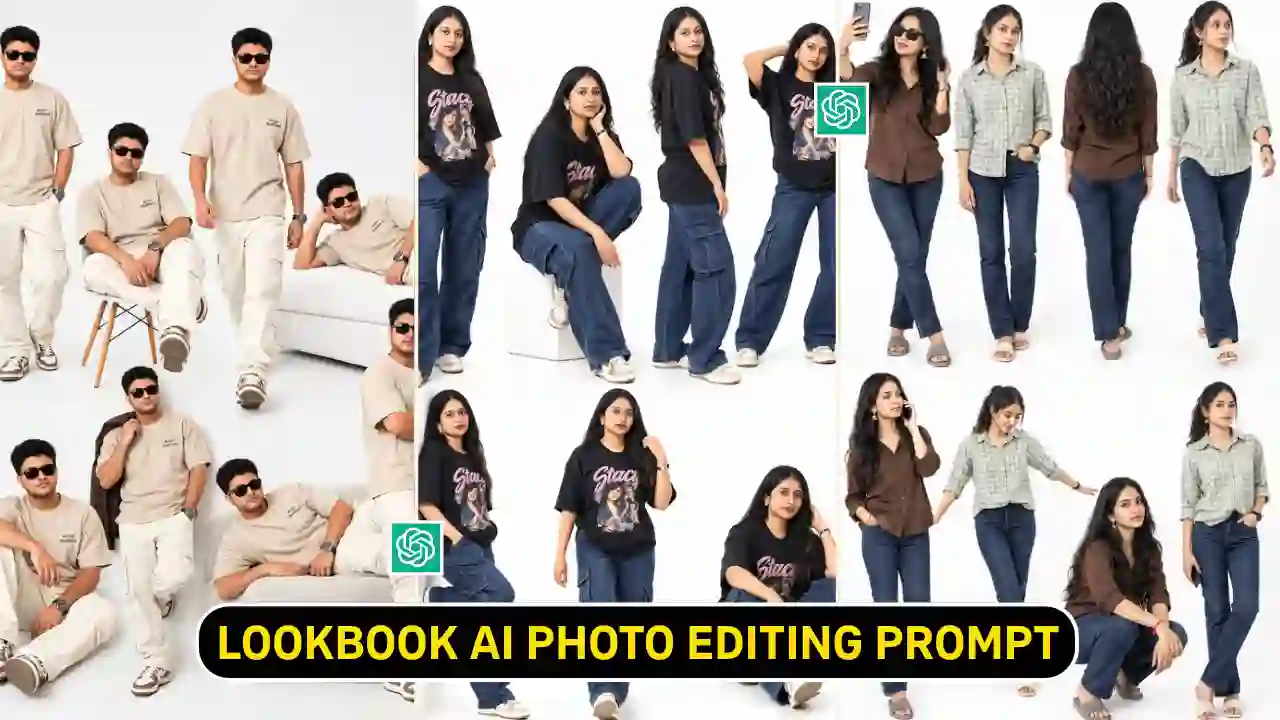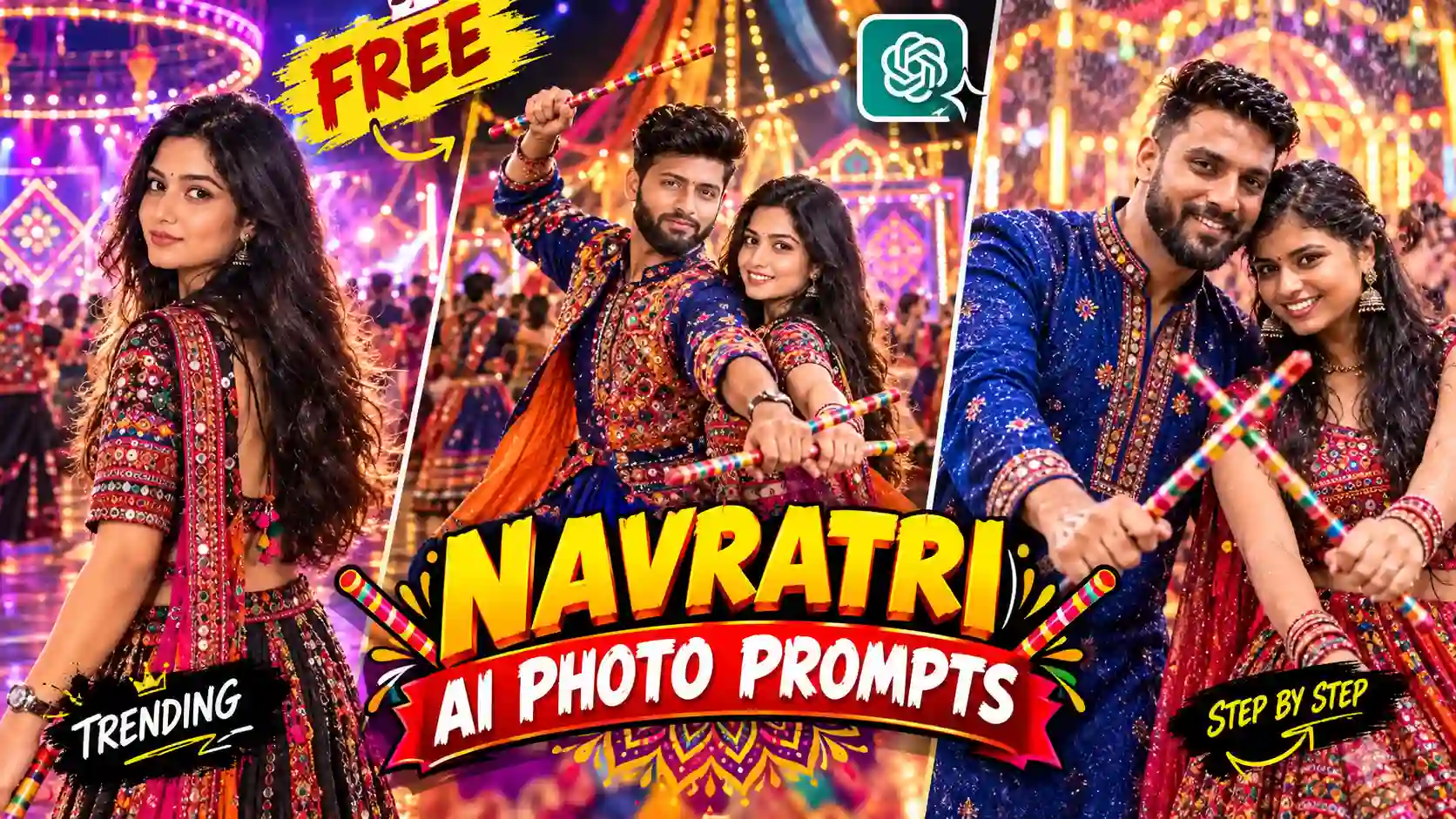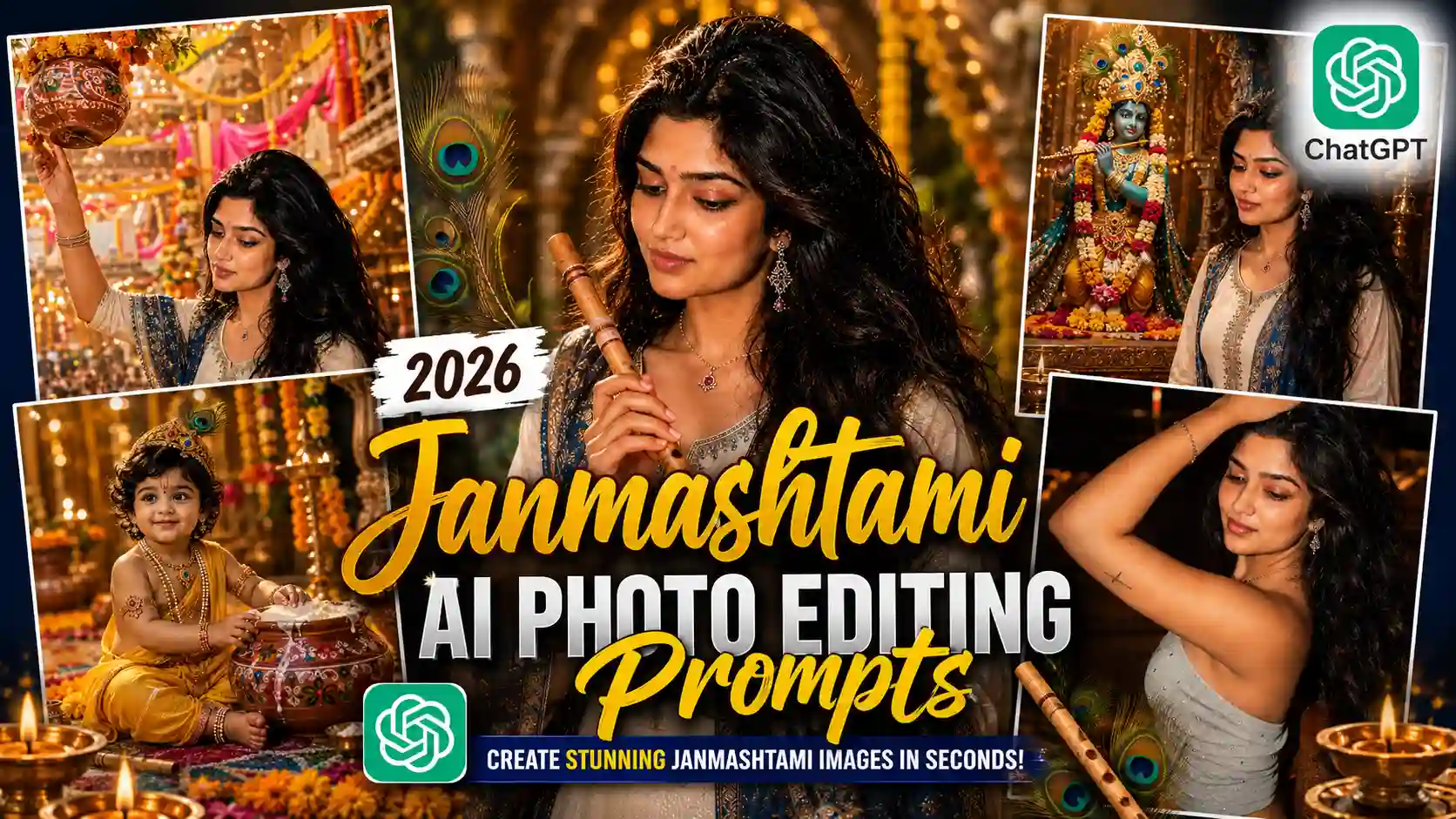
Janmashtami AI Photo Editing Prompts (2026) are growing in popularity on Instagram, Facebook, and other social media platforms among users who want to create beautiful devotional images with an AI-generated Krishna Janmashtami theme.
Krishna Janmashtami is one of the most celebrated festivals devoted to Lord Krishna. During this holy festival, people decorate their homes and places of worship, participate in devotional programs, prepare delicious sweets, exchange wishes, and share festival photos on social media. With the rise of AI image-generation tools, creating a beautiful Krishna Janmashtami AI photo has become much easier. Instead of spending hours manually editing backgrounds, clothing, lighting, decorations, and other elements, you can provide a suitable reference photo and a detailed prompt to an AI tool.
In this guide, you will find 9 Janmashtami AI Photo Editing Prompts for 2026, including prompts for boys, girls, devotional portraits, Baby Krishna themes, temple backgrounds, Dahi Handi scenes, and cinematic Krishna-inspired photography. You will also learn how to use these prompts with AI tools and how to get more realistic results. Looking for another festival-themed AI photo editing idea? Try our 9 Raksha Bandhan AI Photo Editing Prompts.
What Is a Janmashtami AI Photo Editing Prompt?
A Janmashtami AI Photo Editing Prompt is a detailed instruction that tells an AI image-generation tool how you want your photograph to be transformed into a Krishna Janmashtami-themed image.
For example, a prompt can tell the AI to add:
- Lord Krishna or a Krishna idol
- Peacock feathers
- Krishna’s flute
- Traditional Indian clothing
- Janmashtami decorations
- Dahi Handi
- Marigold flowers
- Diyas
- Vrindavan-style surroundings
- Temple interiors
- Divine lighting
- Festive bokeh
- Traditional jewelry
- Decorative matkis
You can also specify the image’s composition, camera style, lighting, aspect ratio, and facial identity. Clear instructions generally give the AI a better idea of the scene and visual direction you’re aiming for, although the final result can still vary between tools and generations. Explore our Google Gemini Navratri Couple Retro AI Photo Editing Prompts.
9 Janmashtami AI Photo Editing Prompts for Lord Krishna 2026
Below are nine ready-to-use prompts. You can copy any prompt and customize the clothing, background, text, or other elements according to your preference.
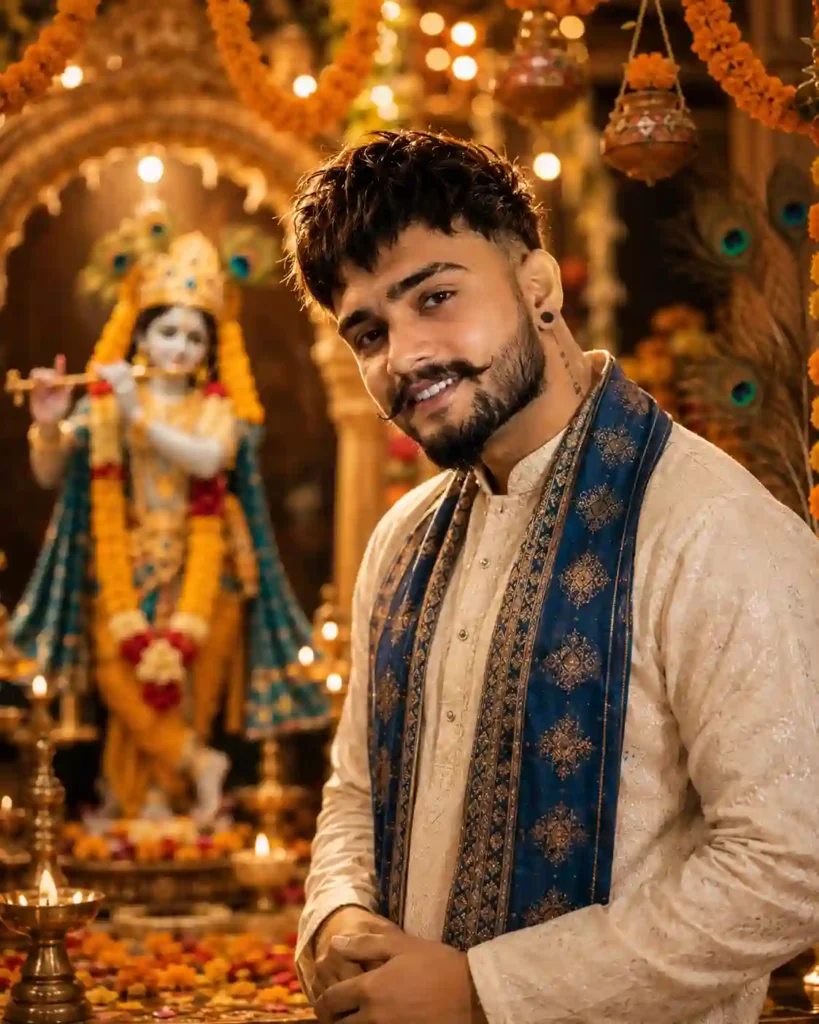
✨ 1. Janmashtami AI Prompt for Boys
Best for: Boys and men who want a traditional temple-themed Janmashtami portrait.
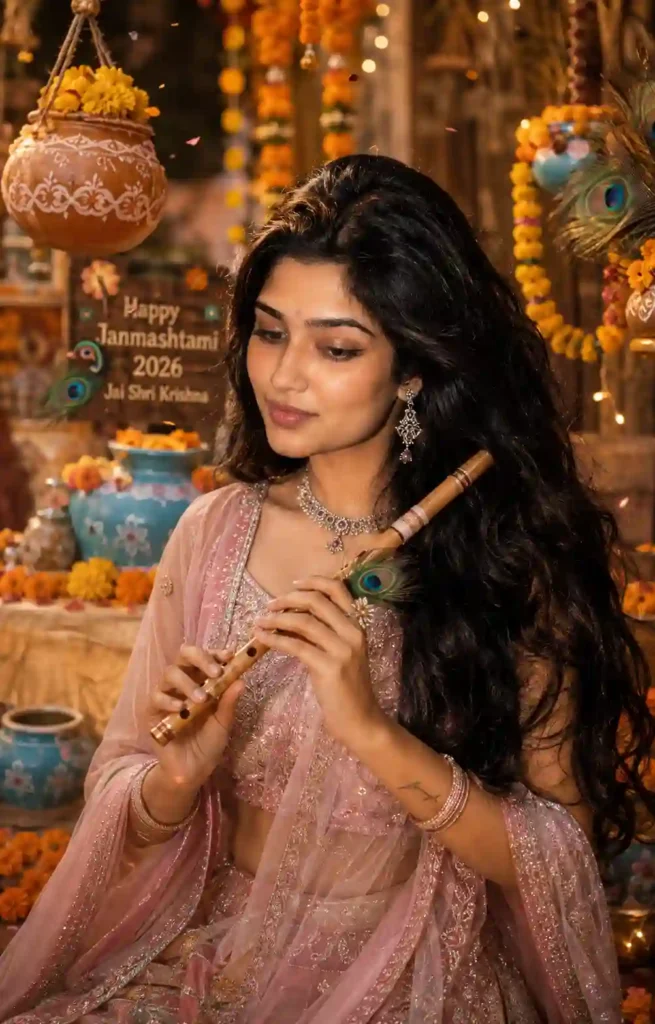
✨ 2. Janmashtami AI Prompt for Girls
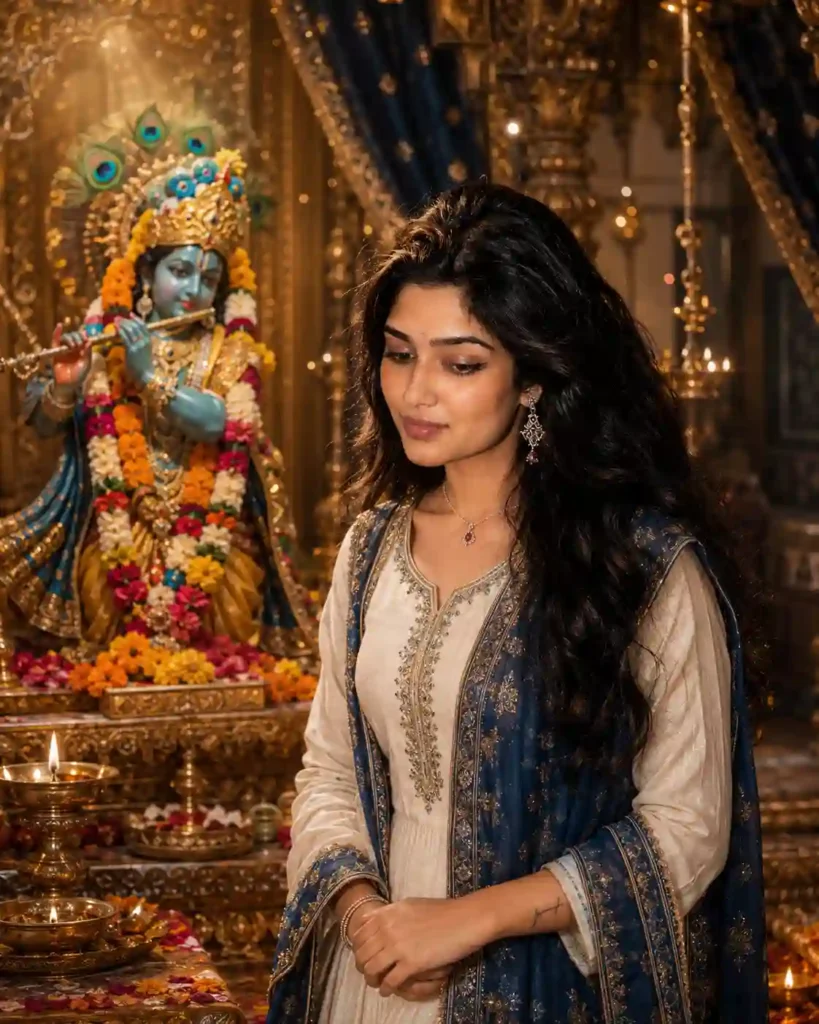
✨ 3. Lord Krishna Temple AI Photo Prompt
Baby Krishna is one of the most popular themes for Janmashtami creative images. This prompt focuses on a cute devotional setting.
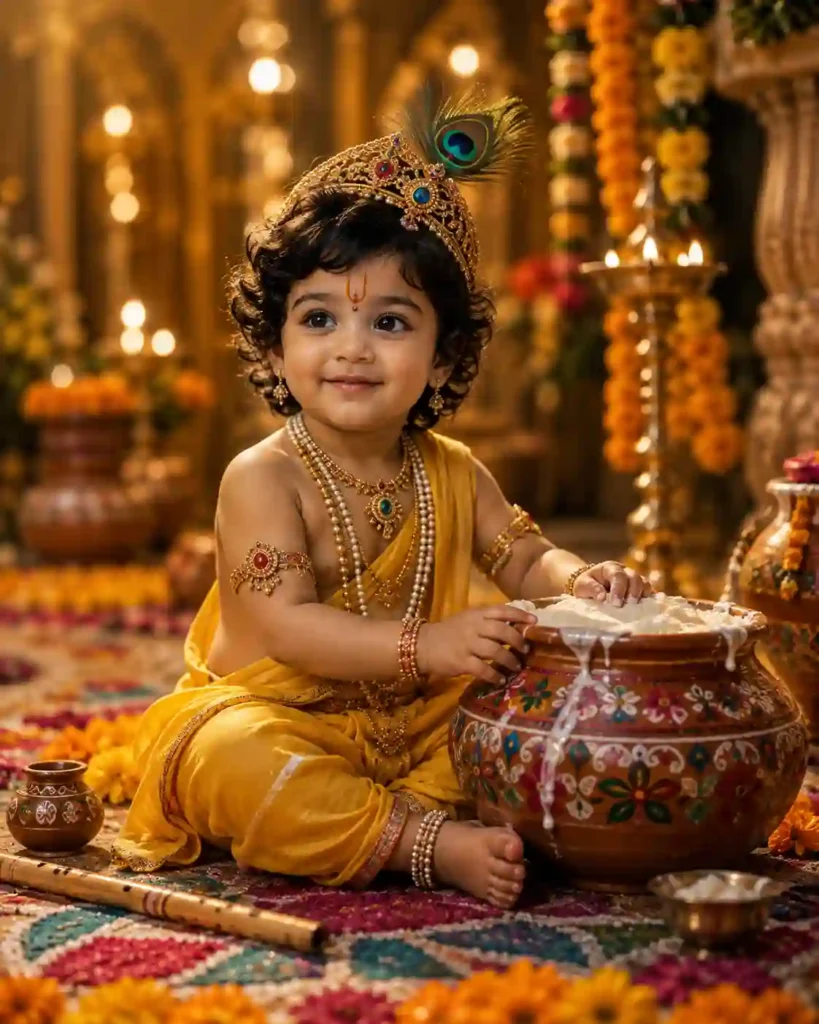
✨ 4. Baby Krishna Janmashtami AI Prompt
Unlike the portrait prompts above, this one is designed as a standalone Baby Krishna image rather than an edit of your own face.
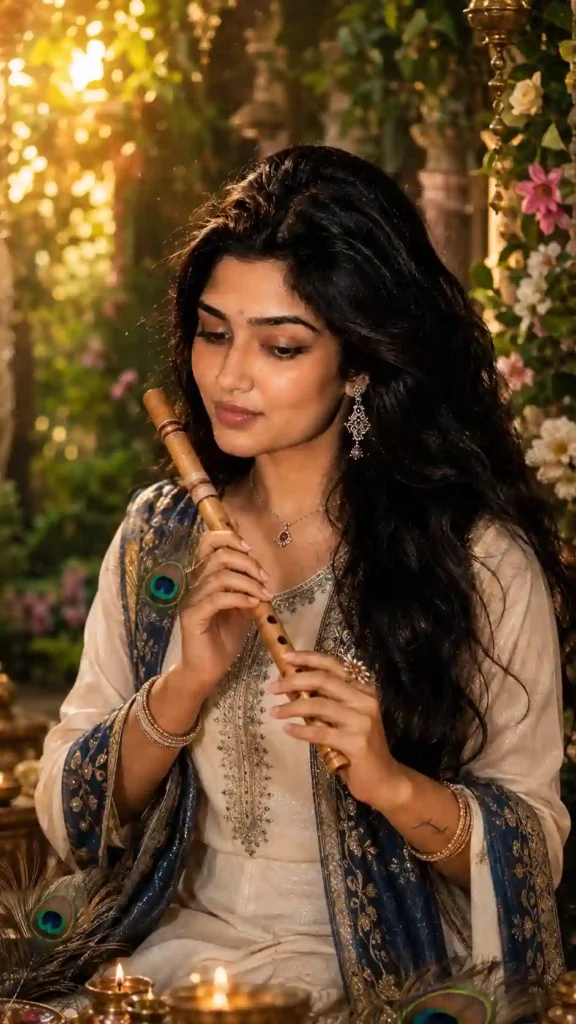
✨ 5. Krishna Flute AI Photo Editing Prompt
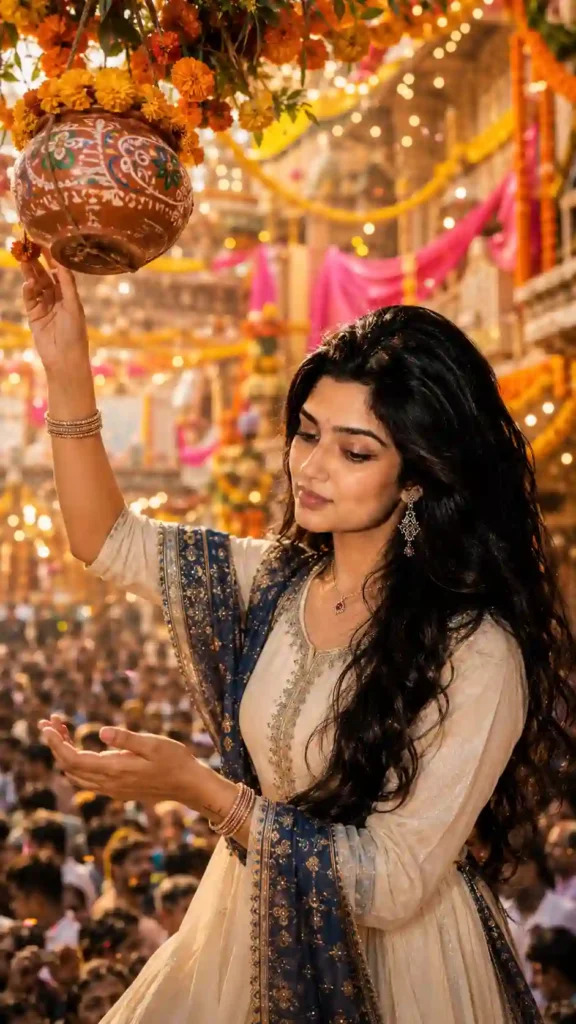
✨6. Janmashtami Dahi Handi AI Prompt
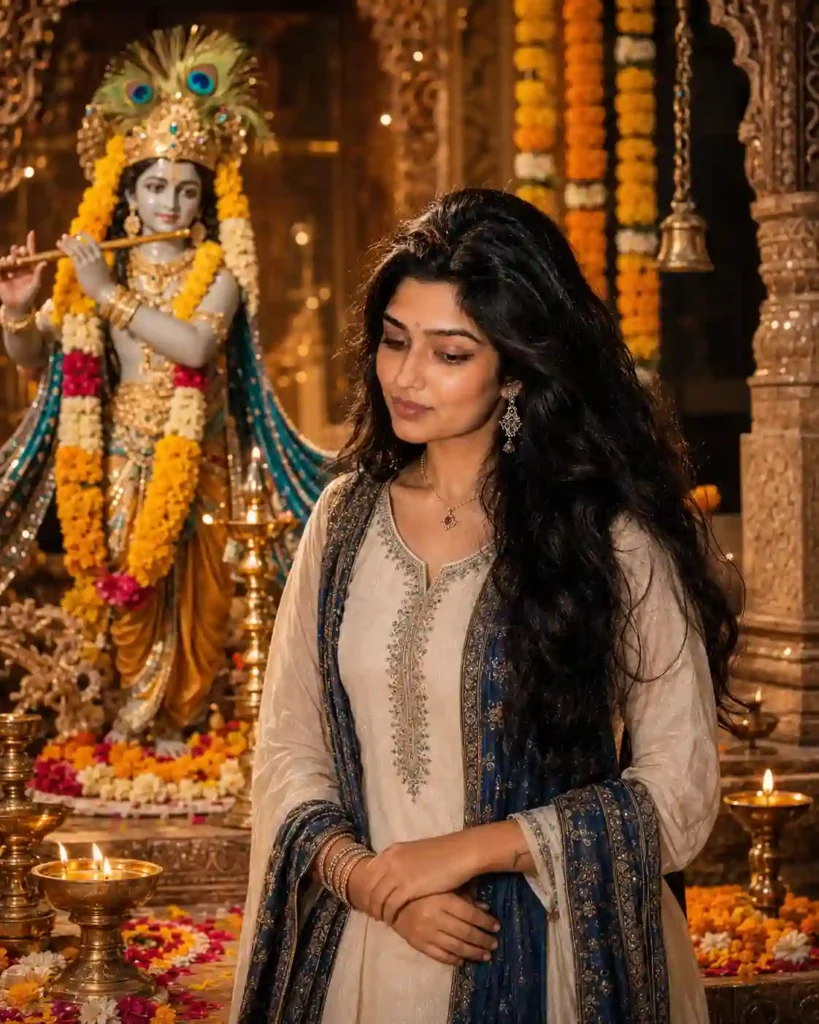
✨ 7. Krishna and Devotee Cinematic Prompt
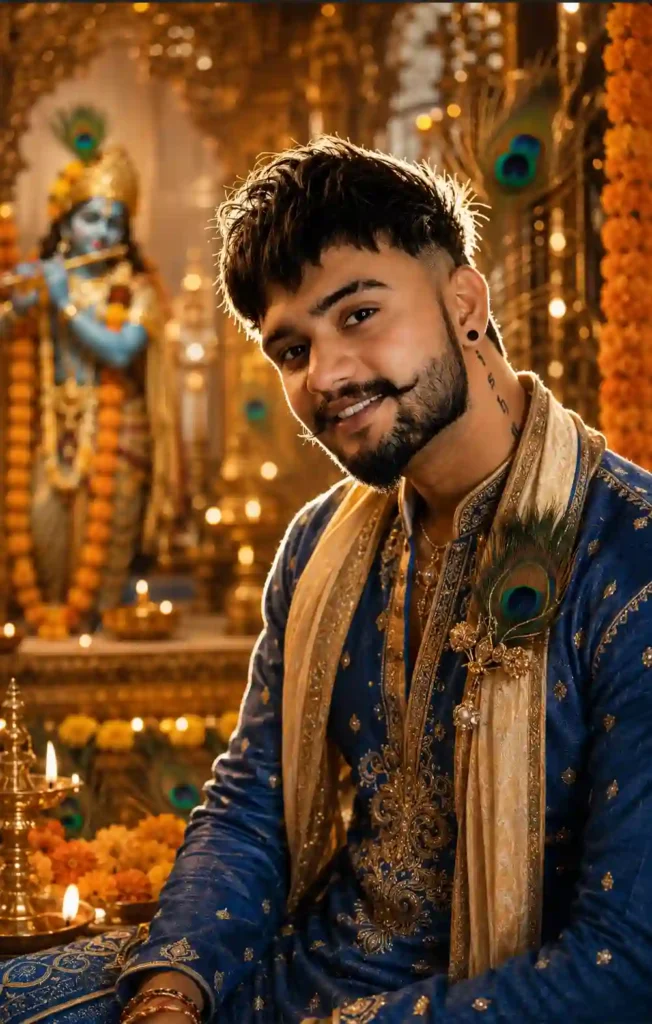
✨ 8. Royal Krishna Janmashtami Portrait Prompt
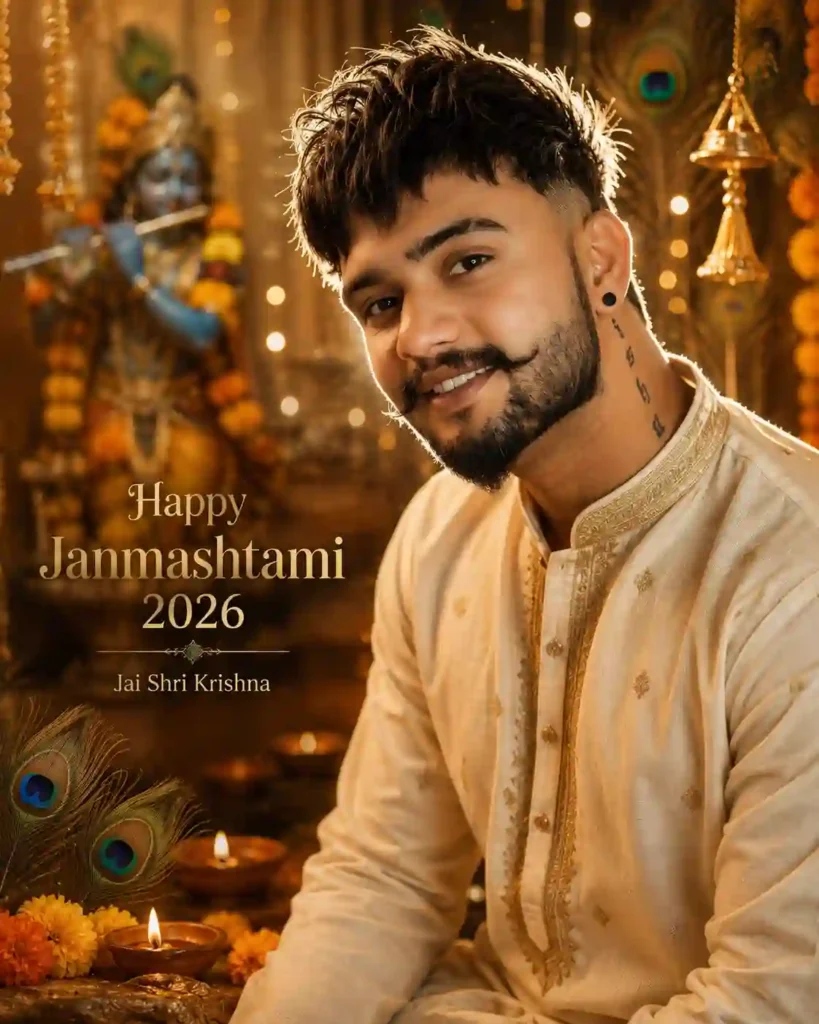
✨ 9. Instagram Janmashtami AI Photo Prompt
Which Janmashtami AI Prompt Should You Choose?
| If you want… | Try |
|---|---|
| Traditional boy portrait | Prompt 1 |
| Festive girl portrait | Prompt 2 |
| Temple setting | Prompt 3 |
| Baby Krishna image | Prompt 4 |
| Flute-themed portrait | Prompt 5 |
| Energetic festival scene | Prompt 6 |
| Devotional portrait | Prompt 7 |
| Royal traditional look | Prompt 8 |
| Instagram-ready image | Prompt 9 |
Some other Janmashtami AI Photo Editing Prompts
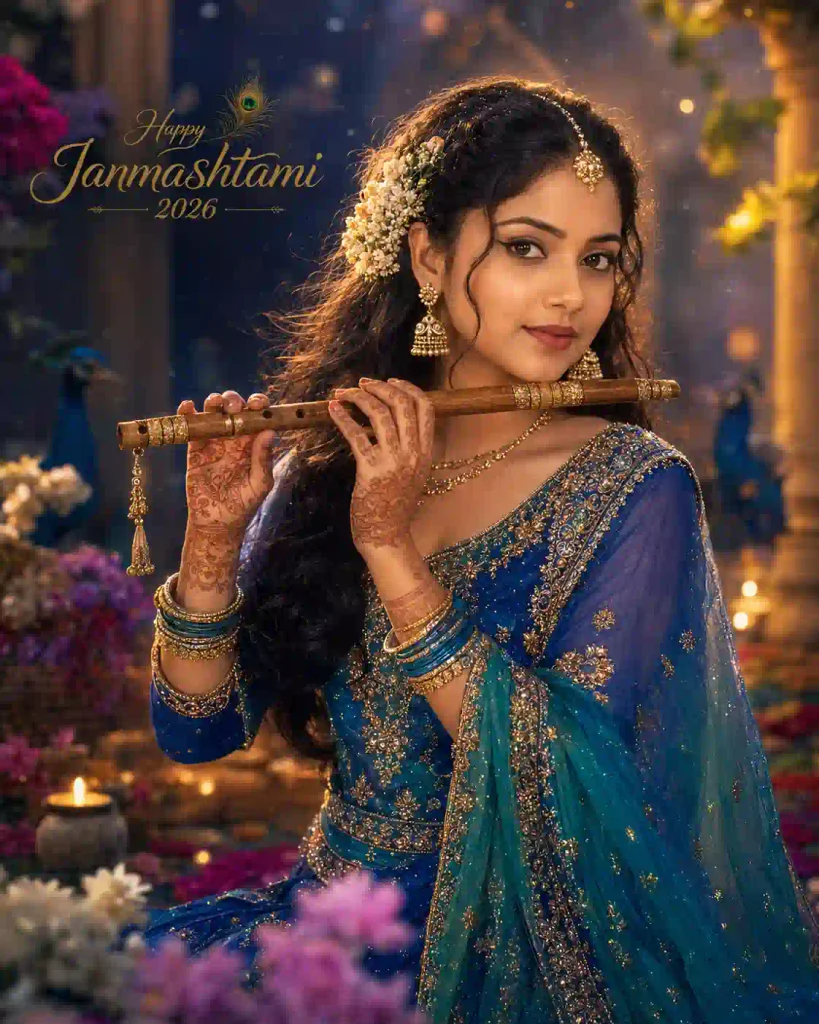
✨AI Photo Prompt
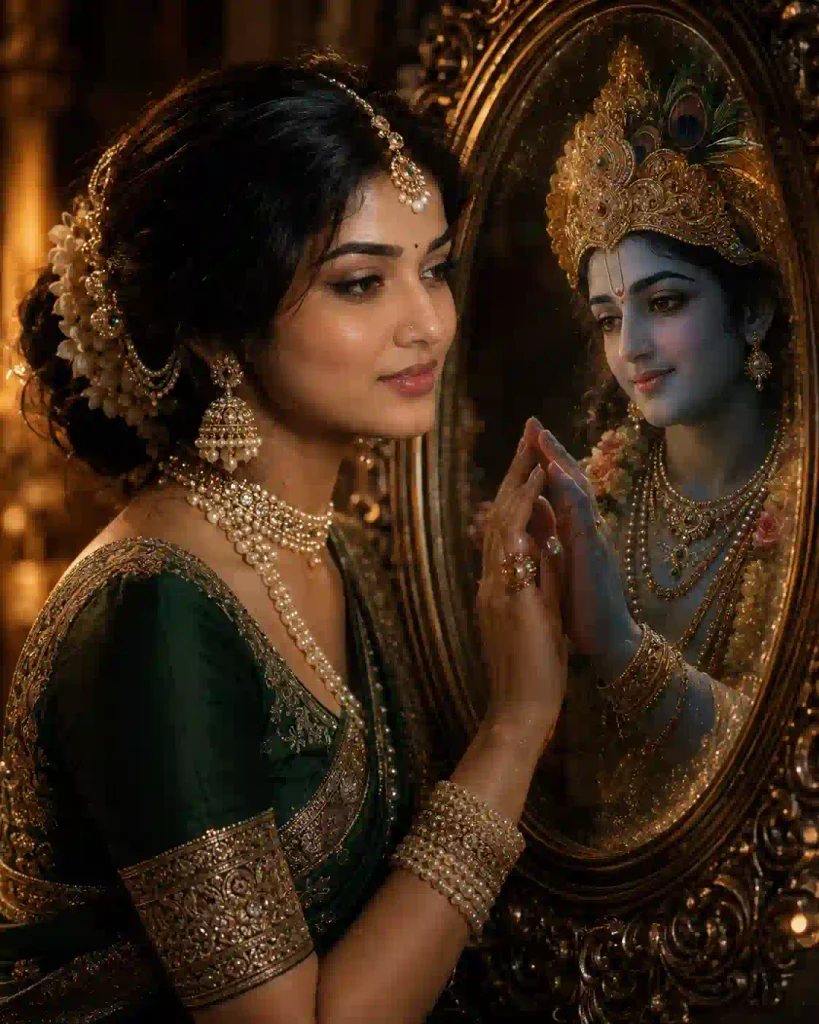
✨AI Photo Prompt
How to Create Janmashtami AI Photos Using These Prompts
Creating a Janmashtami is very easy when you’re using an AI tool that supports image input and image generation or editing.
- Choose a reference photo: Use a clear image where the face is visible and well lit. For better identity consistency, avoid: Blurry images, extremely dark photos, Photos taken from very far away, Images with heavy face filters, Images where the face is partially covered.
- Choose a prompt: Select the Janmashtami AI photo style you like. For example, you can choose the Baby Krishna, Dahi Handi, Temple, or Krishna Flute concept.
- Open ChatGPT or Gemini: Open an AI image-generation or editing tool that supports image uploads. Depending on the features available to you, you can use tools such as Google Gemini or ChatGPT.
- Upload your photo: Use the image-upload option to provide your reference photograph.
- Paste the prompt: Copy your selected Janmashtami AI prompt and paste it into the prompt box. You can customise details such as: dress colour, Background, Camera angle, Aspect ratio, Krishna decorations, Text, Lighting.
- Generate the image: Submit the prompt and wait for the AI tool to process the request. If the result is not what you expected, refine the prompt rather than completely changing everything at once.
- Save Your Favorite Result: Once you get a result you like, save it and use it for your social media post, profile picture, story, or Janmashtami greeting.
Looking for another festival-themed AI photo editing idea? Try our Friendship Day AI Photo Editing Prompt.
Why Are Janmashtami AI Photos Becoming Popular?
AI photo editing has become particularly popular around festivals because people want to create personalized images instead of using the same generic festival graphics. Janmashtami provides many visually recognizable elements that work well in AI-generated compositions, including:
- Lord Krishna
- Peacock feathers
- Flute
- Matki
- Butter
- Dahi Handi
- Vrindavan-inspired settings
- Temples
- Diyas
- Marigold flowers
- Traditional Indian clothing
With a single reference image and a detailed prompt, these elements can be combined to create a customised festive portrait. People can then share the results on Instagram, Facebook, WhatsApp, YouTube Shorts, and other social platforms. You can also try out our Independence Day Girl AI Photo Editing Prompt.
How to Customize These Krishna AI Prompts
You don’t have to use the prompts exactly as written. For example, you can change:
- Outfit: You can change the outfit “cream kurta with blue stole” to “royal blue embroidered kurta with a cream stole”.
- Background: You can change the background “Krishna temple” to “beautiful Vrindavan-inspired garden decorated with marigold flowers”.
- Lighting: You can change the lighting condition “warm golden lighting” to: “soft sunrise lighting with cinematic rim light”
You can also add your name or a short greeting if you are creating a social-media poster. You can also explore our latest creative butterfly-effect AI photo editing ideas.
Janmashtami AI Photo Editing Prompts: FAQs
Which is the best AI tool for creating Janmashtami AI photos?
For beginners, ChatGPT and Google Gemini can be convenient choices when image-generation or image-editing features are available. The quality of the final result depends on the tool, prompt, and reference image.
Can I create Janmashtami AI photos on a mobile phone?
Yes. You can use compatible AI image-generation or editing tools through a smartphone.
Can I create a Janmashtami photo using my own face?
Yes. If the AI tool supports image input and editing, you can provide your photograph as a reference and describe the desired Janmashtami scene.
How can I get a realistic Krishna-themed photo?
Use a clear reference photo, detailed prompt, realistic lighting instructions, natural skin-texture requirements, and a specific background description.
Can I create Baby Krishna AI images?
Yes. You can use a dedicated Baby Krishna prompt describing traditional clothing, a peacock-feather crown, flute, butter pot, flowers, diyas, and a devotional environment.
What aspect ratio should I use for Instagram?
A 4:5 portrait composition is useful for Instagram feed posts, while 9:16 is better suited to Stories and Shorts. A 1:1 composition can be useful for profile pictures.
Can I add “Happy Janmashtami 2026” to the image?
Yes. You can ask the AI to add the greeting, but always inspect the generated text for spelling and typography errors.
Conclusion
In this guide on Janmashtami AI Photo Editing Prompts for Lord Krishna (2026), we have discussed various methods through which one can generate unique Krishna Janmashtami-related images using AI. From Krishna temple portraits and Dahi Handi celebrations to Baby Krishna scenes, flute-themed portraits, devotional images, and Instagram-ready posters, these prompts give you several creative options to explore.
The basic process is simple: choose a clear reference photograph, select a prompt, upload the image to a compatible AI tool, paste the prompt, and generate the image. If the first result isn’t satisfactory, make small changes to the prompt and try again.
For the best results, keep your reference image clear, describe the scene carefully, avoid using too many effects and make sure that the real look of the individual is maintained in the image. You can also customise these prompts by changing the outfit, background, lighting conditions, aspect ratio, colors, and festival decorations in them. You can also explore more AI photo editing prompts on ApnoTak for other styles and occasions.