

Google Gemini girls AI photo editing prompts make it easier to experiment with creative portraits, fashion looks, traditional outfits, cinematic scenes, travel concepts, and artistic backgrounds. With a clear reference photo and a detailed prompt, you can guide the image-generation tool toward a specific style while customizing elements such as clothing, lighting, pose, location, and composition.
In this guide, you’ll find a collection of Google Gemini photo editing prompts for girls, covering a variety of visual styles—from traditional Indian portraits and dreamy outdoor scenes to fashion editorials, cinematic photography, and creative fantasy concepts.
These prompts are starting points rather than fixed formulas. Results can vary depending on the reference image, prompt wording, and Gemini model being used, so small adjustments may be needed to achieve the look you want. You can also explore our Ghost Girlfriend AI Photo Editing Prompts.
What Can You Create With Gemini Girls AI Photo Editing Prompts?
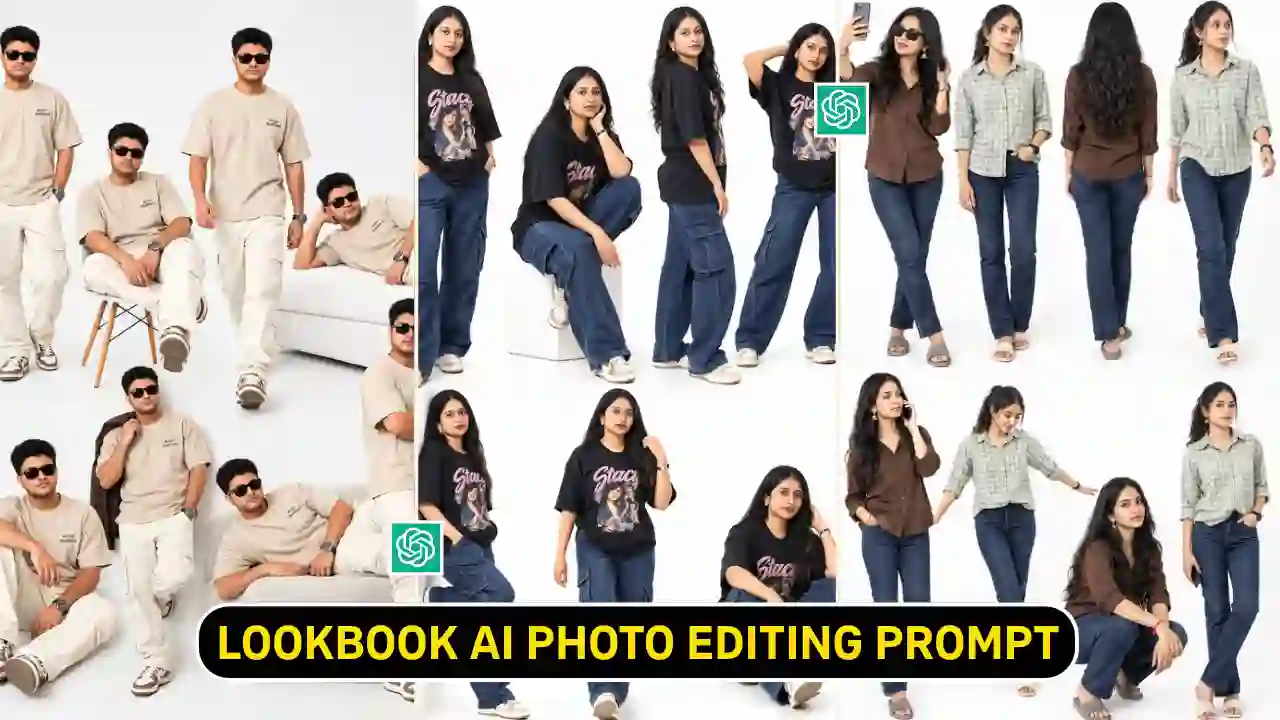
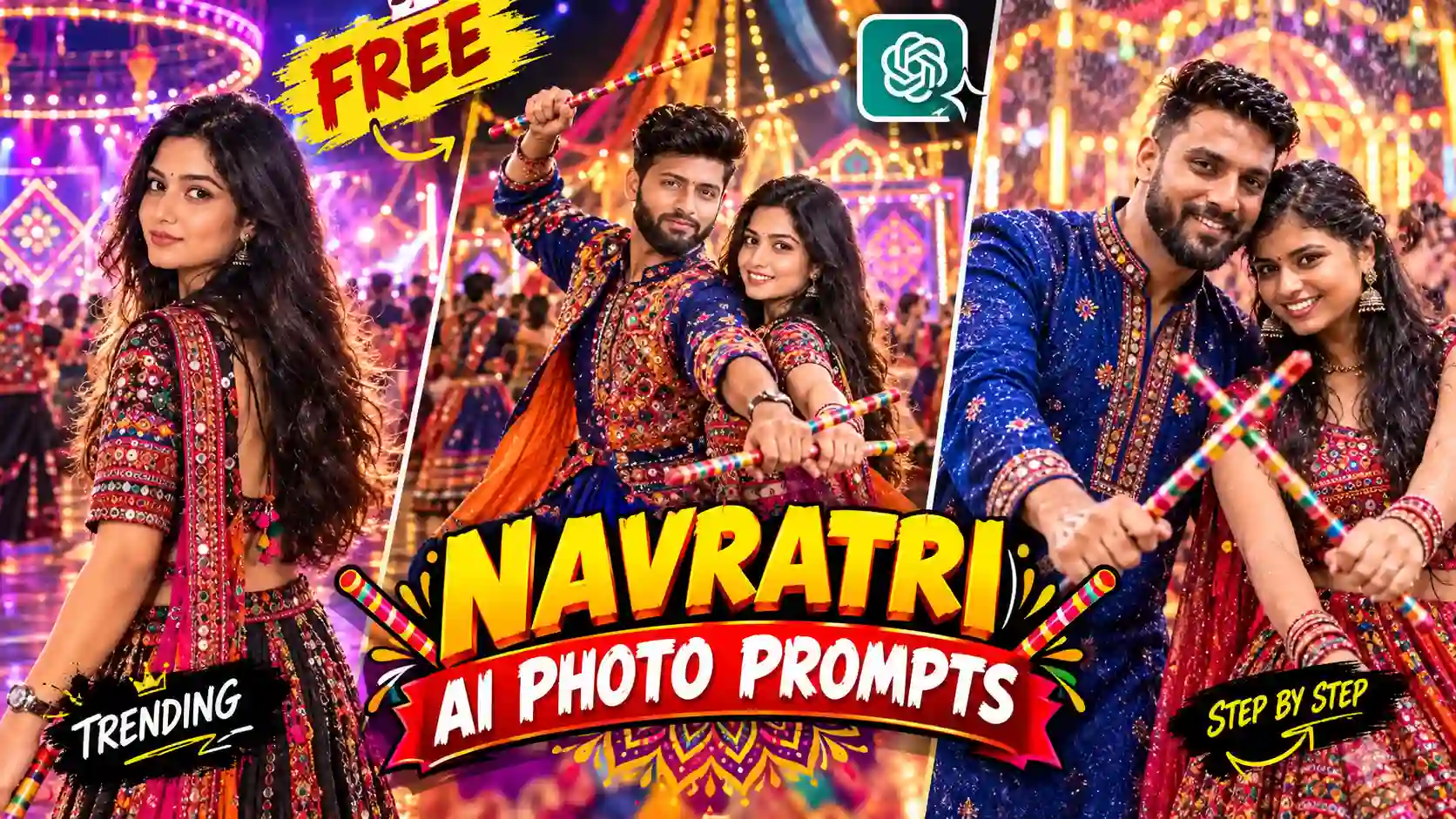
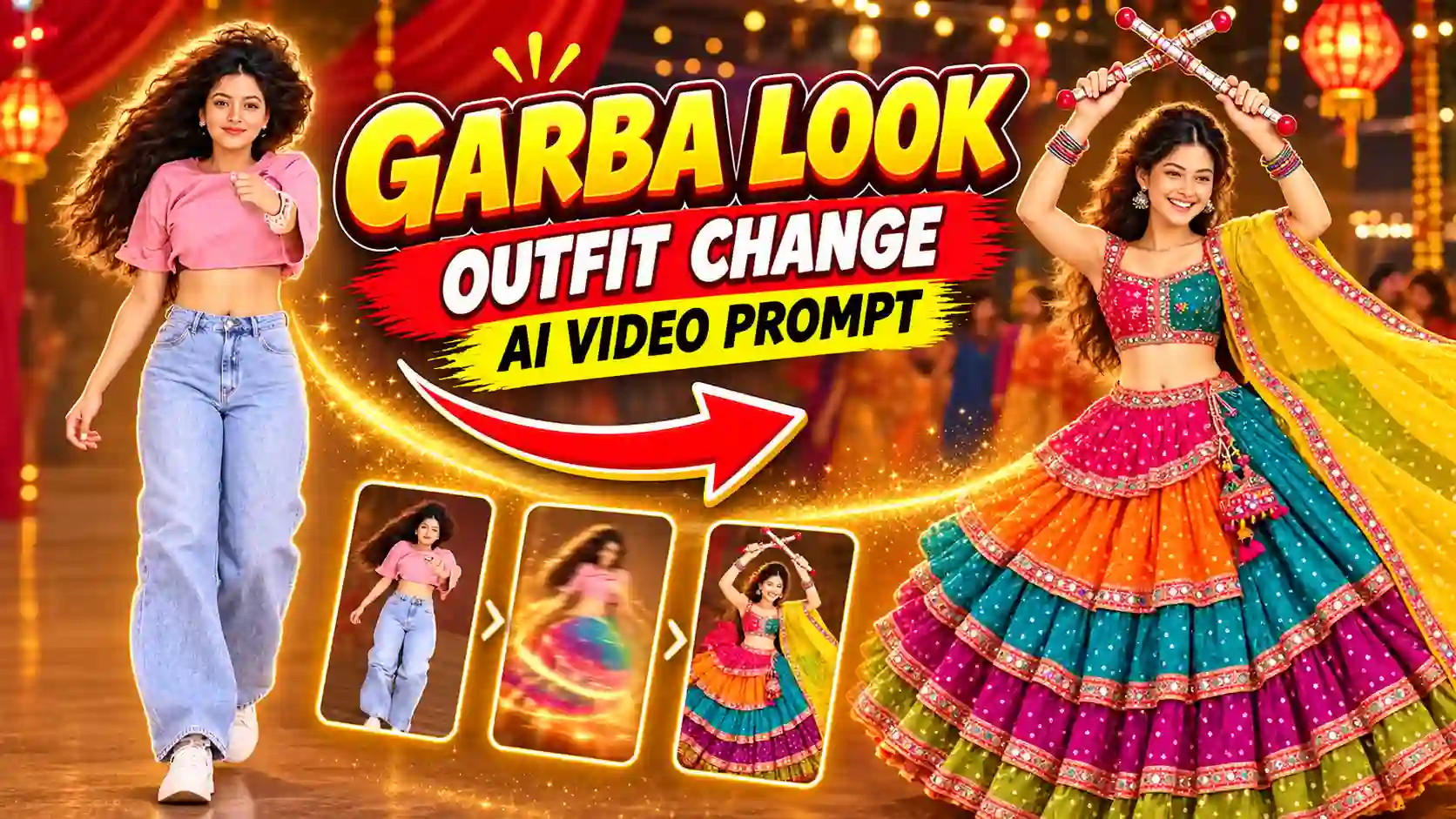
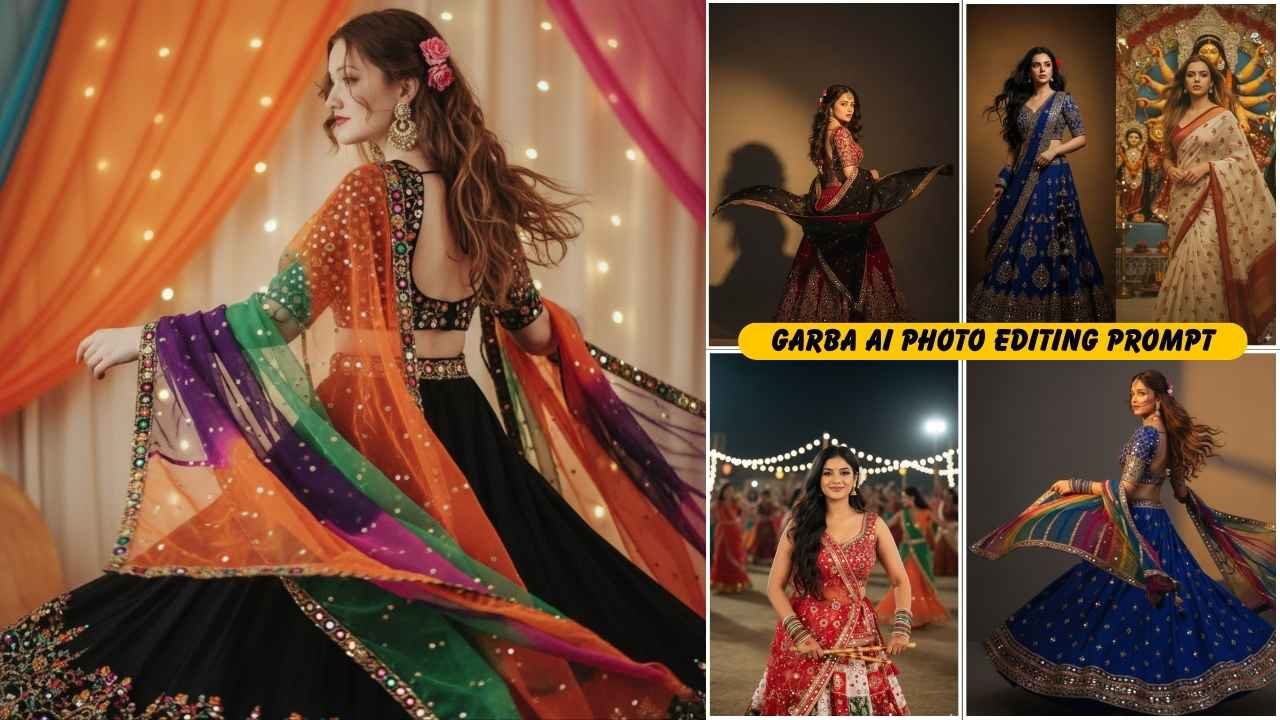
Multiple Girls AI Photo Editing Prompt is trending, and everyone loves to create such modern AI creativity. Girls AI photo editing prompts with cultural, glamorous, Happy birthday, different locations, different backgrounds, and many more go viral from time to time. Generally, creating such a photo takes a lot of time to make up and set up with professional photographers. But after the launch of the Gemini AI nano banana model, it’s become so easy and takes only a few minutes to create such magical looks. If you enjoy cinematic AI photo editing prompts, explore our rainy-day portrait ideas.
Google Gemini Girls AI Photo Editing Prompts: 28 Creative Ideas
Here are the most trending and effective prompts for creating stunning girls portraits with Google Gemini AI:
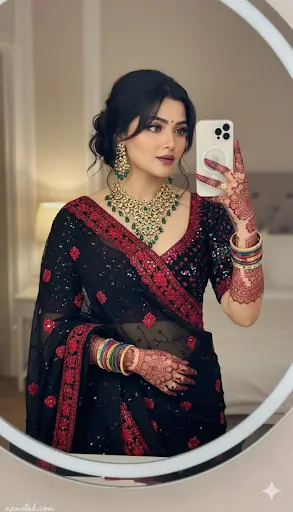
✨Prompt 1
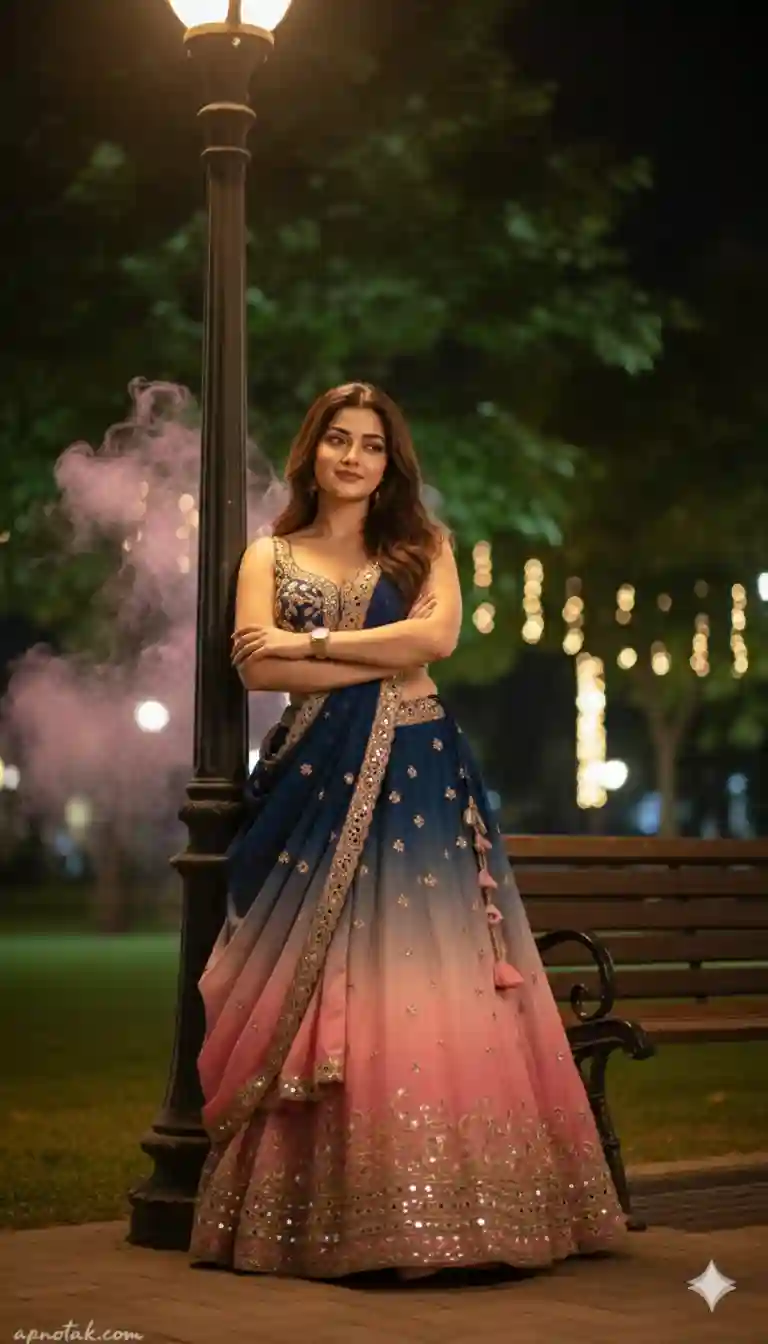
✨Prompt 2
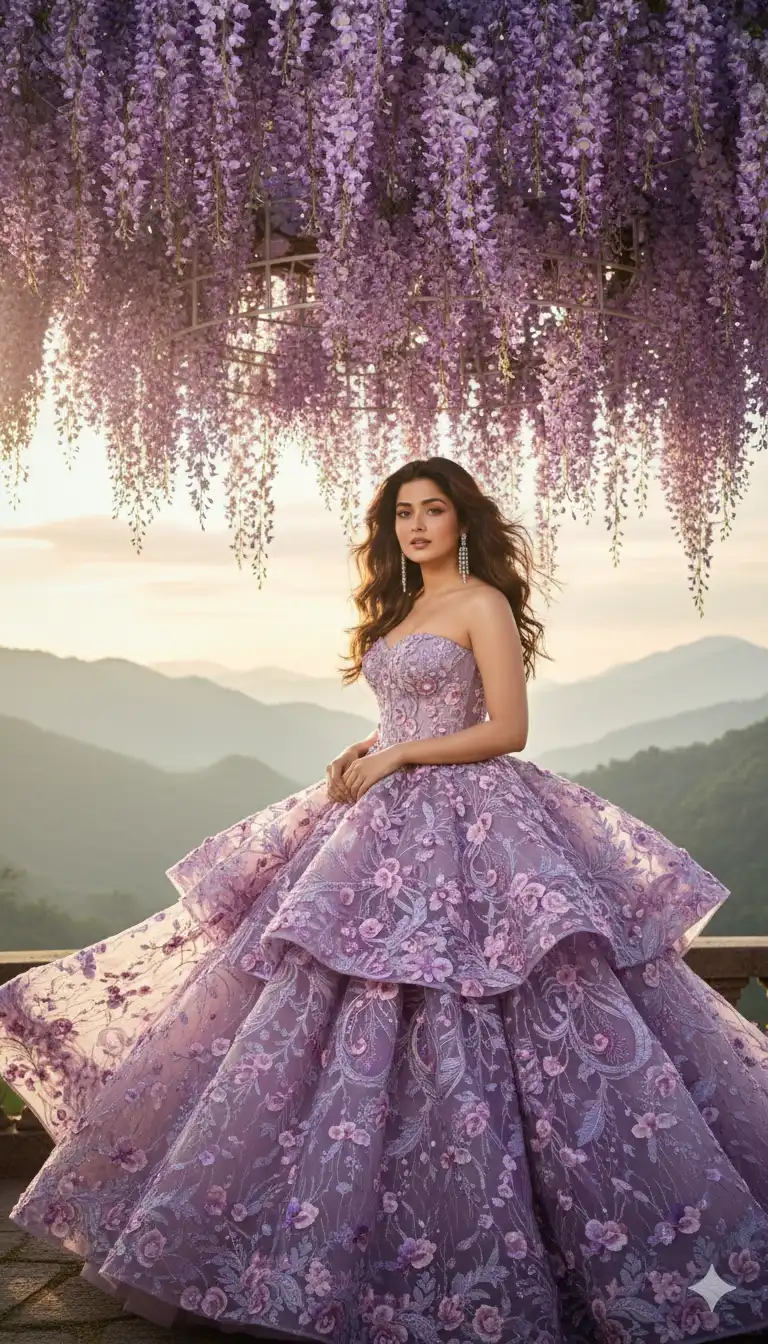
✨Prompt 3
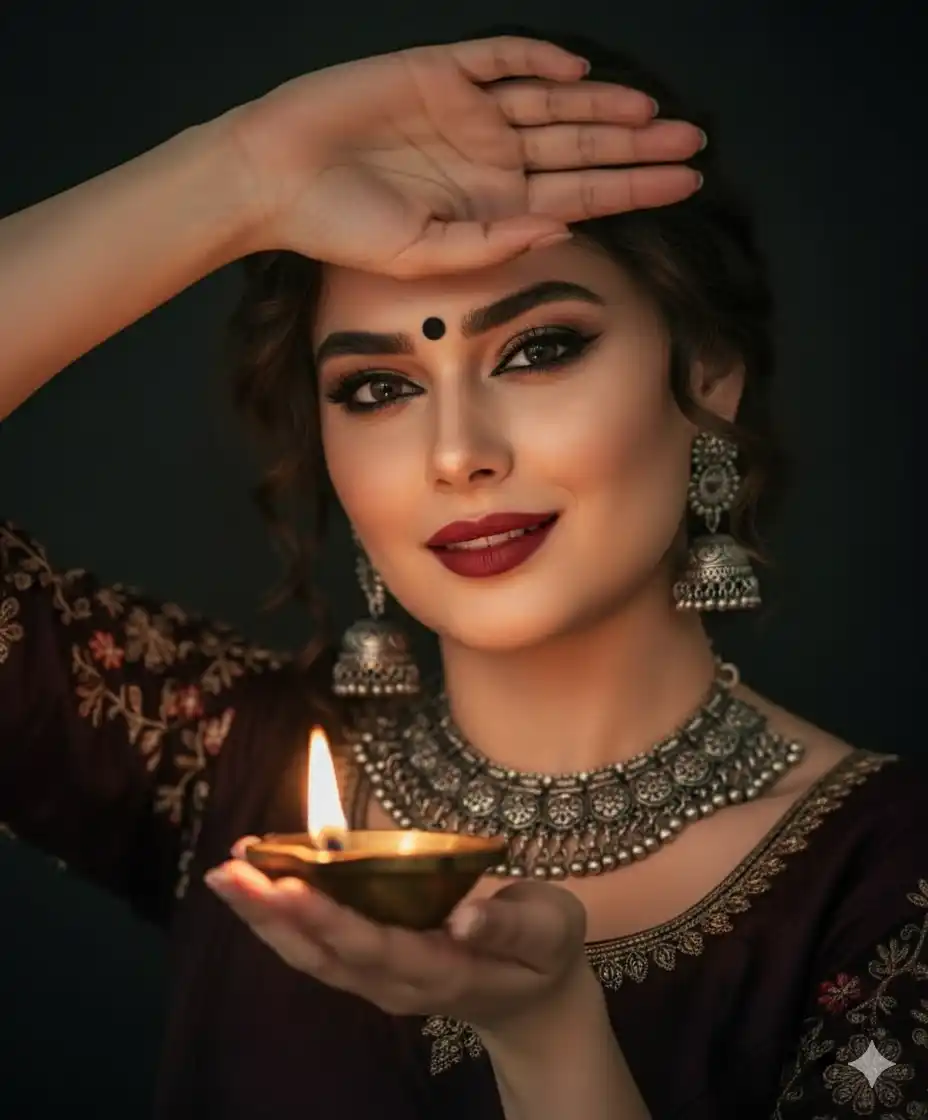
✨Prompt 4
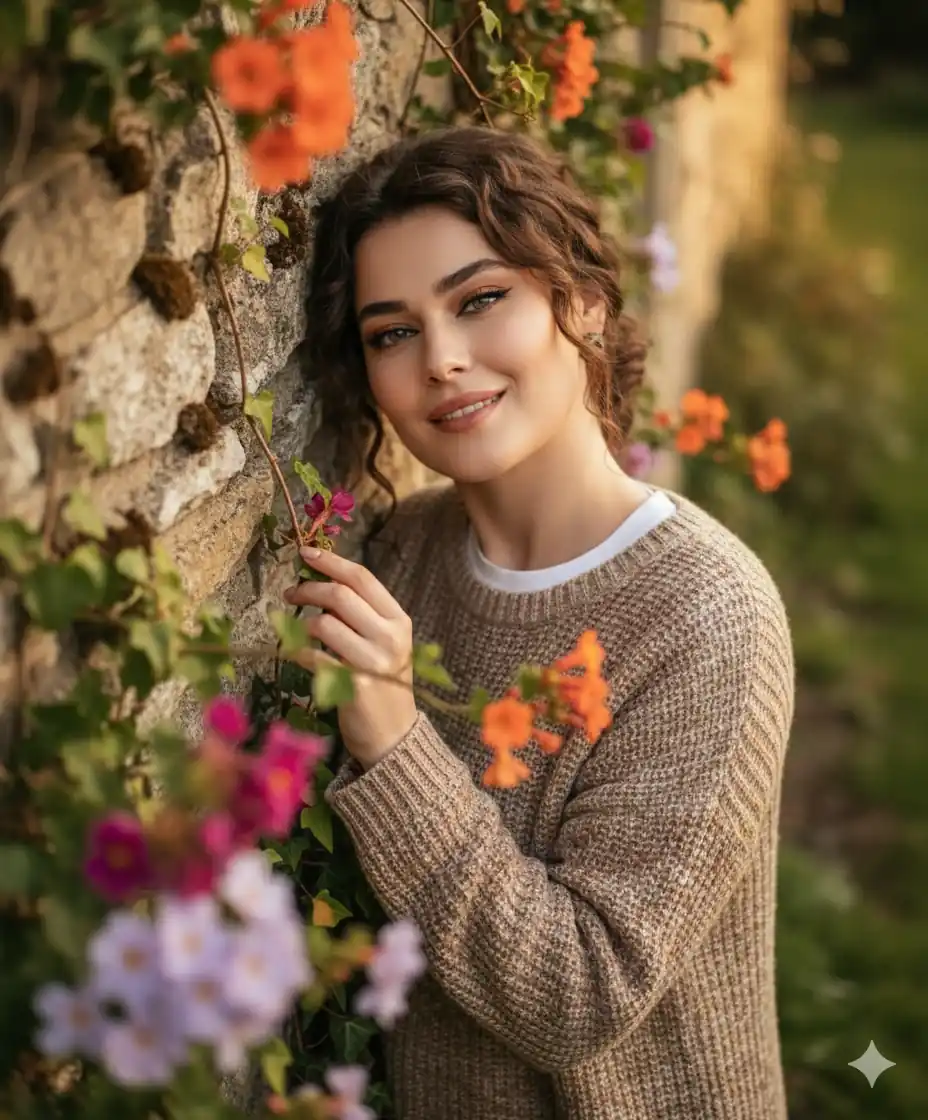
✨Prompt 5
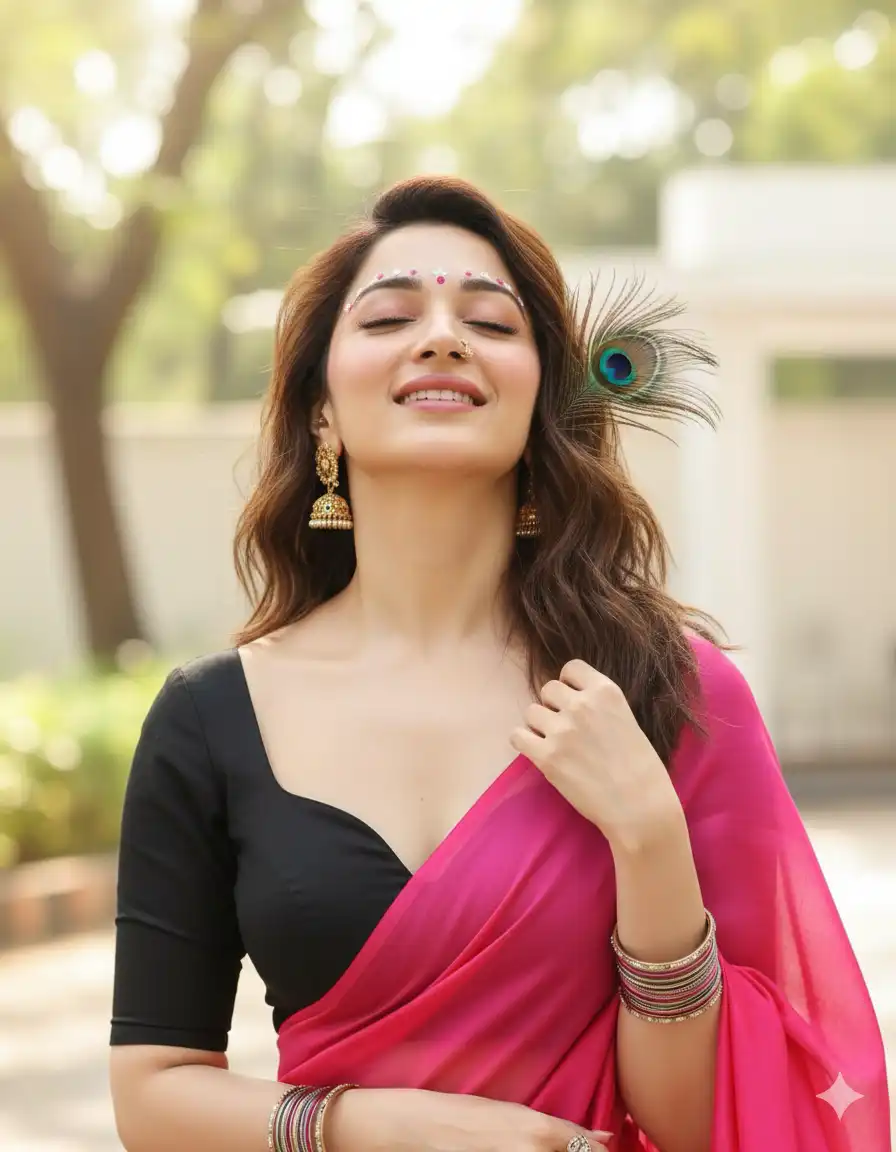
✨Prompt 6
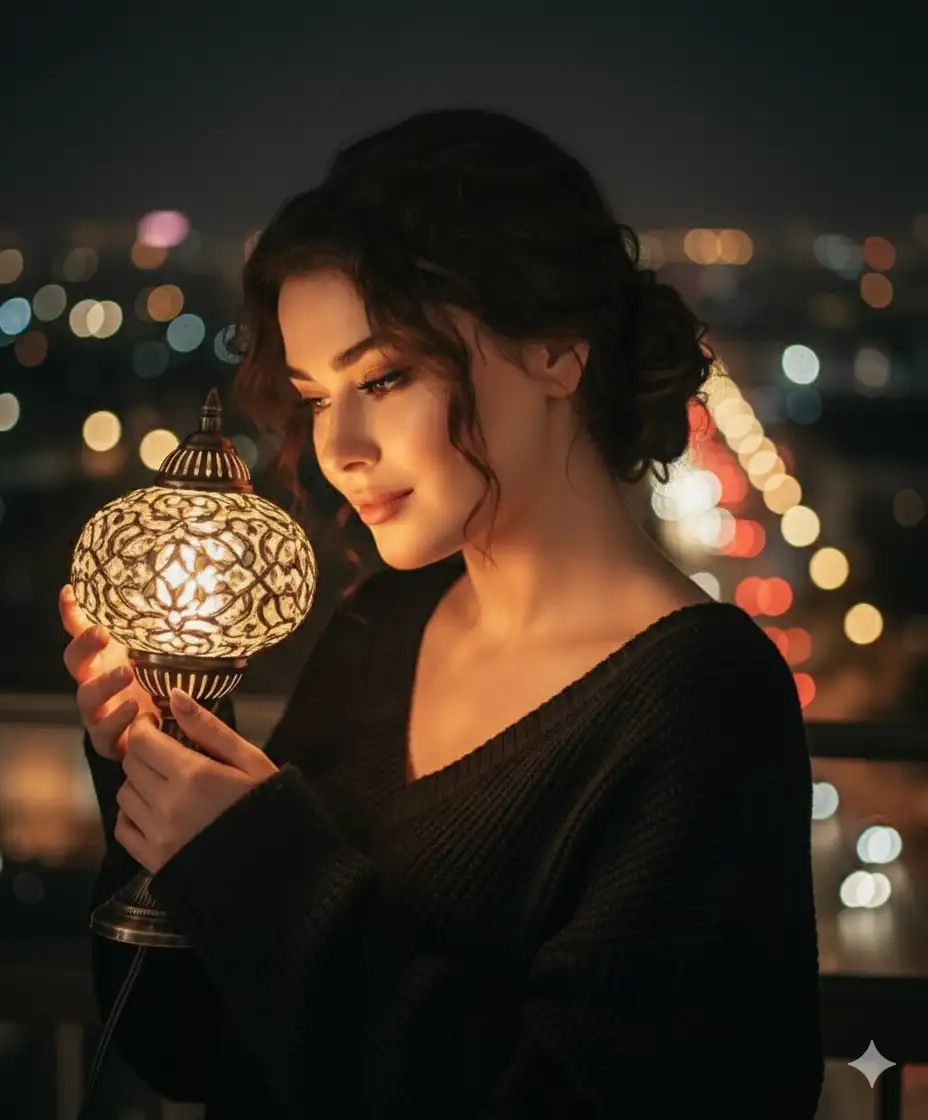
✨Prompt 7
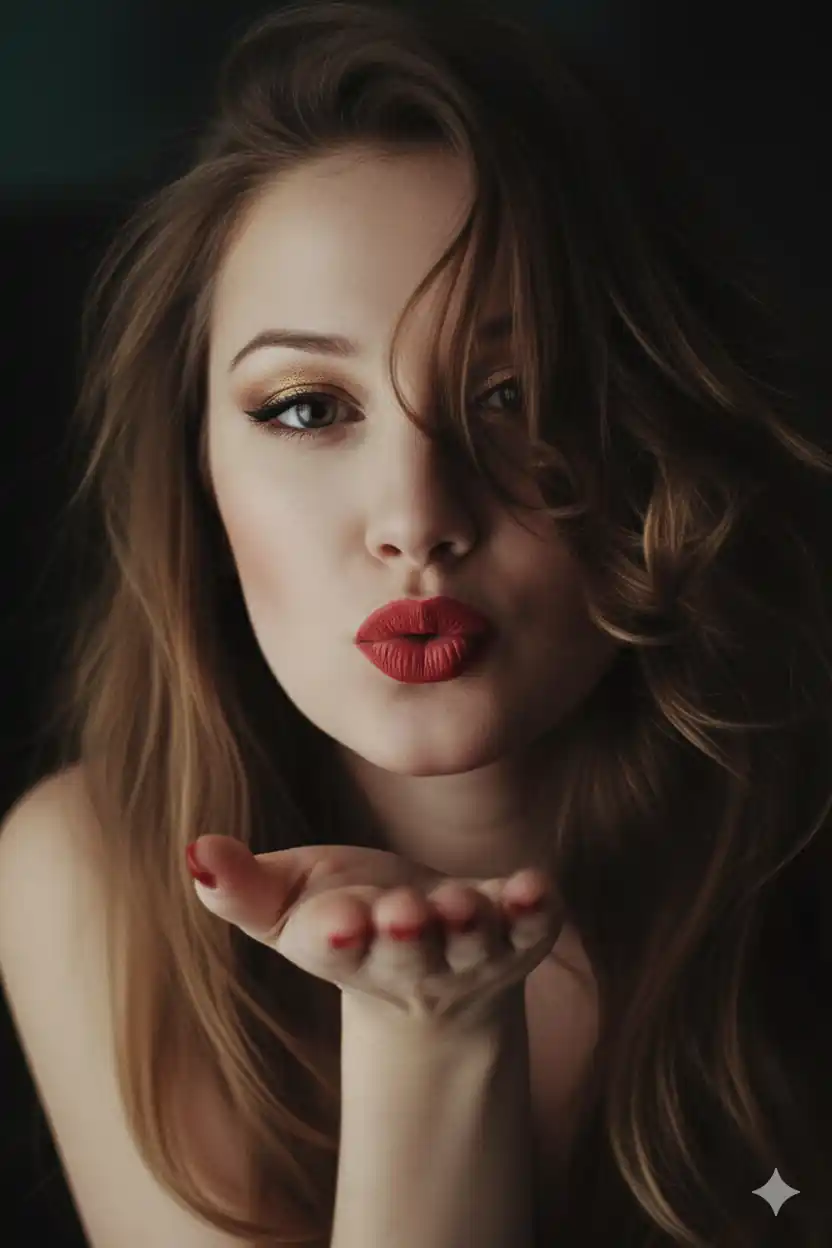
✨Prompt 8
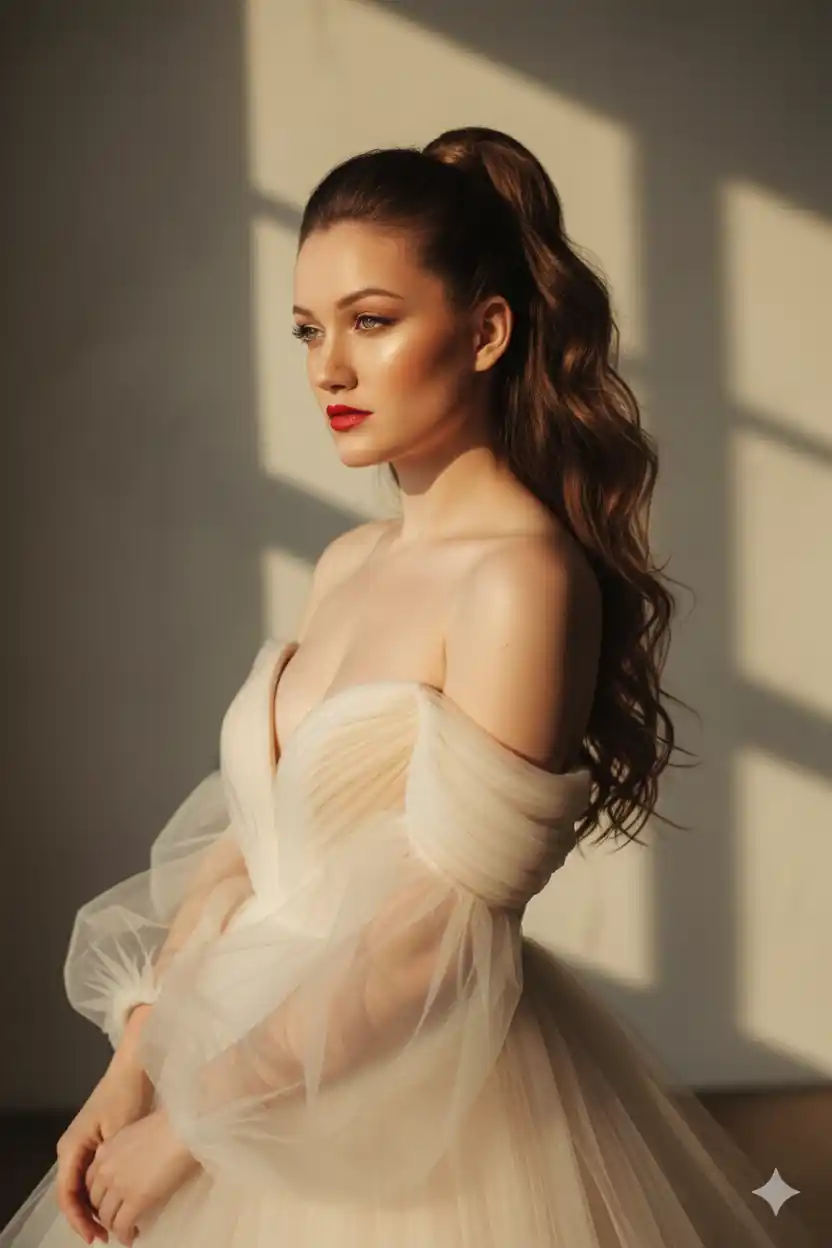
✨Prompt 9
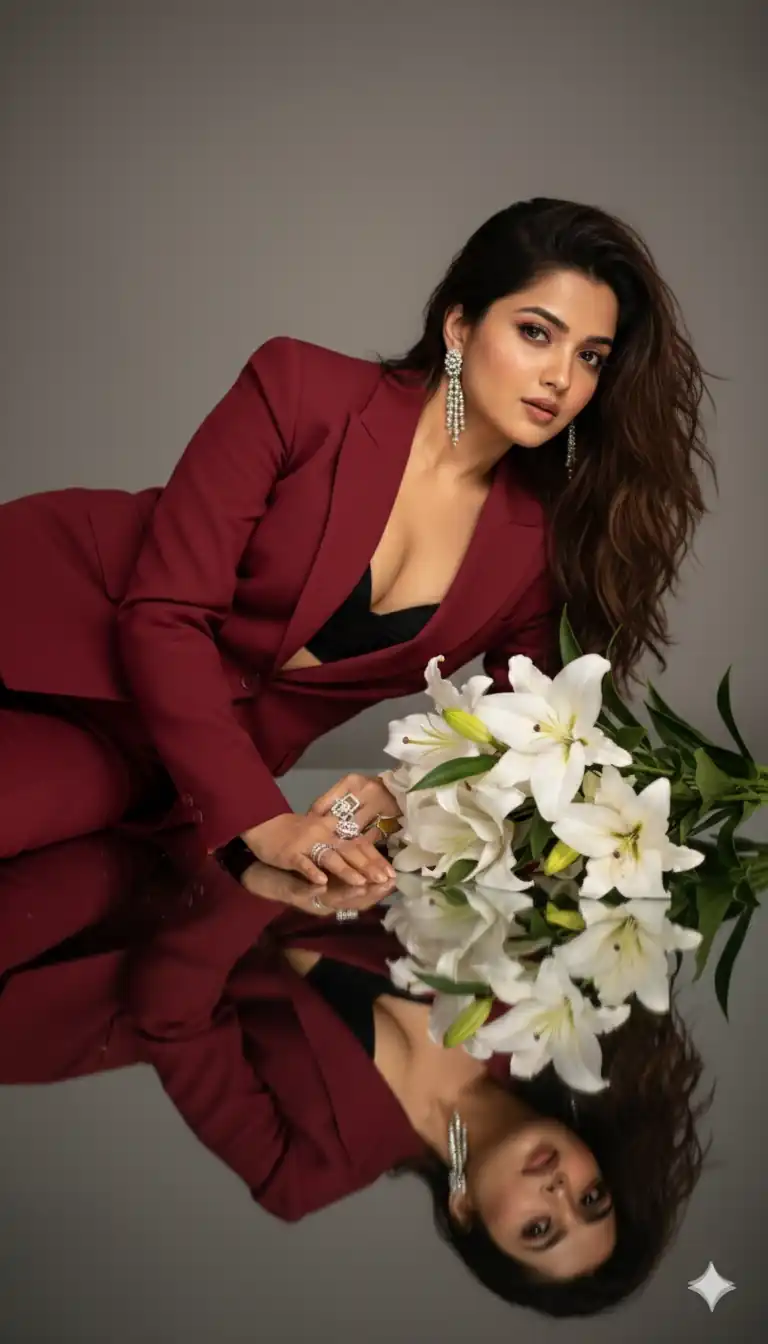
✨Prompt 10
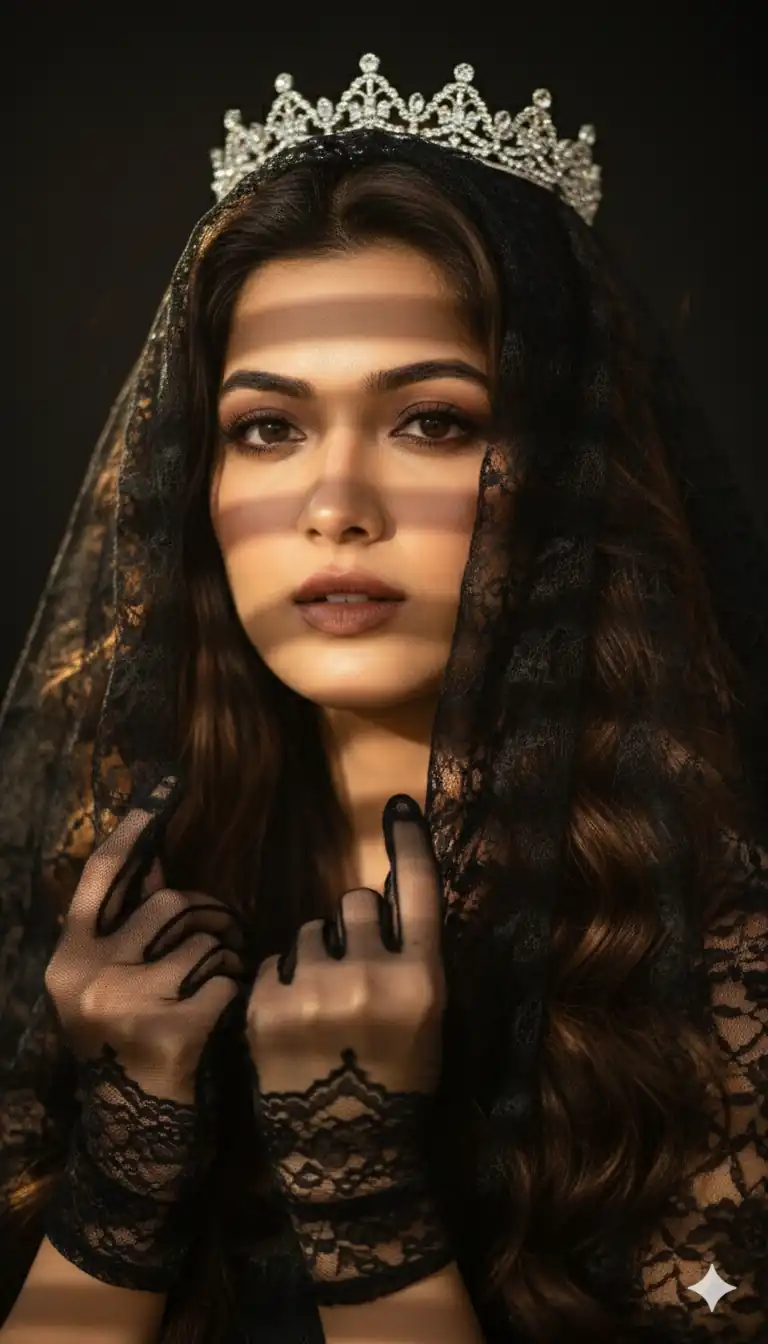
✨Prompt 11
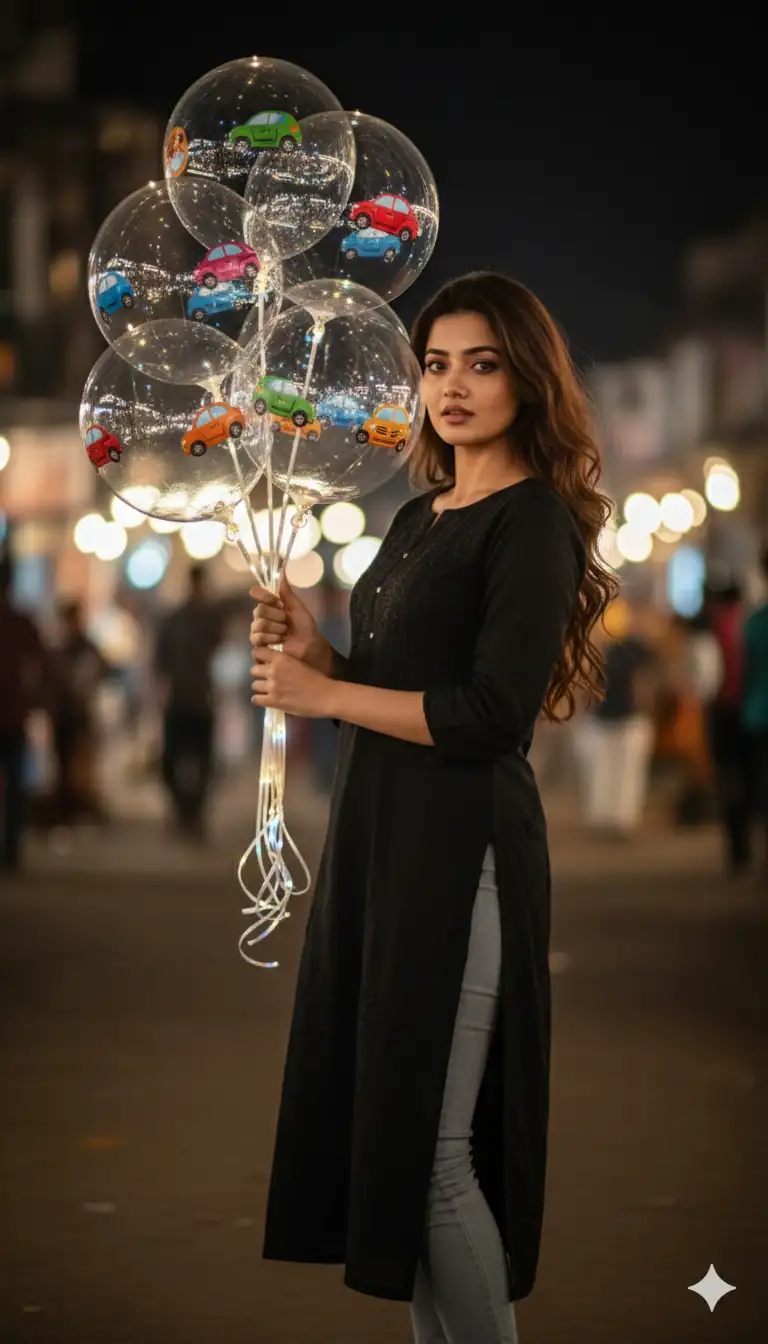
✨Prompt 12
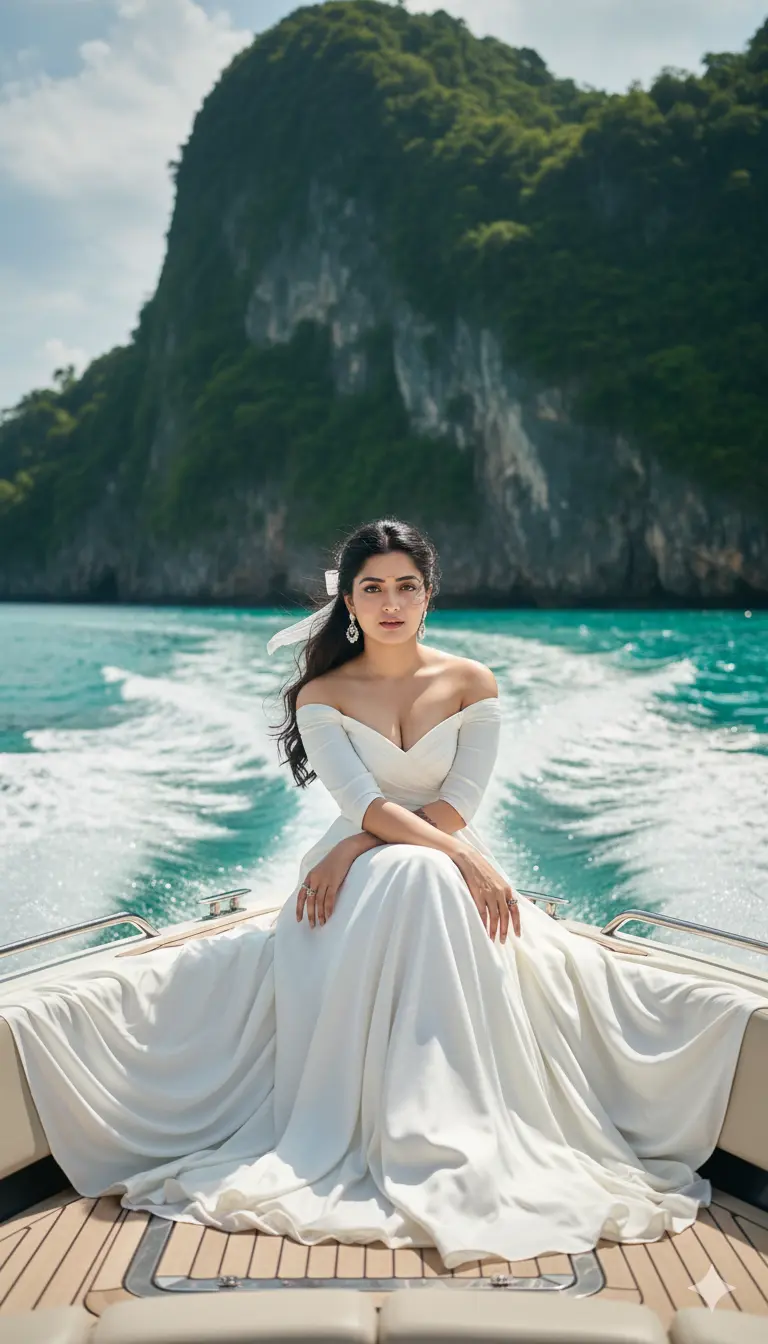
✨Prompt 13
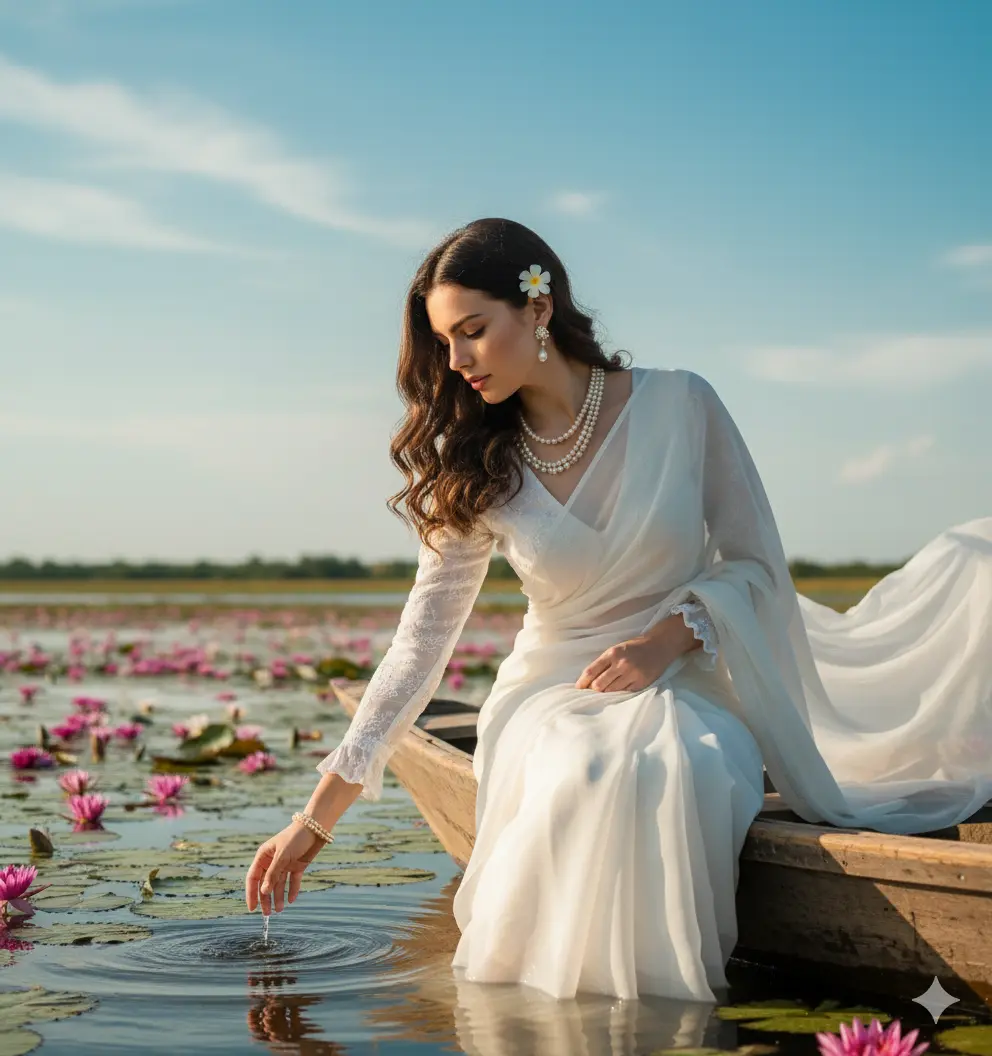
✨Prompt 14
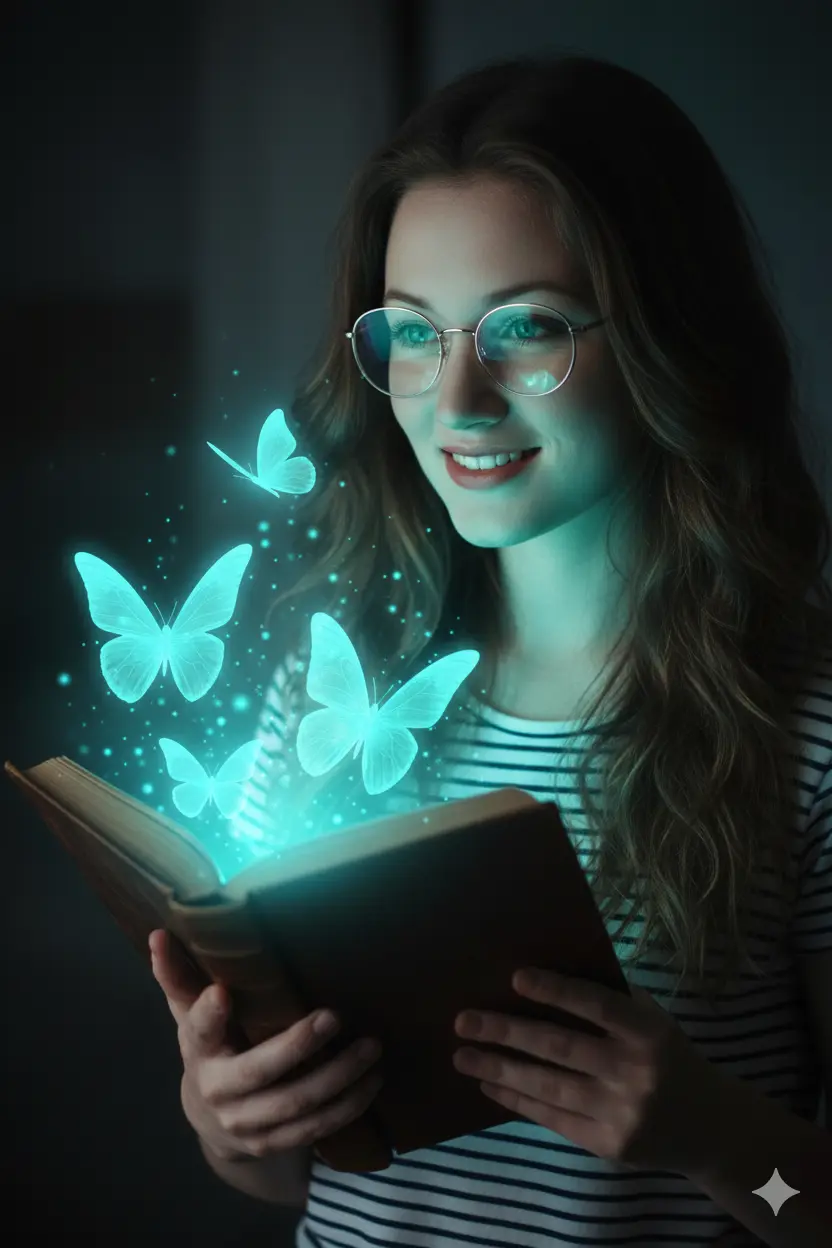
✨Prompt 15
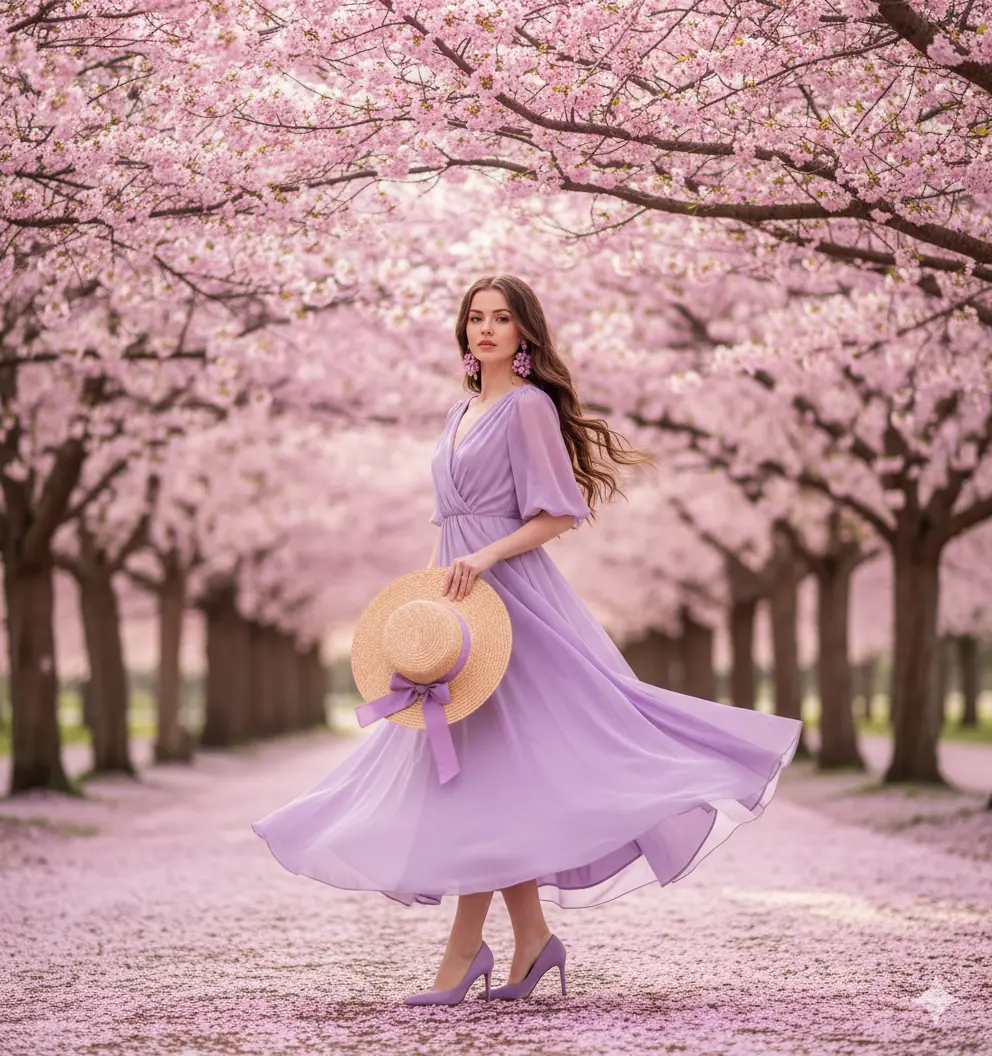
✨Prompt 16
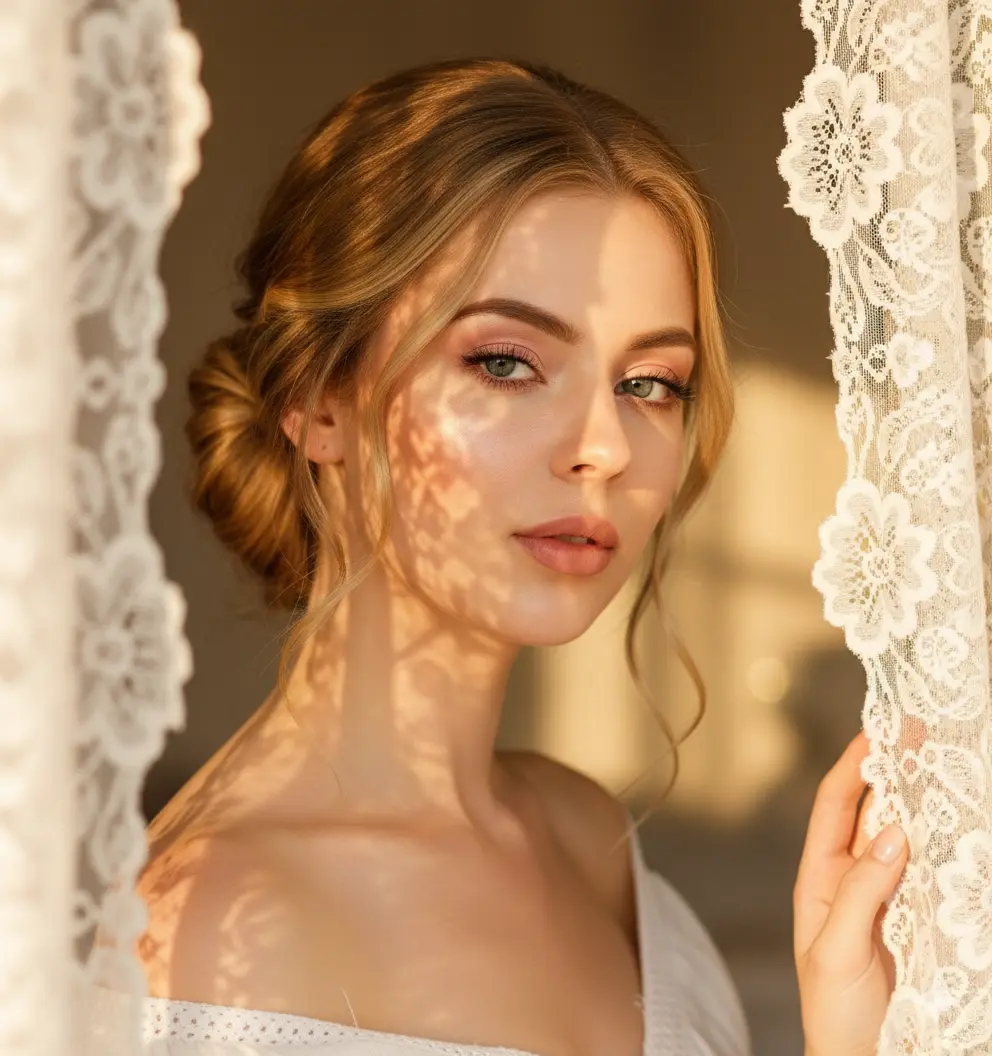
✨Prompt 17
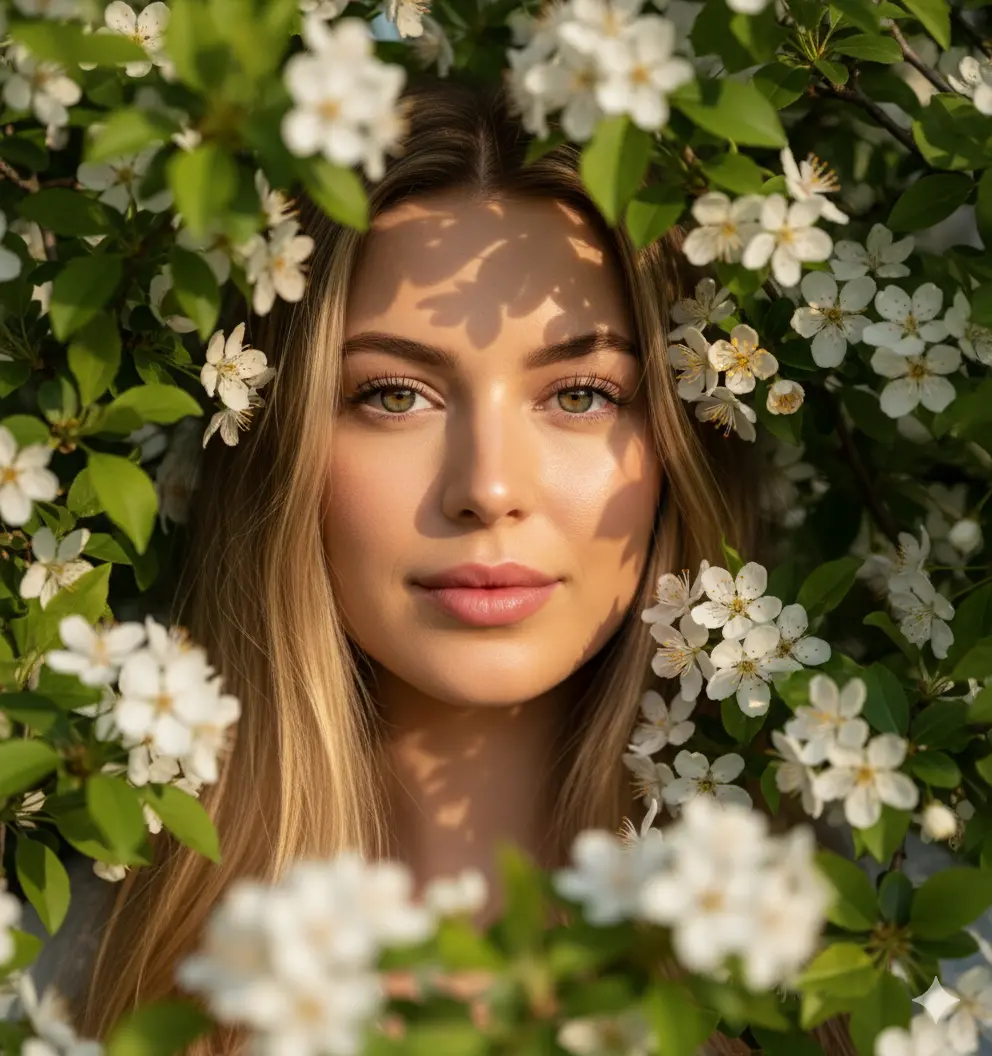
✨Prompt 18
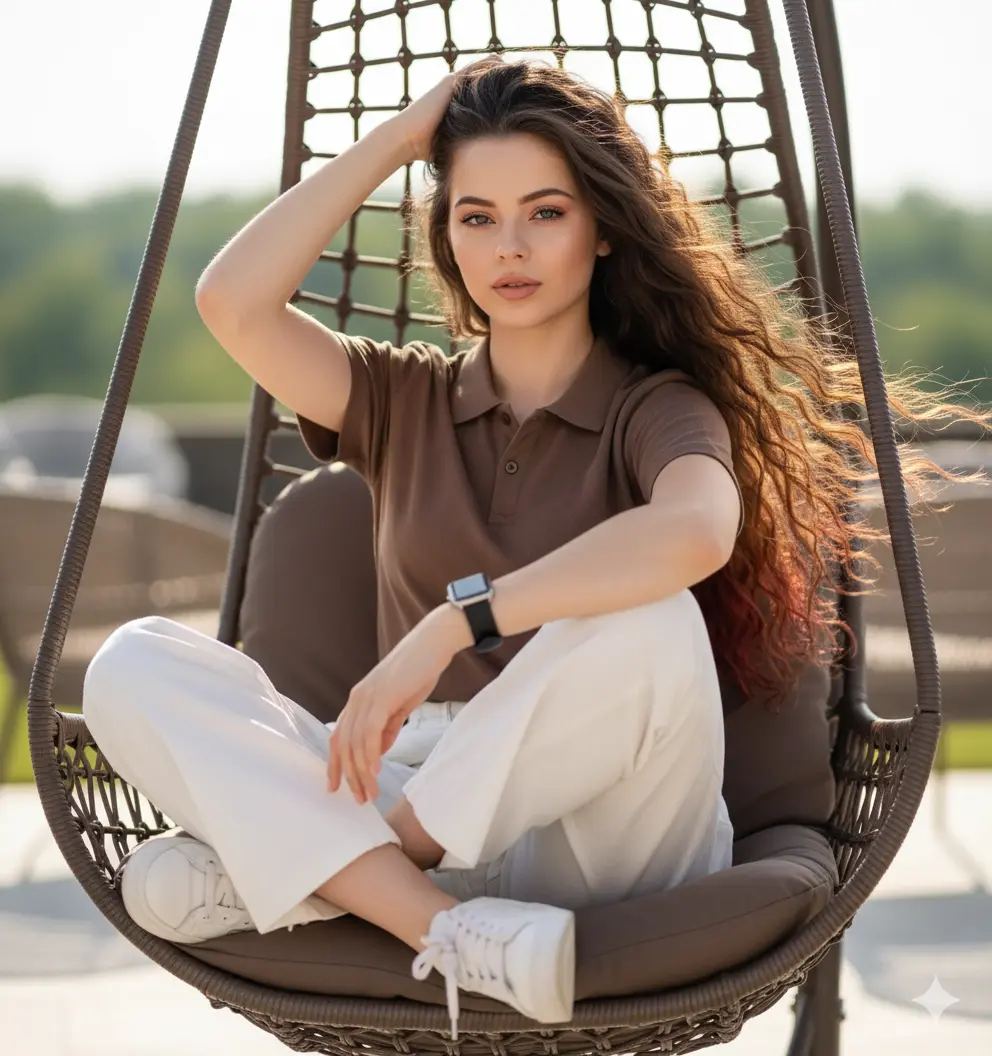
✨Prompt 19

✨Prompt 20
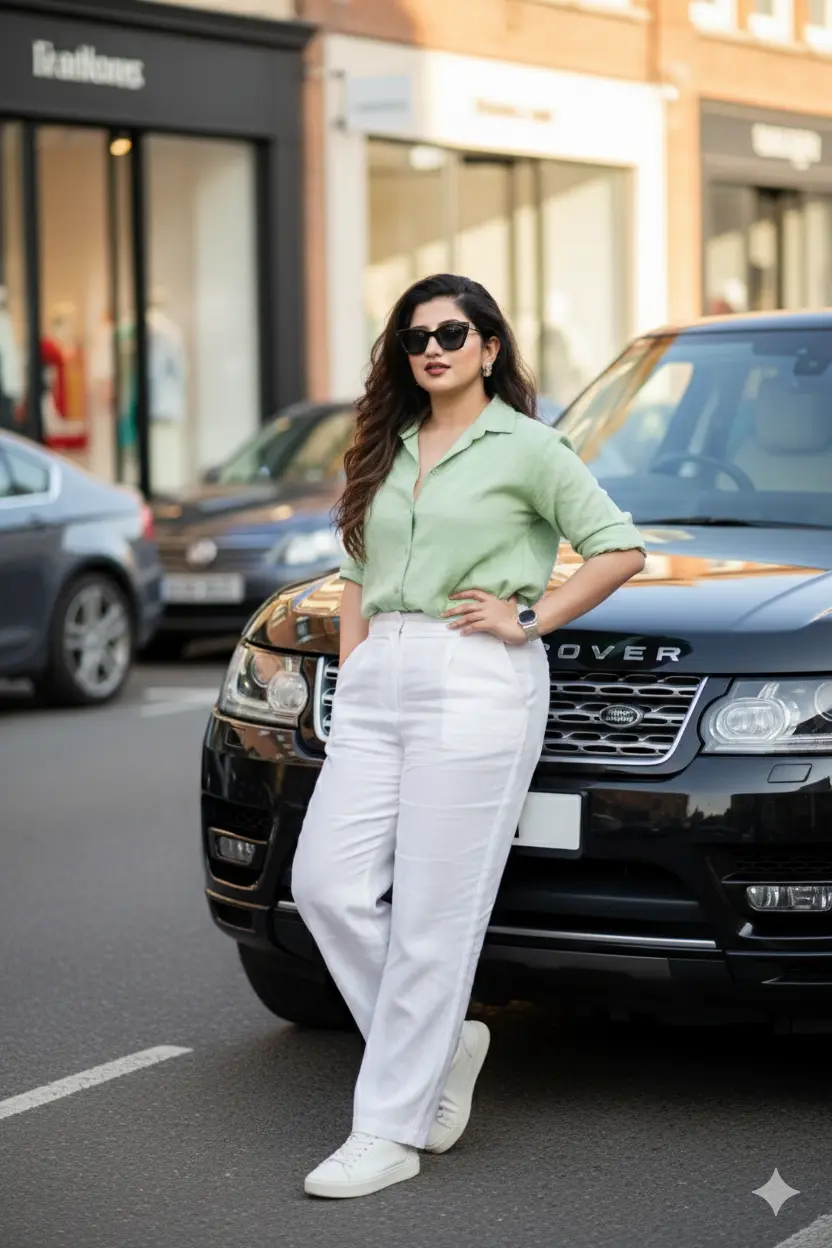
✨Prompt 21
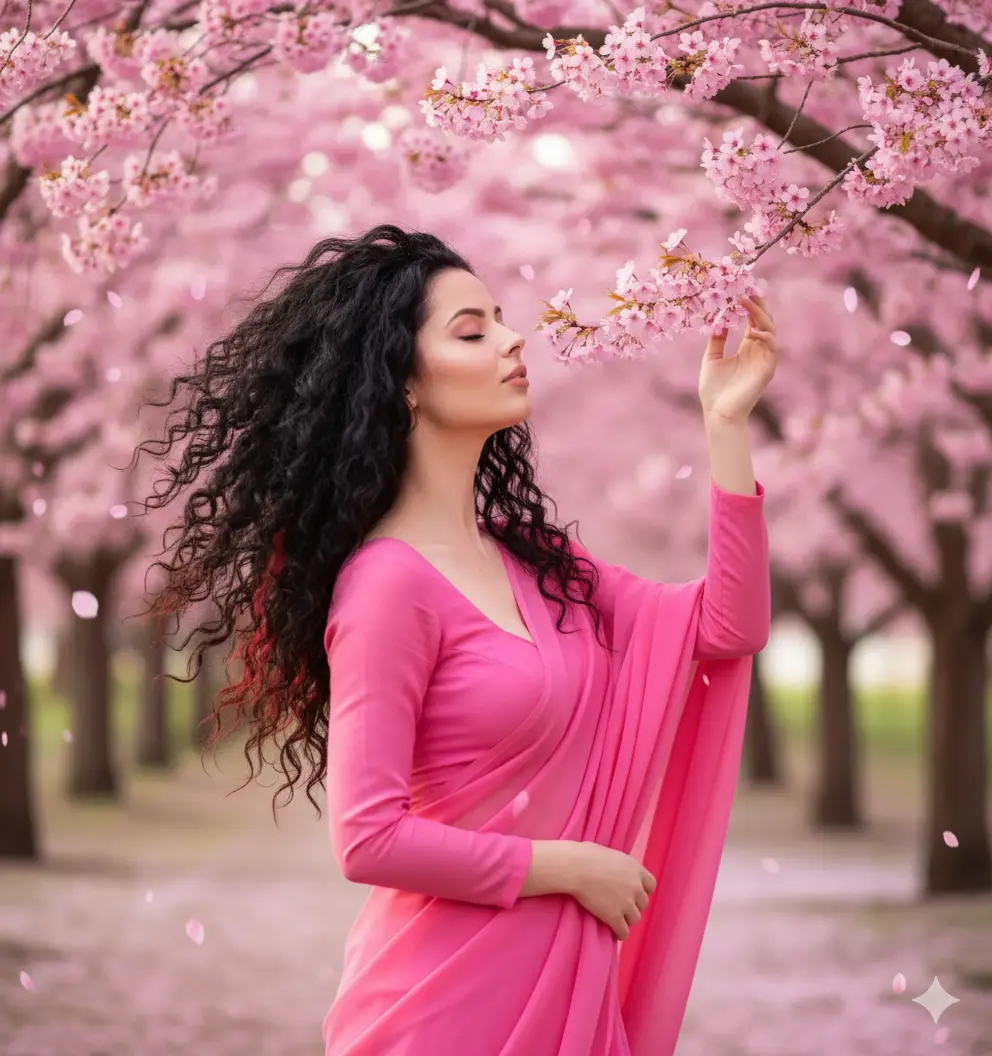
✨Prompt 22
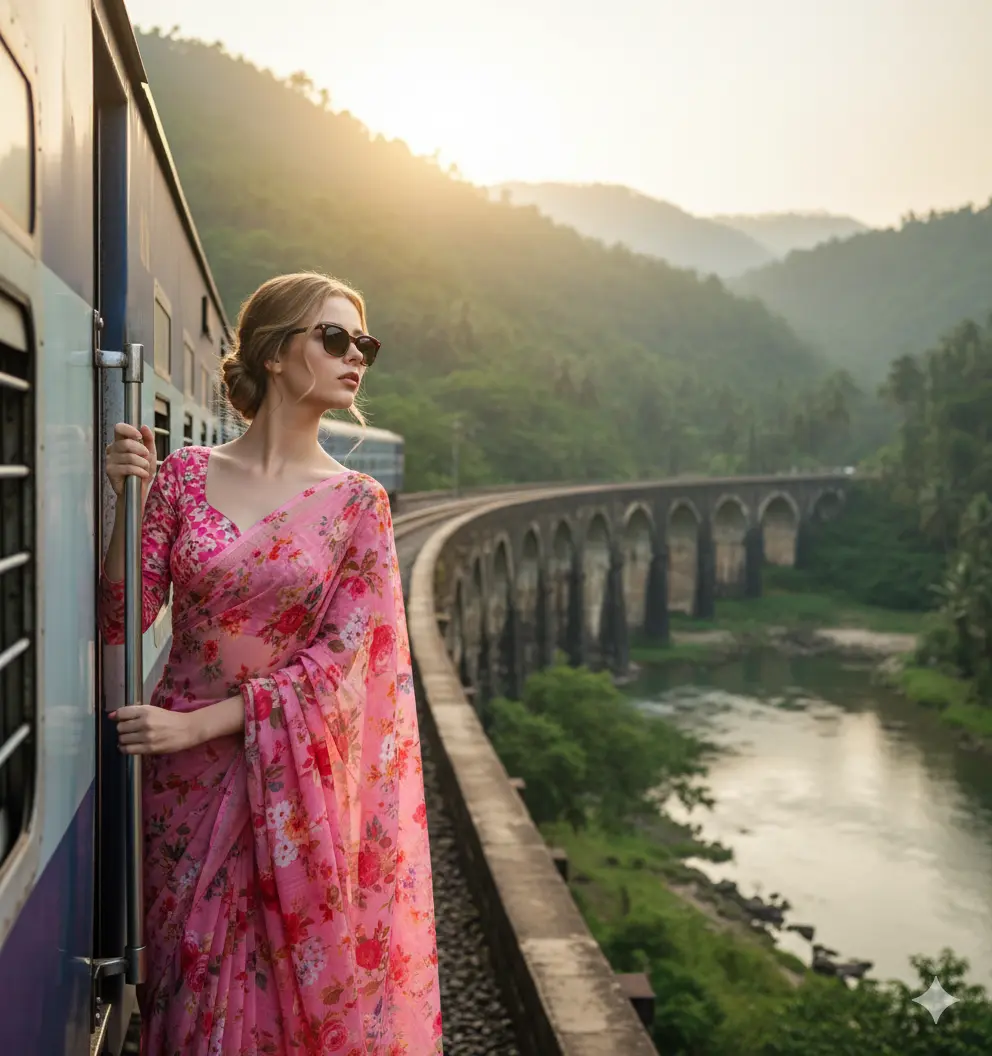
✨Prompt 23
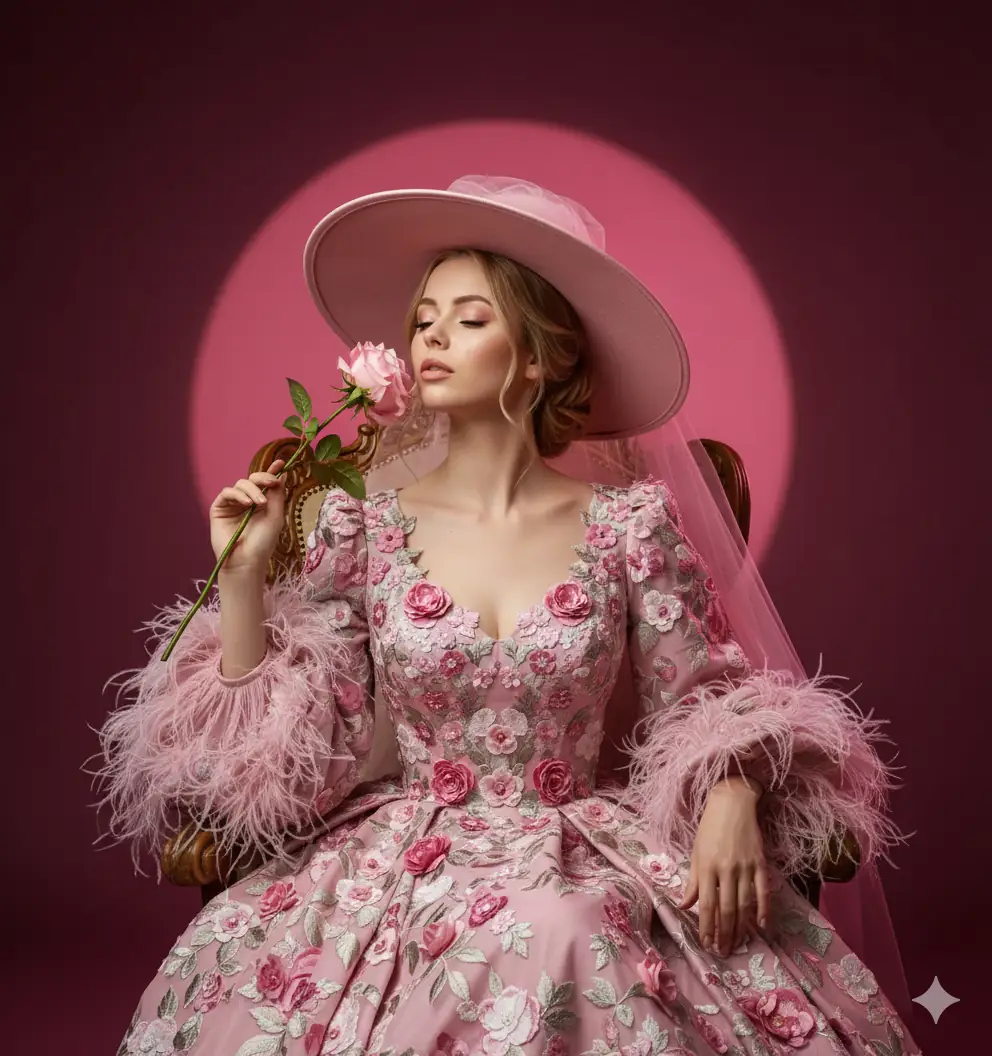
✨Prompt 24
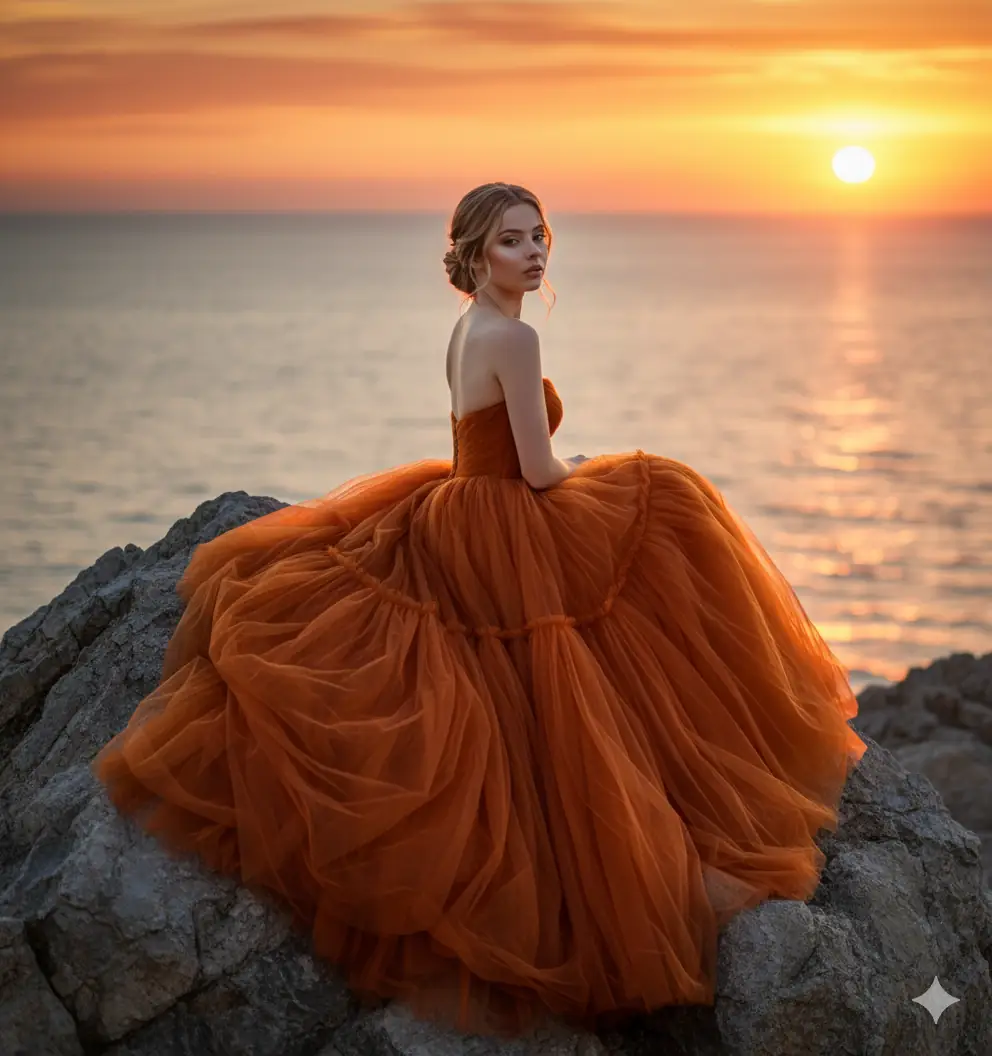
✨Prompt 25
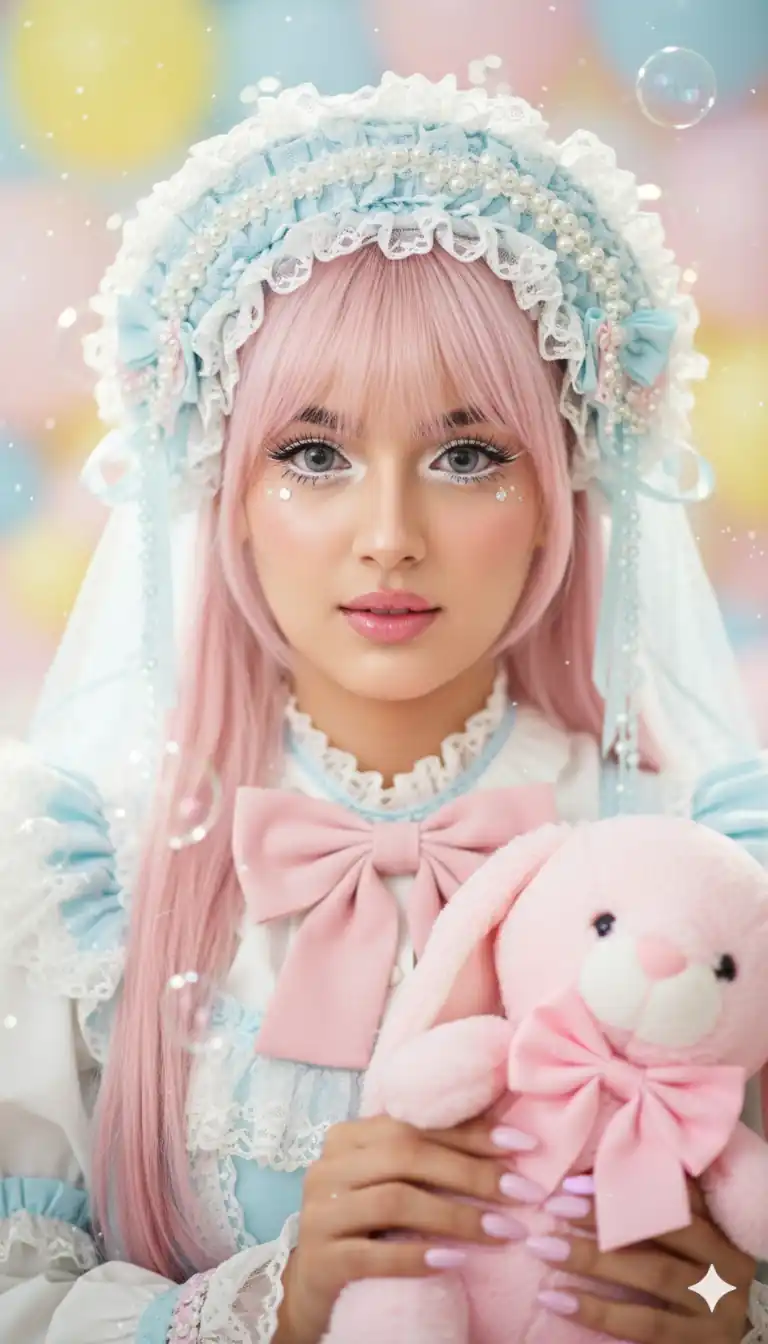
✨Prompt 26
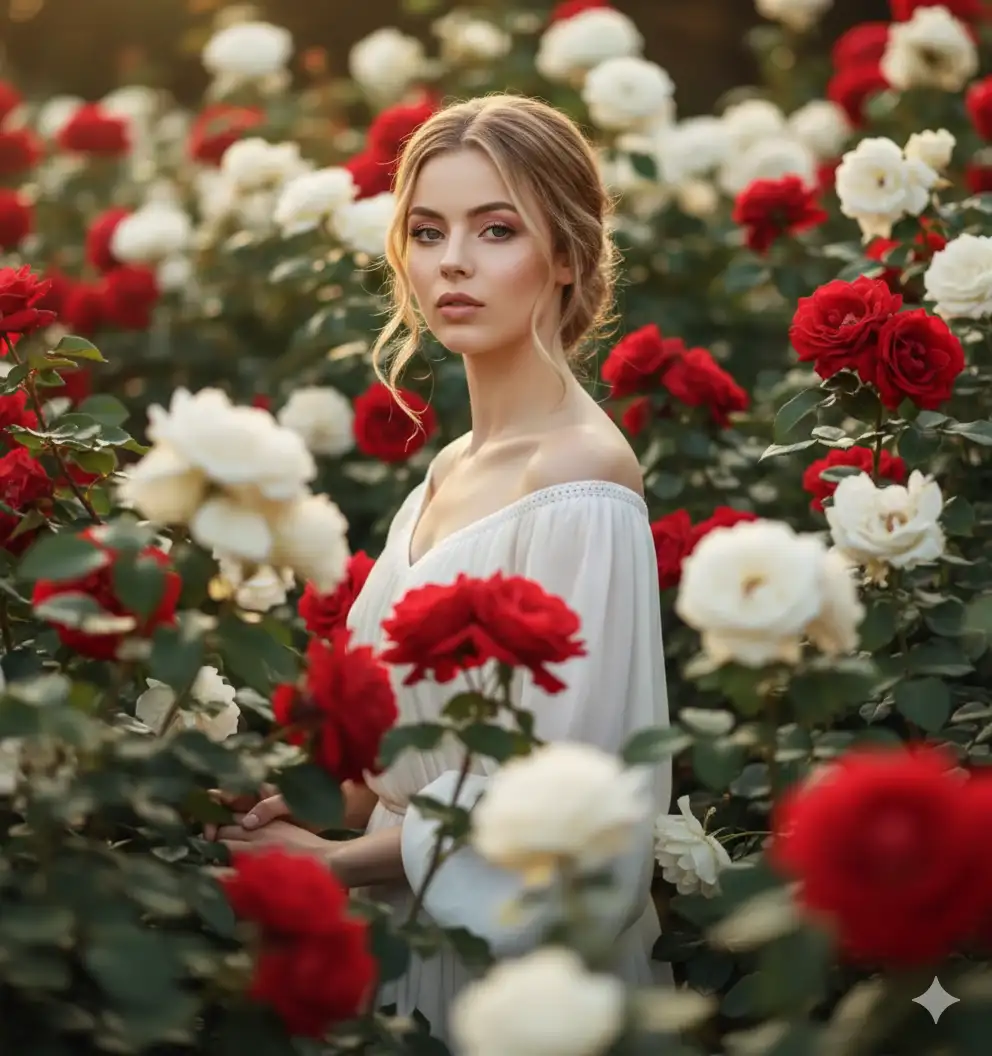
✨Prompt 27
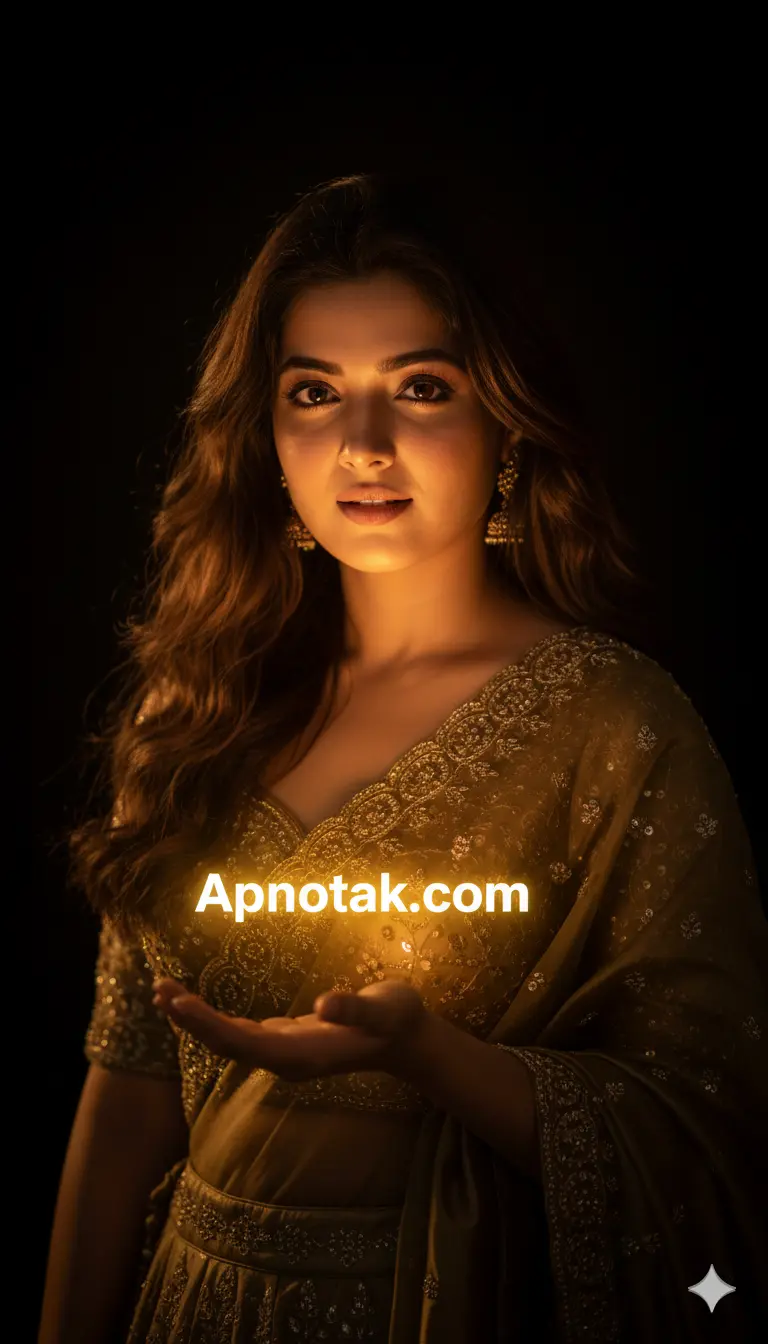
✨Prompt 28
How to Get Better Results With Gemini AI Photo Editing Prompts
- Start with a clear reference image. A sharp, well-lit photo makes it easier for the image-generation tool to interpret the subject.
- Describe the important visual details. Include the outfit, pose, location, lighting, camera perspective, background, and overall mood.
- Don’t change everything at once. If the first result isn’t right, adjust one or two parts of the prompt rather than rewriting the entire prompt.
- Use specific visual instructions. Details such as “soft golden-hour lighting,” “shallow depth of field,” or “cinematic street photography” can help communicate the intended visual style.
- Remember that results vary. Different reference images and model settings can produce different results, so prompts may need some experimentation.
Learn More: Gemini Retro Style Ai Photo Editing
How to Use Google Gemini Girls AI Photo Editing Prompts
Step 1: Choose a clear reference photo
Select a well-lit photo where the subject is clearly visible.
Step 2: Open Gemini
Open Gemini and access its image-generation feature.
Step 3: Upload your reference image
When image editing with a reference image is available, upload the photo you want to edit.
Step 4: Copy a prompt
Choose one of the prompts from this article and copy it.
Step 5: Paste and customize the prompt
Paste the prompt into Gemini and adjust details such as the outfit, location, pose, lighting, or mood.
Step 6: Generate the image
Submit the prompt and wait for Gemini to create the image.
Step 7: Refine the result
If the result isn’t what you expected, modify one or two details in the prompt and try again.
Google Gemini Girls AI Photo Editing Prompts: Frequently Asked Questions
Can I use these Gemini photo editing prompts with my own photo?
Yes. When Gemini’s image-editing feature supports reference images, you can upload a suitable photo and adapt one of the prompts to create a different visual style.
Can I modify these Gemini girls photo editing prompts?
Yes. The prompts are starting points. You can change the outfit, background, pose, lighting, camera perspective, or overall mood.
Why doesn’t the generated face look exactly like my reference photo?
AI-generated results can vary between generations. A clear reference image and precise instructions can help improve consistency, but exact facial preservation cannot be guaranteed.
Can I use the same prompt with different reference photos?
Yes. You can try the same prompt with different reference images, although the final result may vary depending on the image and model.
Can I create traditional Indian looks with Gemini?
Yes. You can customize prompts with sarees, lehengas, jewelry, traditional hairstyles, festive settings, and other cultural elements.
Are these prompts free to copy?
The prompts published in this ApnoTak article are provided as creative starting points that readers can copy and customize.
Conclusion
These Google Gemini girls AI photo editing prompts provide creative starting points for creating fashion, traditional, cinematic, travel, fantasy, and lifestyle portraits. Try different prompts with a suitable reference image and customize the clothing, setting, lighting, pose, and composition to develop your own style.
Because AI-generated results can vary, the first generation may not always match your expectations. Small prompt adjustments can often improve the final composition and visual details. Explore more Gemini retro-style Boys photo editing prompts.

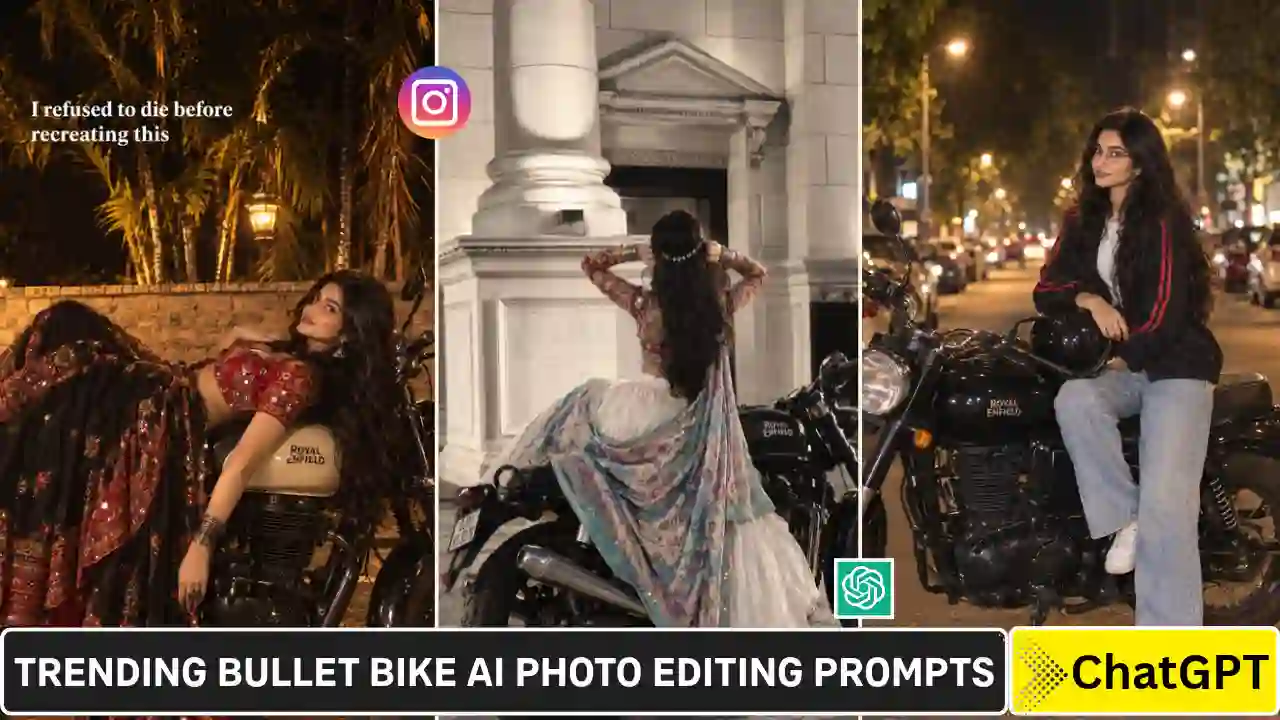



Free photoshoot with Gemini AI ✨ Prompts are in the captions for each pic if you wanna try them out. I used my grad photo as a reference for clearer details.