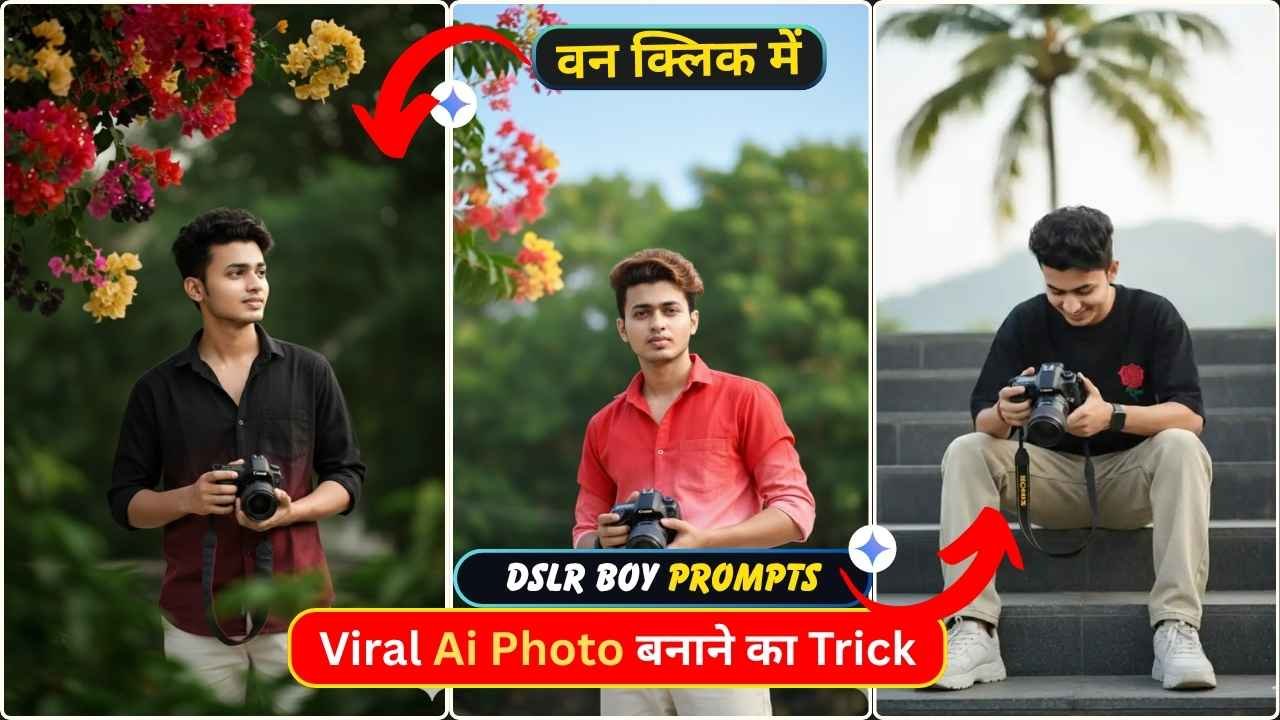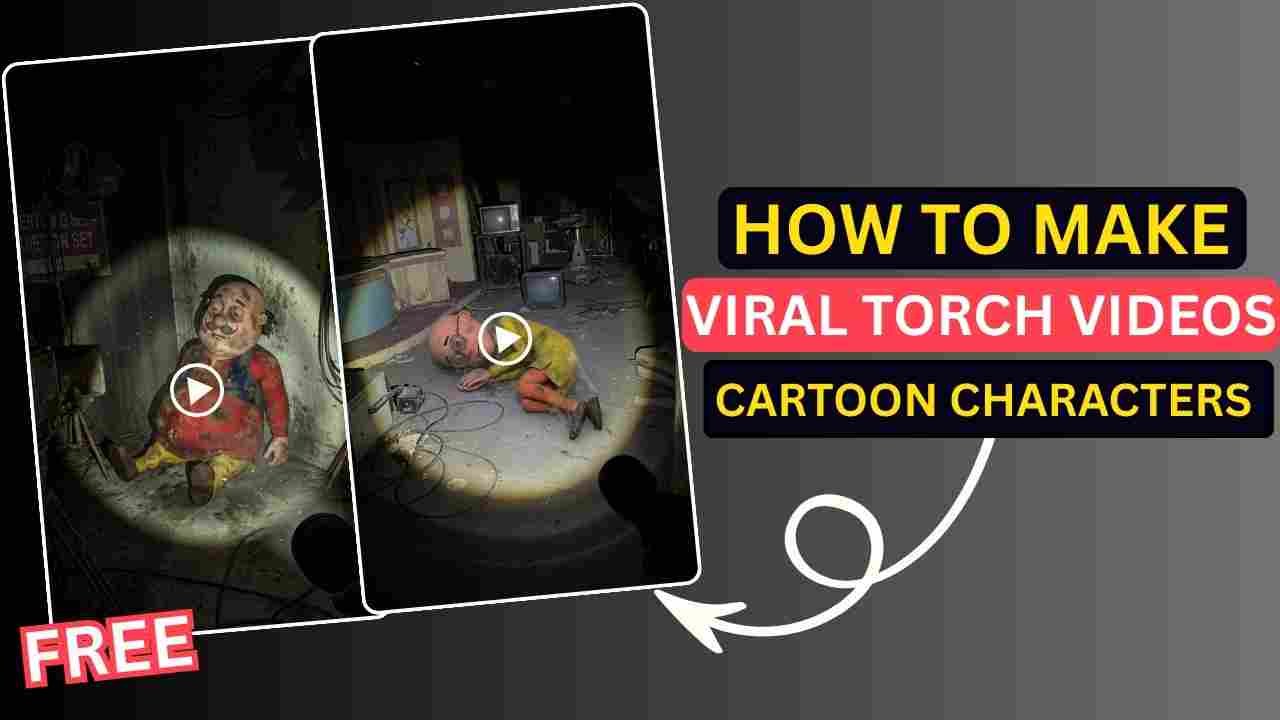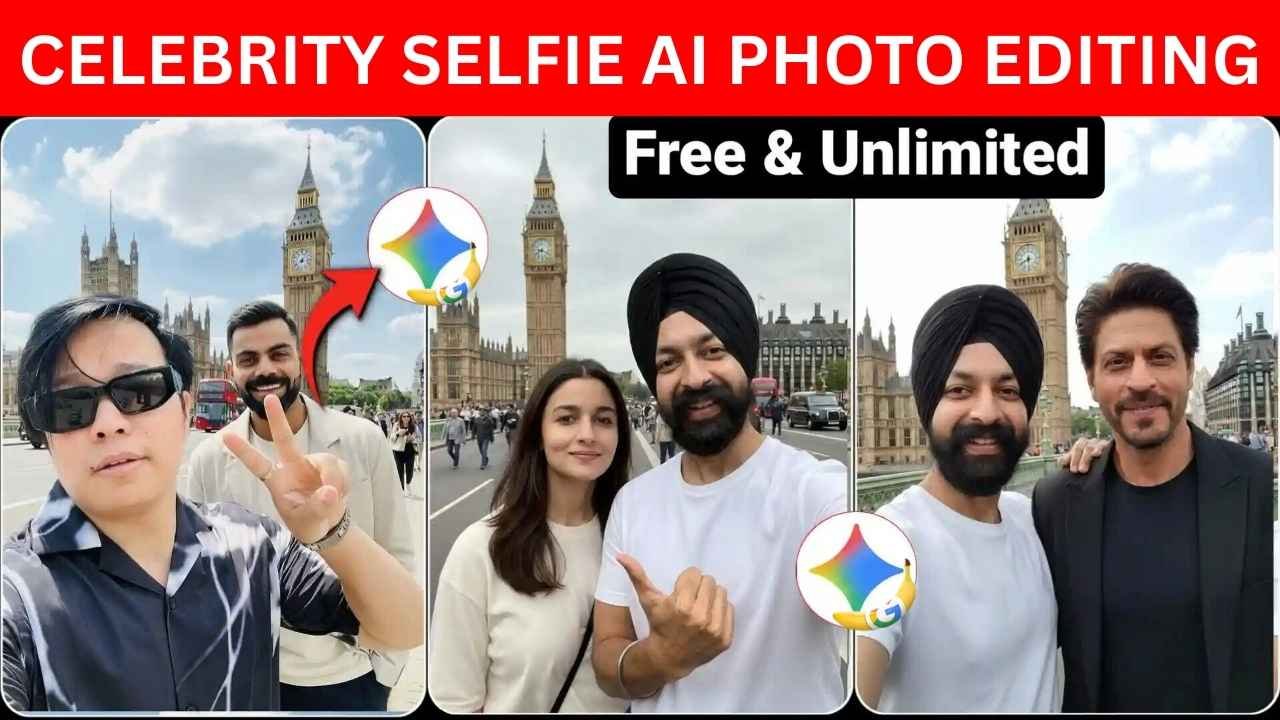
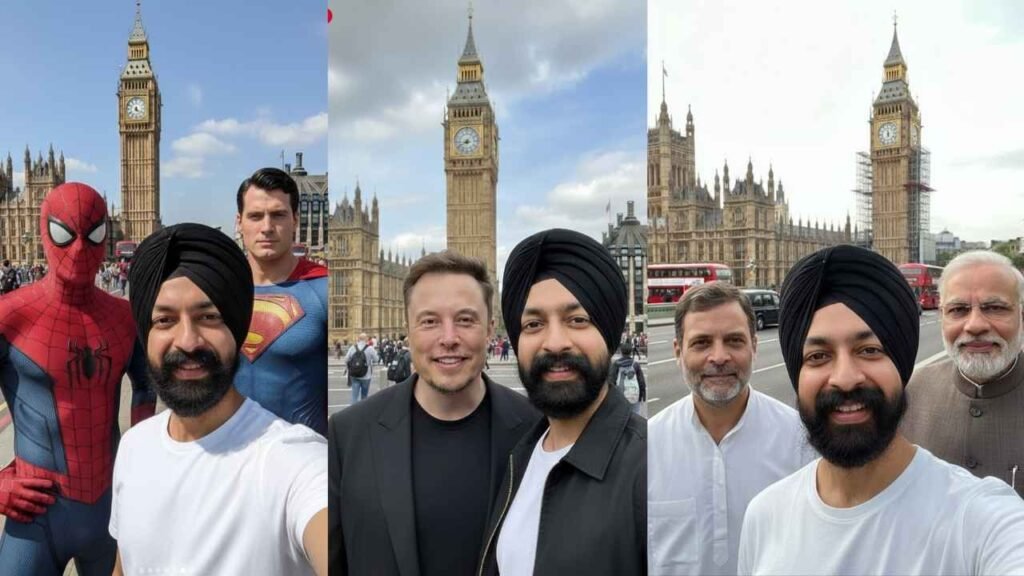
Celebrity AI Selfie Editing using Google Gemini is going viral on social media platforms like Instagram and Facebook at this time. Some big digital content creator also make their photos with celebrities and upload them on their social media accounts. Some people make posts of selfies with celebrities like Virat Kohli, Rohit Sharma, Suryakumar, Prime Minister Modi, Rajinikanth, and Rahul Gandhi.
So friends, if you also want to make such photos with your favorite celebrities, then read this article carefully. I assure you that, after following our guide, you can easily create a Celebrity Selfie AI Photo for 100% Free using Google Gemini.
What is Gemini’s image editor?
Google makes Gemini AI. Its latest image editor (sometimes called Nano Banana or Gemini 2.5 Flash) can change backgrounds, blend photos, swap clothes, and add or merge people into an image using simple text prompts. It aims to keep faces looking realistic and consistent while doing edits.
How to Create a Viral Celebrity Selfie AI Photo Edit: Step‑by‑Step
Step 1: Install or open Gemini AI – Go to the Gemini app on your phone or visit the Gemini image editor by clicking on the link below:
Step 2: Pick your Photo & Upload: Click on the plus icon and upload your clear selfie photo, which must be taken in good lighting conditions.
Step 3: Then copy the prompt from, “Gemini Celebrity Selfie AI Photo Editing Prompts” section and paste it into the Google Gemini AI text box. Must select the image option from the tools icon beside the plus icon.
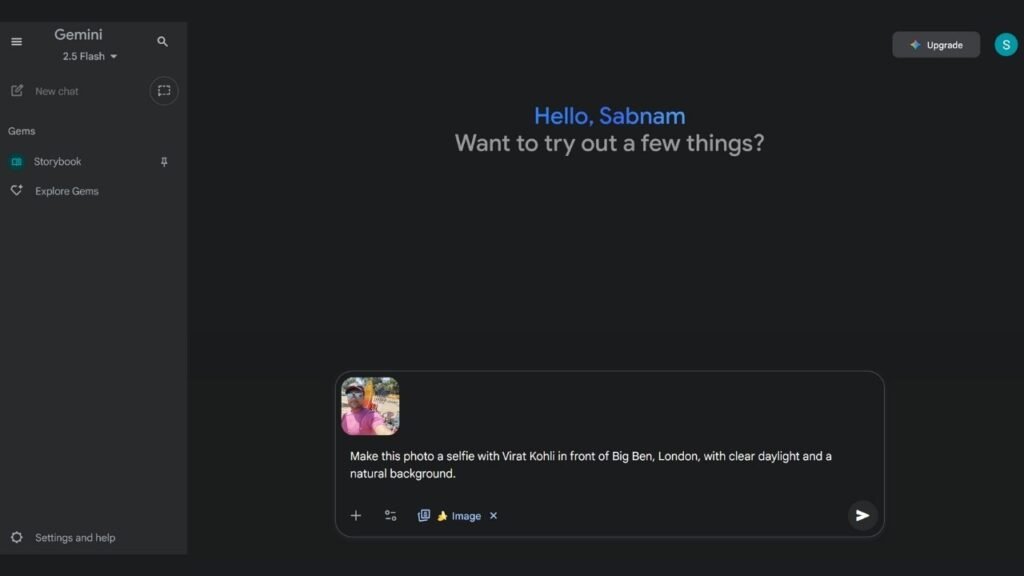
Step 4: Click on the Run button to process the AI image for editing.
Step 5: After some time, your image will be ready.
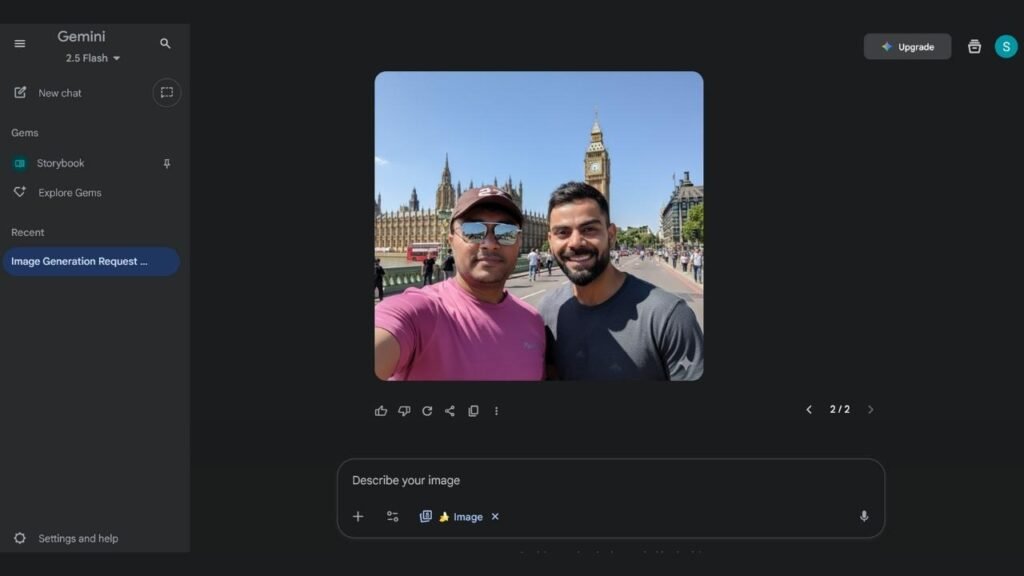
Step 6: Finally, click on the download button to save the image & share it on your social media account.
Learn More: FREE FIRE ChatGPT Trending Prompt Guide for Profile Photo Editing
Gemini Celebrity Selfie AI Photo Editing Prompts
Prompt 1:
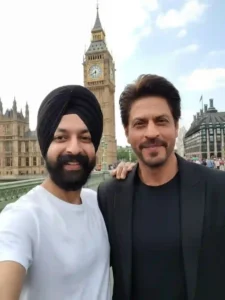
Make this photo a selfie with Shah Rukh Khan in Landon big ben.
Prompt 2:
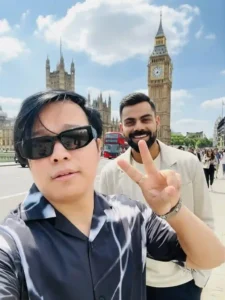
Make this photo a selfie with Virat Kohli in front of Big Ben, London, with clear daylight and natural background.
Tips for Best Celebrity Selfie AI Photo Edit Results
You need to use a high-quality selfie to get the best results.
Conclusion
This Gemini-powered Selfie AI Photo Edit has now become trending. So, by following the trend, your social media account might become viral. So, give it a try, share it, and see your profile go viral. In the above tutorial, we can try to explain step by step, but if you still face any issues, then let me know in the comments below.
Learn More: ChatGPT vs Claude vs Gemini: Which AI Chatbot is Best for Small Business Owners?