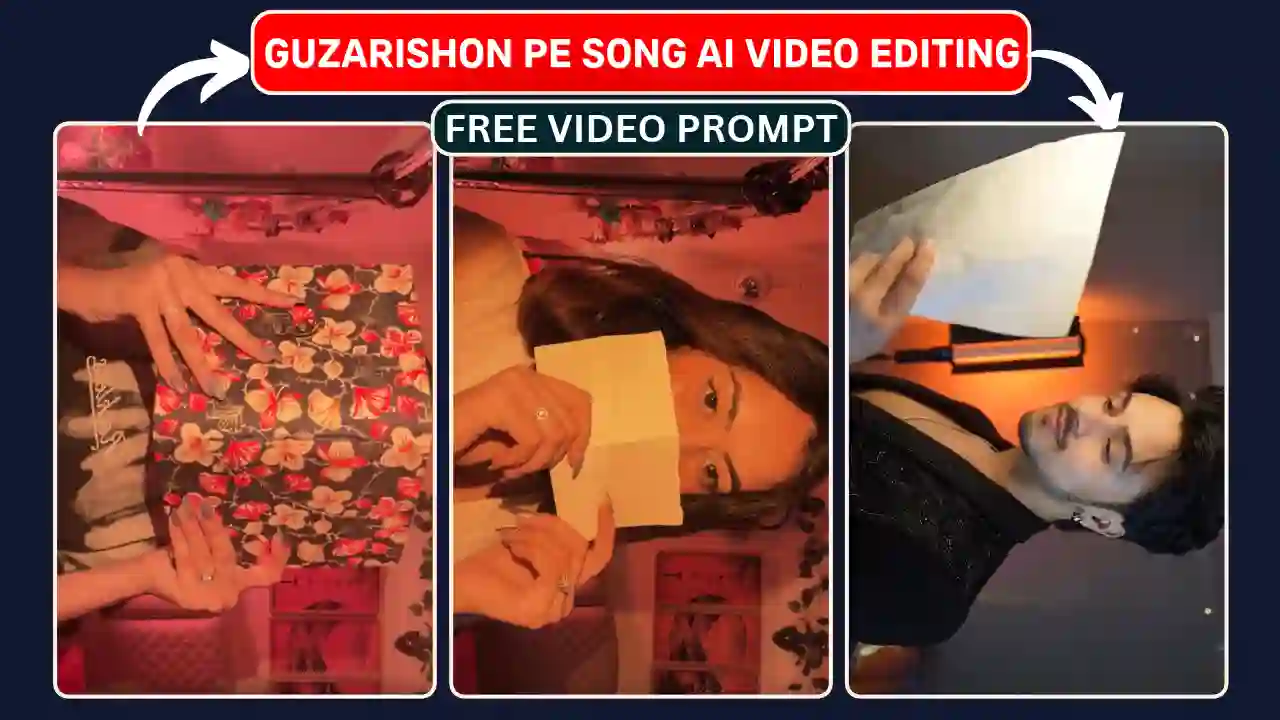
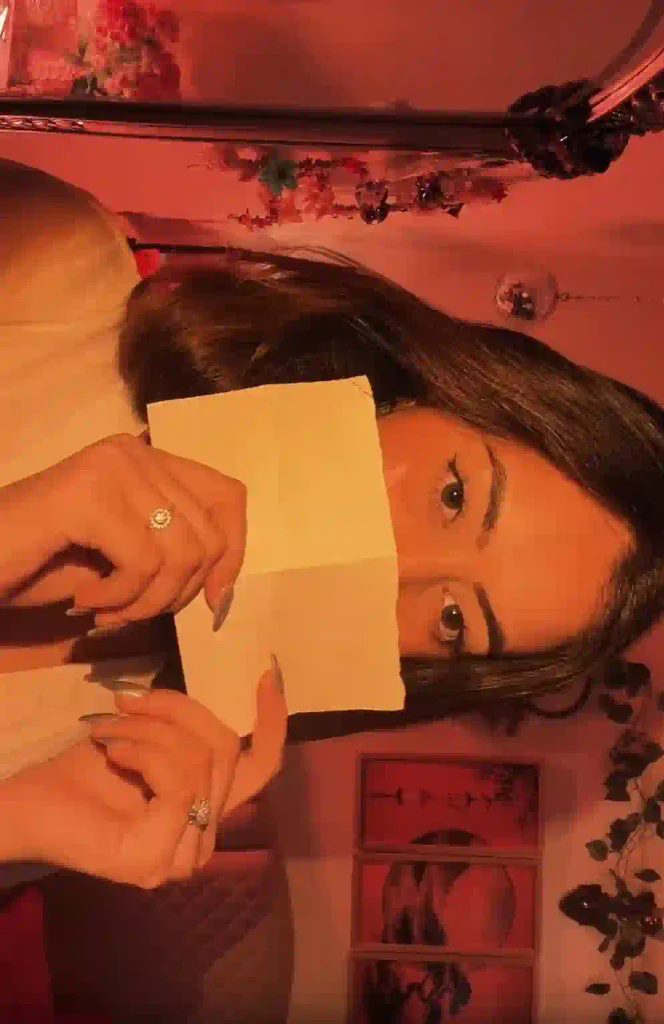
Guzarishon Pe Song AI video Editing is recently gaining popularity on Instagram. The reels start with a girl holding a book with one quick hand-swipe transition turn her normal to festive look. Then another transition occur and show her nail art. After that that another transition occur which turn her a fresh look with holding a letter. All the transition and overall reels make with the proper music beats of ‘Guzarishon Pe‘ Song. While you first time saw this video you can not believe that you can make such with AI. Although you can effortlessly create such video with AI like Google Flow with a right prompt and a reference video.
You can also personalize this video with you own photograph as reference. I am Sagar Dewan. I will explain how to create such trending reels using Google Flow. I also provide you a video prompt, a reference video to create such reels without any manual video shooting or advance editing skills.
Guzarishon Pe Song AI video Editing
Guzarishon Pe song AI video editing required a reference video, a readymade prompt and a reference photo. As you know that male and female both create such reels, we required two separate video prompt and also two separate reference video. Here, I use Google Flow for AI video generation process for our convenance and also its free for some extent.
As you know the main reels video have more than 10 second and I use the Google Flow mode which is limited to 10 second video at a time. That is why I cut the video in three septate part of each less than or equal to 10 second. You need to generate the each video part separately with the same video prompt then join all three part and add song with the help of any editing application like Edits, VN Editor or CapCut. You can also explore about How to Create Long AI Story Videos.
Female Version of Guzarishon Pe Song AI video Editing Prompt
You should prepare all necessary files of female version of Guzarishon Pe Song before generating your reels. There are four significant guidelines that will help you get better results.
- Mute Reference Video: Make sure the reference video is uploaded without any sounds. Videos with sounds can be problematic during generation.
- Clear Front Photo: It should contain the picture of your face.
- Right File Naming: The reference video file should be called @video1 and the photo should be @image1.
- Aspect Ratio: Select 16:9 landscape to match the reference video aspect ratio.
| REFERENCE VIDEO (Female Version) |
| CREATE VIDEO |
✨ AI Prompt
Male Version of Guzarishon Pe Song AI video Editing Prompt
You should prepare all necessary files of male version of Guzarishon Pe song before generating your reels. There are four significant guidelines that will help you get better results.
- Mute Reference Video: Make sure the reference video is uploaded without any sounds. Videos with sounds can be problematic during generation.
- Clear Front Photo: It should contain the picture of your face.
- Right File Naming: The reference video file should be called @video1 and the photo should be @image1.
- Aspect Ratio: Select 16:9 landscape to match the reference video aspect ratio.
| REFERENCE VIDEO (Male Version) |
| CREATE VIDEO |
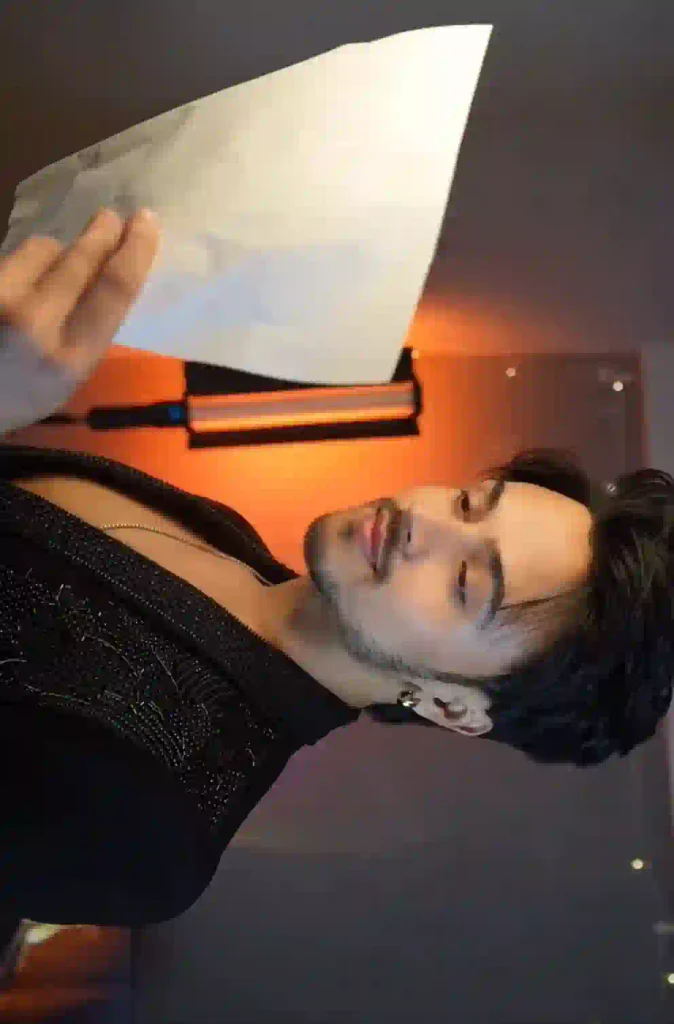
✨ AI Prompt
How to Create a Guzarishon Pe Song AI video Editing Using Google Flow
You can create this trending Guzarishon Pe AI video for free without having any professional editing experience. You just need to follow the given below steps.
- Open Google Flow: Use your browser to access Google Flow. Login using your Google account.
- Initiate a New Project: Create a new project in the workspace. Choose the video generation workflow in case it is available.
- Upload Reference Images: First, upload the muted Guzarishon Pe song reference video. After that, upload your own photograph as an image reference.
- Choose Dimensions for the Video: Choose the 16:9 aspect ratio. The duration of the reference video should be used for the generation process.
- Copy & Paste the Prompt for Guzarishon Pe: Copy the prompt provided above and paste it into the Google Flow prompt box.
- Generate AI Video: Click on the Generate button and wait until the video is generated.
- Download Your Video: Review the generated video. In case your face is not looking the same, try uploading another photograph.
In this way you need to generate all the 3 parts of the reels using reference video, reference photo and readymade prompt. Remember to use the male & female version respectively with the proper reference video and prompt.
How to Add Guzarishon Pe Song to Your Video
Once your all part of Guzarishon Pe AI video is generated. Add all part and insert Guzarishon Pe song with any video editor like Edits, CapCut or VN Video Editor.
- Save the all part of AI generated video of Guzarishon Pe using Google Flow.
- Open Edits or CapCut or VN Video Editor.
- Import the all part of generated video in a new project and add them.
- Insert the Guzarishon Pe song on your timeline.
- Synchronize the timing of song beats according to the video.
- After previewing your edited video, export it.
Finally, upload your personalized Guzarishon Pe Song AI video on Instagram Reels and write an appropriate caption along with hashtags. You can also explore our Meri Nas Nas Me AI Video Editing Prompt.
Conclusion
The Guzarishon Pe AI video Editing help us to create a trending reels with artificial intelligence technology. Using Google Flow, you will be able to make a Guzarishon Pe reels with your photo.
You just need to go though the tutorial, copy the Guzarishon Pe AI video Editing AI prompt for free and create your personalized Guzarishon Pe viral reels. After that, just add the Guzarishon Pe song and upload it to Instagram Reels. Give viral Guzarishon Pe reels edit a try and make your own reels.
Related AI Video Editing Prompts You May Like
- Sheru Bhai AI Video Editing Prompt
- Funny Snake Video Prompt
- Trending Aura Farming Korean AI Video Editing Prompt
- Zombie Apocalypse AI Video Editing Prompt