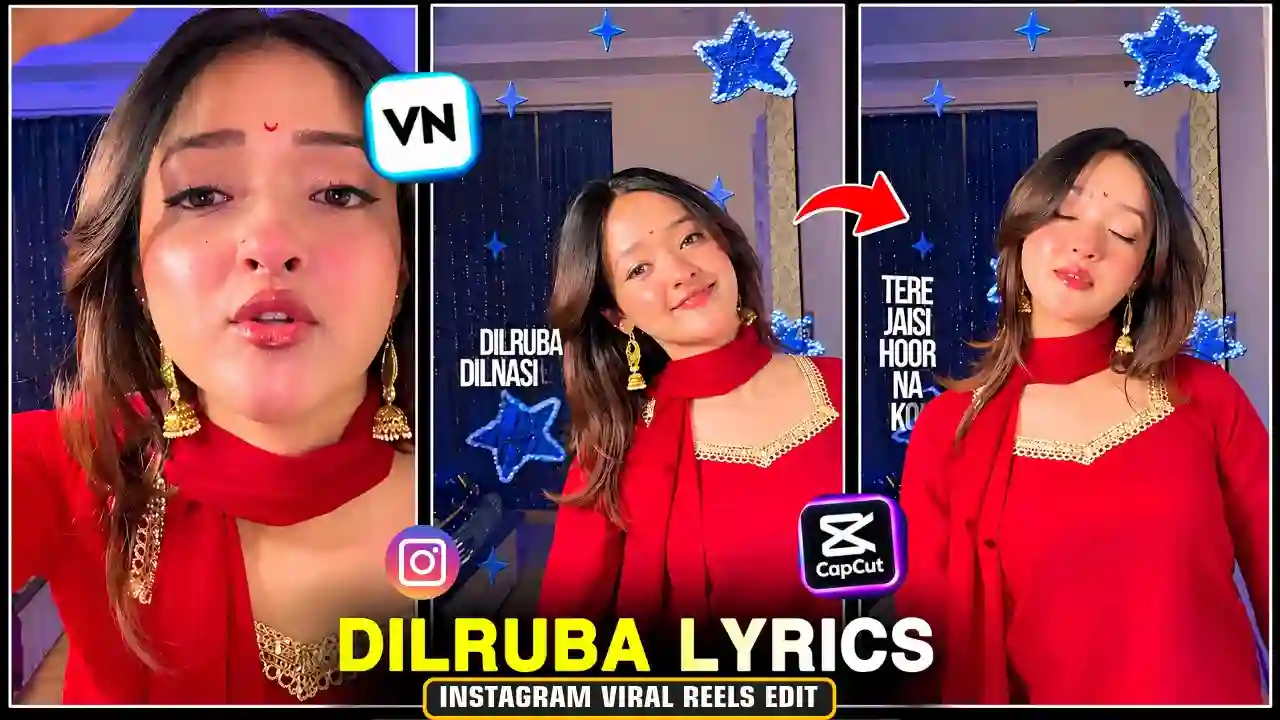
Are you looking for a trending Instagram reels editing style? If yes, then Try the Dilruba Dil Nasheen Reels Editing trend. This is one of the romantic editing trends which will make your photos and videos very beautiful. You can easily make this Reel using VN Editor and CapCut. Even if you are a beginner and don’t know how to edit, you can use a VN code or CapCut template. Here in this article, we will discuss the process of making the Dilruba Dil Nasheen reel.
What Is Dilruba Dil Nasheen Reels Editing?
Dilruba Dil Nasheen is a romantic concept created for Reels editing. The concept utilizes creative transitions, beautiful visual effects, and music to create beautiful stories utilizing couple’s photos, solo portraits and romantic videos. Many creators use slow-motion effects and smooth transitions to make their reels more engaging. Therefore, this trend is perfect for Instagram Reels, YouTube Shorts, and Facebook Reels. You can also explore our Ekdin Tomay Ghire Capcut Template.
Dilruba Dil Nasheen VN Code Template
VN Video Editor offers several useful features for creating trending reels. You can use transitions, keyframes, filters, and beat synchronization.
Follow these simple steps to create your video:
- First, install the latest VN Video Editor application.
- Open VN Editor on your smartphone.
- Visit the Apnotak.com website.
- Navigate to the VN Template category and find the “Dilruba Dil Nasheen VN Code” post.
- Then, Scroll down and find the VN Code, then take a screenshot or save it to your device.
- Now, Open the VN Video Editor app and select the Scanner option.
- Scan or import the saved VN Code.
- Now, it will open the imported project and here you need to click on the use Template.
- After that you need to choose your favorite photos or video clips from your device.
- After, all done, preview the Reel and adjust the clips if required..
- Finally, if needed make available adjustments, then export and save your final Dilruba Dil Nasheen Reel.
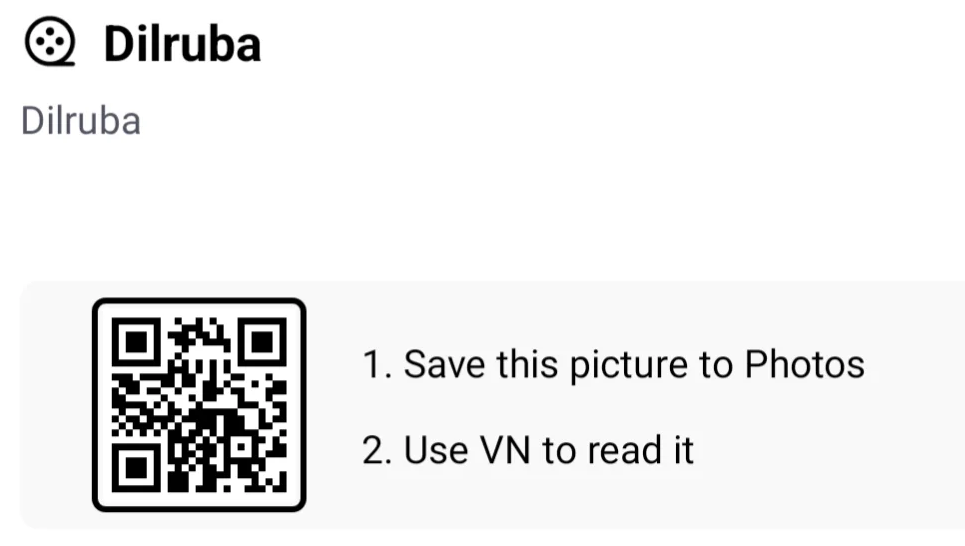
Dilruba Dil Nasheen VN Code Here
You can save or take a screenshot of this Dilruba Dil Nasheen Reels Video Editing VN Code given below.
How to Edit Dilruba Dil Nasheen Reels in CapCut
CapCut makes romantic reels editing simple with ready-made templates. Additionally, its effects and transitions help create professional-looking videos. When your video clip is ready, you can start with this Capcut template editing process. For that you just need to follow the give below steps:
- Open the CapCut application.
- Search for a Dilruba Dil Nasheen video template. Select the best-looking template. Alternatively, tap the template link on your phone from below. It will automatically open in the CapCut app.
- Tap the Use Template option.
- Once the template is loaded, you’ll see placeholder clips in the timeline. Tap on each clip and replace it with your own footage.
- Adjust the clips if necessary.
- Preview the final result.
- Once you’re happy with the result, tap the Export button, choose your preferred resolution (1080p or 4K), and save the video to your gallery.
However, some CapCut templates may not work in every region. Availability also depends on the application version.
Capcut Template Here
You can also explore our Le Mai Saiya Aa Gai Sari Duniya Chhod Ke VN Template Code.
Best Editing Tips for Viral Instagram Reels
Creating an attractive reel requires more than adding photos. Therefore, follow these tips to improve your editing quality.
- Use High-Quality Photos: Choose clear pictures with good lighting.
- Match Music Beats: Synchronize transitions with important music moments.
- Add Smooth Transitions: Use zoom, blur, and fade effects.
- Choose Attractive Filters: Maintain consistent colours throughout your video.
- Avoid Excessive Effects: Keep your editing clean and natural.
- Export in HD: Use 1080p resolution for better viewing quality.
Additionally, select a suitable cover image. An attractive thumbnail can encourage more people to watch your reel.
Best Export Settings for VN and CapCut
Use these recommended settings for Instagram Reels and YouTube Shorts.
| Setting | Recommended Value |
|---|---|
| Resolution | 1080p |
| Aspect Ratio | 9:16 |
| Frame Rate | 30 FPS |
| Video Format | MP4 |
| Quality | High |
| Bitrate | High or Recommended |
For smoother motion, you can also use 60 FPS when your original footage supports it.
Why Is Dilruba Dil Nasheen Editing Trending?
Romantic editing styles attract attention because they combine music with memorable moments. Moreover, short videos are easy to share across social media platforms. Creators can also personalize templates using their favourite pictures. Consequently, this editing style works well for couple videos, friendship edits, romantic status videos, and aesthetic photo reels. You can also explore our Trending Attitude Emoji Reels Video Editing.
Conclusion
Dilruba Dil Nasheen Reels Editing is a beautiful way to create romantic Instagram videos. Both VN Editor and CapCut offer useful editing features. You just have to select your desired template, insert high-quality images and then synchronize everything with the music. Finally, you can export your video. Try this trending editing style and give your social media reels a fresh look!
Frequently Asked Questions (FAQs)
1. How can I create Dilruba Dil Nasheen reels?
You can create these reels using VN Editor or CapCut. Simply select a suitable template and replace its original photos.
2. Is Dilruba Dil Nasheen VN code free?
Template availability depends on the creator. Many shared VN project templates are available without additional charges.
3. Can I edit Dilruba Dil Nasheen videos in CapCut?
Yes. Search for a compatible CapCut template and add your favourite photos or video clips.
4. Which video ratio is best for Instagram Reels?
The recommended aspect ratio is 9:16. Export your video at 1080p resolution for good quality.
5. Can beginners create this trending reel?
Absolutely! Ready-made templates make the editing process easier. You only need to select your media and export the finished video.
Related VN Code & CapCut Template You May Like
- Trending Mirchi Mirchi Song VN Template Code
- Chalray Chalray Waal Song VN Code Template
- Trending 3 Layer Reels VN Template Code
- Trending Casa Tupka Anthemo Capcut Template