Trending 3 Layer Reels VN Template Code is one of the simplest way to convert your normal photos into an attractive 3 Layer Reels video. This kind of editing combines multiple visual layers with smooth transitions, quick frame changes, and music-synced effects. You can edit this kind of reels manually but that will take a lot of time. If you have less time then this VN Template Code will help you to make such reels within few minutes of effort. You just need to have 3 separate photos or video clips, import it into VN Video Editor app, apply the template using VN Code, and create your own trending 3 Layer Reels.
What is shown in 3 Layer Viral VN Template Video?
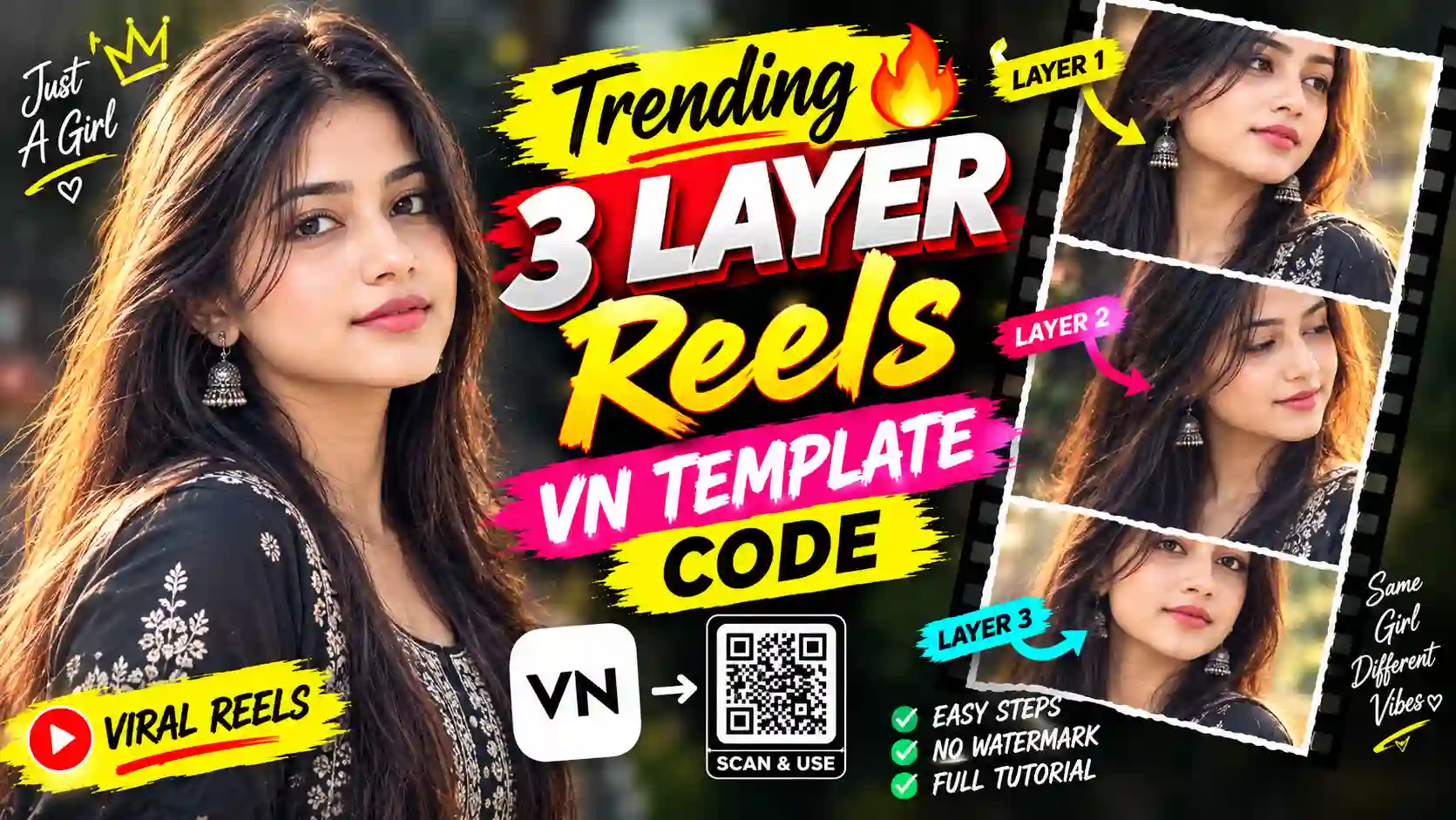
In this trending 3 Layer reels, you will get a very engaging three different videos are shown together in three frames. All frame are placed horizontally. The first frame is placed at the top, the second frame is in the middle, and the third frame is at the bottom. In each frame same girls appears with different style & expression. This is much more engaging and attractive with the songs beats, which will also include with this 3 Layer Reels VN Template Code. You can also explore our Le Mai Saiya Aa Gai Sari Duniya Chhod Ke VN Template Code.
Trending 3 Layer Reels VN Template Code
Here, you will get a 3 Layer Reels VN Template Code. You just need to save it or take a screenshot into your device.

How to Edit with 3 Layer Reels VN Template Code
Reels edit with Trending 3 Layers VN Code Template is easy. You just need to follow given below steps:
- Open Google and search for “Apnotak”.
- Visit the Apnotak.com website.
- Navigate to the VN Template category and find the “Trending 3 Layer Reels VN Template Code” post.
- Then, Scroll down and find the VN Code, then take a screenshot or save it to your device.
- Now, Open the VN Video Editor app and select the Scanner option.
- Scan or import the saved VN Code.
- Now, it will open the imported project and here you need to click on the use Template.
- After that you need to choose your favorite photos or video clips from your device.
- Now, Add the selected media one by one to the required layers in the template.
- After, all done, preview the Reel and check the beat timing, transitions, effects, and overall look.
- Finally, if needed make available adjustments, then export and save your final 3 Layers Reel.
Make Your 3 Layer Reels More Viral
After importing the template, you need to spend sometime to choose the media carefully. Remember, with proper smooth clips make you video more natural. Also, add all three frame with different style with same person and expression must be natural and engaging too. Keep your media ready before importing the template. Change frames one by one according to the music beats, it make much more sense to the video. Perfect combination of music beats with the video clips and transition add virality factor and engage viewers. VN Template make everything easy, which also is an added advantage because manual editing take a long time duration and much more efforts to create such viral edits. You can also try our 1980s Reel Editing VN Code Template.
Final Thoughts
The 3 Layer Reels VN Template Code is very useful for content creators looking to create a viral 3 Layer Reels. With this 3 Layer Reels template, you can edit this type of reel within minutes. You can easily scan the VN Code on VN Editor, add a perfect music and make such a trending video in minutes. You just need to remember to verify no unwanted crops, missing clips, or timing issues before final export. Apnotak.com always try to update you with the latest VN template and trending reel edits, so stay tuned for the latest updates.