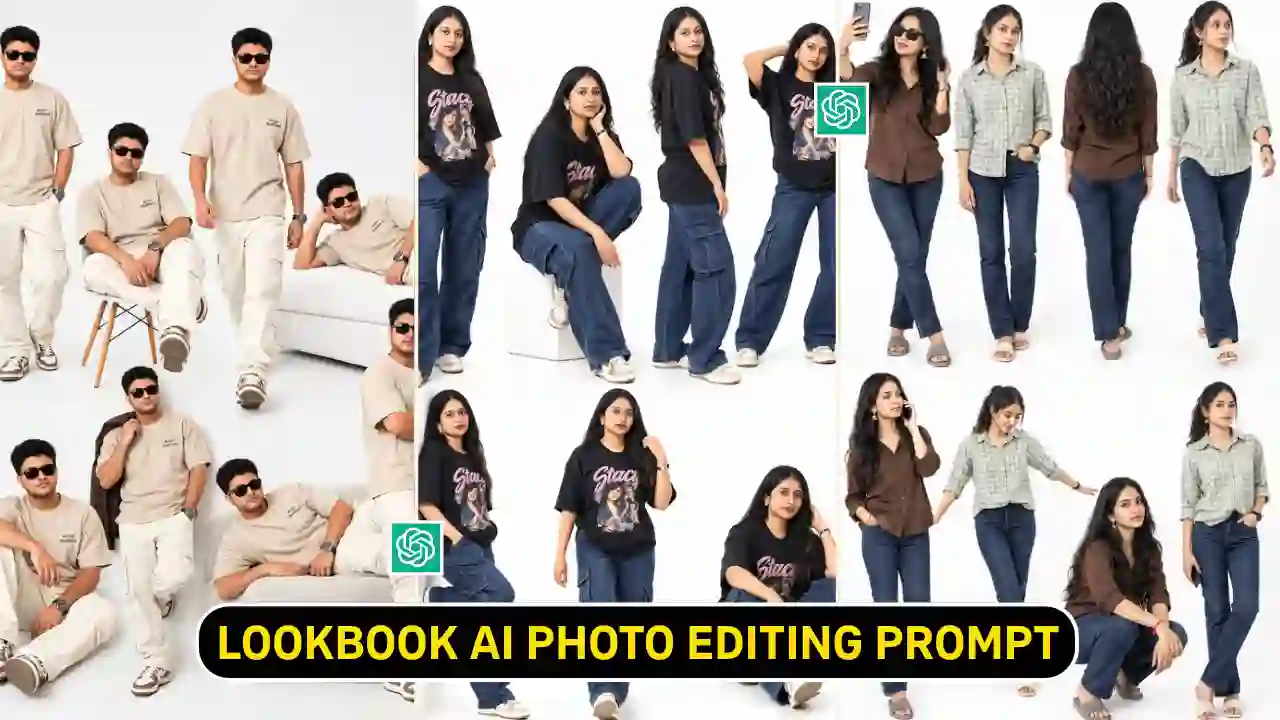
Lookbook AI Photo Editing Prompt create a stylish fashion photos showcasing different poses and camera angles in one image. You can make your normal photo into fashion studio style using ChatGPT. You don’t need to have any expensive camera or studio setup. You can also create this style using Instagram Restyle features.
Although you can experiment with the both method with different looks to get best output. In this article, you will learn about both method as well as get some readymade prompt to generate Lookbook AI Photo. If you enjoy cinematic AI photo editing prompts, explore our rainy-day portrait ideas.
What Is the Viral Lookbook Photo Trend?
The Lookbook photo trend combines multiple poses of the same person into one stylish composition. It creates the appearance of a professional fashion photoshoot. This type of photo editing combine multiple pose, one pose with taking a selfie, another could capture your side profile, walking style, top view or back view. You can personalized it with your own photo with different accessories like sunglasses, a phone, or extended arms.
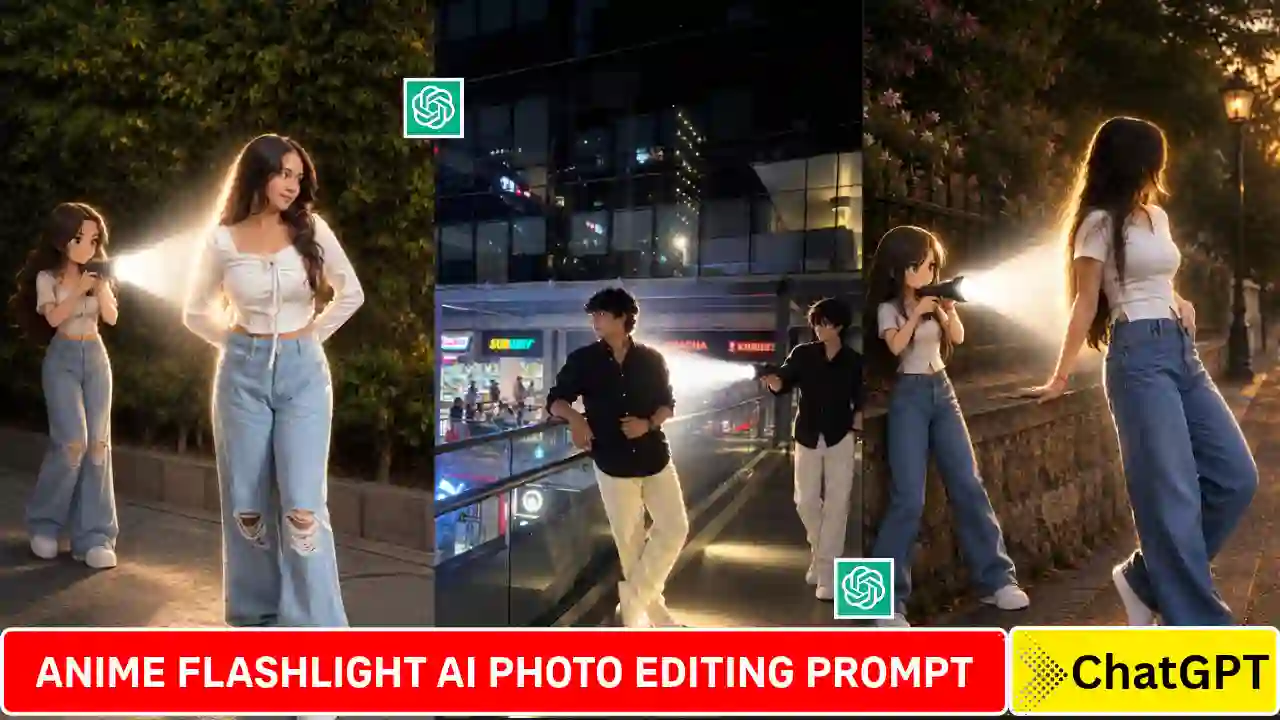
I observed multiple photo in Instagram shred with clean white studio background, which makes the composition look modern and minimal design. You can easily been customize your outfit, footwear, accessories, and poses. This makes the trend useful for fashion content, profile pictures, and creative social media posts. Want to try another creative effect? Check out our Anime Flashlight AI Photo Editing Prompt and create another cinematic reel.
Lookbook AI Photo Editing Prompt
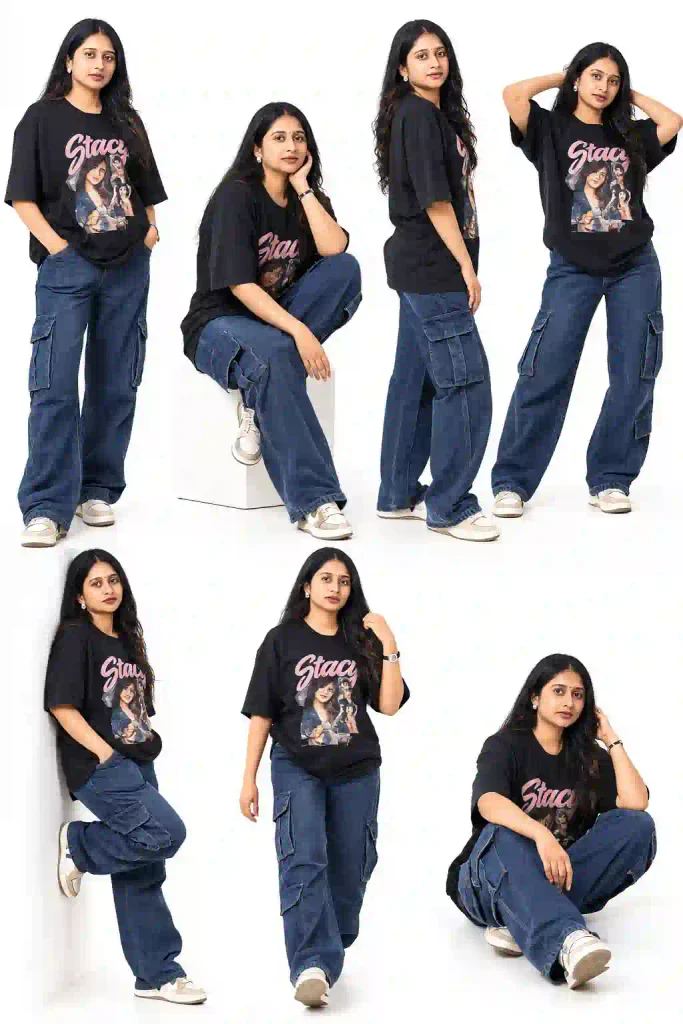
✨ AI Prompt
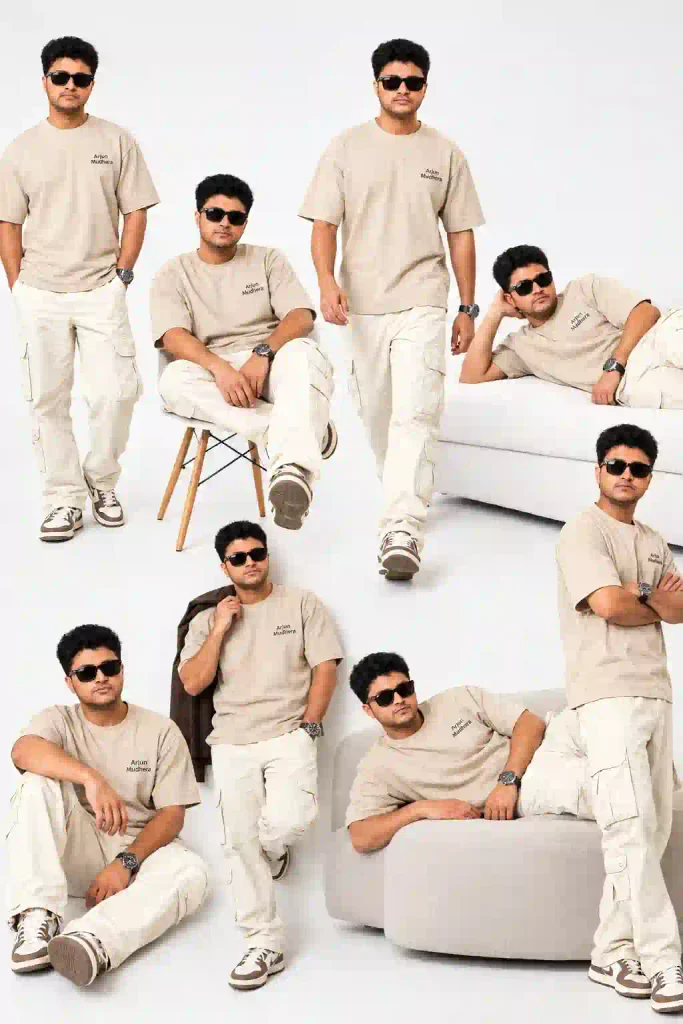
✨ AI Prompt
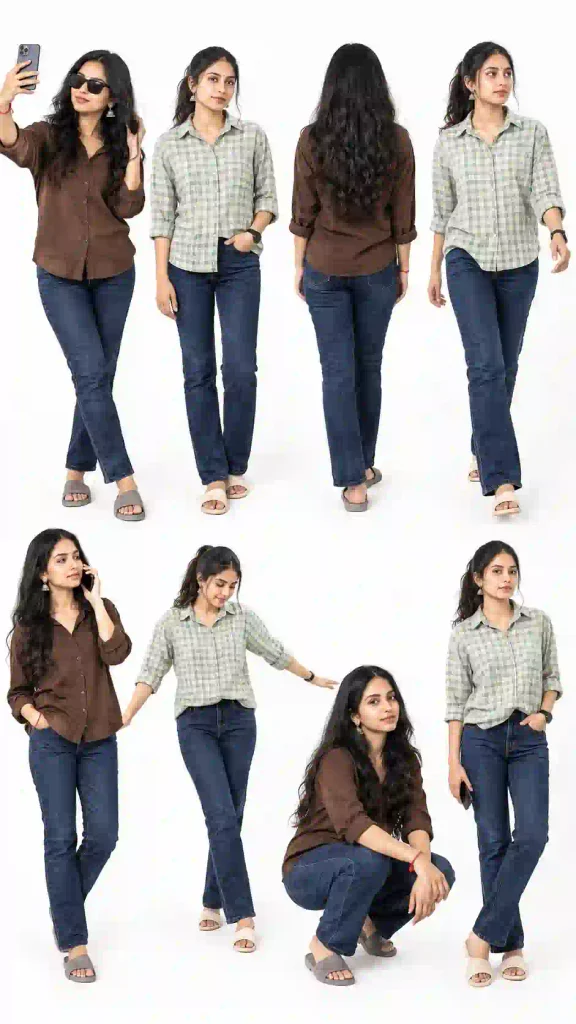
✨ AI Prompt
How to Create Lookbook Photos Using ChatGPT
You can follow given below simple steps to turn your normal photo into a fashionable lookbook image.
Step 1: Open ChatGPT
First, open ChatGPT on your mobile phone. Sign in if necessary, then start a new conversation.
Step 2: Upload Your Photo
Next, upload a clear picture of yourself. Choose an image with visible facial features and good lighting. A front-facing portrait usually provides a useful starting point.
Step 3: Copy the AI Prompt
Now, copy the Instagram Lookbook AI Photo Editing Prompt provided above. You can customize the outfit or poses according to your preferences.
Step 4: Generate Your Lookbook Photo
Paste the prompt into the message box alongside your uploaded image. Then submit your request and wait for the image generation process to finish.
Step 5: Check the Final Result
Once your image appears, examine the facial details, clothing, hands, and individual poses. If anything looks incorrect, request another version with specific corrections.
For better consistency, ask ChatGPT to preserve your original facial identity and outfit across every pose.
Step 6: Save and Share Your Image
Finally, save the generated image to your device. You can share it on Instagram, use it in fashion reels, or create a stylish profile post.
How to Create Lookbook Photos Using Instagram Restyle
Instagram Restyle offers another possible way to experiment with AI-powered photo transformations. However, available effects and features may vary between accounts, regions, and app versions.
Follow these steps if the Lookbook effect is available on your account.
Step 1: Open Instagram and enter the Story creation screen.
Step 2: Select a suitable photo from your phone’s gallery.
Step 3: Look for the Restyle option in the available editing tools.
Step 4: If a Lookbook effect appears, select it and follow the instructions displayed on your screen.
Step 5: Wait for Instagram to process your image and review the result.
Step 6: Save the finished image if the option is available, or share it directly to your Story.
If you cannot find the Lookbook effect, your account might not have access to it. In that case, try ChatGPT or check for Instagram app updates.
Tips for Better Instagram Lookbook AI Photos
A few simple adjustments can improve your final image considerably.
- Use a clear reference photo: Choose an image with visible facial features and minimal blur.
- Specify your outfit: Describe your clothing, shoes, and accessories clearly.
- Maintain facial identity: Ask the AI to preserve your recognizable facial features throughout the composition.
- Choose a consistent background: A clean studio background helps create a professional fashion aesthetic.
- Describe every pose: Specific instructions usually produce more controlled results than vague requests.
- Check image quality: Review the hands, fingers, facial details, and clothing before publishing.
Remember that AI-generated results may contain small inconsistencies. Therefore, review the final image before sharing it publicly. You can also try out our Aesthetic Profile Picture DP Editing Prompts.
Conclusion
Lookbook AI Photo Editing prompt help to make an ordinary photo into a fashionable photoshoot. Different poses, angles, and looks can be presented within one image. You can add a reference photo and then follow the prompts provided above for ChatGPT to make a Lookbook type of photo. You can alternatively try Instagram Restyle if Lookbook effect is available in your Instagram account.
To get best result, you must use a clear reference photo along with the above readymade prompt. You can experiment with other things like outfits and backgrounds. Try the new AI photo trend and post your lookbook photo on Instagram.
Related AI Photo Editing Prompts You May Like
- Trending Girl Eye in Sky Photo Editing Prompts
- Petrol Pump AI Photo Editing Prompt
- Cinematic Music Portrait AI Photo Prompt