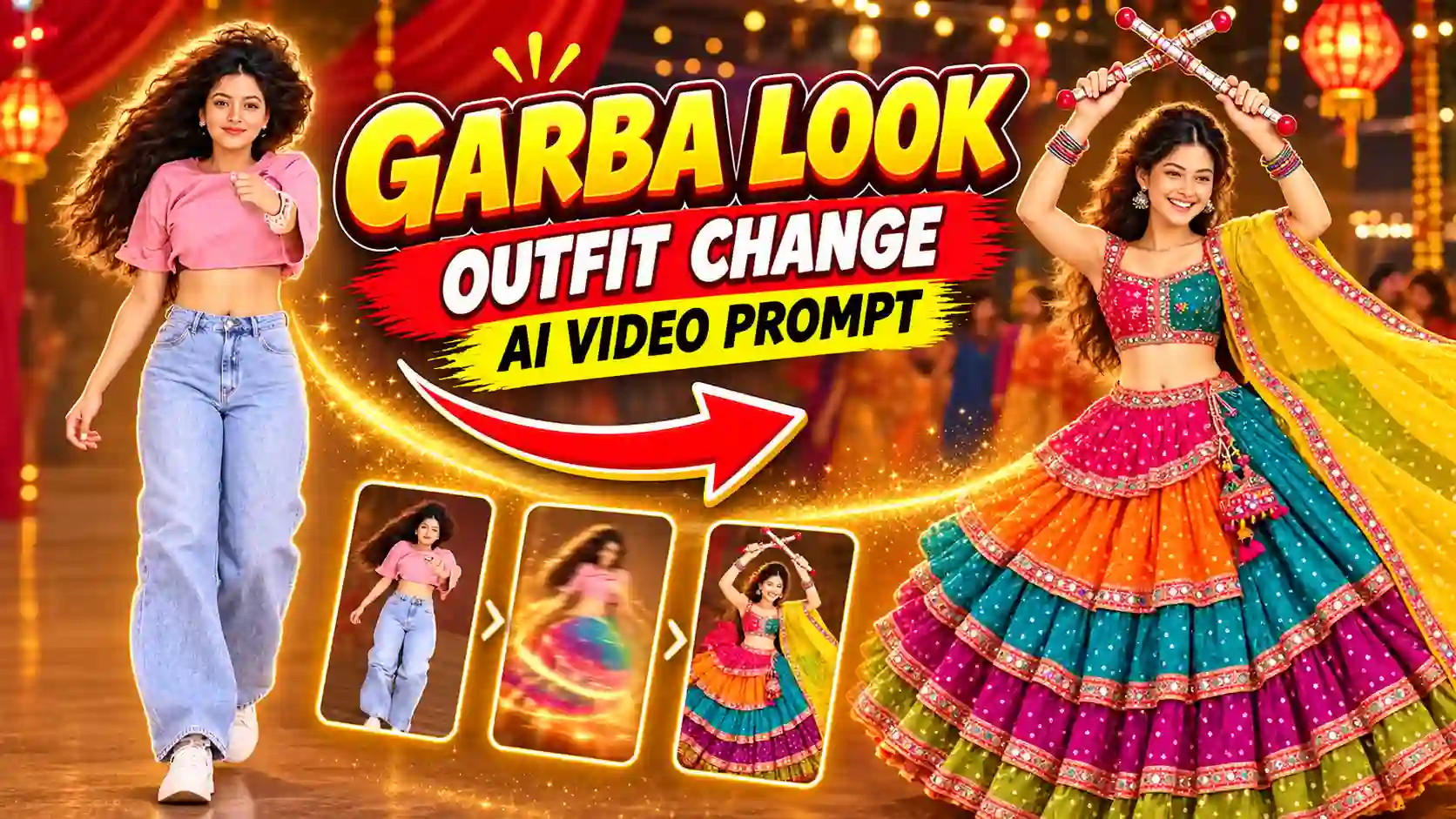
Trending outfit change fan transition AI video prompt is unique idea by which you can change your outfit by a simple fan transition. This ideal looks simple but very effective on Navratri days because you can show multiple dress which you can wear on those days. On the basis of this idea many creators make such video and gain millions of views on Instagram. So, Navratri days is the perfect time to create such colorful, festive, and eye-catching Instagram Reels.
Moreover, you can easily create a cinematic looks outfit transitions without having manually recording and wearing those outfit or makeup or jewellery or any other complicated editing and shooting. You can easily transform your simple photo into stunning Garba look AI video with a suitable reference photo, copy paste AI video editing prompt, and AI video generator. You can also explore our Navratri Dandiya Nails Transformation AI Video Editing Prompt.
What is the Navratri Outfit Change Fan Transition AI Video Trend?
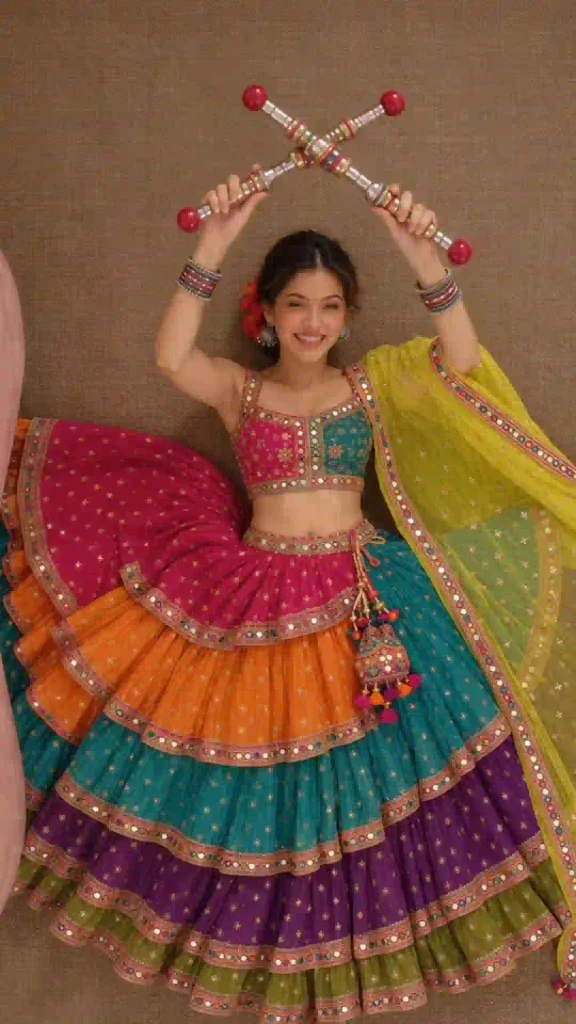
The Navratri Outfit Change Fan Transition is a creative AI video effect. It shows a person rolling from a sofa and lay down and then changing from a regular outfit into a beautiful traditional Navratri look along with a fan transition which will happen in between the outfit change time.
For example, your video can start with a casual outfit. Next, a chrome finish fan blade moves across the screen. As the fan large blade move, your outfit changes into a vibrant Chaniya Choli or traditional Kurta. Here, also a tv remote used by the person as he or she start the transition to change the outfits.
Additionally, this shoot is looks like it is taken with a drone or over head camera place on roof which make make your video more cinematic and attractive. You can also explore Navratri Metro Nine Forms AI Video Editing Prompt.
Trending Outfit Change Fan Transition AI Video prompt
✨ AI Prompt
How to Create a Navratri Outfit Change AI Video
You can follow the given below steps to create your own Outfit Change Fan Transition festive Reel.
Step 1: Choose Your Reference Photo
First, select a clear portrait with good lighting. Make sure your face and outfit remain visible. A front-facing photo usually produces better results.
Step 2: Upload on AI Video Generator
Next, open an AI video-generation tool. Upload your photo and the outfit photos maximum 3 at a time if you use Flow AI to get best result because it mostly support 10sec video.
Step 3: Create the video with Fan Transition
Now, copy the ready made fan outfit change prompt from above and paste the prompt and adjust the duration and aspect ratio 9:16 for reels edit.
Step 4: Edit Your Video
After generating the clip, import it into a video editor such as CapCut or VN, where available. Trim unnecessary frames and synchronize the transition with the music beat. Additionally, adjust the brightness, contrast, and saturation for a vibrant festive appearance. Avoid excessive filters because natural skin tones improve the overall result.
Step 5: Add Music and Export
Finally, add suitable Garba music or a trending Navratri audio track. Choose a vertical 9:16 format for Instagram Reels and YouTube Shorts.
You must check the face, hands, clothing details, and transition quality before sharing. You can Export the final video at 1080p when supported. You can also explore Celebrity Funny Dance Ai Video Editing Prompt.
Tips for a Realistic Navratri AI Transition
Use these tips to improve your final video:
- Preserve facial identity: Include clear instructions to maintain the original face.
- Describe the outfit: Mention colors, embroidery, jewelry, and fabric details.
- Keep movements simple: A single fan movement often creates a cleaner transition.
- Match the lighting: Consistent lighting makes both outfits look natural.
- Use beat synchronization: Align the fan movement with a strong musical beat.
- Choose vertical framing: Keep the subject centered for mobile viewing.
- Review the result: Regenerate clips with distorted hands or inconsistent facial features.
Furthermore, use your own photos or images you have permission to edit. Always follow the AI tool’s content and privacy rules.
Best AI Tools for Navratri Outfit Change Videos
Several tools can help you create this effect, depending on their available features.
- Google Flow: Explore supported video-generation workflows for cinematic transitions.
- Gemini: Create traditional Navratri outfit images using detailed prompts.
- CapCut: Edit clips, synchronize music, and add transition effects where available.
- VN Video Editor: Arrange clips, adjust timing, and add music for your final Reel.
However, available features may vary by region, subscription, and app version. Some tools may require separate image and video generation steps. You can also explore Zombie Apocalypse AI Video Editing Prompt
Conclusion
The trending outfit change fan transition AI video prompt is a creative way to celebrate Navratri. you can create a beautiful festive transformation Reel with a clear reference photo, a detailed prompt, and simple editing.
You can try with the different traditional outfits with this fan transition along with a music, which match the vibes. Apnotak.com always try to introduce you with the trending AI video prompts. If the above tutorial help you through the entire Outfit Change Fan Transition AI Video Editing process then leave a beautiful comment and stay tuned for the latest trends.