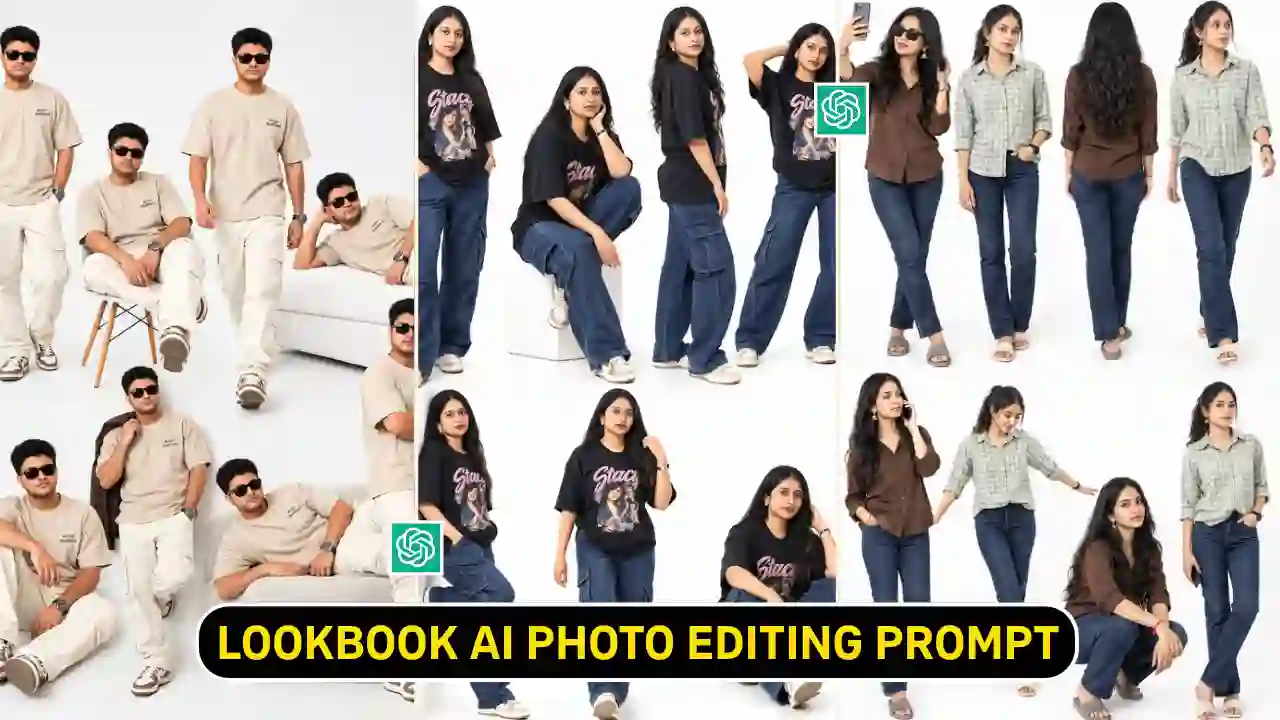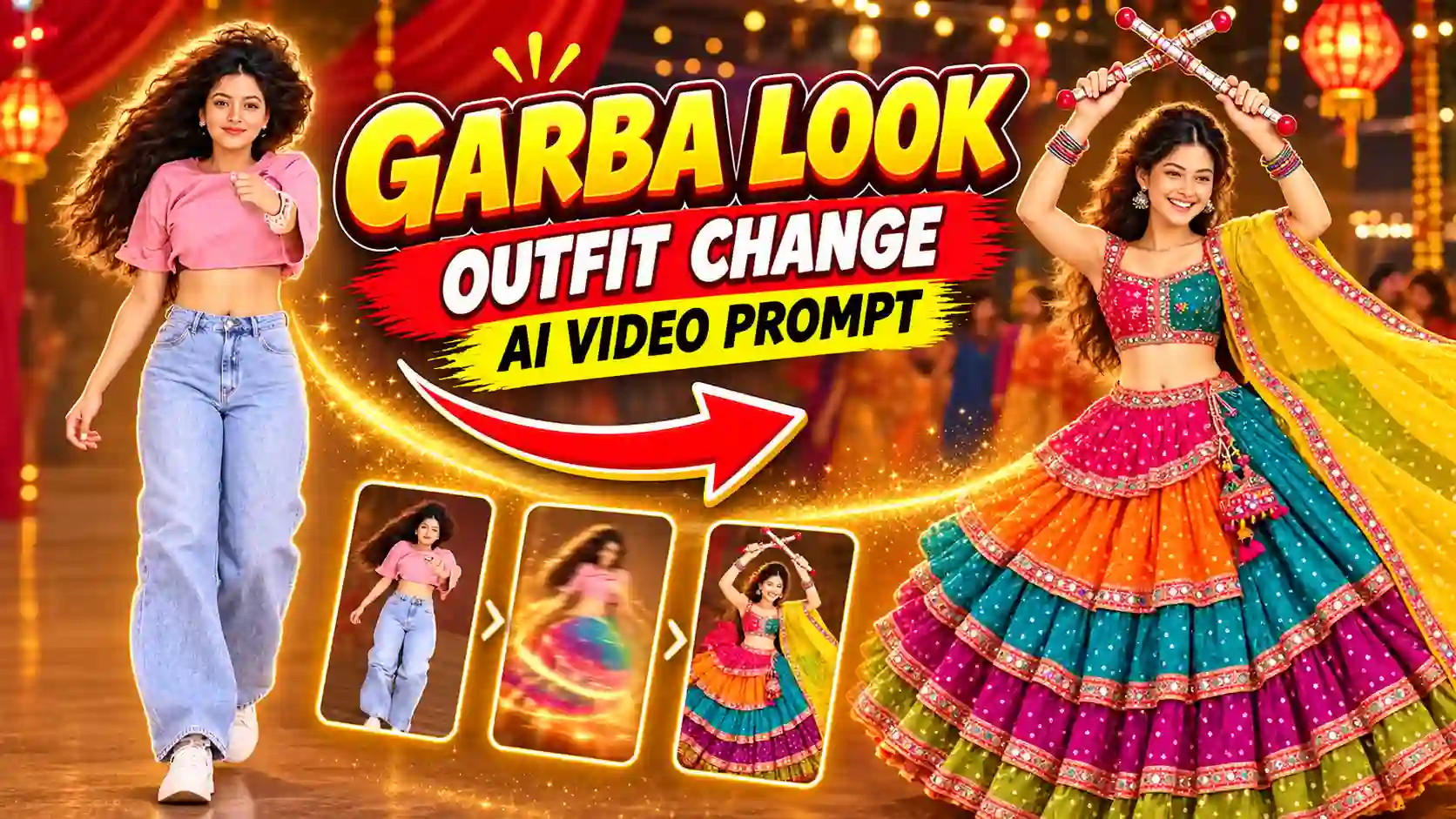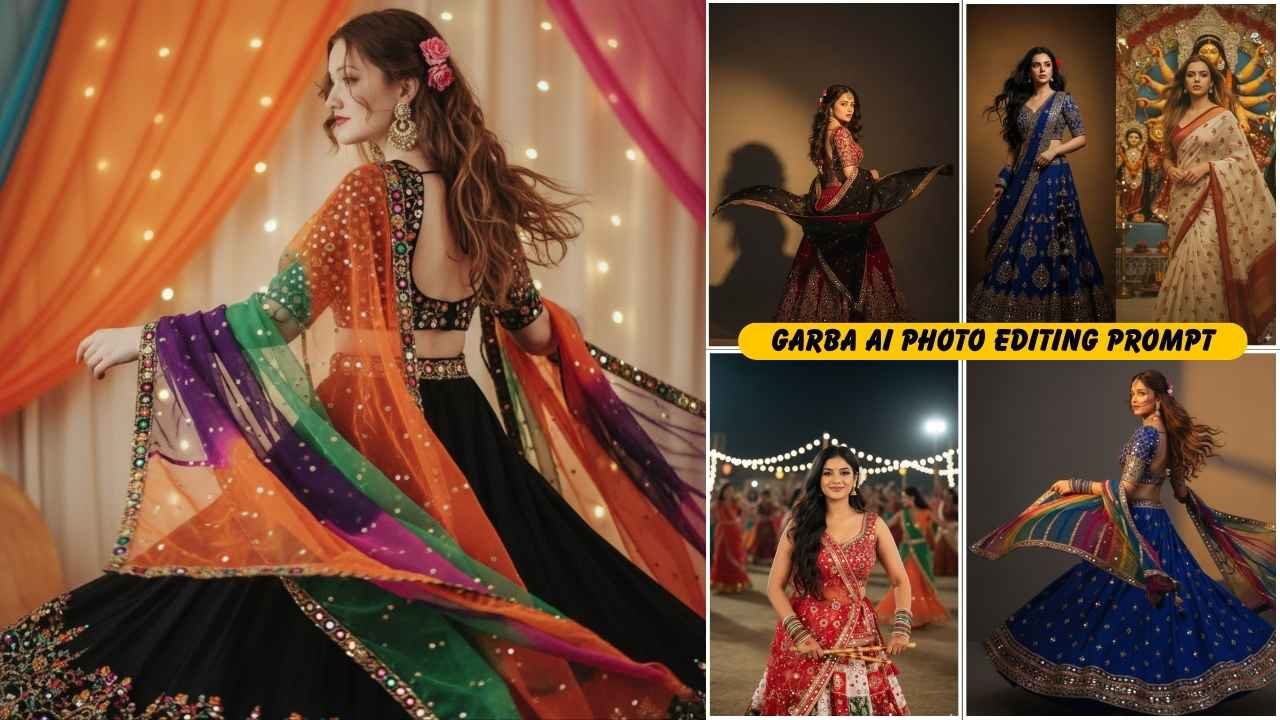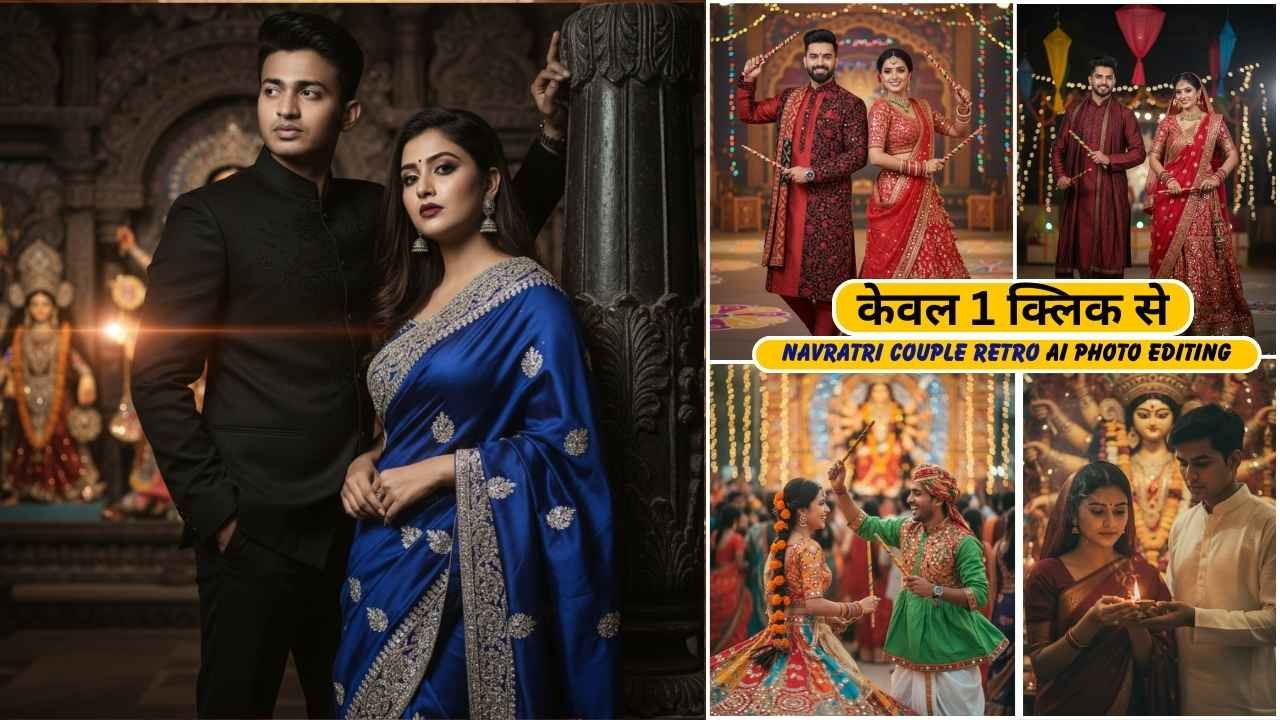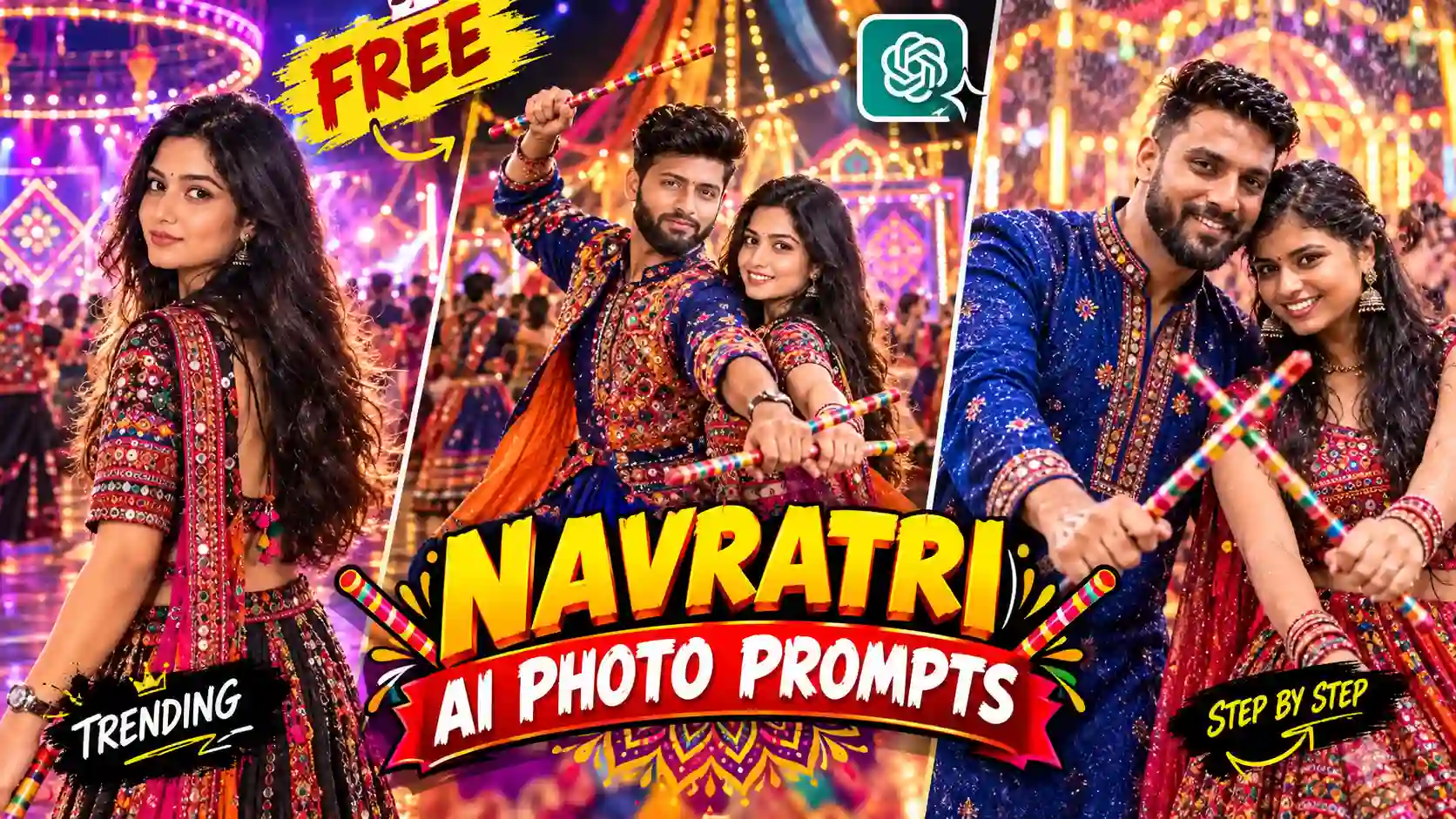
Garba AI prompt is so much popular on the time of Navratri. Navratri is one of the most colorful festivals in India and that is why Garba night is the best time to create this type of colorful AI generated photos. By using Navratri garba ai prompt, many people create a vibrant Navratri Garba Night photo without changing their real identity.
At ApnoTak, we bring you the most loved Navratri AI photo prompt in one place. Whether you want to create traditional Garba look for boys or girls, or a glamorous couple photo, the right garba ai prompt can turn your image much more creative and realistic. Each and every prompts are ready to use in this post.
In 2026, Sharad Navratri starts on Sunday, October 11, 2026, and concludes with Dussehra (Vijayadashami) on Tuesday, October 20, 2026. This is the best time to create Navratri AI Photo. If you post it on time then it might get viral during those days. In this article, you will get simple garba ai photo editing prompt to cinematic stunning garba night ai photo prompt. You will also know how to edit with this prompt, which AI tools is perfect for editing this type of photo and some simple tips to get a better garba photo. Looking for another festival-themed AI photo editing idea? Try our Radha Rani Photo Editing Prompts.
Navratri Garba Night AI Photo Editing Prompts
In Gujrat, Garba Night or Dadiya festival is much more popular at the time of Navratri. The traditional stick-dance performed during this time. A Garba AI Prompt is a detailed text instruction that help an AI image-generation or photo-editing tool to transform your reference photo into a Navratri Garba Night AI Photo. At the same time, the AI can create a completely new Navratri Garba background, including colorful lights, traditional decorations, Dandiya sticks, dancers, Rangoli, Diyas and festive architecture. You can explore our latest creative butterfly-effect AI photo editing ideas.
Which AI Tools Work Best for Garba AI Prompts
ChatGPT and Gemini both AI tools working perfectly with the prompt share in this post. Although, if you ask me about my personal preference, I choose ChatGPT. Because, it understands long and detailed descriptions as well and also preserve facial structure well but take bit more time to generate a photo. Although, the result most of the time is perfect. Many creators also like Google Gemini because it’s super fast. So, if you have reach ChatGPT daily limit then you can also use Gemini without any hesitation. If you enjoy cinematic AI photo editing prompts, explore our rainy-day portrait ideas.
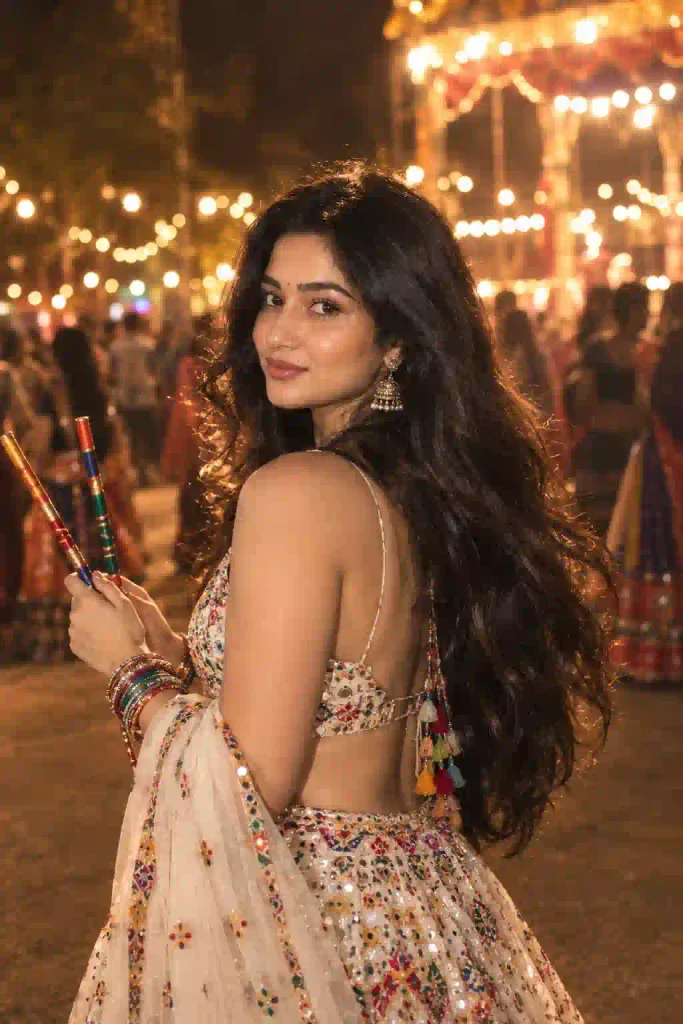
✨ AI Prompt
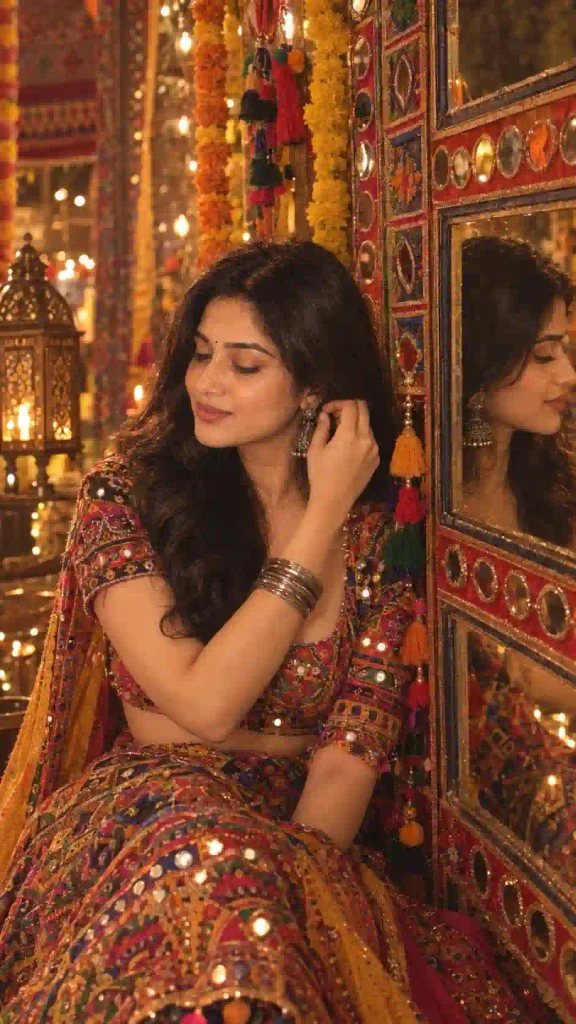
✨ AI Prompt
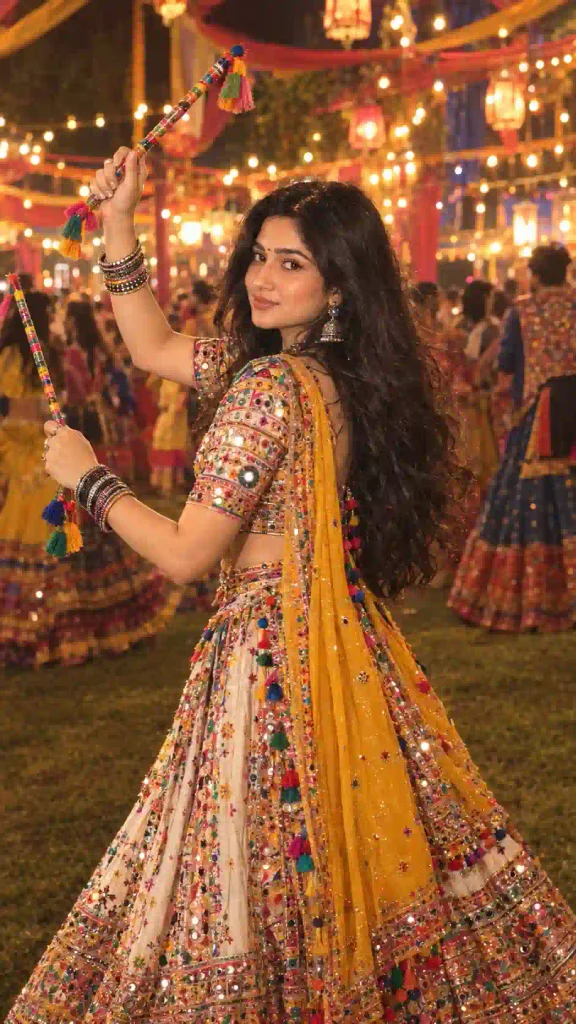
✨ AI Prompt
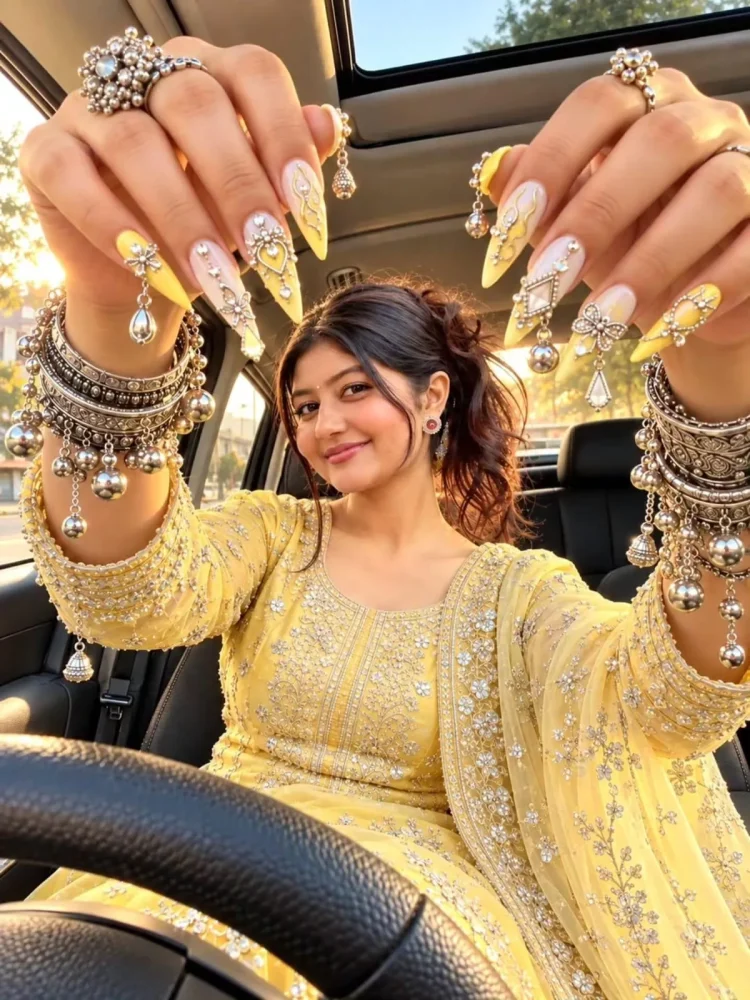
✨ AI Prompt
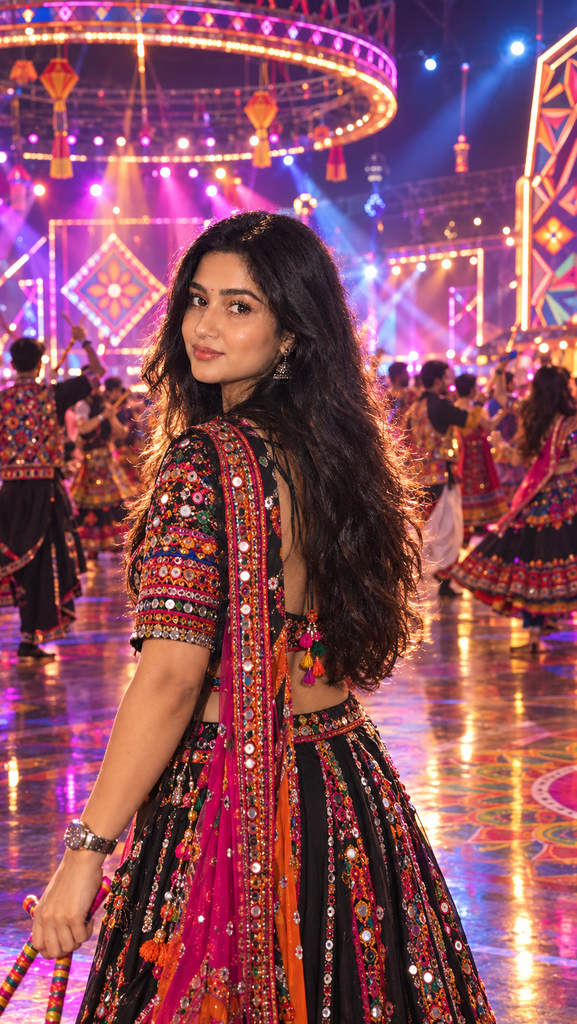
✨ AI Prompt
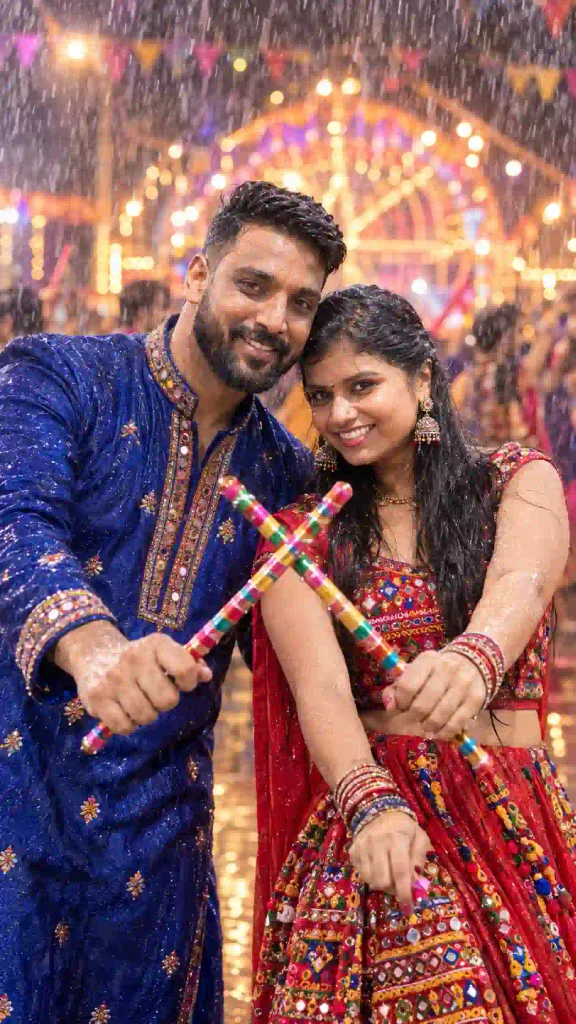
✨ AI Prompt
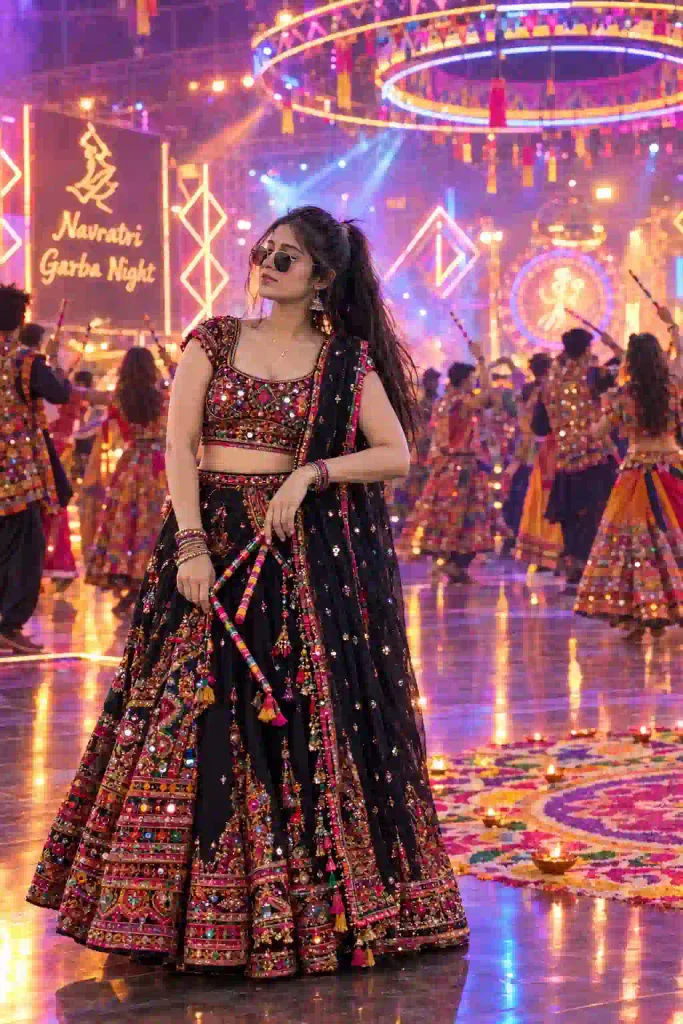
✨ AI Prompt
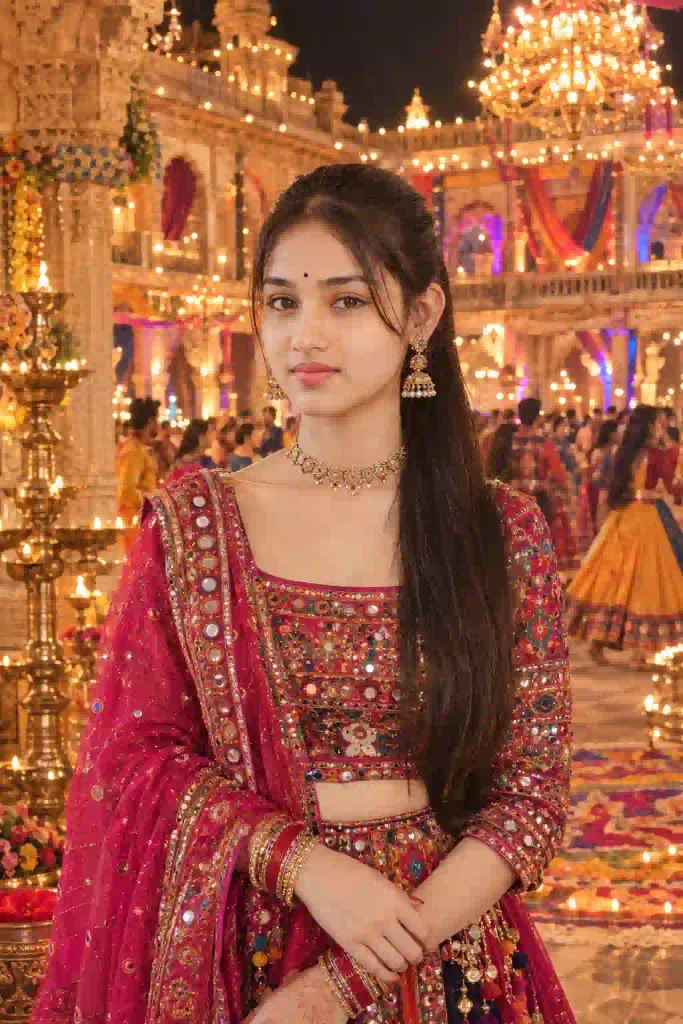
✨ AI Prompt
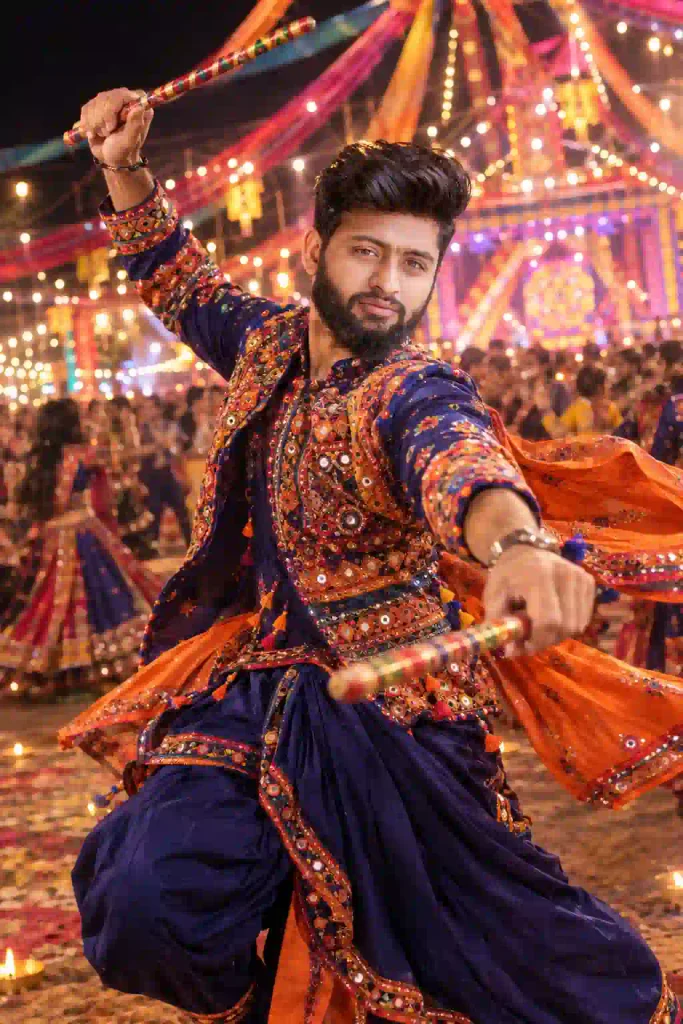
✨ AI Prompt
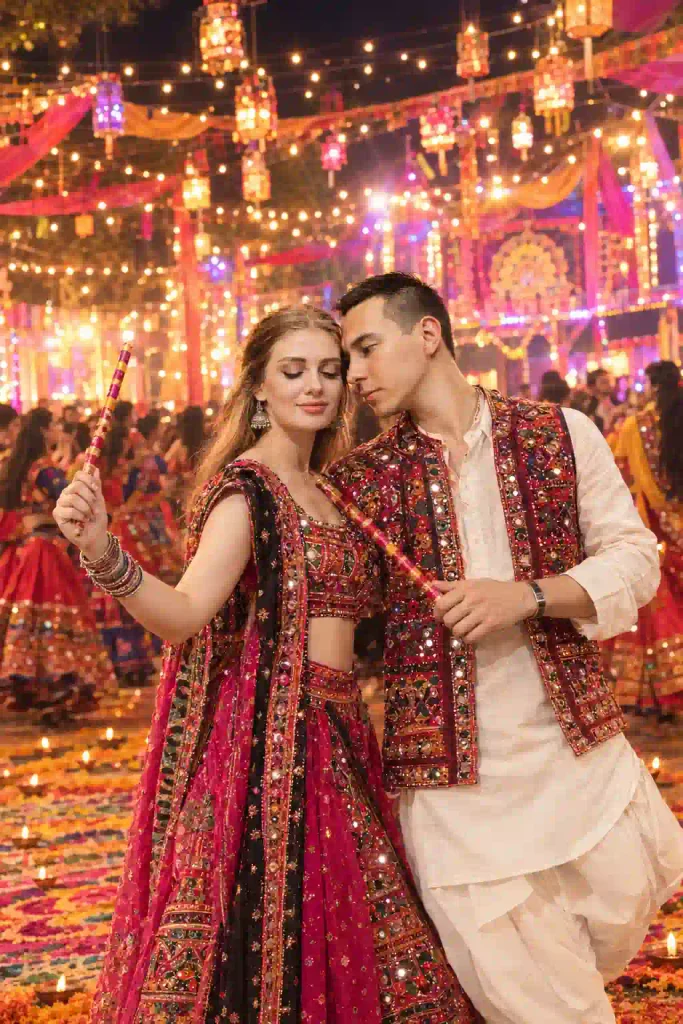
✨ AI Prompt
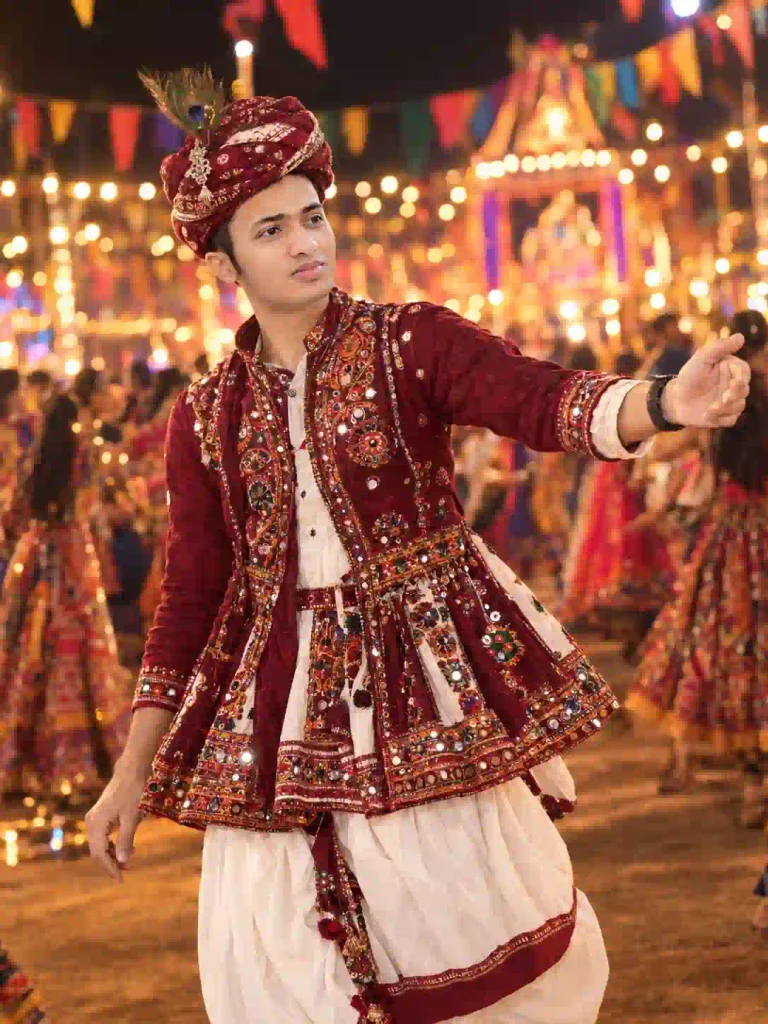
✨ AI Prompt
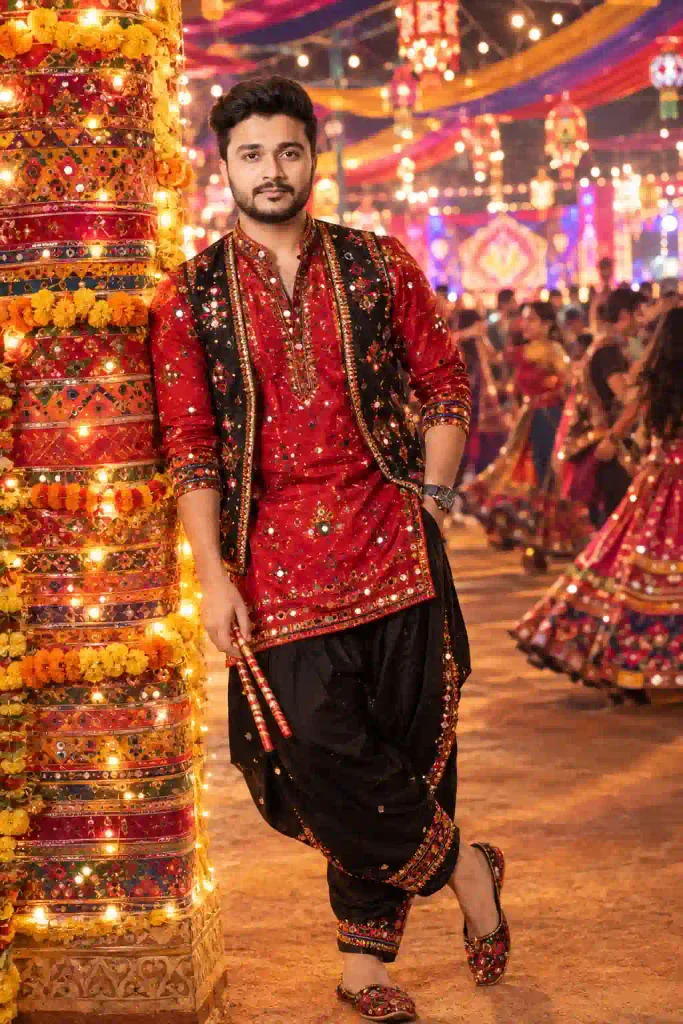
✨ AI Prompt
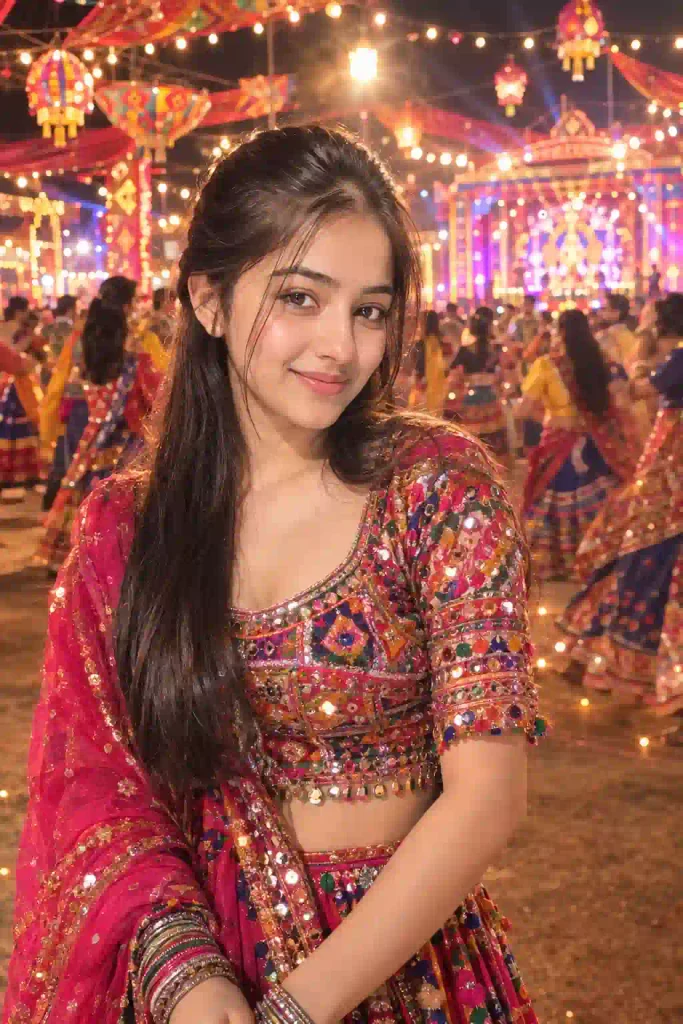
✨ AI Prompt
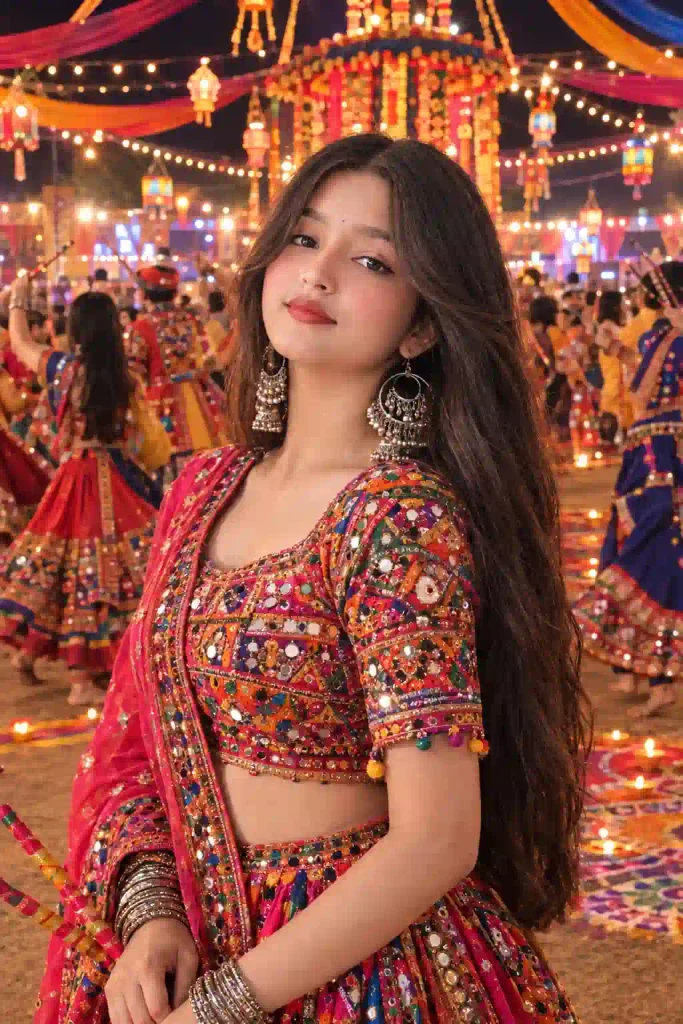
✨ AI Prompt
How to Create a Viral Navratri Garba Photo (Step by Step Tutorials)
Creating a Garba Night AI photo is simple and straightforward, if your AI tool supports image uploads and image editing.
- Open your preferer AI tools: Open ChatGPT or Gemini.
- Choose a Clear Reference Photo & Upload Your Photo: Now, choose a clear portrait or full-body photo and upload it to to ChatGPT or Gemini. A well-lit image generally gives the AI more information about your face, clothes and body proportions.
- Copy a Navratri Prompt: Choose one of the prompts from the above and paste it on the prompt box.
- Generate the Image: Now, send the massage to generate the Navratri Garba Night photo. If the first result isn’t right, you can refine the prompt by changing the background, outfit, lighting or pose.
Tips for Getting Better Navratri AI Photos
A quality reference photo is very much important as much as a good prompt. Use a high quality, sharp and well lit photo make your result far better. Always avoid blurry, heavily compressed or extremely dark photos. If you want to generate image to look like you, explicitly mention: “Keep my real face and identity unchanged.” You can also mention facial features, hairstyle, skin tone and body proportions. Also, remember if you create your own personalized prompt then don’t overload the background. Too many objects can make the image messy. Keep the main subject visually dominant. Looking for festival-themed AI photo editing idea? Try our 9 Raksha Bandhan AI Photo Editing Prompts.
Conclusion
Navratri is a colorful festival, where Dadiya or Garba night make it more joyful. AI photo editing is the another addition to make it more fun way to celebrate this wonderful dancing night. Whatever garba ai prompt you choose from the above make sure to choose a clear reference image to get the best result. You can try multiple prompts from the above and share the best result on your Instagram and other social media platform. If you like our Navratri prompts then which one you like the most, share it on the comment section and leave a beautiful comment as well.