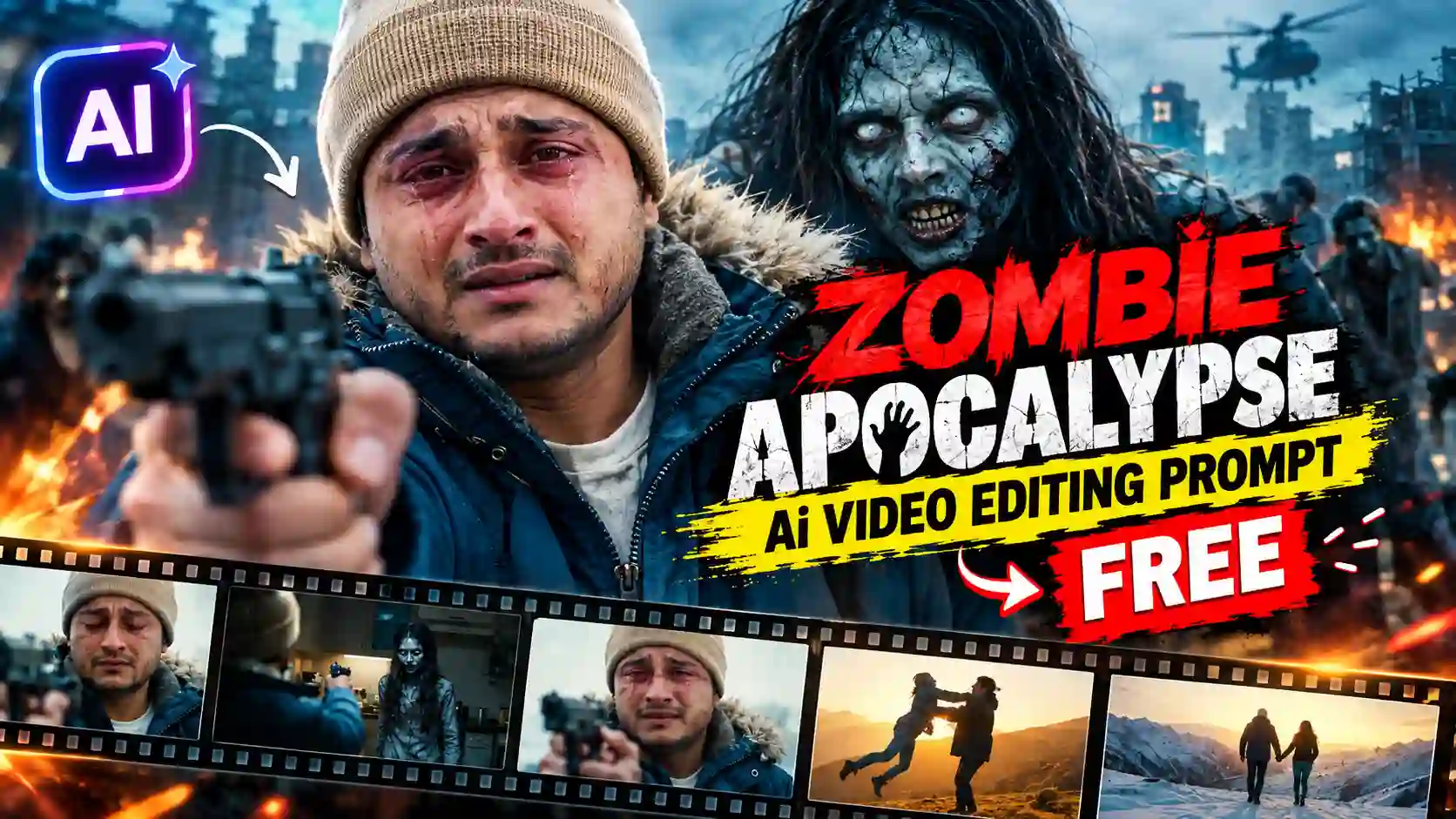
Zombie Apocalypse Ai Video Editing Prompt is a creative way to turn you and your girlfriend or couple normal photo into a trending romantic Zombie Apocalypse style AI video. This short romantic viral zombie couple video is increasingly popular on social media platform specially on Instagram. Many creators make this type of Zombie romantic video and get millions of views. Although making of such type of video is not so easy by manual editing process, it take a lot of time and also required VFX and high editing skills. But AI make it simple and you can create such video without spending a lots of time. If you read this post then you might have finding a easy way to create such Zombie Apocalypse Ai Video.
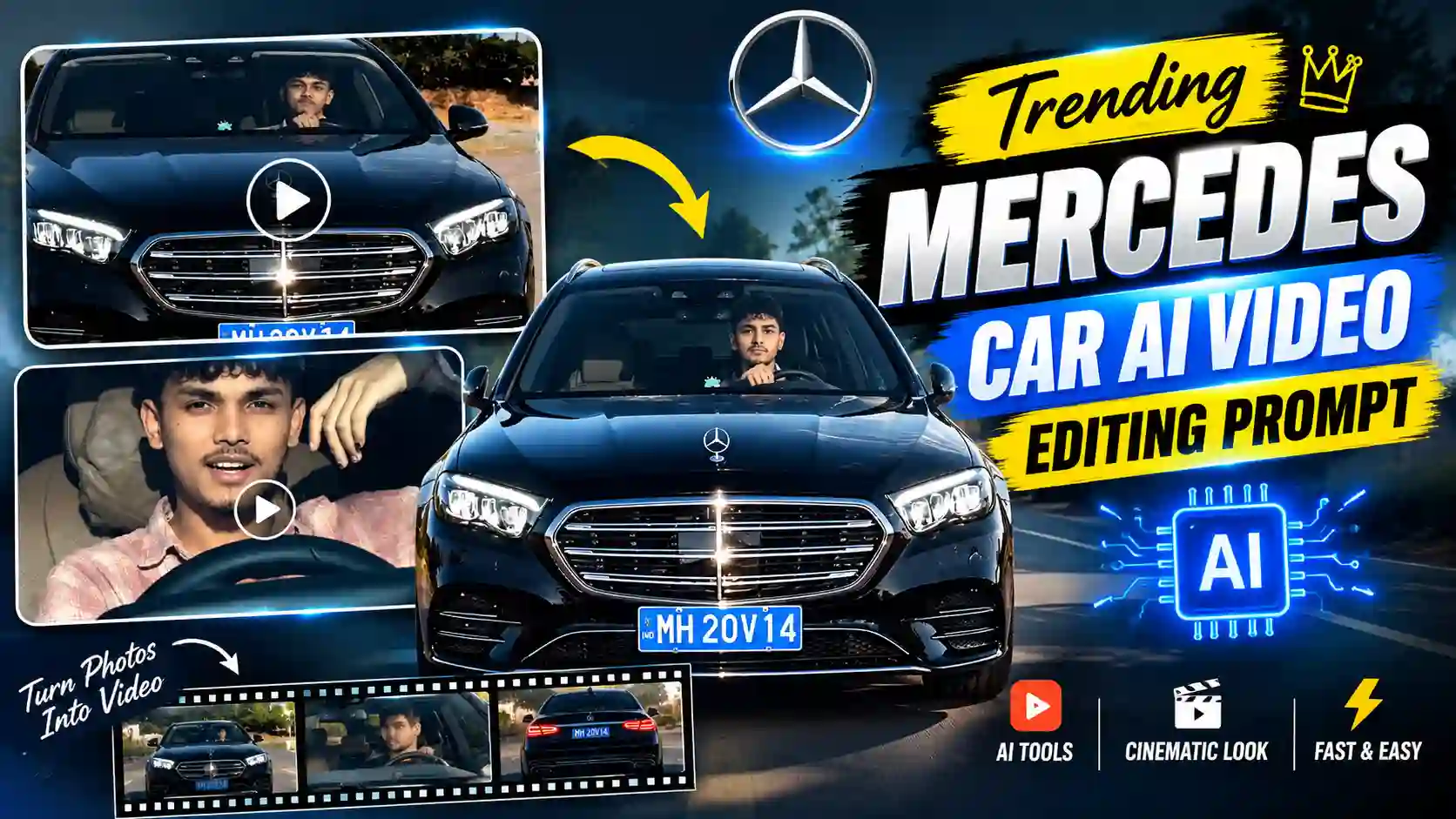
The zombie video starts with fear and emotions, but later the story suddenly turns into a beautiful old memories. You can make such video with right prompt, AI tools and proper guidance. In this post, you will learn complete editing process and give you a readymade prompt to create such Zombie romantic video. You can also try our Trending Mercedes Car AI Video Editing Prompt.
Zombie Apocalypse Ai Video Editing Visual Details (Explanation)
The Zombie Apocalypse Ai Video starts with a intense Zombie scene, the area is hilly and the place is covered with snow and the house is made up of old wooden and stone. A man hold a gun on his hand with fear, sadness and tears coming out on his eyes and he saw his partner standing on kitchen with scary and zombie looks. She is wearing a dirty cloth and her eyes are brown. When, the man identify her, he slowly lower down his gun and spreads his both hands as he want to hug her. The zombie partner run and jump on him, this is point where scene changes to a wonderful snow cover mountain or some video show a beautiful flower garden or any romantic places and his partner now appears to be normal and enjoying healthy human life’s. Explore our Trending Flying Fairy AI Video Editing Prompt.
How to Edit Zombie Apocalypse Ai Video
We use Flow AI for the entire AI video generation process because it is freely available for sum extent, as it gives free credit for video generation every day. Also, Flow AI make the complete editing process so easy. On the editing process, you must use your and your partner clear reference photo or you can also generate a complete character-sheet of you and your partner for character constancy or face change issue. In this article, I also give you a prompt by which you can create your character sheet easily. For Character sheet preparation, you can also use Flow AI image editor tools. You can also explore Celebrity Funny Dance Ai Video Editing Prompt.
Character sheet preparation on Flow AI
Here, you will find two character sheet for male and female separately. To create a proper character sheet, you just need to follow the given below steps.
- Open Flow AI and register and logging to it.
- Now, click on plus icon and then click on media to upload your clear reference photo and click on add to prompt button.
- Now click on setting option and choose mode “Nano banana Pro” model for best result.
- Copy the given below relevant Character sheet prompt and paste it on the Flow AI prompt box.
- Now, send it to generate the Character sheet.
- Finally, save the Character sheet for video generation process.
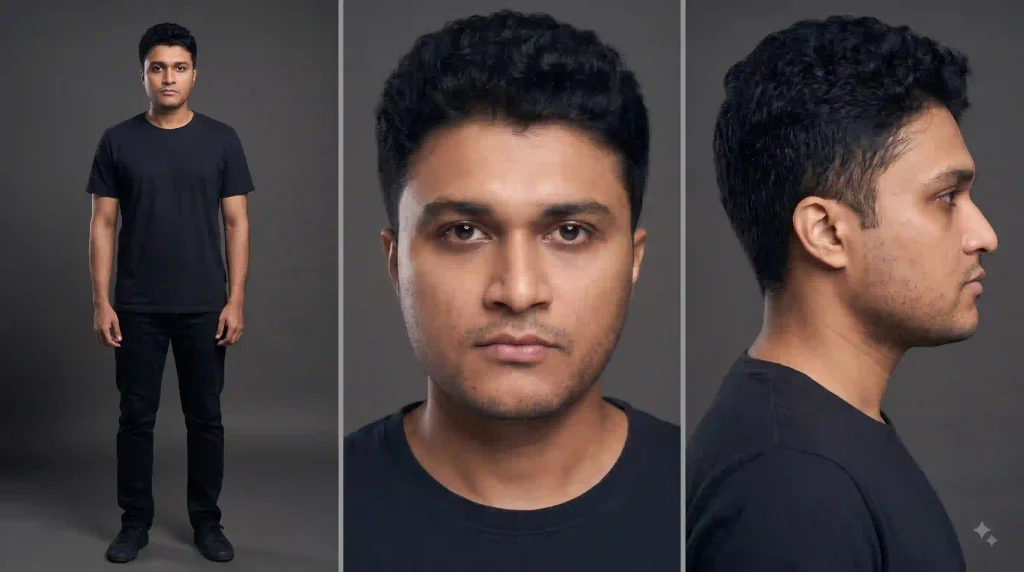
✨ Male Character Sheet AI Prompt
✨Female Character Sheet AI Prompt
Create Zombie Apocalypse Ai Video Editing on Flow AI
To make Zombie Apocalypse Ai Video on Flow AI, you must follow the given below steps.
- Open Flow AI and login again for video generation process.
- Now upload a clear reference photo or Character sheet of you and your partner.
- Select Omni Flash model for video generation process because it is the lates version with good quality video generation model presently available on Flow AI.
- Now, copy the video prompt from the given below.
- Paste the video prompt on Flow AI prompt box. Here, you need to remember that on the prompt in place of @image1 replace by male character uploaded image address and @image2 replace by female character uploaded image address.
- Now, send to to AI video generation process. Flow AI as you “Would you like me to proceed with generating the visual storyboard grid?”. Then reply yes to generate it and finally as to make AI videos.
- Finally, you got three AI video of Zombie Apocalypse. Now, verify it and save it to your gallery.
✨Zombie Apocalypse Ai Video Editing Prompt (Scene change to snow mountain)
User must use desktop mode for this process. Before sending the Zombie Apocalypse Ai video prompt, you must have send an instruction to Flow AI AGENT given below: “I will provide (3) video prompts. Generate all (3) video together, and keep character exactly the same as in the provided reference prompt throughout.“
✨Zombie Apocalypse Ai Video Editing Prompt (Scene change to flower garden with mountain view)
How to Marge the videos and make it perfectly
You need to marge all two or three AI generated video with a video editing application or software. I use Edits application to marge all three AI generated clips. Use transition exactly where the scene change. Use transition and add audio carefully because it make the video perfect and smooth as well. You can also explore Thalapathy Vijay Helicopter Entry AI Video Prompt.
Conclusion
The Zombie Apocalypse Ai Video Editing is somehow easy with the help of AI. You just need to carefully follow the editing steps, I have explain on the above. Add all three AI generated video using Edits or any editing software but do it carefully to make the video exactly like the Trending Zombie Apocalypse Ai Video. Add music and transition to make it flowless. Apnotak.com always try to introduce you with the trending AI video prompts. If the above tutorial help you through the entire editing process then leave a beautiful comment and stay tuned for the latest updates.