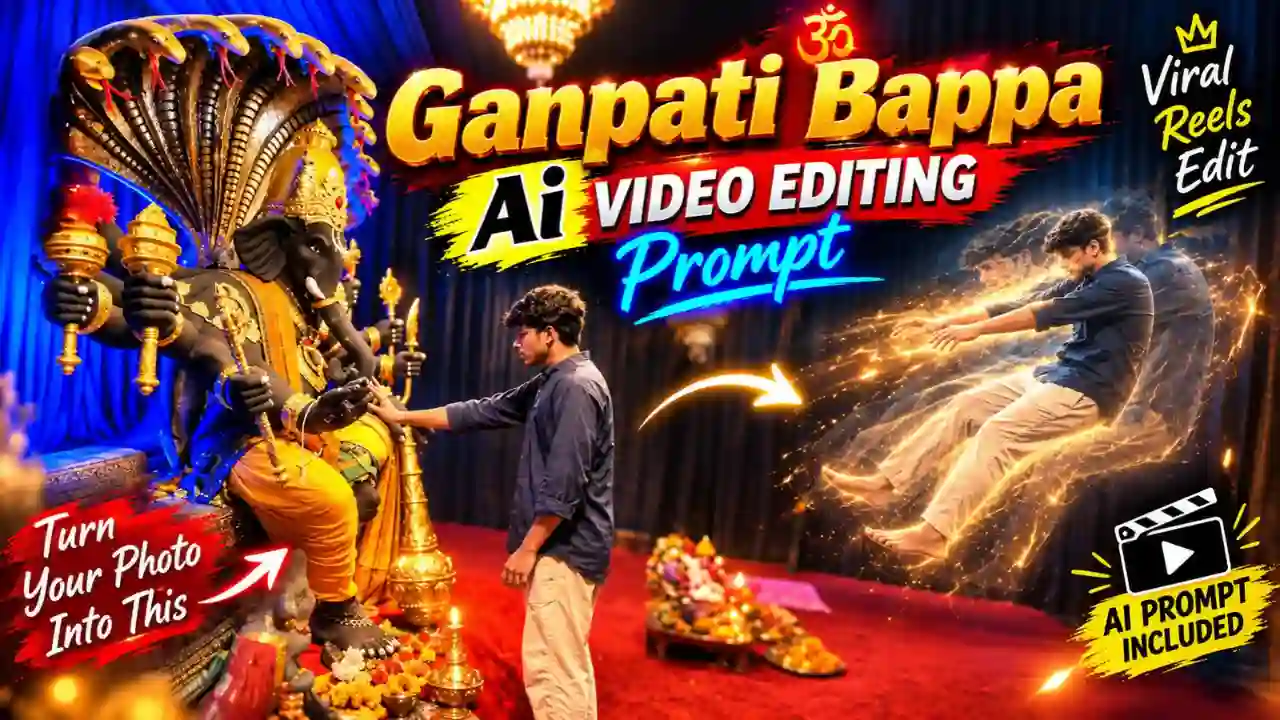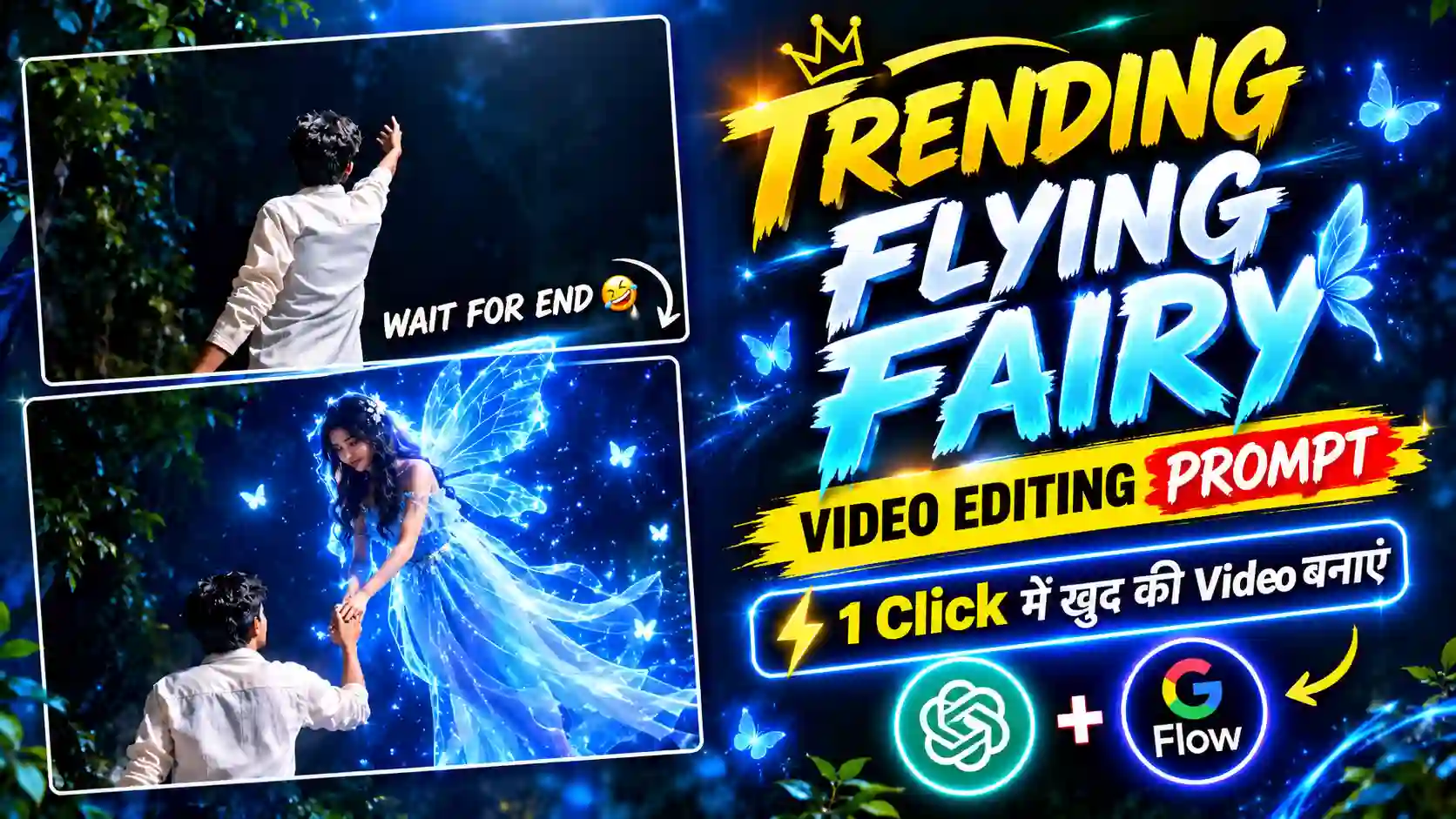
Flying Fairy AI Video Editing Prompt is a creative way to turn your normal photo into a new trending “Neon Pari” or “Flying Fairy” AI video. This magical and cinematic Flying Fairy is very much popular on Instagram Reels. Many people create this type of reels and get millions of views. The fairy looks wonderful with a soft blue magical glow surrounding her body. This reels showing a boy look toward the camera, then he suddenly turn and raises one hand toward the sky. After that a beautiful blue neon fairy comes flying down from the sky and touch his hand. This reels comes with a romantic song and looks very much realistic.
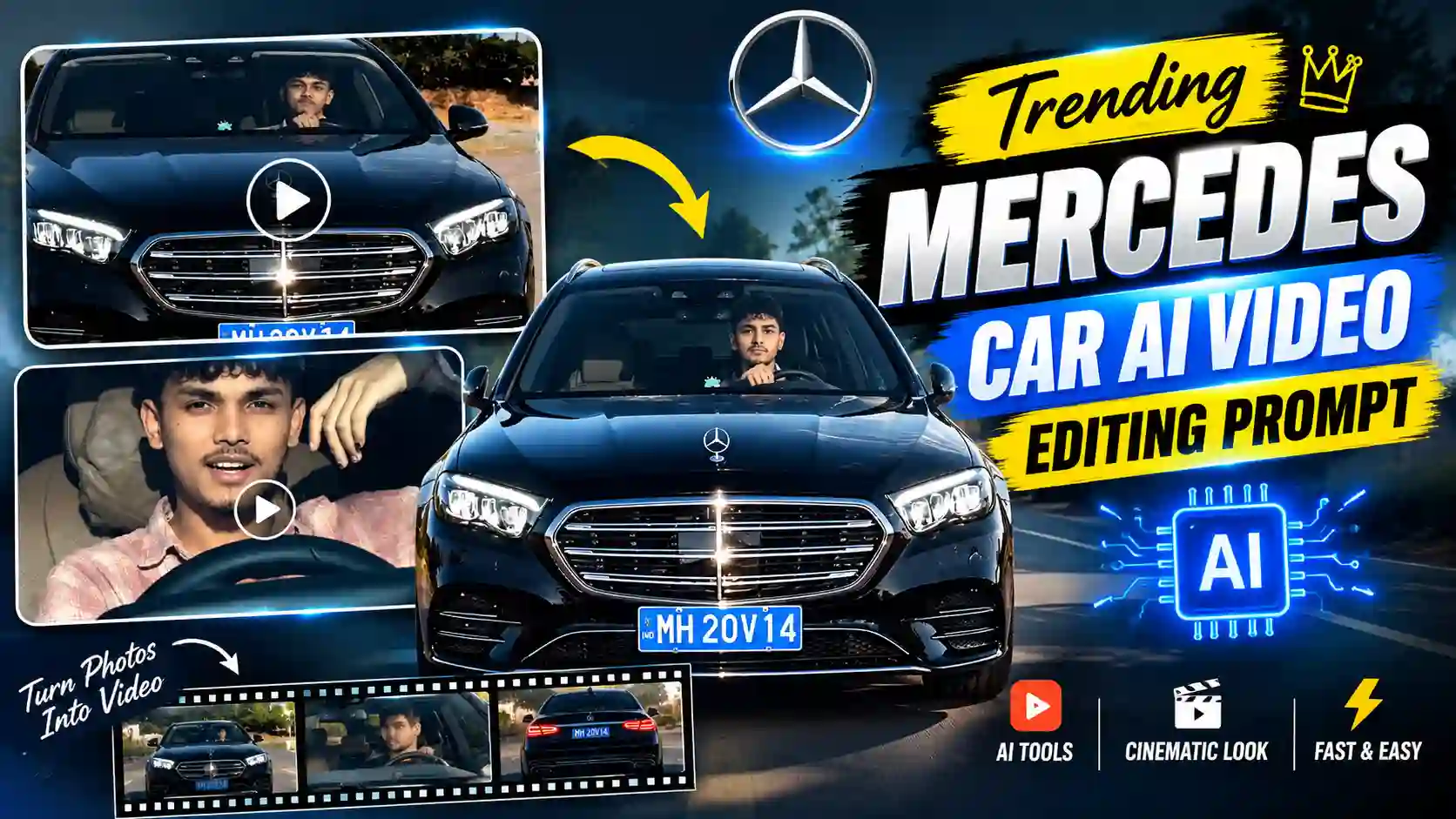
If you read this article then you definitely know about this trends and finding the perfect & easy way to create such dramatic reels. In this article, I will explain all the editing steps one by one so that you can easily create such viral Flying Fairy video. You can also try our Trending Mercedes Car AI Video Editing Prompt.
How to Edit Flying Fairy AI Video
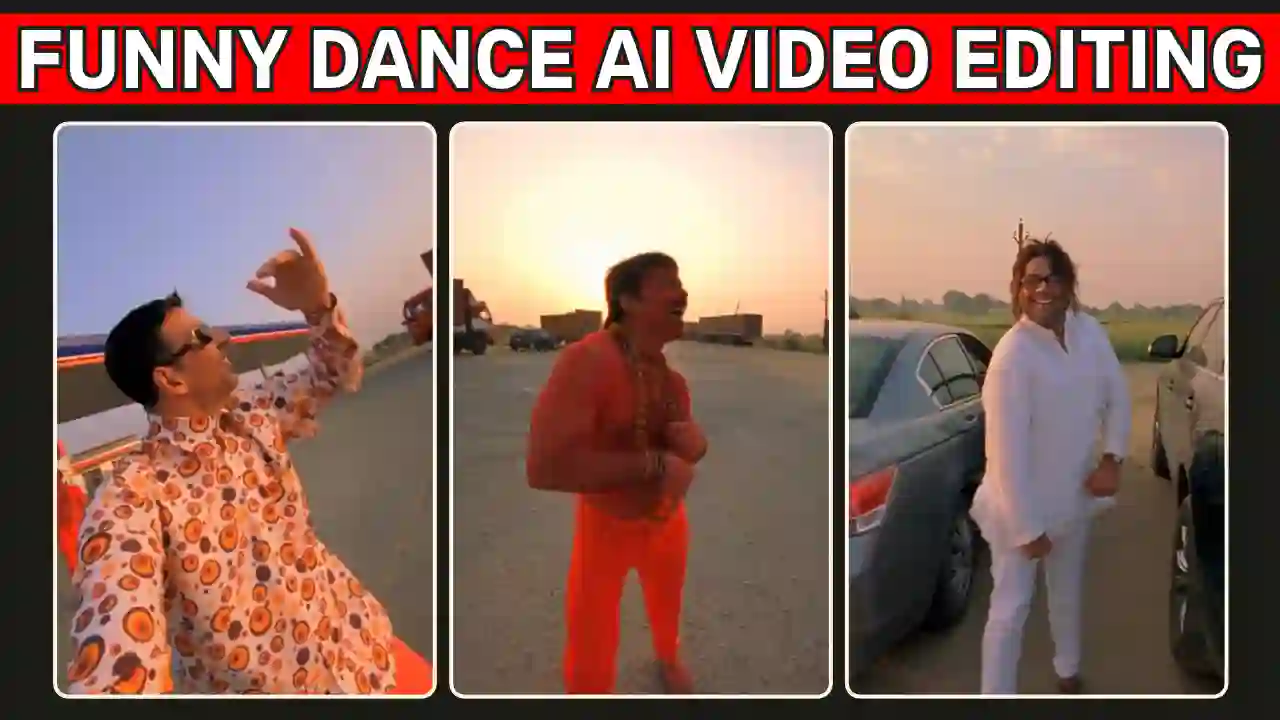
To create Trending Flying Fairy AI Video, we just need to have a clear reference image, right video & photo prompt and AI image as well as a video tools. After that you can edit the AI generated Flying Fairy video with the help of an Editing Application. In this tutorial, I use ChatGPT and Flow AI for your convenience. Because both the tools are freely available with some credit option everyday. For final edit, you can use any editing application or software but we use Edits application because it’s perfect for Instagram reels edit. Now, follow the given below editing steps one by one. You can also explore Celebrity Funny Dance Ai Video Editing Prompt.
Flying Fairy AI Image Editing Steps
Flying Fairy AI Image Editing steps required an reference image, AI tools & a right prompt. As you know, I already have said ChatGPT image editing tools is one of the best option. Before start with the editing steps, you just need to have a pre-recorded video clips or photo exactly like the reels. We don’t need entire video, you just need to take a screenshot of your video or take a photo standing and rising hand as like reference given below. Now, open the ChatGPT and upload reference image or screenshot. Then, copy given below image prompt and paste it into ChatGPT prompt box. After that, send it to generate your personal Flying Fairy AI image. Finally, verify the result and save it to your gallery.
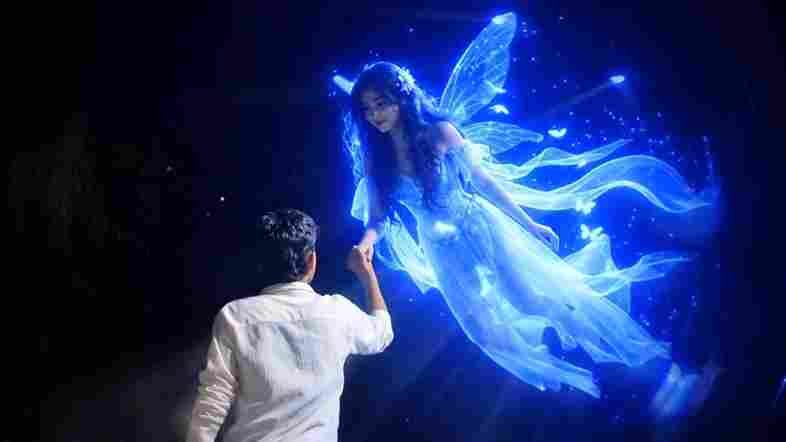
✨ Flying Fairy AI Prompt
Trending Flying Fairy AI Video Editing Steps
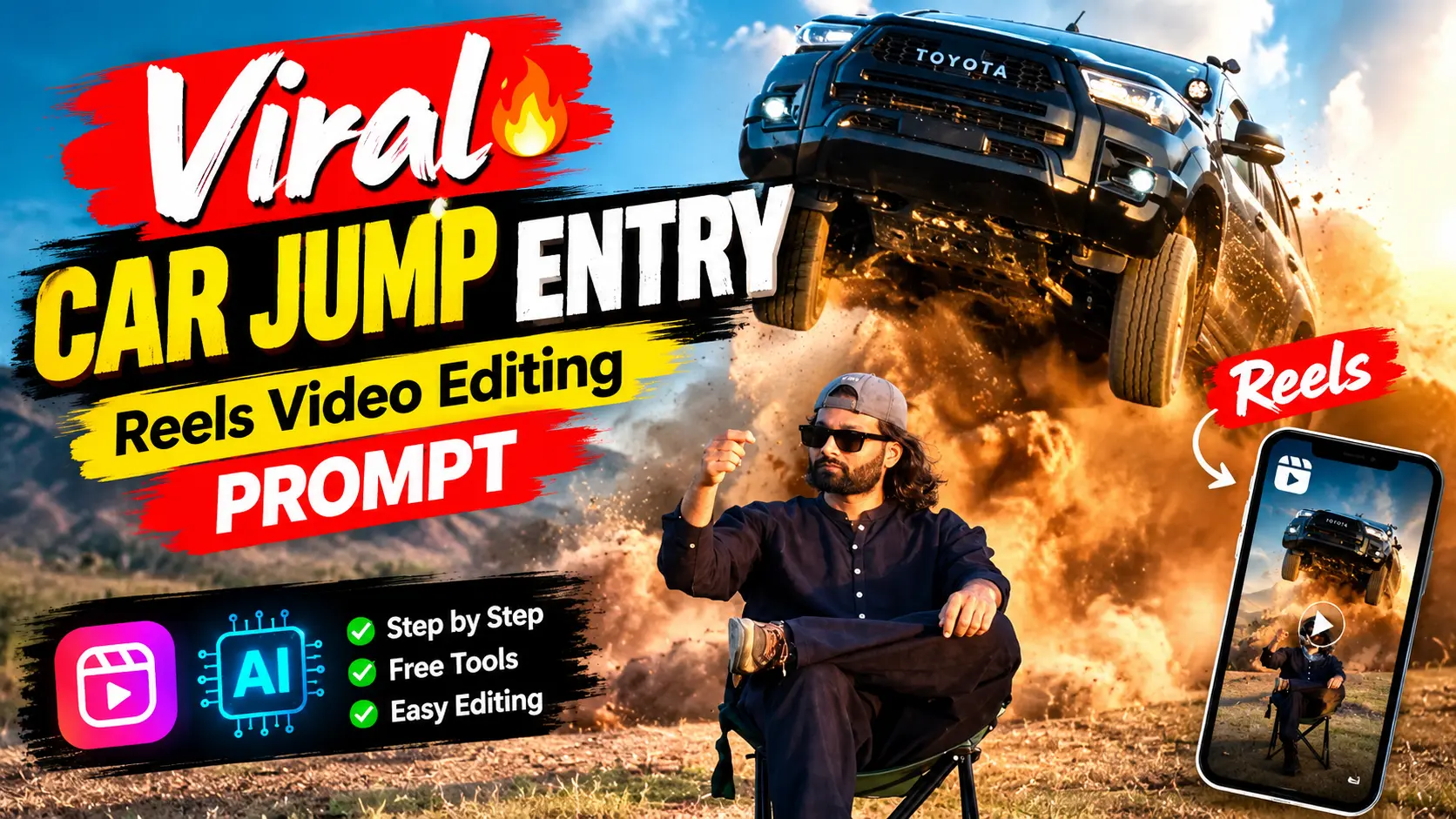
If you have created your Flying Fairy AI Image using the above tutorial steps and Flying Fairy AI Image prompt then follow the given below Flying Fairy AI Video Editing Steps. To edit Flying Fairy AI video, we use Flow AI and given below prompt. Open Flow AI, you must login to it with your Gmail id. Tap on new project, copy the below video prompt and paste it to the Flow AI prompt box. Now, upload the reference generated photo into Flow AI, using above image editing process. Now, use omni flash mode and choose 16:9 ratio. Send it to create Flying Fairy AI Video. Finally, check the the result and verify it because AI can make mistake. If output have any issue then regenerate it with the same video editing steps. If final result is ok, save the Flying Fairy AI video. Now process with the final editing steps using Edits application. You also explore our Viral Car Jump Entry Reels Video Editing Using AI Prompt.
✨ Flying Fairy AI Video Prompt
How to marge the videos and make it more smooth
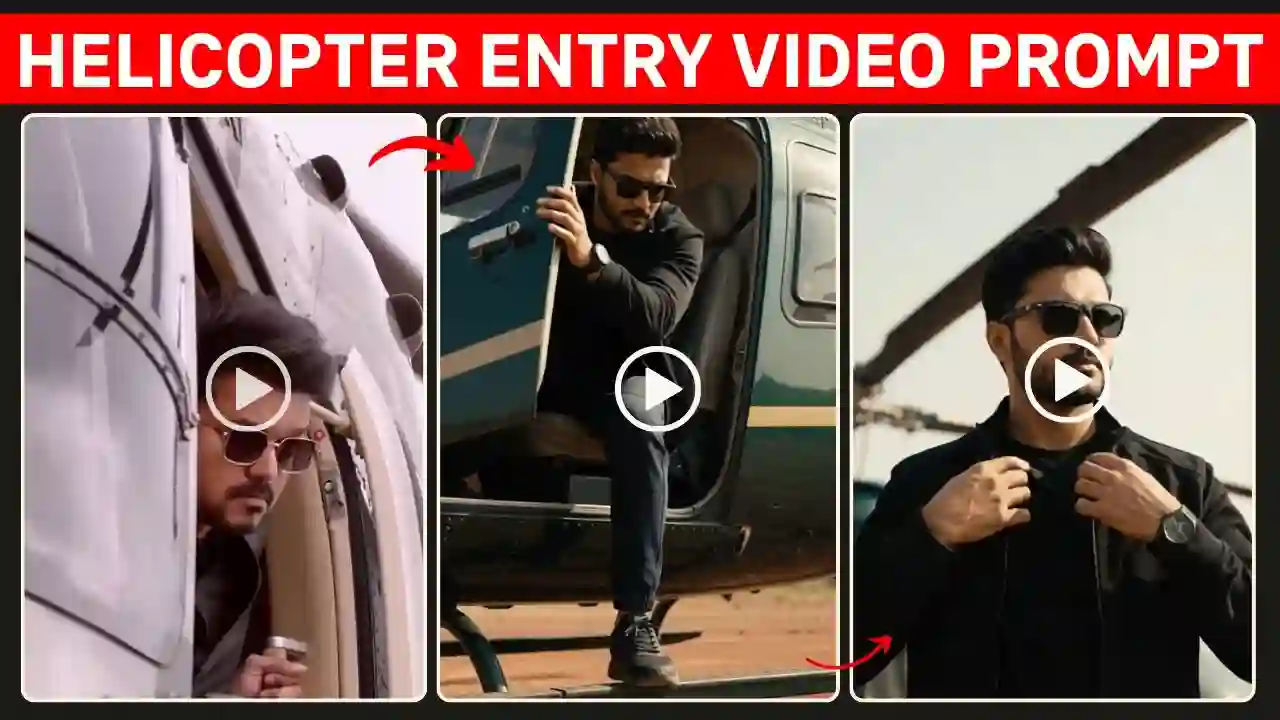
This is the final editing steps, you need to follow the steps carefully. I use Edits application to marge pre-recorded clip and AI generated clip. Try to match the starting position of the AI video with the ending position of your original video, especially your hand position, because this will make the transition look much better. Use transition and add music carefully because it make the video perfect and smooth as well. You can also explore Thalapathy Vijay Helicopter Entry AI Video Prompt.
Conclusion
Flying Fairy AI Video Editing is somehow easy with the AI. You just need to carefully follow the editing steps, I have explain on the above. Matching with prerecorded video with AI generated video using Edits or any editing software but do it carefully to make the video exactly like the Trending Flying Fairy AI reels. Add music and transition make it flowless. Apnotak.com always try to introduce you with the trending AI video prompts, so stay tuned for the latest updates and leave a beautiful comment, if it helps.