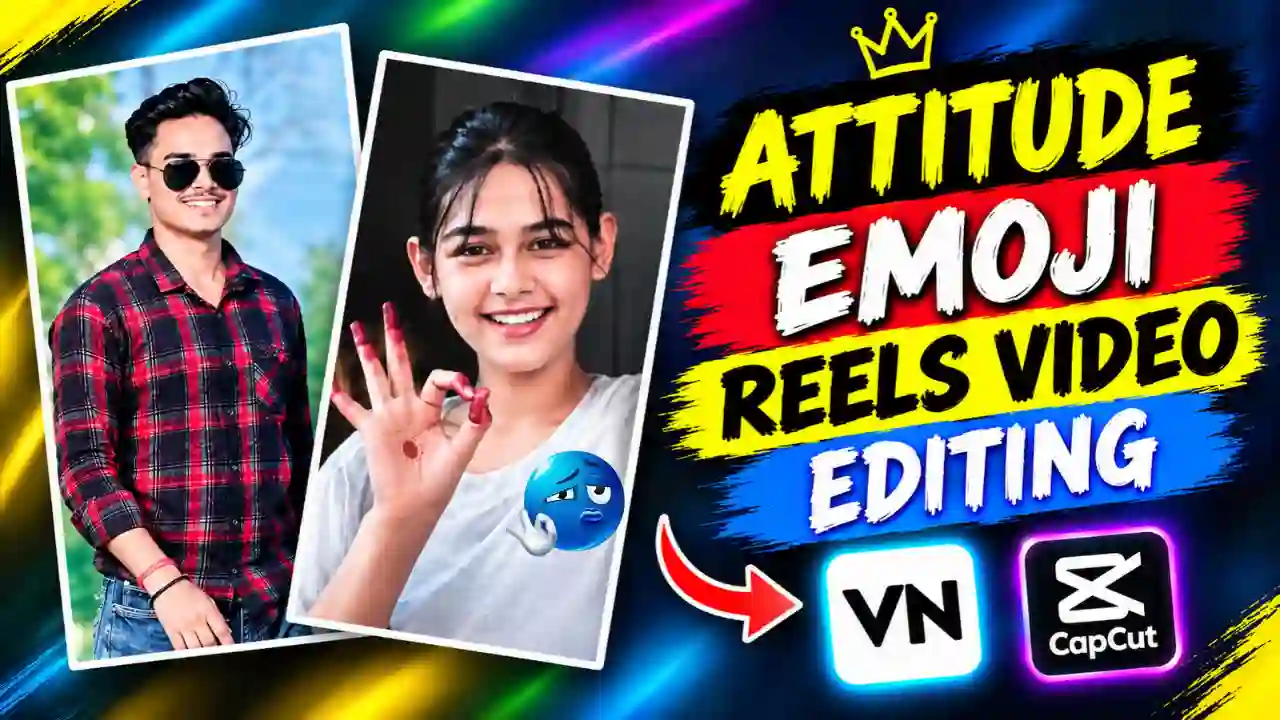
A new type of Attitude emoji reels video editing is increasingly popular on Instagram platform these days. This reels video start with a attitude handsome boy, followed by a cute reaction clips of the girl. Along with that some different kind of reaction, emoji and music beats make it more engaging.
You can edit this kind of reels using manual editing but that required high editing skills and good knowledge of the software or application that used to edit this reels. This process take a lot of time specially when to synchronies with the music beats and transition and emoji effect. To avoid this kind of complexity CapCut template or VN code is required. Which not on help to make such reels with just a suitable video or photo clip but also take less time. So, in this article I am going to share with you a suitable CapCut template as well as a VN code to make such reels within few minutes. You can try out Ankhon Ankhon Ka Masla Capcut Template.
Details Explanation of Attitude Emoji Reels Video Editing
On Attitude Emoji Reels Video start with a boy showoff an attitude with some car or something else then after that a girls start reacting on that. So, the main reels video consisting of two separate video clip of boy and girl. This type of reels not only show the boys attitude but also show girls reaction along with some music beats and emoji with transition. Due to the short video with proper engaging sequence make it popular. Moreover, you can edit it within few steps using CapCut template or VN Code. You can also explore our Le Mai Saiya Aa Gai Sari Duniya Chhod Ke VN Template Code.
How To Use Attitude Emoji Reels Video Editing CapCut Template?
The CapCut template provides a pre-built editing structure. You don’t need to create an entire timeline from scratch like manual editing. When your video clip is ready, you can start with this Capcut template editing process. For that you just need to follow the give below steps:
- Install the CapCut App from the Google Play Store (Android) or Apple App Store (iOS).
- Search for “Attitude Emoji Reels Video Editing” and the template will appear. Select the best-looking template. Alternatively, tap the template link on your phone from below. It will automatically open in the CapCut app.
- Here, you need to Tap “Use Template”.
- Once the template is loaded, you’ll see placeholder clips in the timeline. Tap on each clip and replace it with your own footage.
- Once you’re happy with the result, tap the Export button, choose your preferred resolution (1080p or 4K), and save the video to your gallery.
Capcut Template Here
You can also explore our Ekdin Tomay Ghire Capcut Template.
Create Attitude Emoji Reels Video using VN Code?
VN code is a readymade template, which also popularly know as VN Template. To edit with VN code, you just need to follow given below steps:
- Open Google and search for “Apnotak”.
- Visit the Apnotak.com website.
- Navigate to the VN Template category and find the “Attitude Emoji Reels Video Editing” post.
- Then, Scroll down and find the VN Code, then take a screenshot or save it to your device.
- Now, Open the VN Video Editor app and select the Scanner option.
- Scan or import the saved VN Code.
- Now, it will open the imported project and here you need to click on the use Template.
- Next, select a suitable video from your device. Choose footage with clear expressions, natural movements, or good lip-sync.
- Afterward, VN automatically applies the template structure to your selected footage. This includes song timing, lyrics, text animation, transitions, and visual effects.
- Now, preview the complete Reel carefully. Check whether your subject matches the animated lyrics and overall framing. If the result does not look natural, try another video clip. A better source video can significantly improve the final result.
- Finally, export the completed Reel after checking the entire sequence. You can then upload it to Instagram or other social platforms.
VN Code Here
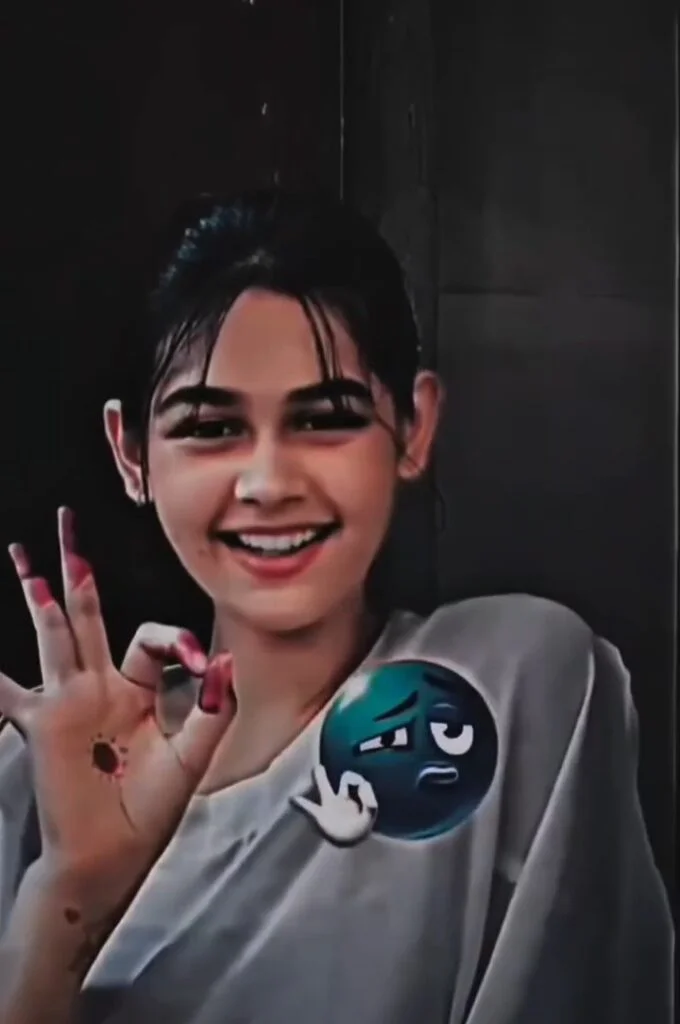
You can save or take a screenshot of this Attitude Emoji Reels Video Editing VN Code given below.

Conclusion
The Attitude Emoji Reels Video Editing with the VN code or CapCut Templete method is one of the best and easy way to make such engaging reels. Unless manual editing it take less time as well as not require advance editing knowledge. You just need to follow the steps given on the above to make it within few minutes. No manually adding music, transition or emoji or synchronization required, all comes with the pre-bult project with VN Code or CapCut template. You just need to have a short pre-recorded video of yourself to personalize it. I can try to provide you the easiest way possible make such video but if you still have any issues then let me know on the comments below and stay tune with us for more.
Related VN Code & CapCut Template You May Like
- Trending Mirchi Mirchi Song VN Template Code
- Chalray Chalray Waal Song VN Code Template
- Trending 3 Layer Reels VN Template Code
- Trending Casa Tupka Anthemo Capcut Template