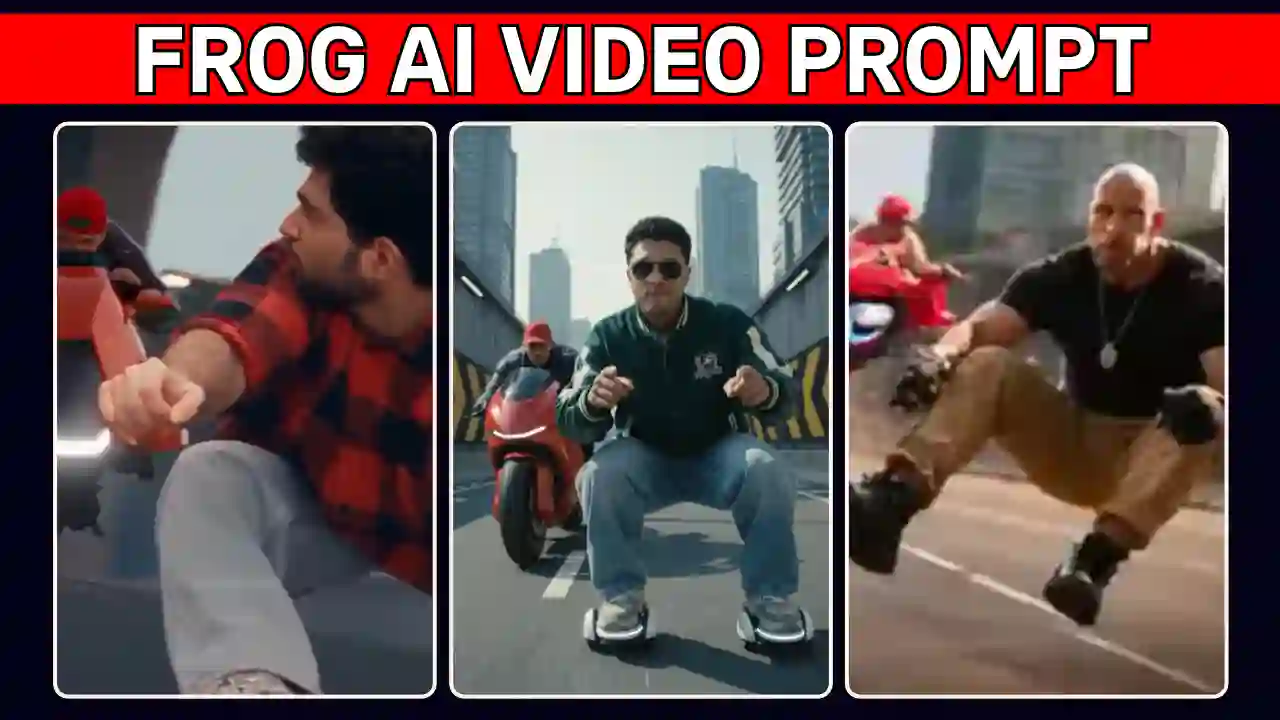
The Frog Viral Trend is taking over Instagram Reels with its hilarious moves and cinematic action. Now, you can recreate this funny trend using your photo and Google Flow. You do not need to have a real hover skates, a motorbike, or expensive video shooting setup or high editing skills to create such funny video.
You can turn your normal into an entertaining and funny video with a free AI tools like Flow and a right Frog AI Video Prompt. You can create the video in a vertical 9:16 format for Instagram Reels and YouTube Shorts.
In this guide, you will discover how to make a funny frog hover skate video using Google Flow. You will also get a readymade AI video editing prompt and a step by step guide. Explore more Funny AI video editing prompts for Instagram Reels to create unique videos with your own photos.
What Is the Frog Viral AI Video Trend?
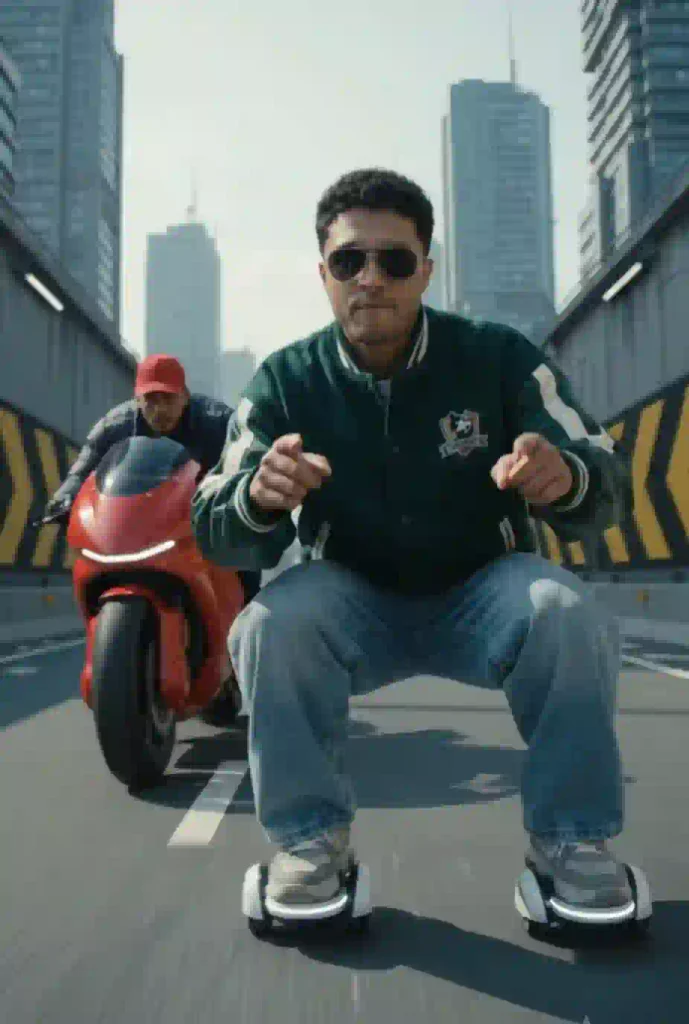
On the frog viral trend a person riding tiny futuristic hover skates in a deep frog-like squat. The person glides along an elevated road while pointing at the camera and moving to an imaginary beat and suddenly a red bike approaches from behind. After seeing that the person saw the bike and launches forward in a hilarious frog like pattern. This moments looks like a cinematic action movie along with the exaggerated movements create a funny effect that encourages viewers to engage with the video again and again. You can easily create such funny video within few minutes using AI tools. Moreover, You can also personalize it with your own photo as a character reference.
How to Make a Frog Hover Skate AI Video with Google Flow
You can easily make this Frog AI Video using Google Flow with a right prompt and clear reference photo. If you want to make it using Google Flow then follow the given below steps.
- Open Google Flow AI, you must login to it with your Gmail id.
- Tap on new project, copy the below video prompt and paste it to the Flow AI prompt box.
- Now, upload the reference generated photo into Flow AI, using above image editing process.
- Now, use omni flash mode and choose 16:9 ratio.
- Send it to create Frog AI Video. Finally, check the the result and verify it because AI can make mistake. If output have any issue then regenerate it with the same video editing steps.
- If final result is ok, save the Frog AI Video.
- Now process with the final editing steps using Edits application.
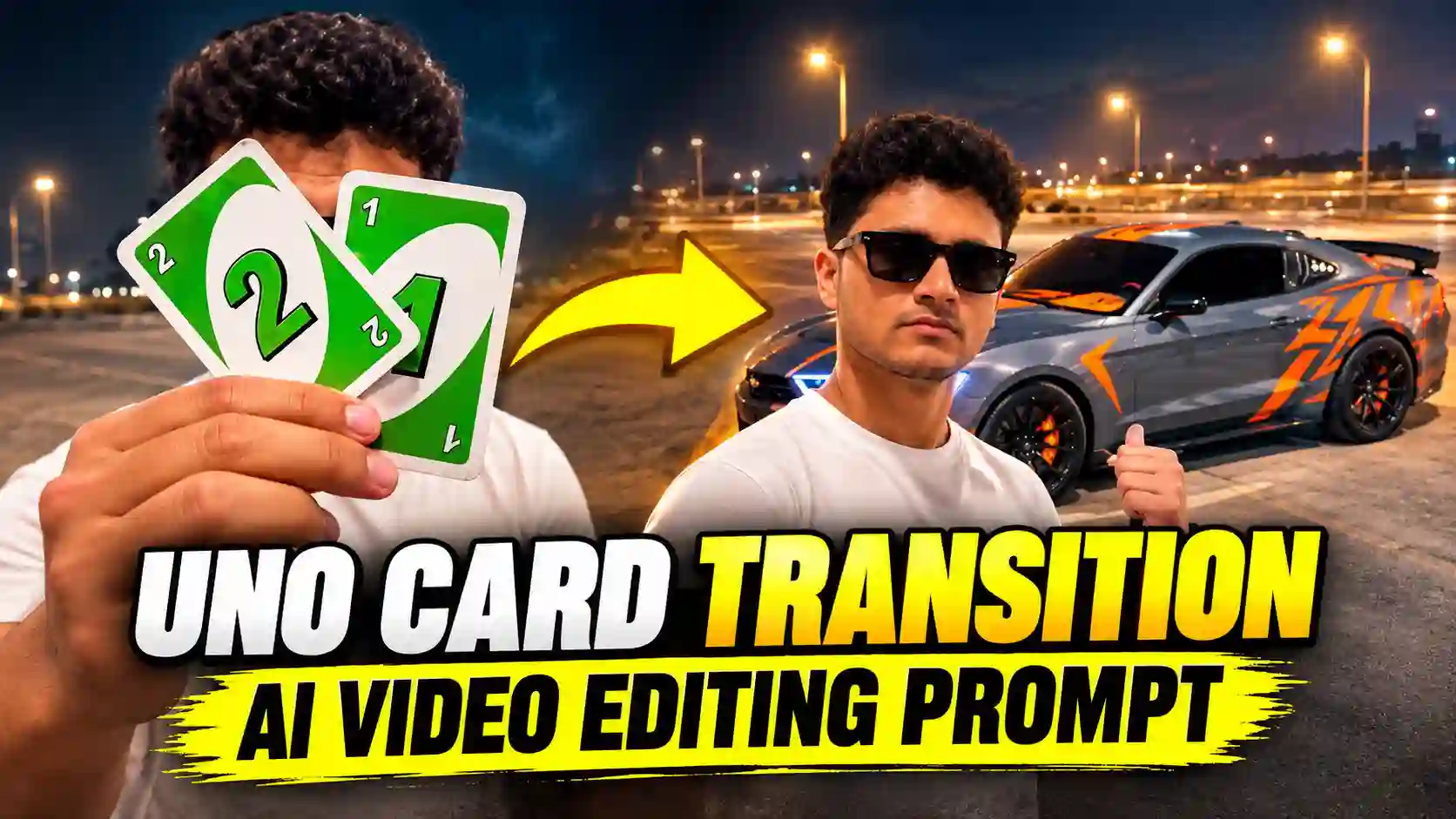
Want to try another creative effect? Check out our UNO Card Transition AI Video Editing Prompt and create another cinematic reel.
Frog Viral Trend AI Video Prompt for Google Flow
To make Frog Viral Trend AI Video, you must copy the following prompt and customize it with your reference image. For best results, use the reference controls supported by your current Google Flow interface.
✨ AI Prompt
If you enjoy experimenting with AI effects, try our Aura Edit AI Video Prompt for another eye-catching video.
How to get Better Result: Frog AI Video Prompt
As you know Flow AI is a free tools which give 50 credit evryday and give you a very good result but if you want match the exact video then you need to use an AI tools like Higgsfield Genjutsu. This tools is capable of coping the motion directly from the reference video, and it can replace both characters means you as the frog rider and your friend as the second character. Although, a new Higgsfield Genjutsu account get can create a Genjutsu video but after that you need to buy the credit to make more videos. If you want to make it using Higgsfield Genjutsu then follow the given below steps.
- Open Higgsfield singup and login to it.
- Now, click Genjutsu in the top menu and choose Create Video, then tap on Motion transfer.
- Upload the same Frog Viral Trend reference video from our telegram channel.
- Now, upload your clear photo as image 1 (the GREEN character, the frog rider). After that, upload your friend’s photo as image 2 (the YELLOW character).
- Now turn on the Prompt toggle, paste the Genjutsu prompt below and tag @Video1, @Image1 and @Image2 .
- Finally, click on Generate.
- Once your Frog Viral Trend video is ready, add the trending sound in CapCut or VN or Edits application.
Frog Viral Trend Prompt for Higgsfield Genjutsu
✨ AI Prompt
Tips for Better Frog AI Video Results
Use a clear reference photo or selfie, which is sharp, front-facing photo can improve facial consistency. Use a 9:16 aspect ratio, which is suitable for Instagram Reels and YouTube Shorts. Because it’s a frog ai video, preserve the frog pose with clearly describe the deep squat and wide knees. Camera angle is also important which request a low camera close to the road. Describe the motorbike approach and sudden leap in sequence to control the action timing. AI can make mistake that is why results can vary, so review each version carefully. Finally, use any editing applicaton or sofware like CapCut or VN or Edits to add suitable audio and synchronize the edit.
Frog AI Video Prompt: Frequently Asked Questions
Can I Make a Frog Hover Skate AI Video for Free?
You may be able to create it using Google Flow’s available free usage allowance. However, access, generation limits, and supported features can change over time.
Which Photo Works Best for This AI Video?
Use a clear, well-lit selfie with visible facial features. A front-facing image can help the AI maintain a more consistent appearance.
Can I Use This Prompt for Instagram Reels?
Yes. The prompt specifies a vertical 9:16 format, which suits Instagram Reels and YouTube Shorts. Check the final export settings before uploading.
Why Does My Generated Video Look Different?
AI models may interpret movements, camera angles, and facial details differently. Therefore, use a clear reference video and refine the prompt when necessary.
How Can I Add Trending Music to My Frog Video?
Import your generated video into CapCut or VN Editor. Add suitable music, synchronize the action with the beat, and export the finished reel.
Conclusion
The Frog AI Video Prompt help to create a combination of funny with futuristic active movie like engaging video. You can create your own version using Google Flow or Higgsfield Genjutsu with a clear selfie, a suitable reference video, and a right text prompt. Remember that AI can make mistake, you need to choose the better version after review the result. Finally, you can edit the best version using any editing application to make your perfect Instagram Reel or YouTube Short and give this hilarious AI trend your own twist. On the above, I can try to explain the editing process as easy as possible. If you still have any issue the let me know on the comment section.
Related AI Video Editing Prompts You May Like
- Trending Bulin 47 Rap Ai Video Editing Prompt
- Snake Reverse World AI Video
- Motu Patlu Hanging Funny Ai Video Prompt