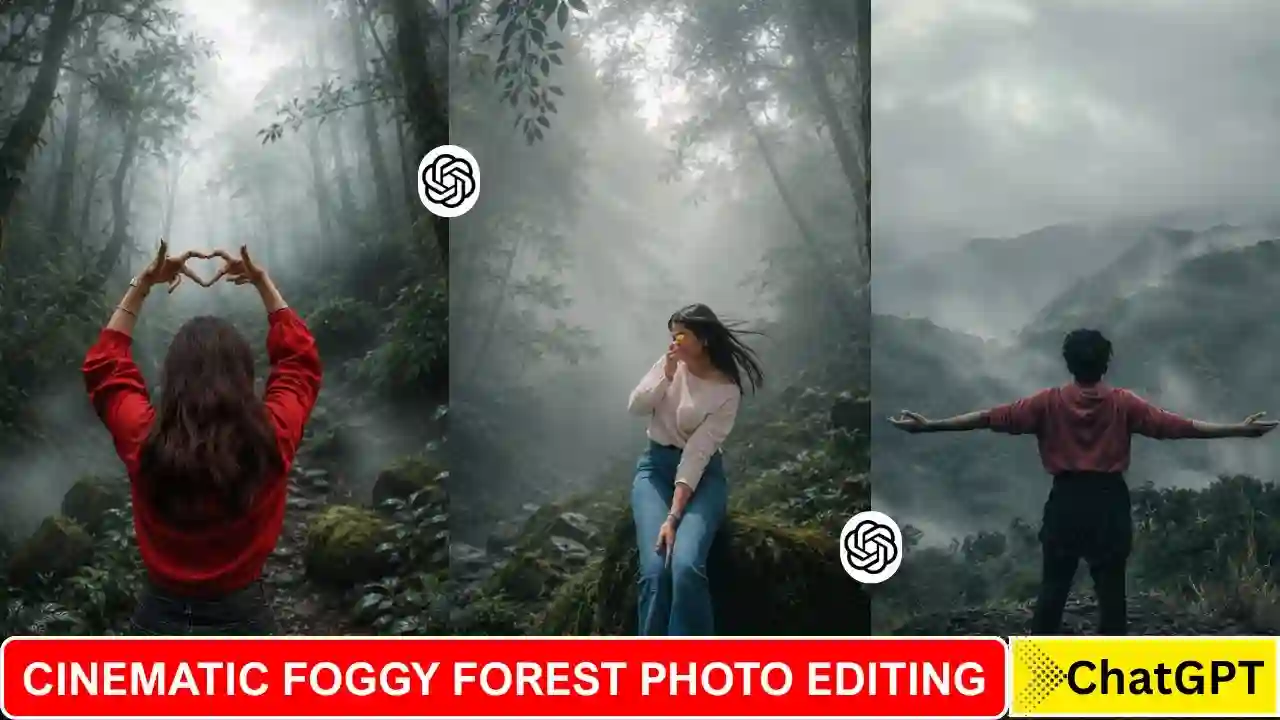
Cinematic Foggy Forest Ai Photo Editing is going to be popular these days on Instagram. Many people share this type of Ai photo, which will be created using Cinematic Foggy Forest Ai Photo Editing Prompts. Ai tools like ChatGPT and Gemini make all this possible with just a single click and a perfect prompt. You can make an ordinary photo can be made to look like a cinematic photo, clicked with a professional DSLR camera. That is why every day millions of people on social media platforms like Instagram, Facebook, Twitter and Pinterest are giving a new and attractive look to their photos with the help of AI. Among all these viral trends, Cinematic Fog Style AI Photo Editing is becoming the most popular these days. In this type of photo edit, a normal photo is transformed with dense forest, white natural fog, cinematic light, HDR effect and professional colour grading so that it looks like a scene from a Hollywood movie. In this article, I am going to share a very useful Cinematic Foggy Forest prompt, which helps you to edit your normal photo within a few minutes using ChatGPT.
Details About Cinematic Foggy Forest Ai Photo Trend
If you look closely at this type of photo, you find that not only the background has changed, but the entire atmosphere has changed as well. Your normal photo background transforms into a natural scene of dense forest, which was created in its place. White with dense fog was added throughout the environment, which will create a mysterious and cinematic feel to the image. The plants in the photo were colour graded with deep emerald green, moss green and dark teal shades, making the entire forest look more attractive and realistic. A light volumetric light ray has been shown passing through the fog, which creates the effect of depth and natural light. The photo was created in HDR with Professional Colour Grading and 4K Quality as well.
Learn More: Aesthetic Boat Photo Editing Prompts
Cinematic Foggy Forest Ai Photo Editing Prompt
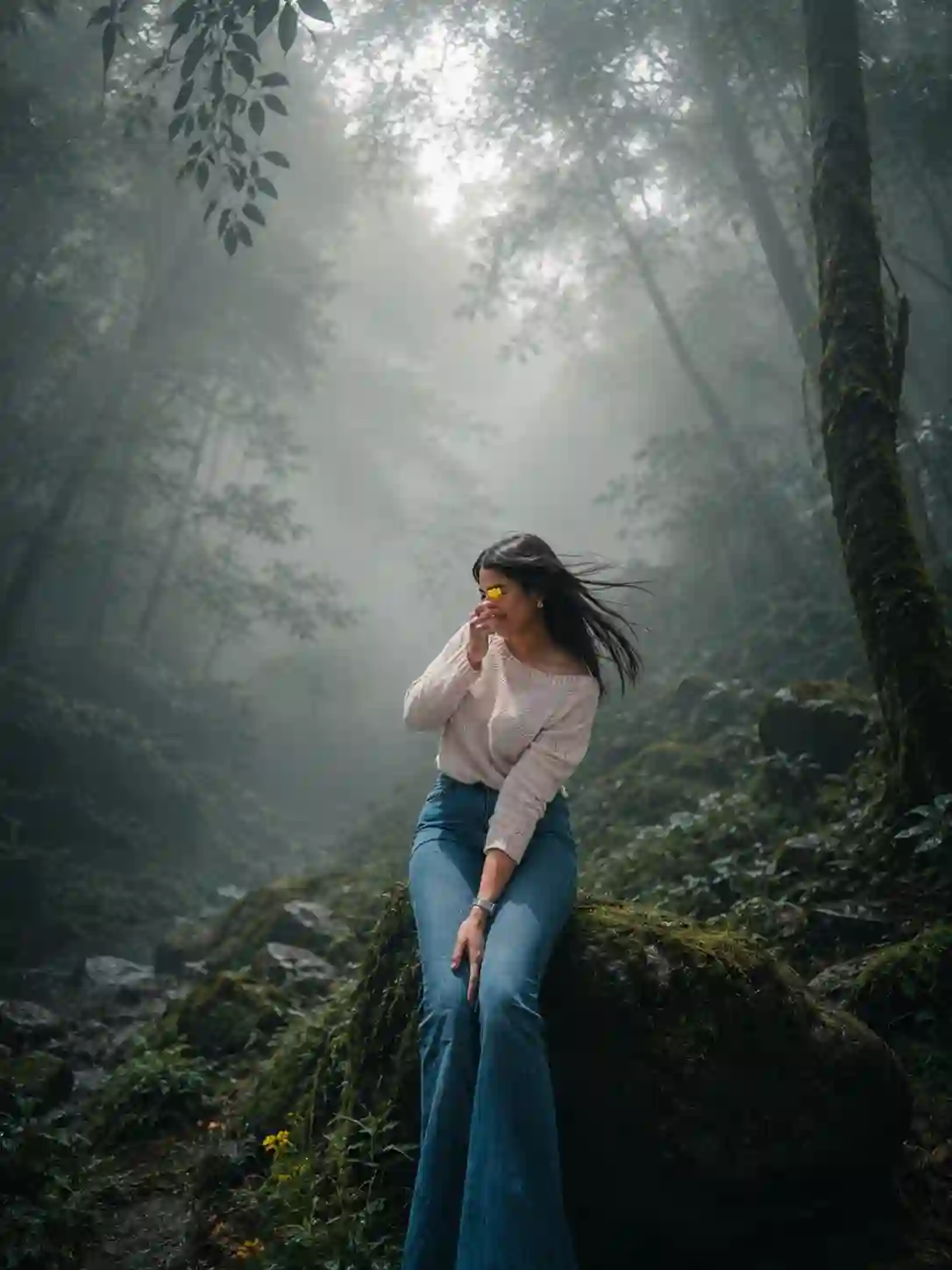
Transform this image into a breathtaking ultra-realistic foggy forest masterpiece. Add dense natural white fog covering the entire environment, creating a mysterious and cinematic atmosphere. Apply rich forest-inspired color grading with deep emerald green, dark teal, moss green, and earthy brown tones. Enhance the trees, foliage, and background elements to resemble a lush enchanted forest hidden in the mist. Introduce soft volumetric light rays subtly penetrating through the fog, creating depth and realism.Increase overall image quality to ultra-high-definition 4K resolution with razor-sharp details, HDR enhancement, realistic textures, balanced contrast, and natural color harmony. Improve shadows, highlights, and dynamic range while maintaining a realistic appearance. Add a moody woodland aesthetic, dreamy fog layers, atmospheric perspective, and professional cinematic photography grading. The final result should look like a premium DSLR forest photograph captured during a cold misty morning, with ultra-realistic details, immersive depth, soft natural lighting, and stunning visual quality.Style: Cinematic Forest Photography, Moody Nature, Dense Fog Weather, Volumetric Lighting, HDR, Ultra Realistic, Professional Color Grading, 4K Quality, DSLR Shot, Atmospheric Depth, Photorealistic.
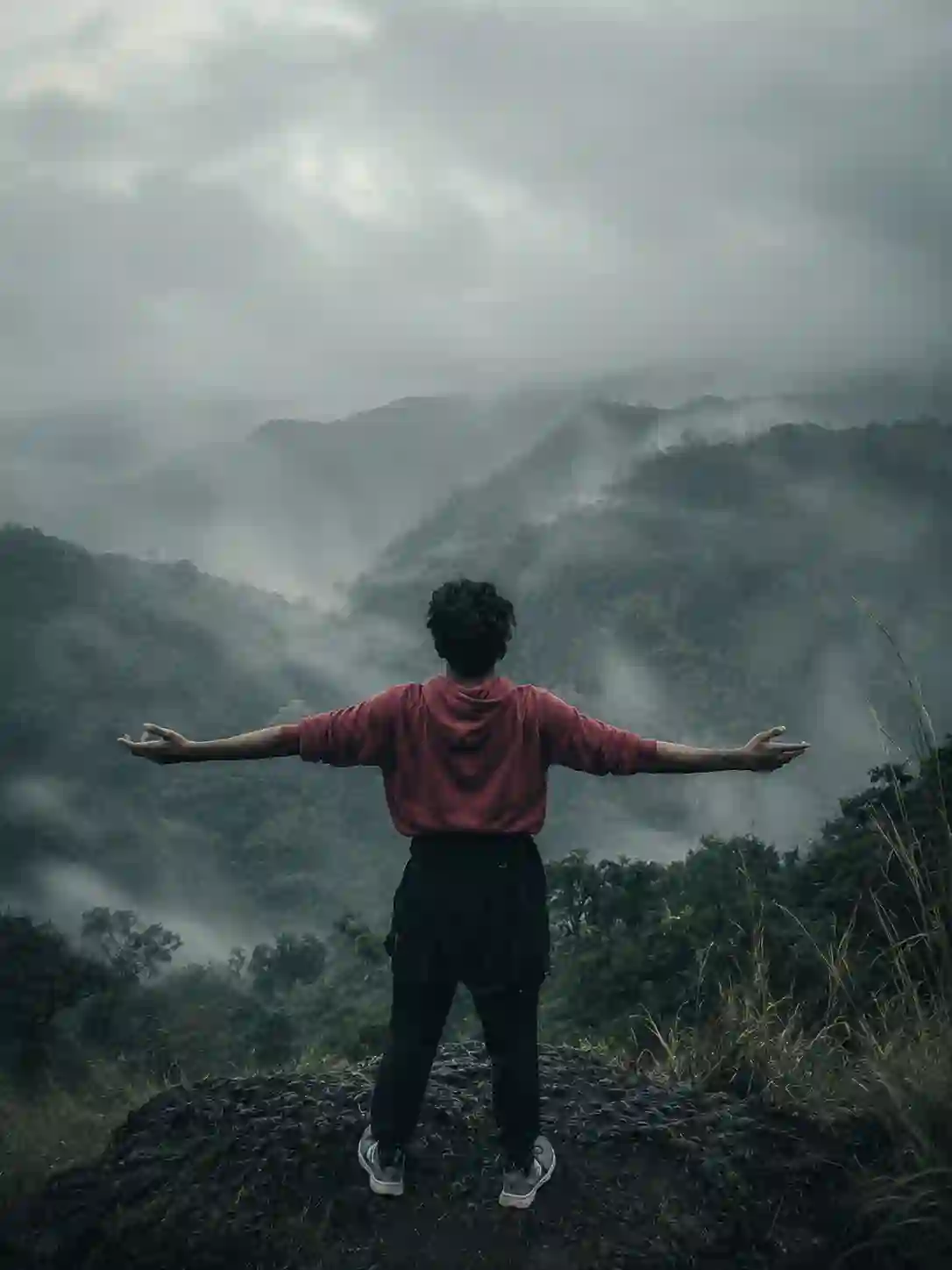
Cinematic moody forest color grading, muted colors, soft matte finish, deep shadows, low saturation, foggy atmosphere, cool green and grey tones, faded blacks, high contrast subject, subtle film grain, dreamy depth, soft natural light, desaturated red hoodie, teal and olive color palette, professional reel look, aesthetic Instagram cinematic edit, ultra realistic, sharp subject, background haze, 4K quality.
Learn More: Instagram Milestone Profile Ai Photo Editing Prompts
How To Create Cinematic Foggy Forest Ai Photo using ChatGPT?
Creating a cinematic foggy forest AI photo is very simple using ChatGPT or Google Gemini. Google Gemini has a small watermark that comes into your generated photo. That is why I use ChatGPT here. To create a Cinematic Foggy Forest photo, go to ChatGPT, upload your photo and use the photo prompt given above. After copying and pasting the prompt, please send it to generate the Cinematic Foggy Forest AI Photo. Here, you need to wait a few minutes for the Cinematic Foggy Forest photo to generate. After that, save the generated photo to your gallery. This is the process by which you can make a Cinematic Foggy Forest AI Photo using ChatGPT.
Final Thoughts
Cinematic Foggy Forest is increasingly popular and becoming a new Instagram trend these days. I hope the above prompt and guide help you to create the Cinematic Foggy Forest photo. If you find this article helps you to introduce new trends, let me know in the comments section. Apnotak.com always try to update you with the latest Ai trending prompt and new Ai trends, So stay tune for the lates updates.