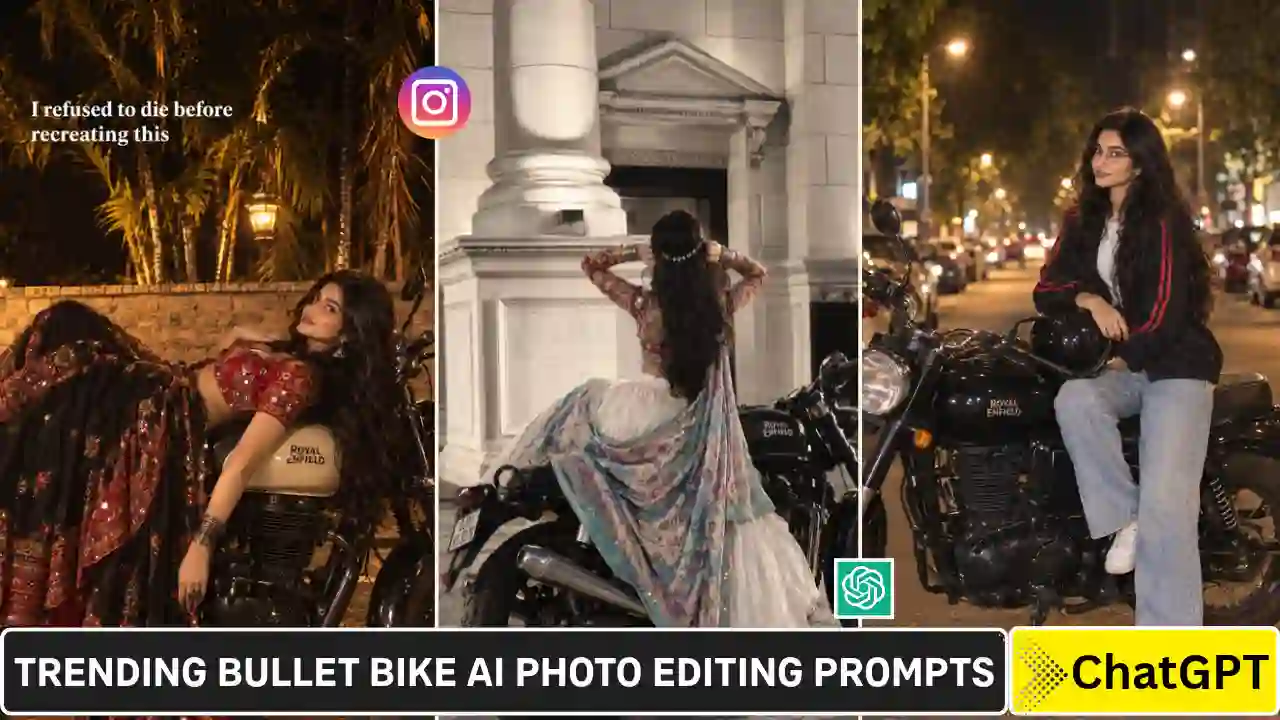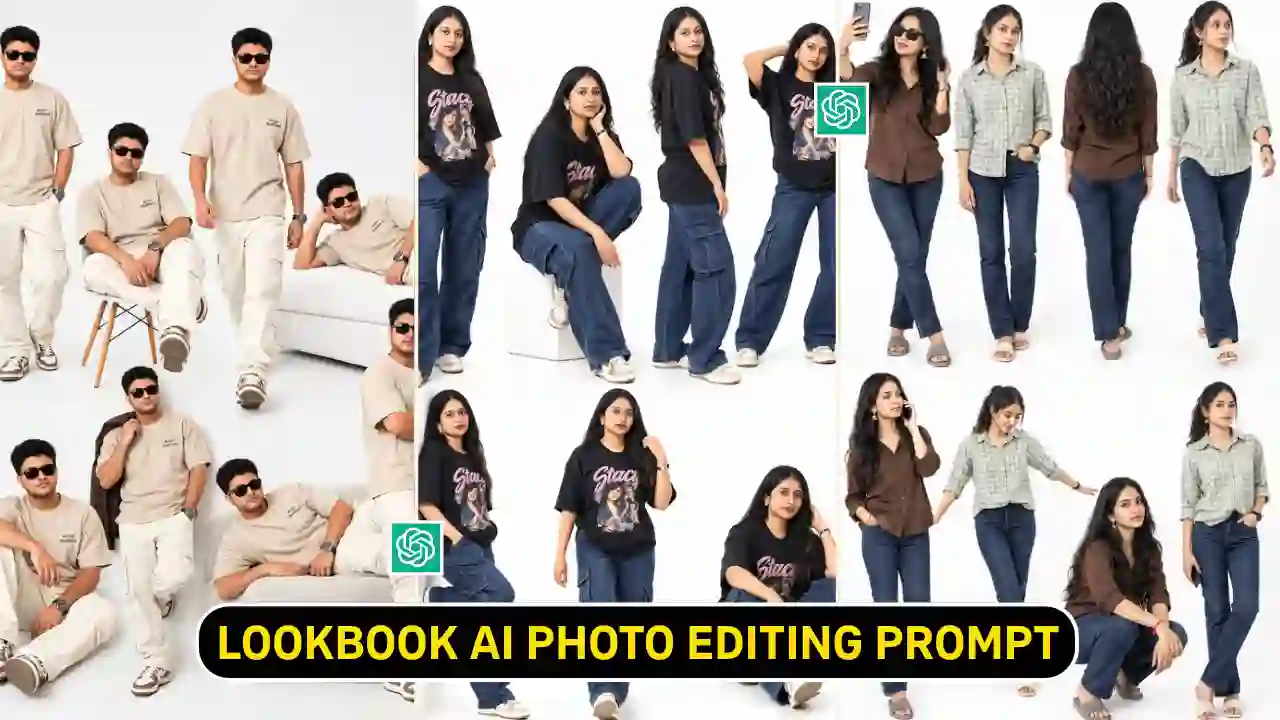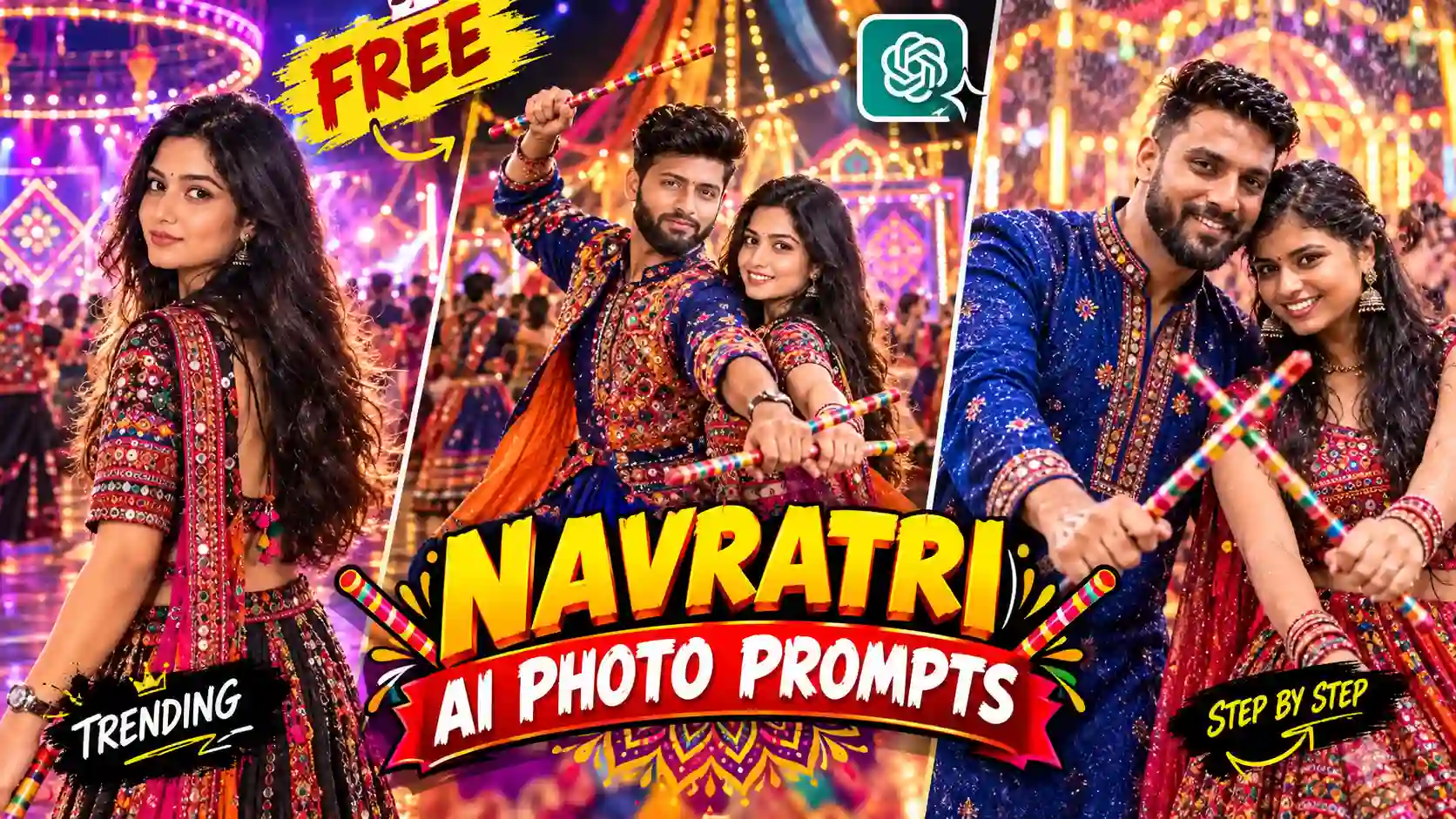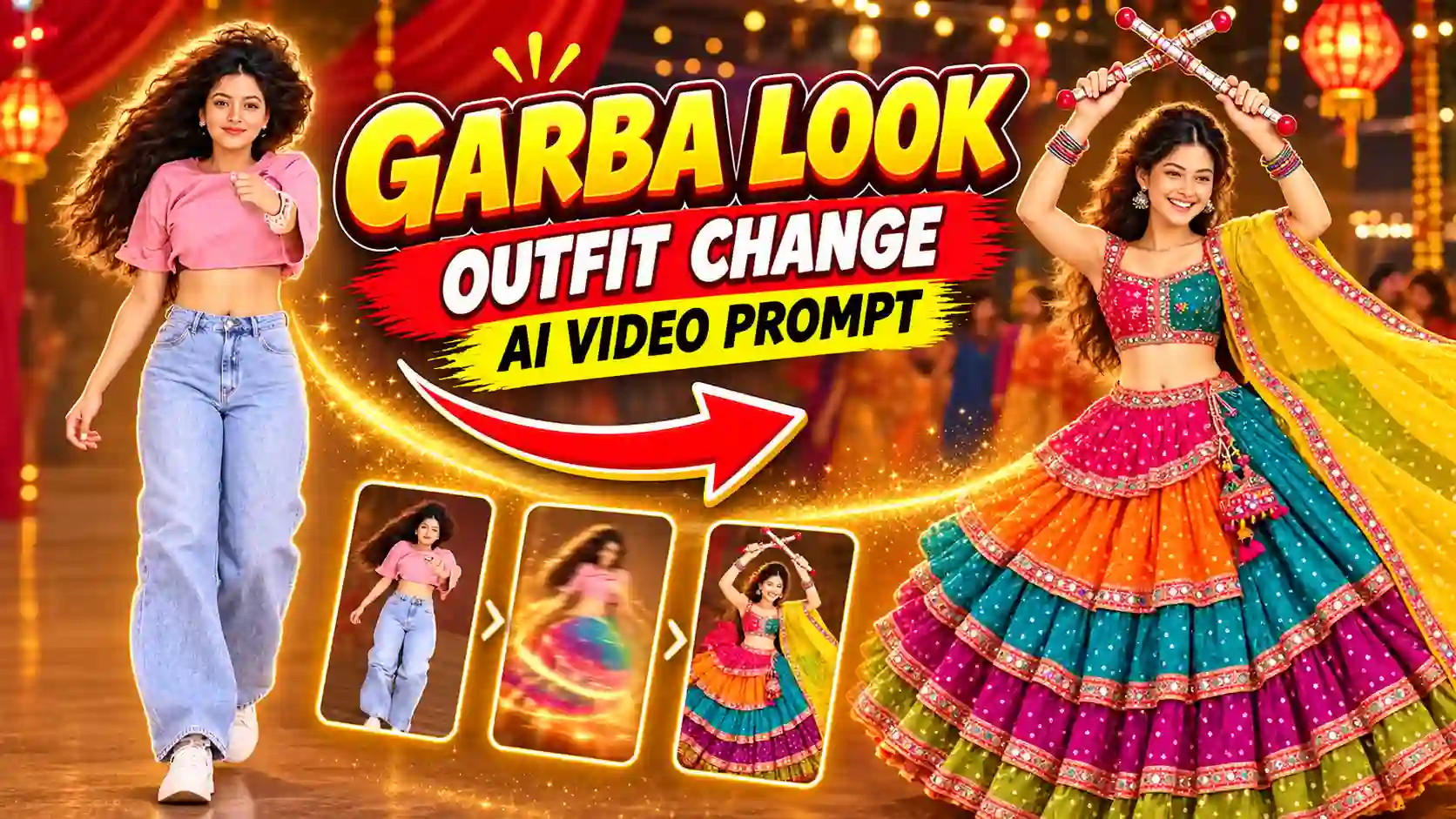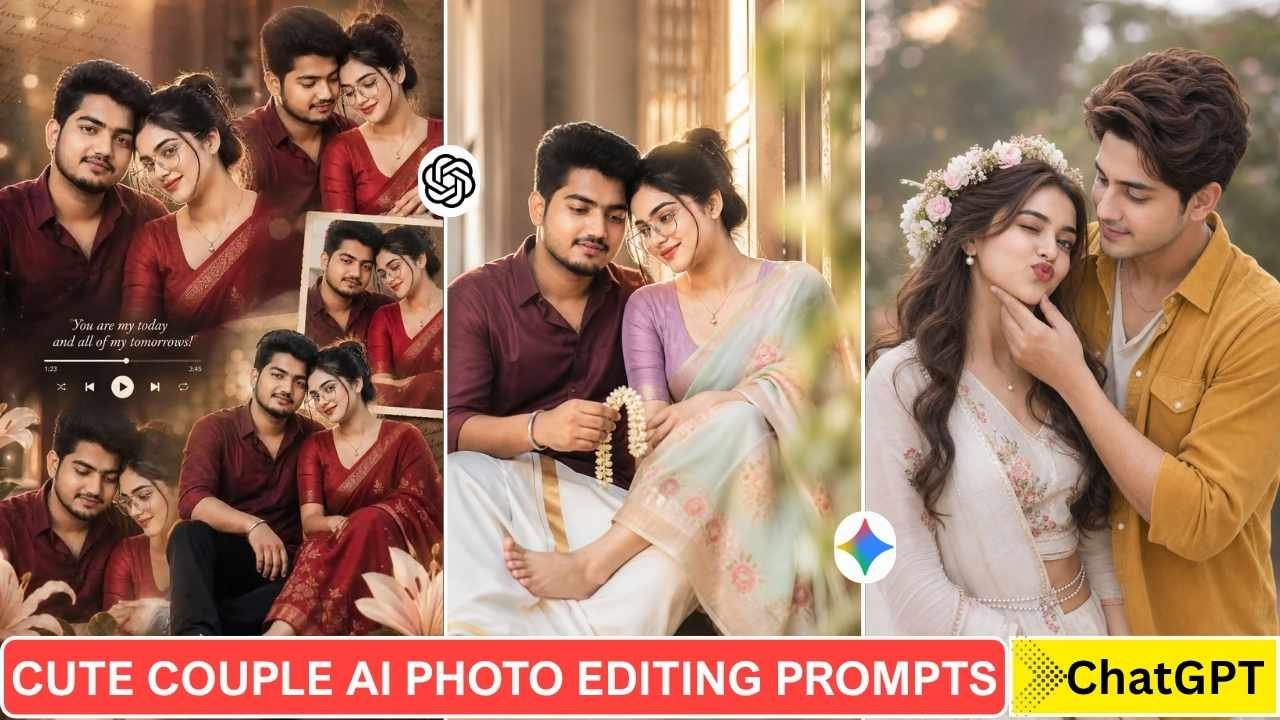
Creating a realistic couple photo with AI doesn’t require an existing couple photo. With the right reference image and prompt, AI image tools can create a wide range of couple compositions—from natural outdoor portraits and candid moments to traditional Indian and cinematic styles.
In this guide, you’ll find 10+ cute couple AI photo editing prompts for ChatGPT, along with practical tips for choosing reference photos, preserving recognizable facial features, and getting more natural-looking results.
These prompts are designed as starting points. You can change the clothing, location, lighting, pose, camera style, and overall mood to create a version that fits your own idea.
Quick tip: For the most consistent result, start with a clear, well-lit reference photo and describe the composition you want rather than relying only on words such as “ultra-realistic” or “8K.”
What Is Couple AI Photo Editing?
Couple AI photo editing uses an AI image-generation or editing tool to create a new image from one or more reference photos and written instructions.
There are two common approaches:
1. Creating a couple scene from a single photo
You can provide your own photo and describe the second person, setting, clothing, pose, lighting, and overall style. The AI then generates a new composition based on those instructions.
2. Editing an existing couple photo
If you already have a photo of two people, you can use a prompt to change elements such as the background, clothing, lighting, color grading, or photographic style while asking the tool to preserve important features from the reference.
Why the reference photo matters
A clear reference image generally gives an AI tool more visual information to work with. Front-facing or well-lit photos with visible facial features tend to be easier to work with than heavily blurred, dark, or partially obstructed images.
However, AI-generated results can vary. Facial features, hands, clothing, proportions, and other details may change between generations, so you may need to refine the prompt or try another variation.
Learn More: Butterfly Effect Ai Photo Editing Prompts
Cute Couple AI Photo Editing Prompts
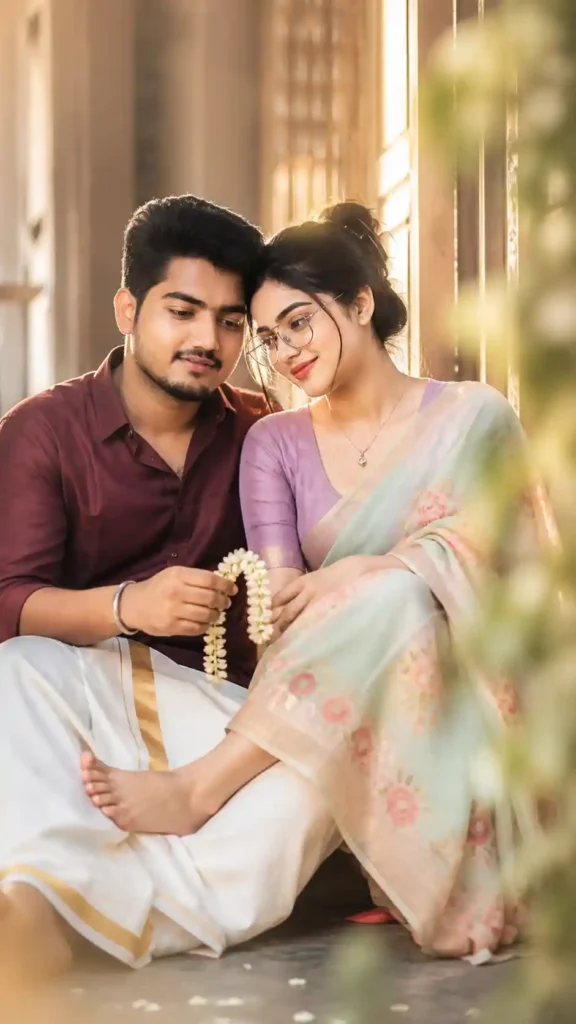
✨Prompt 1 – Dreamy Candid Traditional Couple
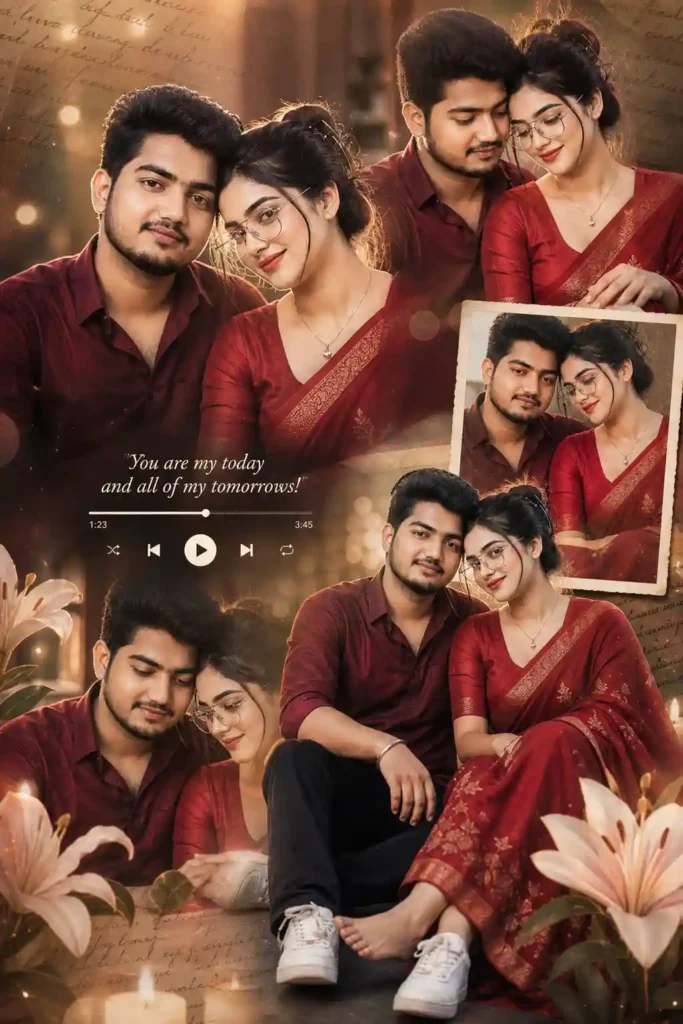
✨Prompt 2 – Romantic Collage Couple
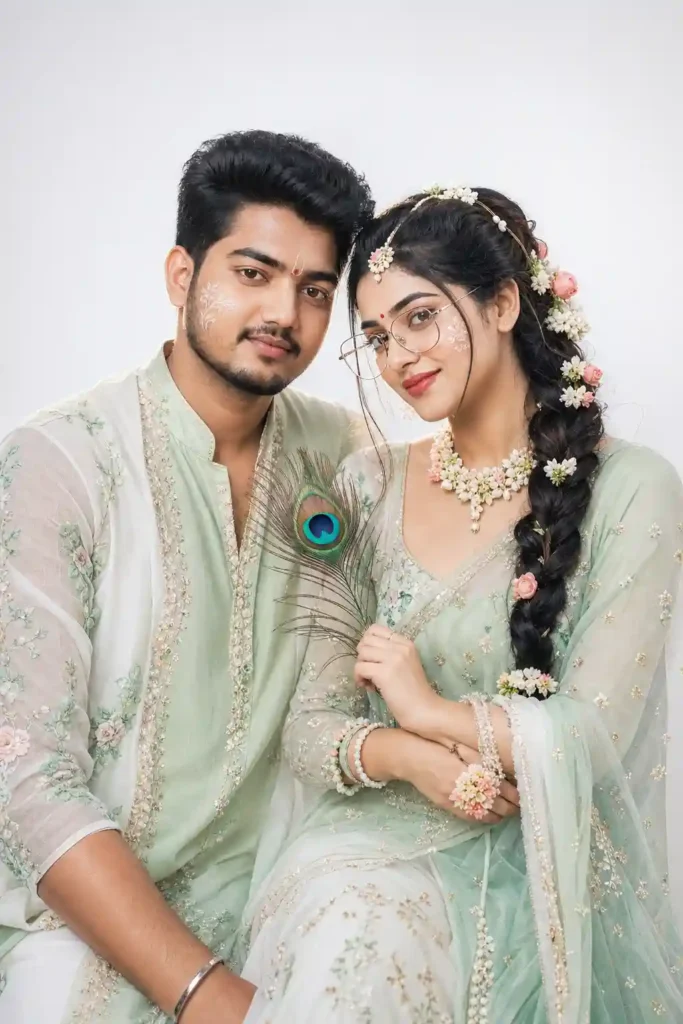
✨Prompt 3 – Radha Style Couple
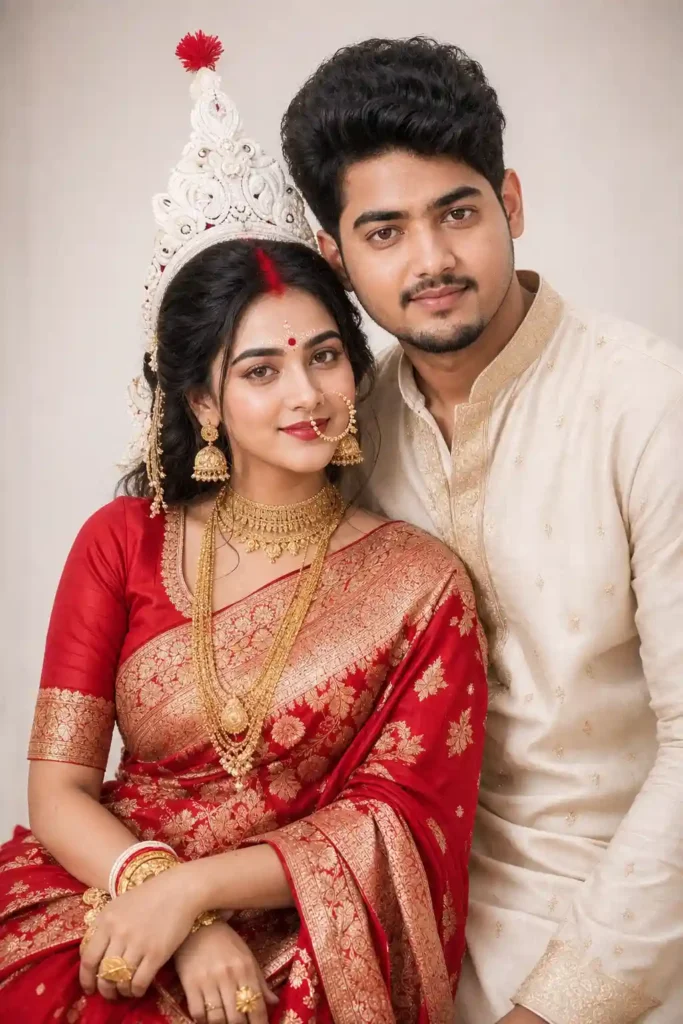
✨Prompt 3 – Bengali Bride Style Couple
Learn More: Bengali Bride Ai Photo Editing Prompt
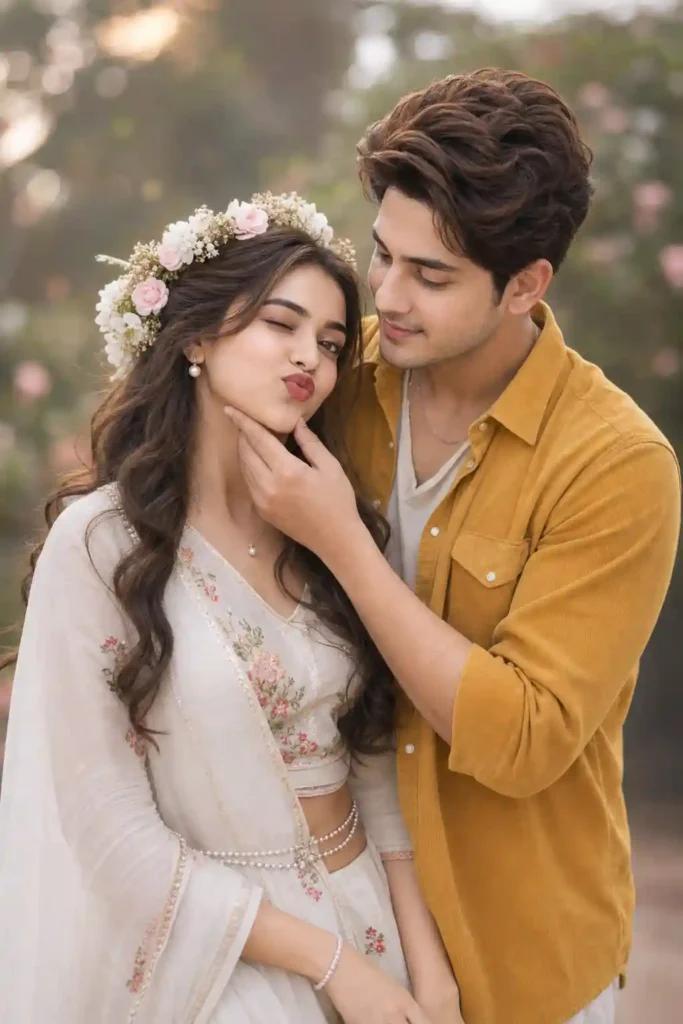
✨Prompt 4 – Traditional Indian Outfit with a Flower Crown Couple
Learn More: Instagram Viral Chatgpt Music Lover Cinematic College Ai Photo Editing Prompts
How to Use These Couple AI Photo Editing Prompts
- Open the AI image tool you want to use.
- Choose a clear reference photo.
- Copy one of the prompts from this article.
- Upload your reference image when the tool supports image input.
- Paste the prompt and describe any personal changes you want.
- Generate the image.
- If the result isn’t quite right, refine one element at a time—for example, the pose, lighting, clothing, background, or facial consistency.
- Save the version you like and experiment with the prompt to create your own variation.
A useful workflow
Reference photo → Prompt → First generation → Identify the problem → Targeted refinement → Final image
You don’t have to use the prompt exactly as written. Changing the setting, outfit, lighting, camera perspective, or mood can create a completely different result.
Tips for Better Couple AI Photo Results
The prompt is only one part of the result. Your reference image and instructions also matter.
Use a clear reference photo
Choose a photo with good lighting and a clearly visible face. Avoid heavily blurred or extremely dark images when possible.
Describe the composition
Instead of simply writing “make a romantic couple photo,” describe the scene:
- Where the couple is
- What they are wearing
- Their pose
- Camera perspective
- Lighting
- Background
- Mood
- Image orientation
Avoid conflicting instructions
If your prompt asks for a close-up portrait but also requests a full-body composition, the AI may struggle to interpret the scene.
Keep the main instructions consistent.
Refine instead of rewriting everything
If the first result is close but something is wrong, make a targeted follow-up request.
For example:
Keep the composition and clothing unchanged, but improve the natural appearance of the hands and preserve the facial characteristics from the reference image.
Small adjustments can be easier to manage than completely rewriting the prompt.
Why Cute Couple AI Photos Are Popular
Couple AI edits are popular because they combine personal photos with highly customizable creative scenes.
A single reference photo can become the starting point for different visual concepts, such as a traditional portrait, cinematic scene, travel photograph, festival image, or casual lifestyle shot.
The format also works well for social-media creators because the same basic concept can be adapted into different aspect ratios and visual styles.
The important part is not simply making an image look realistic. A good prompt should give the AI enough information to understand the subject, composition, environment, lighting, and desired visual style.
Responsible Use
Only upload photos you have permission to use, and avoid creating or sharing misleading images of real people without their knowledge or consent. Also follow the rules and privacy policies of the AI tool you use.
Learn More: Shinchan Chatgpt Prompt
Final Thoughts
Cute couple AI photo editing works best when you treat the prompt as a creative starting point rather than a fixed formula.
Start with a clear reference image, choose a specific visual concept, describe the composition carefully, and refine the result when necessary. You can also adapt the prompts in this guide by changing the location, clothing, lighting, pose, and photographic style.
The goal isn’t to copy one exact image. Use these ideas to develop a couple’s photo that matches your own creative direction. If you find that this article helps, then leave a beautiful comment. Apnotak.com always try to update you with the latest ChatGPT or Gemini AI trending prompts and new AI trends, so stay tuned for the latest updates. Happy Independence Day! Learn More: Girl Eye in Sky Photo Editing Prompts