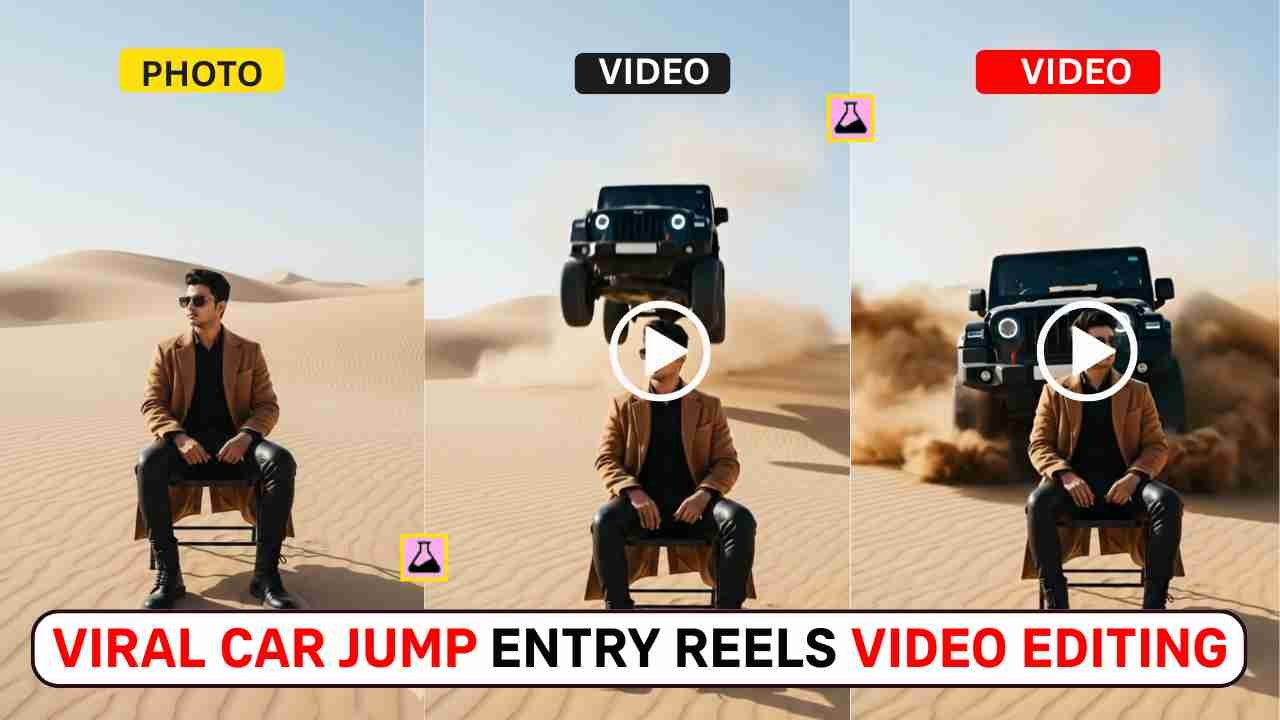
Viral Car Jump Entry Reels Video Editing- The car jump entry reel video is going viral on Instagram Reels and YouTube Shorts. This type of car jump video is very much liked by youngsters. This is an advanced-level viral reels editing trick where you can use AI prompts to create a car jump entry cinematic video. Some people already make such AI videos using various tools. If you want to create such a video, but if you probably thought that this type of video editing is difficult, then you are in the right place. In this article, I make it very simple, so that you can easily create it without any high video editing Skills.
Here, I am using a powerful photo editing AI tool, Google Gemini, for the scene, and using Google Veo 3 for video generation. I will explain the complete process and give you the best prompt for the same. So, read the article carefully till the end and follow the guide given below.
Why Car Jump Entry Reels Go Viral?
Car jump entry reels go viral because they create instant shock and curiosity with sudden, high-impact visuals (flying car, dust blast, slow-motion), making people stop scrolling. Cars are an aspirational niche in themselves, and when showcased with cinematic editing, beat drops, and a short format, watch time, replays, and shares increase, which the algorithm pushes higher.
Learn More: Google Gemini Happy New Year 2026 Ai Photo Editing Prompt – 100% Real Face
How to Create an AI Image Using Google Gemini
If you’d like to viral car jump entry reel image, then you can simply copy any prompt from the above and follow the steps given below.
- Open Google Gemini: Go to Google Gemini on your browser or app.
- Upload Your Photo: Upload a clear photo of yourself (good lighting, front face).
- Copy the Photo Prompt: Copy the Photo Prompt from the below.
- Paste Prompt in Gemini: Paste the photo prompt in Gemini with your uploaded image.
- Generate AI Image: Click generate and let Gemini create an AI image.
- Download the Image: Once the image is ready, download it to your device.
Learn More: Google Gemini Merry Christmas Ai Photo Editing Prompts
Viral Car Jump Entry Photo Editing Prompt
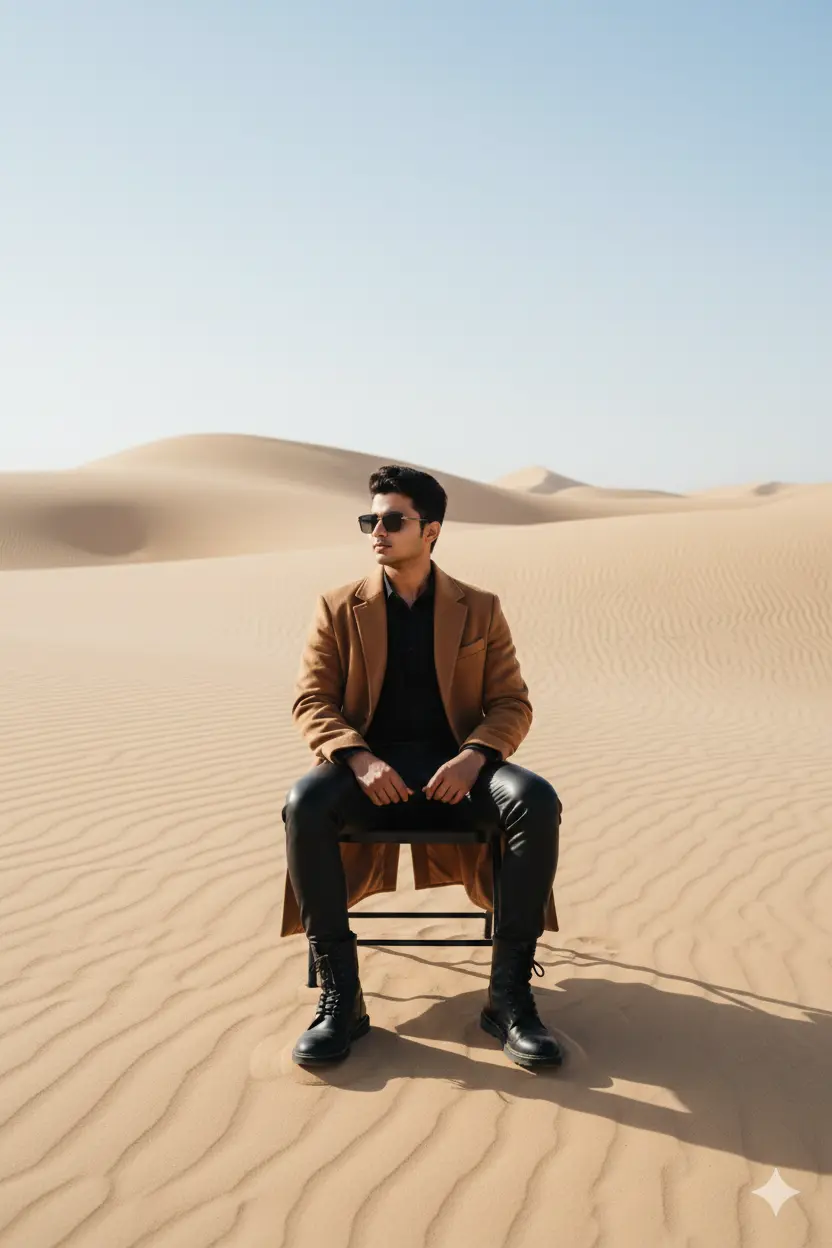
"Please generate a image using my picture A striking editorial portrait of a handsome young man in a long, camel-brown overcoat and black leather pants/boots, seated on a black folding chair in the middle of a vast, bright desert with large sand dunes. Harsh, natural light. Fashion photography, high quality, cinematic."
Learn More: 10+ Trending Gemini photo editing prompts for boys (100% Real Face)
Generate Viral Car Jump Entry Reels Video using Flow
After creating a viral car jump entry image, follow the given steps below to generate AI video.
- Open Google Flow: Now visit the Google Flow website.
- Choose “Frame to Video”: Select the Frame to Video option.
- Upload the AI Image: Upload the AI image generated by Gemini.
- Copy the Video Prompt: Copy the Video Prompt given in the post.
- Paste Prompt in Google Flow: Paste the video prompt into Google Flow.
- Generate the Video: Click on Generate and wait for the AI to create the video.
- Download & Use: Download the video and use it for Instagram Reels or YouTube Shorts.
Viral Car Jump Entry Video Editing Prompt
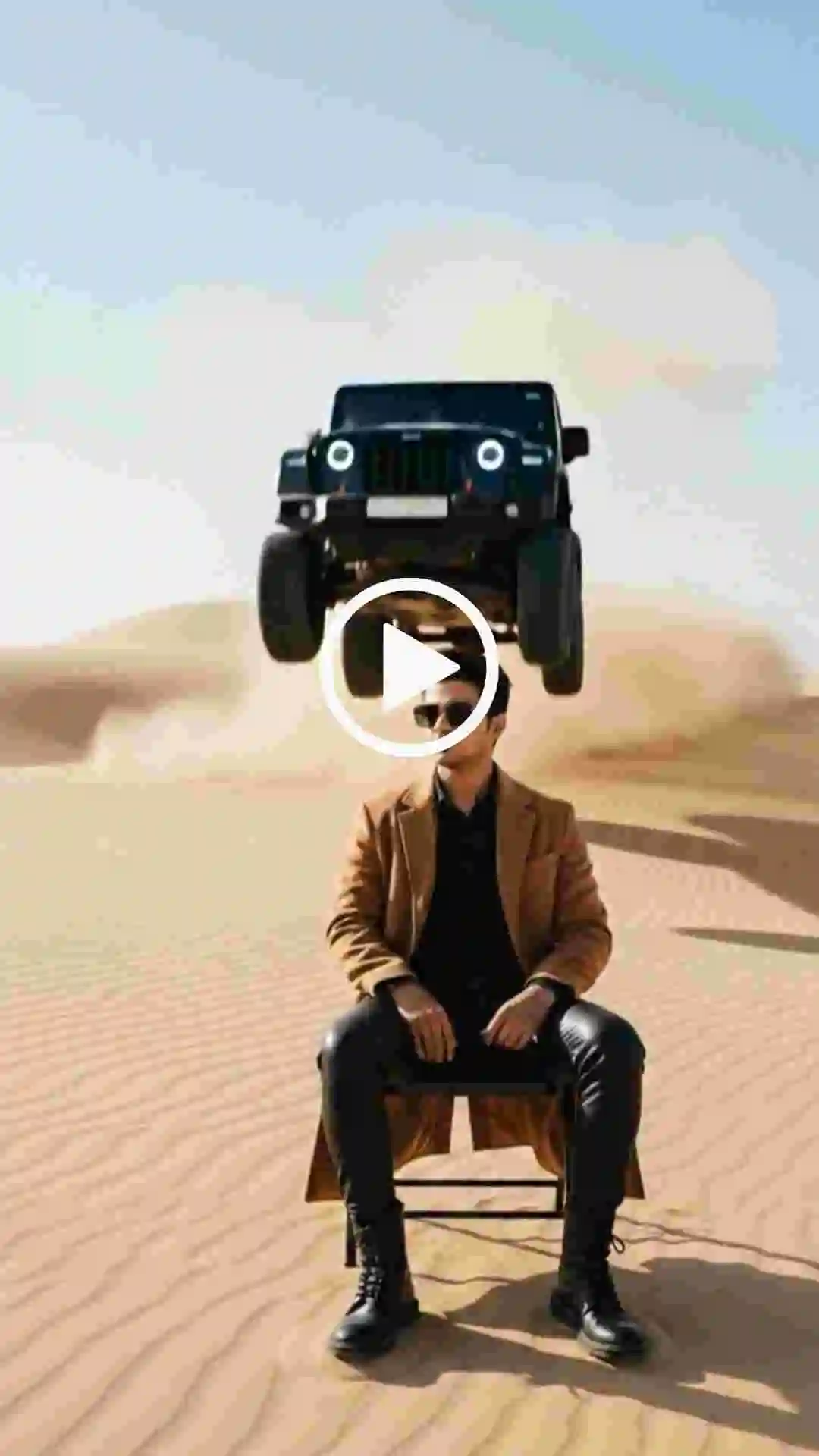
Use the uploaded image as the reference frame. Create a highly realistic cinematic desert scene. At the start of the video, the man is sitting on a folding chair with his right hand raised. As soon as the car begins to appear from behind the sand ridge, the man slowly and naturally lowers his raised hand and rests it calmly on his lap. The hand movement is smooth, subtle, and realistic, no sudden or robotic motion. The man remains confident and relaxed. Behind him is a wide sandy desert ridge. From behind the ridge, a full-size, realistically scaled black Mahindra Thar jumps into the air. The Thar looks heavy, powerful, and properly proportioned, not small or toy-like. As the Thar flies, massive desert sand and dust explode upward with realistic particle physics and depth. The Thar lands solidly on the sand and stops dramatically a short distance behind the man. Dust clouds continue to rise and slowly settle, creating a cinematic slow-motion effect. Natural desert lighting, co
Learn More: Celebrity Selfie AI Video Editing Prompts
Conclusion
If you want to make your car jump entry reel video, then use trending background music, add slow motion and edit with any video editor to make it more realistic. I hope that the above guide helps you to create professional-looking viral car jump entry reels video editing using Google Gemini AI and Flow without using any manual editing tools.