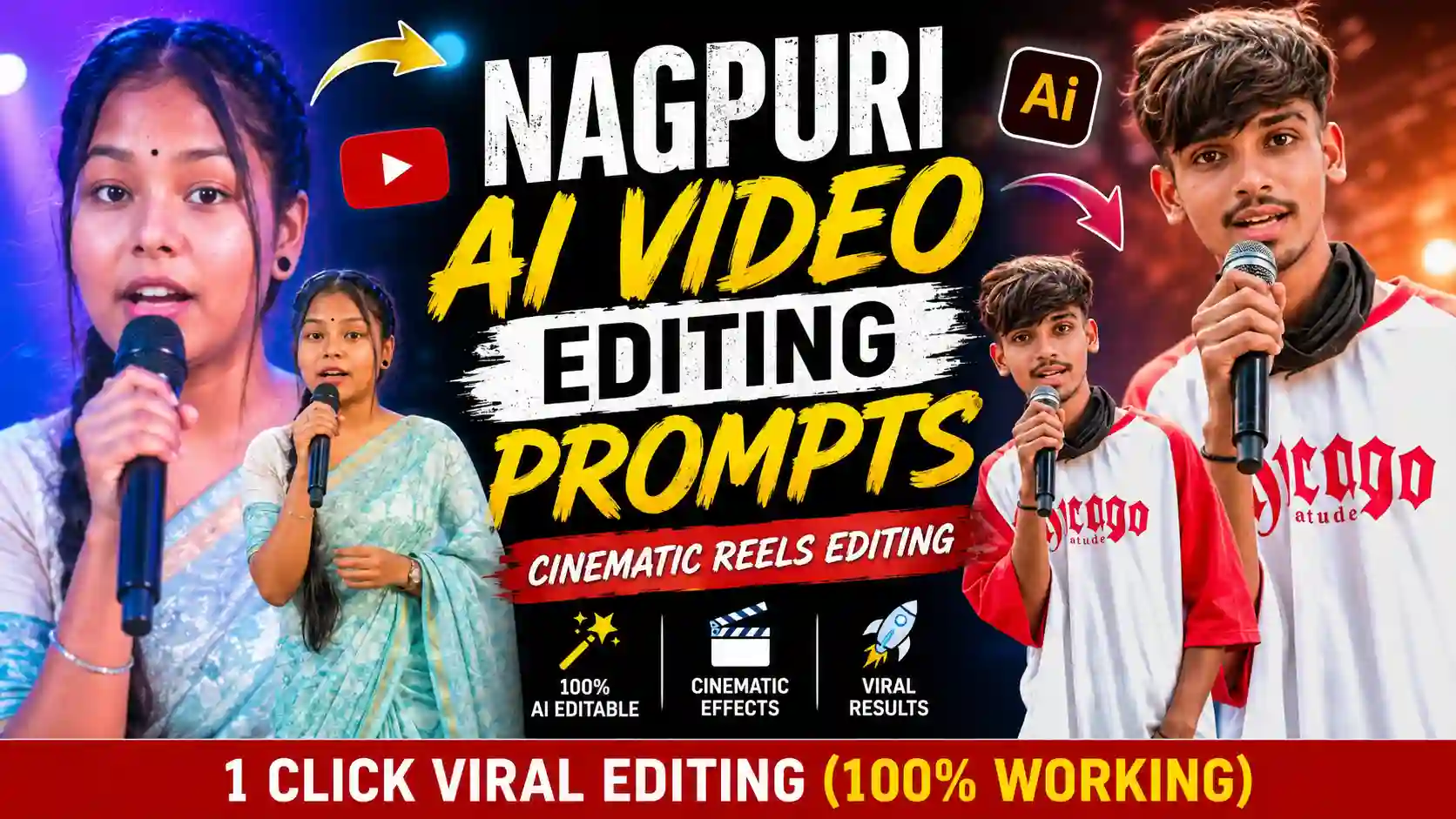
Nagpuri ai video is increasingly popular on social media. Where people share Nagpuri AI Video using Nagpuri AI Video Editing Prompts. In this type of video, a boy or girl is standing on a stage and telling a story, reciting poetry, or delivering dialogue in the Nagpuri language. It looks very realistic and natural, so that you can’t differentiate that it was created with AI tools. AI tools like ChatGPT, Gemini or Flow are so powerful these days. If you are not familiar with the AI tools, I will completely guide you with proper prompts on how to use them on the AI tools to create a Nagpuri AI Video.
Learn More: Aesthetic Boat Photo Editing Prompts
How To Create Nagpuri AI Photo using ChatGPT?
Creating a Nagpuri AI photo is very simple using ChatGPT and the right prompt. You can also use Google Gemini for the same, but a small watermark comes into your generated photo. That is why I use ChatGPT here. To create a Nagpuri AI photo where you stand on the stage, open ChatGPT and upload your photo and paste the photo prompt given below. After copying and pasting the prompt, you need to send it to generate the Nagpuri AI Photo. Here, you need to wait for a few minutes to generate the Nagpuri AI Photo. After that, save the generated photo to your gallery. This is the process by which you can make a Nagpuri AI Photo using ChatGPT, but to create a video, you need to follow the steps given in the video editing process below.
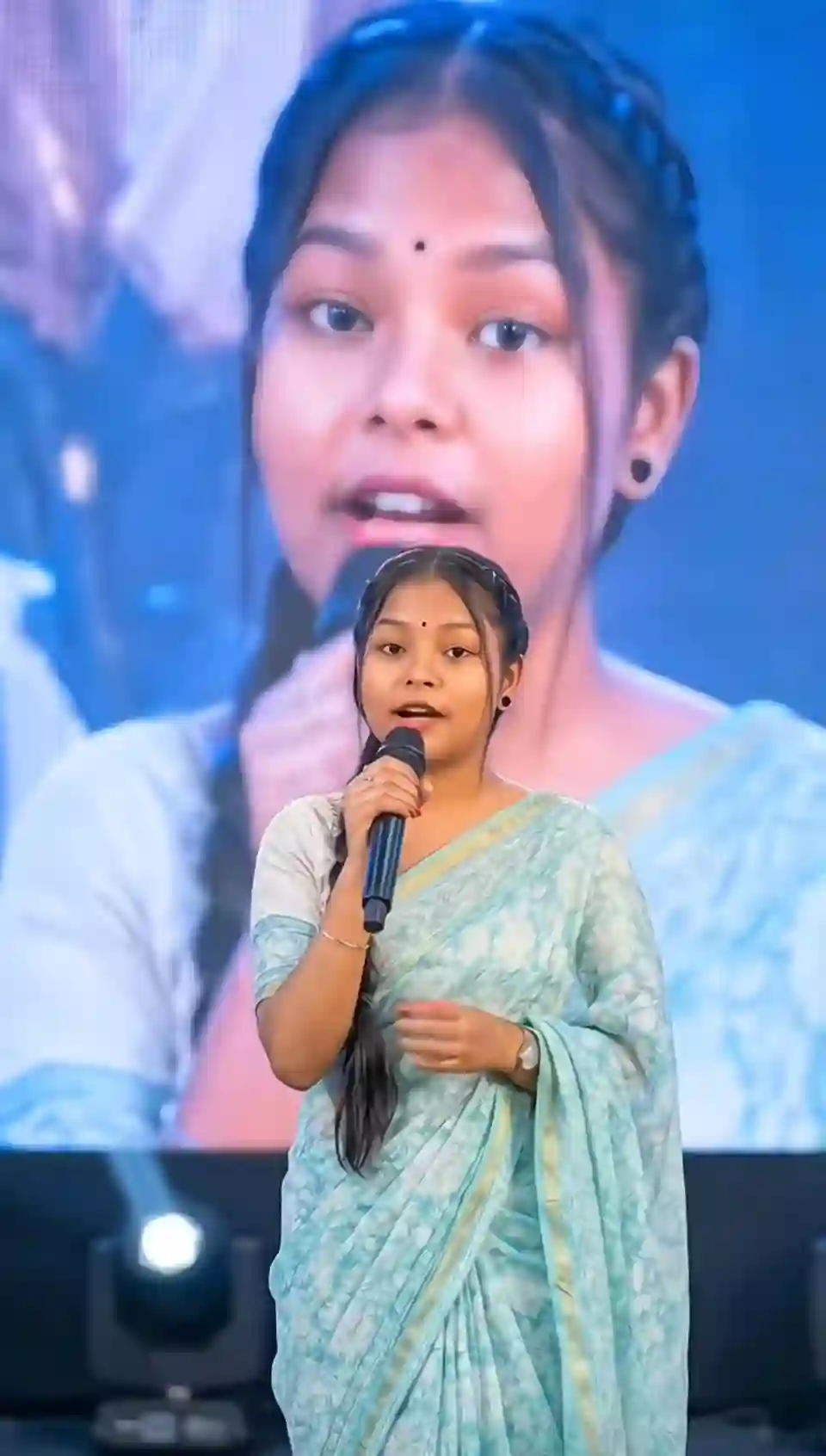
Use the provided image as reference and keep the person exactly unchanged — same face, hair, skin tone, expression, pose, body proportions, gaze, and full outfit with all details intact. Place the person at the center of a grand live concert stage, holding a premium microphone while performing or addressing the audience. Behind them, a huge LED screen shows a softly blurred close-up of the same person. Add cinematic spotlights, volumetric beams, light haze, vibrant stage lighting, realistic crowd ambiance, bokeh, shallow depth of field, and natural shadows. Ultra-realistic DSLR shot, 85mm lens, sharp facial focus, detailed skin texture, natural colors, 4K, vertical 9:16, professional concert photography style.
Learn More: Instagram Viral Chatgpt Music Lover Cinematic College Ai Photo Editing Prompts
How To Create Nagpuri AI Video Using Flow Ai?
To convert a cricket stadium AI photo video, we use Flow AI and use the video prompt given below. Here you will learn the Nagpuri AI photo to AI Video by simple tutorials.
Step 1: Copy the viral Nagpuri video prompt below.
Step 2: Go to the Flow Ai.
Step 3: Now, Click On the image icon to upload your Nagpuri Ai photo.
Step 4: Upload the Nagpuri Ai photo.
Step 5: Now paste the viral Nagpuri AI video prompt into the prompt text box section.
Step 6: Then, click on run to generate the Nagpuri Ai video.
Step 7: The video is ready. Download it and share it on Instagram.
Note: You can use any video editor to remove the watermark if you don’t want it on your video.
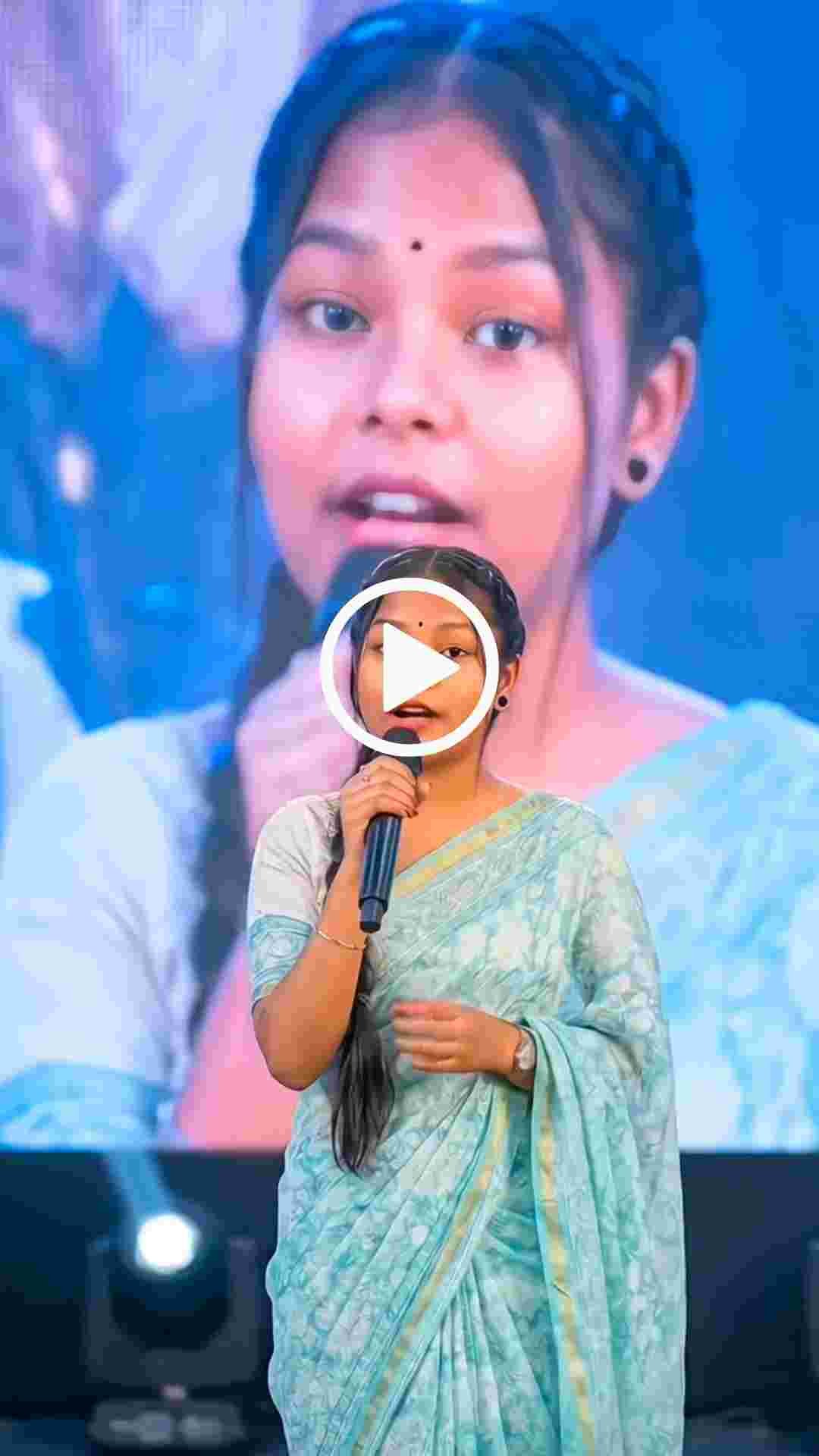
Saying dialogue- " "
Learn More: Girl Eye in Sky Photo Editing Prompts
How To Create Dialogue for Nagpuri AI Video In Chatgpt?
While creating Nagpuri Ai Video, you need a dialogue. You can easily create it by using ChatGPT. You just need to type the style you want, like Nagpuri-style shayari or a motivational quote. Once you have the dialogue, you just write the dialogue followed by the text you generated, and then click generate. Your Nagpuri Ai video will be ready.
Conclusion
The Nagpuri Ai Video has now become a new trend, especially on Instagram. Many people create Nagpuri AI videos and gain tremendous reach and views on Instagram. The best thing about this type of video editing is that it doesn’t require any professional editing skills or high-end photo or video editing software. All you need is the right prompt and a little creativity for a prompt. If you also want to share something unique and viral on social media, then this Nagpuri Ai Video is a great option for you.