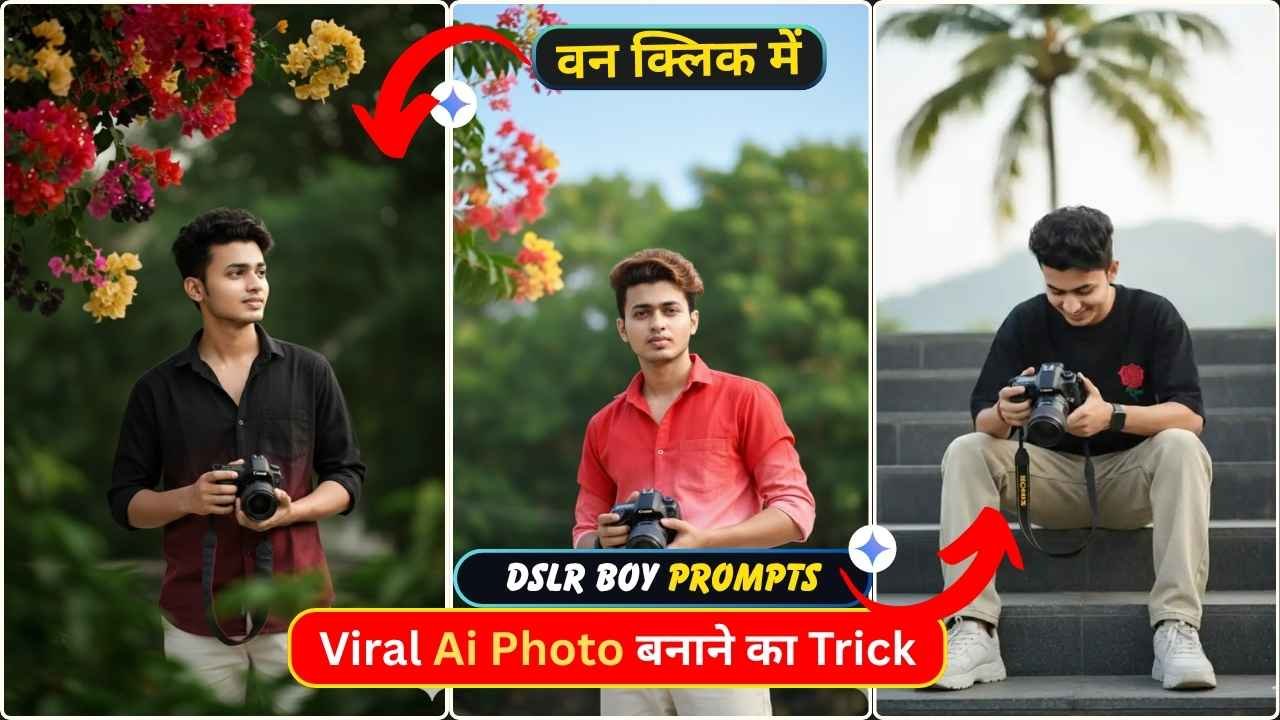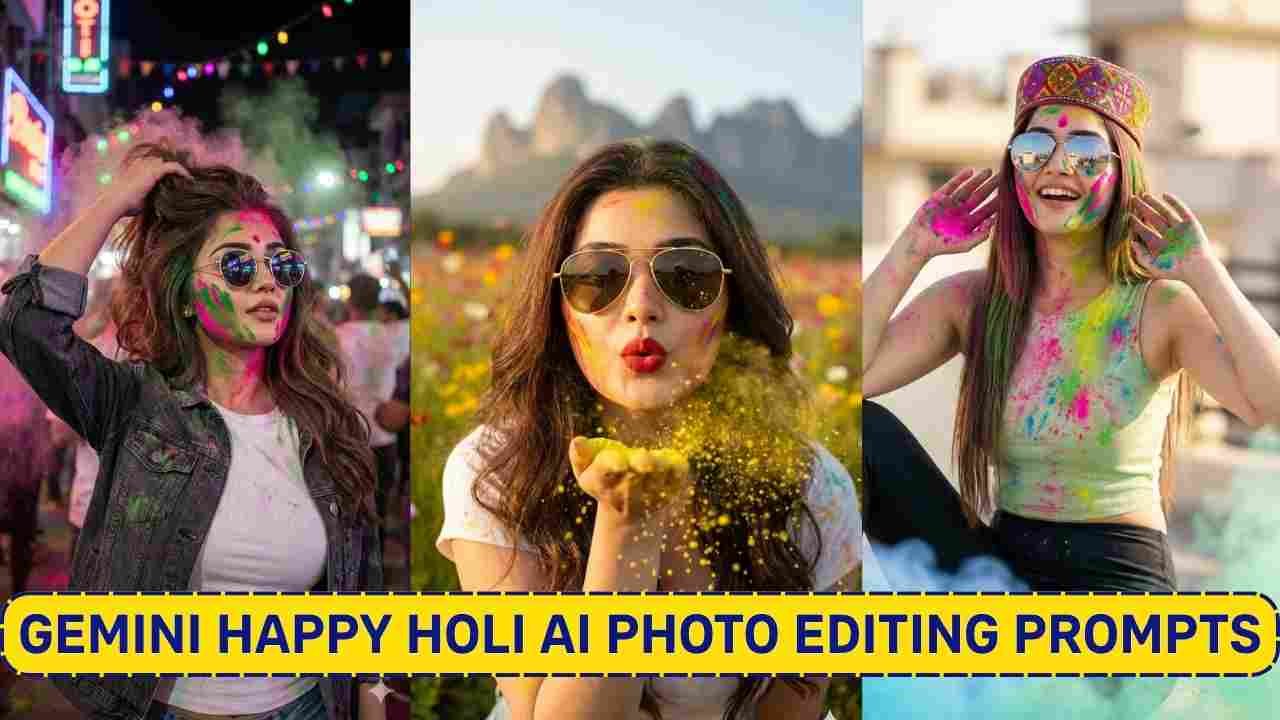
Happy Holi 2026 is just around the corner. Everyone is looking for creative ways to celebrate Holi. Happy Holi, AI photos created using Google Gemini are going viral on social media platforms like Instagram and Facebook. I observed that a variety of Holi photos have already been shared all over various social media platforms. So, if you want to create such Holi images, then you are in the right place.
In this article, I am going to explain everything with a very simple step-by-step process to create such a Happy Happy Holi 2026 Ai Photo. You just need to read the article till the end.
Google Gemini Happy Holi 2026 Ai Photo Editing Prompt
To create a clear and cinematic photo, you need to have clear prompts. Here you get stunning, personalised Happy Holi photo editing prompts for boys, girls, and couples.
Happy Holi 2026 Ai Photo Editing Prompt
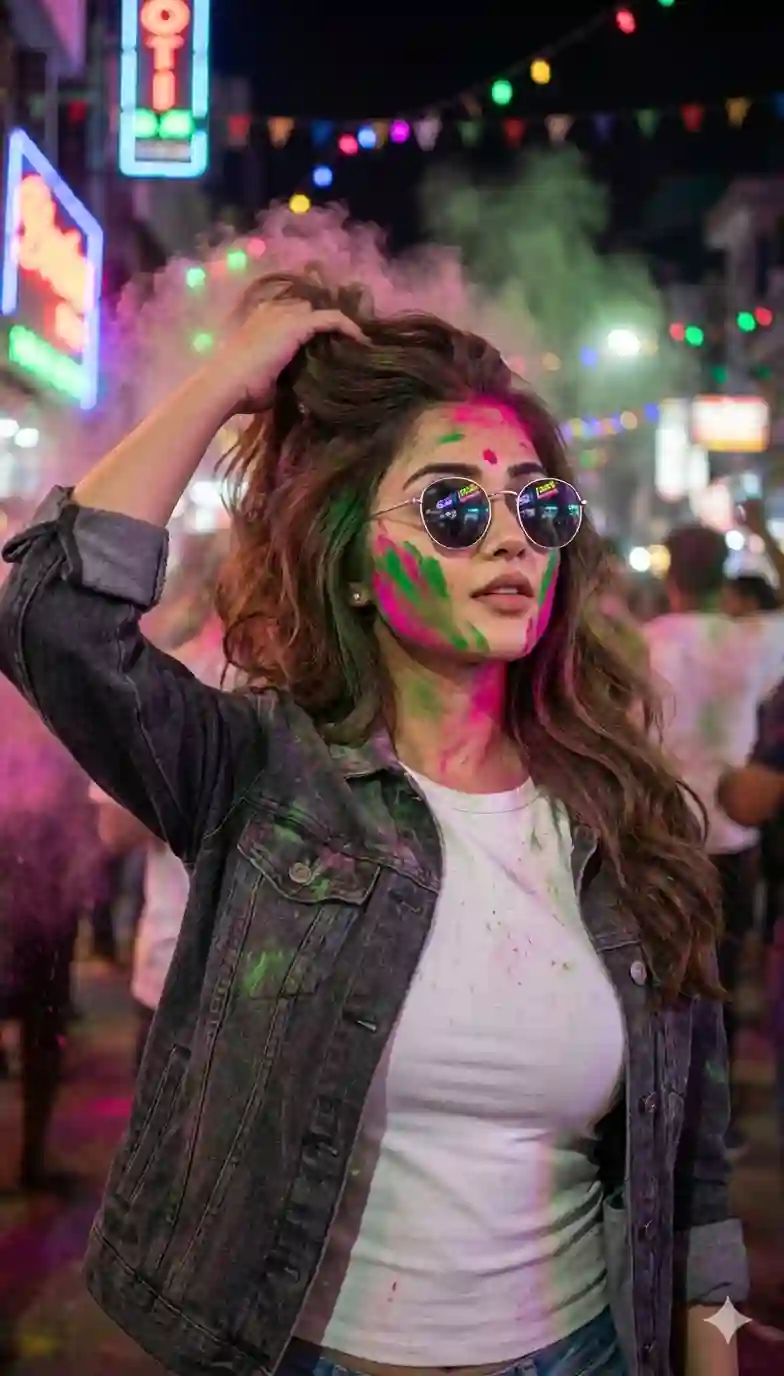
Ultra-realistic Holi night portrait using my uploaded photo as the face reference, 45-degree side angle, mid-action candid pose, wearing a fitted white crew-neck t-shirt under an open charcoal denim jacket, sleeves slightly rolled, round silver sunglasses reflecting neon lights, vibrant green and hot pink Holi powder streaked across cheeks and jawline, right hand brushing powder through hair creating upward motion.
Learn More: 10+ Trending Gemini photo editing prompts for boys (100% Real Face)
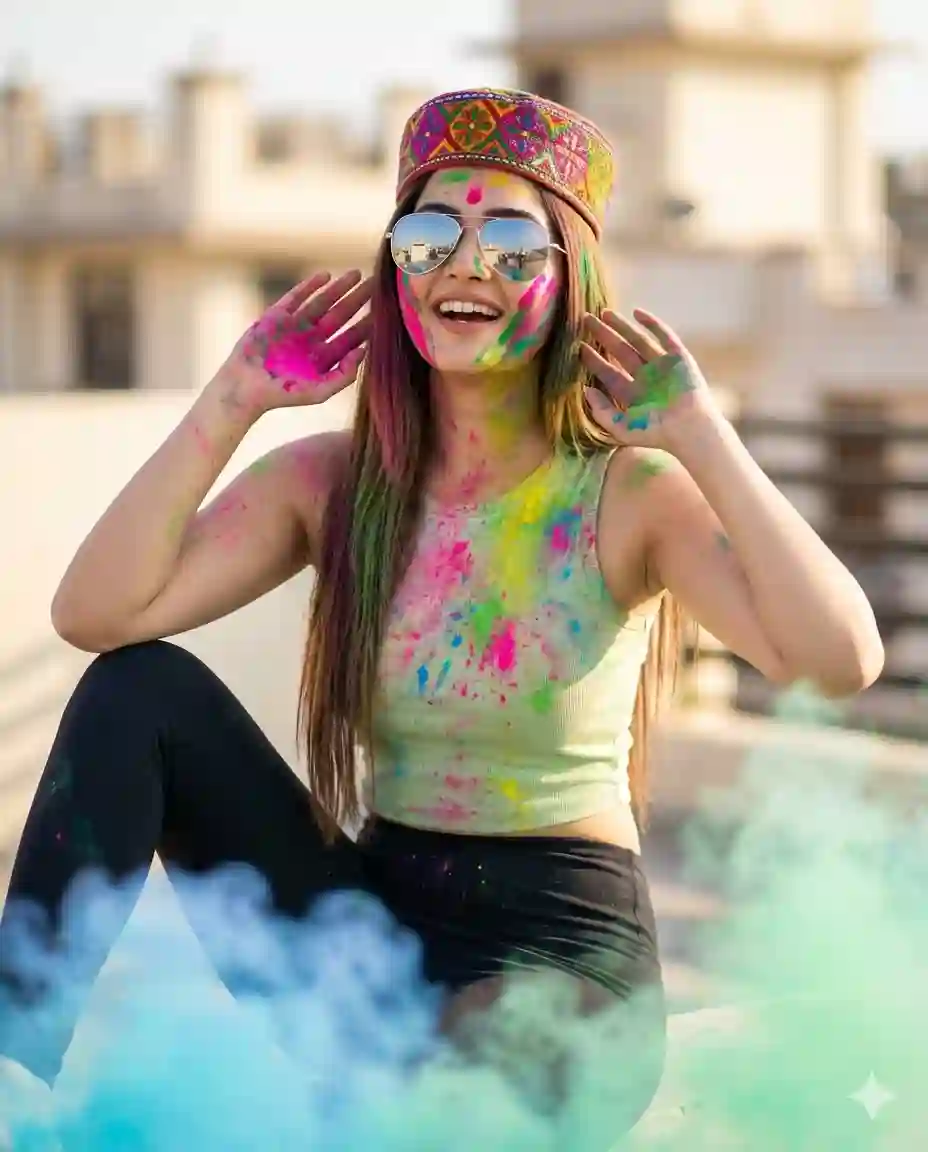
Ultra-realistic 8K vertical portrait (4:5)
A sty/lish young Indian woman celebrating Holi outdoors, sitting casually with one knee raised and both hands near her face showing colorful powder on her palms.
Her face, neck, arms, and hair are covered in vibrant Holi colors, with a joyful open-mouth smile. She wears reflective silver aviator sunglasses and a colorful Rajasthani cap, with long straight hair dusted in powder.
Outfit: pista sleeveless fitted crop top splashed with Holi colors, paired with high-waisted black leggings.
Soft blue and green Holi smoke in the foreground, terrace/rooftop background with creamy bokeh and shallow depth of field. Natural daylight, soft even lighting (no golden tone), sharp focus, realistic skin texture, motion-freeze powder effect, DSLR-quality, vibrant cinematic festival mood. Exactly same facial features.
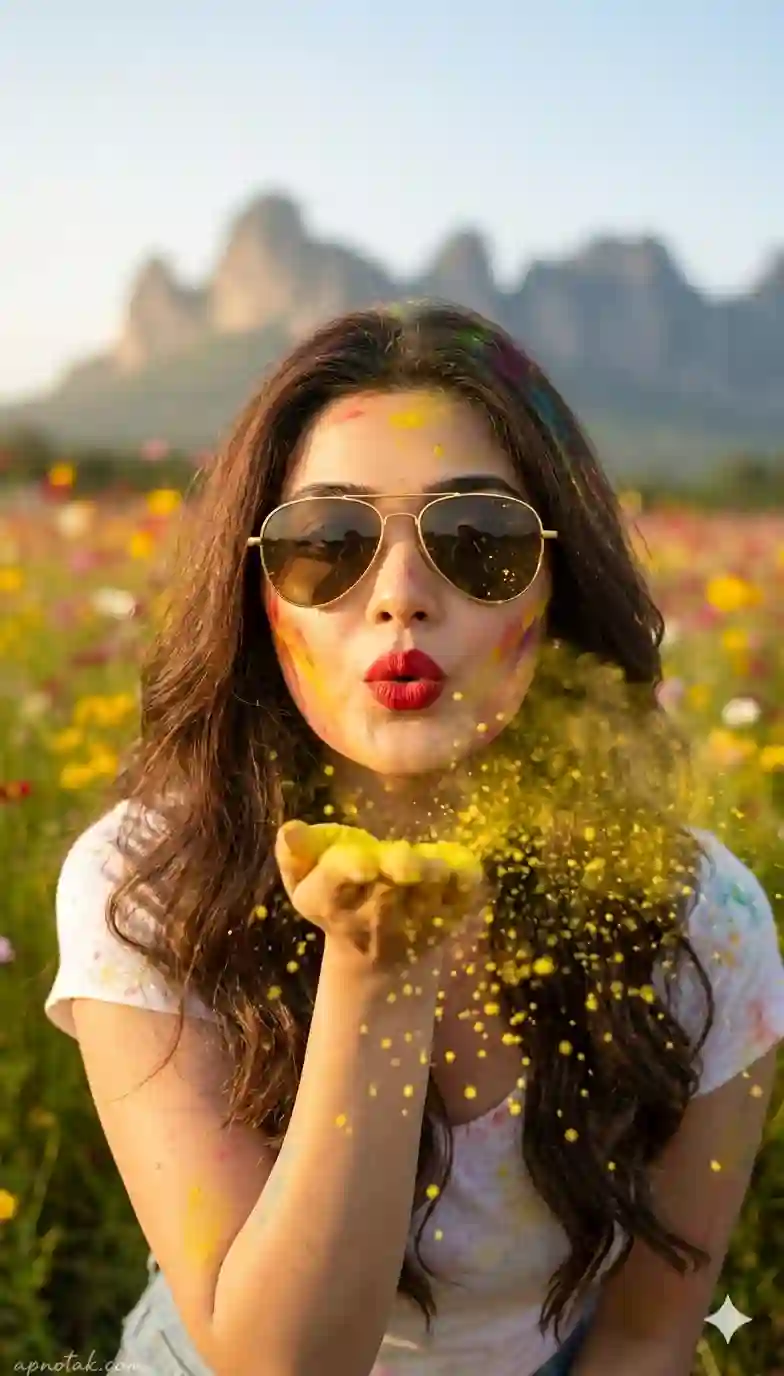
Ultra-realistic 8K cinematic portrait of a beautiful young Indian woman celebrating Holi outdoors. She is captured mid-moment, gently blowing vibrant yellow gulal toward the camera with a soft puckered “blowing kiss” expression. Fine powder particles burst forward & remain suspended in the air, creating a sparkling,golden dust effect in sunlight. She wears stylish golden aviator sunglasses, bold red lipstick & subtle glam makeup that enhances her natural features.
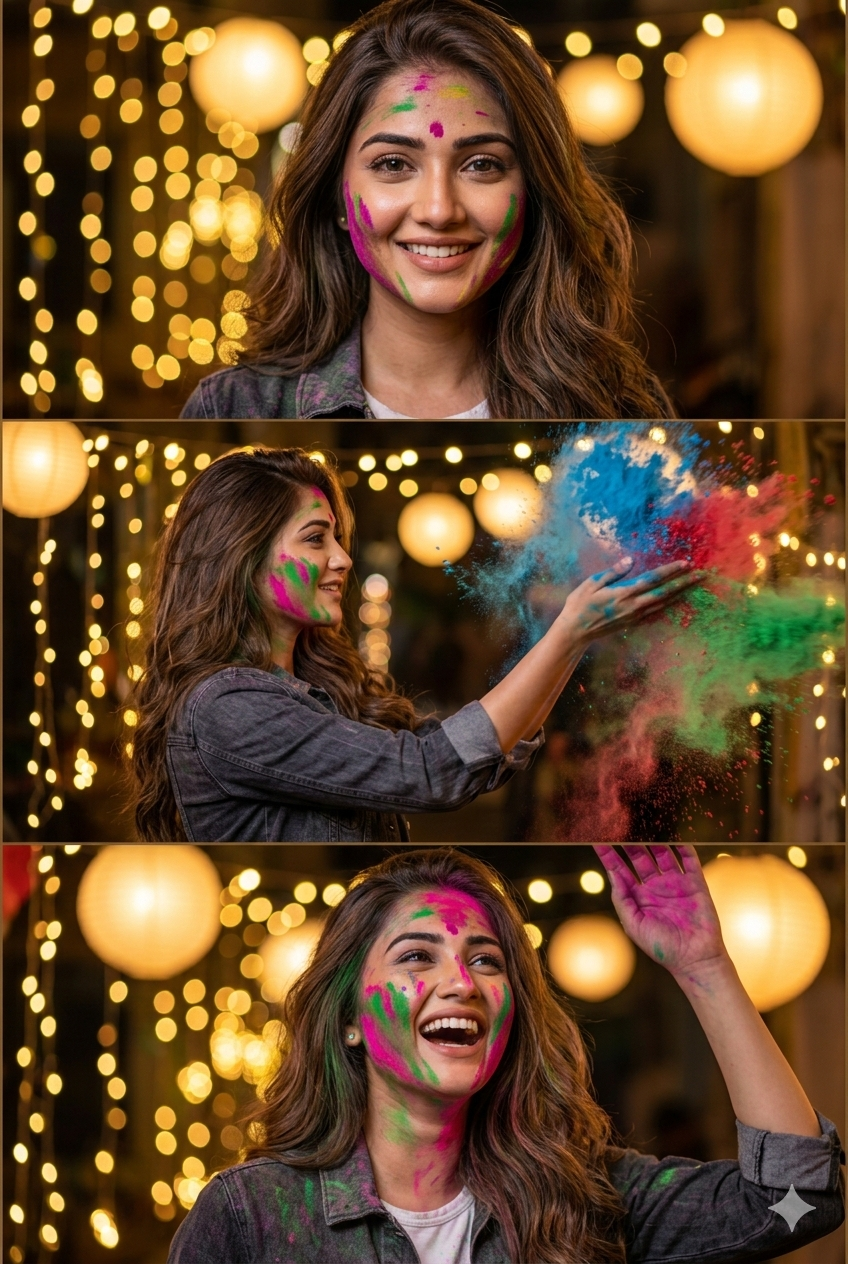
Appreciate your comment As promised, here’s the link for you Ultra-realistic 3-layer vertical collage (top / middle / bottom), Night Holi celebration. Same exact face in all three frames, 100% identical facial features, no changes. Warm cinematic lighting, golden bokeh fairy lights in background, shallow depth of field, soft glow, festive atmosphere.
Top frame: Close-up smiling portrait with subtle Holi colors on face.
Middle frame: Side profile throwing colorful powder in air, dynamic motion, color burst frozen mid-air.                              Bottom frame: Laughing with raised hand, vibrant colors on face and joyful expression.                                                           Shot on 85mm lens, f/1.8, ultra-detailed skin texture, natural tones, HDR, 8K, sharp focus, professional photography.
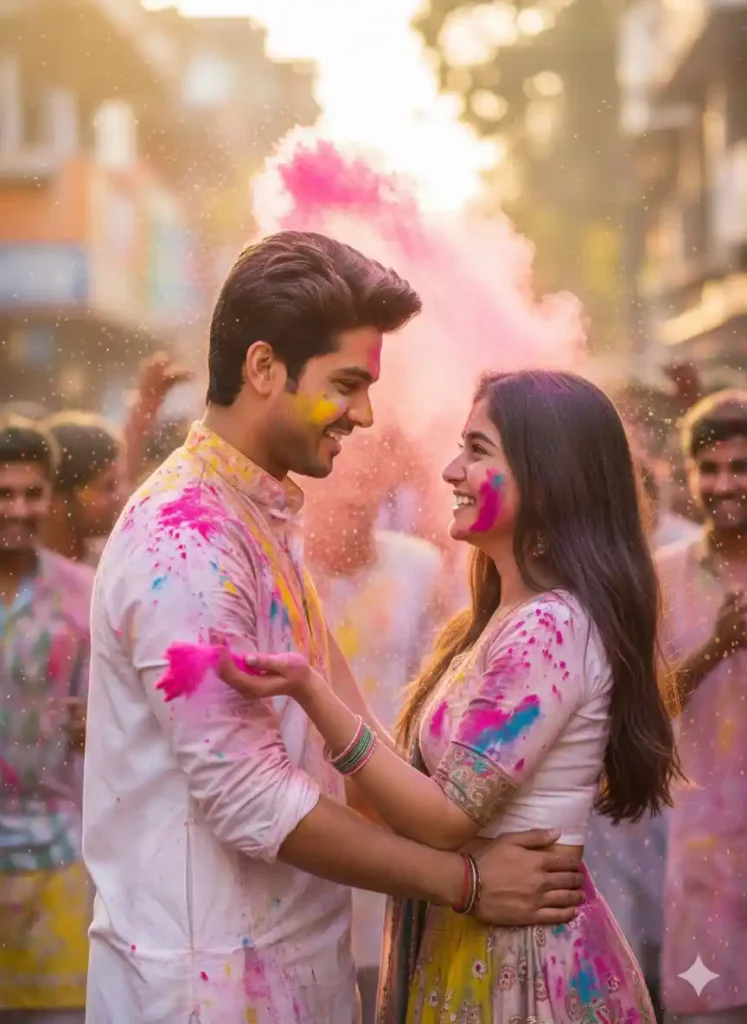
Use reference image 1/2. Ultra-realistic cinematic Holi portrait (4:6) of a handsome young Indian man (mid-20s, sharp jawline, warm smile, white kurta with Holi colors) and a beautiful young Indian woman (mid-20s, long hair, joyful eyes, colorful lehenga with gulal) in a romantic embrace, playfully throwing pink powder at each other. Bustling street scene with flying colors, water splashes, blurred friends, bright golden daylight, glistening skin, shallow depth of field.
Why Use Google Gemini for Happy Holi Photo Editing?
Google Gemini is an advanced AI system that allows users to edit and generate images using simple text prompts. Its ability to understand context and maintain facial features makes it perfect for creating realistic, festive portraits. It is a very useful tool and it maintains facial features properly.
How To Create a Happy Holi 2026 Ai Photo?
If you want to create a Happy Holi 2026 photo, then copy any prompt from the above. Then, follow the steps given below.
Step 1: Go to the Google Gemini App or the web.
Step 2: Now, log in to Google Gemini and paste the copied prompt in the text prompt section.
Step 3: After that, click on Create image with the banana icon to choose the Nano banana model.
Step 4: Then upload your photo.
Step 5: Finally, click on the Run button to generate the Happy Holi 2026 Photo. After some time, your photo will be ready.
Step 6: Then, you can save the photo and share it on your social media account to enjoy the trend.
Learn More: Gemini Retro Style Ai Photo Editing
Conclusion
In this way, you can create this type of photo very easily by using the above-given Google Gemini Happy Holi 2026 AI Photo Editing Prompt. I hope that this article helps you very much to create such a unique Happy Holi 2026 photo. If you like this, then let me know in the comments section below. I already shared multiple photo editing prompts on this website, and by using those, you can create various types of AI photos at your own by just a single click. If you need a prompt for any other type of photo editing, then also let me know in the comments section. I will cover the same in the next article as soon as possible.