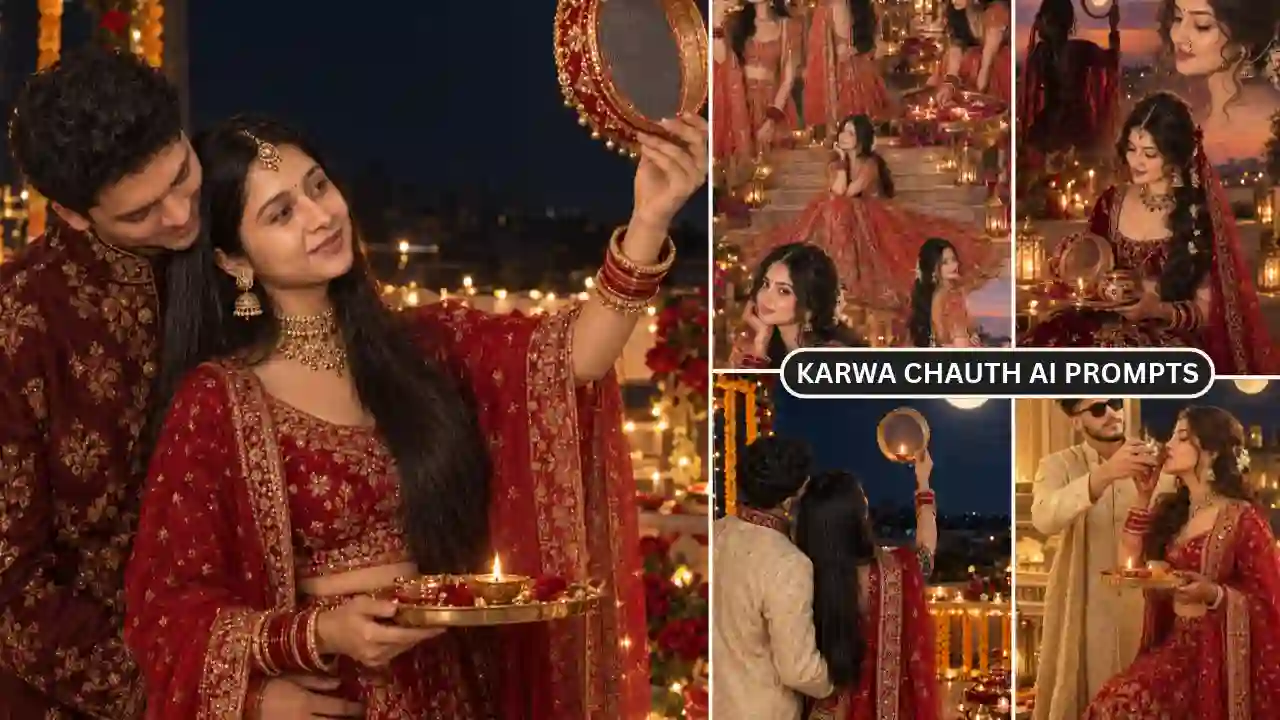
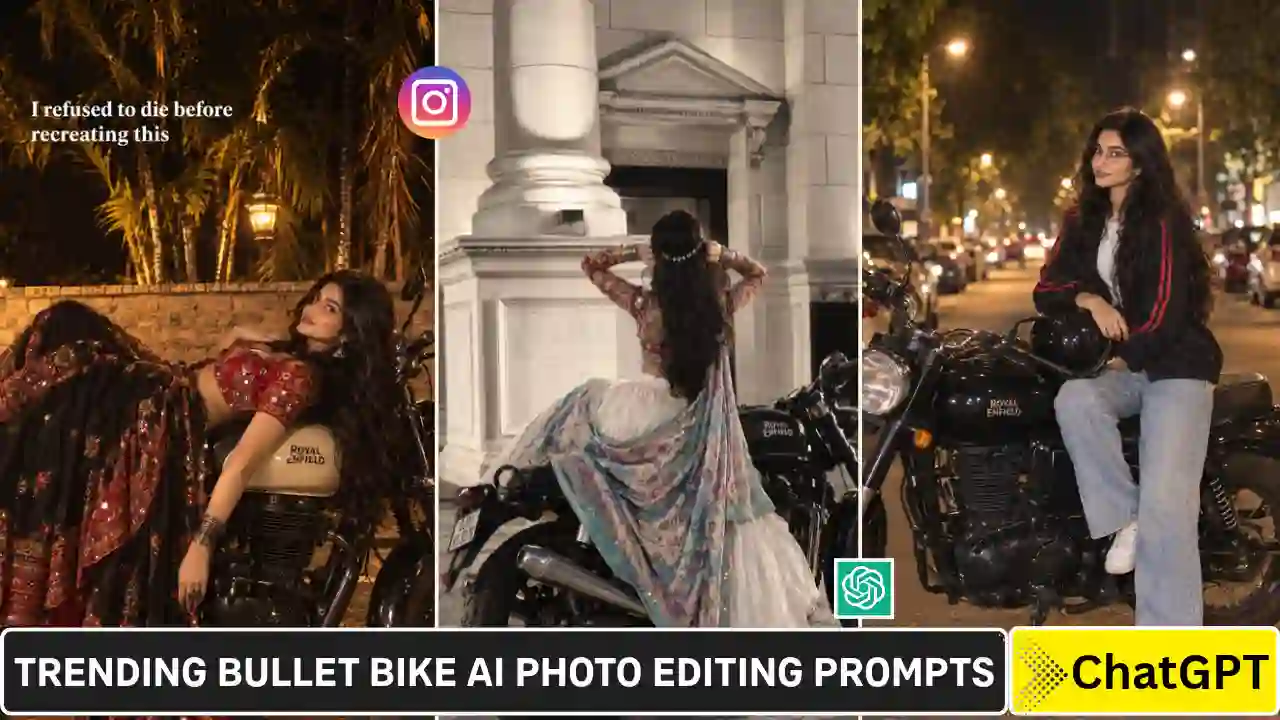
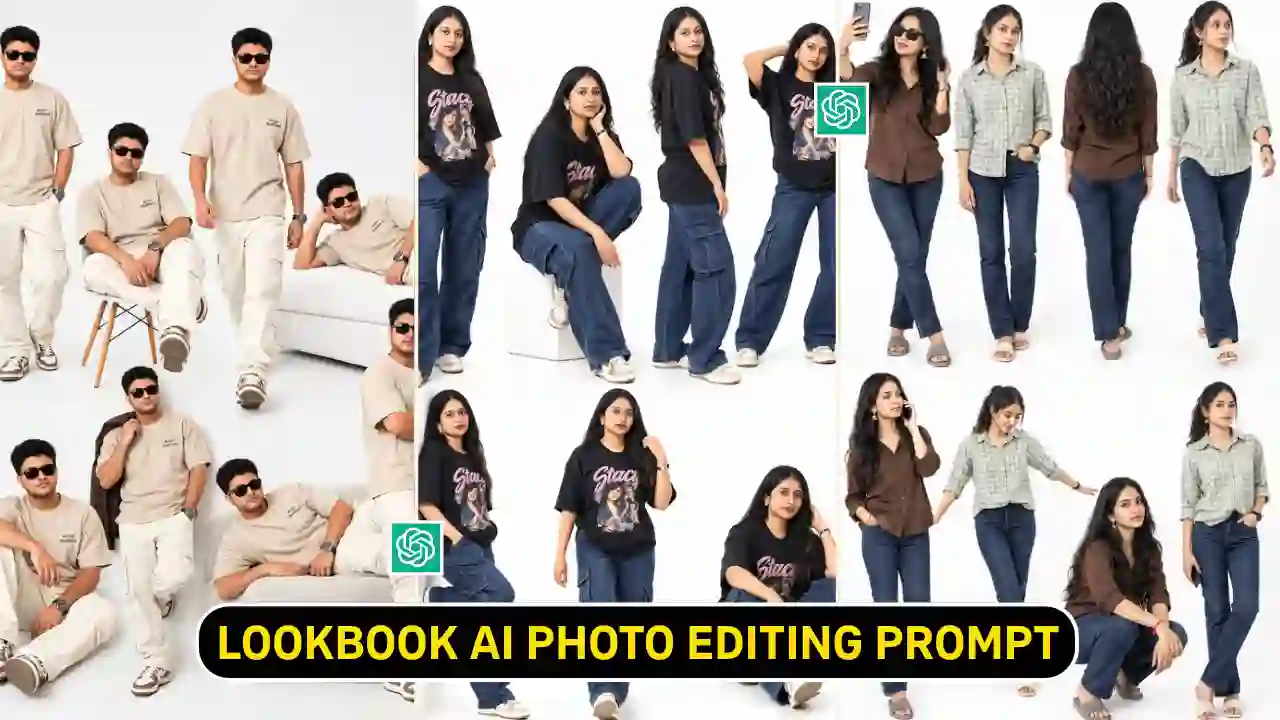
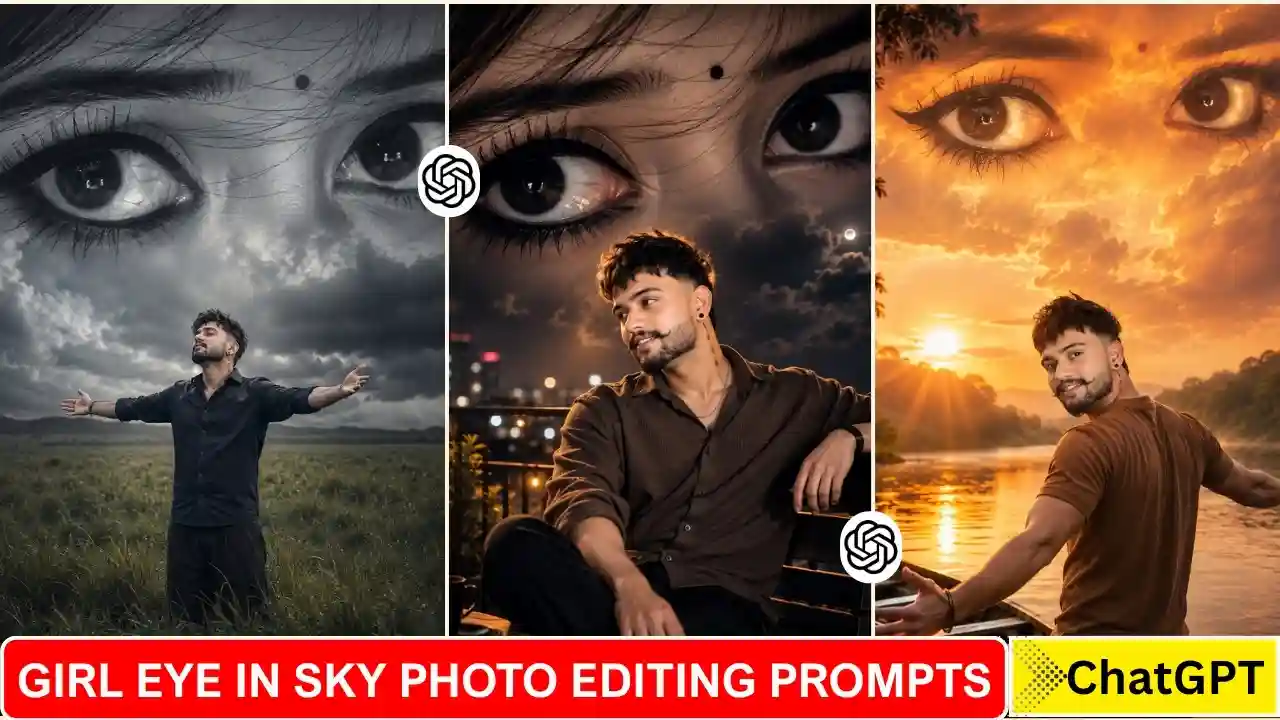
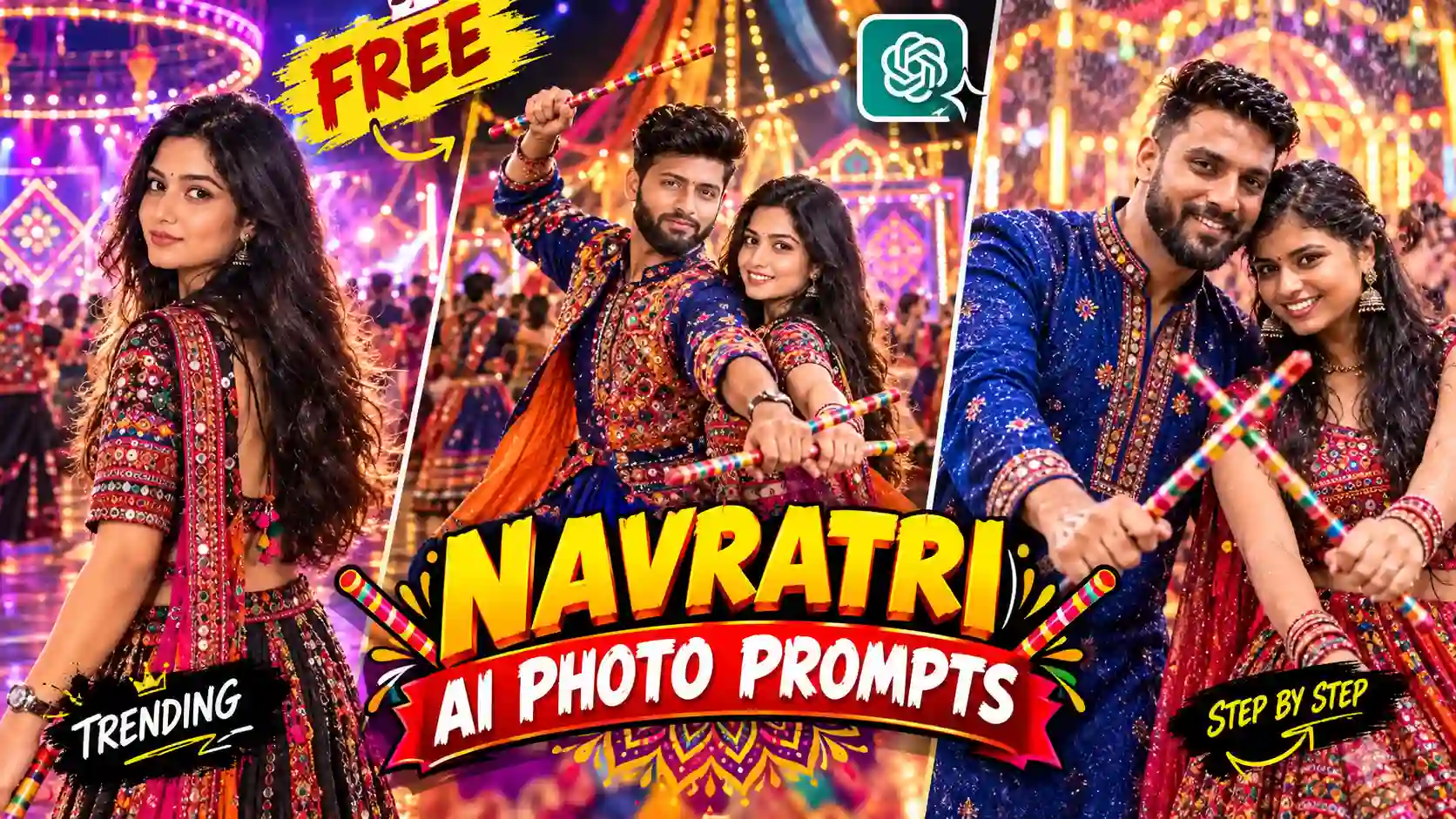
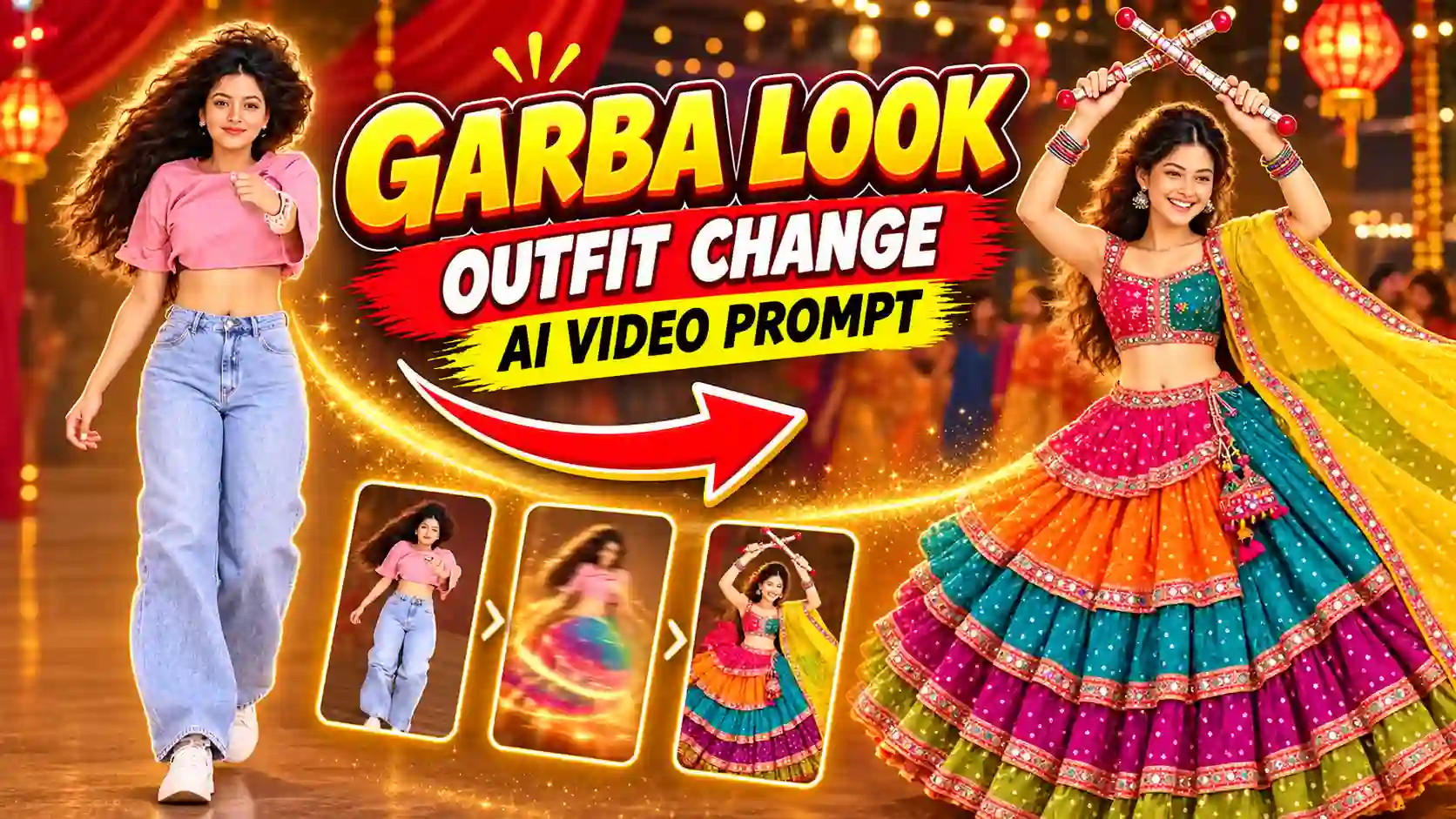
Google Gemini Outfit Trend Ai Photo Editing Prompts is now going viral all over social media platforms, especially on Instagram and Facebook. This trend is more popular among girls. They love to share their images with different outfits, and everyone likes to. Most importantly, this kind of photo editing is very easy, and the output looks 100% real. As you know, there are several photo editing tools available on the market, but to edit such a kind of photo using Photoshop requires time and highly skilled photo editing skills. But if I tell you that you can easily edit such of photo within a minute, can you believe that? Let me tell you that it is possible now due to the recent launch of Google Gemini Nano banana model.
In this article, I am going to explain how to edit such of photo within a few minutes and you get a high-quality quality realistic output.
Google Gemini Outfit Trend Ai Photo Editing
Google Gemini Outfit idea is trending, and everyone loves to create such styles with modern AI creativity. This trend is new, and that is why common users, to big celebrities, everyone posting them on Instagram and other social media platforms. You can make videos as well on these outfit ideas.
Learn More: Google Gemini Navratri Garba Ai Photo Editing
Google Gemini Outfit Trend Ai Photo Editing Prompts
Here we list some best Gemini Ai photo editing prompts. You just need to copy and paste the prompt and follow our guidance to create such a wonderful masterpiece. I personally tested all the Gemini Outfit Trend Ai Photo Editing Prompts, so you don’t need to worry about the generated AI images. I also attached all the reference images to understand the prompt and after edited result as well.
Prompt 1:

"Change the outfit in the first image to the outfit from the second image (shirt, t-shirt, pants, jeans, shorts, shoes, watch, bracelet, chain, sunglasses, cap, bag, etc.). Keep the original girl's face and hair."
Prompt 2:

“Change the entire outfit (shirt, t-shirt, pants, jeans, shorts, shoes, watch, bracelet, chain, sunglasses, cap, bag, etc.) in the first photo to match the outfit in the second photo. It should look realistic, with golden hour lighting. do not change anything else”
Outfit Ideas you can use it
Here, we give some outfit demos. You can find more outfits on Google Image Search.


How to get the Best Editing results using Outfit Trend Ai Photo editing prompts?
Here, I will explain to you how you can get the best results of Outfit Trend AI photo editing prompts on Gemini Ai.
You need to choose a photo that will be taken in good lighting conditions and no need to take a full body picture. Just take the photo with high resolution and that’s it.
Learn More: Gemini Retro Style Ai Photo Editing
How To Use Gemini Outfit Trend Ai Photo Editing Prompt?
Step 1: Copy the prompts from the above “Gemini Outfit Trend Ai Photo editing prompts” section.
Step 2: Now, go to the Gemini Ai app on your phone or visit the Gemini Ai on web by clicking on the link below:
Create ImageStep 3: Then, sign up and log in to it.
Step 3: Click on the Tools icon and select Create Images.
Step 5: Then, copy the prompts from the above and paste them into the Gemini Ai 2.5 flash text prompt box.
Step 4: Then, click on the plus icon and upload both photos. (Outfit + your).
Step 6: Click on the Run button to generate the Gemini outfit idea Ai Photo.
Step 8: After some time, your Gemini outfit idea Ai Photo will be ready.
Step 9: Finally, click on the download button to save it.
Conclusion
By using the above Google Gemini Outfit Trend Photo Editing Prompt, you can create your Ai photo with such a beautiful outfit in just a few seconds. It has now become trending, especially on Instagram. Here, we try to give you the best viral Google Gemini Outfit Trend Photo Editing Prompts. If you like our prompts, then let me know in the comments section.
Learn More: Gemini Retro Style Ai Boys Photo Editing