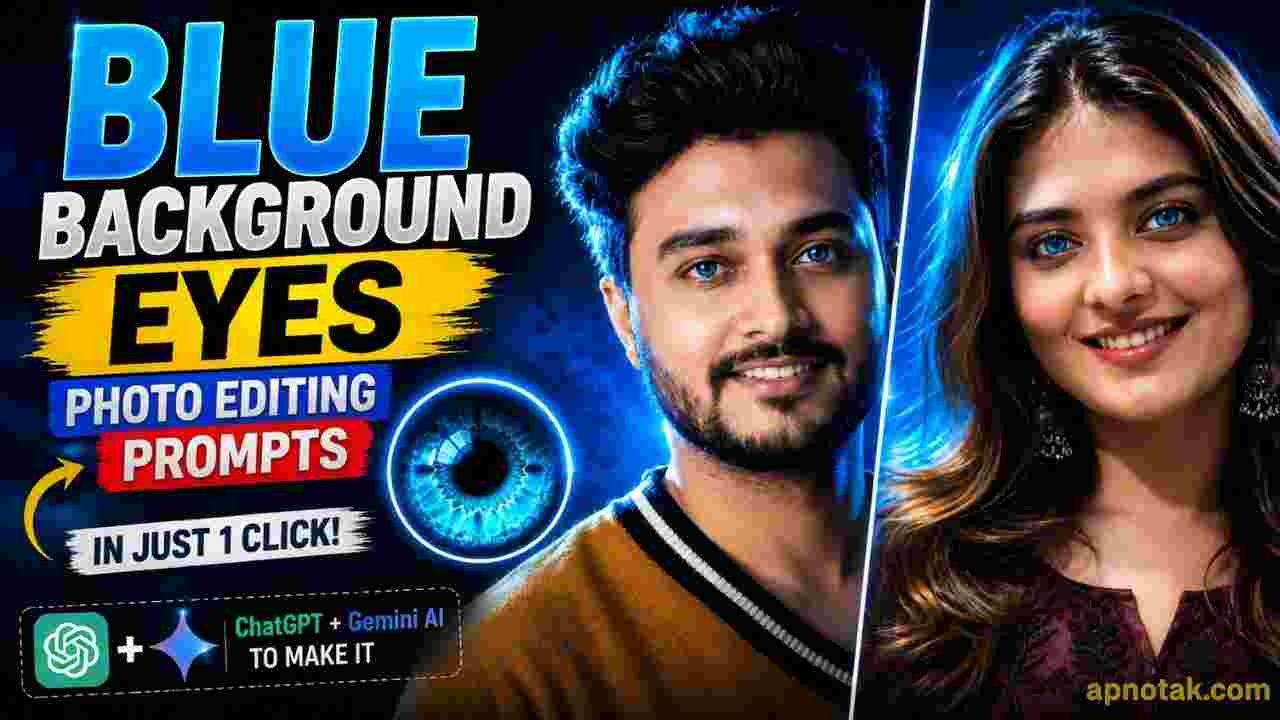
Blue Background Eyes Photo Editing Prompts- Red background photo editing goes viral few days back. Now a new type of Blue background eyes photo editing has become popular. In this type of photo editing blue colour fall in background and edge of the person glow with blue colour. This type of edit look bold and very attractive and eye catching. Many people want to create such photo because it a new unique trends. This type of photo create both boys and girls. In this post, I will share best prompt to create such an aswam photo editing and also guide you through the editing process.
Blue Background Eyes Photo Editing Prompts
If you closely look in this type of photo then you find that the details of eyes and blue background make it very eye catchy. This type of photo is very suitable for your social media DP. This type of photo editing is very easy by using Ai tools like Chatgpt or Google Gemini. Here, I share Blue Background Eyes Photo Editing Prompts, which is suitable for both Chatgpt and Gemini. You can use any one of the Ai tools to make your simple photo to blue background masterpiece.
Girls Photo Prompts
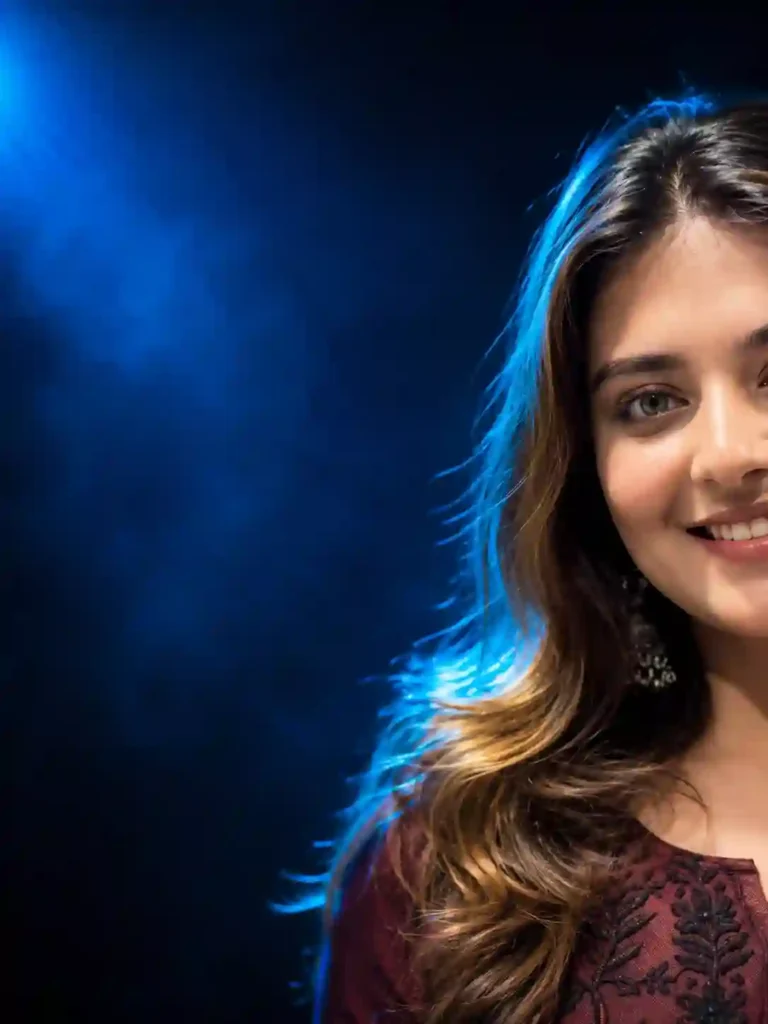
Use the uploaded reference image only as the facial identity. Keep the face 100% identical—facial structure, proportions, hairstyle, eyebrows, eyes, nose, lips, skin tone, expression, and all natural features unchanged. Ultra-realistic luxury cinematic beauty portrait. Show only the right half of the face (about 50% crop), positioned at the far right with wide negative space on the left. Direct eye contact with a soft natural smile. Dark navy cinematic studio background with subtle fog and blue volumetric light. Soft beauty key light from the front-right, bright electric-blue rim light outlining the hair and shoulders, plus a blue spotlight from the upper-left. Voluminous silky hair, ultra-sharp eyes, realistic skin texture, natural makeup, glossy lips. Canon EOS R5, 85mm, f/1.8, ISO 100, shallow DOF. Cool blue cinematic grading, high contrast, deep blacks, HDR, 8K, Vogue-style editorial quality.
Boys Photo Prompts
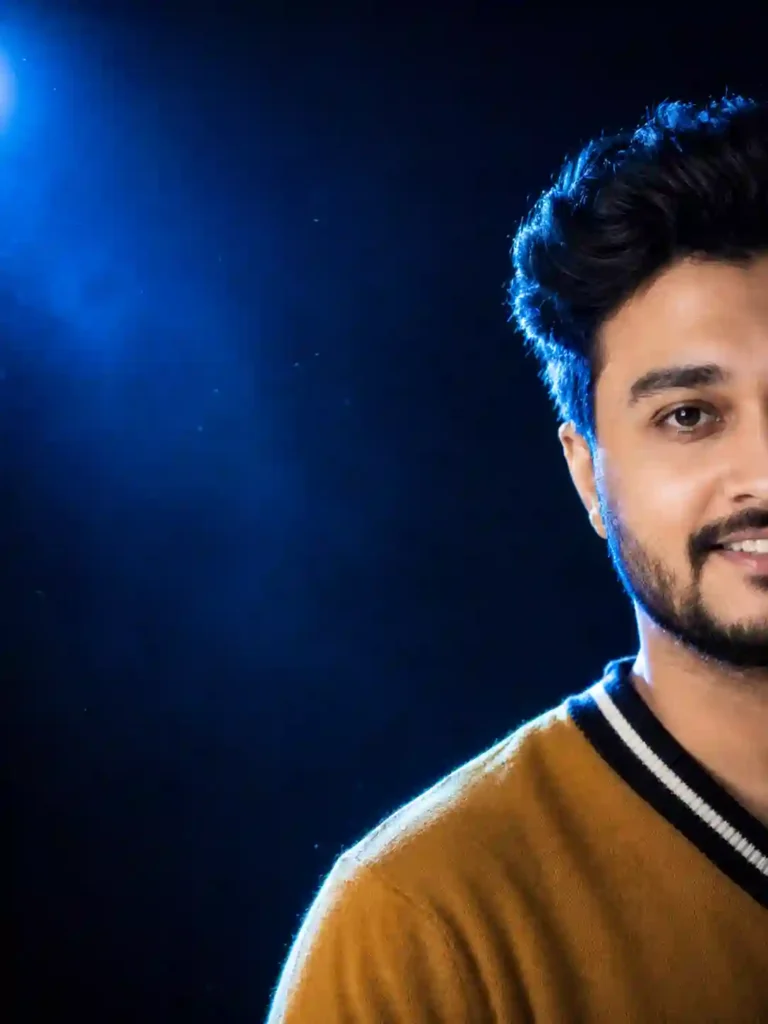
Use the uploaded reference image only for facial identity. Keep the face 100% identical—facial structure, proportions, hairstyle, beard, eyebrows, eyes, nose, lips, skin tone, expression, and all natural features unchanged.

Ultra-realistic luxury cinematic studio portrait. Only the right half of the face (~50% crop), placed at the extreme right with wide negative space on the left. Direct eye contact with a genuine natural smile showing teeth.

Dark navy-to-black gradient studio background with subtle haze, blue volumetric light, and minimal blue particles. Soft beauty key light from the front-right, intense electric-blue rim and backlight outlining the hair and shoulders, plus a soft blue spotlight from the upper-left for dramatic contrast.

Canon EOS R5, RF 85mm, f/1.8, ISO 100, shallow DOF, HDR. Ultra-sharp eyes, realistic skin pores, detailed hair strands, photorealistic 8K editorial quality with deep blacks, cool blue highlights, and natural warm skin tones.
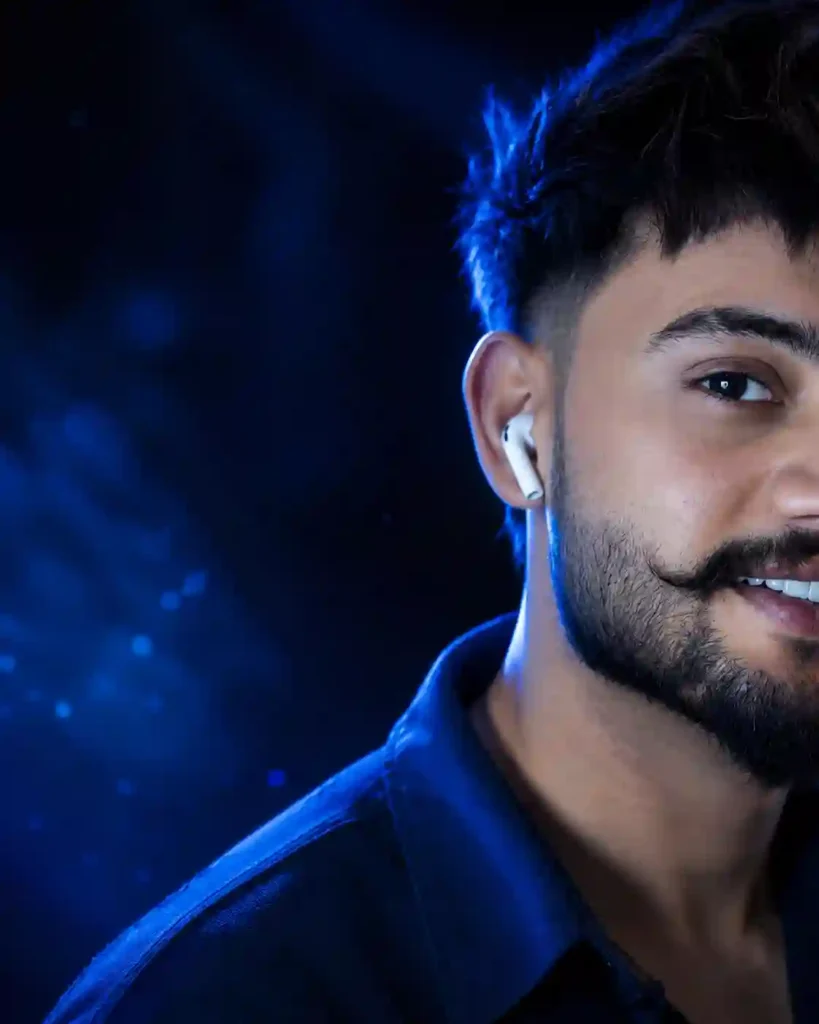
Men Prompt Use the uploaded reference image as the exact identity of the person.
STRICT IDENTITY LOCK
Preserve 100% facial structure, face shape, skin tone,
hairstyle, hair texture, eyebrows, eyes, nose, lips, jawline,
beard, facial proportions, age, expression, and overall identity.
Do not change the person's face, ethnicity, facial features hairstyle, or natural appearance in any way.
PROMPT
Ultra-realistic cinematic close-up portrait, only half of the face visible, face positioned on the extreme right side of the frame with approximately 50% negative space on the left, one eye perfectly visible with razor-sharp focus and an intense confident gaze, thick messy black hair naturally falling over part of the forehead, realistic beard and
mustache, white wireless earbud in one ear, premium midnight blue textured shirt collar slightly visible.
Deep midnight blue studio lighting illuminating the face
from the left side, electric
sapphire blue rim light outlining the hair and shoulders, soft
blue reflections across the
skin, cinematic HDR lighting, subtle volumetric blue light rays, glowing eye catchlight, ultra-detailed skin pores, realistic facial hair strands, natural skin texture, enhanced facial brightness, dramatic high-contrast shadows, luxury editorial lighting
Deep black and midnight blue blurred background with soft
blue bokeh particles, subtle
cinematic fog, premium minimal composition, DSLR
photography, 85mm portrait lens,
i/1.4 aperture, ultra shallow depth of field, professional
color grading, luxury editorial portrait, Instagram premium
aesthetic, hyper realistic, photorealistic, RAW photo quality,
masterpiece, magazine cover quality, award-winning
portrait photography,
ultra detailed, 16K Ultra HD, HDR, extreme facial detail, ultra sharp, noise free.
STYLE:Midnight Blue Eye Elite DP, luxury men's fashion editorial, modern billionaire aesthetic, premium Instagram portrait, minimal luxury, hyper realistic, professional DSLR photography, cinematic masterpiece.
COLOR PALETTE: Midnight Blue, Deep Black, Electric
Sapphire Blue, Cool Silver,
Sott
White Highlights.
Negative Prompt: low quality, blur
How To Create Blue Background Eyes AI Photo using ChatGPT?
Creating a Blue Background Eyes AI Photo is very simple using ChatGPT. To create a Blue Background Eyes AI Photo, first go to ChatGPT, upload your photo and use the photo prompt given above. After copying and pasting the prompt, please send it to generate the Blue Background Eyes AI Photo. Here, you need to wait a few minutes for the Blue Background Eyes AI Photo to generate. After that, save the generated photo to your gallery. This is the process by which you can make a Blue Background Eyes AI Photo using ChatGPT.
Learn More: Red Background DP Photo Prompt For ChatGPT & Google Gemini
Final Thoughts
In the above post, we shared the prompt, which has no issues related to a full face or face change. Blue Background Eyes AI Photos are increasingly popular and are becoming a new Instagram trend now. I hope the above prompt and guide help you to create the Blue Background Eyes Photo. If you find that this article helps you to introduce new trends, let me know in the comments section. Apnotak.com always try to update you with the latest AI trending prompts and new AI trends, so stay tuned for the latest updates.