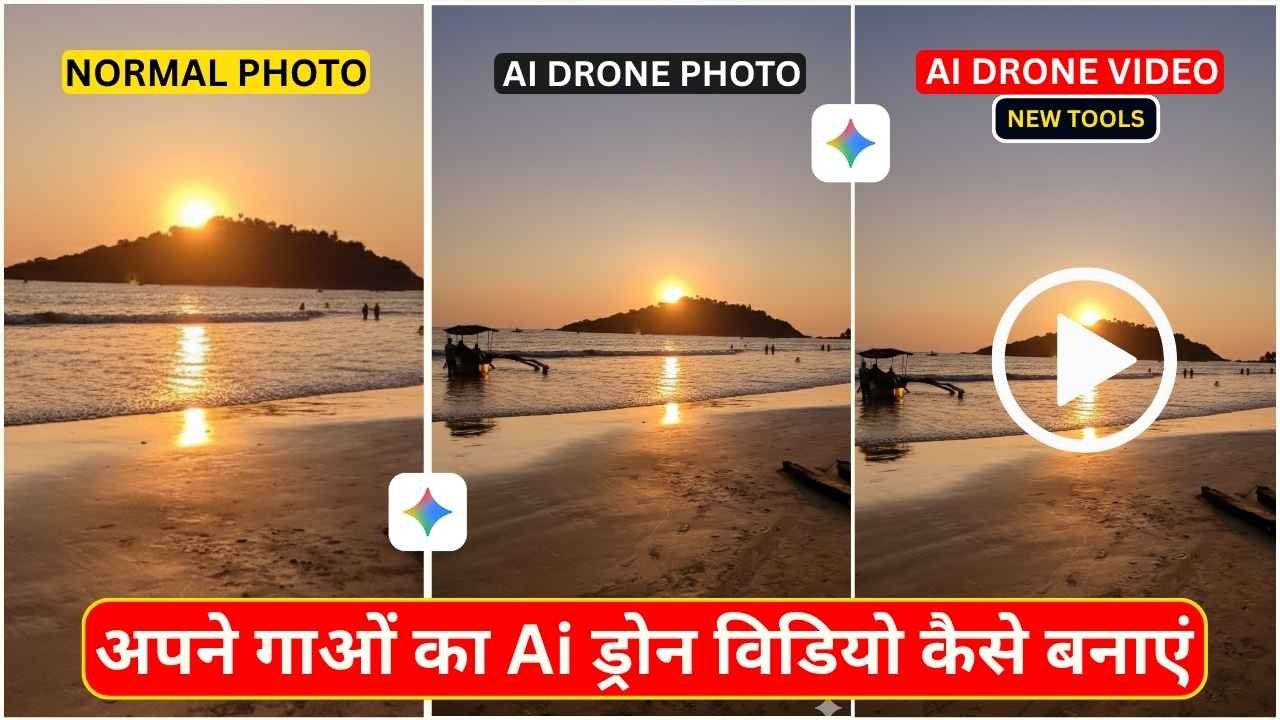
AI Drone Video Generator- Did you know, you can make breathtaking drone-style videos without owning a drone or learning complex video editing? Yes, it’s possible now, using Google Gemini Veo 3.1 AI video generator. You can transform your ideas into cinematic aerial drone footage in seconds. This new trend has been circulating all over social media platforms now. Many people take normal photos of their village, house, fields, or any scenic location, and then use Google Gemini to convert that image into a cinematic, drone-style shot. They use the drone’s short photo and convert it to a perfect drone short video by using AI without much effort, just by using some copy-paste prompts and with the help of AI. If you think of creating such a stunning drone short video the you are in the right place. In this post, I am going to explain everything you need to know about creating professional AI drone videos using Google Gemini.
AI Drone Video Generator Tools
To create an AI Drone video, we are using two most important and useful tools. The First one is Google Gemini AI Nano Banana Model to create a Drone short Image. The second tool is Flow AI, where we use the Google Gemini Veo 3.1 model to generate an AI Drone Video.
Learn More: Gemini Retro Style Ai Boys Photo Editing
Google Gemini Prompt to create Drone Short Image
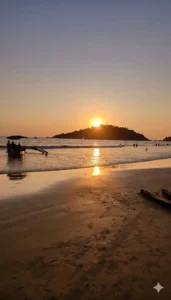
"Convert the provided source image into a realistic aerial drone shot. The original subject, lighting, colors, and textures must remain consistent and unchanged. Expand the visible area by slightly increasing the field of view, seamlessly adding natural surroundings (e.g., matching terrain, foliage, or environment) that logically extend the existing scene. The resulting image must maintain a high degree of photorealism with no unrealistic or fantasy elements."
How to Create Normal Photo To Drone Style Shot Using Google Gemini?
As you know, first you need to convert your normal photo to drone style Short and to do that, you need to follow the steps given below.
- Copy and paste the prompt from the above on the Google Gemini web or app.
- Then, click on the plus button to upload your normal photo.
- Click on Run and wait for the Drone Style Shot to generate.
- After some time, your drone’s short image will be ready.
- Now save the image.
Learn More: Best Gemini AI Retro Couple Photo Prompt With Real Face
How to Make AI Drone Video Using Flow AI?
Before processing with an AI drone video, you need to make sure that the Google Gemini AI-generated image is proper and of good quality. Otherwise, you need to edit that image and enhance the colour quality. You can also generate multiple images for a perfect short with the same prompt because sometimes Gemini can make mistakes. After your drone-style image is ready, you can follow the steps given below to generate an AI Drone Video.
- On Google, search for “Flow AI” in any web browser.
- Now open the Flow AI website.
- Click on the “Create a Flow” option. Then sign up and log in using your Gmail ID.
- Now, click on New Project and select the “Frames to Video” option.
- Click on the plus option, then click on upload, and upload the Drone Style photo, which has already been created by Gemini.
- Paste the prompt into the text message prompt section and click the send button.
- Now, wait for generating drone short video.
- Click on the download icon to save the generated Drone Short Video.
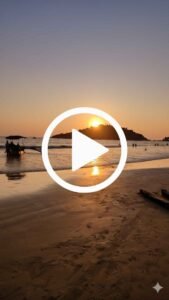
Animate this image as a smooth, realistic drone shoot
Learn More: Google Gemini Notebook Drawing Ai Photo Editing Prompts
Conclusion
In this way, you can easily create a drone-style photo using Gemini and turn that image into a drone short video using Flow AI. Give it a try, share it, and see your profile go viral. I hope this article will help you to create drone-style videos without owning a drone or learning complex video editing skills. If you have any issues, then let me know in the comment section below.