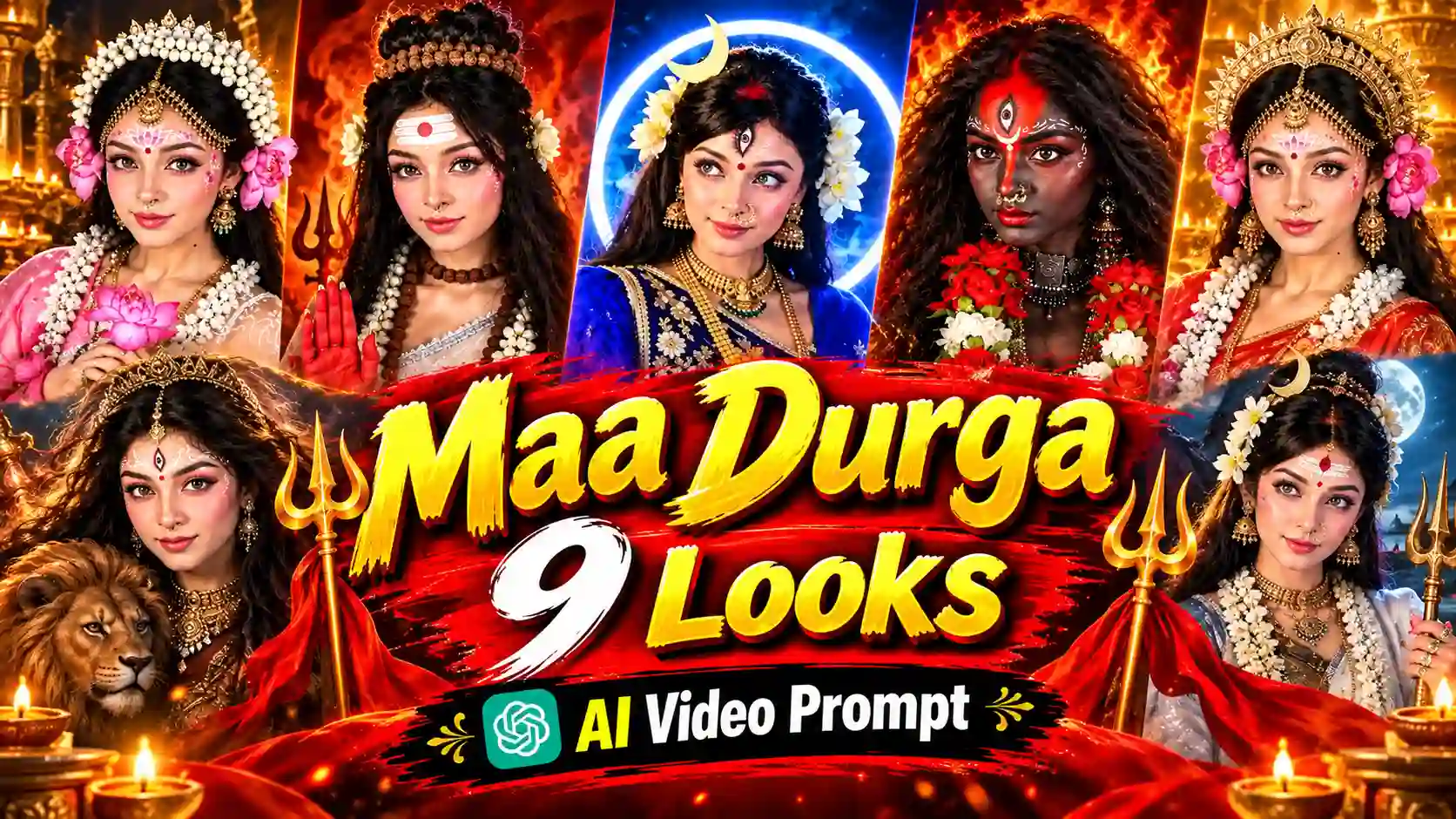
Do you want to create a viral Maa Durga 9 Looks AI video for Navratri 2026? You can now transform your photos into stunning goddess-inspired looks using AI photo editing prompt. Then generate videos of respective photo using AI video editing prompt. These AI generated videos feature beautiful sarees, traditional jewellery, divine crowns, glowing backgrounds, and cinematic transitions.
Moreover, you don’t need professional animation or editing skills to create these devotional videos. You can create your own Navratri AI video in a few simple steps with the help of ChatGPT, Gemini, Google Flow, and VN or CapCut. Here, I use Google Gemini or ChatGPT for creating Maa Durga 9 Looks AI photos. Google Flow help to generate AI animated videos of all forms. You can edit and combine all AI generated video using any video editing app or software like VN or CapCut or Edits.
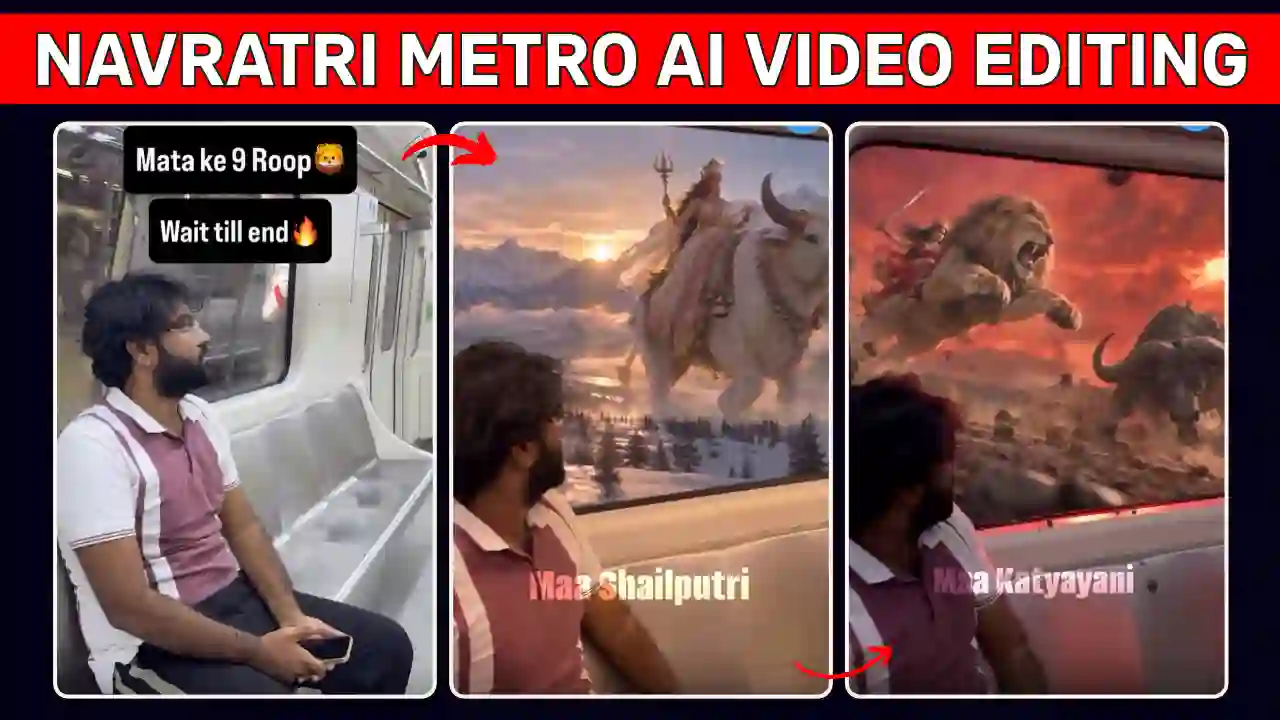
In this article, you’ll you will learn how to edit, all Maa Durga 9 Looks AI photo Prompts along with a video editing prompt. You can follow our step by step tutorial to make a beautiful Instagram Reel or YouTube Short for this Navratri. You can also try out Navratri Metro Nine Forms AI Video Editing Prompt.
What Is the Maa Durga 9 Looks AI Video Trend?
The Maa Durga 9 Looks AI video trend showcases nine divine looks inspired by Navdurga, the nine forms of Goddess Durga worshipped during Navratri.
First, the video introduces the creator on camera. Then, the creator transforms into different goddess-inspired appearances using AI-generated animated videos. Maa Durga 9 Looks created in such a way each looks features unique clothing, jewellery, makeup, and backgrounds. The video more attractive due to glowing effects, floating flower petals, and smooth transitions.
Navratri 9 Roop Ai Video trend works well for Instagram Reels, YouTube Shorts, and Facebook Reels. However, the final quality depends on your reference uploaded photo, AI tool used for photo & video generation, readymade prompt, and editing choices. You can also try our Navratri Dandiya Nails Transformation AI Video Editing Prompt.
What Do You Need to Create a Navratri AI Video?
You only need a few basic tools and resources.
- ChatGPT or Gemini: Generate Maa Durga-inspired AI portraits.
- Google Flow: Animate your images into short video clips.
- VN or CapCut: Combine clips, add music, and create transitions.
- A clear photograph: Use a well-lit image with visible facial features.
- A video prompt: Guide the AI animation and preserve your original composition.
Now, let’s create all nine looks step by step. You can also explore Trending Outfit Change Fan Transition AI Video prompt.
Maa Durga 9 Looks AI Photo Prompts 2026
To create Maa Durga 9 Looks AI Photo Open ChatGPT or Gemini and upload your clear reference photograph. Then, copy a prompt below one by one and generate the corresponding Maa Durga photo from Maa Shailputri to Maa Mahagauri. For consistent results, use the same reference photo for every look. Also, request natural skin texture and recognizable facial features.
1. Maa Shailputri AI Photo Prompt
✨ AI Prompt
2. Maa Brahmacharini AI Photo Prompt
✨ AI Prompt
3. Maa Chandraghanta AI Photo Prompt
✨ AI Prompt
4. Maa Kushmanda AI Photo Prompt
✨ AI Prompt
5. Maa Skandamata AI Photo Prompt
✨ AI Prompt
6. Maa Katyayani AI Photo Prompt
✨ AI Prompt
7. Maa Kaalratri AI Photo Prompt
✨ AI Prompt
8. Maa Mahagauri AI Photo Prompt
✨ AI Prompt
9. Maa Siddhidatri AI Photo Prompt
✨ AI Prompt
Maa Durga AI Video Animation Prompt 2026
After generating all nine Maa Durga AI photo, open Google Flow and choose an image-to-video option if available. Upload your first portrait and use this prompt.
✨ AI Prompt
Repeat this process for the remaining eight portraits. Finally, save the clips and check each one for visual errors.
Explore our Trending Flying Fairy AI Video Editing Prompt.
How to Edit the Maa Durga 9 Looks AI Video
Once your clips are ready, follow these editing steps.
Step 1: Import Your Clips into VN or CapCut
Open your preferred editing app and create a new project. Import all nine clips in the correct Navdurga sequence.
Step 2: Add an Introduction
Start with a short introduction to capture viewers’ attention. For example, use the text: “Can You Recognize All 9 Forms of Maa Durga?”
Step 3: Apply Smooth Transitions
Add simple transitions between the goddess-inspired looks. Match the transitions to the rhythm of your selected music.
Step 4: Add Navratri Music
Choose suitable devotional music or another track you have permission to use. Adjust the clip timing to match important beats.
Step 5: Improve the Final Video
Use subtle glow effects, colour adjustments, and text overlays where needed. However, avoid excessive effects that distract from the portraits.
Step 6: Export Your Reel
Choose a vertical 9:16 format for Instagram Reels and YouTube Shorts. Export at 1080p when available, then watch the complete video before publishing.
Final Thoughts
The Viral Maa Durga 9 Looks AI Video Prompt 2026 makes it easier to create 9 forms of Durga Maa or so called “9 days 9 roop” for Navratri. ChatGPT or Gemini help to generate nine different portraits, which you may called 9 roop using simple text prompts.
Using Google Flow & above video prompt create all 9 forms of Durga Mata AI video and then combine all the AI generated video in VN or CapCut or Edits. You can add a devotion music which match the Navratri vibes to make it more attractive. I hope that the above tutorial help to make such a wonderful devotional video with spending a lots of time on animation. If this help then leave a beautiful comment and stay tune for more. You can also explore Zombie Apocalypse AI Video Editing Prompt.