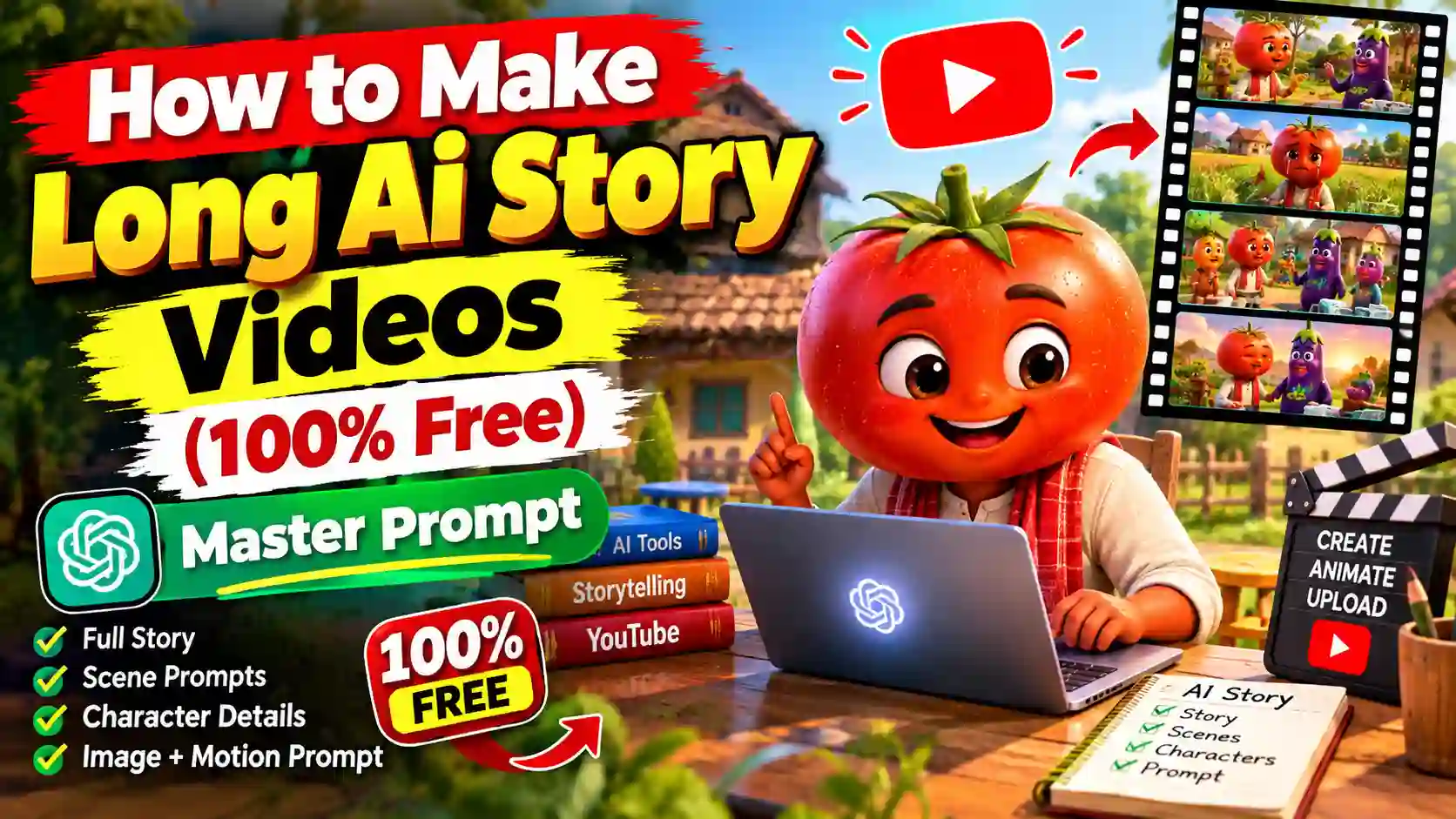
Do you know, how to create long AI story videos? In various social media platform specially on YouTube AI story videos are going popular. You can now make a good quality story video without having a professional animation or editing skills. Many people want to create such story video but without proper guidance, you cannot create character & visual consistence long video with AI as well. To make a character consistence and high quality AI video, you need to have a right master prompt and proper guidance. AI video editing is very easy but without proper knowledge, you cannot create proper long AI story video.
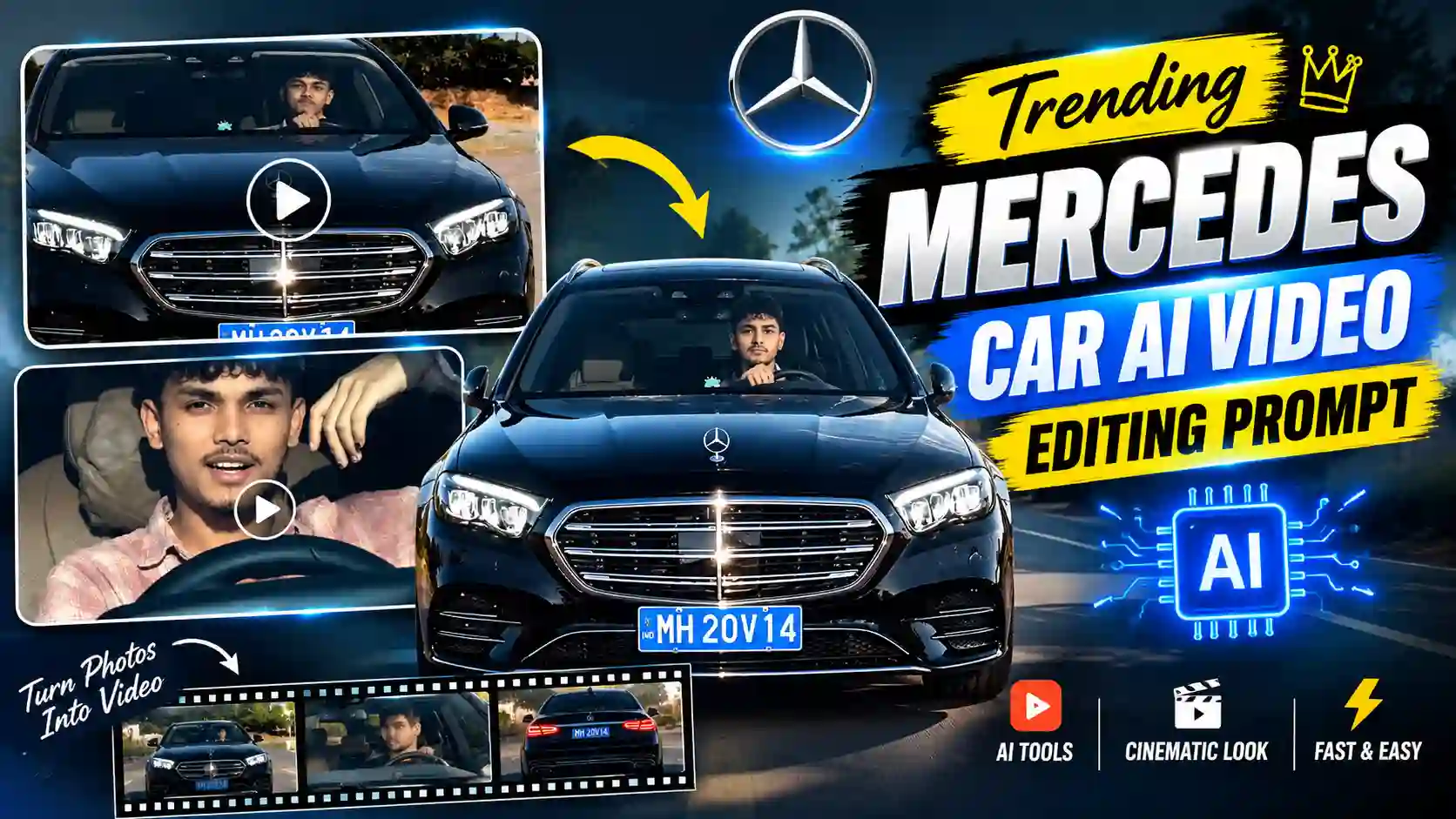
In this post, you will learn how to create long AI video with character consistence and effortlessly. You can also explore our Trending Mercedes Car AI Video Editing Prompt.
How to Create Long AI Story Videos: Step-by-Step Guide
You might have know multiple AI video editing tools. But, if you use free version, most of them are not able to create more than 10sec video. While you make more than 10sec video, you need to create multiple scene of 10sec each and add all the scene to make long AI video. Here, you might have facing a character constancy issue. This issue will not occur if you follow the given below steps to create your long AI story video.
Step 1. Copy the master prompt from the below.
Step 2. Open ChatGPT and paste the master prompt on the prompt box and send it to generate the story title.
Step 3. Now, copy & paste the story title if you like any one of them or to generate more story you just need to type more and choose any story you like the most. Now, tell the time duration of the story.
Step 4. Then, it will give you multiple scene like SCENE 1, SCENE 2, SCENE 3 and so on with each 10sec clip. Each scene you get along with image prompt and dialogue.
Step 5: Now, open Google Gemini and paste image prompt one by one and create the all images for the story. Here, I use Gemini because it create character consistence images as per the result I got.
Step 6: To create video, you can use any video generator tools but I prefer Google Vids this time, because it give me very consistence character and take less time. Follow the given below steps for complete video editing process using Google Vids.
1. Open Google Vids. You just need to signup & login. Here, you need to choose “Create AI videos” option.
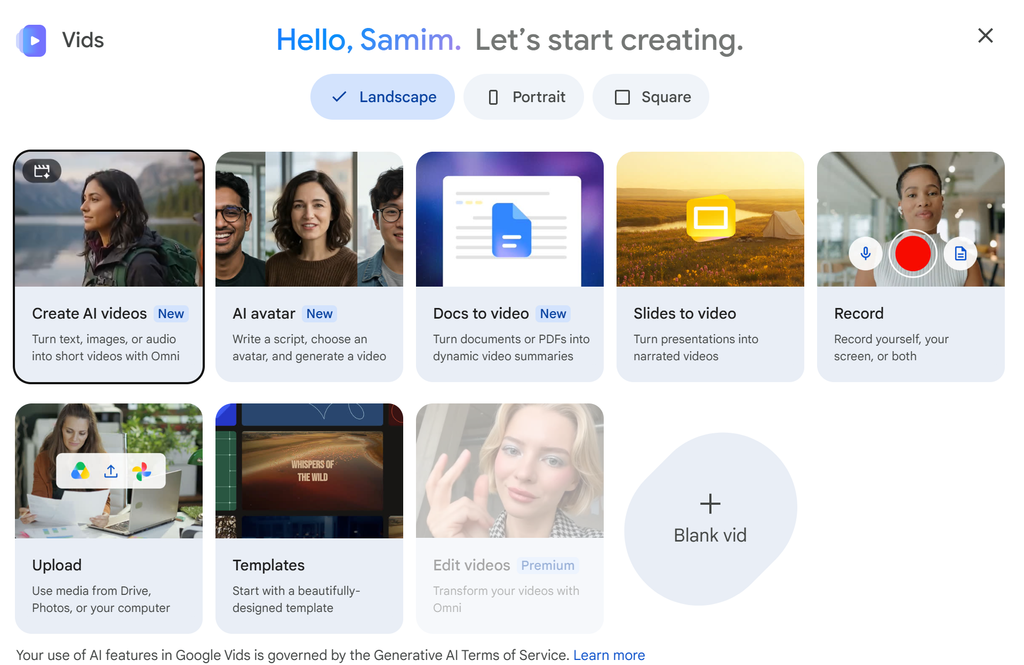
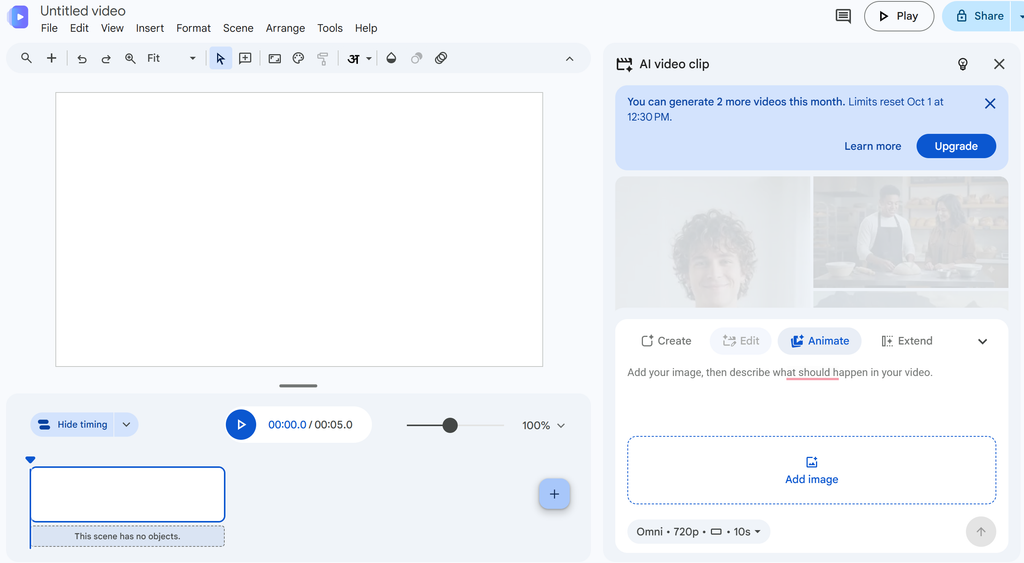
2. Then, you need to click on the “Animate” as you can see on the given below screenshot.
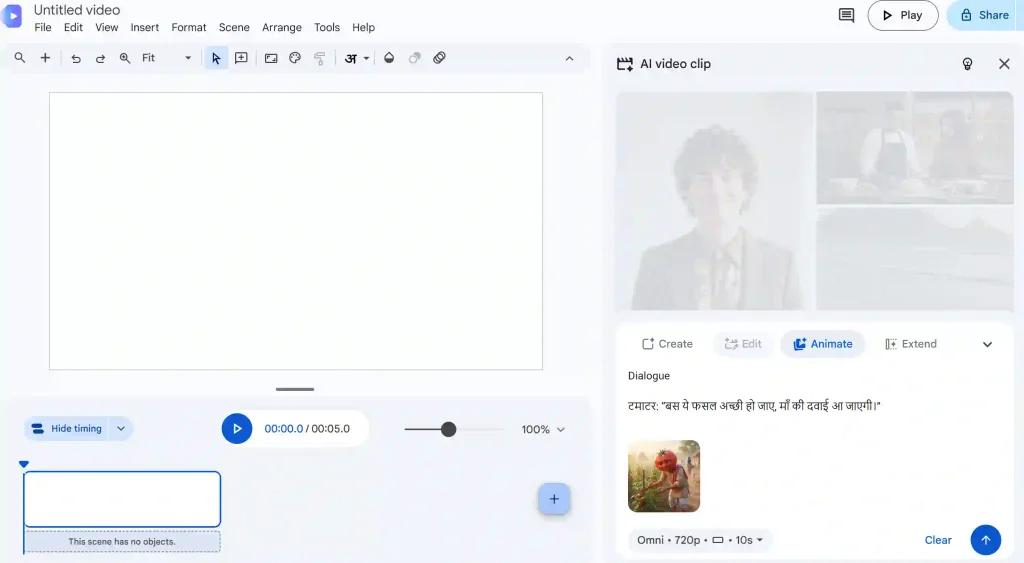
3. Upload the first image generated through Gemini for SCENE 1 and also paste respective dialogue from ChatGPT.
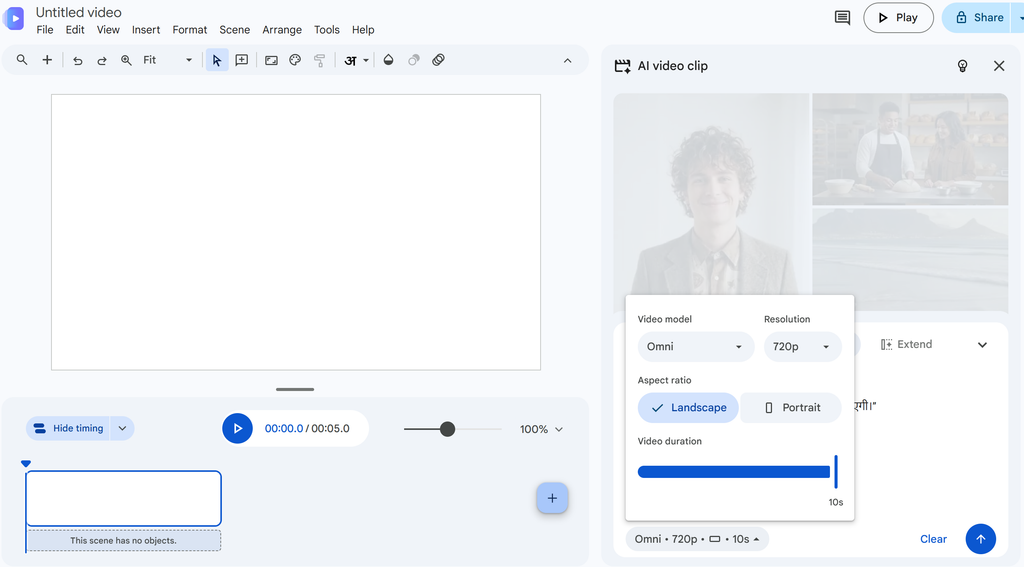
4. Choose Video Generation model Omni flash because it work best on the present time. Now, choose aspect ratio 16:9 ratio as we create long AI video and time duration 10sec because we need each clips of 10sec. Then, click on send to generate the video.
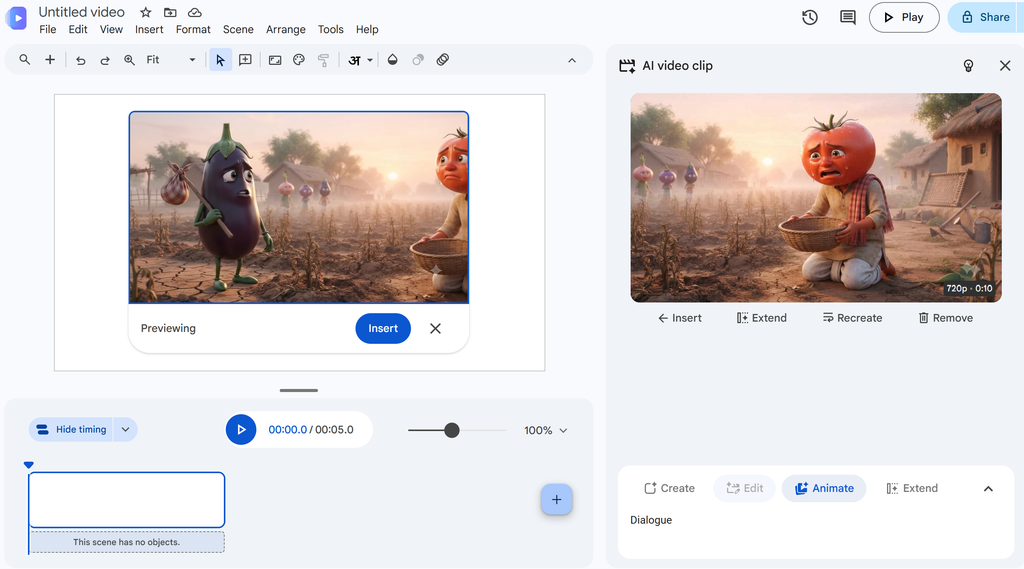
5. After few second your video will be ready. Now click on the video, choose Insert and save the video.
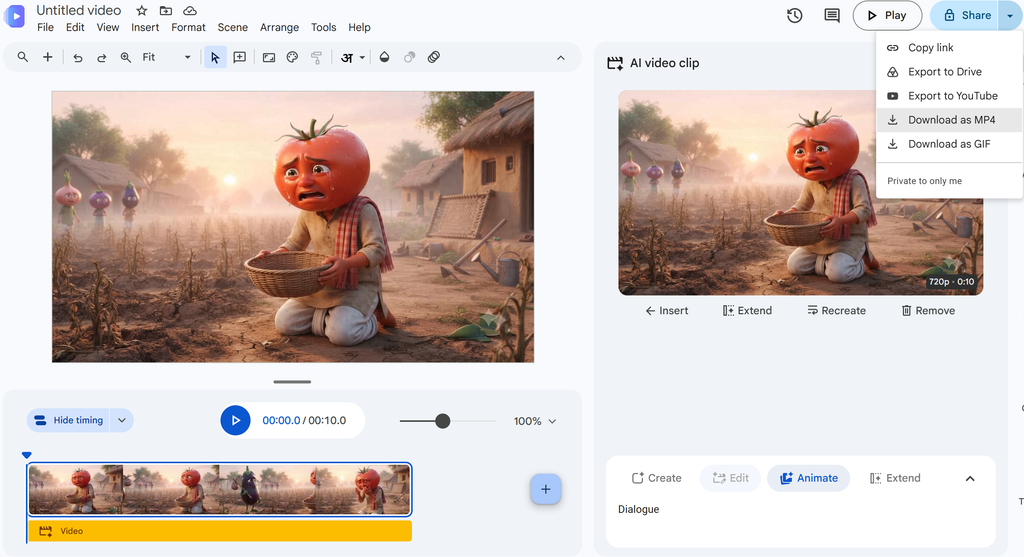
You can also explore create Viral Maa Parvati AI Video.
Long Ai Story Videos (100% Free Master Prompt)
Master prompt is very much useful, if you want to create a long AI video. It is written in details and if you use given below master prompt then you don’t need to have any story. With the ChatGPT and master prompt you can generate story as well. Image prompt to dialoged all you get with this master prompt and ChatGPT effortlessly. Here, I have share a freely available master prompt, which you can try to generate your long form videos. However, you can add any character & modify as per your requirements.
✨Vegetable & Fruits Master Prompt
Long Ai Story Videos: FAQs
How to make full length AI videos for free?
You can use ChatGP, Gemini & Google Vids for creating a long video for free with truly free tiers or free trial credits, but a completely unlimited, 100% free commercial tool without restrictions is rare.
Can I monetize long AI video on YouTube?
Yes, you can monetize long AI-generated videos on YouTube, but only if they provide original editorial value and avoid low-effort automation.
Conclusion
Many creators want to create long AI video but they might have struggle to create perfect and consistence long form video. I have share the easiest way possible to create long AI story video but if you have unique story then you can personalizes it to make more unique content. I hope this will help you to create you long AI video with character consistence. If you really think this post helpful to you then leave a beautiful comment. Apnotak.com always try to introduce you with the latest trending prompts and new AI trends, so stay tuned for the latest updates.