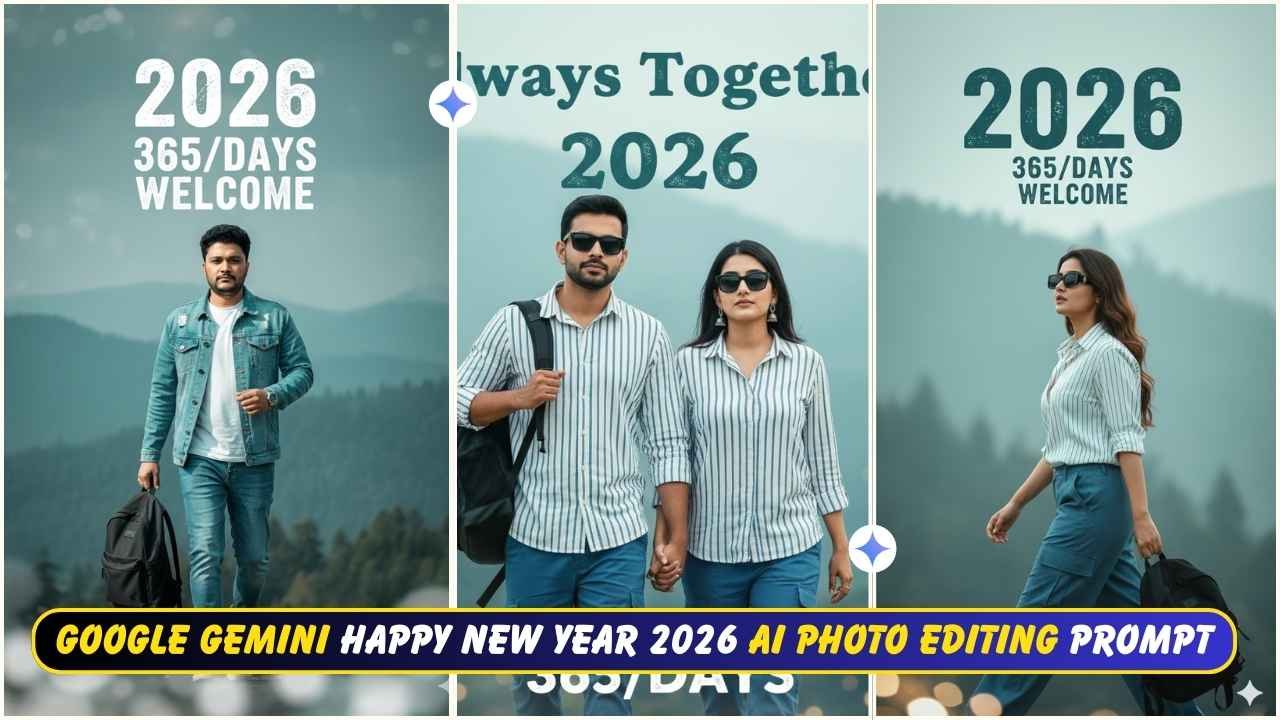
Google Gemini Happy New Year 2026 Ai Photo Editing Prompt- The New Year 2026 is just around the corner. Everyone is looking for creative ways to celebrate the New Year. Happy New Year, AI photos created using Google Gemini are going viral on social media platforms like Instagram and Facebook. I observed that a variety of photos have already been shared all over various social media platforms. Most of the images were created with multiple styles, party backgrounds, fireworks, night views of modern cities, and mountain views. Mountain view cinematic photos the text “2026” in large, along with Happy New Year quotes, are commonly shared.
In this article, I am going to explain everything with a very simple step-by-step process to create such a Happy New Year 2026 Ai Photo. You just need to read the article till the end.
Google Gemini Happy New Year 2026 Ai Photo Editing Prompt
To create a clear and cinematic photo, you need to have clear prompts. Here you get stunning, personalised New Year photo editing prompts for boys, girls, and couples. In this type of photo a boys or girls wear jackets, winter outfits and travel vibes. Also, for a couple, romantic walking shots and hand-holding moments photo is circulated.
Happy New Year 2026 Ai Photo Editing Prompt
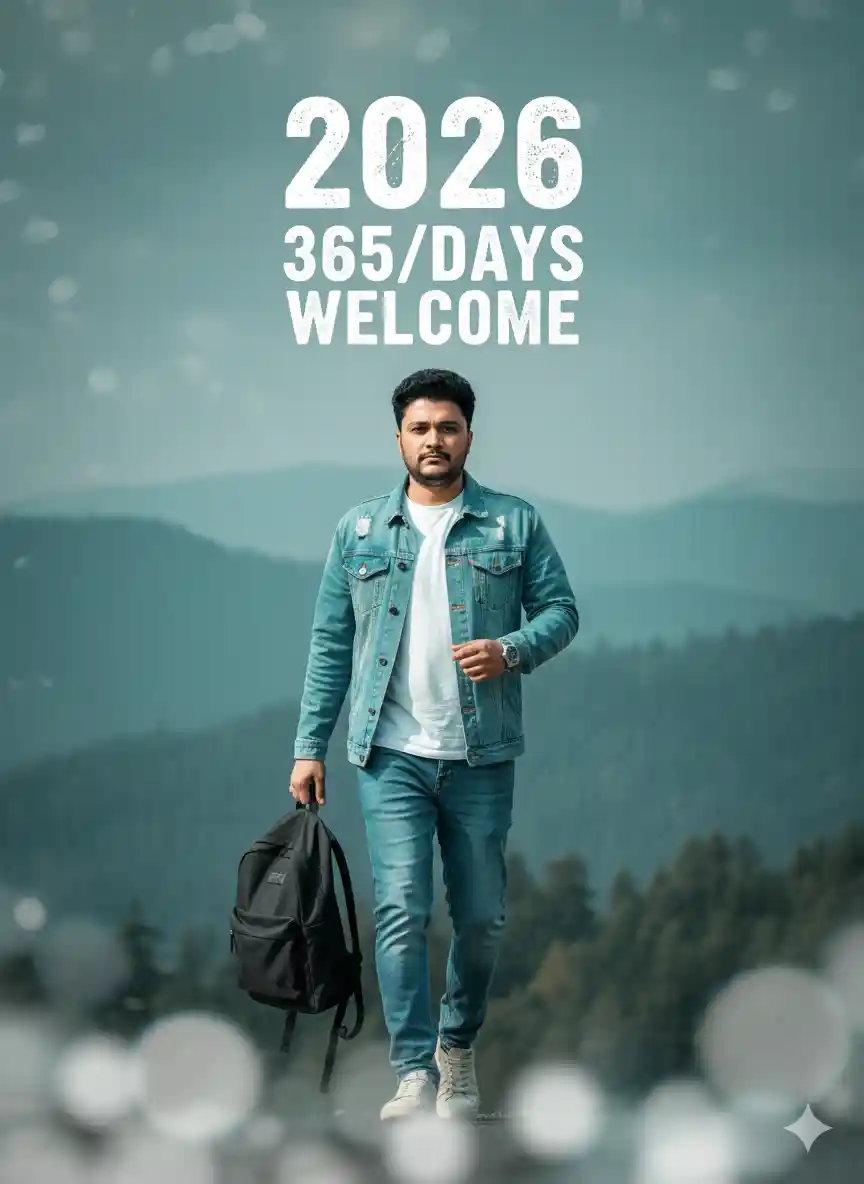
“Ultra-realistic 8K New Year portrait featuring the same boy from the reference image, walking confidently toward the camera. He is dressed in a stylish cyan denim jacket, white T-shirt, blue pants, a watch on one wrist, and visible jeans and shoes. He holds a black backpack in his left hand.

Create a soft, blurred foreground with perfect natural lighting, giving a cinematic depth-of-field effect.

The background shows a hazy landscape of teal-green mountains and trees, under a teal-blue-gray sky.

Include bold distressed text elements: ‘2026’ above his forehead, and ‘365/DAYS’ plus ‘WELCOME’ below it.

Maintain hyper-detailed textures, realistic skin tones, and a non-cartoon, photographic style.”
Learn More: 10+ Trending Gemini photo editing prompts for boys (100% Real Face)
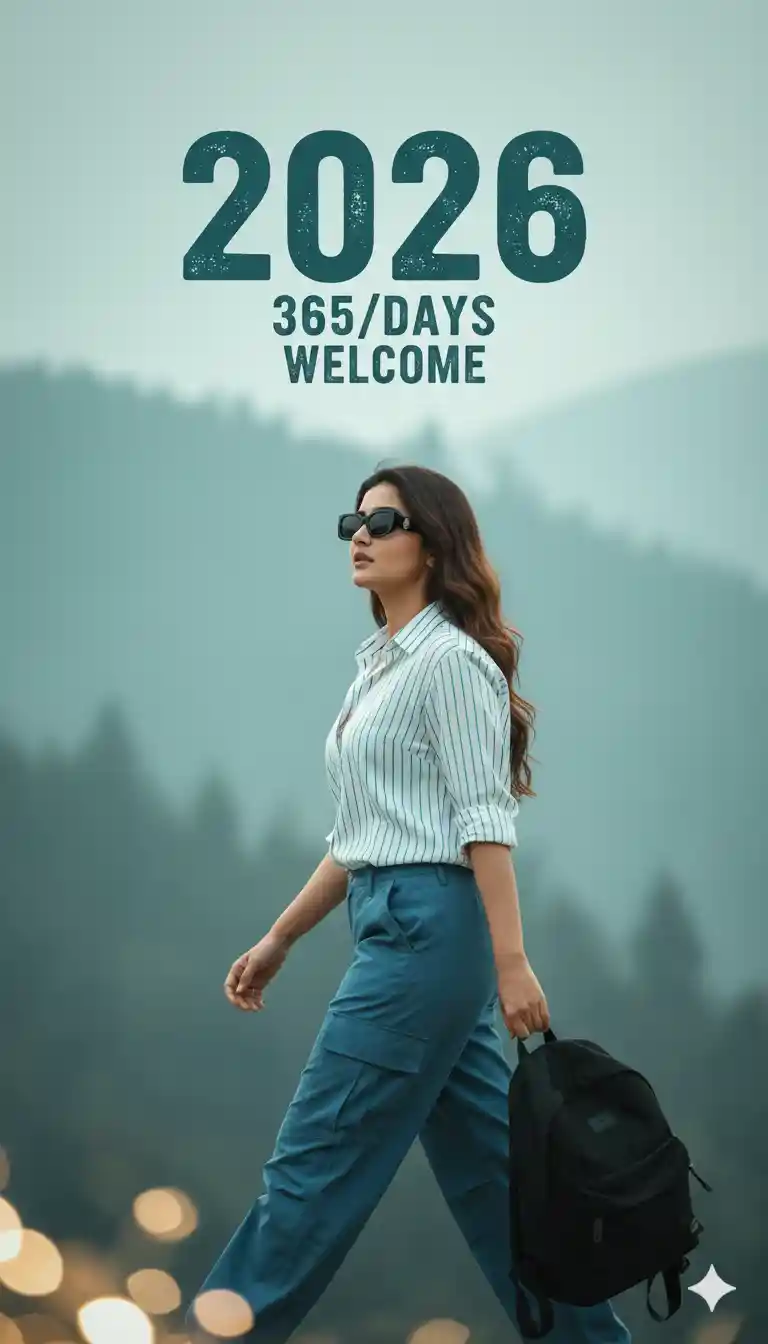
“Ultra-realistic 8K cinematic photograph of a young Indian woman walking confidently from left to right across a softly blurred foreground. She wears stylish sunglasses, a white-and-blue striped button-down shirt, and blue cargo pants, carrying a black backpack in her left hand.

The background features an ethereal misty landscape with muted teal-blue and light gray tones, creating a calm New Year atmosphere.

Use cinematic natural lighting, detailed textures, soft haze, and a clean depth-of-field effect for a photorealistic look.

Add New Year overlay text in a bold, slightly distressed teal font: “2026” as the main title, with smaller text beneath reading “365/DAYS” and “WELCOME”.

Style: crisp, highly detailed, modern, non-cartoon, cinematic realism.”
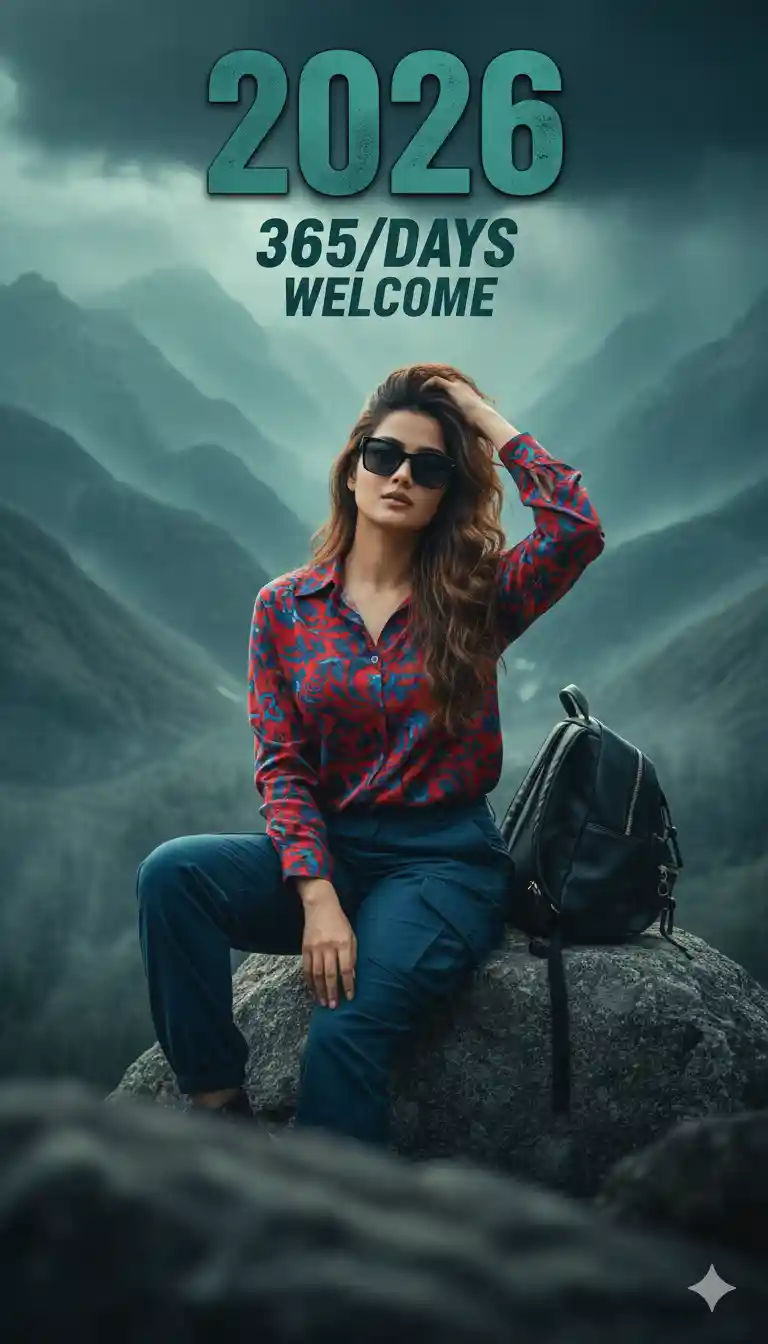
“Ultra-realistic 8K New Year portrait featuring the same face as the reference image, styled in a bold, dramatic cinematic tone. The subject sits confidently on a large stone, wearing black sunglasses, a red-and-blue shirt, and blue pants, with the left hand running through the hair. A black backpack rests beside the stone.

The scene has a moody, soft-blurred foreground with deep contrast.

Behind the subject, create a dramatic mist-filled landscape with swirling layers of muted teal, deep blue, and stormy gray, giving an ethereal, powerful atmosphere.

Lighting is cinematic and intense, with soft directional highlights and subtle shadow falloff that enhances depth and emotion.

Add large, bold, slightly distressed teal text “2026” above, with smaller dramatic text below: “365/DAYS” and “WELCOME”.

Style: high contrast, atmospheric haze, emotional, hyper-detailed, with a perfect face match and non-cartoon realism.”
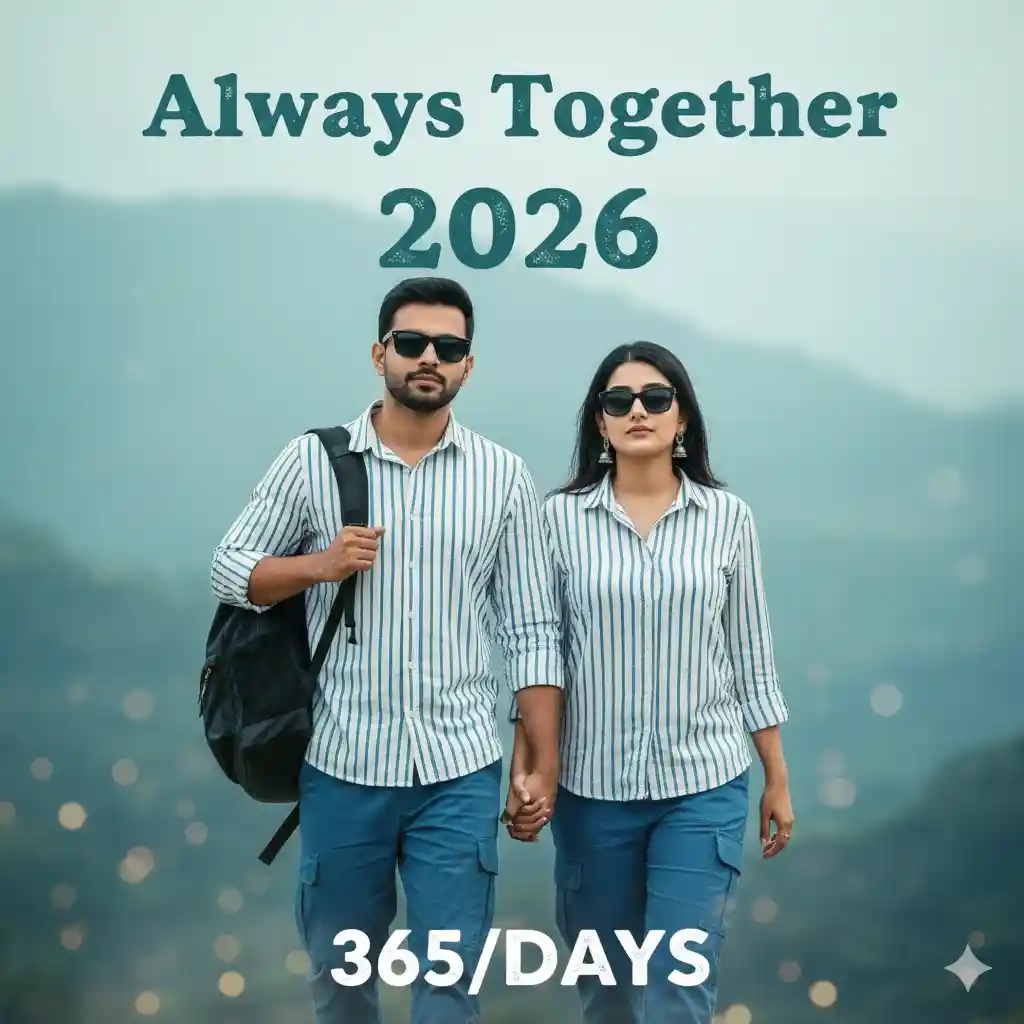
“Ultra-realistic 8K New Year portrait featuring two people (a girl and a boy) with the exact same faces as the reference photo. Both are walking confidently toward the camera from a slight left-side angle.
They are wearing matching white–blue button shirts, blue cargo pants, and sunglasses. The boy carries a black backpack in his left hand.

Create a soft blurred foreground for depth and a hazy cinematic background with tones of teal, blue, and light gray, giving the scene an atmospheric New Year mood.
Use soft natural lighting, realistic skin texture, and highly detailed, non-cartoon photorealism.

Include stylized distressed teal text overlays:
– At the top: “Always Together”
– Above the subjects: “2026”
– Below: “365/DAYS”

Overall style: cinematic, emotional, perfectly detailed, 8K clarity, natural and realistic look.”
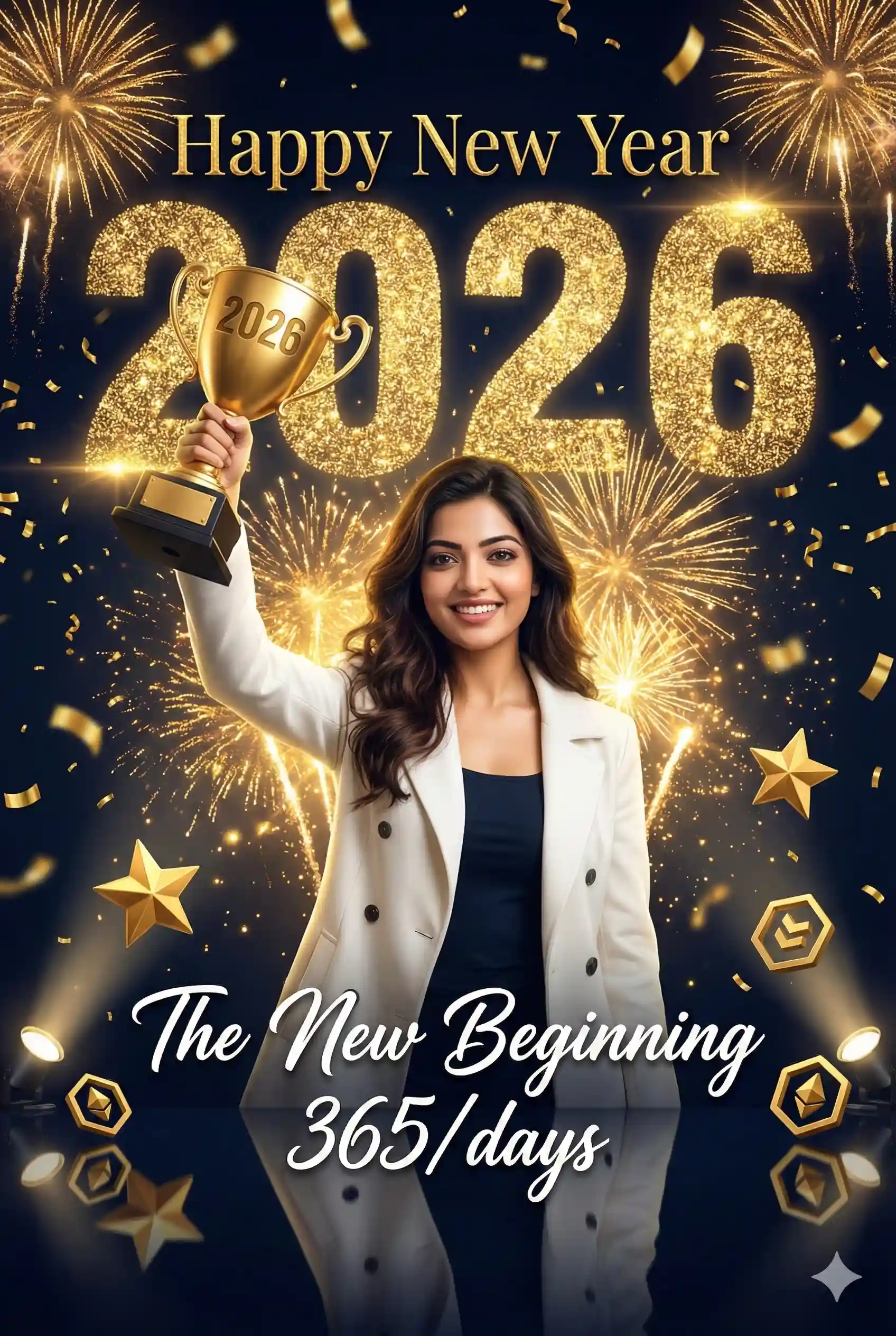
"Create an ultra-realistic 8K Closeup cinematic joyful celebration poster that perfectly replicates the exact style, dark navy-blue color palette, high-contrast lighting, and design of an Instagram milestone banner. The central subject is a confident, well-dressed young woman standing in the center, wearing a stylish, open-buttoned white coat over a dark top, holding a golden trophy high in her right hand. Her powerful pose and expression must align with a modern success celebration. The background is a dark, rich navy-blue (with a deep blue to black gradient) filled entirely with a dazzling array of golden fireworks, thick shimmering golden confetti, floating spark particles, and intense golden glowing effects, utilizing premium gold color tones. Behind the woman, create a huge, massive sparkling golden text made of intensely glowing light particles that reads: '2026'. Above this main text, add bright, elegant golden festive text: 'Happy New Year'. Below it, add crisp white script text: 'The New Beginning 365/days'. The number '2026' must also be clearly visible and inscribed on the golden trophy. The scene should feature cinematic high-contrast lighting with strong vertical spotlights reflecting clearly on the glossy floor, along with floating geometric gold icons (like 3D stars or cubes) on the ground, maintaining a dramatic, celebratory atmosphere and extreme attention to detail. All text mustly write on background. the young women's face matches the uploaded reference image."
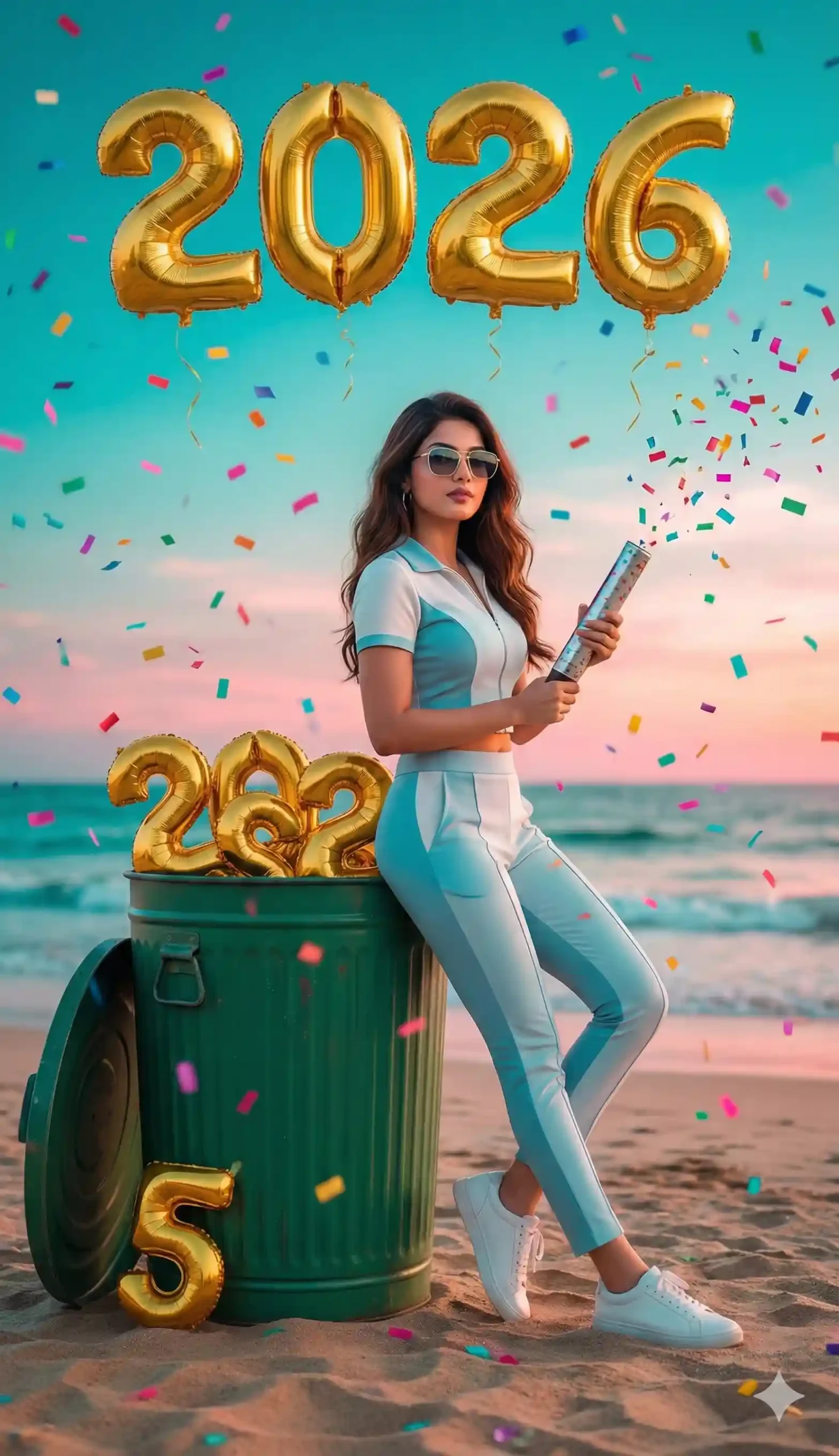
"Ultra-realistic, highly stylized portrait of a young stylish woman standing on a beach at sunset, leaning casually against a green dustbin. Gold foil balloon numbers '2026' floating above his head in the sky. Inside the open dustbin, gold balloon numbers '202' placed as if thrown away, and a single golden balloon number '5' lying near the bottom edge. Colorful confetti falling in the air, festive celebration vibe. The woman is wearing fashionable sunglasses, modern hairstyle, light blue and white outfit, slim-fit pants, and sneakers. She holds a silver confetti cannon in one hand. Soft glowing light, teal and pink sky gradient, shallow depth of field, smooth shadows, cinematic editing, highly detailed 8K ultra-realistic photo, Instagram-style digital art look. the young women's face matches the uploaded reference image."
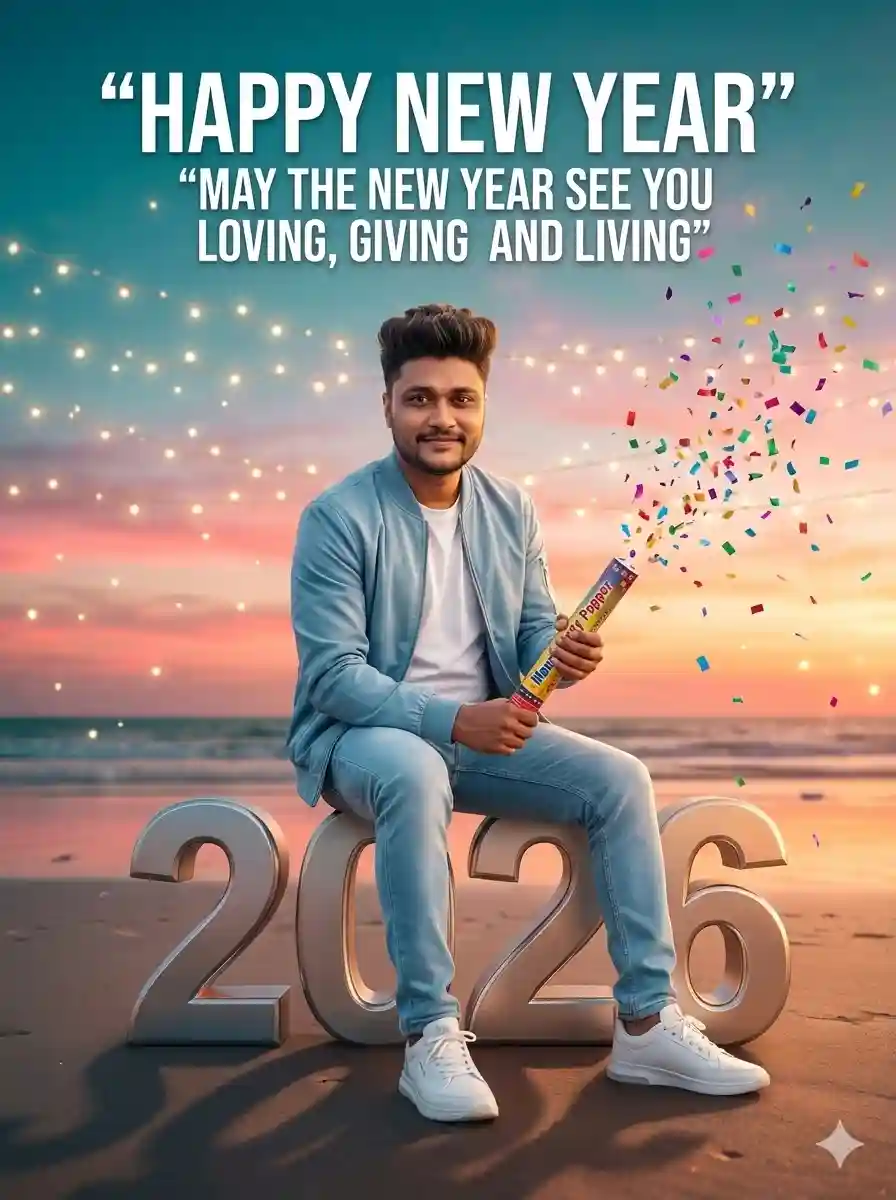
Ultra-realistic 8K portrait of a stylish young man, sitting confidently and posing on large 3D ‘2026’ text. He is sitting upright and smiling slightly at the camera. Background: Sunset on a beach, teal-pink sky gradient, soft twinkling lights. In the sky above, bold text: “Happy New Year” and just below: “MAY THE NEW YEAR SEE YOU LOVING, GIVING AND LIVING”. He is wearing a trendy light blue and white outfit, modern hairstyle, a slight smile and sneakers. A smattering of colorful confetti is slowly falling, cinematic shadows, shallow depth of field, Instagram-style digital art. Use the same face as a reference. He is holding a Manrav Party Popper.
Why Use Google Gemini for New Year Photo Editing?
Google Gemini is an advanced AI system that allows users to edit and generate images using simple text prompts. Its ability to understand context and maintain facial features makes it perfect for creating realistic, festive portraits. It is a very useful tool and it maintains facial features properly.
How To Create a Trending Google Gemini Happy New Year 2026 Ai Photo?
If you want to create a trending Happy New Year 2026 photo, then copy any prompt from the above. Then, follow the steps given below.
Step 1: Go to the Google Gemini App or the web.
Step 2: Now, log in to Google Gemini and paste the copied prompt in the text prompt section.
Step 3: After that, click on Create image with the banana icon to choose the Nano banana model.
Step 4: Then upload your photo.
Step 5: Finally, click on the Run button to generate the Happy New Year 2026 Photo. After some time, your photo will be ready.
Step 6: Then, you can save the photo and share it on your social media account to enjoy the trend.
Learn More: Gemini Retro Style Ai Photo Editing
Conclusion
In this way, you can create this type of photo very easily by using the above-given Google Gemini Happy New Year 2026 AI Photo Editing Prompt. I hope that this article helps you very much to create such a unique Happy New Year 2026 photo. If you like this, then let me know in the comments section below. I already shared multiple photo editing prompts on this website, and by using those, you can create various types of AI photos at your own by just a single click. If you need a prompt for any other type of photo editing, then also let me know in the comments section. I will cover the same in the next article as soon as possible.