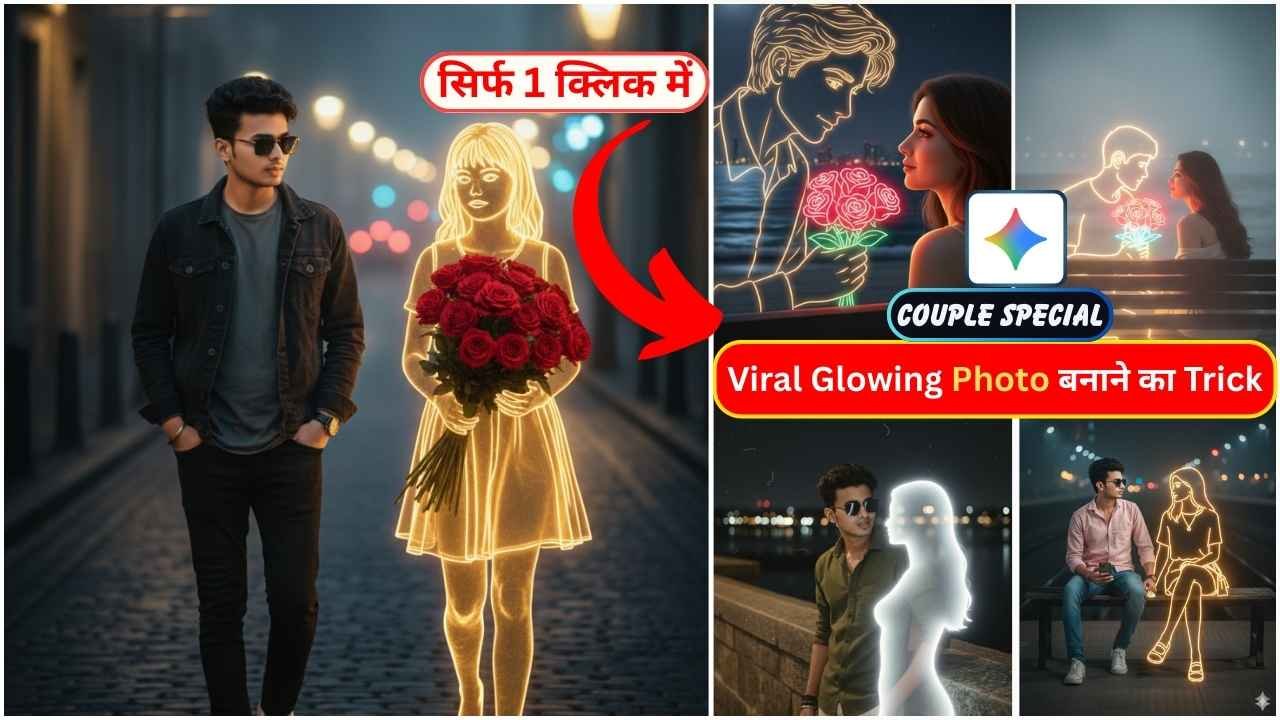
Gemini Glowing Drawing Couple AI Photo Editing is now going viral across social media. It is now trending on Instagram. Many people upload neon glowing drawings couple AI photos of this type on social media. They love to create such viral, glowing drawings and post them on their Instagram profiles. This is a unique type of photo editing, which you must like as well, and that is why you read this post. So, if you think of making such a Glowing Drawing Couple AI Photo, then you are in the right place.
In this article, I am going to explain everything with a very simple step-by-step process to create such a Glowing Drawing Couple Photo. You just need to read the article till the end.
Learn More: Gemini Wall Painting AI Photo Editing Prompts
Gemini Glowing Drawing Couple AI Photo Editing Prompts
Some people create such a photo of a girl like this, and some people make a photo of a boy like this. Many couples like to create such a neon glow photo. When a girl creates such a photo where the boy is seen as a neon glow light, and when a boy creates such a photo, the girl is seen as a neon glow light. In this type of photo, a boy or girl is sitting, and next to them, there is a boy or girl drawing made with a neon effect. He is also standing or sitting near them. You can edit such of Couple AI Photo by using the given Gemini Glowing Drawing Couple AI Photo Editing Prompts.
Neon-Girl & Real-Boy Prompt
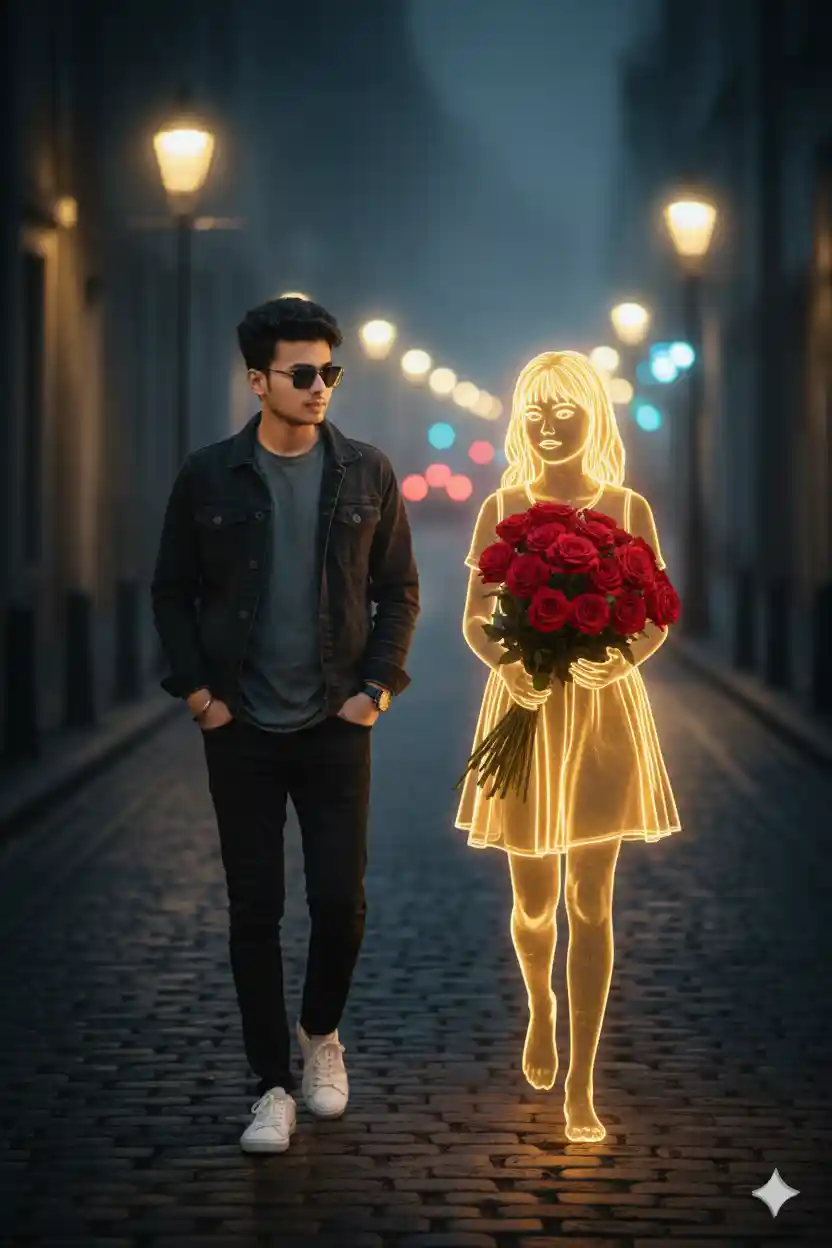
“On a quiet night street, a young man with 100% accurate face walks alone under faint streetlights, wearing dark clothes and white sneakers. Beside him appears a glowing golden neon-style girl holding a bouquet of bright red roses. Her lines shine softly like warm electricity. The background shows blurry city lights and light fog, creating a melancholic, dreamy atmosphere.”
Learn More: 10+ Trending Gemini photo editing prompts for boys (100% Real Face)
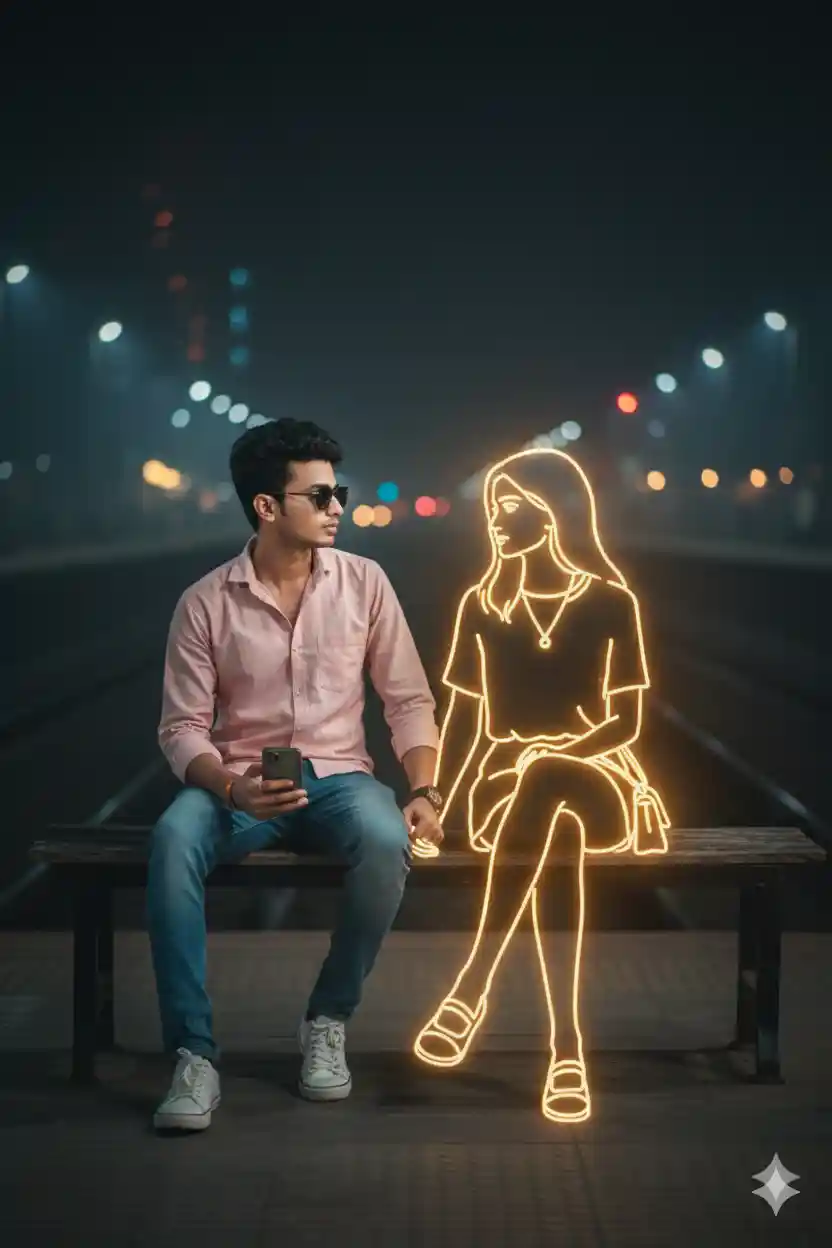
Realistic style, me and neon girl sit on bench in Indian Railway station, wearing light pink shirt and Jean’s pant and white sneakers, me holding a phone. appears a Golden glowing, neon-style illustration of a girl holding purse. The neon girl emits a soft golden light, contrasting against the dark, blurry background of city lights in the distance. The atmosphere feels calm, melancholic, and slightly surreal, blending reality and imagination. 100% accurate my face, looking each other eyes, we both hold each other hand.
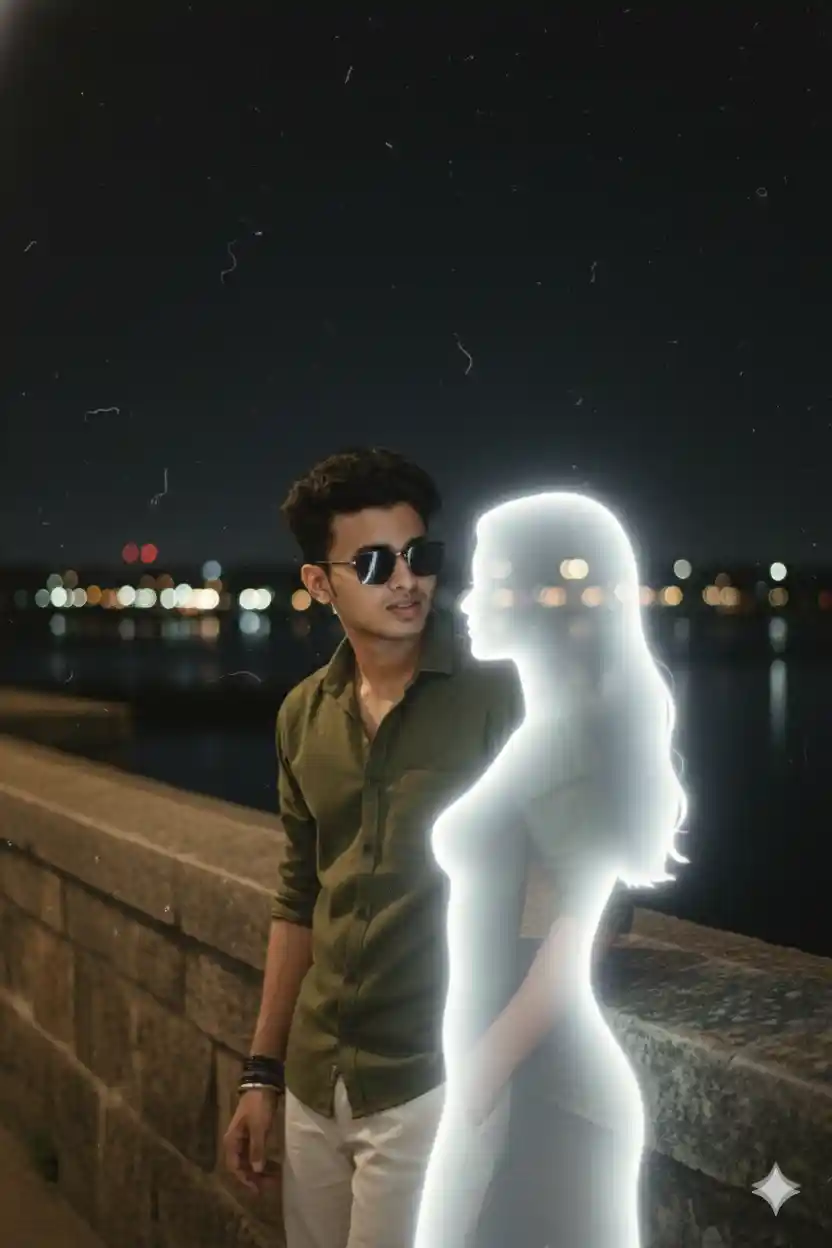
Retro cinematic photograph of a young man (uploaded image) standing on a bridge at night, facing and softly talking to showcasing a stark contrast between presence and absence. The girl has a delicate feminine silhouette made of soft white light with smooth edges, appearing like a memory or dream. Both stand close, slightly leaning toward each other in conversation. The camera captures a medium side shot showing their profiles from the waist up, with blurred city lights behind them. The image should have a nostalgic retro film look-slightly faded colors, soft focus, mild grain, and natural lighting. The glow from the girl should illuminate the man's face subtly, with realistic shadows and highlights. The overall tone should be calm, emotional, and cinematic, resembling an old film still rather than a digital render. Add film texture, lens softness, and analog photo imperfections for authenticity.". "upload_image": "your_image_hora", "style": "retro cinematic realism, soft emotional
Neon-Boy & Real-Girl Prompt
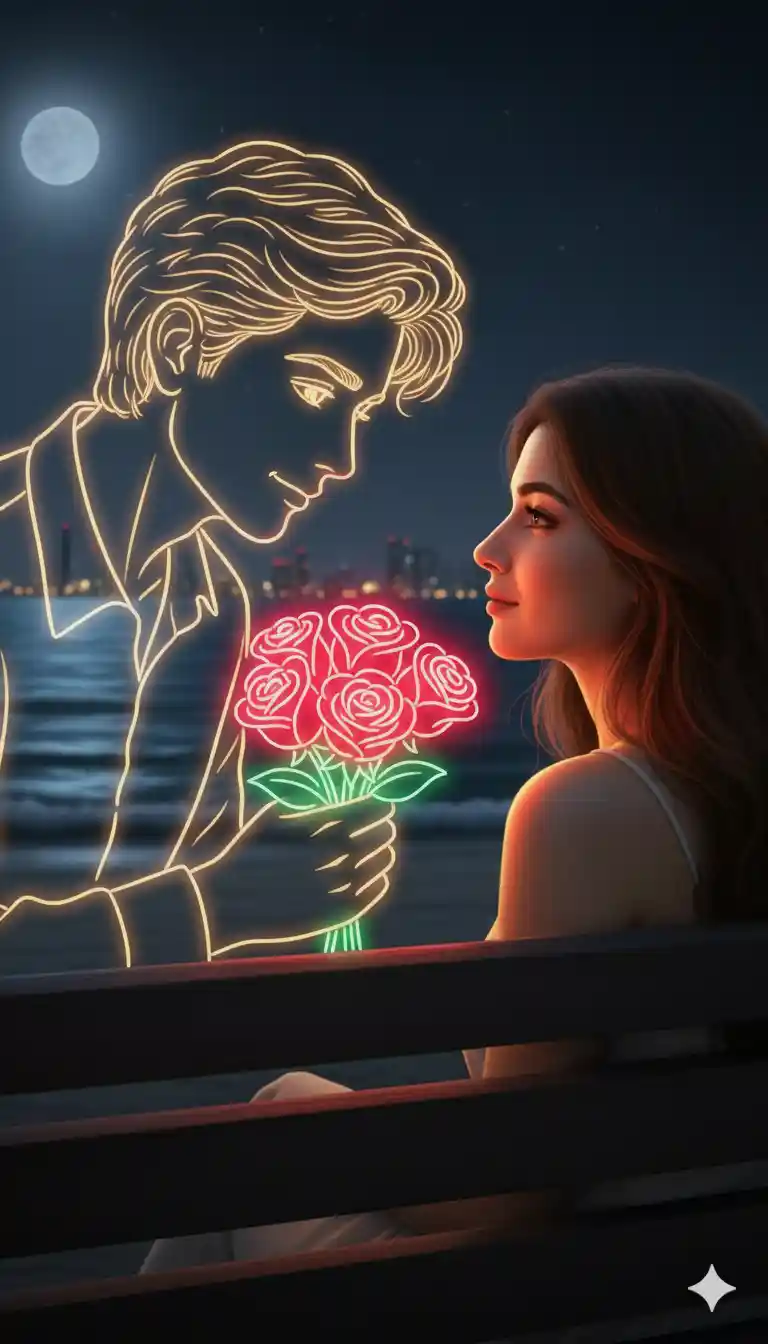
“A real girl sits on a wooden bench by the ocean at night, the sound of waves gently surrounding her. Beside her appears a glowing neon-style boy outlined in soft golden and white neon light. He slowly offers her a bouquet of bright neon-red roses, the glow reflecting warmly on her cheeks. The neon boy turns toward her with a gentle, loving expression as she looks back at him with shy affection. Their faces are close, illuminated by the romantic neon glow and the moonlit ocean. Soft breeze, warm atmosphere, and a surreal mix of reality and glowing imagination create a deeply romantic, dreamlike moment.”
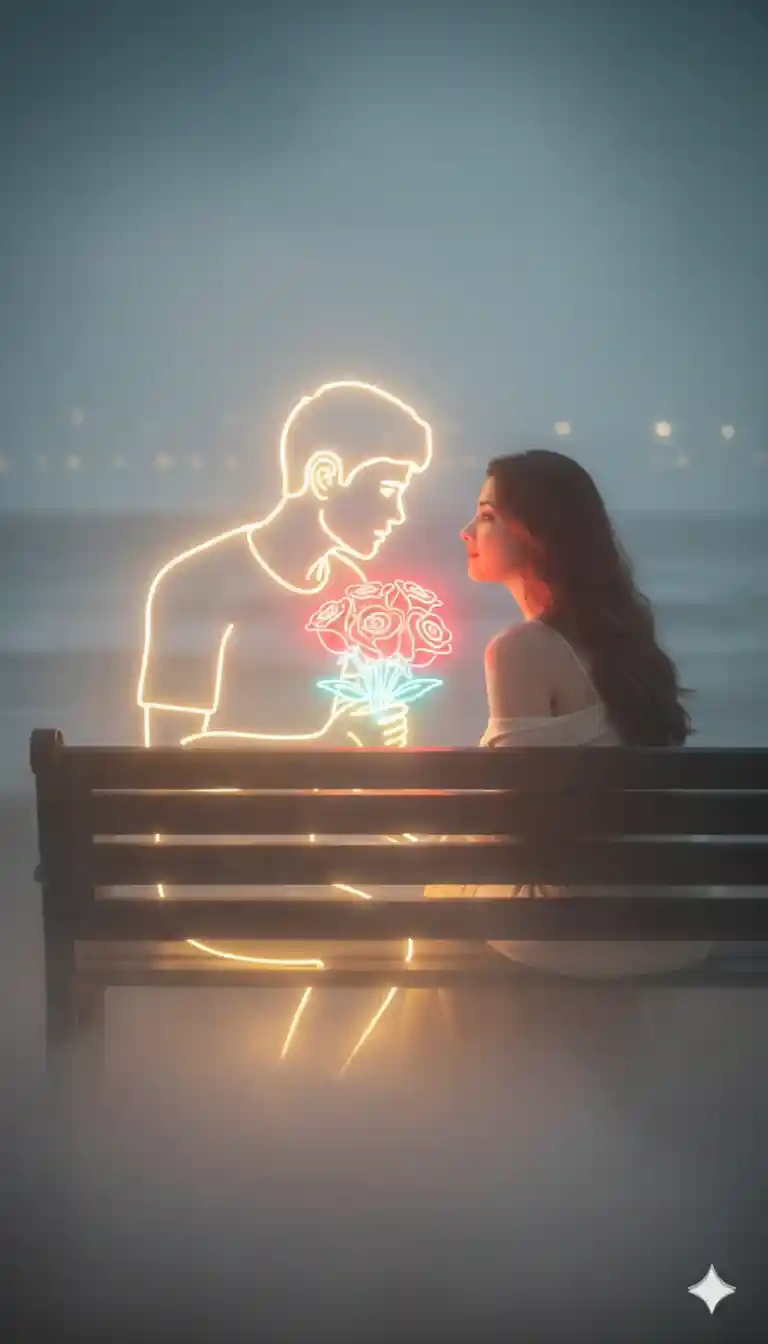
“A real girl sits on a wooden bench near the ocean at night as a soft blanket of fog rolls across the shore. Beside her appears a glowing neon-style boy outlined in smooth golden and white neon lines. The fog swirls gently around them, diffusing his neon light into a warm, magical haze. He offers her a bouquet of glowing neon-red roses, their light softly illuminating her face. As they lean closer and look into each other’s eyes, the neon glow reflects through the fog, creating a dreamy, cinematic aura. The distant ocean waves blend with the mist, making the moment feel surreal, intimate, and beautifully romantic.”
How To Create Trending Glowing Drawing Couple AI Photo Editing Prompts?
If you want to create a trending, glowing Couple photo, then copy any prompt from the above. Then, follow the steps given below.
Step 1: Go to the Google Gemini App or the web.
Step 2: Now, log in to Google Gemini and paste the copied prompt in the text prompt section.
Step 3: After that, click on Create image with the banana icon to choose the Nano banana model.
Step 4: Then upload your photo.
Step 5: Finally, click on the Run button to generate the Glowing Drawing Couple Photo. After some time, your photo will be ready.
Step 6: Then, you can save the photo and share it on your social media account to enjoy the trend.
Learn More: Gemini Retro Style Ai Photo Editing
How To Create Glowing Walking AI Video
Before converting the AI photo to video, you need to make sure that the Google Gemini AI-generated image is proper and of good quality. Otherwise, you need to edit that image and enhance the colour quality. You can also generate multiple images for a perfect short with the same prompt because sometimes Gemini can make mistakes. After your Glowing Drawing Couple AI Photo is ready, you can follow the steps given below to generate an AI animated Video.
- On Google, search for “Flow AI” in any web browser.
- Now open the Flow AI website.
- Click on the “Create a Flow” option. Then sign up and log in using your Gmail ID.
- Now, click on New Project and select the “Frames to Video” option.
- Click on the plus option, then click on upload, and upload the Glowing Drawing Couple AI Photo, which Gemini has already created.
- Paste the prompt into the text message prompt section and click the send button.
- Now, wait for generating drone short video.
- Click on the download icon to save the generated Video.
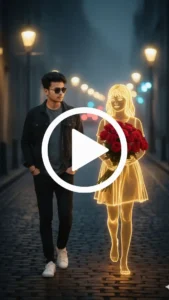
Add smooth walking animation with light forward motion and soft camera panning. Keep neon glow stable, maintain realistic movement, and create a cinematic romantic walk feel.
Learn More: Google Gemini Notebook Drawing Ai Photo Editing Prompts
Conclusion
In this way, you can create this type of photo very easily by using the above-given Gemini Glowing Drawing Couple AI Photo Editing Prompts. I hope that this article helps you very much to create such a unique neon glowing couple photo. If you like this, then let me know in the comments section below. I already shared multiple photo editing prompts on this website, and by using those, you can create various types of AI photos at your own by just a single click. If you need a prompt for any other type of photo editing, then also let me know in the comments section. I will cover the same in the next article as soon as possible.