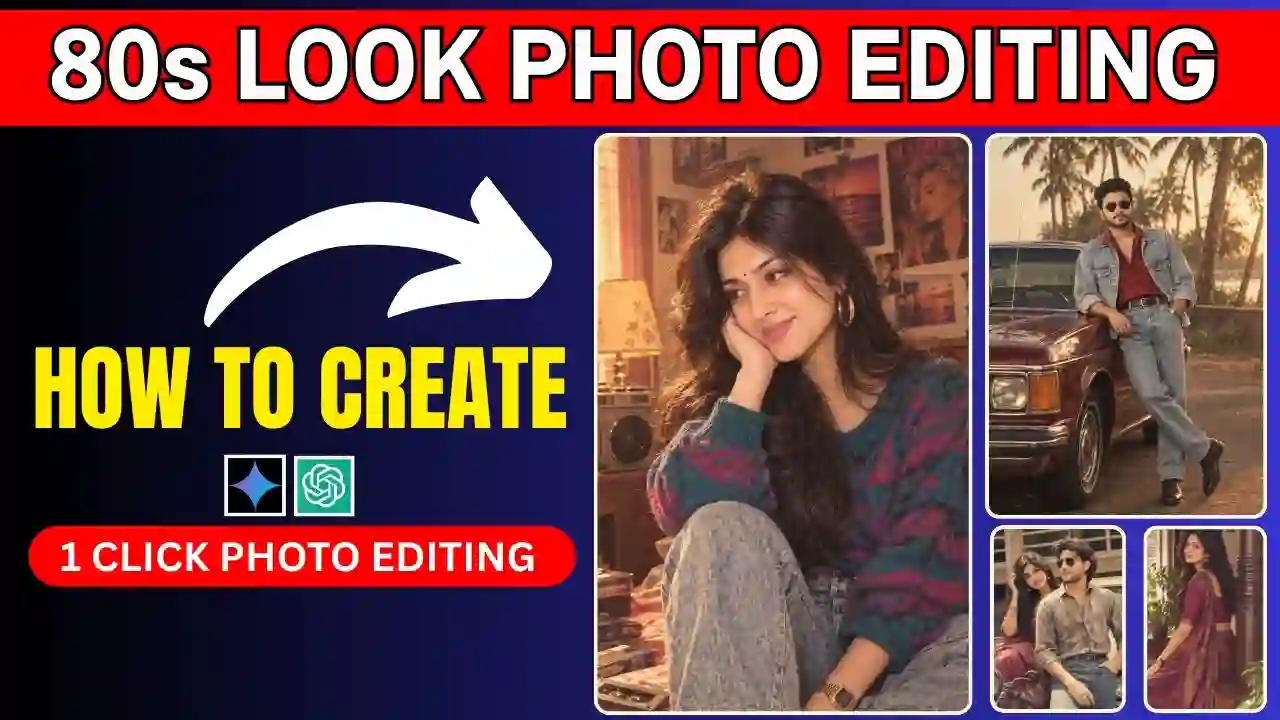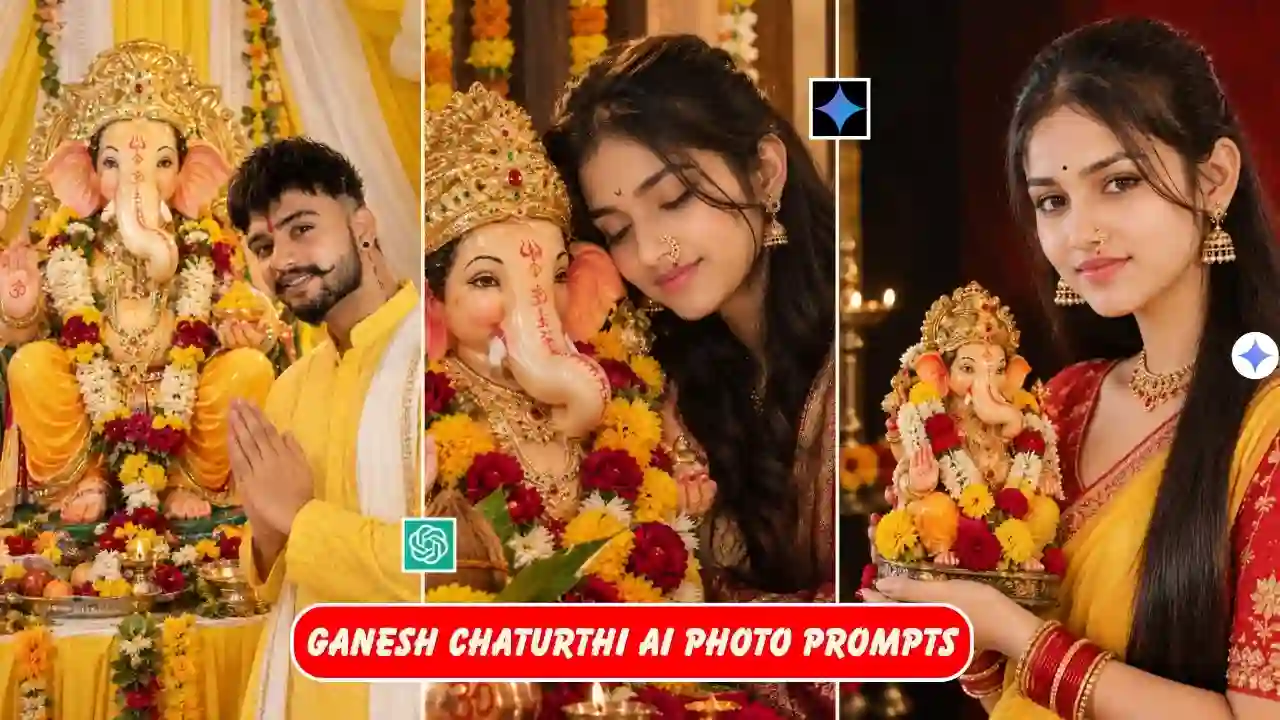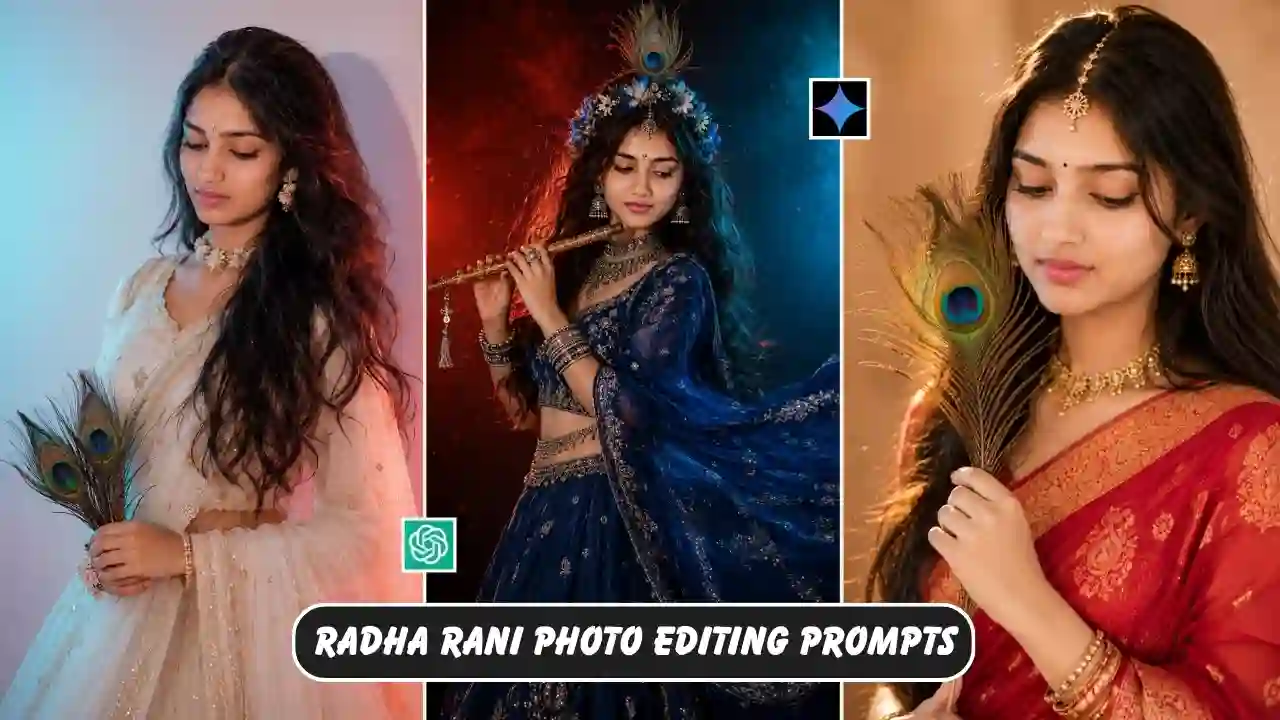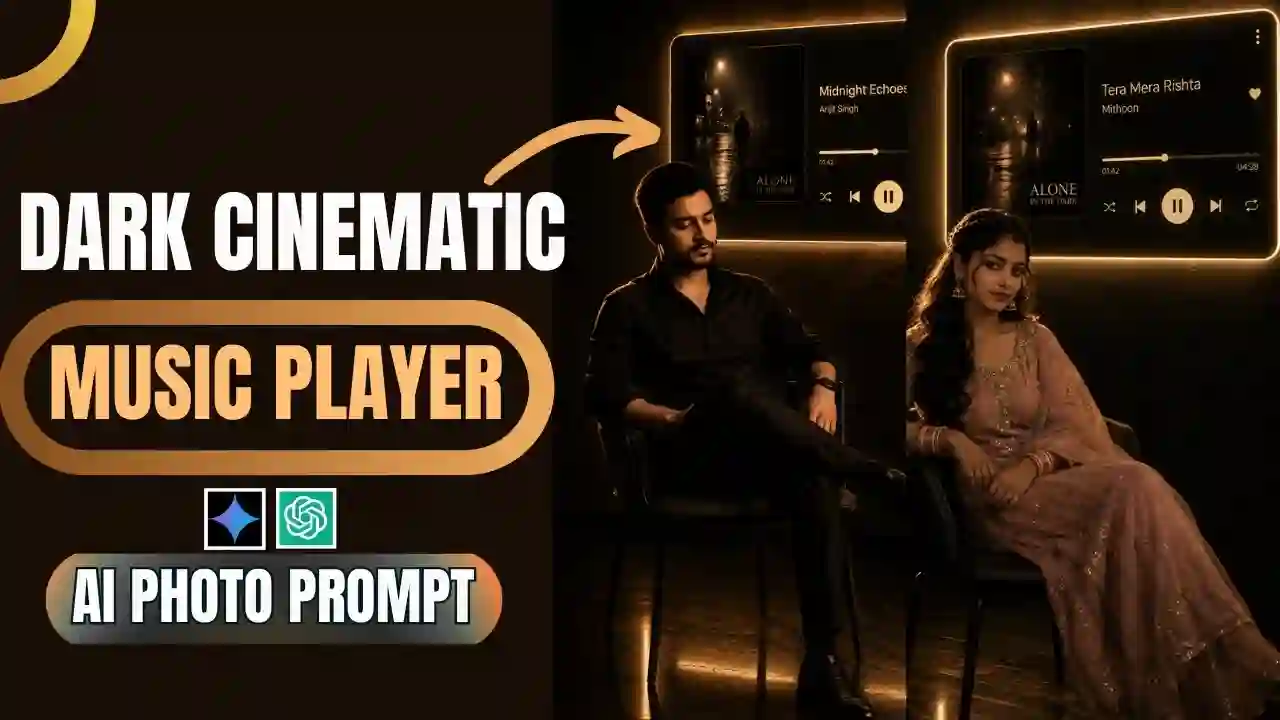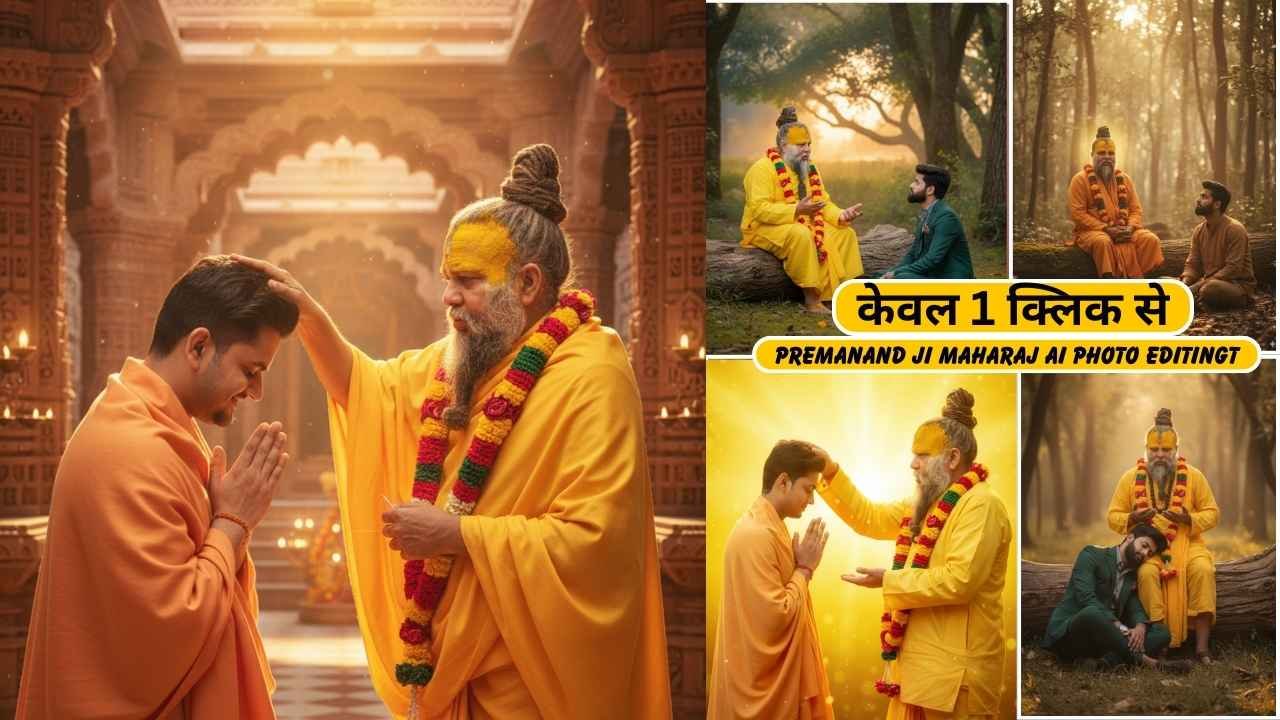
Google Gemini Premanand Ji Maharaj Ai Photo Editing is now trending on Instagram. Every day, a new Gemini AI prompt is going viral, especially on Instagram, Facebook, and YouTube. Many people share their images with Premanand Ji Maharaj, in which people are sitting near his feet, standing with many people, and hugging him. This somehow shows India’s religious culture and love for the spiritual personality. Before Google’s Gemini Ai nano banana model, it was a complicated process to create such an image using tools like Adobe Photoshop & Lightroom. But now it’s been very easy to create such an high end realistic images. Although by using ChatGPT, you can create such images but it will not be comparable to the latest version of Gemini Ai 2.5 flash with nano banana image editing.
Google Gemini Premanand Ji Maharaj Ai Photo Editing
You can edit a photo with Premanand Ji Maharaj by using nano banana prompts. The viral photo circulated on Instagram shows someone sitting near his feet, someone is sleeping in his lap, someone is hugging him and many more. Here, a cinematic and emotional approach is used in many of the photos, which are viral all over social media sites.
Learn More: Google Gemini Navratri Garba Ai Photo Editing
Premanand Ji Maharaj Ai Photo Editing Gemini ai prompt
Here we list some best Gemini Ai photo editing prompts to edit a photo with Premanand Ji Maharaj. You just need to copy paste the prompt and follow our guidance to create such a cinematic masterpiece. I personally tested all the Gemini Premanand Ji Maharaj Ai Photo editing prompts, so you don’t need to worry about the generated Ai images. I also attached all the reference images to understand the prompt and after edited result.
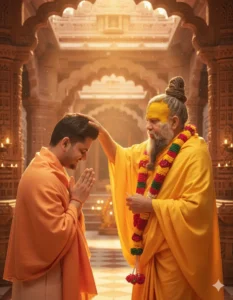
Ultra-realistic cinematic portrait of [both 2 person as attached], standing outdoors in a beautiful temple background, receiving blessings from Premanand Ji Maharaj. The person is wearing a saffron/orange normal shawl draped over the shoulders, hands joined in ‘Namaste’ gesture, with a respectful expression. Beside him stands Premanand Ji Maharaj as attached in the image -beside Premanand Ji Maharaj's hand as a blessing. Background filled with, vibrant devotional atmosphere, peace.
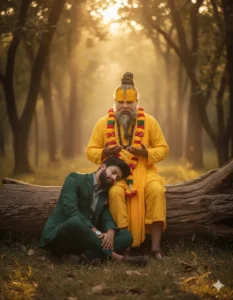
Create a cinematic, emotional frame featuring the two attached persons together. The setting is a tranquil, natural forest environment at dusk, with ancient trees and soft golden evening light filtering through the foliage. Both subjects are seated by a large, old tree trunk: the elder person sits gracefully upright on the log, appearing calm and wise as they gently speak and share wisdom, The younger person is seated on the ground and taking headrest on the elders lap.
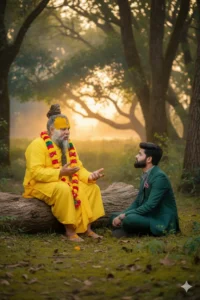
Create a cinematic, emotional frame featuring the two attached persons together. The setting is a tranquil, natural forest environment at dusk, with ancient trees and soft golden evening light filtering through the foliage. Both subjects are seated by a large, old tree trunk: the elder person sits gracefully upright on the log, appearing calm and wise as they gently speak and share wisdom, The younger person is seated on the ground and looking towards the elder.
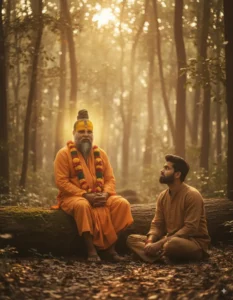
"A tranquil, cinematic frame capturing the essence of spiritual guidance. Premanand Ji Maharaj is seated peacefully under a venerable ancient tree at dusk, soft golden light illuminating his serene face as he imparts wisdom. A young devotee is seated respectfully on the forest floor, eyes fixed on the Maharaj, absorbing his teachings. The scene has a warm, vintage aesthetic with subtle film grain, emphasizing the deep connection and contemplative atmosphere. The background is softly blurred to highlight the interaction." (This prompt emphasizes the essence of spiritual guidance and the deep connection between teacher and student.)
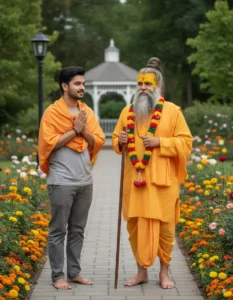
"A full shot of an Indian guru wearing traditional yellow robes, with a long beard and a topknot, standing next to a young man. The young man is wearing a grey t-shirt, grey pants, and an orange shawl draped over his shoulders, with his hands pressed together in a respectful gesture. Both are barefoot. They are standing on a paved path in a lush garden filled with colorful flowers. In the background, there are trees, a lamppost, and a gazebo, all under soft, natural lighting.”
How to get the Best Editing results using Premanand Ji Maharaj Ai Photo Editing prompts?
Here, I will explain to you how you can get the best results using Premanand Ji Maharaj Ai Photo Editing prompts on Gemini AI Studio.
You need to choose two photos, one is you and one is Premanand Ji Maharaj, both faces will be clearly recognized on the reference image. Also, we recommend taking or saving the image in high resolution.
Learn More: Gemini Retro Style Ai Photo Editing
How To Use Gemini Premanand Ji Maharaj Ai Photo Editing Prompt?
Step 1: Copy the prompts from the above “Gemini Premanand Ji Maharaj Ai Photo editing prompts” section.
Step 2: Now, go to the Gemini Ai app on your phone or visit the Gemini Ai Studio image editor by clicking on the link below:
Create ImageStep 3: Then, sign up and log in to it.
Step 3: Click on the Try Nano Banana as shown in the screenshot.
Step 5: Then, copy the prompts from the above and paste them into the Gemini Ai Studio text prompt box.
Step 4: Then, click on the plus icon and upload a photo, which must be taken in good lighting conditions.
Step 6: Click on the Run button to generate the Gemini Premanand Ji Maharaj Ai Photo.
Step 8: After some time, your Gemini Premanand Ji Maharaj Ai Photo will be ready.
Step 9: Finally, click on the download button to save it.
Conclusion
By using the above Gemini Premanand Ji Maharaj Ai Photo Editing Prompt, you can create an Ai photo with Premanand Ji Maharaj in just a few seconds. It has now become trending, especially on Instagram. Here, we try to list all the viral Premanand Ji Maharaj photo editing nano banana prompts. If we miss any Premanand Ji Maharaj Ai prompts, then let me know in the comment section. If that is up to the quality standard, then we definitely list it on the above Gemini AI Premanand Ji Maharaj photo prompt section.
Learn More: Gemini Retro Style Ai Boys Photo Editing