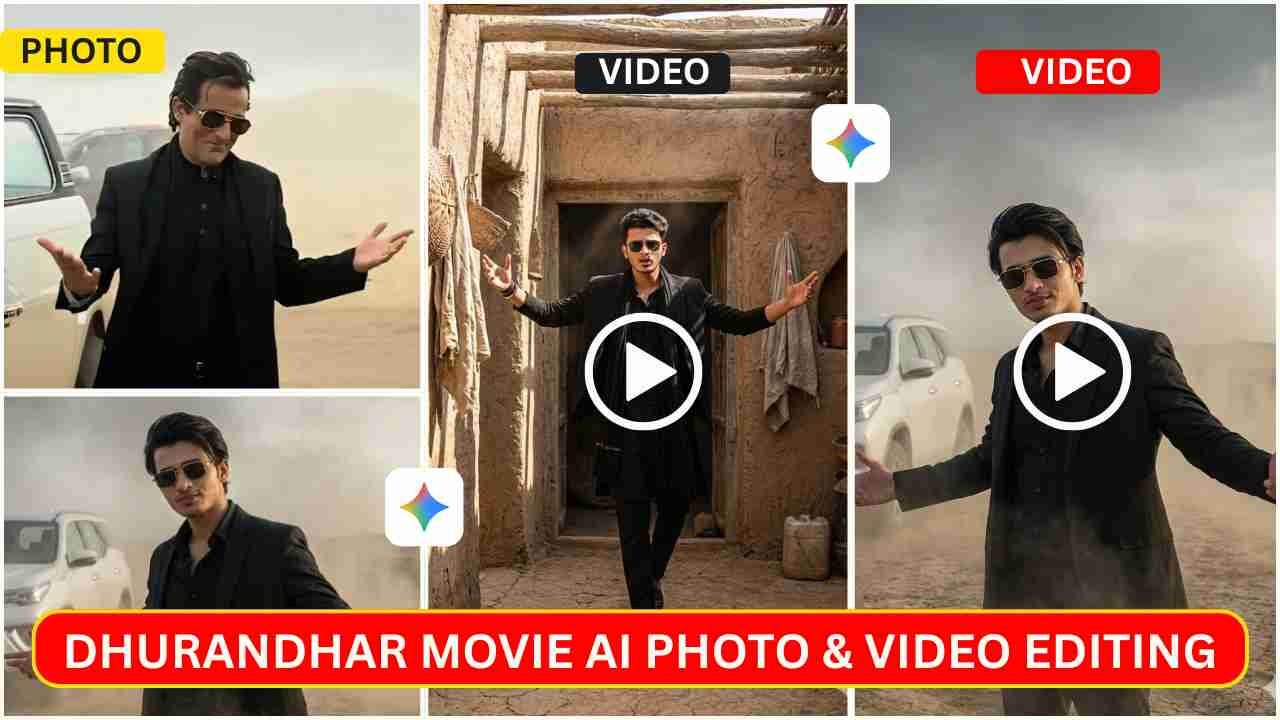
Photos and videos created using Akshaye Khanna Dhurandhar Ai Photo & Video Editing Prompts are now trending. Everyone likes the Akshaye Khanna Rehman Dakait style, which is circulated all over social media platforms. This character is based on the newly released Bollywood movie Dhurandhar.
Akshaye Khanna’s fans love creating such a style photo and video. Previously, we already covered this topic, but in that post, we only covered how to create Akshaye Khanna Dhurandhar Ai Photo, but in this article, we cover how to create such a style video with a simple prompt as well and also give you some new prompts.
Akshaye Khanna Dhurandhar Ai Photo & Video Editing Prompts
In this post, I will give you all the viral Akshaye Khanna Dhurandhar Ai Photo Editing Prompts and also give you a prompt by which you can create such a style video. In this type of photo black outfit with a car in a deserted area is seen. Talking about the video, Akshaye Khanna’s dance is going viral, which is quite natural and attracts the movie lovers.
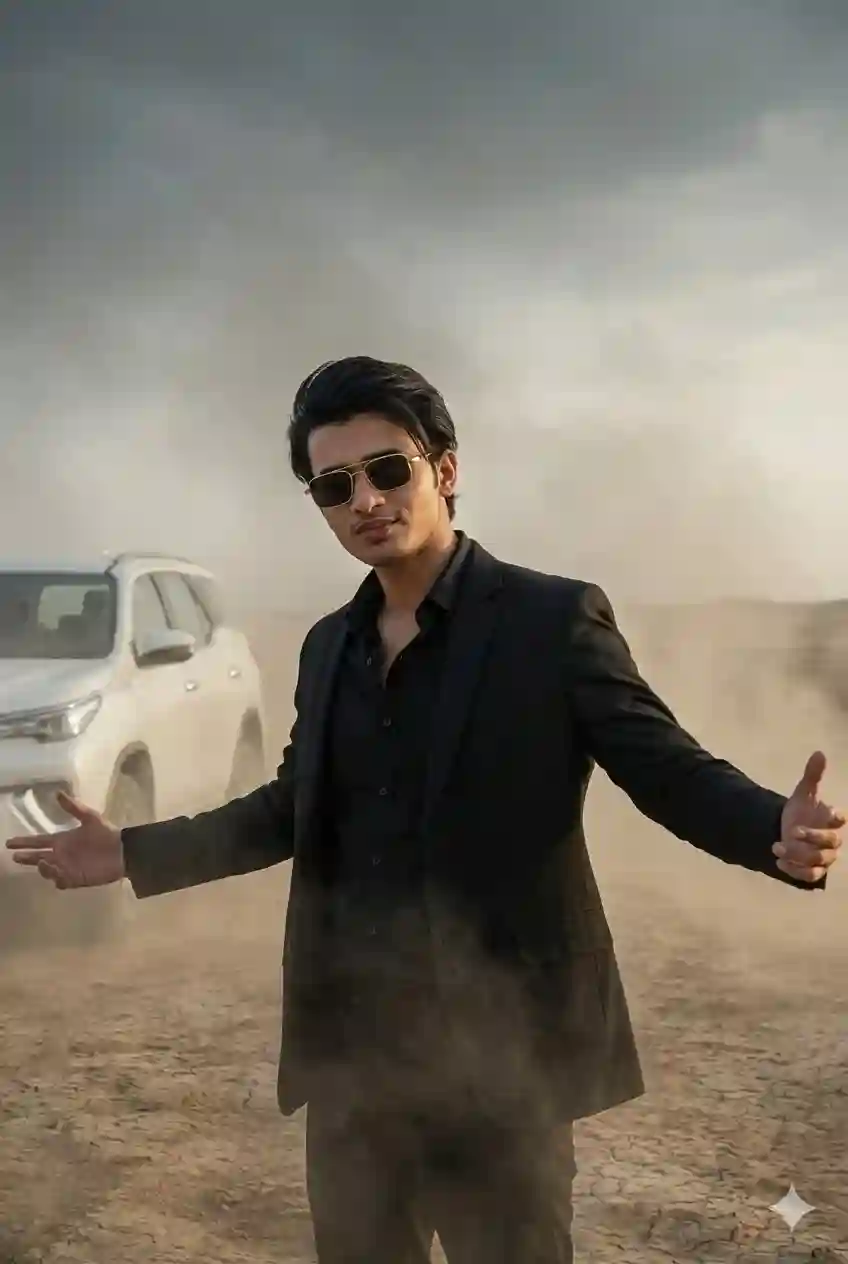
A cinematic, high-quality shot of a stylish man [Use the same face from reference] standing in a hazy, dusty desert landscape. He is wearing a sleek all-black ensemble: a black button-up shirt paired with a black blazer or coat. He wears stylish rectangular sunglasses with gold rims and has his hair swept back. He is striking a confident, dramatic pose with both arms spread wide open and a slight smirk on his face. In the background, to the left, a white SUV is partially visible through the mist. The atmosphere is moody and atmospheric, with soft diffused lighting, dust swirling in the air, and a music video aesthetic. 8K resolution, photorealistic. use the same face.
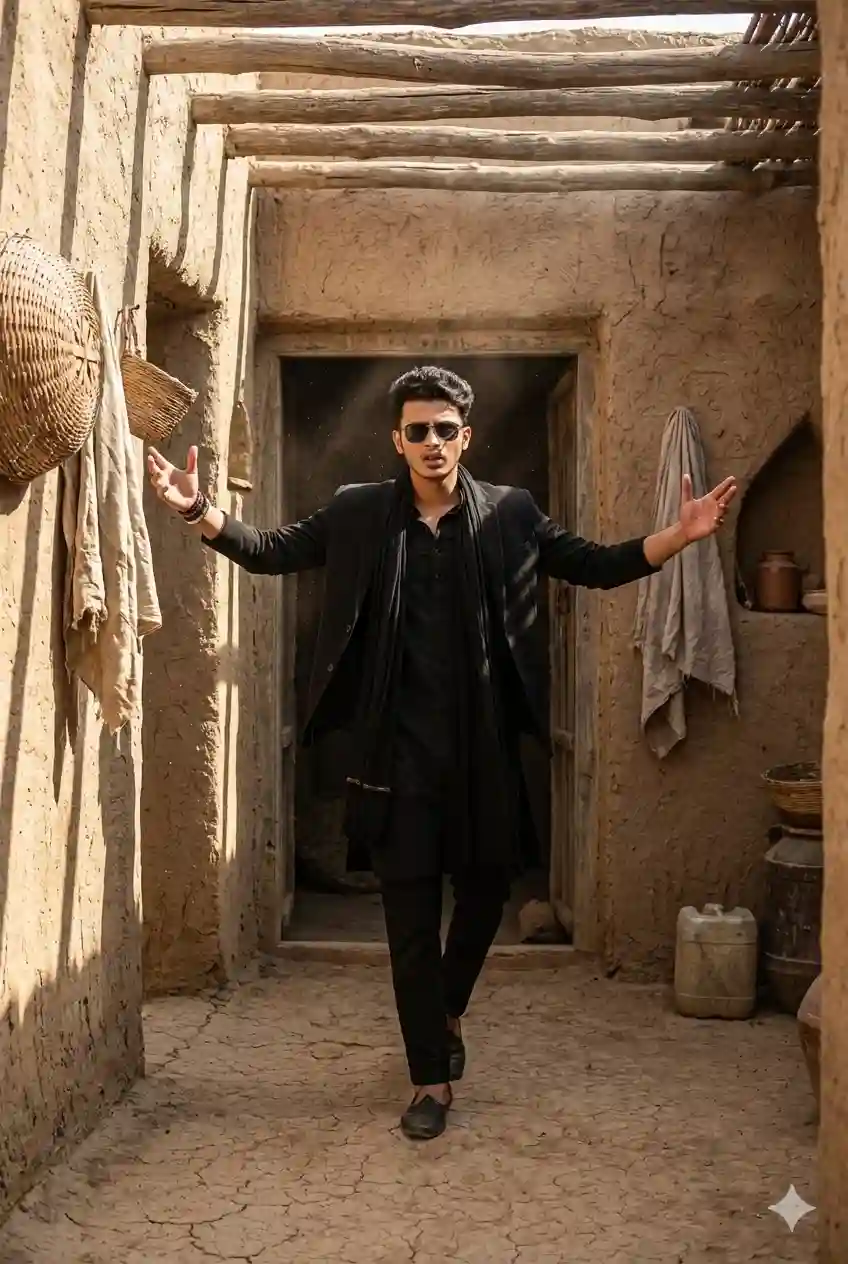
A hyper-realistic cinematic shot of a man stepping out of a narrow traditional mud-brick doorway in a rustic village setting. He wears a full black outfit - black kurta, black blazer, and a long black scarf - along with dark sunglasses. His arms are extended outward in a powerful, confident motion, with a bold expression on his face, capturing a dramatic hero-like entrance.
The environment features rough mud walls, woven baskets, hanging cloths, rustic containers, and wood beams overhead filtering sunlight, creating dynamic shadows on the walls and ground. Warm daylight pours in, giving the scene a gritty, cinematic desert-village atmosphere Shot with a wide 35mm cinematic lens, natural dust in the air, realistic textures, and strong directional lighting.
Learn More: 10+ Trending Gemini photo editing prompts for boys (100% Real Face)
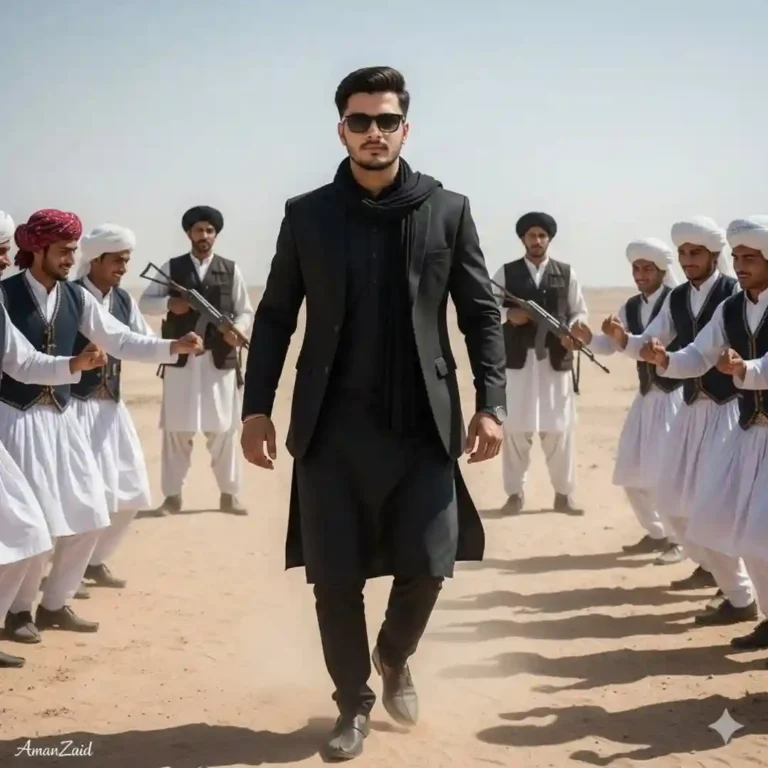
Full-body portrait of an 18-year-old young handsome man with a skinny body, lightly dancing in the center while walking forward in a bright daytime desert setting (Rath ki midan). He is wearing a pure black traditional kurta, a waist-length formal black coat (not long), and a thick plain black muffler resting naturally around the neck with no wrapping or twisting. Replace the face with MY FACE with 100% accuracy, matching lighting, shadows, angle, and realistic skin details. Add stylish black sunglasses. On both sides of him, very close, a lively Balochi group dressed in traditional white clothing with unique Balochi pagdhi (head turbans) is dancing joyfully. They should be dancing along with the main subject, matching his light dance steps, creating a culturally vibrant and energetic scene. Far behind (dūr), two Afghani men stand as bodyguards, each holding an AK47 in a controlled, non-aggressive stance. They should appear protective but not overpower the scene, keeping distance.
How To Create Dhurandhar Ai Akshaye Khanna Style Photo?
If you want to create a trending Akshaye Khanna photo, then copy any prompt from the above. Then, follow the steps given below.
- Go to the Google Gemini App or the web.
- Now, log in to Google Gemini and paste the copied prompt in the text prompt section.
- After that, click on Create image with the banana icon to choose the Nano banana model.
- Then upload your photo.
- Finally, click on the Run button to generate the Akshaye Khanna Photo. After some time, your photo will be ready.
- Then, you can save the photo and share it on your social media account to enjoy the trend.
Learn More: Gemini Retro Style Ai Photo Editing
Convert Akshaye Khanna Dhurandhar Ai Photo To Video
Before processing an AI Akshaye Khanna video, you need to make sure that the Google Gemini AI-generated image is proper and of good quality. Otherwise, you need to edit that image and enhance the colour quality. You can also generate multiple images for a perfect short with the same prompt because sometimes Gemini can make mistakes. After your Akshaye Khanna-style image is ready, you can follow the steps given below to generate an AI Drone Video.
- On Google, search for “Flow AI” in any web browser.
- Now open the Flow AI website.
- Click on the “Create a Flow” option. Then sign up and log in using your Gmail ID.
- Now, click on New Project and select the “Frames to Video” option.
- Click on the plus option, then click on upload, and upload the Akshaye Khanna Dhurandhar Style photo, which has already been created by Gemini.
- Paste the prompt into the text message prompt section and click the send button.
- Now, wait for generating drone short video.
- Click on the download icon to save the generated Akshaye Khanna Dhurandhar style Video.
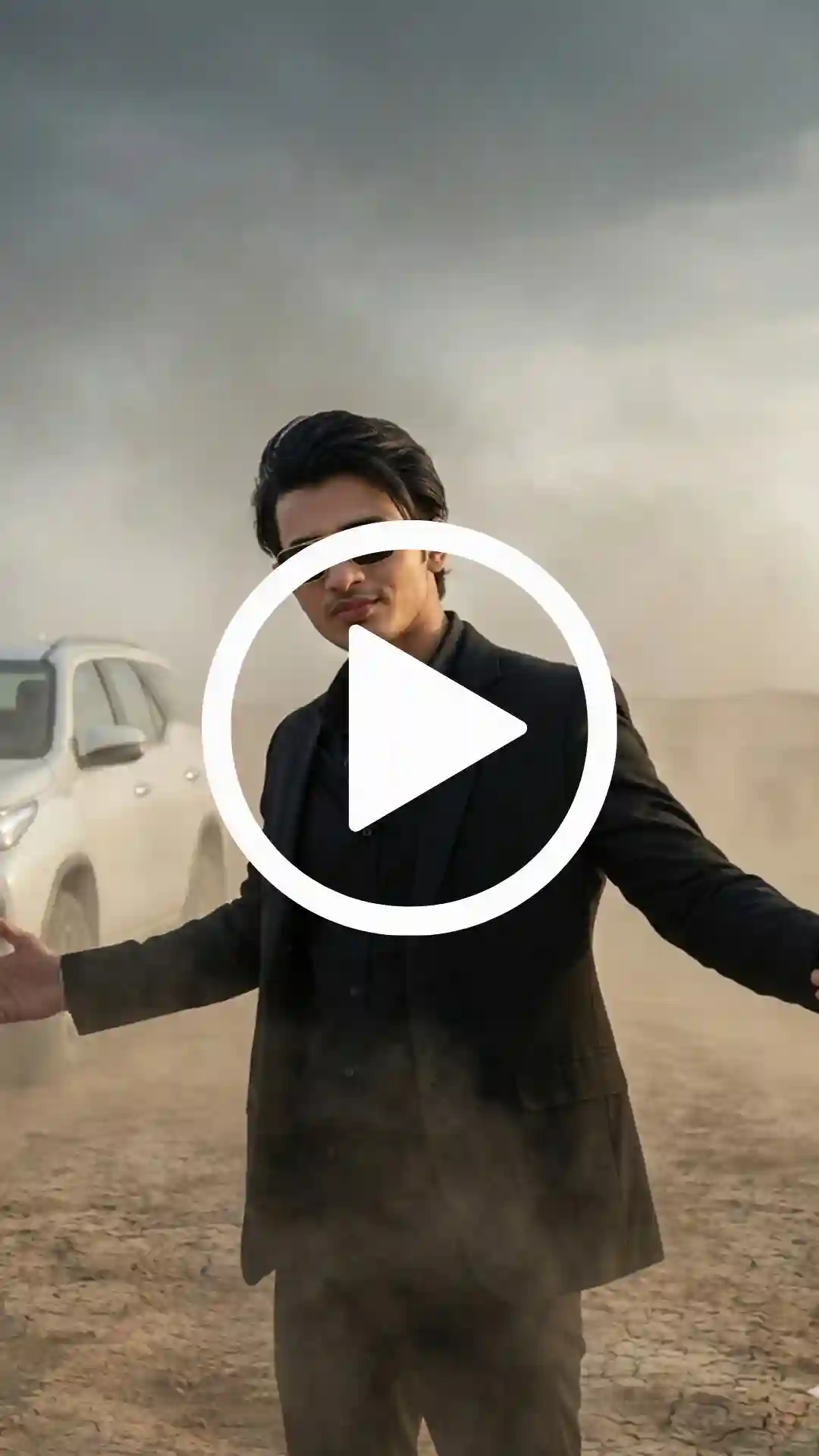
Use the exact uploaded image as the only reference frame to generate a cinematic video where the boy slowly steps out of the car first, without changing his face, outfit, or background, then performs subtle Arabic rhythm dance movements with light hand waves, small shoulder bounces, gentle head nodding and very light left-right body sway, keeping the same smile and facial expression, the same desert scene and car, with minimal micro camera shake, a soft breathing zoom, and the original lighting, color tone, and ultra-realistic cinematic quality throughout.
Learn More: Google Gemini Notebook Drawing Ai Photo Editing Prompts
Conclusion
In this way, you can easily create an Akshaye Khanna Dhurandhar Ai Photo using Gemini and turn that image into a video using Flow AI. Give it a try, share it, and see your profile go viral. I hope this article will help you to create Akshaye Khanna-style videos without learning complex video editing skills. If you have any issues, then let me know in the comment section below.