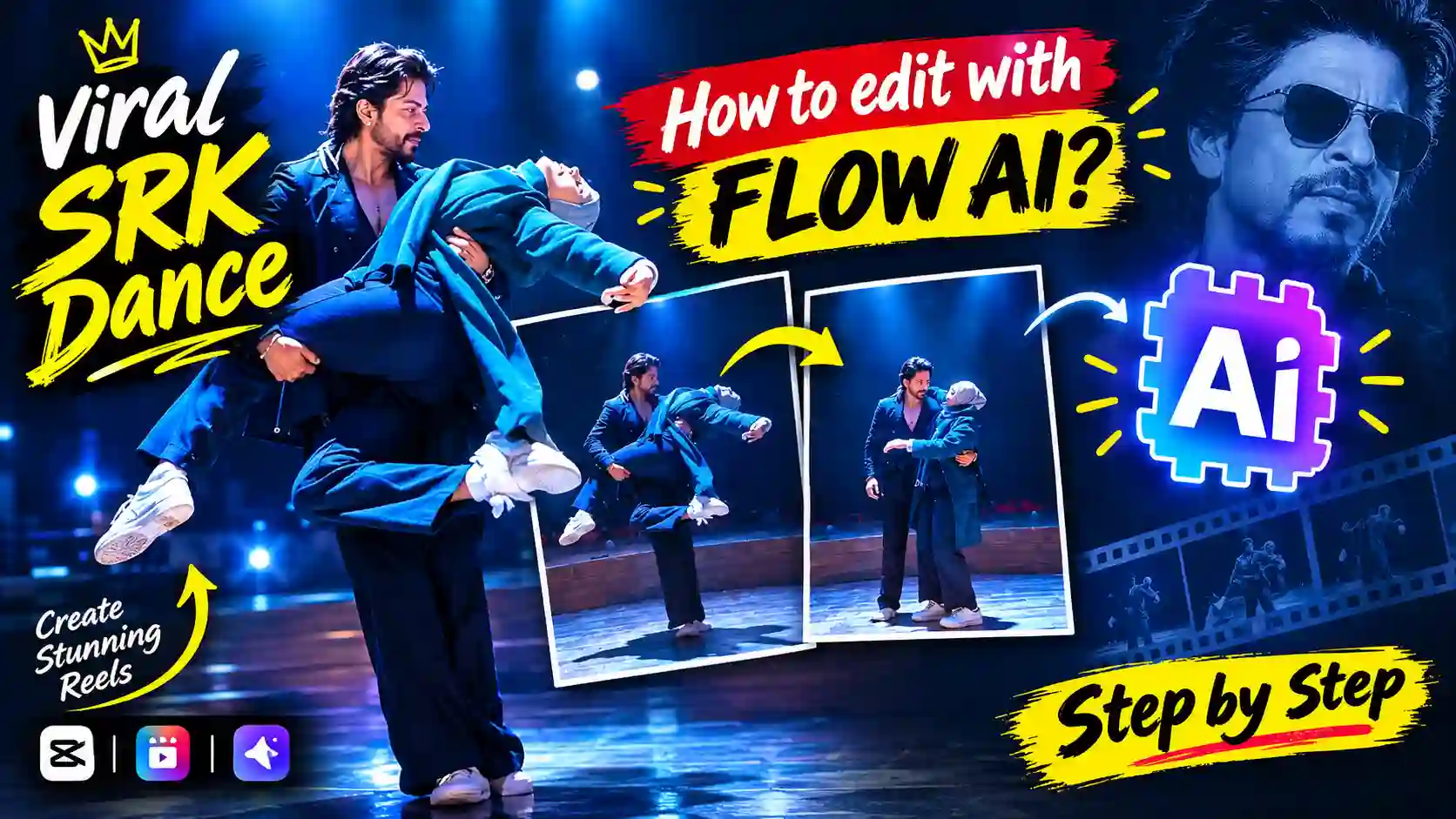
The SRK Dance AI Video Editing Prompt has become a popular technique to transform your regular photo into vibrant Bollywood dance videos. You can use the AI video generator to animate a reference picture and add cinematic style movement rather than filming a dancing video yourself. You can ask the AI to add realistic body movement, hand motions, camera movement, lighting, and Bollywood environment while keeping your face and overall look consistent along with a proper prompt.
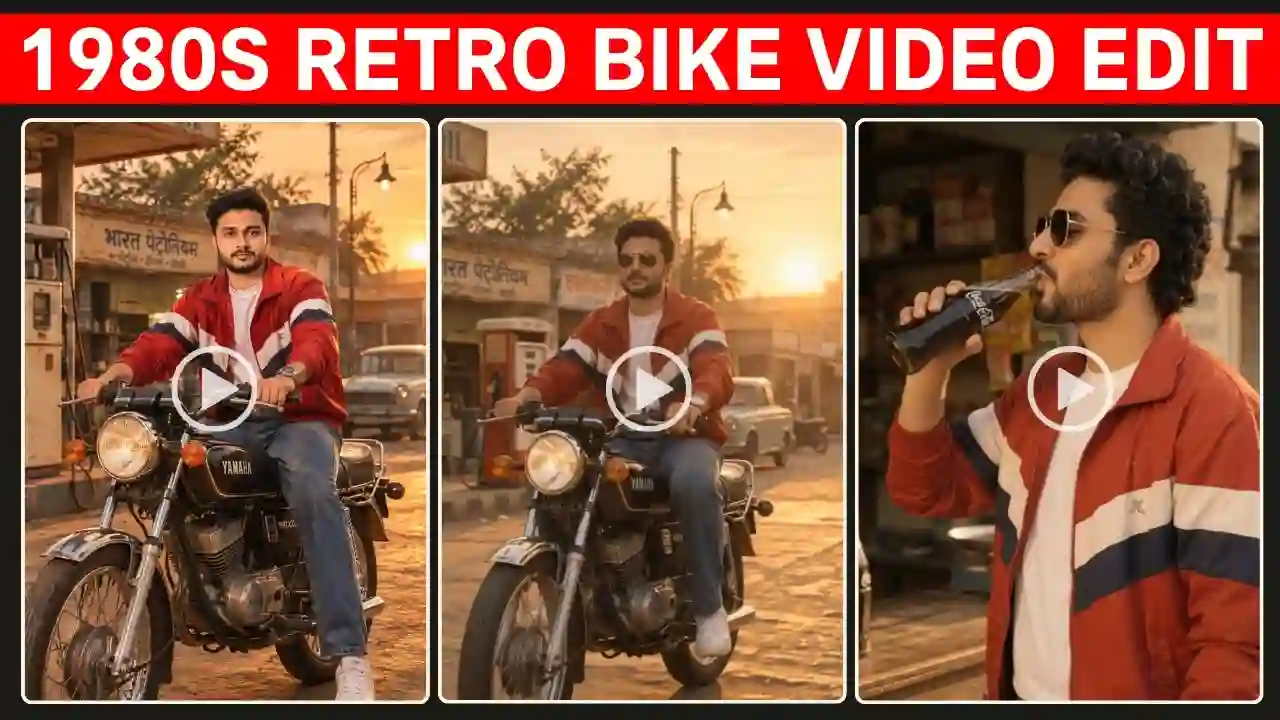
This trend is very much useful for content creators looking to create Instagram Reels, YouTube Shorts, and AI video editing content on Facebook. In this tutorial, you will get a ready-made SRK Dance AI Video Editing Prompt along with a full guide on how to edit with Flow AI. You can also try our 80s Bike Video Prompt.
What Is the SRK Dance AI Video Editing Prompt?
The SRK Dance AI Video Editing Prompt is a text prompt which enables the generation of a Bollywood dance video from a photo. The SRK Dance AI Video Editing Prompt is a text instruction used to generate a Bollywood-inspired dance video from a still photograph. The prompt explains how the person should dance, how the camera should operate, what kind of lighting should be used, and what the overall aesthetic of the final video should look like.
Why Is the SRK AI Dance Video Trend Popular?
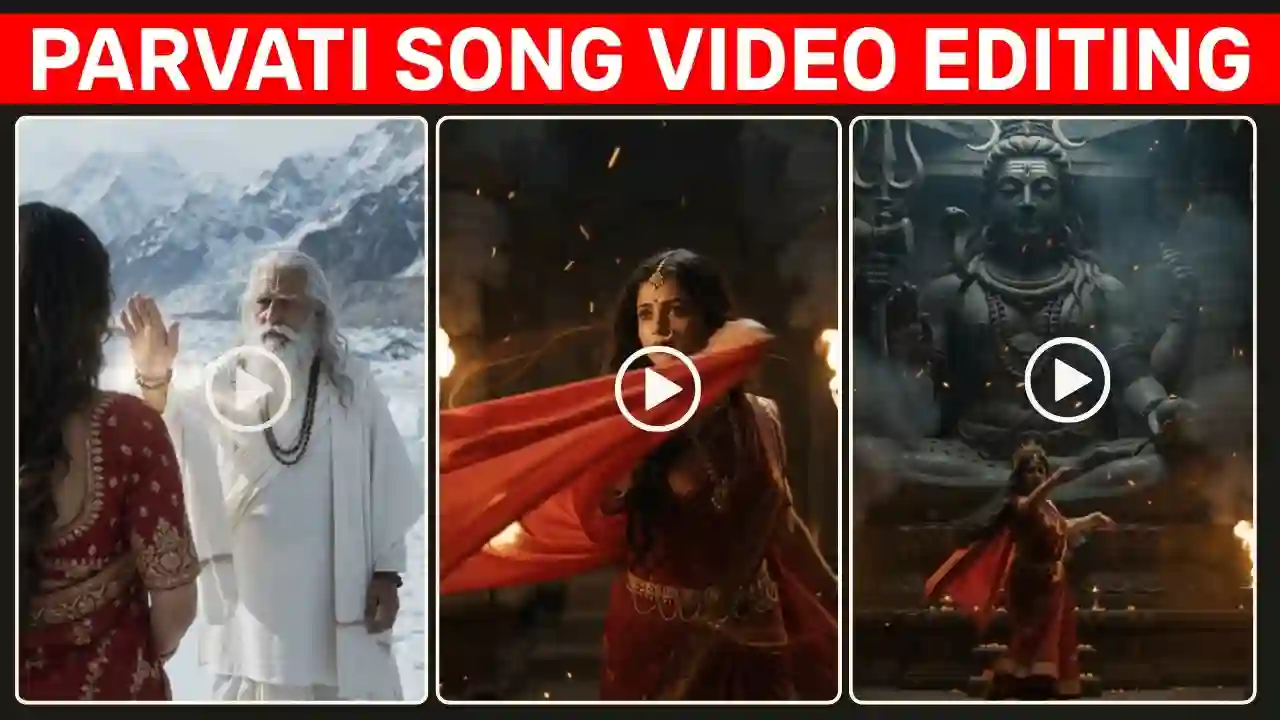
Shah Rukh Khan has a huge fan base and that is why he get so much attention, if any things he can do. This cinematic dance steps add a very smooth and romantic feeling among youngster. His approach to acting highly inspirational for AI video ideas. This is because, through AI video creation, artists get the chance to take any normal photo and convert it into a brief video scene. The most fascinating part is the transition from photo to video. Explore our Parvati Song AI Video Prompt.
SRK Dance AI Video Editing Prompt
Here is the main prompt you can try with a compatible image-to-video AI tool.
Janam Janam Couple Ai Dance Video Prompt
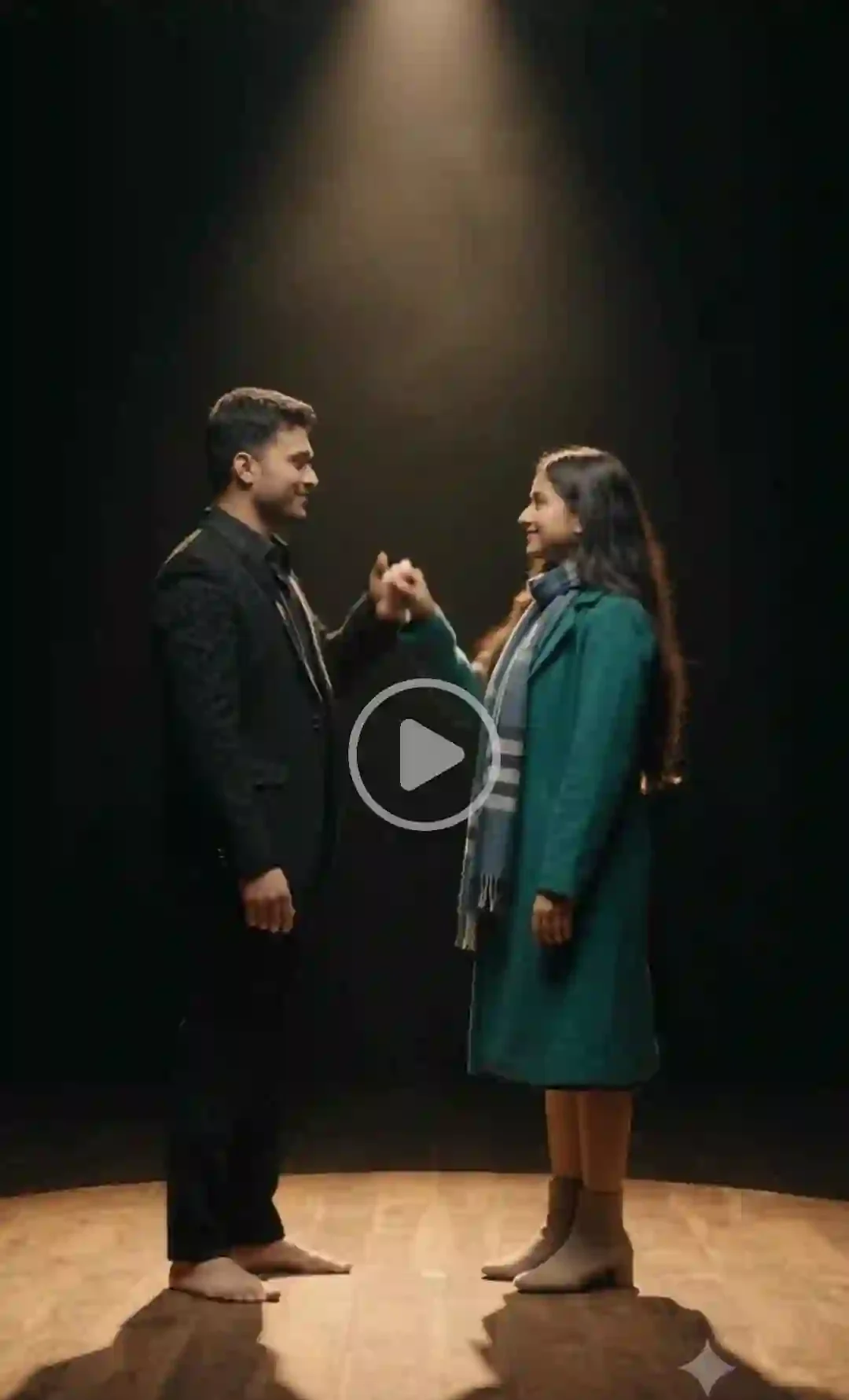
✨ AI Prompt
How to Edit SRK Dance AI Video With Flow AI?
If you want to create this trend using Google Flow, the basic process is straightforward when the required image-to-video features are available in your account. The Flow interface and available features can change, so the exact buttons may differ from the workflow described below.
Step 1: Choose a Good Reference Photo
Select an appropriate picture that is of good quality. The image must feature your face, and you need to provide a picture with sufficient details for the AI model to recognize your looks. In case of a dance video, you will need to select a full-body picture.
Step 2: Open Flow AI
Launch Open Flow and start a new project based on the video-making workflow provided by the application. In case you have an option to make a video out of an image in your version, upload your photo as the reference image.
Step 3: Add the SRK Dance Prompt
Paste the full prompt into the prompt field from the above. The above prompt describe the type of movement, camera angle, environment, lighting, facial expression, and identity consistency you want along with the dace steps and camera movement. This is important because text prompts work as creative instructions rather than simple commands.
Step 4: Generate the First Version
Generate your first video and inspect it carefully. Pay particular attention to:
- Face: Does the person still look like the reference?
- Hands: Are the fingers and hand positions natural?
- Body: Does the character maintain realistic proportions?
- Clothing: Does the outfit remain consistent?
- Background: Does the environment remain stable?
- Movement: Does the dance look physically believable?
If something goes wrong, modify the prompt and generate another version.
Step 7: Improve the AI Video
AI-generated videos do not always come out perfectly on the first attempt. Small prompt changes can sometimes produce significantly different results.
Best Image for an SRK AI Dance Video
Input image quality greatly affects the output. A photo that is high resolution and has a face in clear view will provide much more visual information for the algorithm. In the case of a full body dancing sequence, use an image that:
- The entire body is visible
- Arms are not hidden
- Legs are clearly visible
- The face is not covered
- Clothing is clearly defined
- The image is not excessively blurry
A full-body reference is generally preferable when the generated video requires full-body dancing. Explore our 1980s Reel Editing VN Code Template.
Tips to Make Your AI Dance Reel More Engaging
Generating the video is only part of the process. The final edit can make a big difference.
- Start With the Dance: Don’t spend the opening seconds showing an empty background. Start the movement quickly so viewers immediately understand what the video is about.
- Choose a Strong Cover Frame: Select a frame where: The face is sharp, The body is clearly visible, The pose looks energetic, The background looks cinematic. This can become your Reel or Shorts cover.
- Add Music Carefully: Music may be added in your final editing stage. Select music that you are permitted to use on the publishing platform you wish to use for your video. The copyright laws can differ from one platform and audio source to another.
- Add Short Text: A simple hook can make the concept immediately understandable. Examples: “AI Made Me Dance 🔥” or “Bollywood AI Dance Edit” or “Photo to Dance Video”. Keep text away from the face and avoid filling the screen with unnecessary words.
Common SRK AI Dance Video Problems
| Problem | What You Can Try |
|---|---|
| Face changes | Strengthen identity-preservation instructions |
| Hands look distorted | Request simple hand gestures |
| Body looks unnatural | Use controlled movements |
| Clothing changes | Explicitly request clothing consistency |
| Background flickers | Use a simpler environment |
| Dance looks robotic | Request realistic human biomechanics |
| Camera shakes | Ask for smooth camera movement |
| Face becomes blurry | Ask for a sharp, clearly visible face |
| Too many movements | Simplify the choreography |
Can You Make an SRK Dance AI Video With Your Own Photo?
Yes, if you want to make such type of video using AI, and it allows to generate videos based on photos, then your personal photo can serve as a reference when making a creative dance video. It will be good to have a clear photo and specify the movements accurately. It will be better to ask for Bollywood inspired dancing.
Is This the Same as Copying an SRK Dance?
Not really. There is an important distinction that should be made between performing an original Bollywood style performance and asking an AI model to re-create an exact scene or performance performed by a particular individual. To get a more original performance, it would be better to describe some characteristics that you wish the AI-generated performance to have.
SRK Dance AI Video Editing Prompt: FAQs
What is the best SRK Dance AI Video Editing Prompt?
The prompt should provide all information about the identity of the character, movements of the dance, expressions on face, movement of camera, lighting, environment, and format of the video that has to be shot. The prompt provided in this article is meant to serve as an example for the shooting of a dance video in a Bollywood style.
Can I use my own photo for the SRK AI dance trend?
Yes. A clear photo of yourself can be used as a reference when the AI video tool supports image-to-video generation.
How do I create an SRK AI dance video?
Upload your reference photo to a compatible AI video generator, add a detailed Bollywood-inspired dance prompt, generate the video, check the result, and refine the prompt if necessary.
What photo should I use for an AI dance video?
Use a clear, high-resolution photo with good lighting. A full-body photograph is especially useful when you want the AI to generate full-body dance movements.
What is the best ratio for an AI dance Reel?
A 9:16 vertical aspect ratio is the standard choice for Instagram Reels and YouTube Shorts.
Why does AI change my face?
AI video generation can sometimes introduce changes between frames. A clear reference image and stronger identity-preservation instructions may help, but perfect consistency is not guaranteed.
Can I make a Bollywood dance video without copying a specific SRK scene?
Yes. Describing a general Bollywood-inspired performance is a better approach for creating an original concept. You can request charismatic energy, expressive movement, cinematic lighting, and commercial-film visuals without recreating a particular scene.
Conclusion
The Viral SRK Dance AI Video Editing Prompt can provide a straightforward way to transform your photo into an impressive Bollywood-inspired dance video. It is not only about “SRK” as such in the prompt. You need to explain what kind of movement, camera, lighting, background, facial expressions, and identity consistencies you require.
For getting the best result, pick a high-quality picture, do not make the choreography very complicated, make sure your camera movement is smooth, and create different versions if necessary. If you are planning to make Instagram Reels or YouTube Shorts videos, then the best format to start with would be 9:16 ratio. You can edit your video by adding some music, captions, transitions, and anything else in any video editing application you want.
The AI video generation technology is still developing, so there may be some differences between generations. Use the prompt as a basis for your creativity and adjust it according to the generated result. Apnotak.com always try to introduce you with the latest trending prompts and new AI trends, so stay tuned for the latest updates.