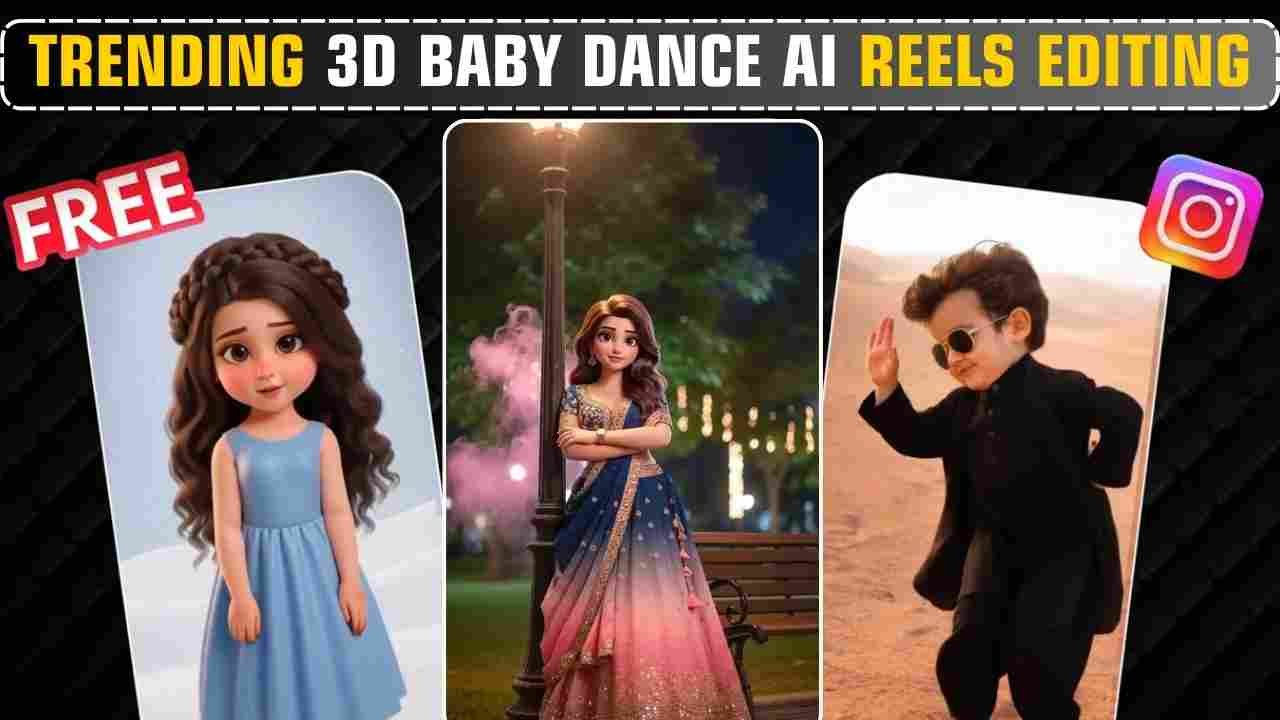
Trending 3d Baby Dance AI Reels Editing is very simple with the perfect photo and video editing prompts. For the past few days, you may have seen the 3D Baby Dance on Instagram. Users love it too much and share it all over other social media platforms as well, and the trend has now gone viral. We also see many people on Instagram doing different types of editing using 3d Baby Dance. This is very difficult to create using manual editing without proper skills. Now, it is possible with proper prompts and AI tools within a few minutes. If you are interested in editing such a 3d Baby Dance for your reels video, then read this article till the end.
Trending 3d Baby Dance AI Reels Editing
In this type of editing, your own photo is converted into a 3D character, and that character dances. The dance is so natural, with properly executed steps. It looks like a real 3D character is actually dancing with the dance step you take. For this, we first need to convert a normal photo using Google Gemini Ai and then we convert that 3d character to a dance video using the video AI generator app or website given in this article.
Learn More: Gemini black outfit trending girls prompt
How To Generate 3d Baby Dance AI Image?
If you want to create a 3d Baby Dance AI Image, then copy any prompt from below. Then, go to the Google Gemini app or the web. Now, log in to Google Gemini and paste the copied text prompt on the text prompt box. After that, select the option Create image with the banana icon to choose the nano banana model. Then upload your photo and finally click on the send button to generate the 3d Baby Dance AI Image. After some time, your photo will be ready, then you can save the 3d photo. Then follow the AI video generation steps to make Trending 3d Baby Dance reels.
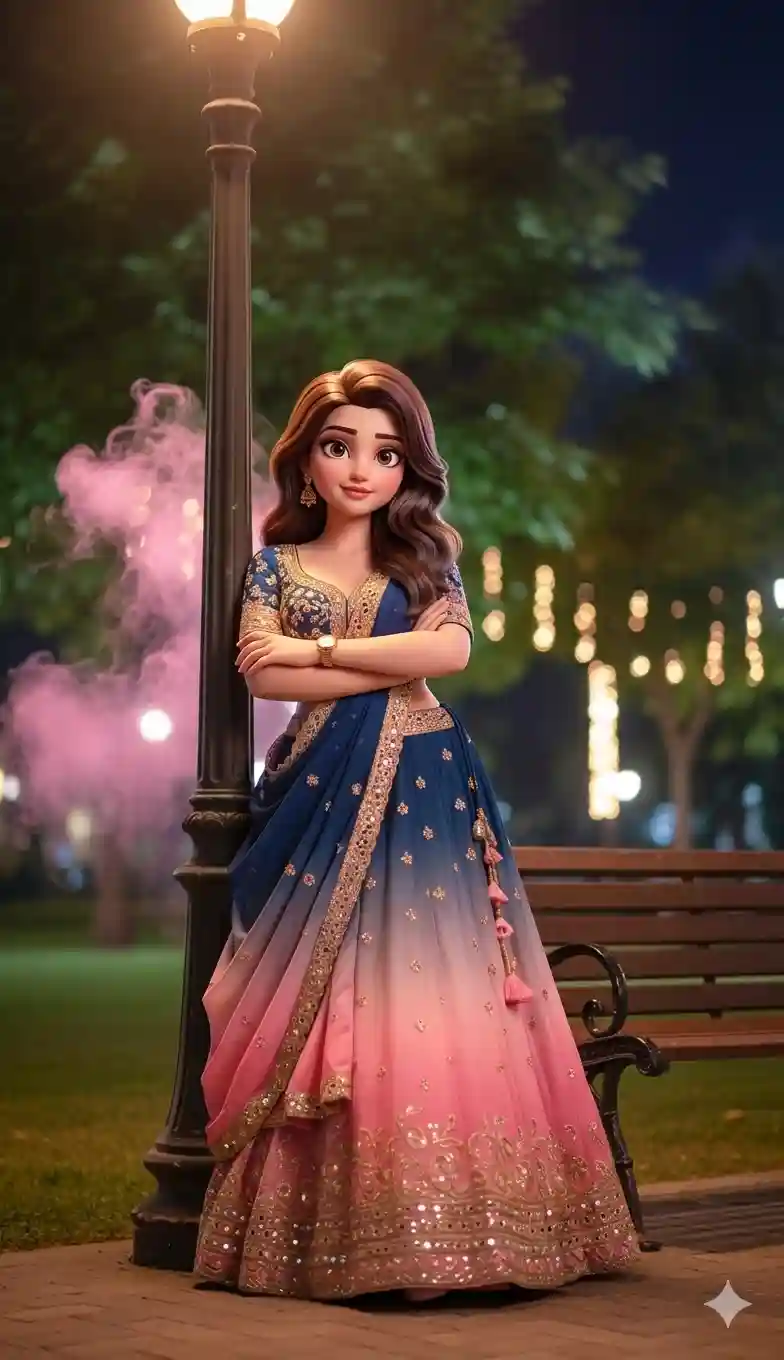
Turn the uploaded photo into a high-quality 3D cartoon doll. Pixar-style rendering with smooth skin, soft cinematic lighting, large expressive eyes, realistic toon textures, vibrant colors, ultra-detailed and polished cinematic look.
Learn More: Google Gemini Notebook Drawing Ai Photo Editing Prompts
How To Create 3d Baby AI Dance Video?
For AI video generation, you can use either Kling AI or Flow AI. If you use any reference video and copy the dance steps, then you can use Kling AI. Kling has a feature to copy the dance steps to any reference video. But Kling has some limitations for the free version. To overcome that, you can also use Flow AI. But you can only create a random dancing video using Flow. So, I give you a separate prompt for flow as well as Kling.
Generate 3d Baby AI Dance Video In Kling
To create a 3d Baby AI Dance Video in Kling, follow the steps given below.
- Install Kling AI or open it on the web and sign in to get free credits.
- After signing in, click on AI Video, then select Motion Control.
- Upload a clear full-body photo of the child.
- Add a reference dance video.
- Generate the video and download it.
- Upload it on Instagram Reels with trending music and hashtags.
A cute baby dancing exactly to the rhythm of the provided song, precise beat synchronization, joyful baby expressions, smooth natural movements, no exaggeration, realistic body motion, high resolution, social media reel style.
Learn More: Celebrity Selfie AI Video Editing Prompts
How To Create 3d Baby AI Dance Video In Flow AI
Flow AI is a simple and powerful AI tool that helps users create realistic videos from images using copy-and-paste text prompts. Follow the given steps below to generate an AI video.
- Open Google Flow: Visit the Google Flow website and click on the Create Video button.
- Choose “Frame to Video”: Select any one option.
- Upload the AI Image: Upload your image.
- Copy the Video Prompt: Copy the Video Prompt given in the post.
- Paste Prompt in Google Flow: Paste the video prompt into Google Flow.
- Generate the Video: Click on Generate and wait for the AI to create the video.
- Download & Use: Download the video and use it for Instagram Reels or YouTube Shorts.
Turn this image into a smooth, high-quality romantic dance video featuring a cute animated girl. Gentle modern romantic dance with graceful hand motions, elegant body sway, soft spins, flowing scarf, natural hair physics, expressive eyes, and a sweet romantic smile. Realistic face and cloth physics, no flicker or distortion, medium full-body framing, subtle slow zoom, 24fps, ultra-smooth 4K animated cinematic look. Movements should be rhythm-flexible and neutral so they naturally sync with any song.
Learn More: Viral Truck Body Falling Ai Reels Editing Prompt
Conclusion
In this way, you can create a trending 3d Baby Dance AI Reels with a few step-by-step guides and proper prompts. I hope you find this article helpful. If you face any problems, feel free to contact me on my Instagram account or let me know on a comment below, and I will try to fix your issue as soon as possible.