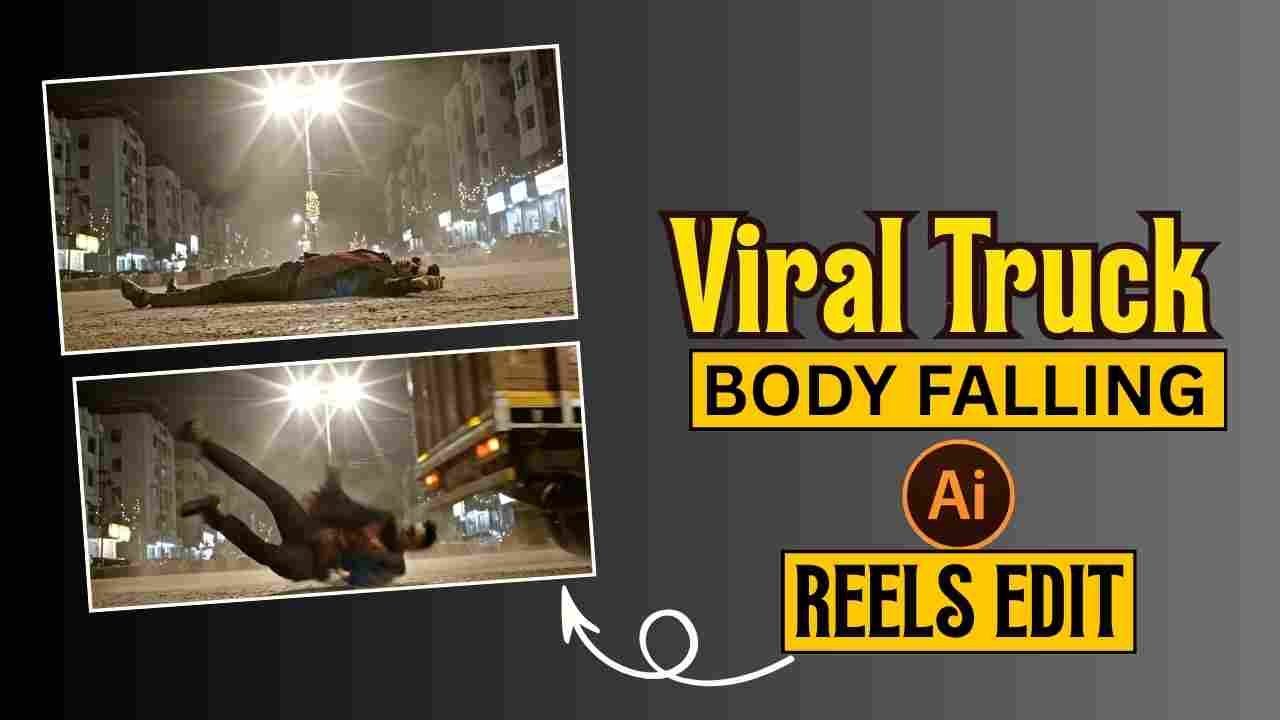
Viral Truck Body Falling Ai Reels Editing Prompt- You may have seen a viral Instagram reel where a boy falls from a truck with the Paara song playing in the background. This type of video is currently trending on Instagram. Many creators make this type of video to gain a lot of views and engagement. If you first saw this video the you cannot believe that this kind of stunt video is created using Ai. The video looks natural and realistic as well. Many users may have thought of creating such a video, and it goes viral on Instagram. So, considering the demand of the audience, I decided to give you the best prompt to create viral truck body falling Ai reels and also give a step-by-step, complete guide for the same.
Why Truck Body Falling Ai Reels Go Viral?
The AI-generated truck body falling reels are going viral on Instagram and social media platforms because they combine multiple viral elements: hyper-realistic cinematic visuals showing dramatic nighttime scenes of people falling from moving Indian commercial trucks, with motion blur, dust effects, and streetlight lens flares that create emotionally impactful content. These AI-generated videos are typically paired with emotional Bollywood music, such as the song “Paro,” synchronising tragic visuals with melancholic audio to trigger strong emotional responses that boost engagement and shares.
Learn More: Viral Car Jump Entry Reels Video Editing Using AI Prompt
Viral Truck Body Falling Ai Reels Editing Prompt
Truck Body Falling Ai Reels is now trending. In this type of reel video, a cinematic nighttime scene shows a boy slipping from a moving truck on a quiet Indian road, usually synced with an emotional or slow background song, “Paro“. You can use the copy-paste prompt given below. You can use Google Gemini or Flow Ai to create such viral reels.
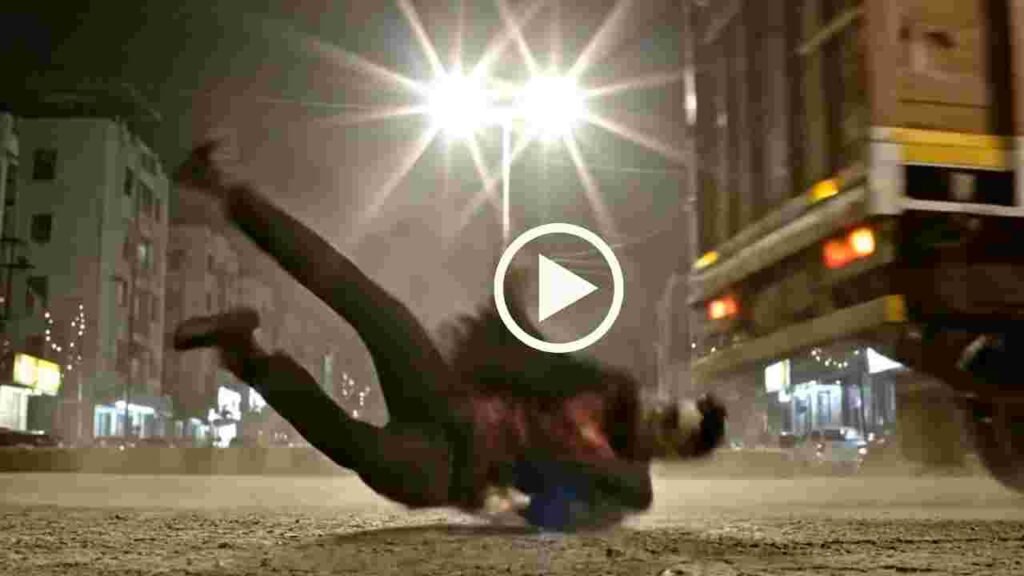
Nighttime cinematic scene filmed from a fixed extreme low-angle SIDE VIEW camera placed directly on an Indian asphalt road. The camera is positioned perpendicular to the road, capturing only left-to-right movement. Strictly side profile view only. No front-facing, angled, or head-on shots. The camera does not move. A quiet forest-edge Indian road at night. The road surface shows rough asphalt texture, dust, cracks, faint tire marks, and scattered dry leaves. Behind the road is a wooded area with tall trees and dense foliage, appearing as dark vertical silhouettes. A single harsh white Indian streetlight near the trees illuminates the scene, producing strong starburst lens flares and long horizontal shadows. Cold night tones dominate. Light haze and dust particles are visible in the streetlight beam. The background remains dim and natural, with only faint distant glows filtering through the trees. A large Indian commercial truck (Tata / Ashok Leyland style), dull brown-orange with yellow reflective strips, moves from left to right across the frame in strict side profile. The wheels show realistic motion blur. The suspension visibly reacts to the uneven road. Dust, dry leaves, and displaced air move horizontally only in the truck’s direction. No slow motion, no stylization, no camera pan or rotation. As the truck passes the center of the frame, a human figure from the reference image loses balance near the rear side of the truck. The motion is implied and natural, not sudden or artificial. The body enters the frame already in motion, carried forward by the truck’s momentum. Gravity pulls the figure straight downward, with the torso aligned in the direction of travel. There is no spinning, no twisting, no floating, and no exaggerated limb movement. The fall follows realistic human biomechanics and continuous momentum. Contact with the road is suggested through dust impact, friction, and body positioning, not explicit detail. The body transitions smoothly into a short forward slide, remaining in contact with the ground at all times. The slide slows naturally and evenly, with no bouncing, rolling, or secondary impacts. The figure comes to rest matching the reference image exactly: face-down, fully stretched out, dark clothing with subtle red accents, the entire body visible in strict side profile only. Limbs settle naturally and remain still. Dust and dry leaves slowly settle around the body. The truck continues forward and exits the frame to the right. The camera holds on the motionless figure beneath the harsh streetlight. Tree silhouettes stand silently in the background. Cold night air, gritty realism, grounded Indian forest-road atmosphere. Cinematic, restrained, and physically believable.
Learn More: Celebrity Selfie AI Video Editing Prompts
Generate Viral Truck Body Falling Ai Reels using Flow
Flow AI is a simple and powerful AI tool that helps users create realistic videos from images using copy-and-paste text prompts. Follow the given steps below to generate an AI video.
- Open Google Flow: Visit the Google Flow website and click on the Create Video button.
- Choose “Ingredients to Video” or “Frame to Video”: Select any one option.
- Upload the AI Image: Upload your image.
- Copy the Video Prompt: Copy the Video Prompt given in the post.
- Paste Prompt in Google Flow: Paste the video prompt into Google Flow.
- Generate the Video: Click on Generate and wait for the AI to create the video.
- Download & Use: Download the video and use it for Instagram Reels or YouTube Shorts.
Conclusion
In this way, you can create a viral truck body falling Ai reels within a few seconds. I hope you find this article helpful. If you face any problems, feel free to contact me on my Instagram account or let me know on a comment below, and I will try to fix your issue as soon as possible.