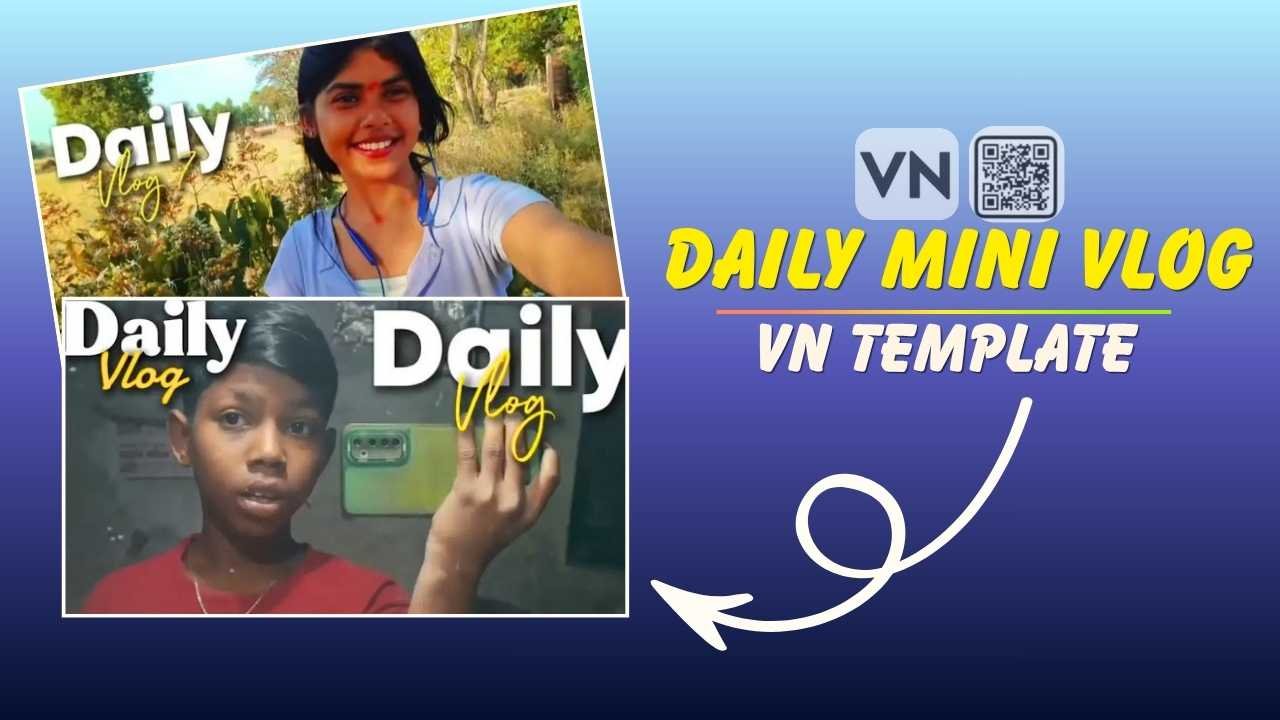
Daily Mini Vlog VN template is very useful for daily vloggers. Recently, it has been going viral all over various social media platforms, such as Instagram, Facebook and YouTube. If you scroll through Instagram, you’ve definitely seen a few mini vlogs trending, which are created using the VN Editor. This is now possible with just a few clicks and a proper Daily Mini Vlog VN Template. You can also make it using a CapCut template, but it is not available on the Play Store. I’m sharing the VN Template, which is more convenient for users.
In this blog post, we’ll cover everything you need to know about the Daily Mini Vlog VN Template — what it is, how to download it, how to use it, customization tips, and much more. You can also explore our Trending Casa Tupka Anthemo (Capcut & VN Template).
What Is the Daily Mini Vlog VN Template?
The Daily Mini Vlog VN Template is a pre-designed video editing template created specifically for the VN Video Editor (also known as VlogNow). It comes with pre-set transitions, text animations, music sync points, color grading, and effects — all optimized for short-form daily vlog content.
Instead of building your edit from scratch, you simply import the template into the VN app, replace the placeholder clips with your own footage, and export a polished, ready-to-upload vlog.
Key Features at a Glance:
- Pre-built transitions (smooth, zoom, whip pan, glitch, and more)
- Beat-synced editing with trending music
- Aesthetic color grading and filters
- Text and typography animations
- Optimized for vertical (9:16) and horizontal (16:9) formats
- 100% free to download and use
- Compatible with Android and iOS
- No watermark
You can also try our Trending 3 Layer Reels VN Template Code.
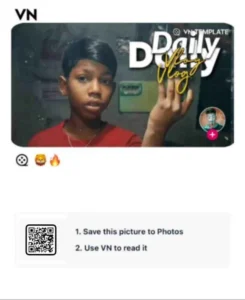
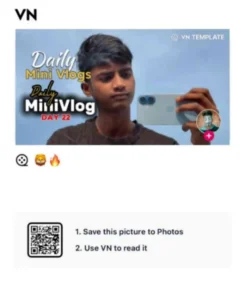
Daily Mini Vlog Vn Templates
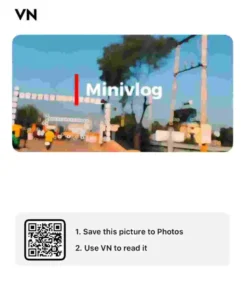
How To Use Daily Mini Vlog VN Template?
To make a daily mini vlog, you need to record multiple 4 to 5sec video of various places you need to feature and then follow the given below steps.
Step 1: Install the VN Video Editor App from the Google Play Store (Android) or Apple App Store (iOS).
Step 2: Download the Template File from the above.
Step 3: Import into VN App.
- Open the VN Video Editor app
- Go to “+” → “New Project”
- Simply tap the link on your phone, and it will automatically open in VN.
Step 4: Once the template is loaded, you’ll see placeholder clips in the timeline. Tap on each clip and replace it with your own footage.
Step 6: Once you’re happy with the result, tap the Export button, choose your preferred resolution (1080p or 4K), and save the video to your gallery. You can also try out Main Keh Doon Sabhi Ko VN Template.
Tips for Creating the Perfect Daily Mini Vlog
Having a great template is just the beginning. Here are some expert tips to make your mini vlogs truly stand out:
- Keep It Short and Engaging: The sweet spot for mini vlogs is 30 seconds to 90 seconds. Attention spans are short — hook your viewer in the first 2 seconds and keep the pace fast.
- Shoot Vertical for Reels/Shorts: If you’re posting on Instagram Reels, TikTok, or YouTube Shorts, always shoot in portrait mode (9:16). The template supports this natively.
- Use Trending Music: Music can make or break your vlog. Use trending sounds on Instagram or TikTok to increase discoverability. The template’s beat-sync feature makes it easy to match any track.
- Prioritize Good Lighting: Natural light is your best friend. Shoot near windows or outdoors for the best results. If filming at night, invest in a small LED ring light.
- Stabilize Your Shots: Shaky footage looks unprofessional. Use a gimbal, tripod, or simply brace your phone against a surface. VN also has a built-in stabilization feature.
- Add Captions: A huge percentage of social media users watch videos without sound. Adding text captions ensures your message gets across regardless.
- Be Consistent: Post daily or on a regular schedule. Consistency is key to building an audience. The template makes this feasible by drastically reducing your editing time.
You can also explore our 1980s Reel Editing VN Code Template.
Conclusion
The Daily Mini Vlog VN Template 2026 is very useful for content creators who want to produce beautiful, professional-looking daily vlogs without the steep learning curve of traditional video editing software. With its pre-built transitions, beat-synced editing, aesthetic color grading, and multiple style variants, this template makes it possible for anyone — from absolute beginners to experienced creators — to create scroll-stopping content in minutes. I hope this article helps you to make a Daily Mini Vlog easily.